Introduction to Scene Optimization
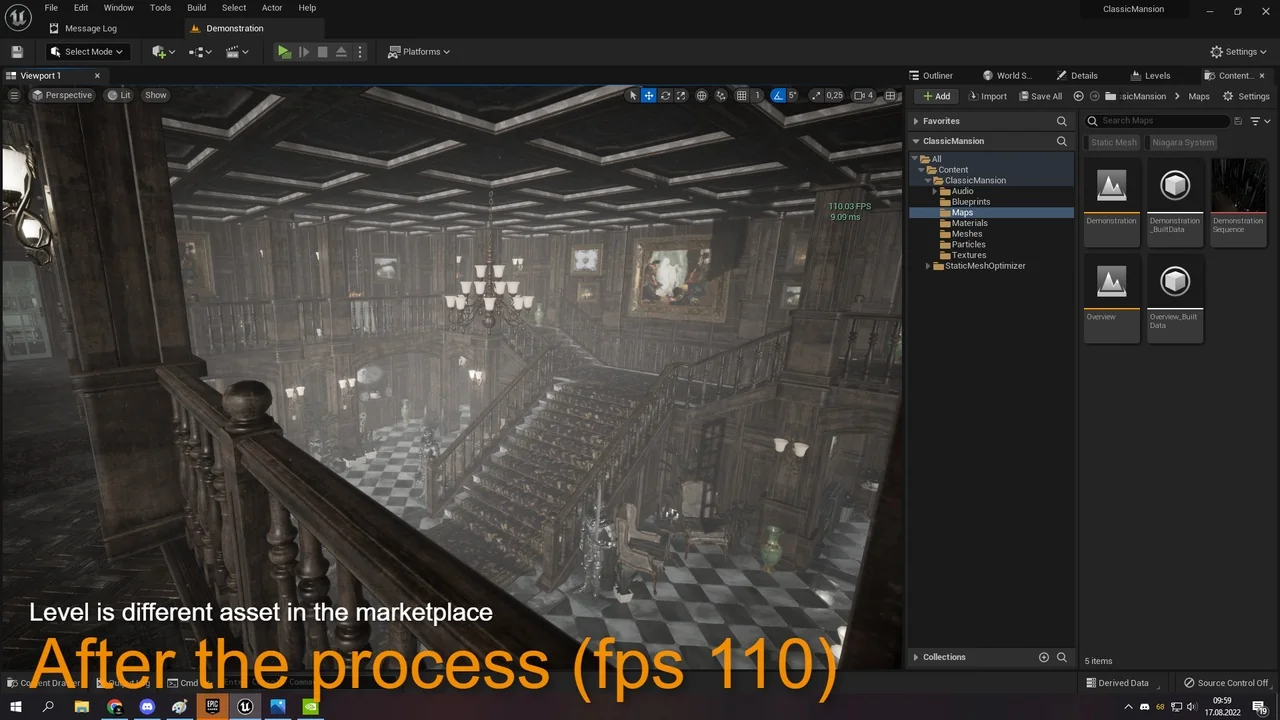
FPS Booster: Static Mesh Optimizer is a powerful tool designed to enhance performance in your game levels. It provides a significant optimization by turning off specific shadows. Consequently, users can expect a much smoother development experience.
Dramatic Reductions in Build Times
One of the most impressive features of the FPS Booster: Static Mesh Optimizer is the reduction in lighting build times. For instance, the creator reported a 98% decrease in build time on a level with 6,000 meshes. This specific test saw the time drop from ten minutes to just ten seconds.
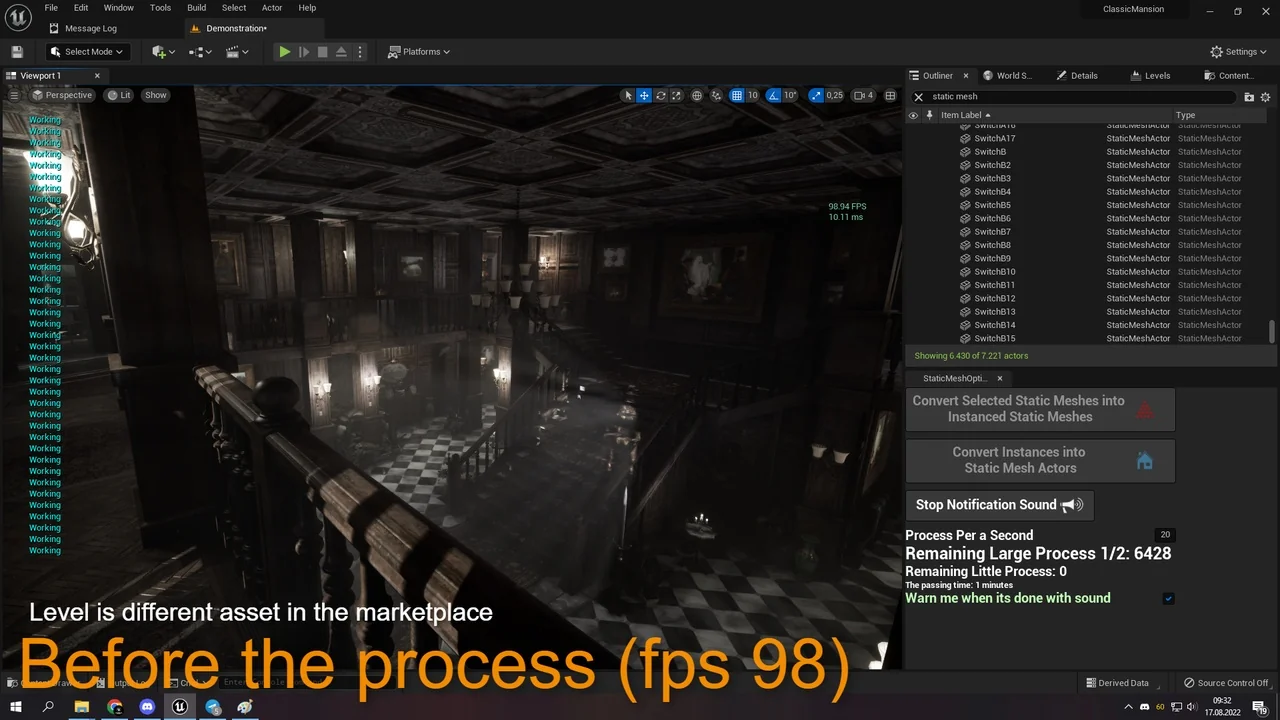
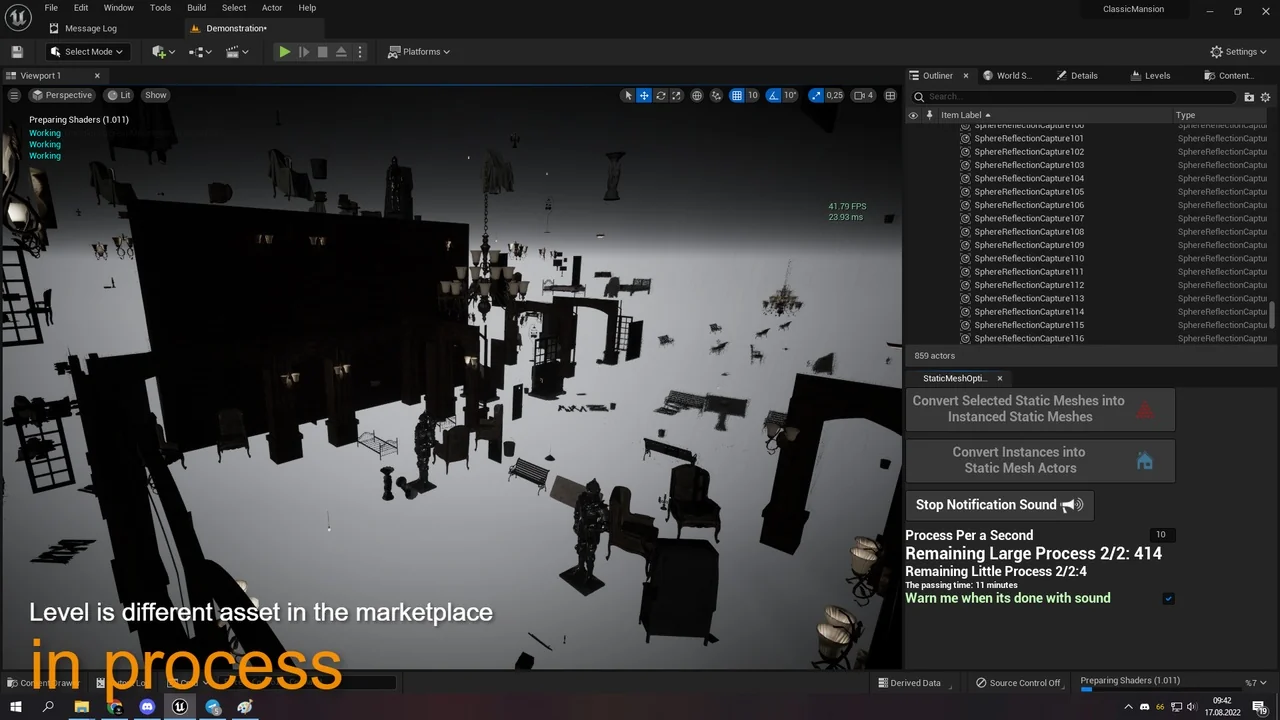
However, the initial optimization process itself can take some time. For example, a level with 6,000 meshes might take 40 minutes to process. This investment pays off during the subsequent lighting phases.
Using the Editor Utility Widget
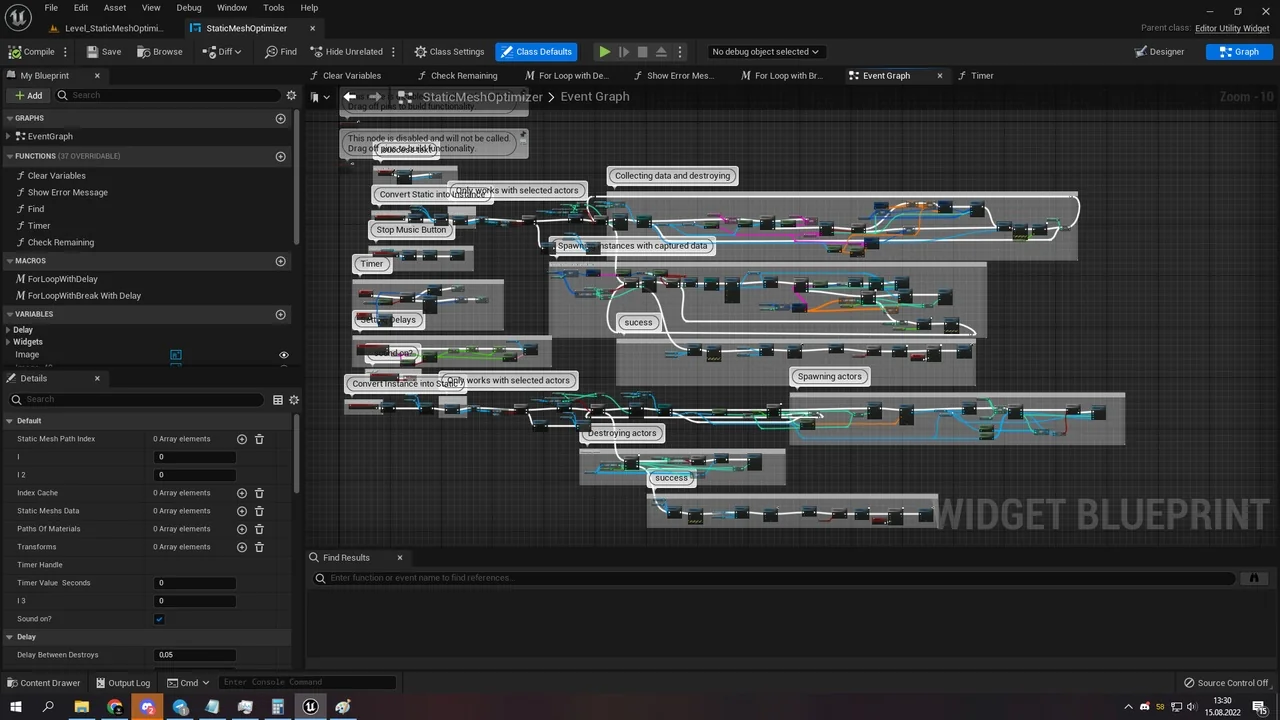
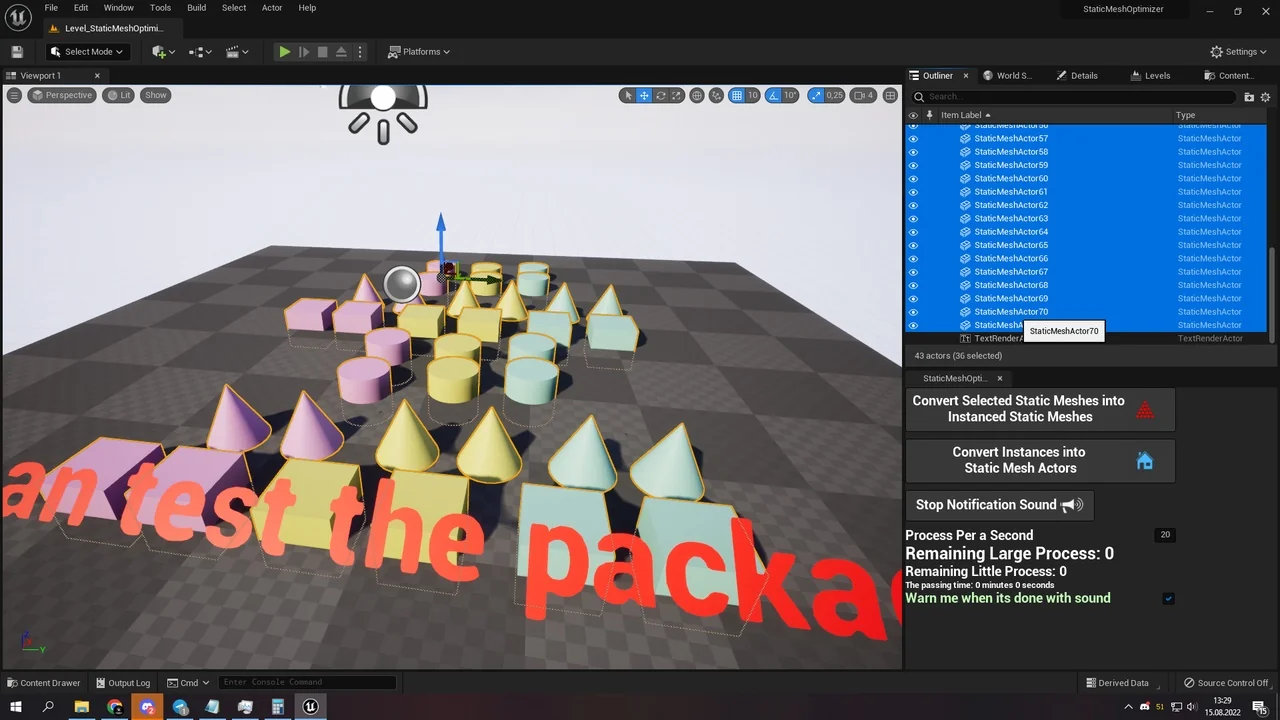
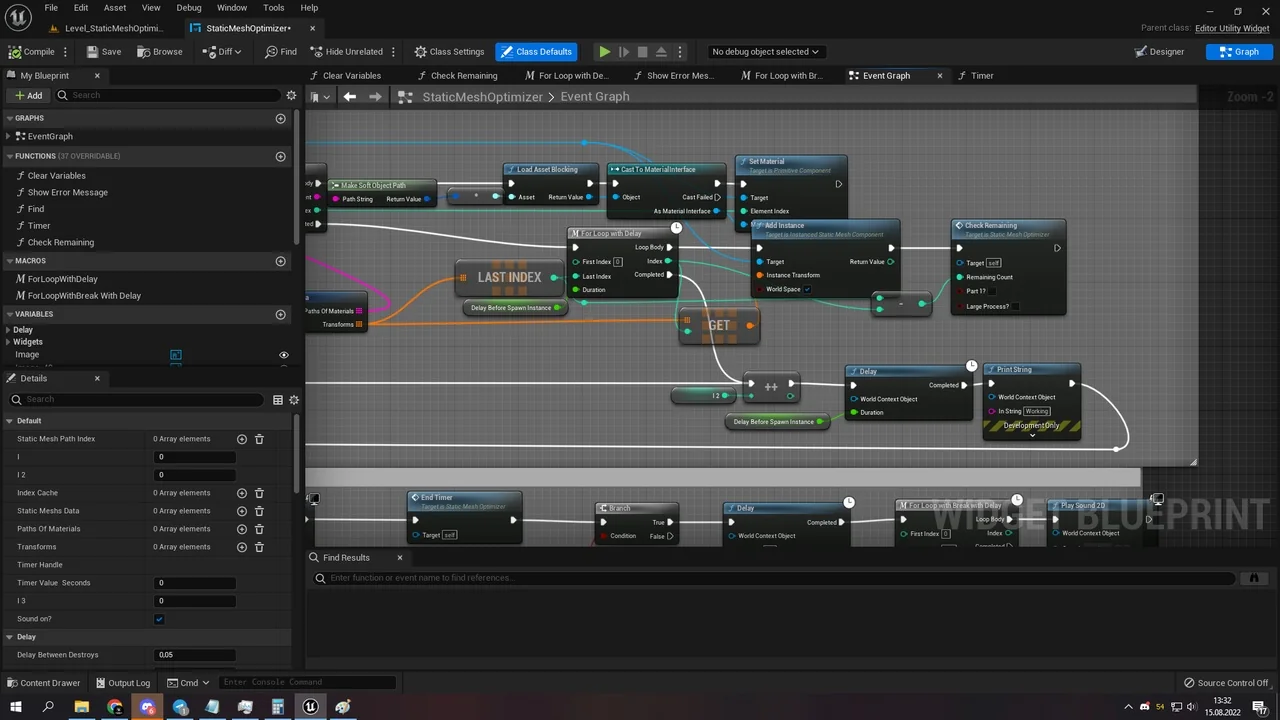
This package includes an editor utility widget. You can think of this as a specialized tool within your editor environment. To use it, simply select your Static Mesh Actors and click the convert button. The tool then optimizes these actors by transforming them into Instanced Static Meshes.
A Two-Stage Optimization Process
The optimization happens in two distinct stages. First, the tool collects and destroys the existing Static Mesh information. Second, it places an instanced static mesh that looks identical to the original. This ensures the visual integrity remains while the performance improves.
Therefore, your meshes are placed back in the same locations in a more optimized way. This method effectively groups multiple actors under a few optimized actors. This is a key function of the FPS Booster: Static Mesh Optimizer.
Monitoring Progress and Results
The process duration depends on the total mesh count. You should wait while the “Working” status is displayed in the upper-left corner. Once finished, the tool displays a “Success” message and plays a few sounds. Furthermore, this workflow helps maintain an organized and efficient project environment.
Conclusion
In summary, the FPS Booster: Static Mesh Optimizer is an essential resource for developers. It streamlines the optimization process through an easy-to-use blueprint-based tool. Consequently, it allows for faster iteration times and better overall performance.
Screenshots & Gallery