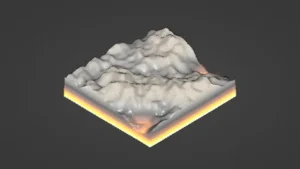
Getting dense foliage into Unity without splitting the workflow
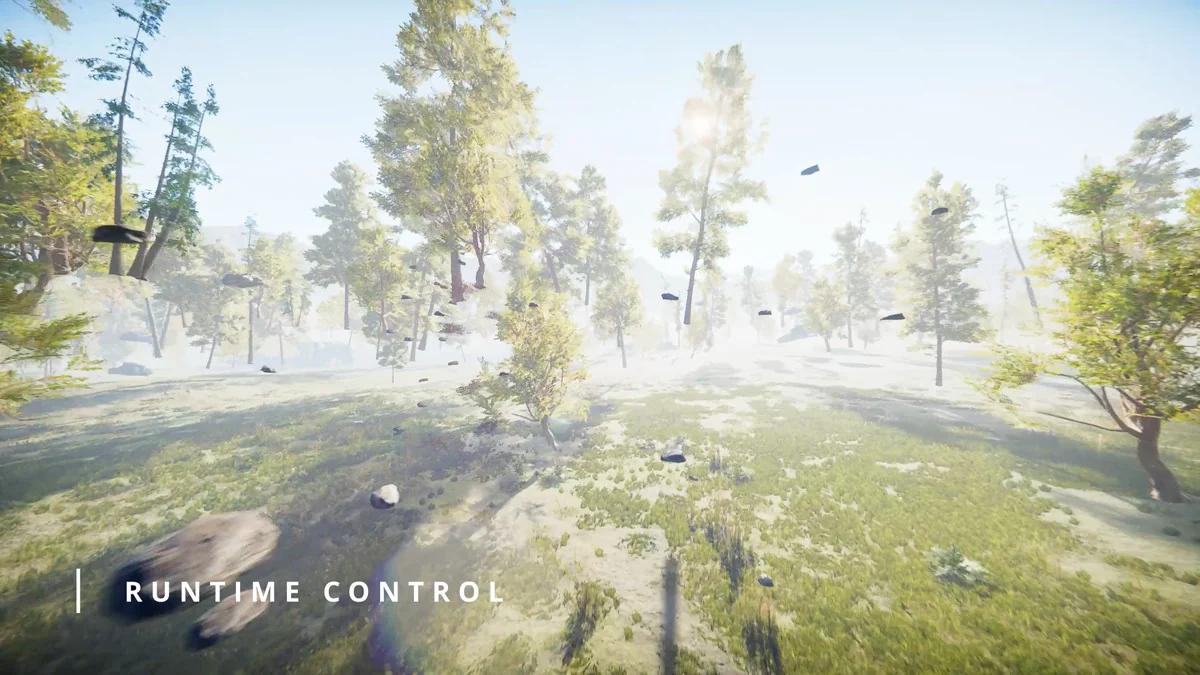
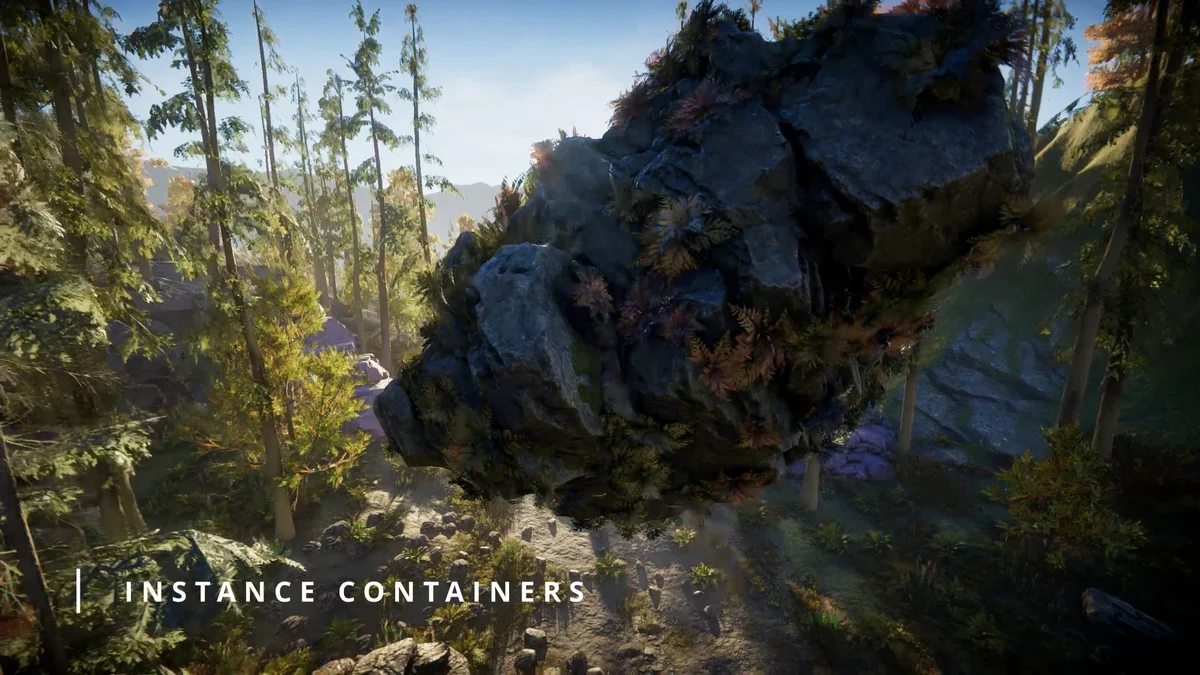
Flora Renderer 6 is a high-performance instancing system for Unity 6.0 that handles dense foliage and instanced meshes at scale. It combines runtime control with editor integration, so the same system stays relevant while a scene is being assembled, adjusted, and rendered.
That makes it a practical fit for terrain-heavy work where trees, detail objects, and prefab instances all need to stay under control. Instead of treating foliage as a separate rendering problem, Flora keeps setup, editing, and rendering tied to one scene-based workflow.
The setup starts with a Scene Settings component. Once it is added, Flora automatically registers all active terrains and sets up rendering. Scene view and all cameras are supported without additional components, and changes to prefabs, materials, or terrain data are tracked and synced automatically.
- Active terrains are registered automatically
- Scene view and all cameras are supported
- Prefab, material, and terrain changes stay synced
That structure matters when a scene is still changing. If terrain data shifts or a prefab is updated, the instancing side does not need to be rebuilt as a separate step. The scene remains the center of the workflow.
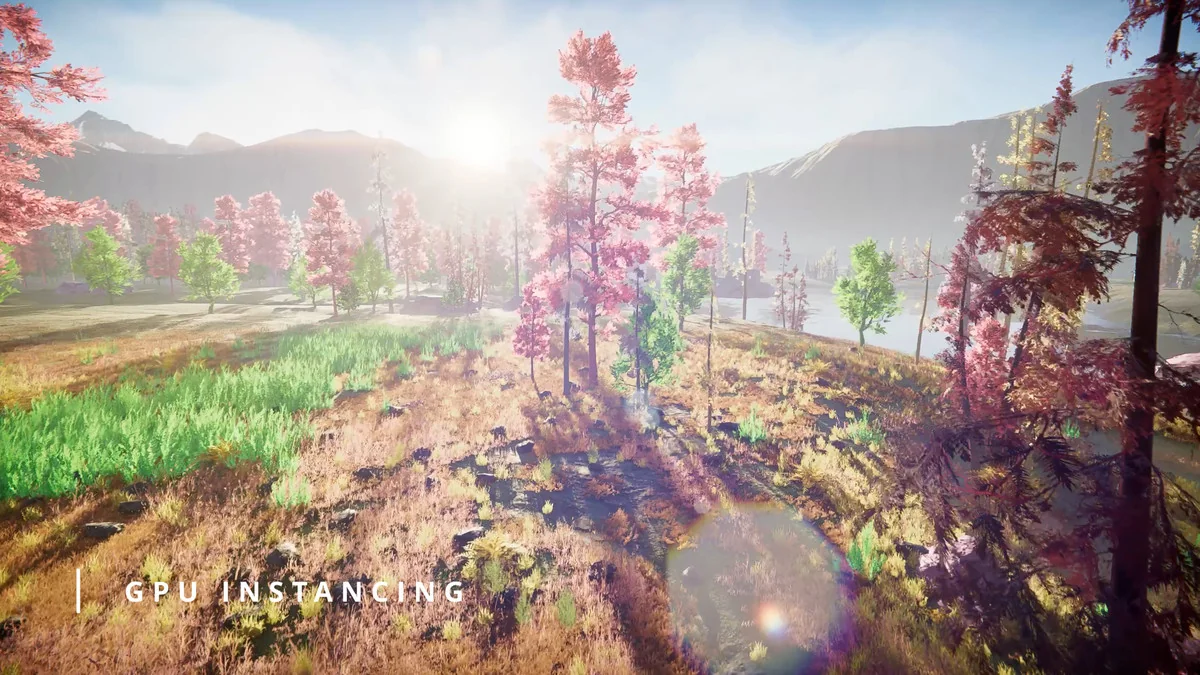
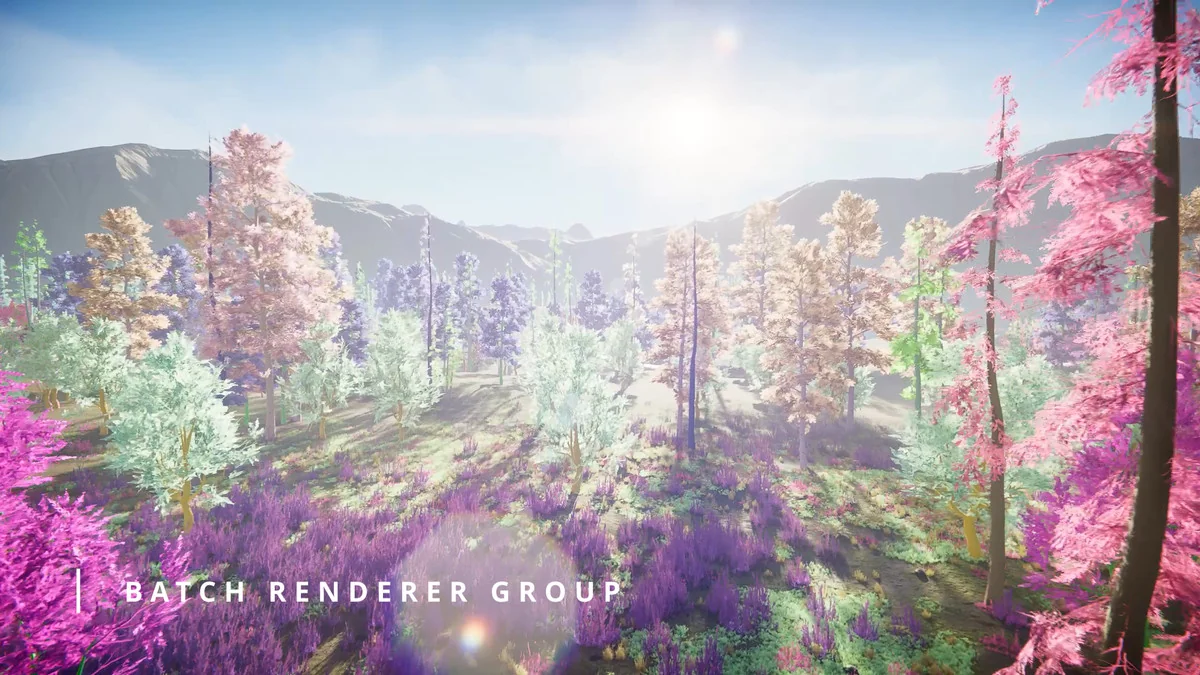
Using BatchRendererGroup as the rendering path
Flora works with Unityâs BatchRendererGroup API and is presented as the only foliage solution on the Asset Store using that path. No custom shaders or materials are required for this workflow. Rendering takes advantage of GPU-resident rendering, native culling, and efficient state switching, using the same backend found in Entities Graphics and Unityâs GPU Resident Drawer.
That places the system in a very specific spot in production: it is not just about drawing many objects, but about drawing them through a renderer path that is already aligned with Unityâs modern batching approach. For scenes with lots of repeated foliage or instanced meshes, the focus stays on keeping draw work efficient while the camera moves through the environment.
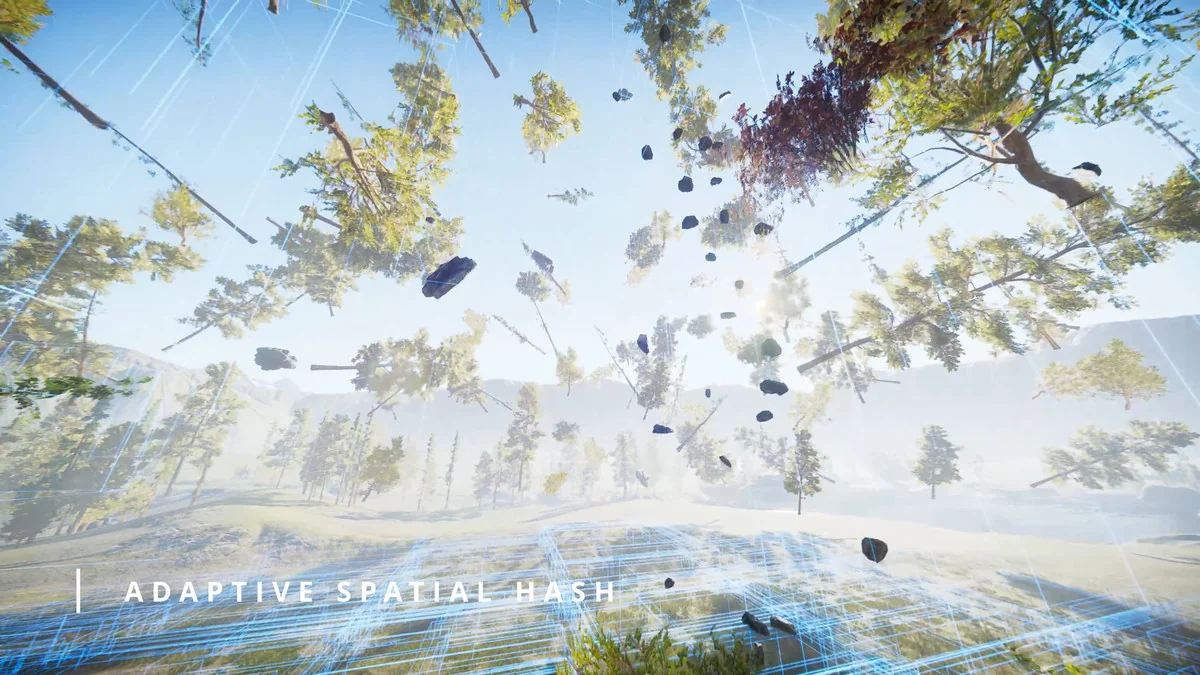
The global rendering approach is especially important for dense scenes. Rather than treating each cluster in isolation, Flora handles rendering in a way that avoids redundant draws. When many trees or repeated meshes are present, that global handling is what keeps the scene manageable as it scales up.
Terrain trees and details as streamed instances
Flora reads tree and detail prototype data directly from terrain components, and it does so with non-GC APIs. Trees and details stream in and out based on distance, while rendering is handled globally to avoid redundant draws.
For terrain work, that means the foliage already living inside a terrain component does not need a separate or disconnected path. The data is taken straight from the terrain, then brought into the instancing system as the camera range changes. That keeps terrain trees and details in step with the scene without adding extra manual overhead.
This also makes Flora a strong match for projects where the terrain itself is part of the production process, not just a backdrop. If trees and details are being used as part of the terrain authoring flow, they remain part of the same rendering system once they are on screen.
Editing instances directly in the Scene view
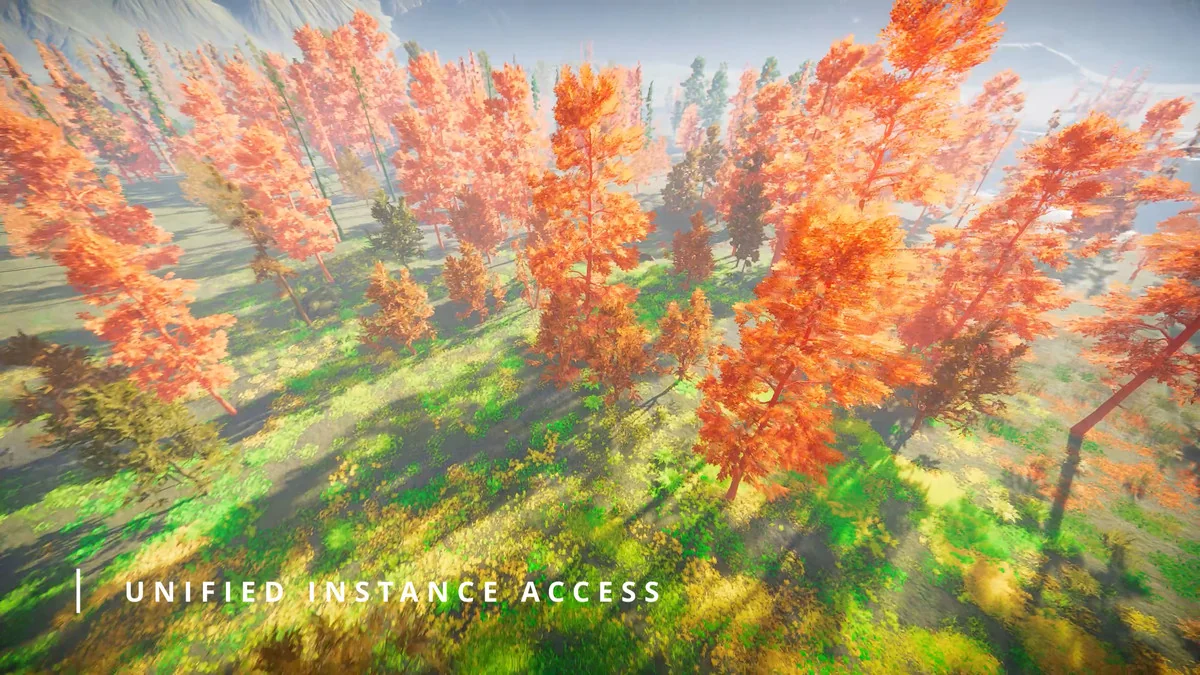
Instances can be selected and manipulated directly in the Scene view using Unityâs transform handles, including terrain trees. That keeps placement and adjustment inside the editor, where scene work already happens.
Flora also supports instance conversion. Any prefab with a MeshRenderer or LODGroup can be converted into a Flora instance or tree, then converted back when needed. This makes it possible to move content between regular prefab work and Floraâs instanced workflow without locking assets into one direction.
Mesh LOD support is part of that same editor-side flow. Flora supports Unityâs Mesh LOD system, which enables fast autogenerated LODs for any instance. That gives scene authors a direct route from a standard mesh or prefab setup into an instanced version that still follows Unityâs LOD structure.
For teams working through layout changes, this is a useful middle ground. Instances stay editable, terrain trees stay selectable, and the scene view remains a place where those changes can be made instead of exported into a separate step.
Fading, culling, occlusion, and motion-aware rendering
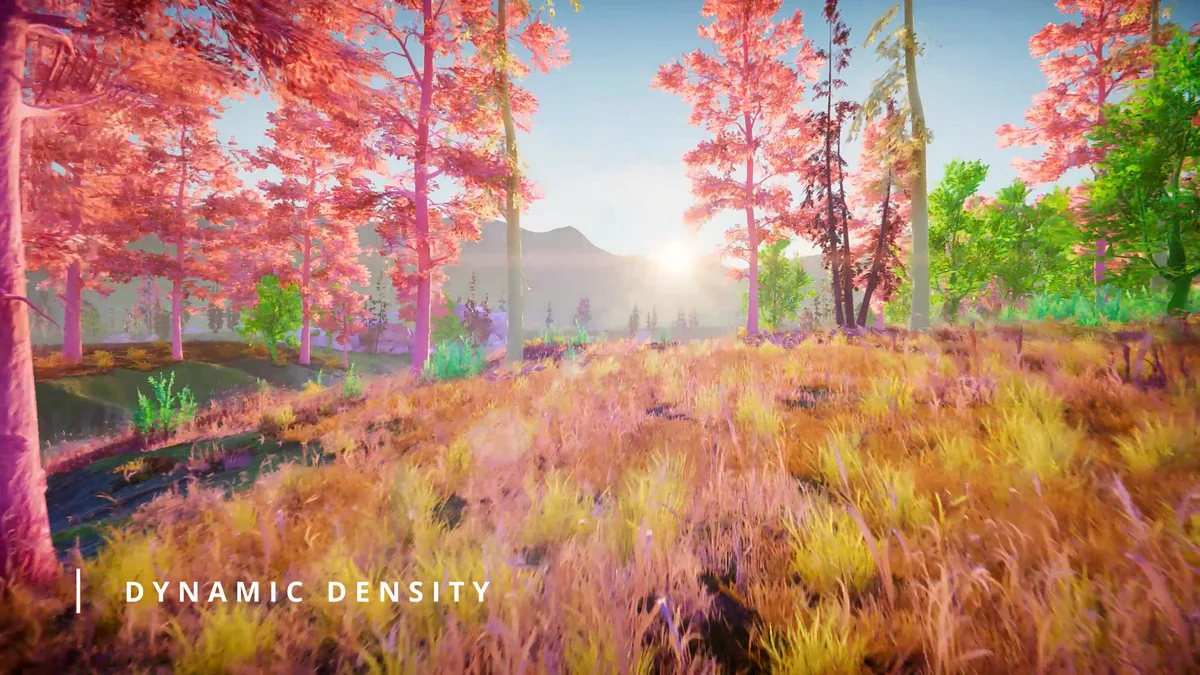
Flora includes several controls that shape how instances appear as the camera moves. Density and screen size fading let instances fade out smoothly based on minimum screen size or range-based density, with automatic fade outs. LODGroup cross-fades are supported in animated, transition, and SpeedTree modes, and fade states are dynamic so non-fading instances stay opaque if they are not already using alpha clipping.
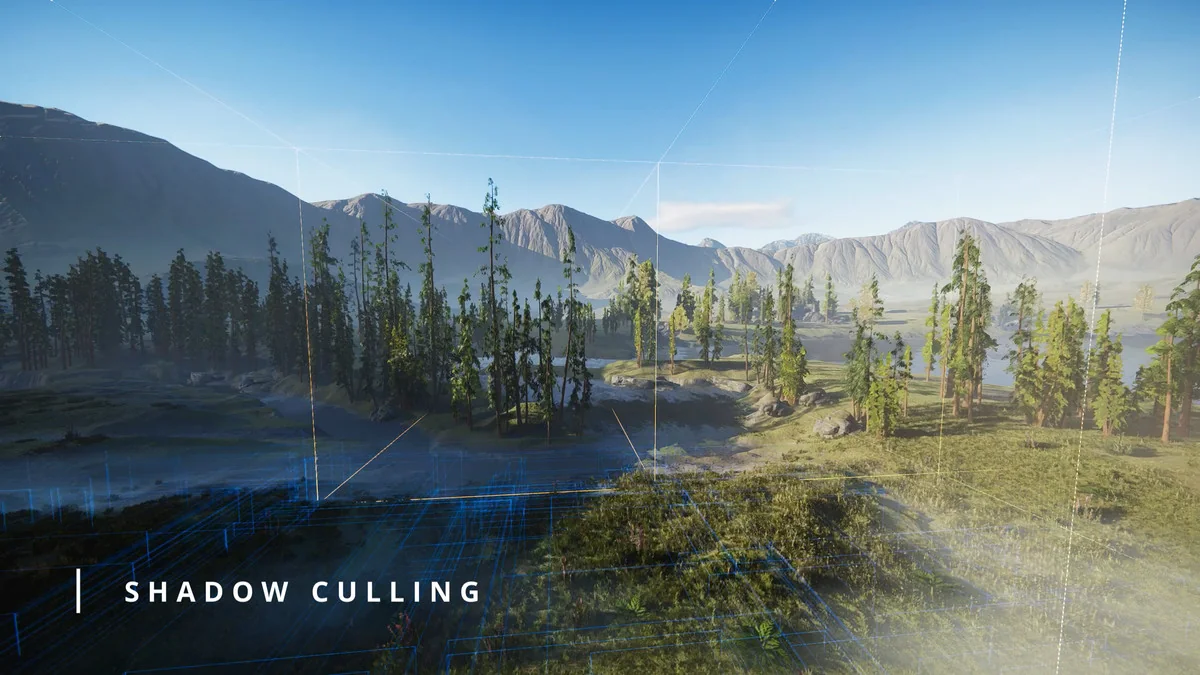
Shadow culling is handled per instance, with per-light and cascade split shadow culling aimed at reducing overdraw in shadow cascades. Additional lights are culled correctly with Forward+ or Deferred rendering paths. These details matter most in scenes where large numbers of instances have to stay active without turning every lighting pass into unnecessary work.
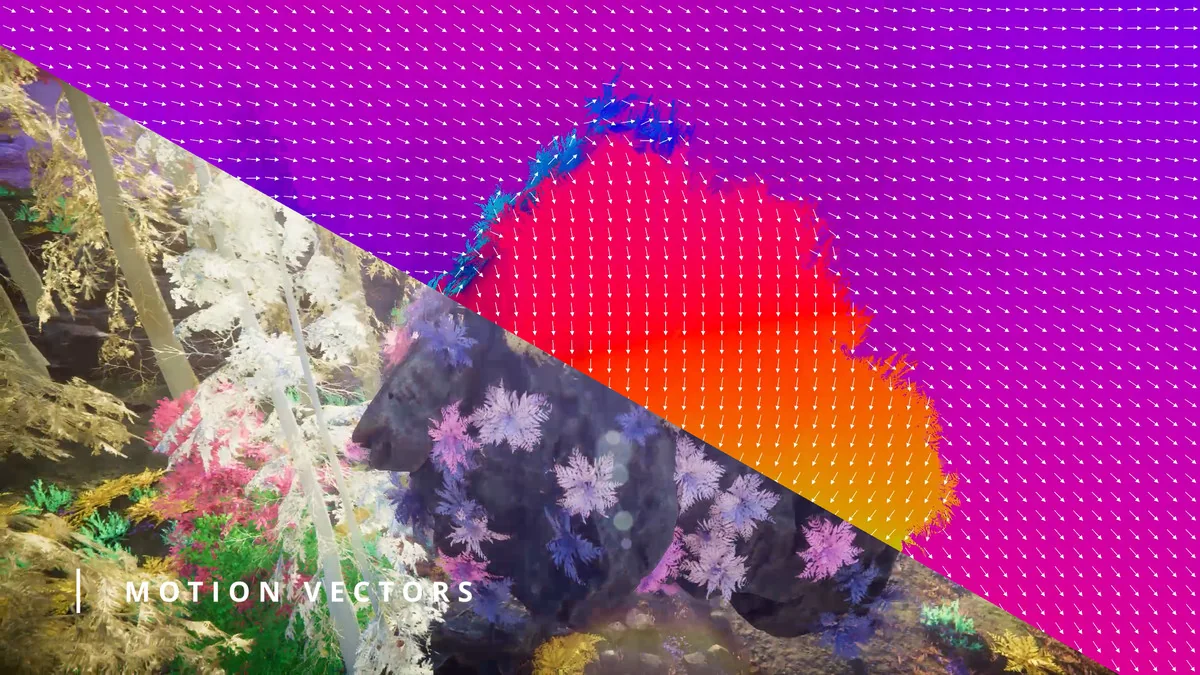
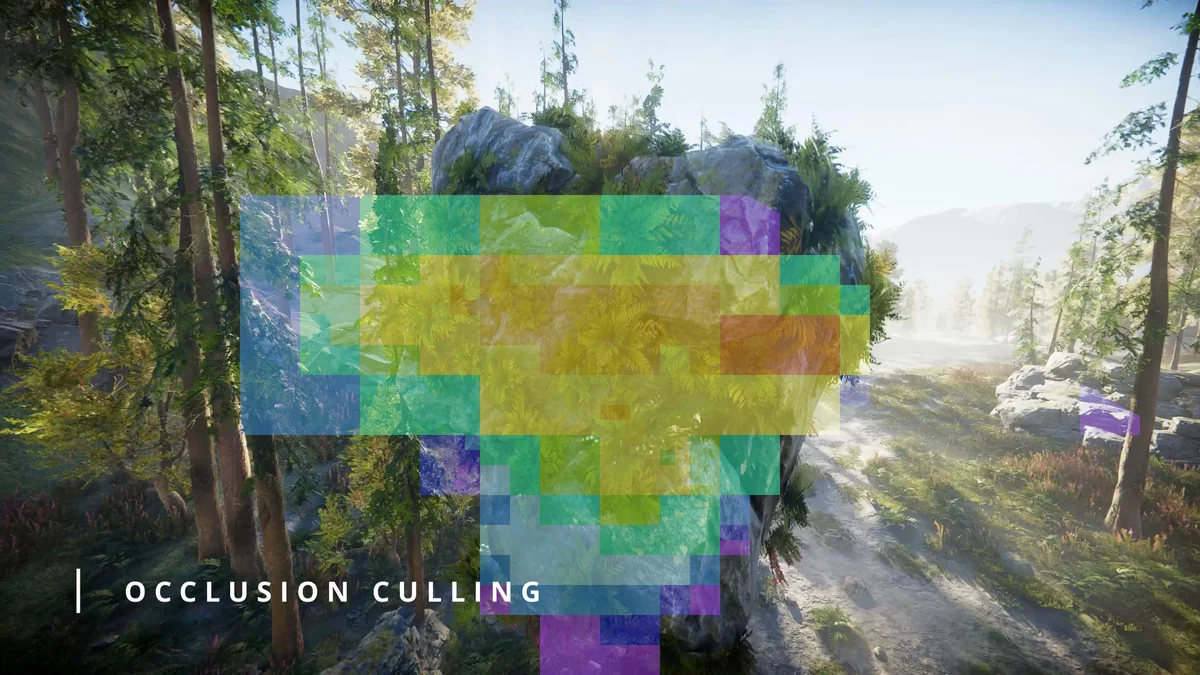
Occlusion is covered from both sides: GPU-based runtime occlusion and Unityâs baked CPU occlusion are supported. Motion vectors are also supported per instance, which helps TAA, motion blur, and other temporal effects work correctly on animated or moving instances. Only actively moving instances are submitted to the motion vector pass.
Indirect lighting support includes Unityâs Light Probes and Adaptive Probe Volumes. That keeps Flora aligned with lighting setups that rely on probe-based indirect light while still preserving the instanced workflow used for foliage and repeated meshes.
In production, Flora Renderer 6 fits where terrain, foliage, LODs, culling, and lighting all need to stay in the same Unity workflow. It is the kind of system that lets dense scenes stay editable in the Scene view while still rendering through a modern instancing path.
Visual Breakdown
Protected download
Access this resource
All resources are 100% manually reviewed to eliminate all risks.