Efficient File Management with File System Library
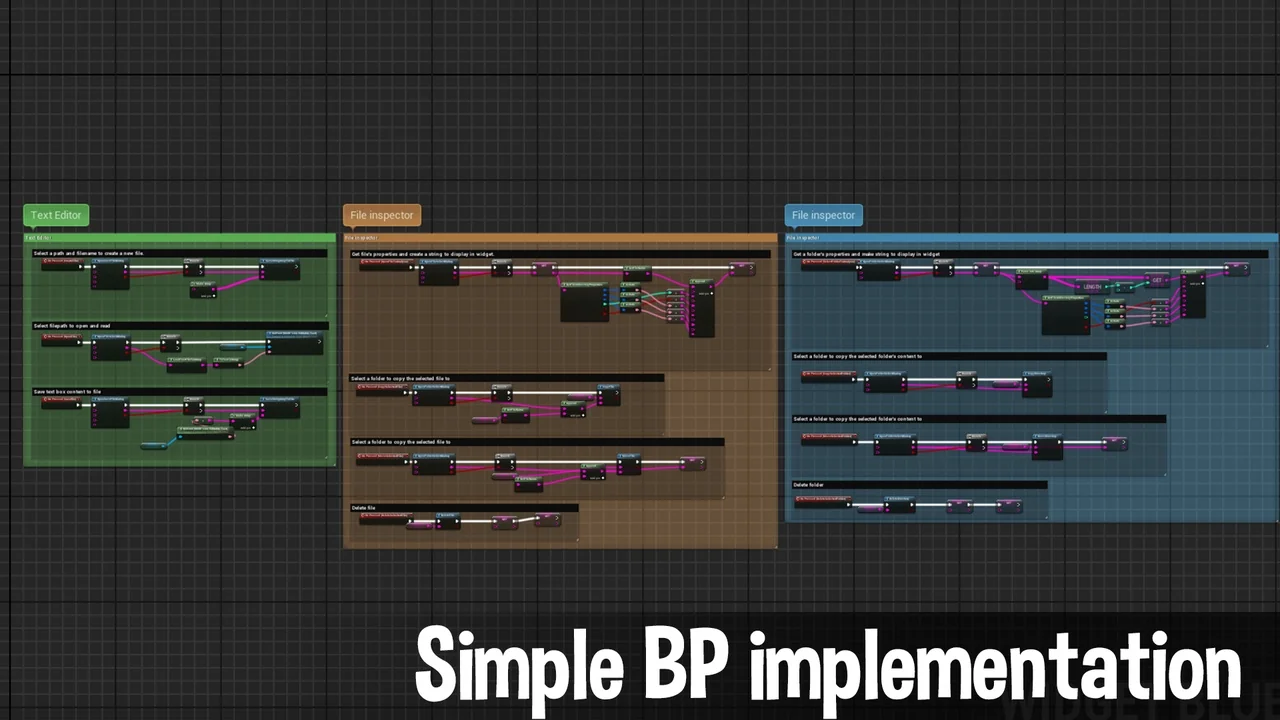
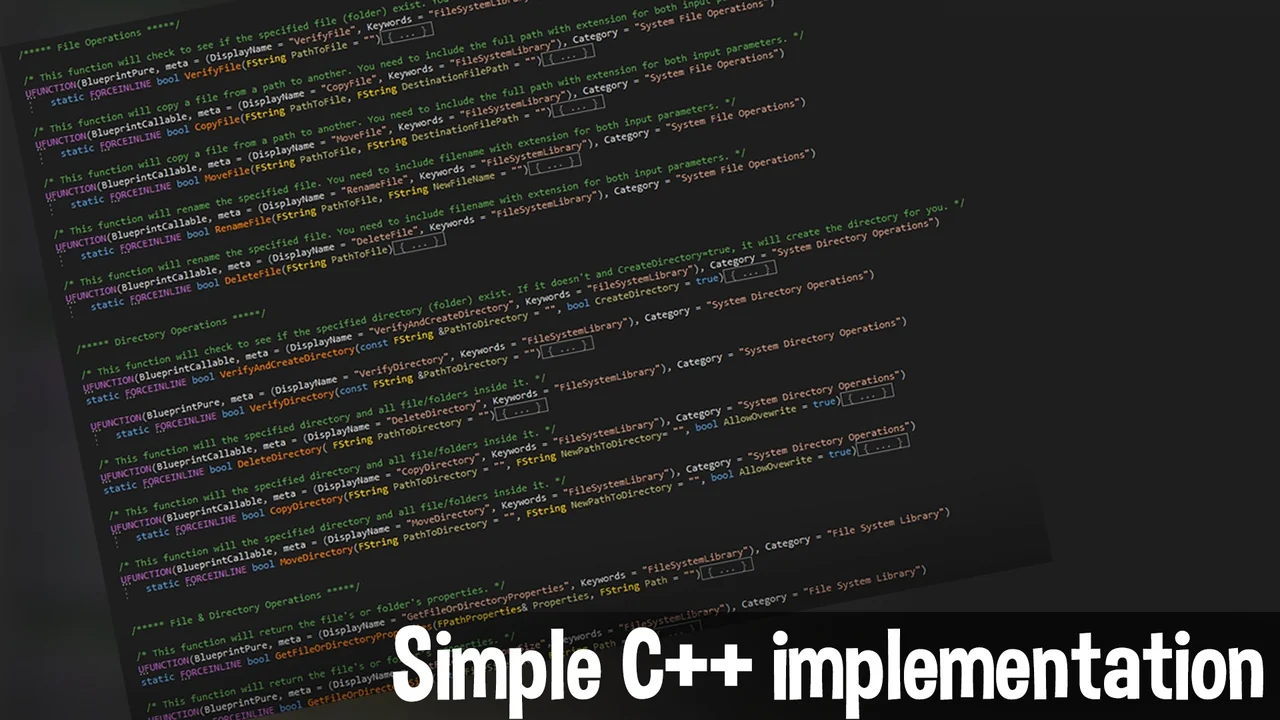
The File System Library provides a comprehensive, cross-platform blueprint solution for developers who need to interact with files and directories directly within their projects. Consequently, it eliminates the need for complex C++ code when performing standard file operations. This library is designed to be user-friendly, allowing creators to manage their data structures with ease. By utilizing the File System Library, you can streamline your development workflow and enhance the functionality of your application.
Essential File and Directory Operations
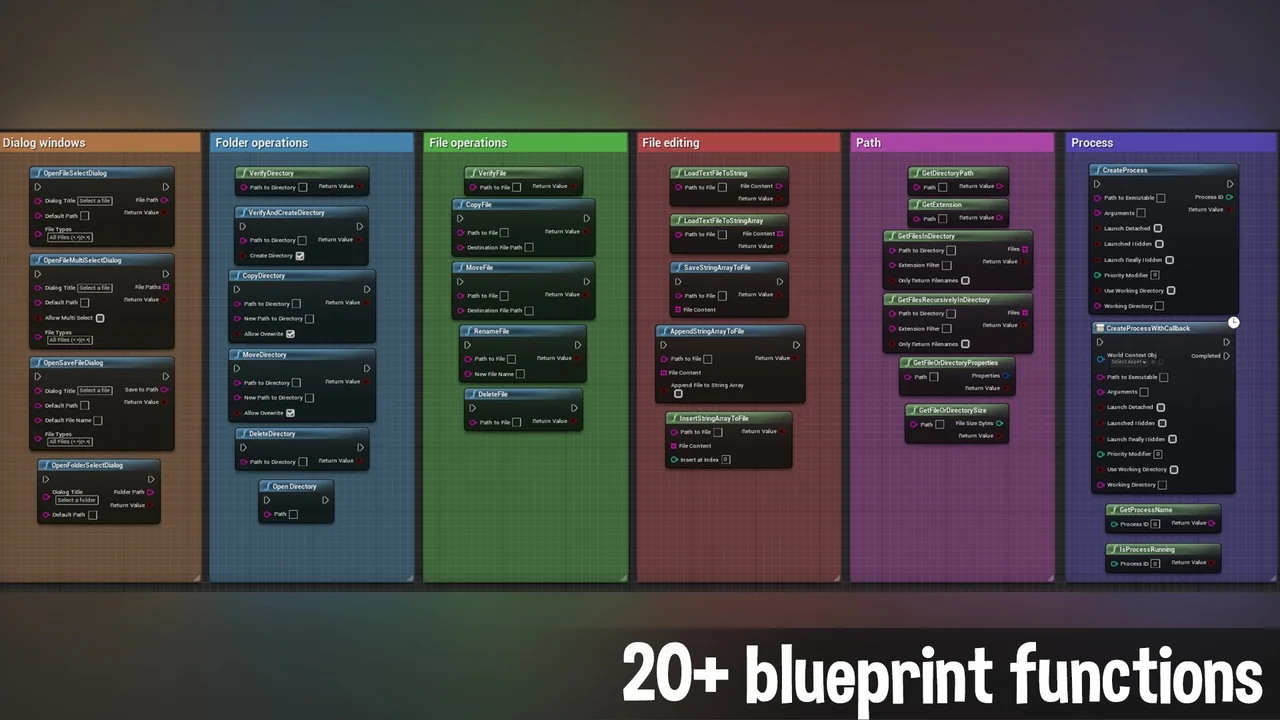
Managing assets and data requires a robust set of tools. The developer has included all the basic features necessary for effective file handling. Specifically, the library allows you to perform copy, move, delete, and rename operations. These functions are available for both individual files and entire directories. Moreover, the inclusion of File String I/O features means you can load and create files on the go directly from strings. This functionality is particularly useful for saving dynamic data or generating configuration files during runtime.
Native Operating System Integration
One of the standout features of the File System Library is its ability to utilize native operating system dialogs. This allows your application to prompt the user to save or select a file using the default windows they are already familiar with. Furthermore, these dialogs can be called from any blueprint class, making the integration process seamless. Because it uses the OS defaults, the user experience remains consistent with the platform they are using, whether it is Windows or Mac.
Support for Packaged Builds and Editor Workflows
Compatibility is a core strength of this plugin. It is designed to work efficiently in both the editor environment and in various packaged build configurations. Therefore, whether you are working on a development, debug, or shipping build, the File System Library remains fully functional. This ensures that the file management logic you build during the development phase will translate perfectly to the final product delivered to users.
Cross-Platform Compatibility and Mac Support
The library is built for cross-platform use and has been specifically tested on Windows and Mac (specifically Mac OS 10.7 BigSur). For developers working on the Mac platform, the creator provides specific instructions to ensure smooth packaging. If you encounter issues during the packaging process on Mac, you should move the plugin from the engine marketplace folder to your specific project’s plugin directory. This level of detail ensures that developers can overcome platform-specific hurdles quickly.
Conclusion
In conclusion, the File System Library is a versatile tool for any developer looking to simplify file and folder interactions. It combines essential file operations with native OS dialog support and string-based I/O. Additionally, its support for multiple build types and cross-platform environments makes it a reliable choice for modern game development. By integrating this library, you gain powerful control over the file system without leaving the blueprint editor.
Screenshots & Gallery