When a hit, click, or camera move needs more weight
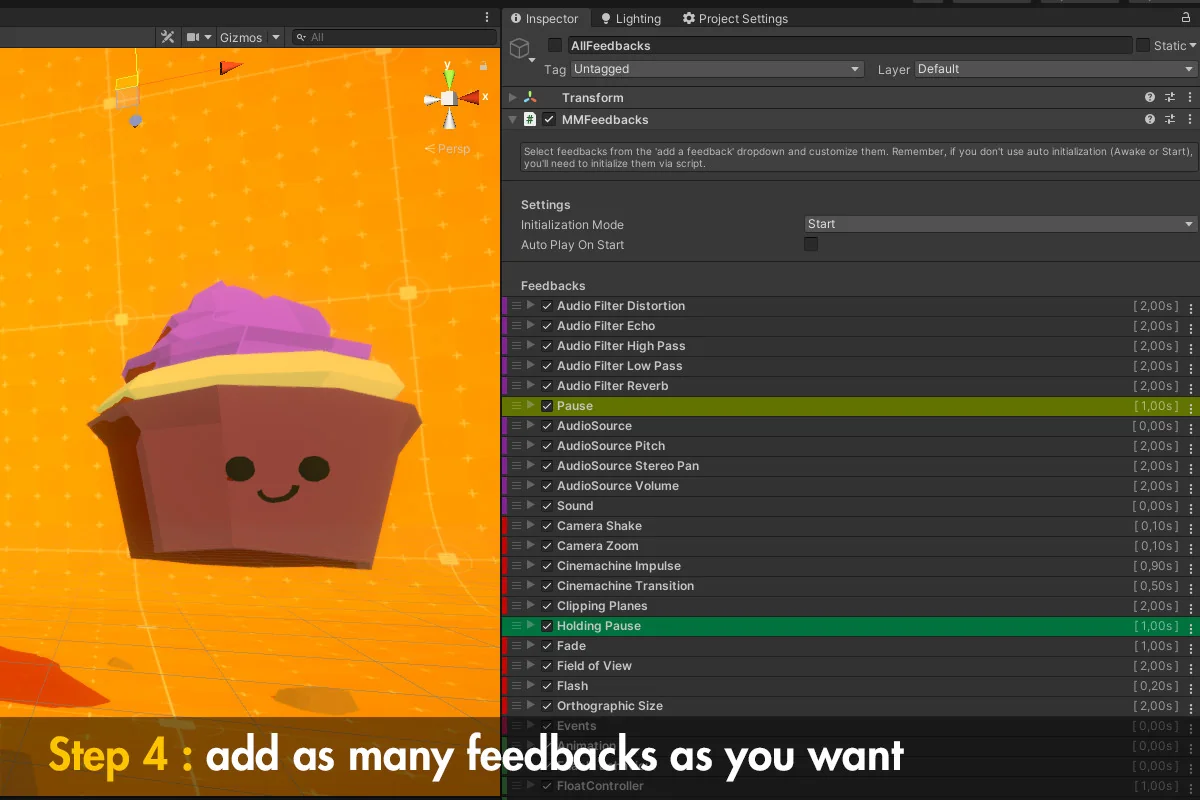
Feel fits naturally into the moments players notice immediately: a hit landing, a screen shaking, a button responding, a camera shifting, or a burst of particles arriving with a sound. It is set up to add juice across a project without forcing each reaction into a separate system. The package brings together more than 150 feedbacks and 70 springs, which gives it room to cover small touches and broader reaction chains in the same workflow.
That range matters because game feel is rarely just one effect. A single event can involve transform motion, sound, post processing, text, UI, or even time-based changes. Feel keeps those pieces close together so a scene can react in a way that feels coordinated rather than stitched together from unrelated tools.
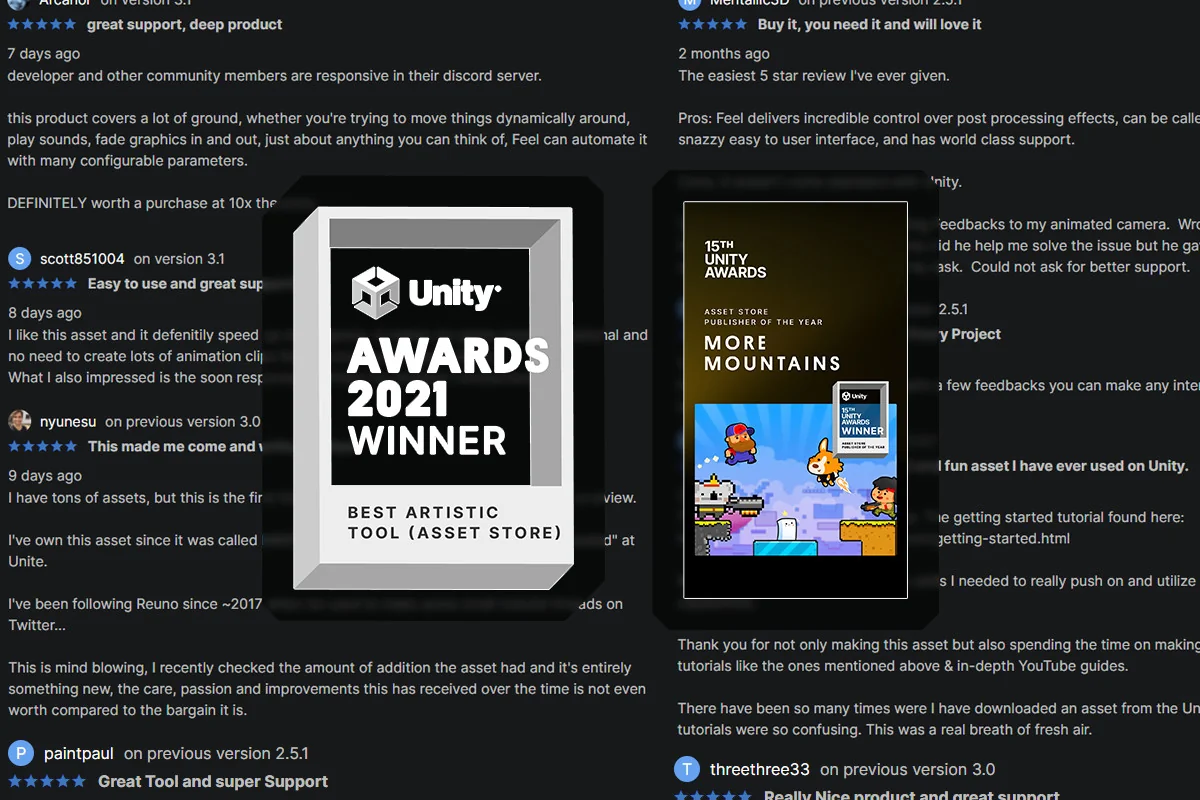
The package is also positioned as a battle-tested solution, and it has been recognized with Unity Awards 2021 Winner: Best Artistic Tool and Unity Awards 2023 Winner: Publisher of the Year. It is fully compatible with Unity 6, so it sits comfortably in newer projects while still matching a workflow that stays focused on feedback rather than heavy setup.
MMFeedbacks as the working layer
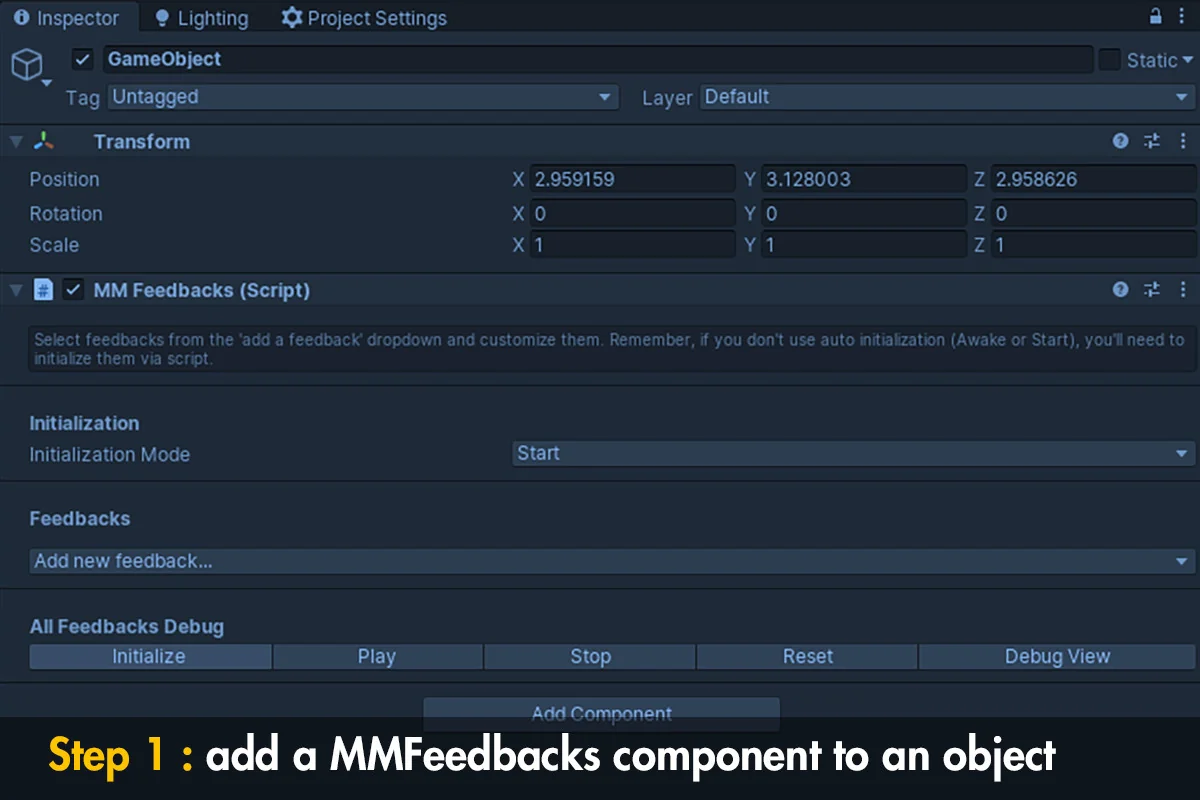
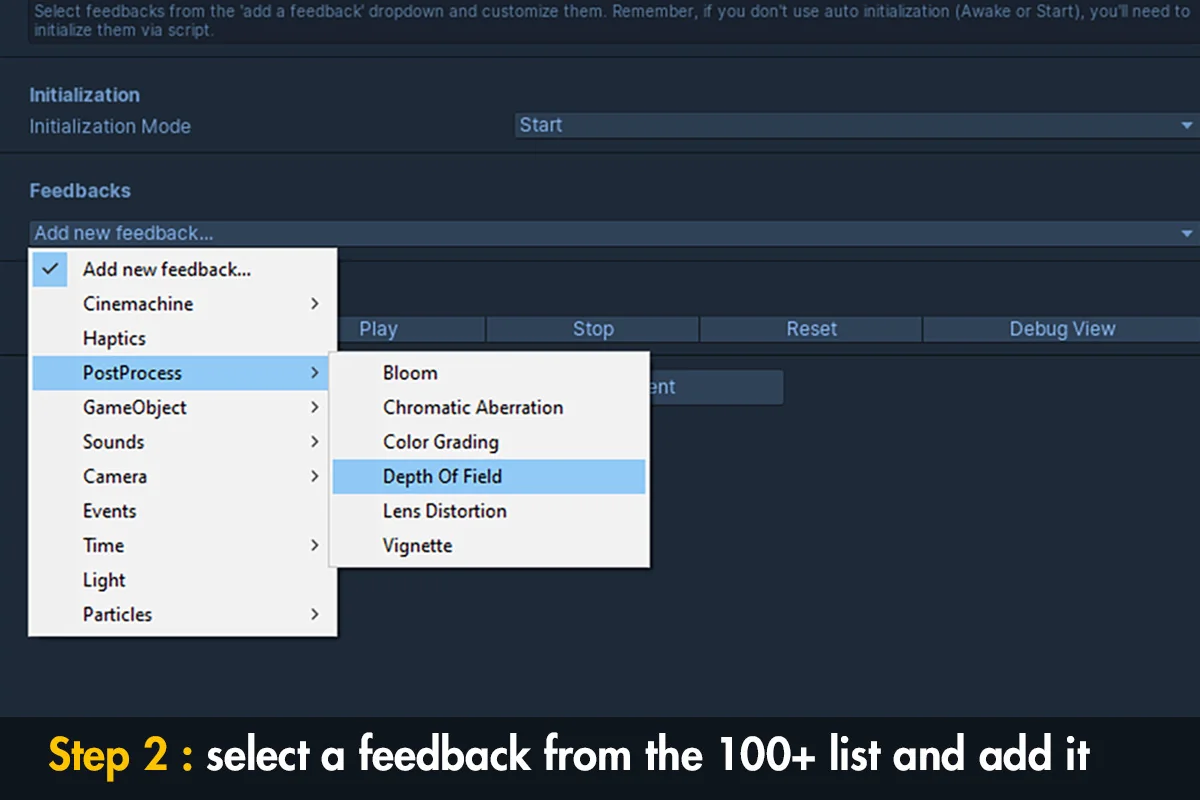
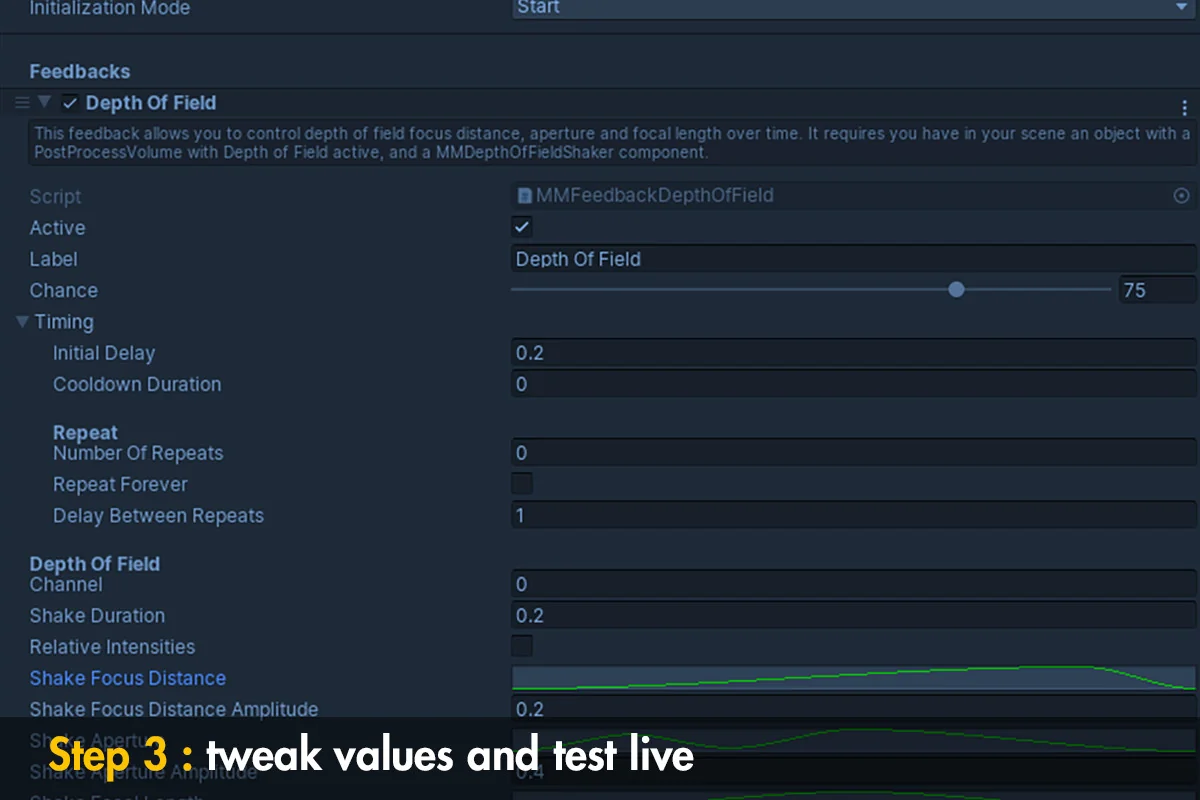
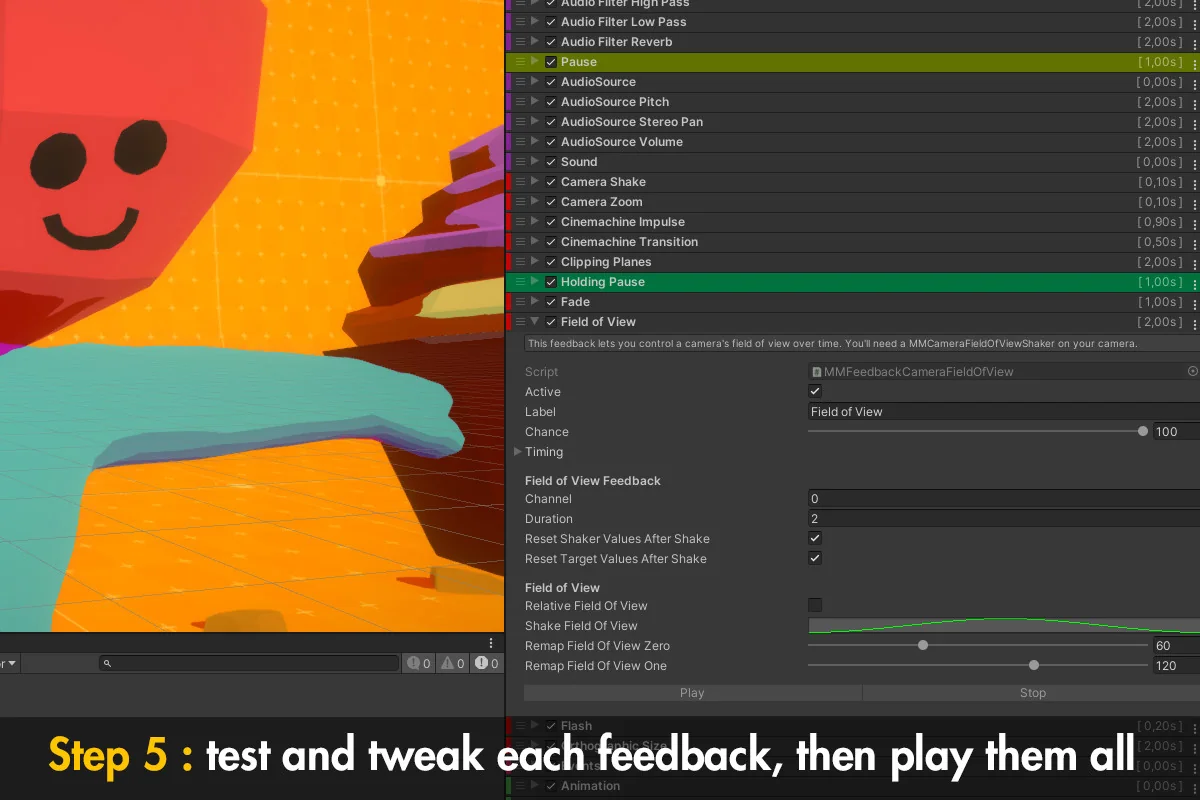
MMFeedbacks is the core system. The setup stays simple: create an empty GameObject, add the MMFeedbacks class, then start adding and adjusting individual feedbacks. That keeps the entry point direct, which is useful when a developer wants to attach a response to a specific object or event without building a larger framework first.
Because the feedbacks are modular, the package can be shaped one effect at a time. A project might start with a single screenshake or a short UI pulse, then grow into a chain that combines multiple reactions. The library is meant to stay practical as the project expands, and the presence of springs gives some of those reactions a more elastic, springy feel when motion needs extra snap.
Clean code, good practices, and optimizations are part of the stated approach. That makes the workflow easier to keep organized when feedbacks start to accumulate across gameplay, menus, and visual systems. The same structure can stay readable even when the project needs a lot of small reactions in different places.
What the package reaches in a scene
Feel reaches across several areas of a Unity project: screenshakes, haptics, transforms, sounds, cameras, particles, physics, post processing, text, shaders, time, and UI. That breadth gives artists and developers a single place to create feedback for many kinds of scene events. A hit can shake the camera, trigger sound, and push a visual effect. A UI interaction can animate text or interface elements. A gameplay cue can alter timing, motion, and visual treatment at once.
Because the package touches both visual and interactive systems, it works in scenes that need short, repeatable bursts of response. The same feedback framework can be used for impact, motion, UI response, and moment-to-moment polish. Rather than treating those as separate categories, Feel keeps them under one approach so the response can stay consistent from one part of the game to another.
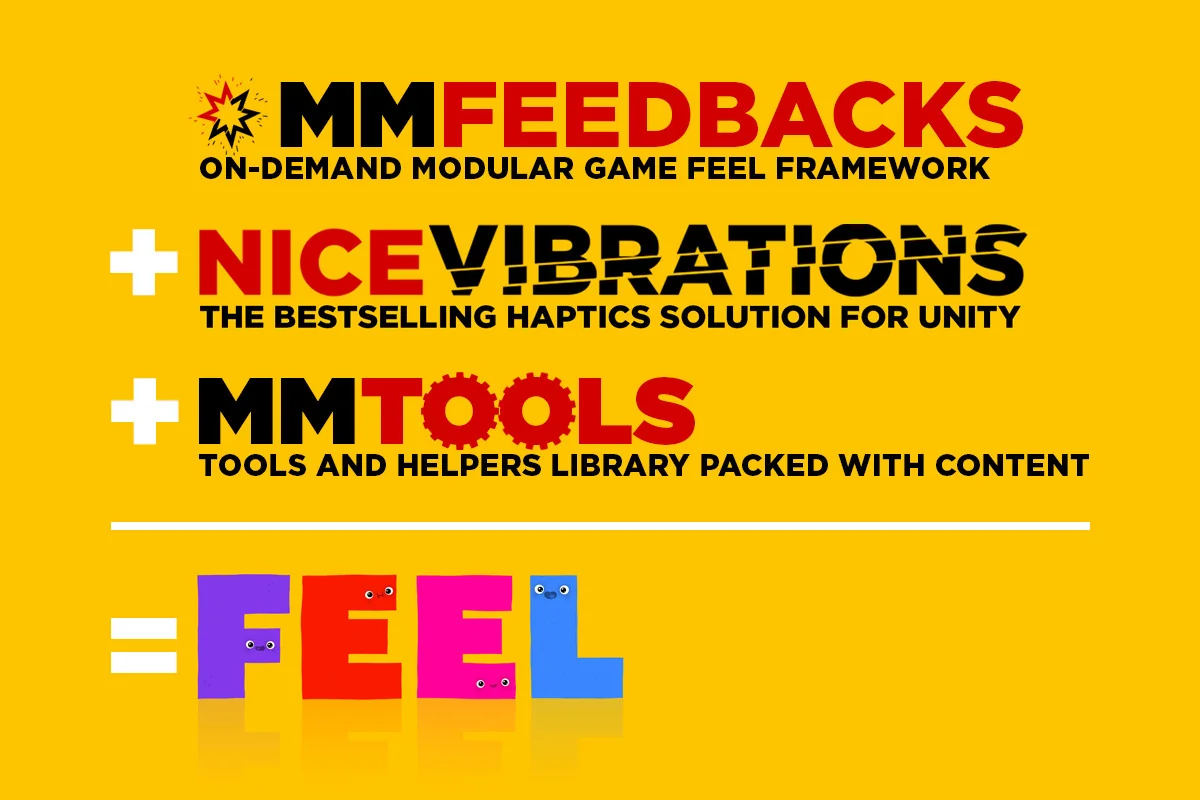
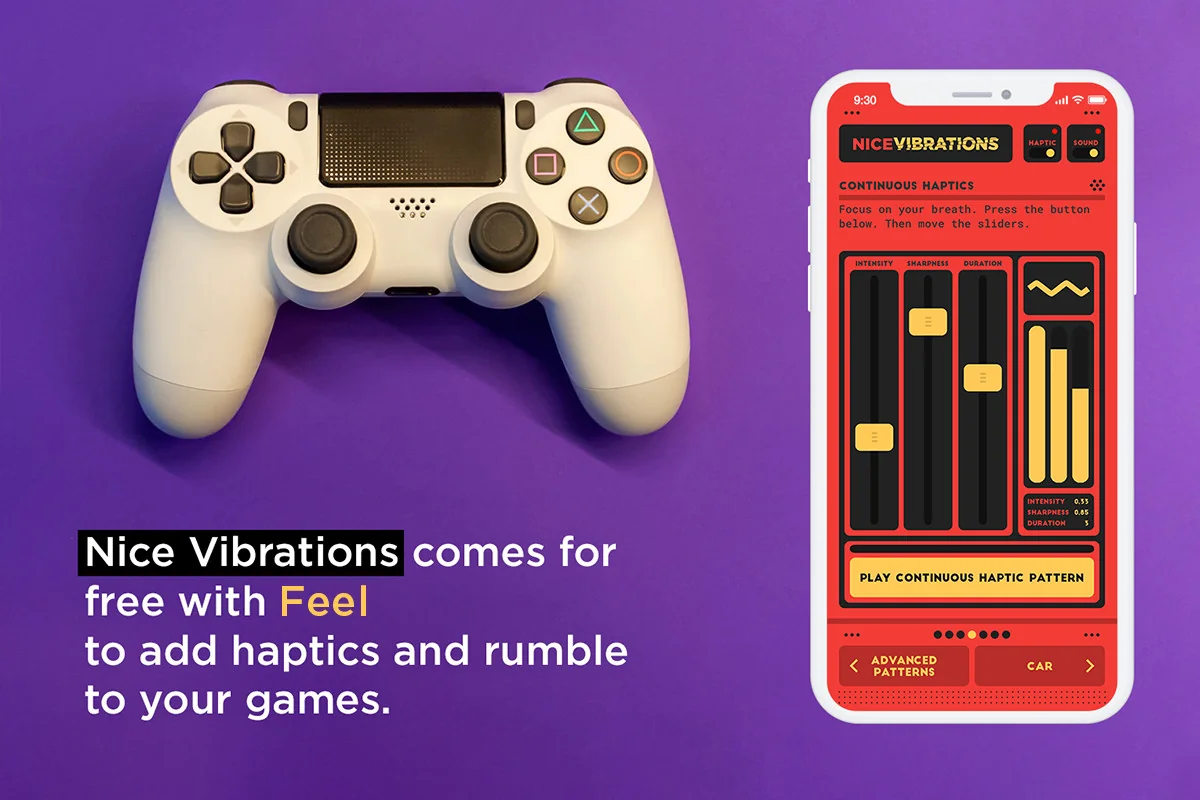
Nice Vibrations is included for haptics, and MMTools is included as a library of helpers and tools for different situations. Together with MMFeedbacks, those pieces make the package feel less like a single effect and more like a shared set of building blocks for game response. The result is useful when a project needs more than one kind of feedback to work together in the same scene.
Demos, creator background, and project fit
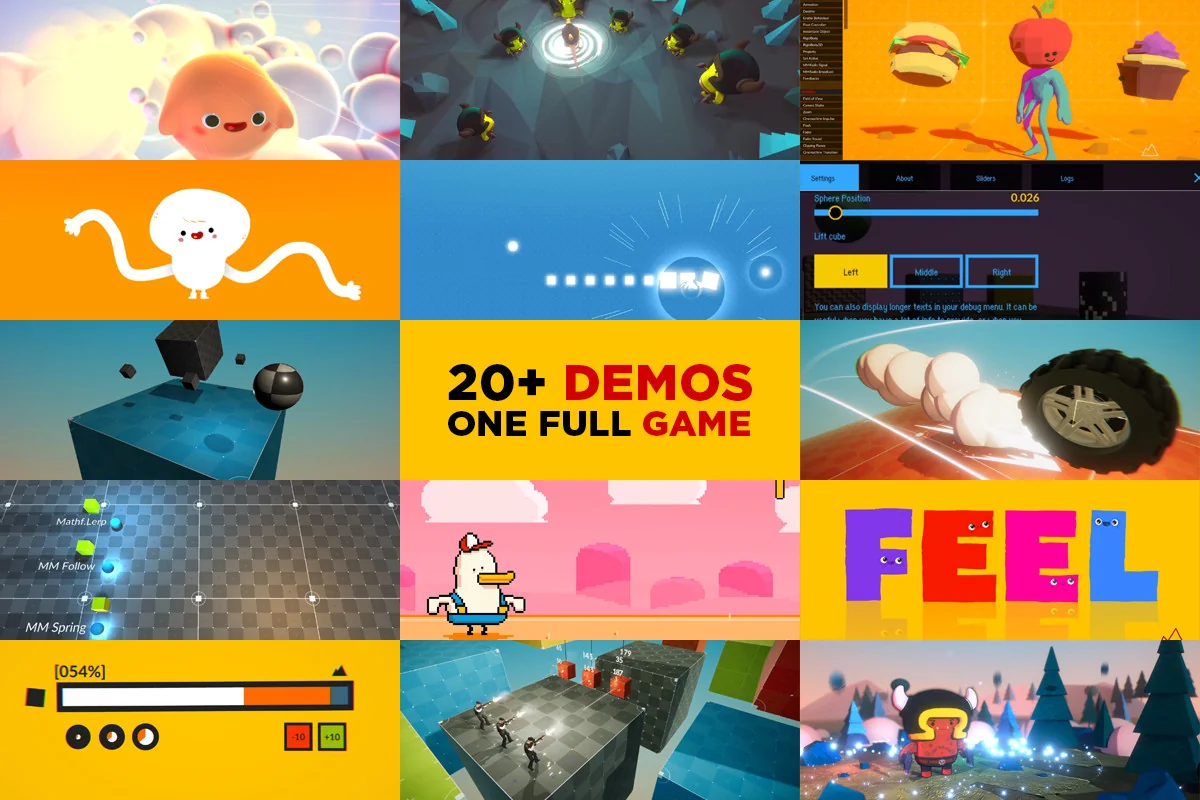
Feel includes 45+ demos, ranging from minimal scenes to a complete game. Those examples show different ways the package can be used to add juice and make a game feel good, which makes it easier to understand how the feedbacks behave in practice. The demos also help show the difference between a small isolated effect and a fuller scene where several responses are happening at once.
The package comes from the creator of Corgi Engine and TopDown Engine. MMFeedbacks and MMTools are already included in those two projects, so teams working with either engine may already be familiar with the same libraries and patterns. That connection gives Feel a clear place in workflows where responsive motion and polished reactions matter.
Technical details place the asset at version 5.9.1, with a latest release date of Dec 08, 2025, a first publication date of May 10, 2021, an original Unity version of 2019.4.3, a file size of 301.8 MB, and 2224 assets in a unitypackage format. It carries SEAT license entitlement and sits in the Particles & Effects category. For teams that want camera response, haptics, UI motion, and visual punch to come from one shared system, it is most useful when those reactions need to stay easy to edit and consistent across the project.
Asset Gallery
Protected download
Access this resource
All resources are 100% manually reviewed to eliminate all risks.