Outlines that fit into a Unity scene without a heavy setup
Easy Performant Outline 2D | 3D adds customizable outline effects to Unity projects, covering both 2D and 3D objects. The workflow is aimed at teams that want highlights, selections, and edge accents without turning the effect into a separate visual system to manage. It supports URP and HDRP, and the setup is presented as straightforward enough to get outlines into a project quickly while still leaving room to adjust how each outline looks.
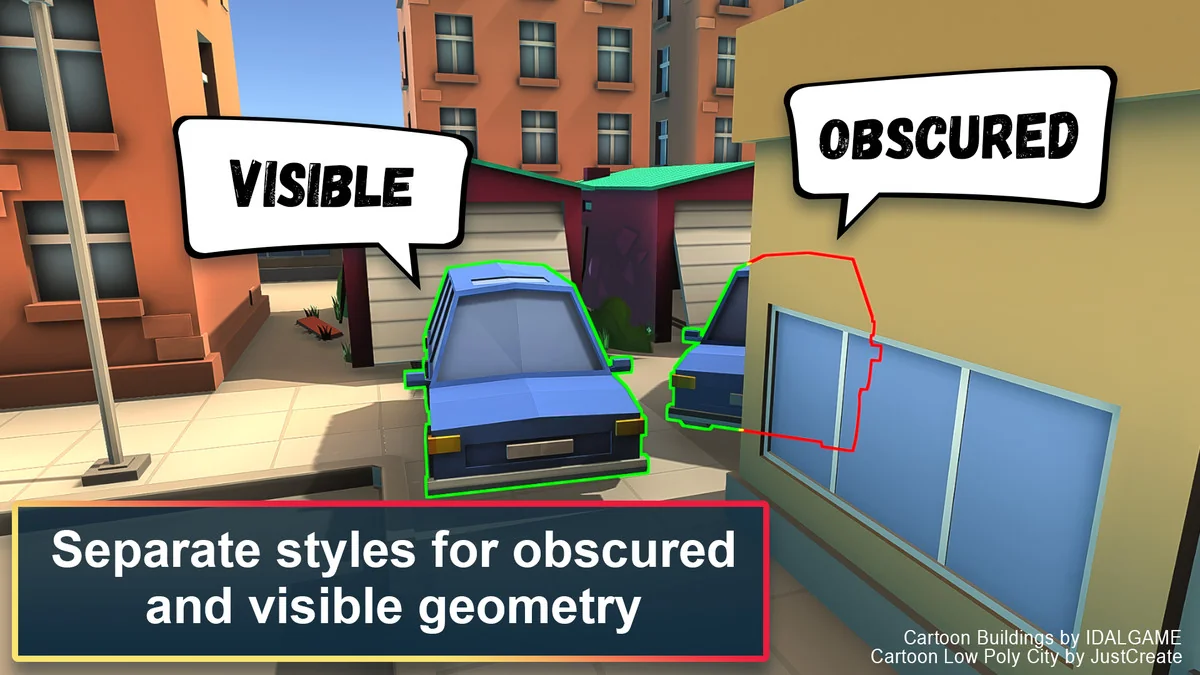
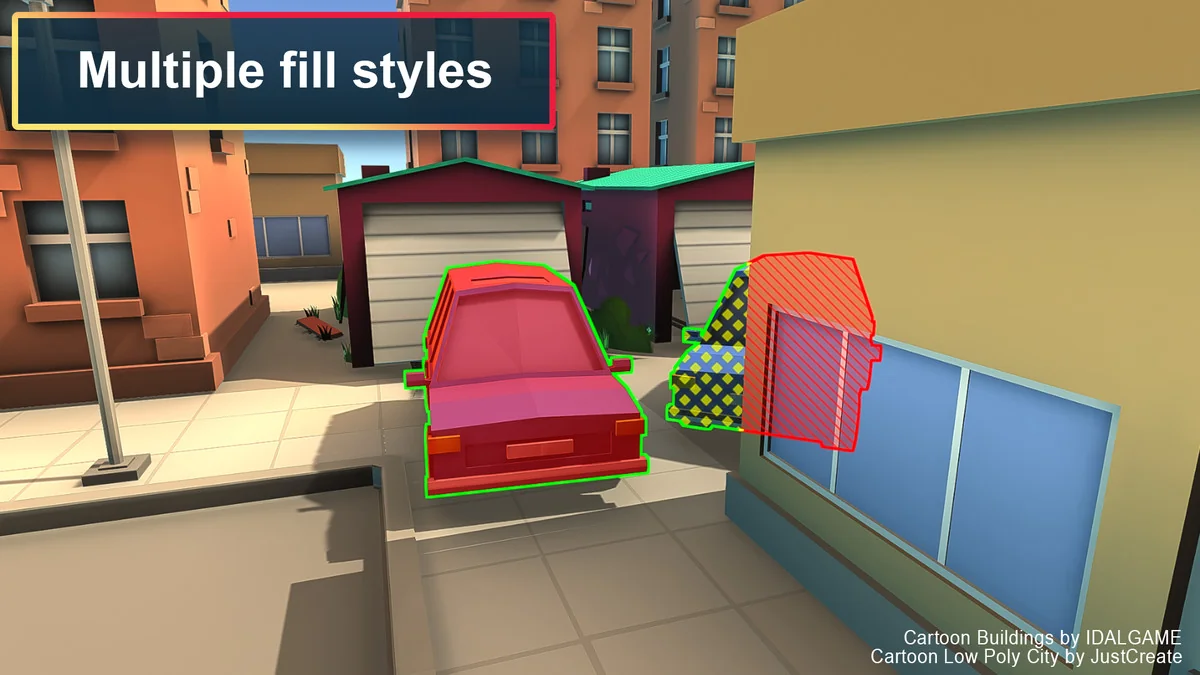
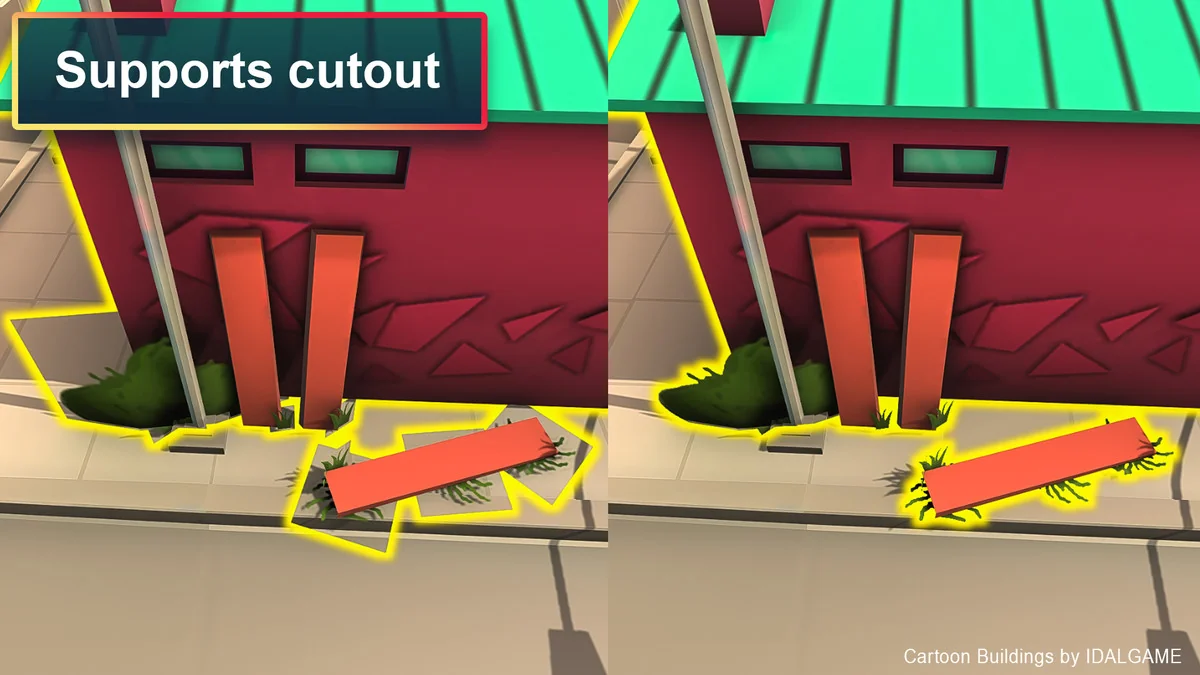
The tool focuses on visual control rather than a single fixed style. Outlines can be used as sharp edge accents, softer highlights, or more visible selection cues depending on how they are configured. That range makes it suitable for simple models as well as more complex scenes where different objects need different outline behavior.
What can be adjusted on each object
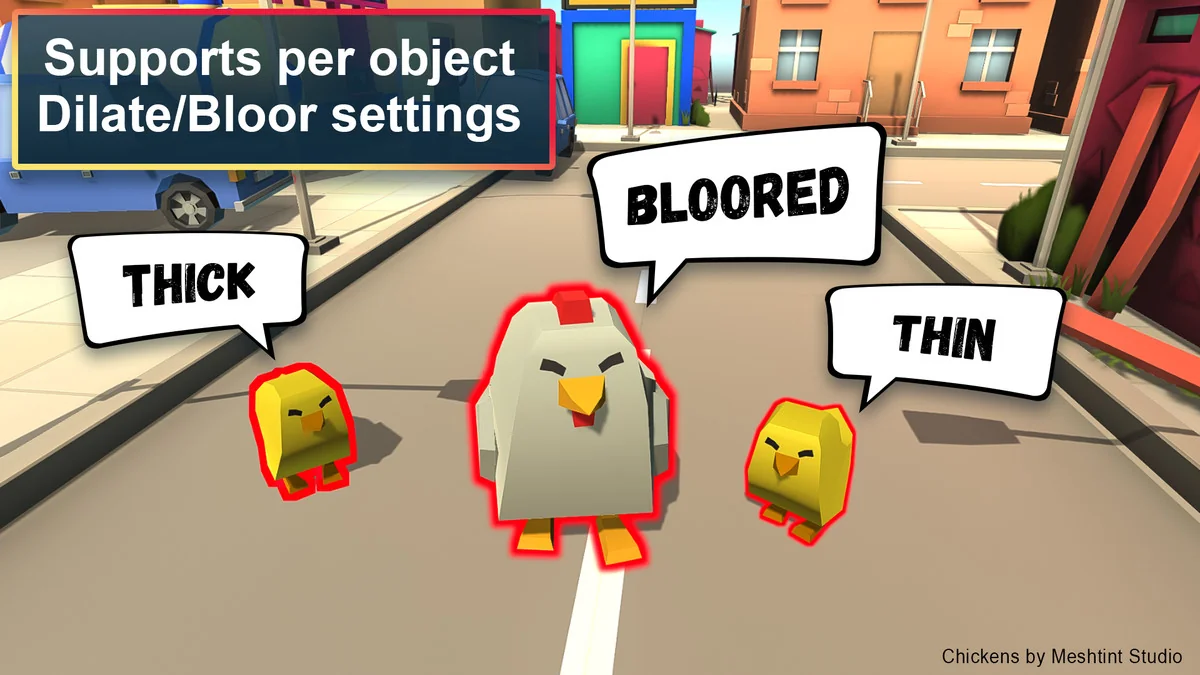
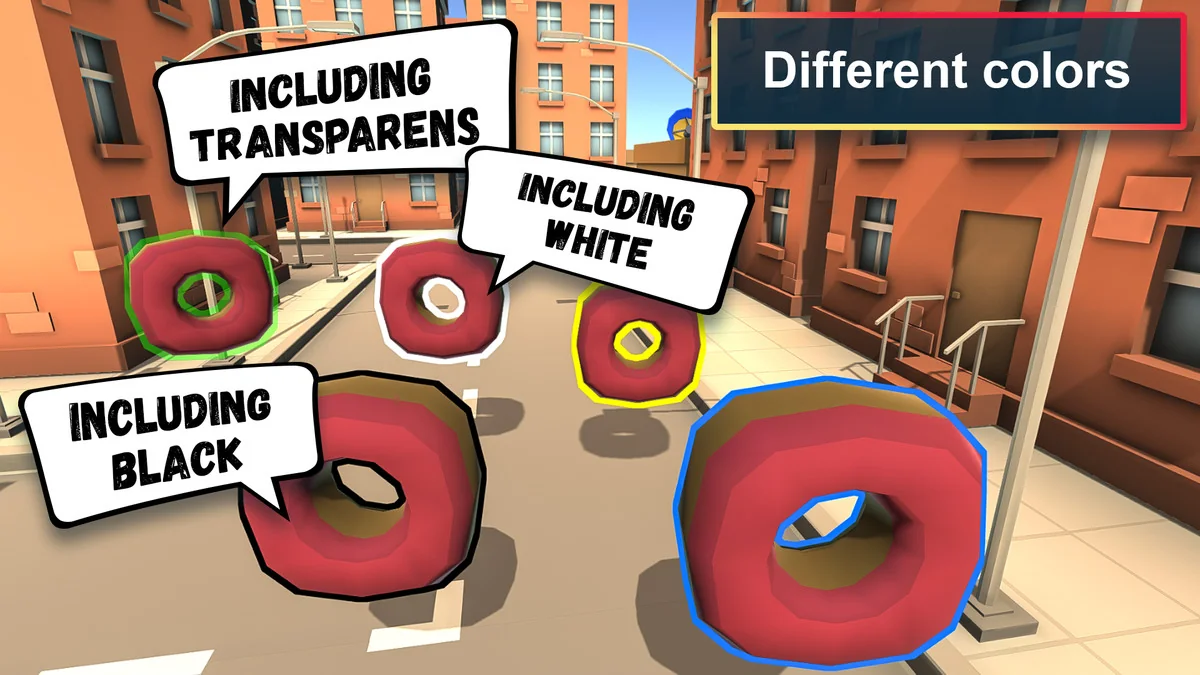
Per-object outline settings are one of the clearest implementation points. Instead of treating every outlined element the same way, the system supports object-level control so different items can carry different outline treatments. Multi-layer outlines are also included, which makes it possible to stack outline effects when a single edge treatment is not enough.
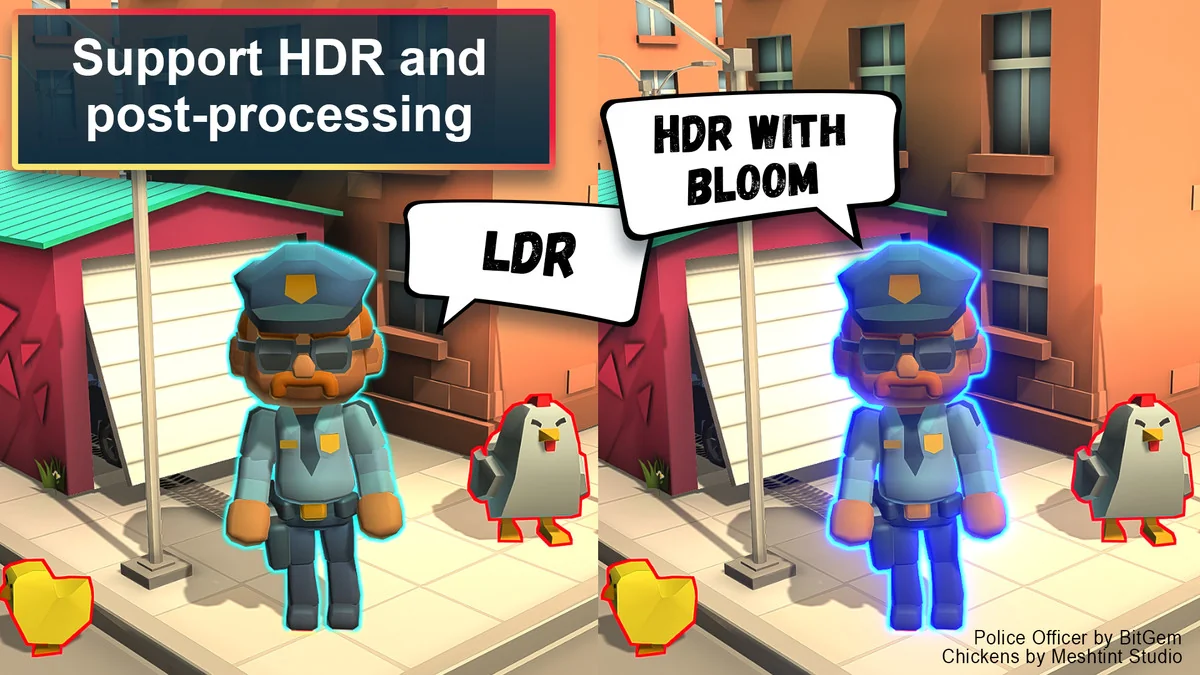
Semi-transparent outlines are part of the available options as well. That gives the effect a wider range than a single opaque border, especially when the goal is a subtle highlight rather than a hard visual frame. The package is also described as offering flexible customization, so the appearance of the outlines is meant to be adjustable rather than locked to one preset look.
DOTween support is included for smoother animations. In practical terms, that makes it possible to animate outline behavior without needing to build a separate approach for transitions. The asset also includes full source code, which gives teams direct access to the implementation.
Rendering behavior across project types
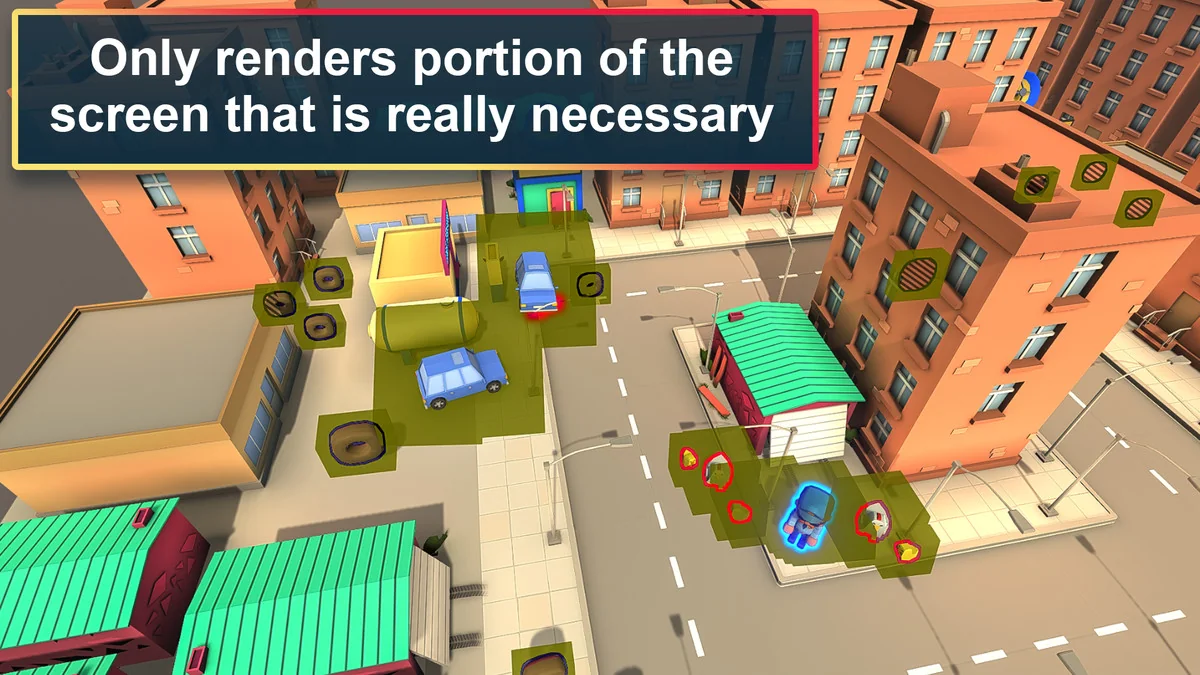
Performance is a recurring part of the workflow here. The outline system is described as fully optimized for URP and HDRP, with optimized rendering strategies aimed at improving performance. It is also positioned to work smoothly across platforms, including mobile and VR, which makes it relevant for projects that need the effect to hold up outside desktop-only scenes.
Support for both HDR and LDR is included, so the effect can sit inside projects using either rendering range. Render Graph is fully supported as well, which matters for teams working with that Unity feature in their rendering pipeline. The overall emphasis is on keeping the effect compatible with modern Unity rendering setups while maintaining high performance.
Compatibility notes that should be checked early
- Minimum Unity version: 2021.3.0.
- Unity’s URP 2D renderer is not supported.
- Oculus Quest support is currently limited and has some issues.
These notes are important because they affect where the asset can be used without adjustment. Projects relying on the URP 2D renderer will need to account for the current limitation, and teams targeting Oculus Quest should expect that support is not complete yet. The minimum Unity version is also explicit, so older editor versions are outside the intended range.
Using the effect for selection, emphasis, and scene readability
The strongest use cases are the ones already implied by the effect itself: highlighting objects, marking selections, and making important elements easier to read. Because the outlines can be adjusted per object, the same system can support different roles in a scene. One object might need a strong visible edge, while another only needs a restrained glow-like outline to stand out.
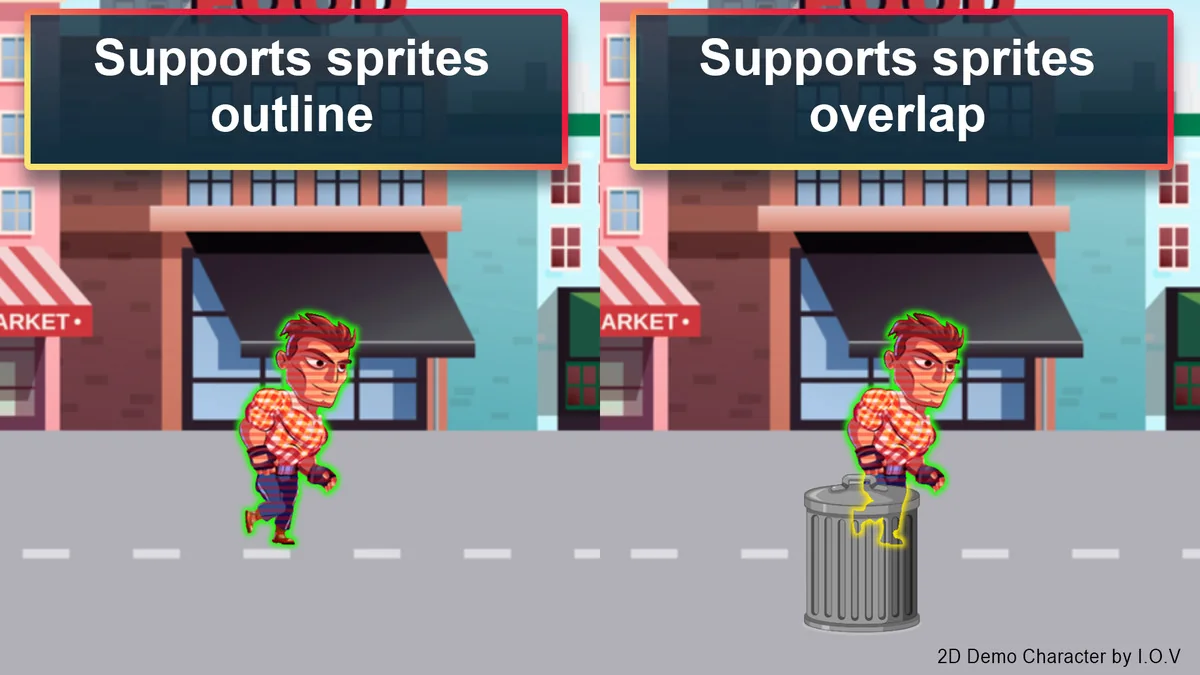
The support for 2D and 3D outlines keeps the tool from being limited to one type of asset. That makes it relevant for projects that mix interface-adjacent elements, gameplay objects, or scene objects that need a clear contour. The package also supports a variety of effects, including per-object outlines, multi-layer outlines, and semi-transparent outlines, so the final result can stay practical rather than overly uniform.
Because the system is aimed at high performance and mobile as well as VR, it is suited to projects where the outline effect needs to stay visually useful without creating unnecessary overhead. That balance matters when the outline is part of everyday gameplay readability rather than a one-off visual flourish.
Implementation details that stand out for teams evaluating it
The package is not presented as a simple one-style outline add-on. It includes a combination of setup support, source access, animation support, and rendering compatibility that makes it more flexible for teams working in Unity’s current rendering paths. URP and HDRP support are central, and the Render Graph support adds another specific advantage for projects using that feature.
At the same time, a few limits are clearly stated. The URP 2D renderer is not supported, Oculus Quest support is limited, and Unity 2021.3.0 is the minimum version. Those details matter because they define the environments where the effect can be integrated cleanly and where it still has known constraints.
For projects that need customizable outlines with object-level control, multi-layer treatment, semi-transparent variants, and rendering that stays focused on performance, this asset provides a direct path into URP and HDRP workflows. The final takeaway is simple: it is a practical outline system for Unity teams that need visual emphasis with clear compatibility boundaries.
Asset Gallery
Protected download
Access this resource
All resources are 100% manually reviewed to eliminate all risks.