Efficient Texturing with Easy Mapper
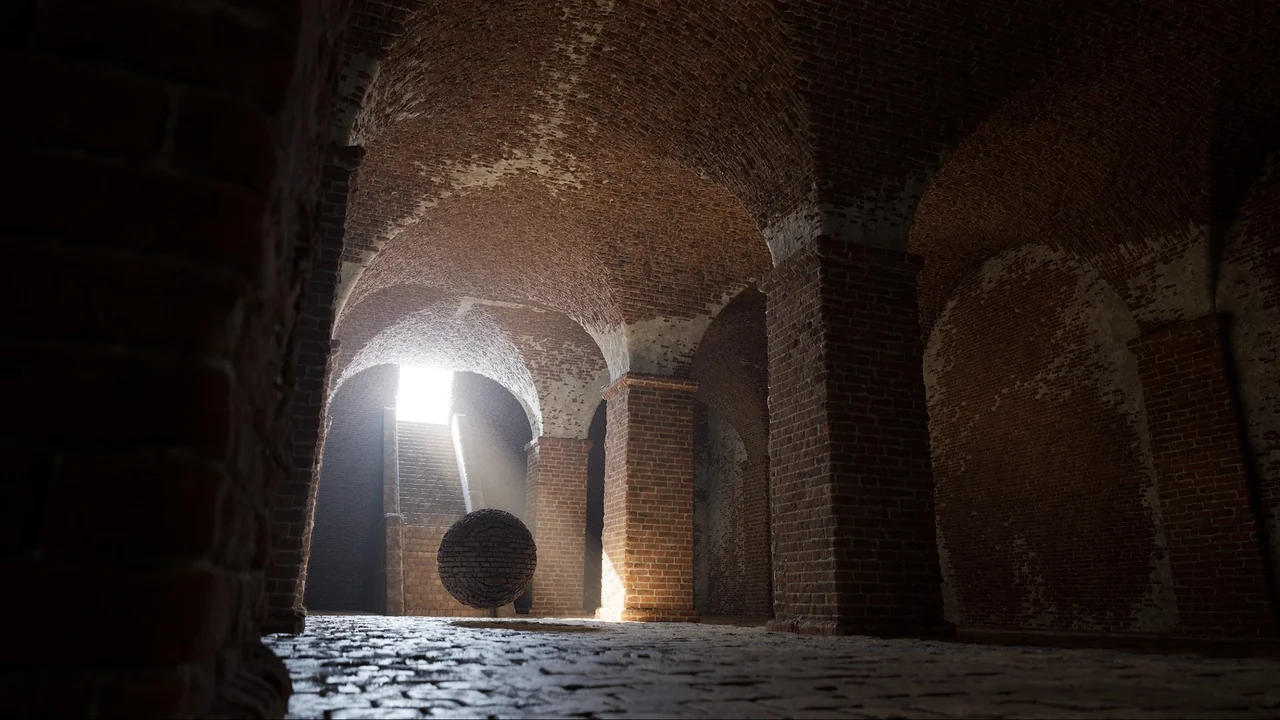
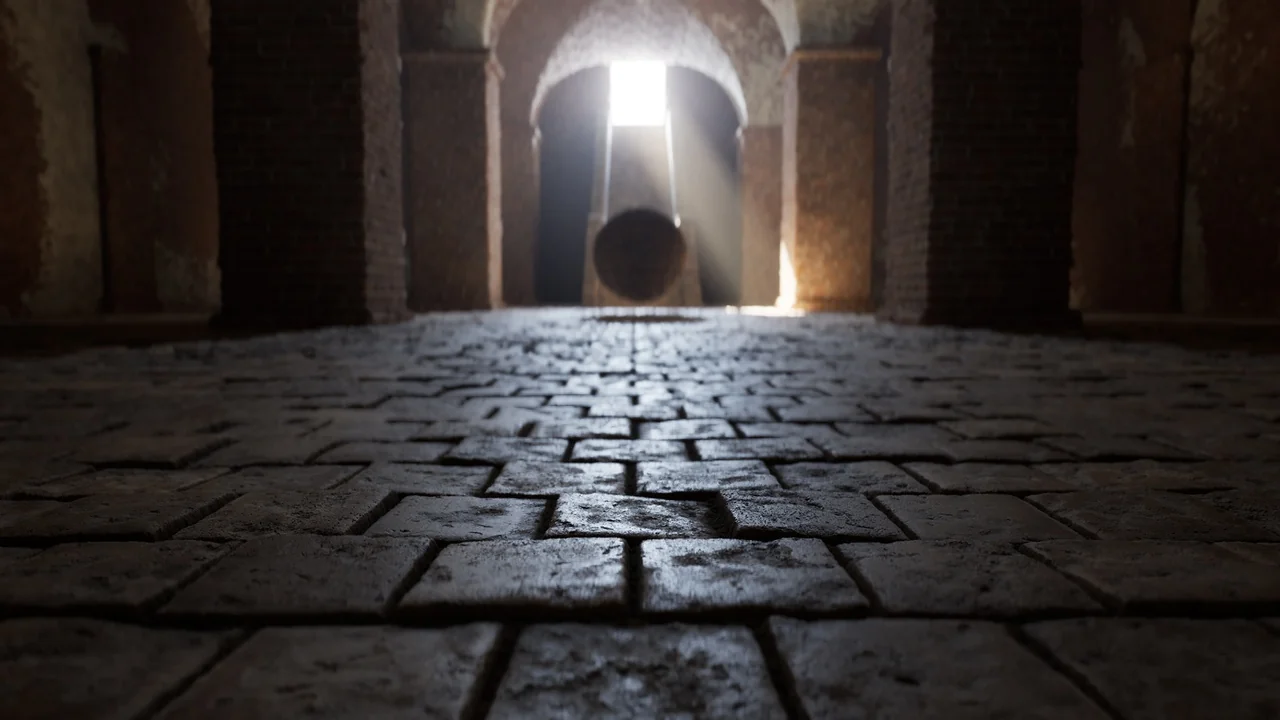
Easy Mapper allows you to project tileable, world-aligned textures across any surface without needing UVs on your models. This tool is specifically designed and intended for cinematic usage. It enables artists to texture entire levels in moments with just a few clicks. Consequently, you can give your models high-quality detail without the traditional technical hurdles of mapping.
The system provides material instances that are cleanly organized. This organization ensures that art direction remains simple and efficient. By using this tool, you can focus more on the creative aspects of your environment rather than manual UV unwrapping.
Advanced Projection and Nanite Displacement
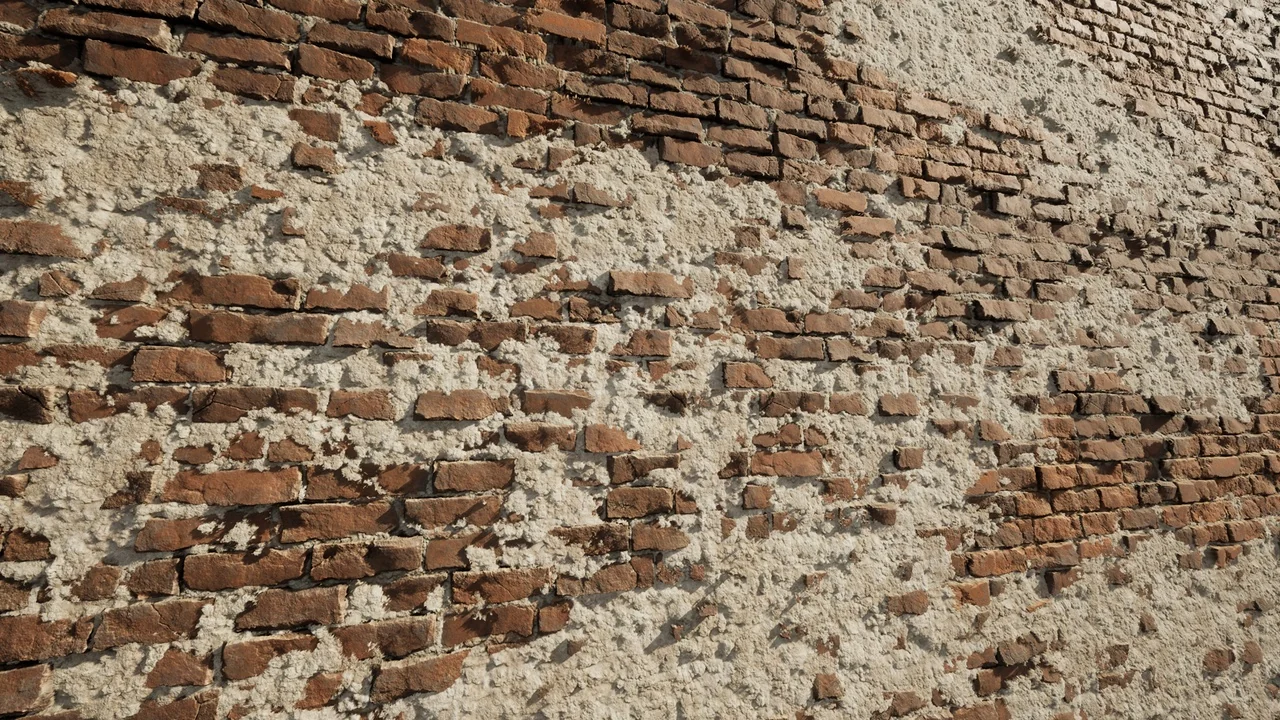
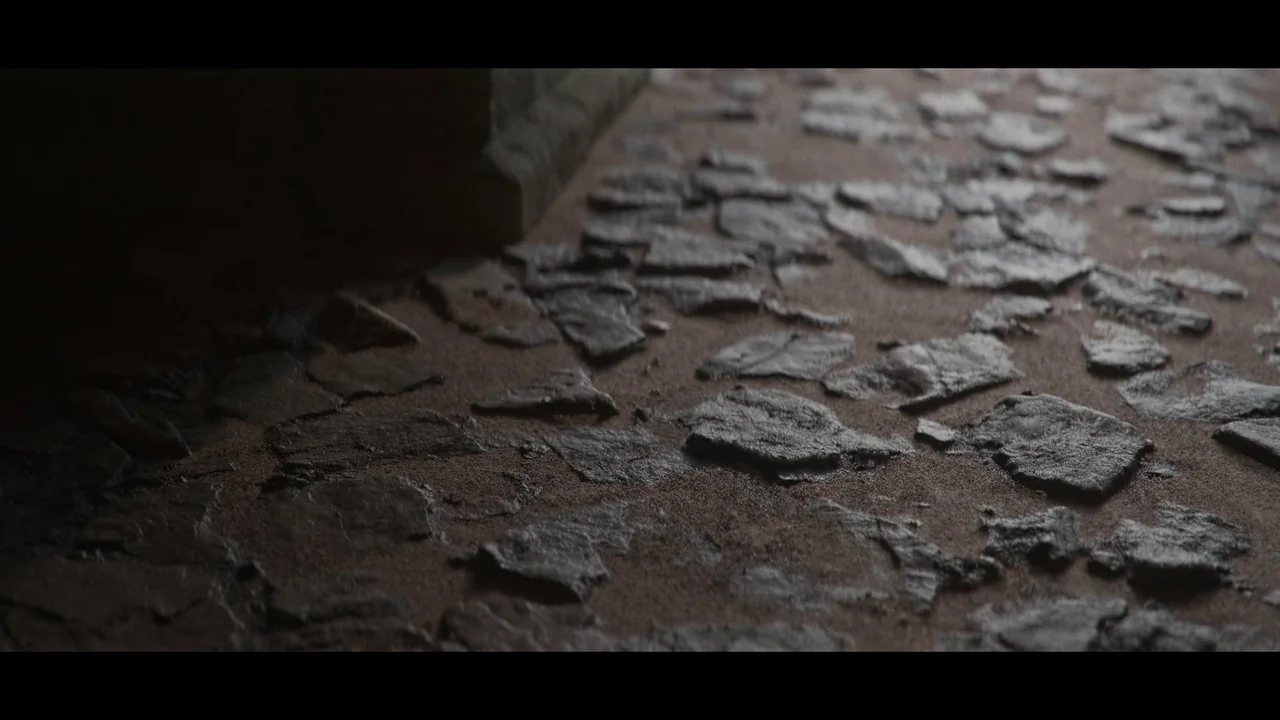
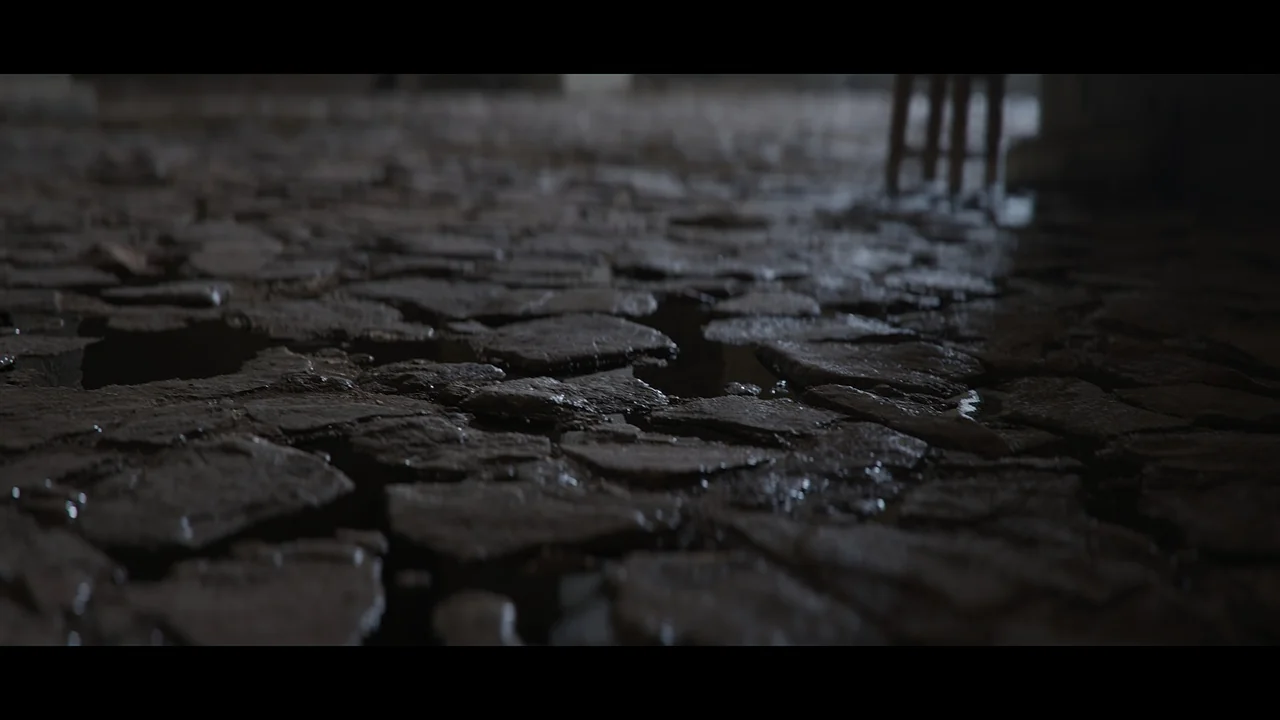
Users can toggle between world-aligned (triplanar) texture projection and regular UV mapping. This flexibility gives you full control over the size and scale of your texture projection. Furthermore, the tool utilizes Nanite tessellation and displacement to add depth to your models. By using height or displacement maps, you can achieve highly detailed surfaces that interact realistically with light.
However, it is important to note that Nanite must be enabled for displacement to work. While Nanite is not strictly necessary for the mapping itself, the tessellation features rely on it. Additionally, Nanite displacement currently does not function with Path Tracing, as that rendering mode does not utilize Nanite technology.
Realistic Material Blending
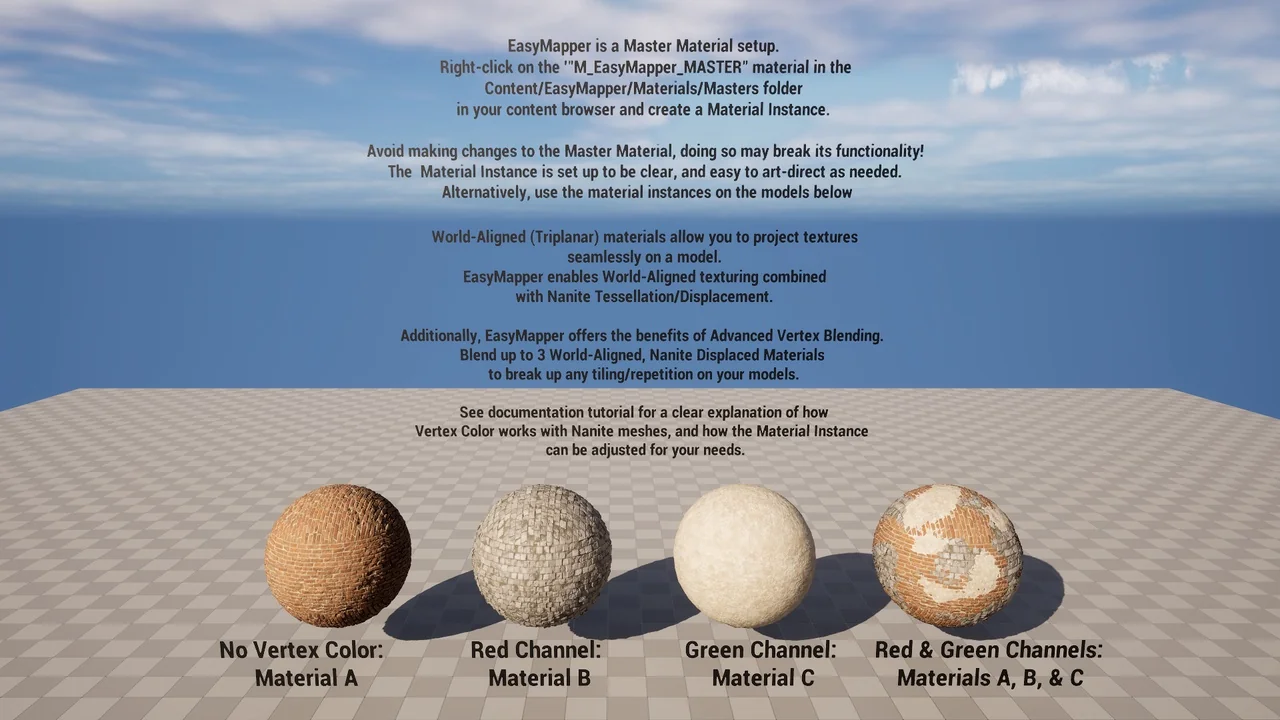
To enhance realism, Easy Mapper supports advanced vertex blending. You can blend up to three different materials on a single surface. The system uses height and displacement data to ensure these blends look natural and realistic. Therefore, you have full control over how different surfaces transition into one another.
To use the vertex painting features, specific plugins are required. You must enable the ModelingToolsEditorMode and the StaticMeshEditorModeling plugins within your project settings. These tools facilitate the painting process described in the documentation.
Updates for the FAB Ecosystem
With the introduction of the FAB platform, the developer has updated the tool to accommodate changes in texture packing. Previously, Megascans used the ARD (Ambient Occlusion, Roughness, Displacement) approach. Now, the standard has shifted to ORM (Occlusion, Roughness, Metallic), with displacement maps provided separately.
The latest update includes new Master Materials to address these changes. You can find these in the FAB folder under the following names:
- M_EasyMapper_MASTER_FAB
- M_EasyMapper_MASTER_FAB_VT (for virtual textures)
Technical Considerations
While Easy Mapper is a robust solution, there are some engine-related limitations to consider. As of Unreal Engine 5.3, Nanite tessellation and displacement may not work on Mac or AMD graphics cards. This is an engine-level issue rather than a limitation of the tool itself. Users on these platforms should verify compatibility before planning their workflow.
In conclusion, Easy Mapper offers a streamlined approach to environment texturing. It combines the ease of world-aligned projection with the power of Nanite displacement and vertex blending. This makes it a valuable asset for any cinematic production workflow.
Screenshots & Gallery