Comprehensive UI Framework for Modern Games
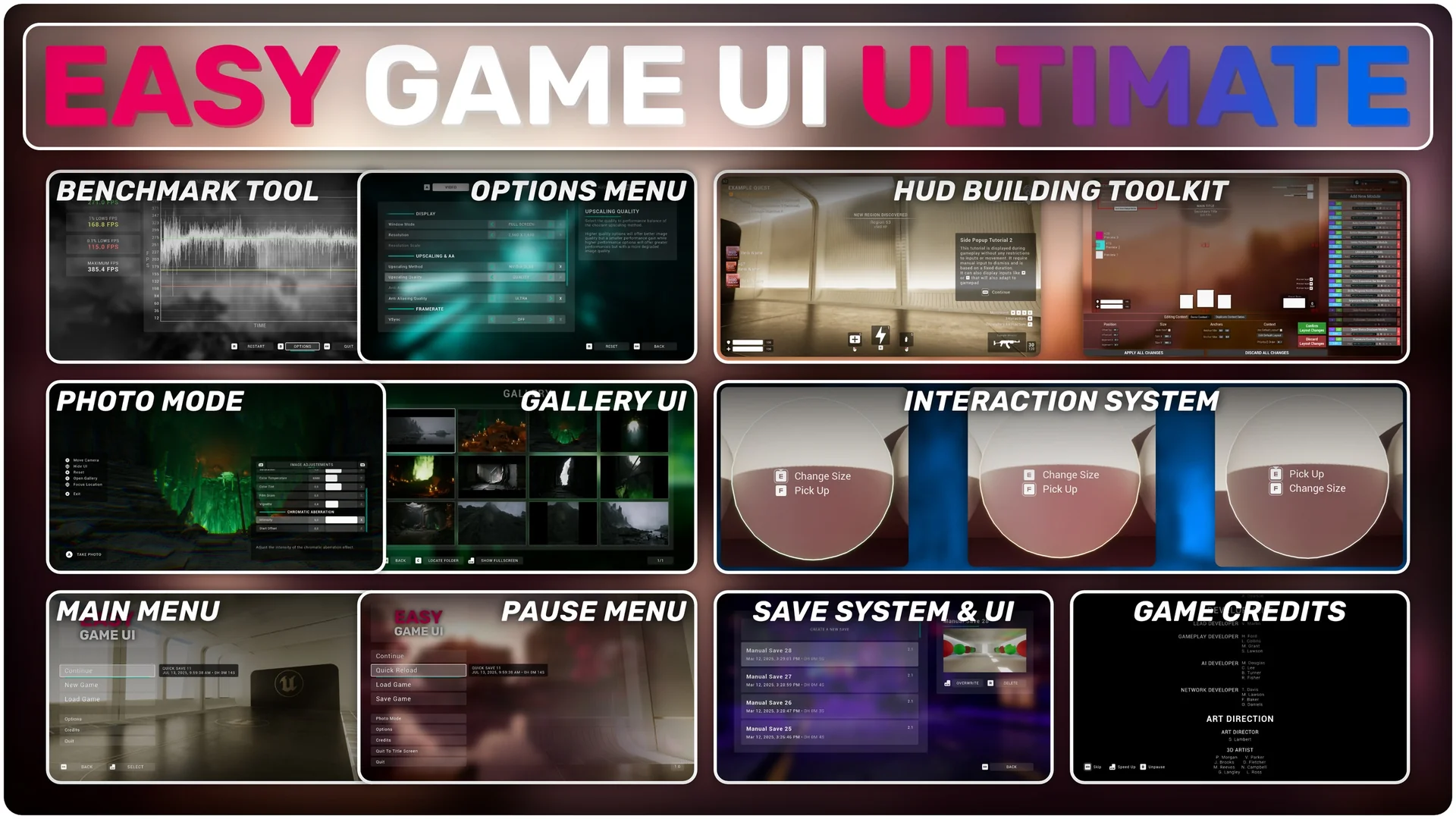
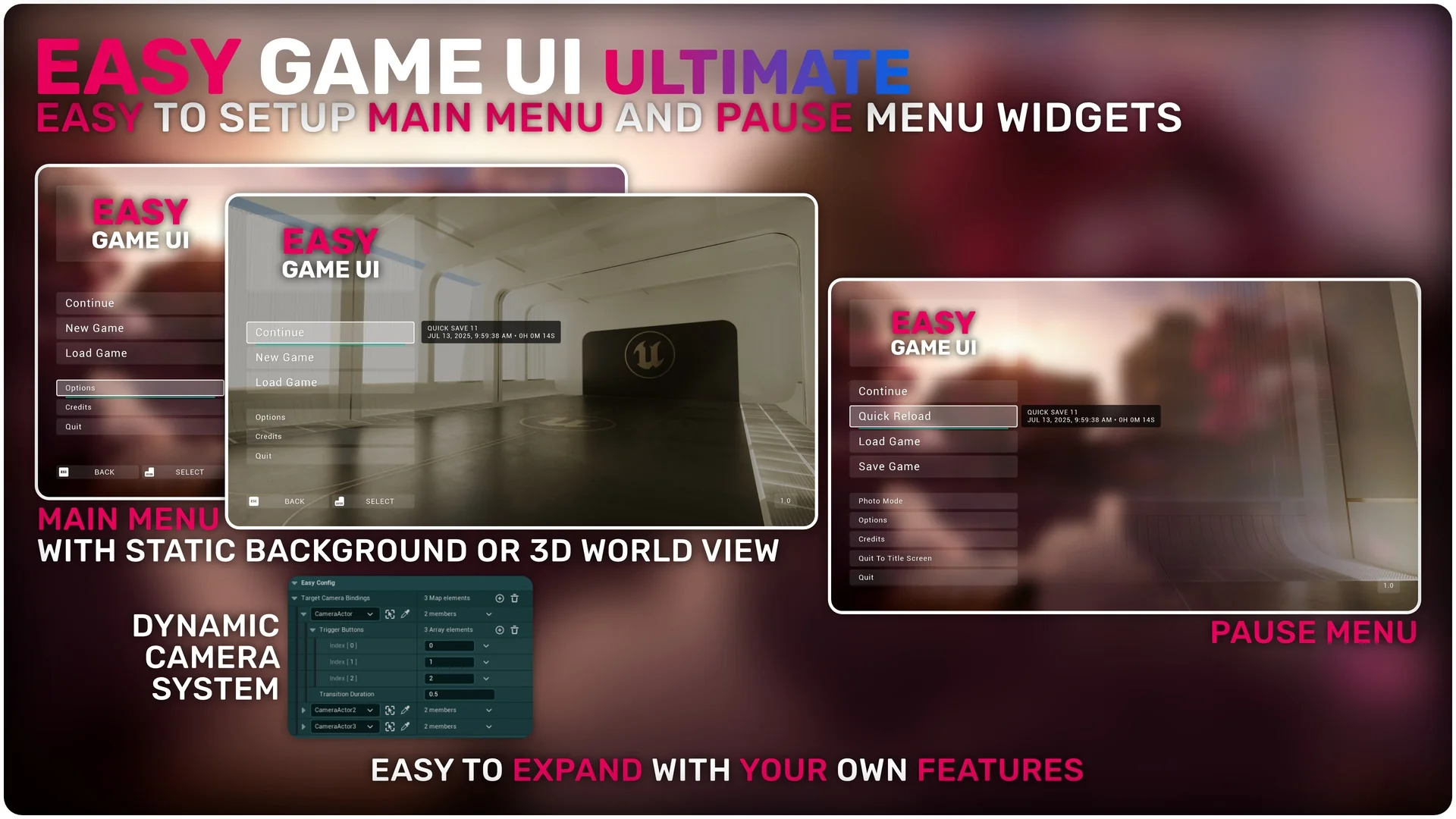
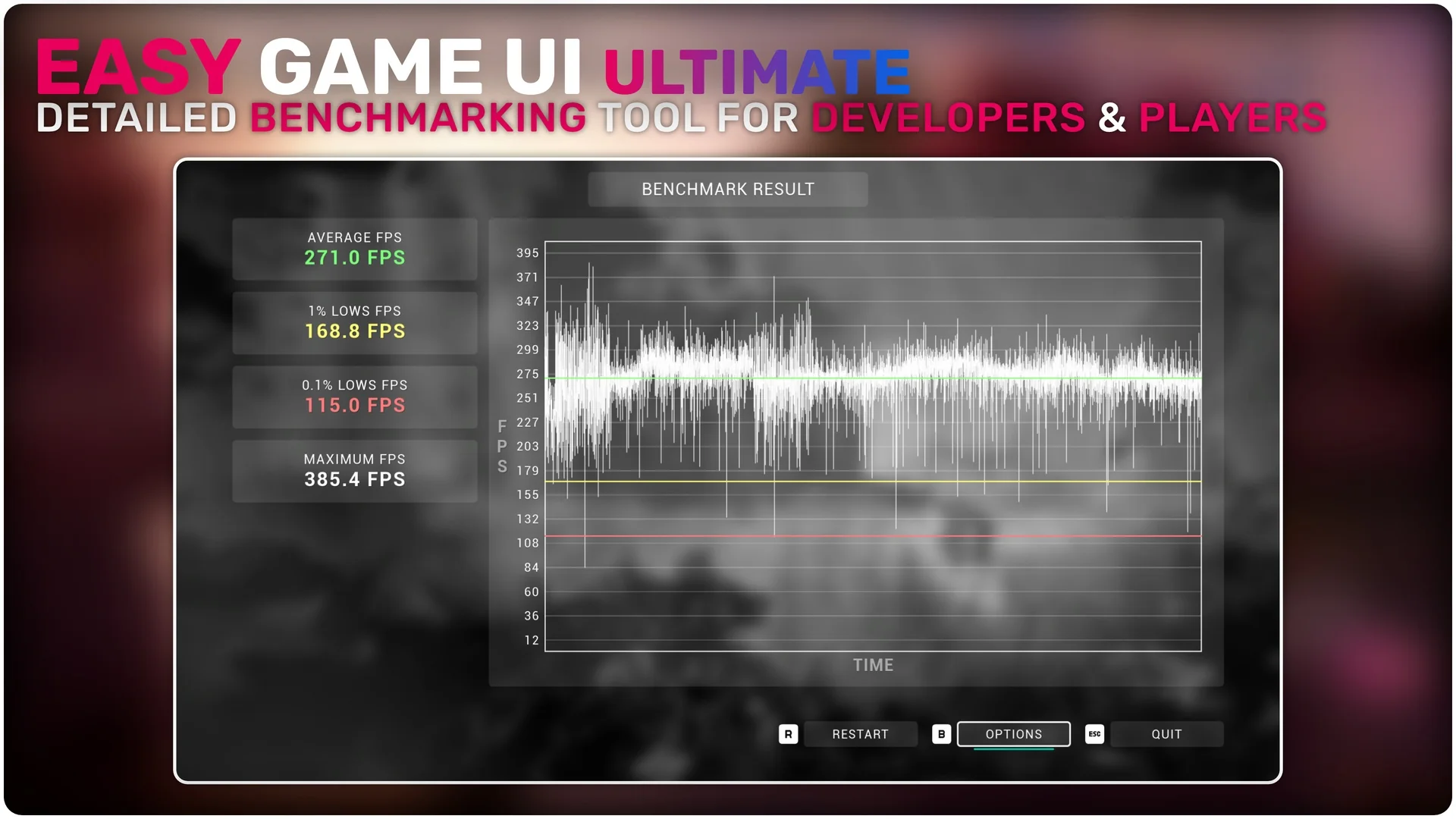
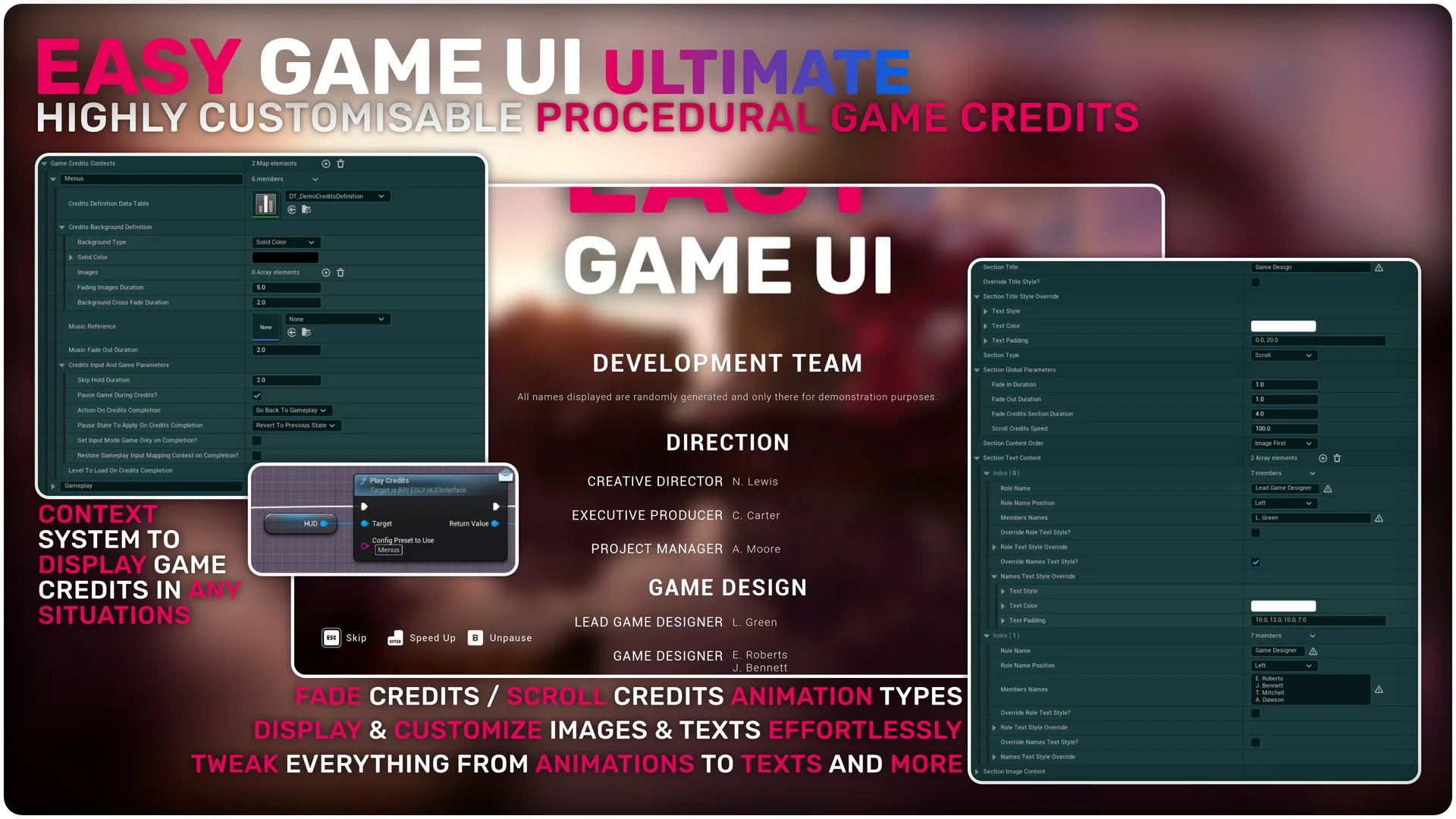
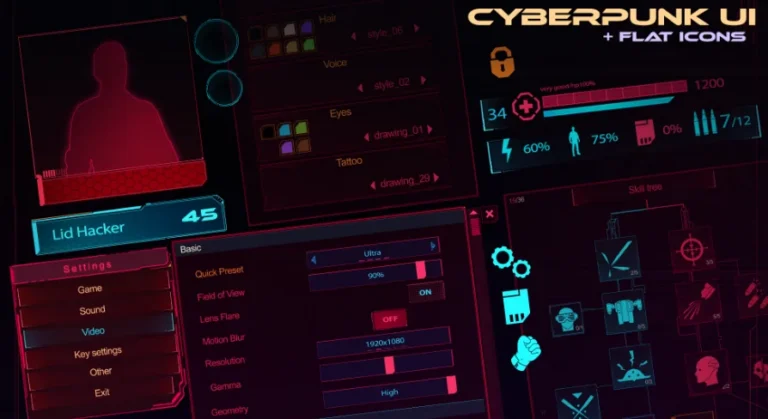
Easy Game UI Ultimate is a quick and simple way to add a complete UI Framework to your game. This asset provides all the essential components for a professional interface in one package. It includes a main menu, pause menu, and an extensive options menu. Additionally, the creator has integrated unique features like a game benchmarking tool and a procedural credits system.
High-Quality Options and Benchmarking
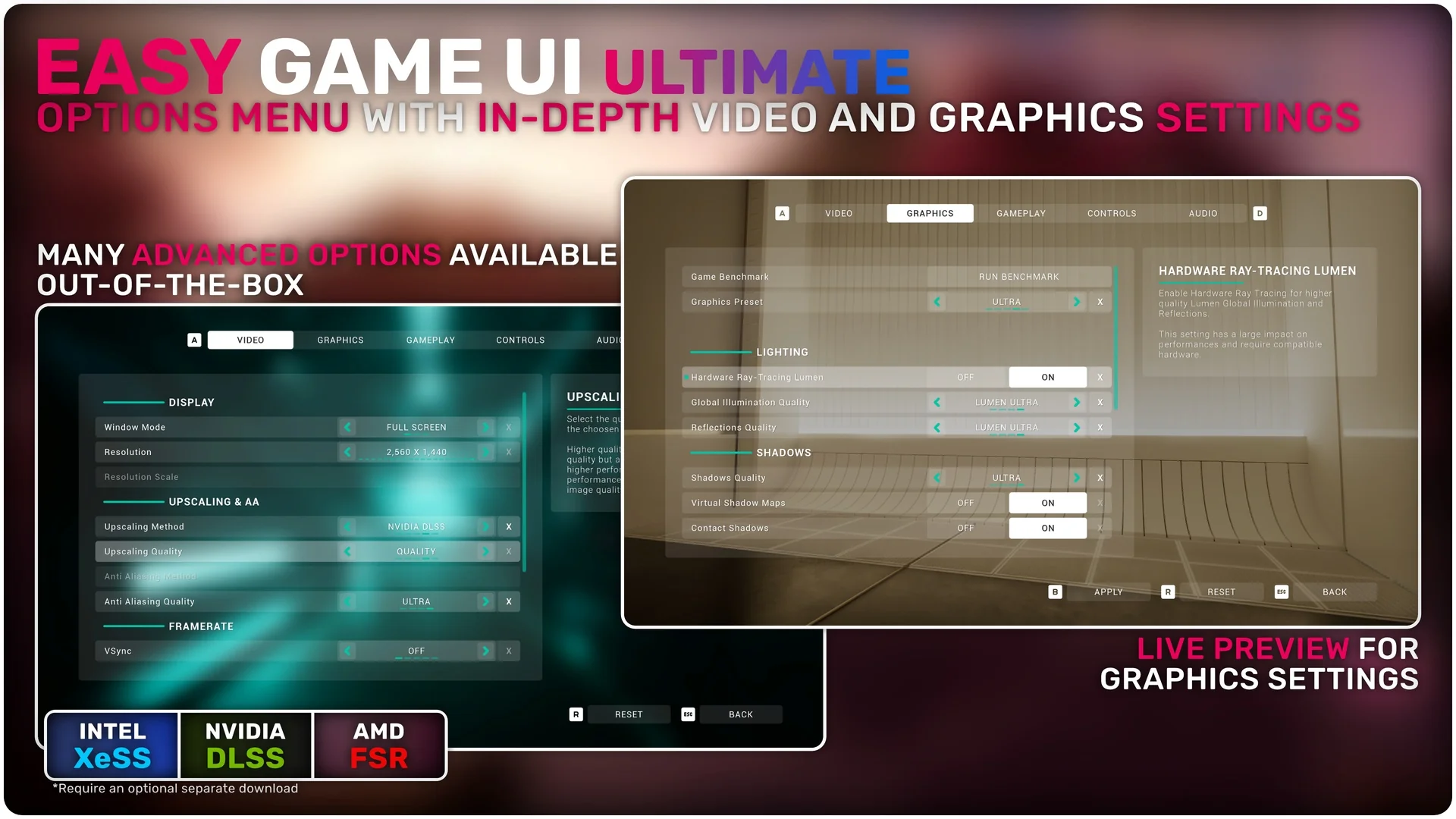
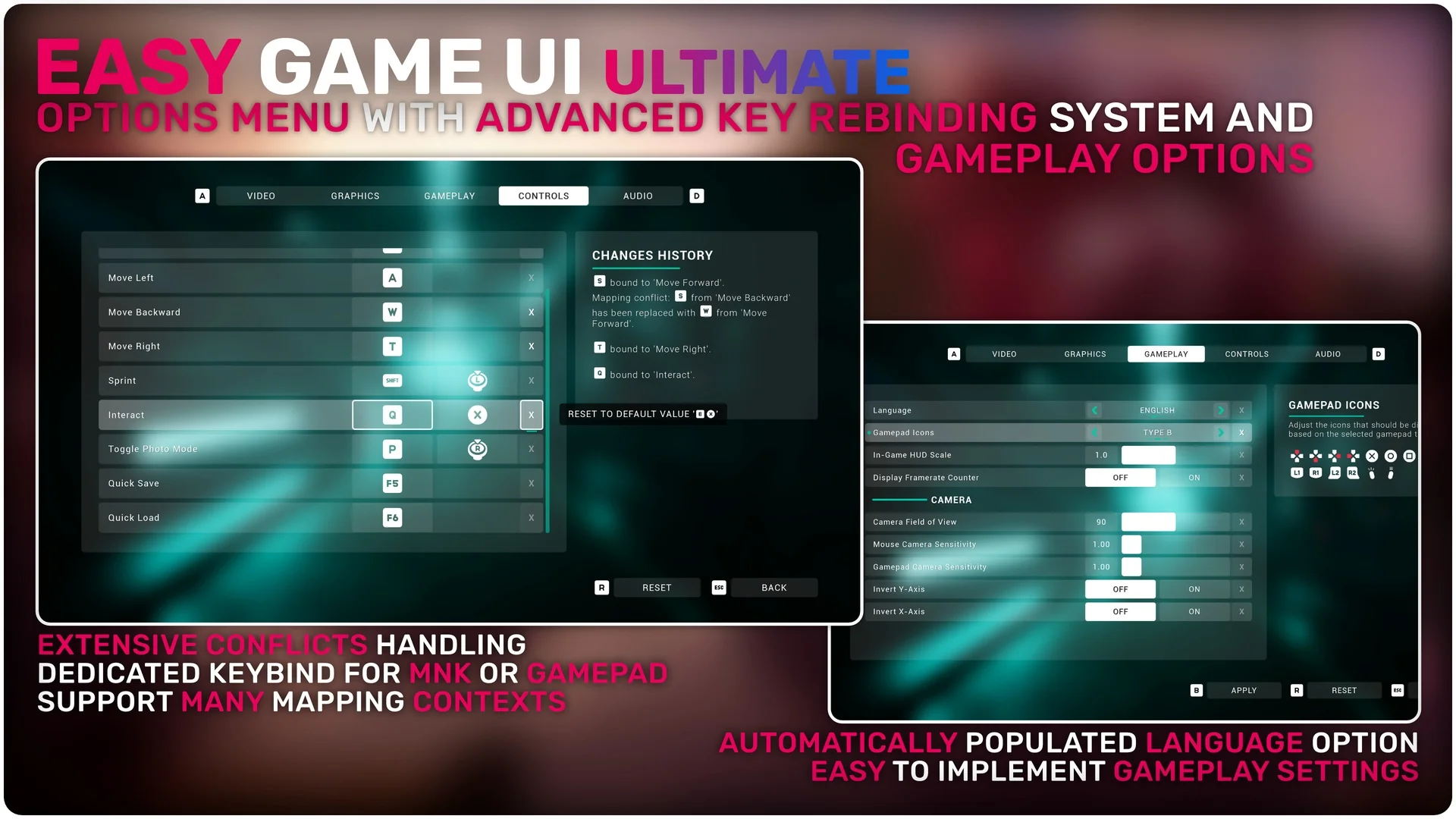
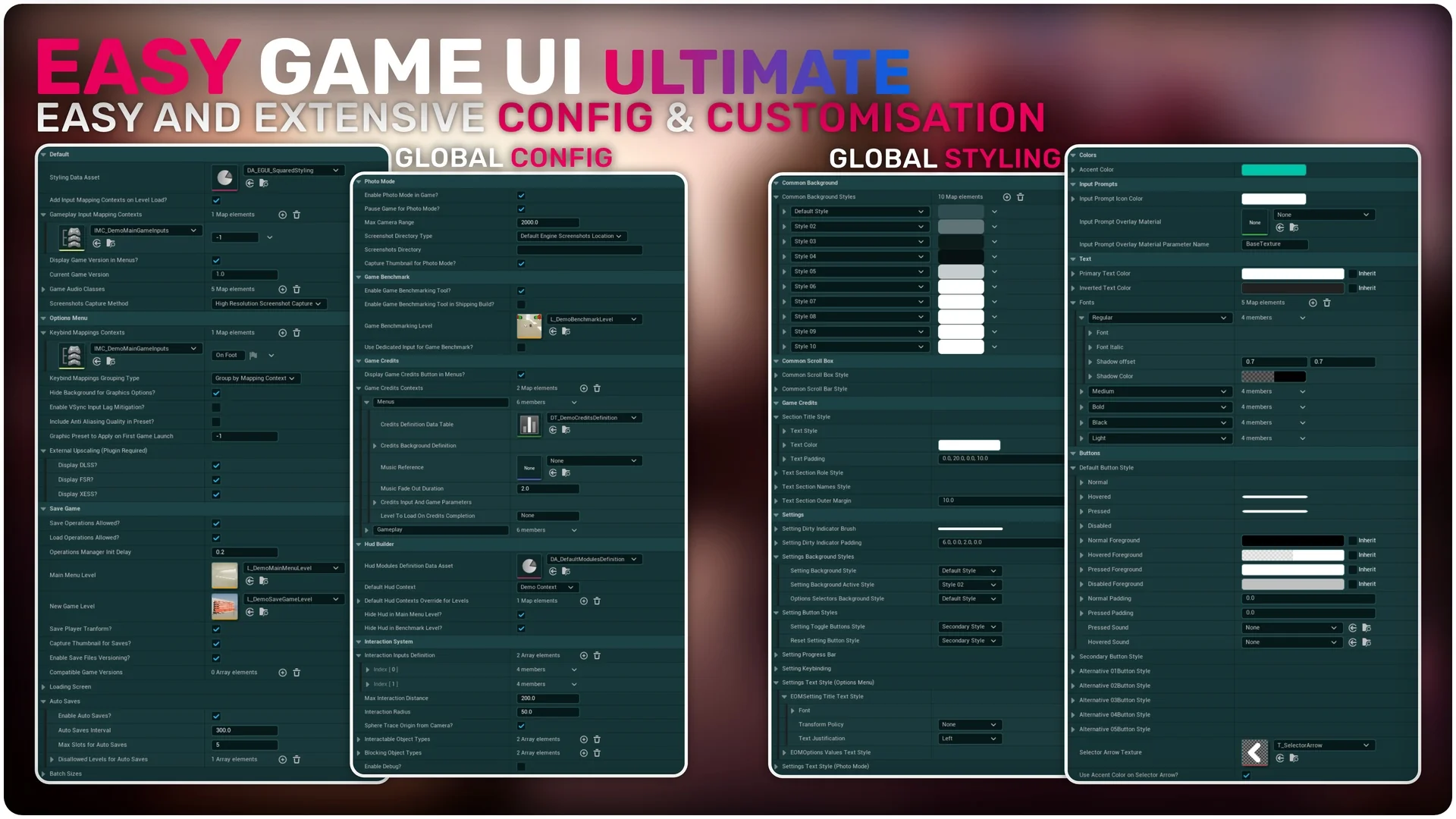
The options menu offers in-depth video and graphics settings. It supports external upscaling technologies such as DLSS, FSR, and XeSS. Moreover, the system includes an extensive key rebinding tool for both gamepads and keyboards. Developers can use the built-in JSON plugin to save custom settings effortlessly. Therefore, players can enjoy a highly tailored technical experience.
Powerful HUD Building Toolkit
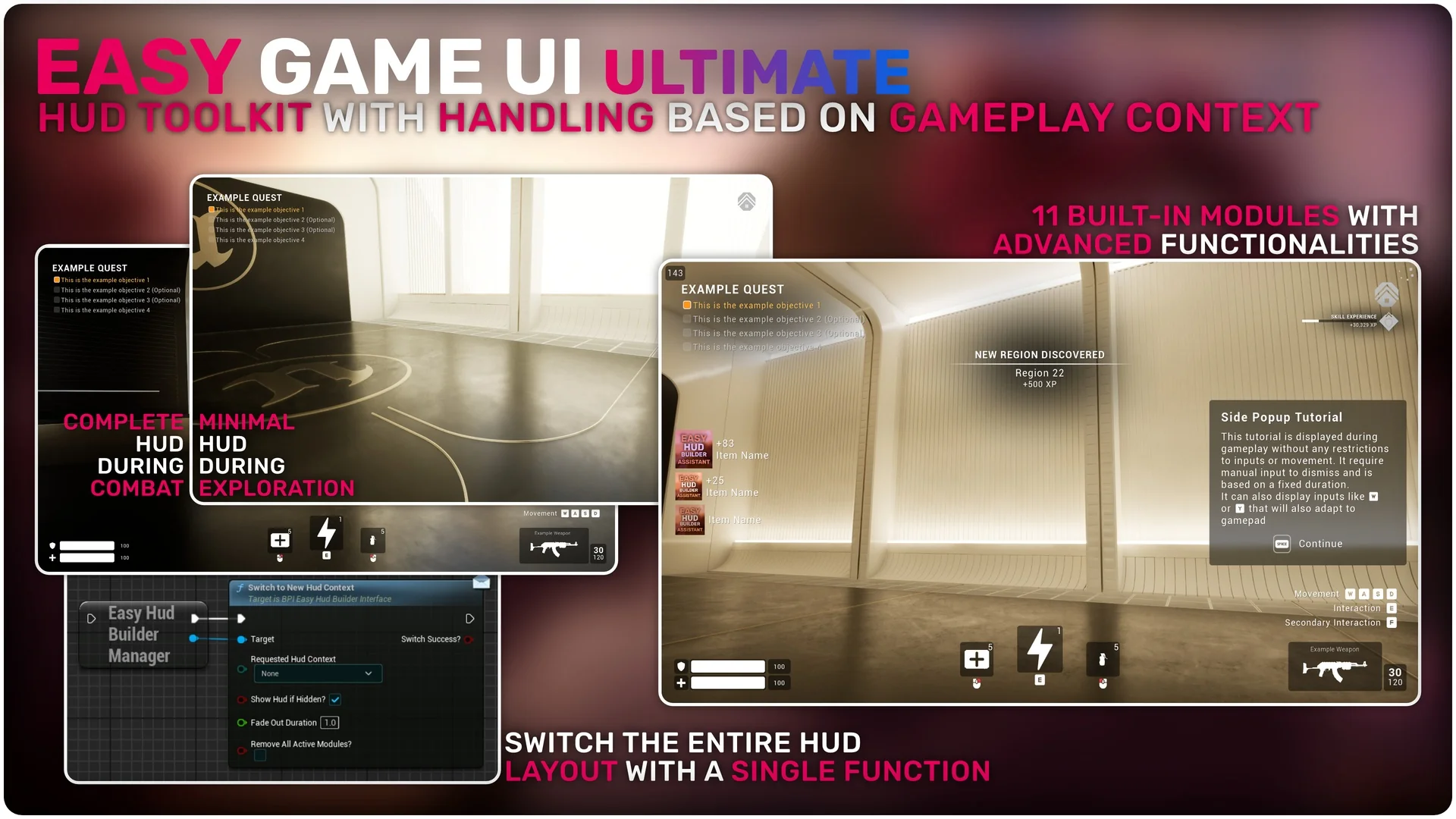
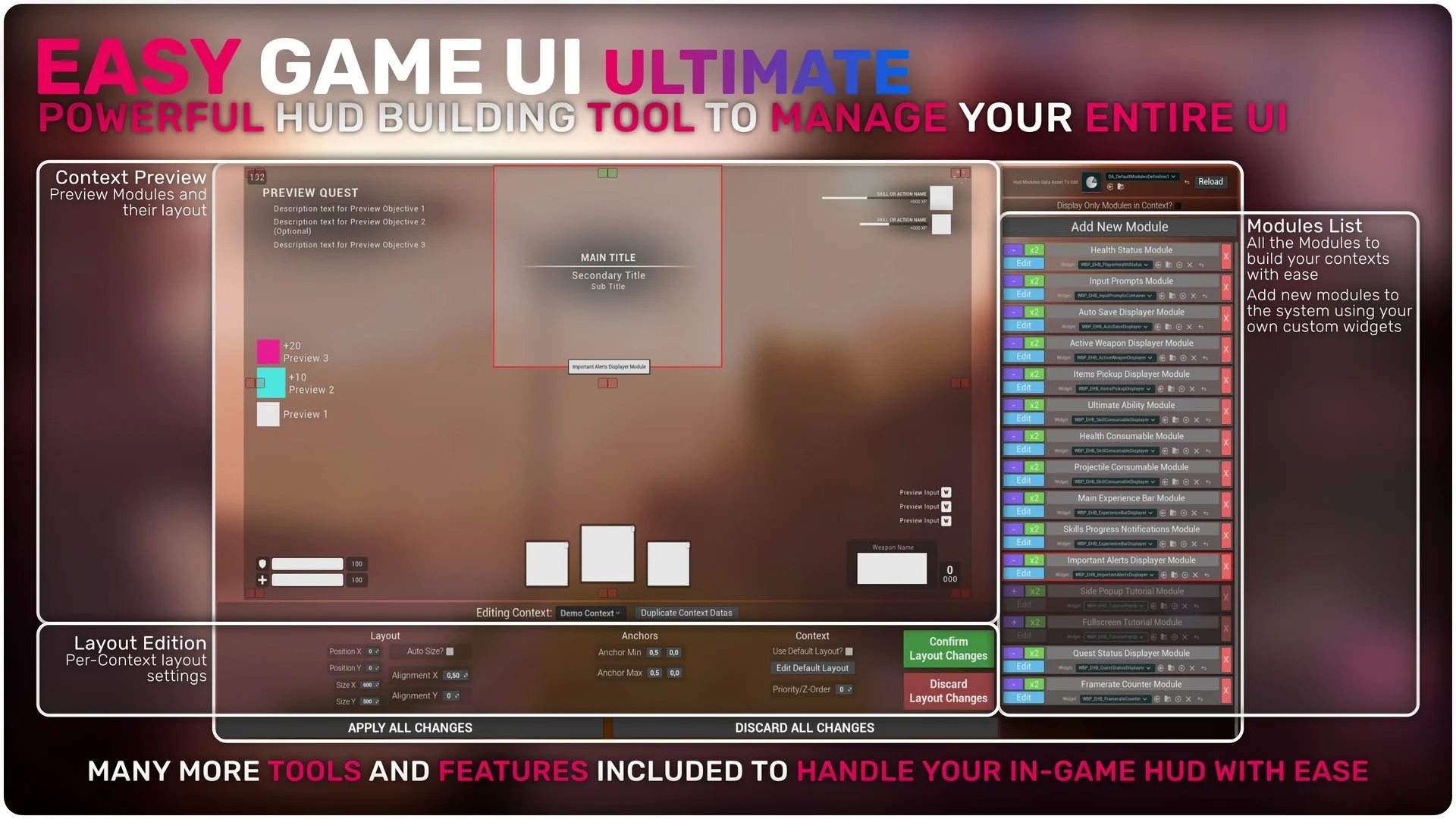
Easy Game UI Ultimate features a sophisticated HUD Building Toolkit. This tool uses a system of contexts and modules that adapt to the current gameplay state. Consequently, managing complex HUDs becomes an effortless task for developers. The pack includes 11 advanced built-in modules to get you started. These modules cover common elements like health bars, weapon displays, and quest alerts.
Advanced Save Systems and Photo Mode
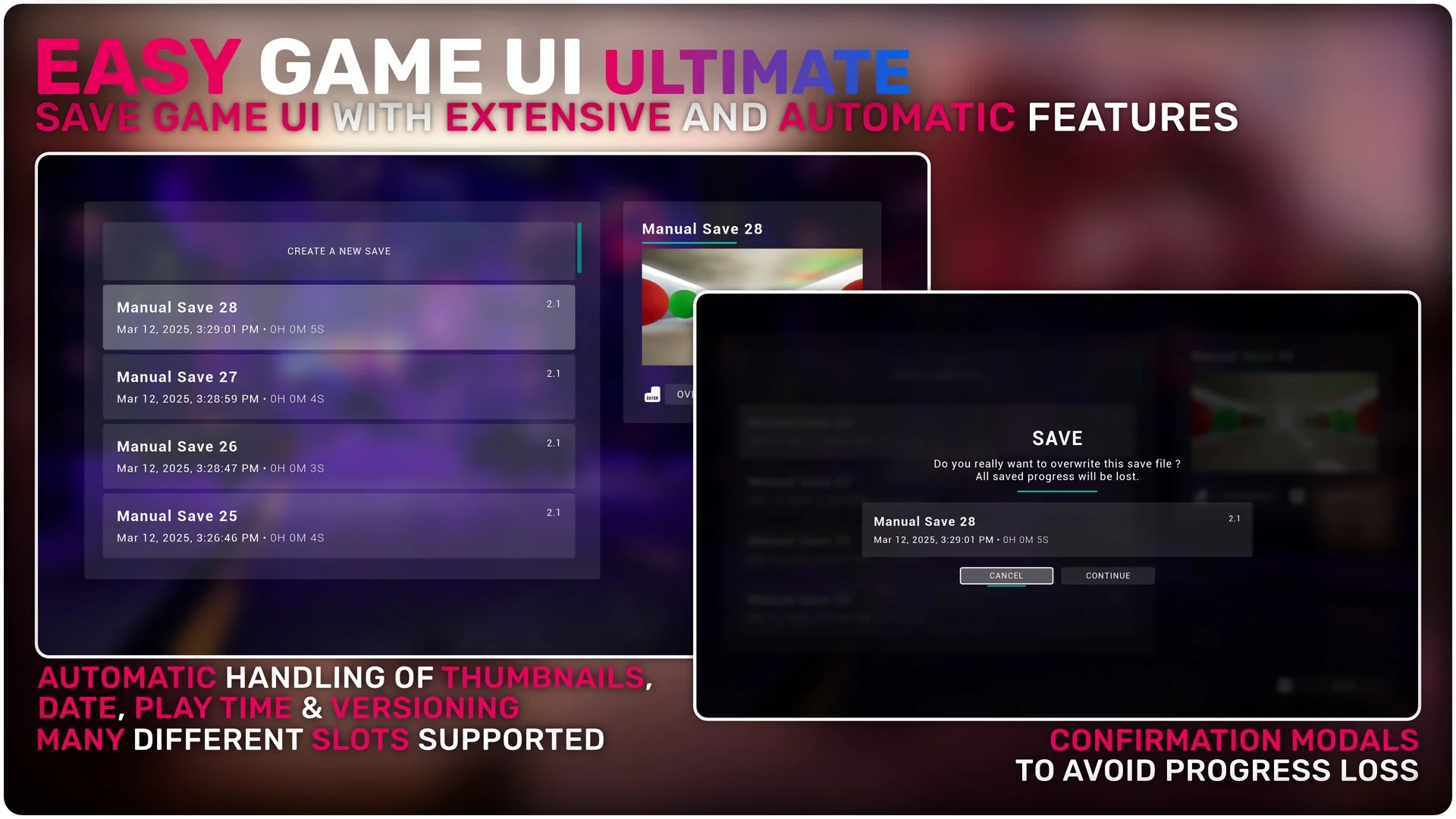
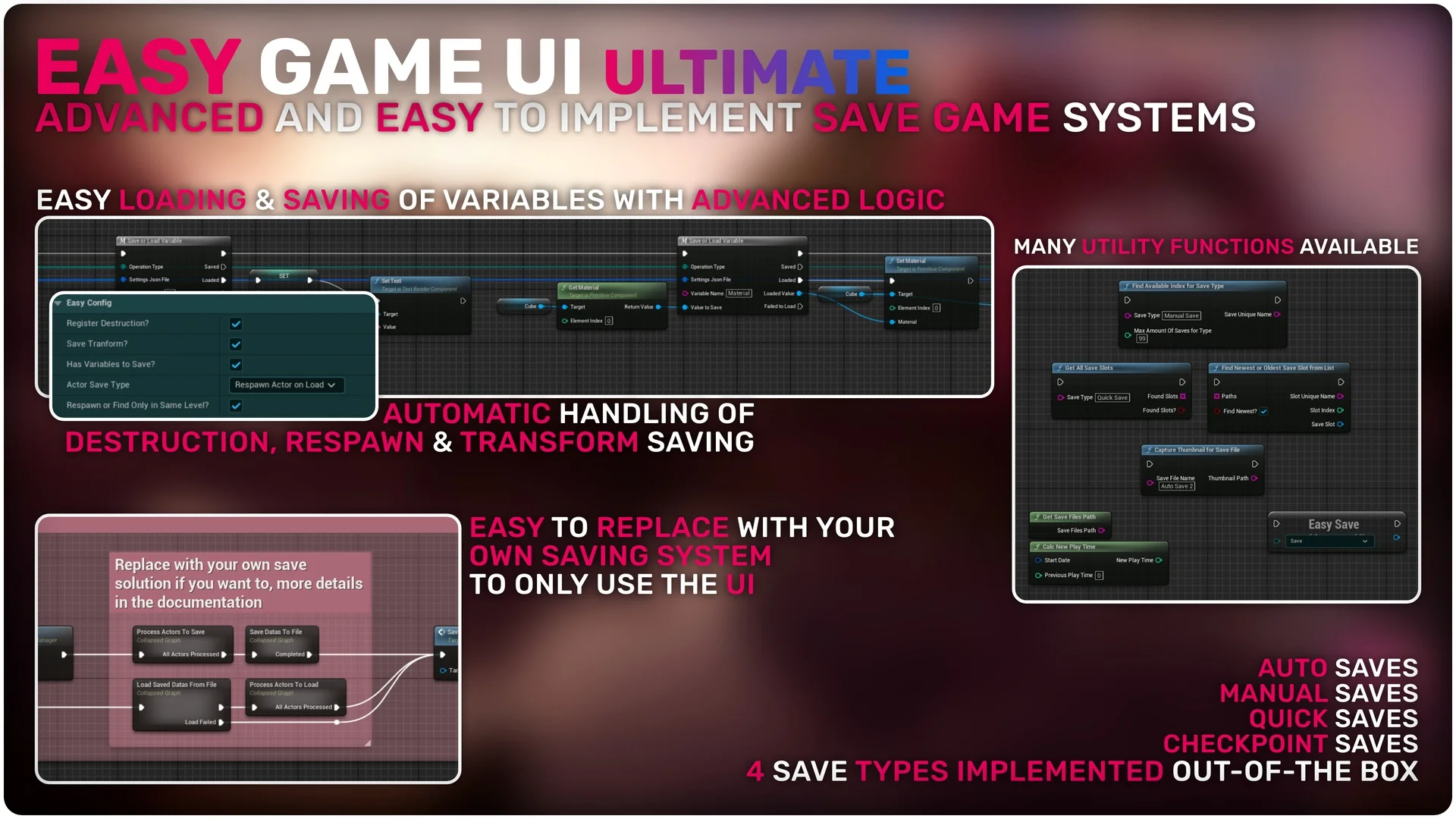
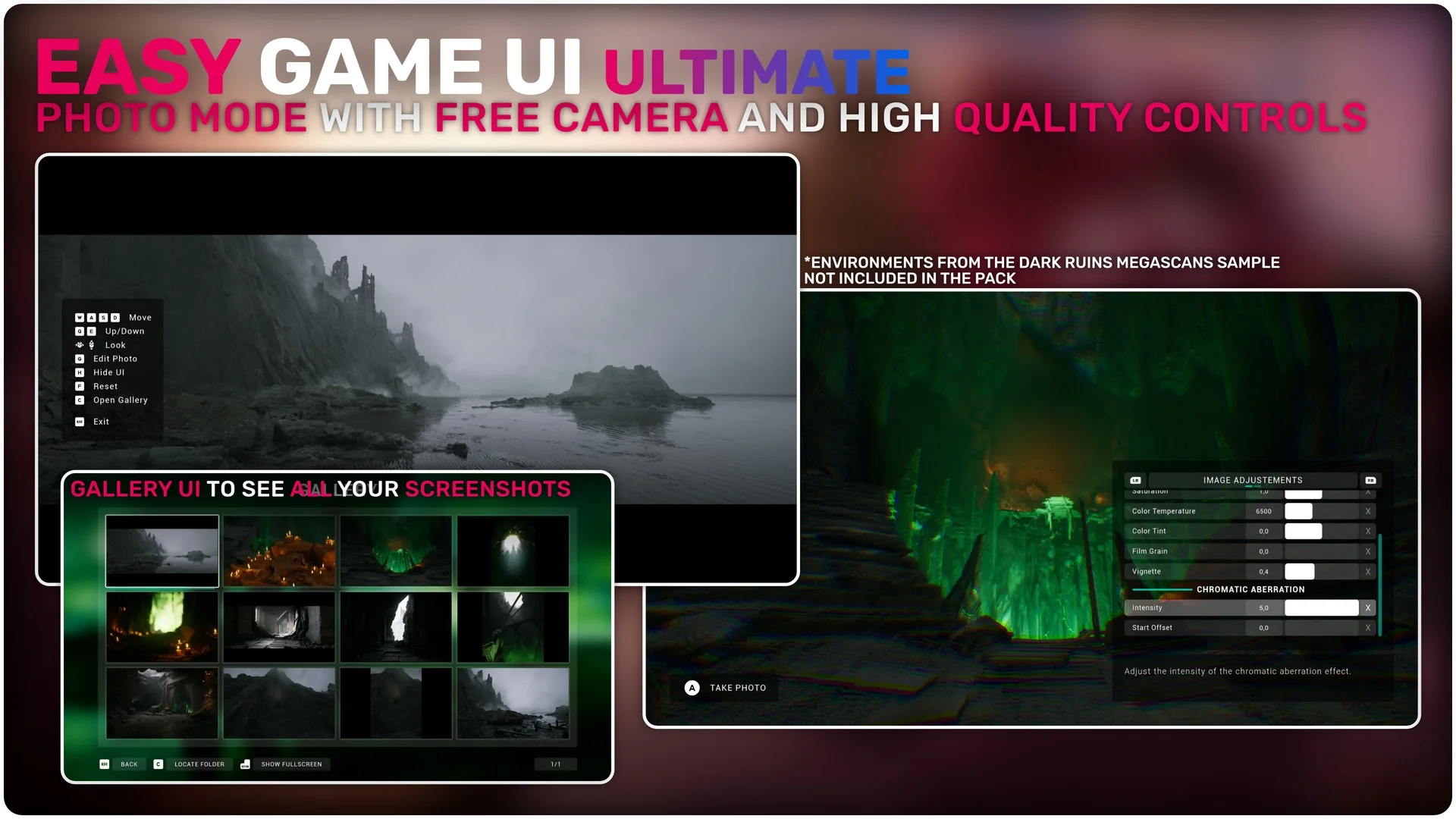
The save game system is both advanced and automatic. It handles thumbnails, dates, play time, and versioning without manual input. Furthermore, the framework supports four distinct save types: Auto, Manual, Quick, and Checkpoint saves. For players who enjoy capturing moments, the pack includes a complete photo mode. This feature offers a free camera perspective and a dedicated gallery UI to view captured screenshots.
Interaction and Input Systems
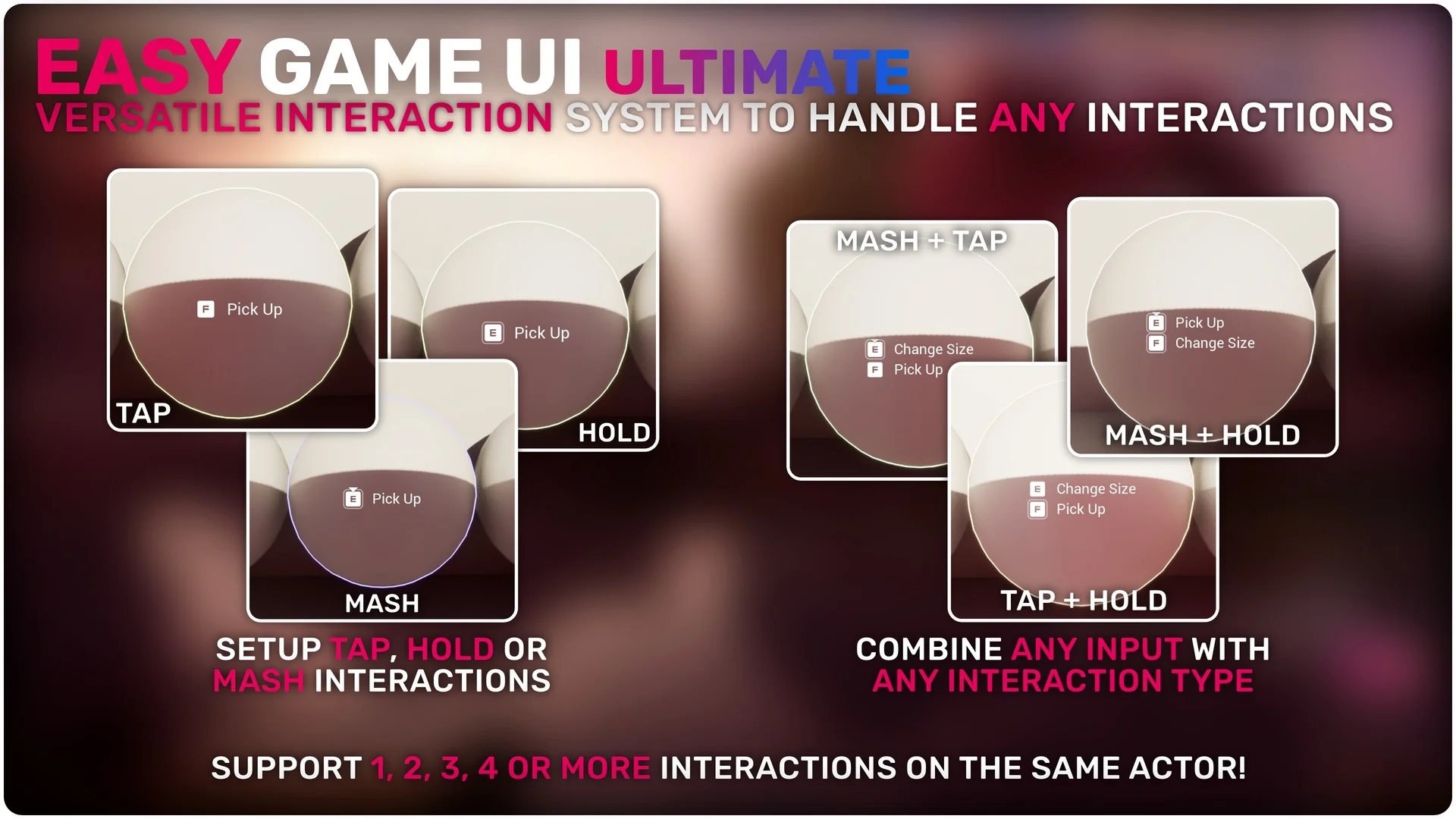
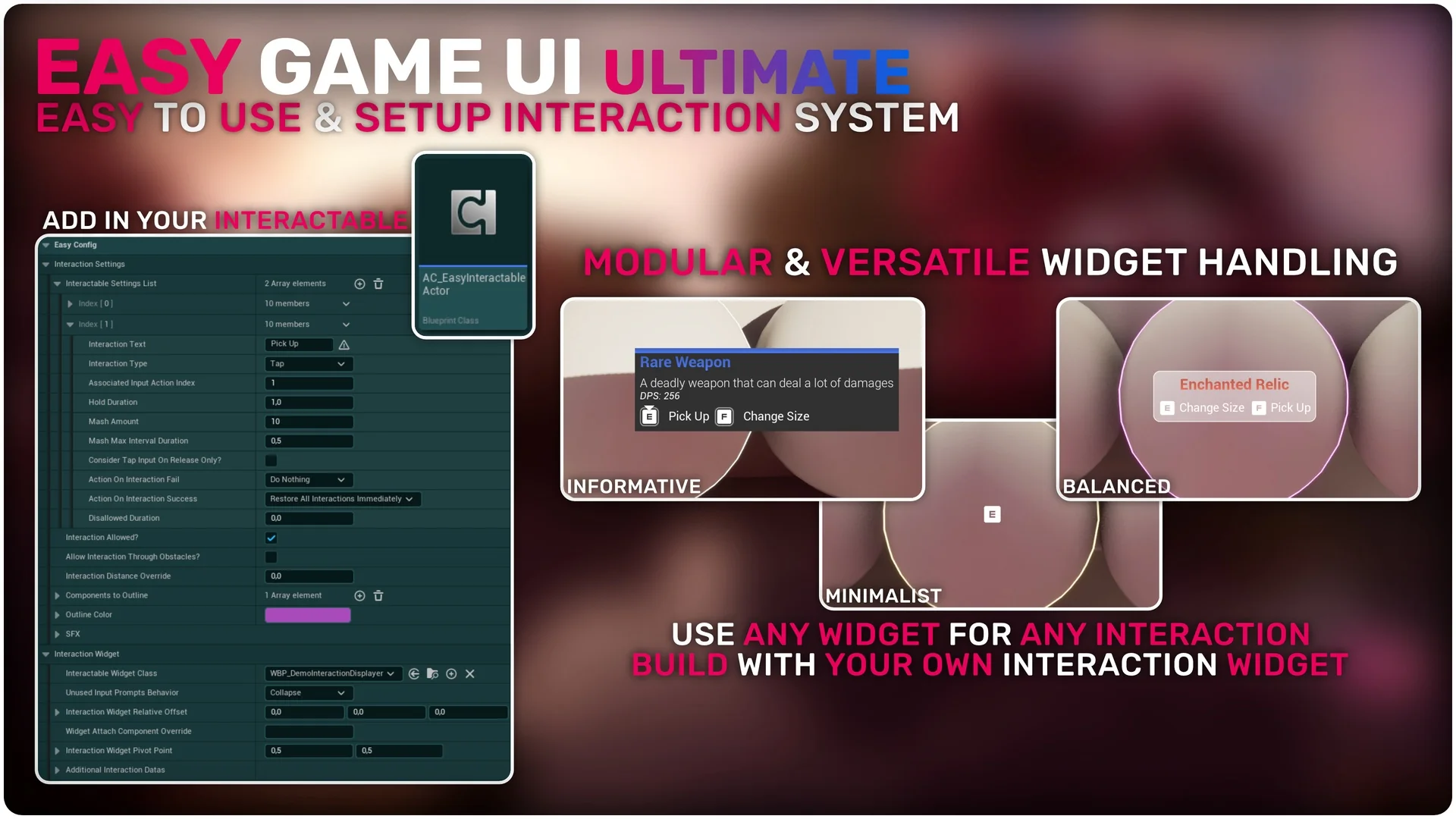
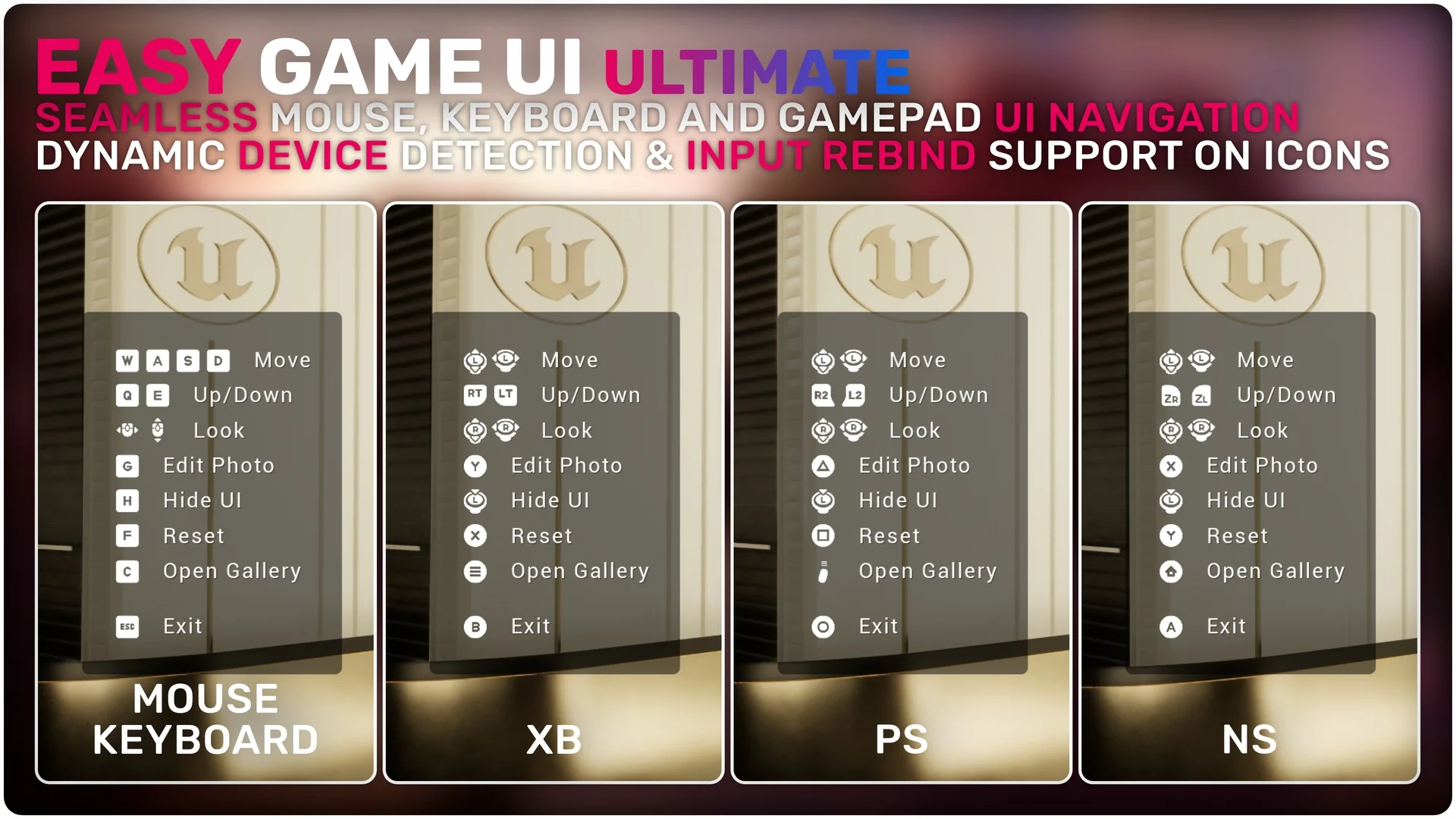
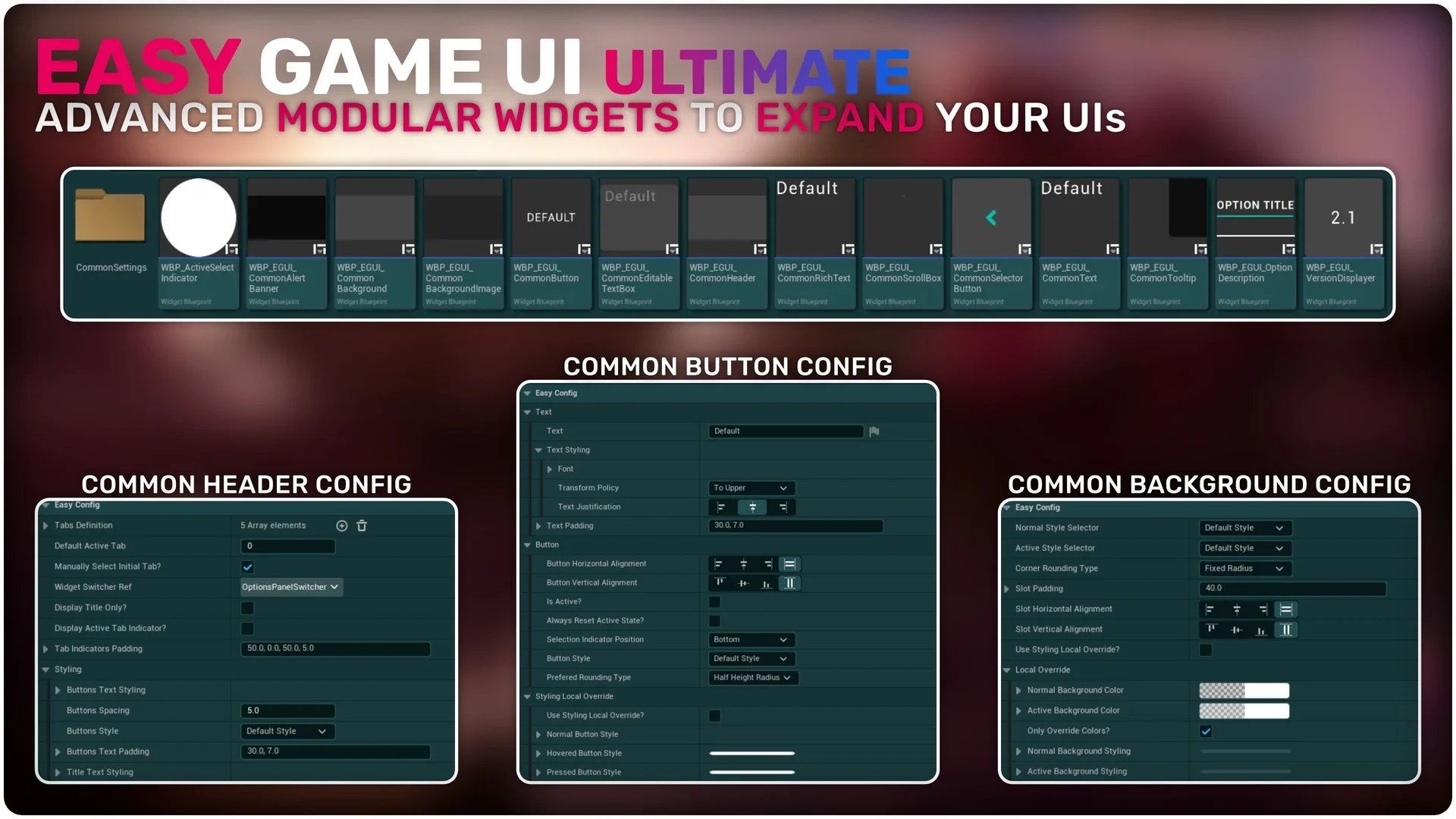
Handling player interactions is simple with the versatile interaction system. It supports various input types, including tap, hold, and mash interactions. Additionally, the dynamic input prompts system automatically detects device changes. It includes dedicated icons for keyboard, mouse, and three types of gamepads. Because the UI is built with modular widgets, every element is easy to reuse and customize.
Streamlined Integration and Localization
Easy Game UI Ultimate is designed for easy integration in just a few steps. It does not require specific character implementation to function. The asset also supports full localization and includes a French translation out of the box. Moreover, the 1.1 update brings significant improvements to the HUD toolkit and general system stability. This makes it a reliable choice for developers seeking a robust UI solution.
Screenshots & Gallery