Setting up character movement around a kinematic motor
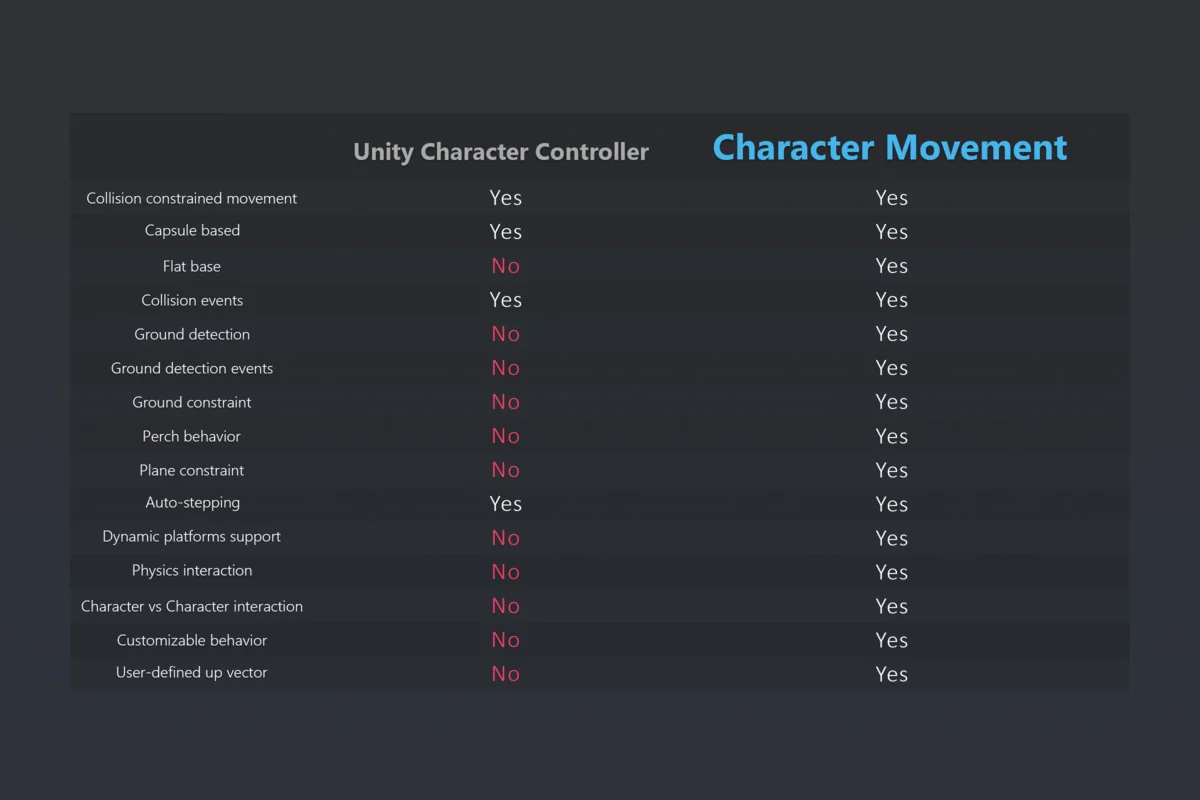
Easy Character Movement 2 starts with a practical replacement for Unityâs built-in Character Controller. The main component, CharacterMovement, works as a kinematic character controller and follows the same general Move-method style, which keeps the implementation familiar while expanding the available behavior. That makes it a direct fit for projects that already think in terms of controller-driven movement instead of physics-driven rigidbody motion.
The package is a comprehensive set of components for character movement in both 3D and 2.5D environments. Its purpose is to give developers a foundation for character mechanics without tying the workflow to a specific game genre. The same structure can support player-controlled avatars or AI-controlled characters, since the Character class uses the CharacterMovement component as its motor.
There is also a version split to keep in mind. As of v1.4.2, ECM2 is available in two versions: one for Unity 2021+ and a native version for Unity 6. The Unity 6 version includes examples that use the Input System and URP.
Character class and movement modes
The Character class sits on top of the motor and provides a highly customizable base for avatars. It does not lock movement into one fixed behavior. Instead, it includes common movement modes such as walking, falling, flying, and swimming, while also allowing custom modes to be created. That gives the implementation a flexible structure for characters that need to switch between grounded movement and more specialized traversal states.
Because the CharacterMovement component is used as the controller/motor, the character logic stays organized around a single movement foundation. The package is aimed at making it easier to build game mechanics on top of that foundation rather than forcing each system to be assembled from scratch.
The available behavior is meant to stay configurable. The system is having flexible and customizable behavior through callbacks, which gives developers a place to extend how characters respond during movement without replacing the entire setup.
Grounding, slopes, and stepping behavior
A large part of the package focuses on how characters behave on surfaces. Ground detection is based on the real surface normal, which is important for handling uneven terrain more reliably. The Slope Limit Override adds another layer of control by letting walkable areas be defined per-face or even per-object. That makes surface rules more specific than a single global slope setting.
The perchOffset setting defines the characterâs feet radius and gives a configurable walkable area. The controller is capsule-based, and it includes a Flat Base for Ground Checks option. That option exists to avoid the situation where characters slowly lower off the side of a ledge, which is a small but important detail in everyday traversal.
Movement also includes a ground constraint to prevent the character from being launched off ramps. Auto-stepping is handled while preserving momentum, including stride, so characters can move over obstacles in a more continuous way. A configurable Plane Constraint is available as well, making movement along a locked axis impossible when that restriction is needed.
Interactions, custom gravity, and platform support
Beyond basic locomotion, the controller includes physics interactions and character-vs-character interactions. Those systems matter when movement has to coexist with other moving entities or with direct character contact in gameplay. Collision and grounding events are also included, which gives the movement layer a way to communicate important state changes without extra setup.
Platform support is treated as a first-class feature. Animated, scripted, and physics-based platforms are all supported transparently, without additional steps needed from the developer. That helps the character motor stay usable in scenes where the ground itself is moving or changing in time.
The package also supports user-defined gravity and a user-defined up vector. That opens the door to effects such as Mario Galaxy-like movement, where the character does not have to remain bound to a single fixed gravity direction. Combined with the movement callbacks and the custom movement modes, this gives the controller room for unusual traversal rules while still keeping the core system consistent.
Network friendliness is called out as well. Full control over the update and simulation timestep makes the controller easier to align with different runtime needs, including setups where timing control matters. For teams building production characters, that sort of timestep control can be as important as the visible movement features themselves.
Documentation and implementation readiness
Easy Character Movement 2 includes extensive documentation and fully commented, readable source code. That combination matters for setup and maintenance because the movement logic is meant to be understood, adjusted, and extended rather than treated as a black box. The emphasis is on a controller that can serve as a long-term foundation for character systems instead of a one-off movement script.
What stands out most in practice is the balance between directness and control. The implementation path stays close to Unityâs own controller style through the Move method, but the surrounding systems add more specific handling for grounding, slopes, stepping, moving platforms, custom gravity, and interaction events. For projects that need a character motor with a broad feature set and room for customization, the package is organized to support that workflow from the start.
The final takeaway is simple: this is a kinematic character controller built to cover the ordinary parts of movement and the awkward edge cases around terrain, platforms, and custom movement rules without forcing the character into a rigid template.
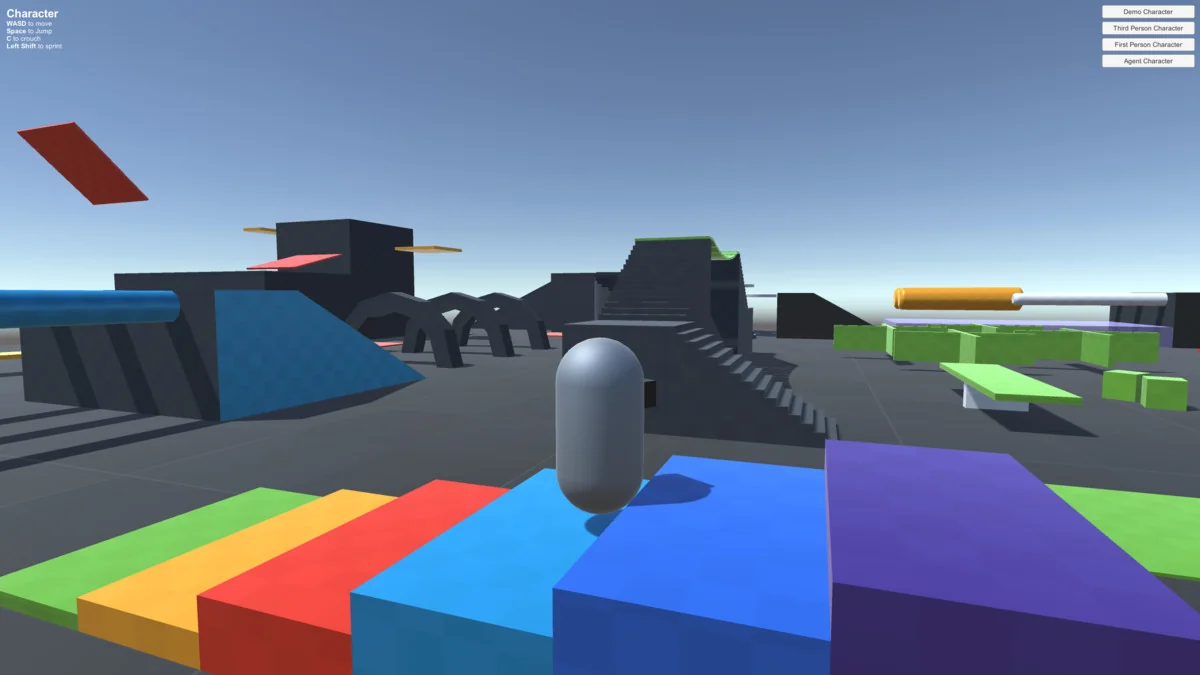
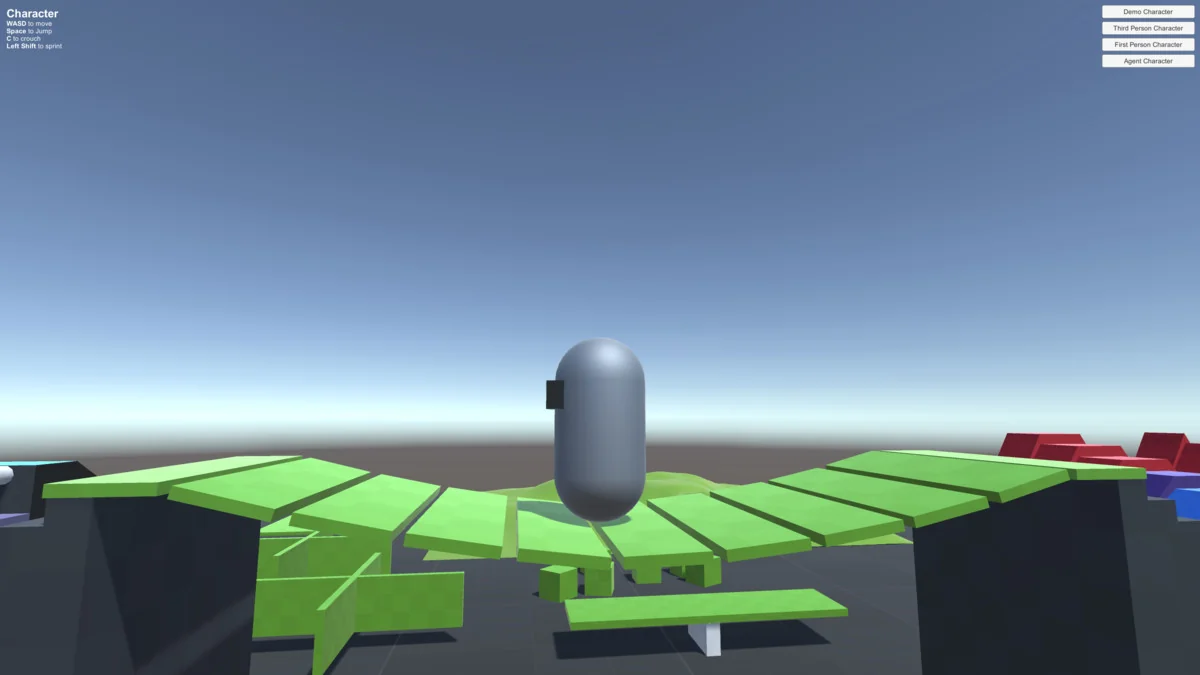
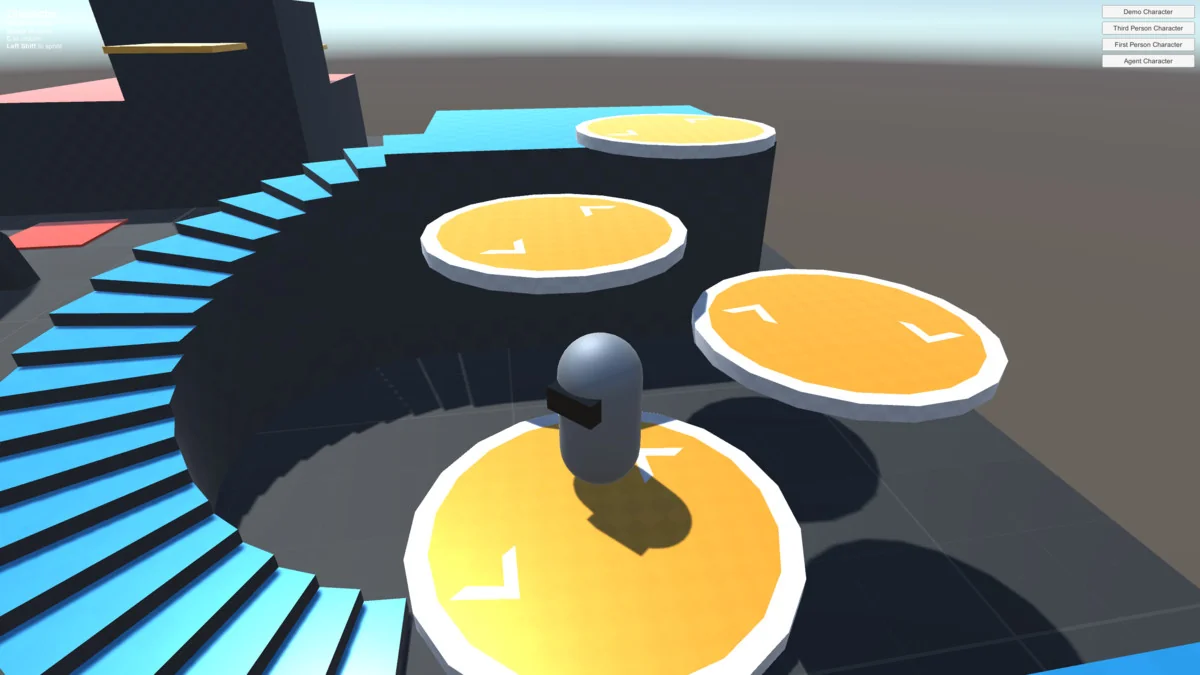
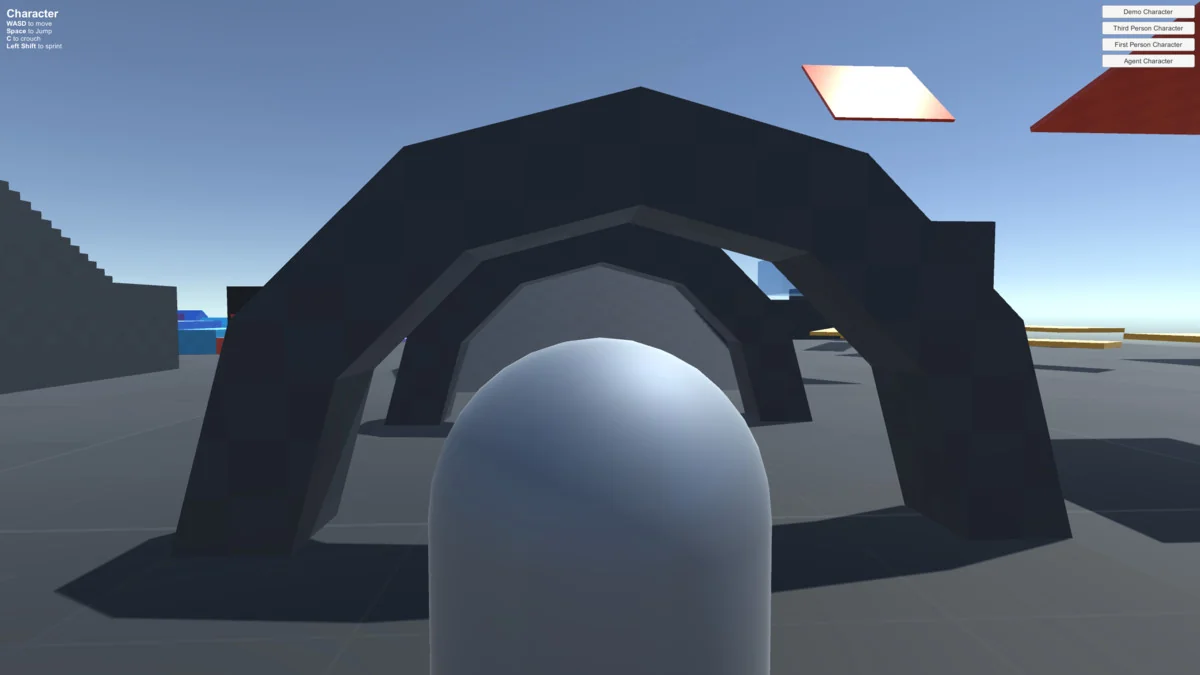
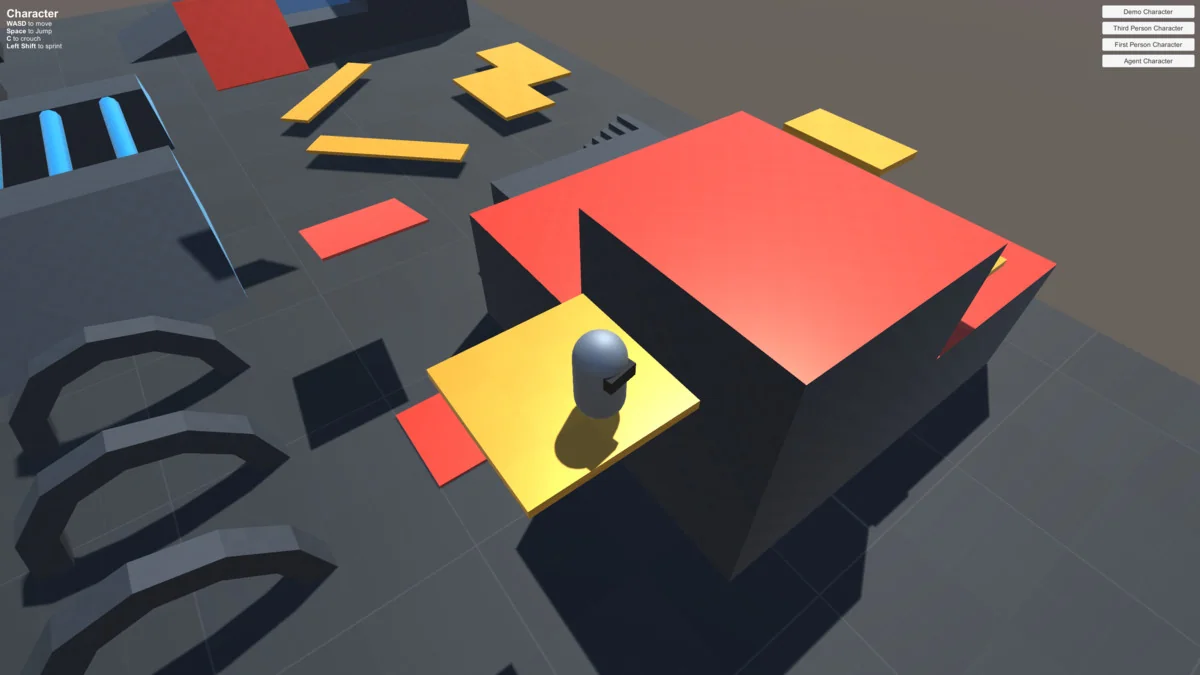
Preview Images
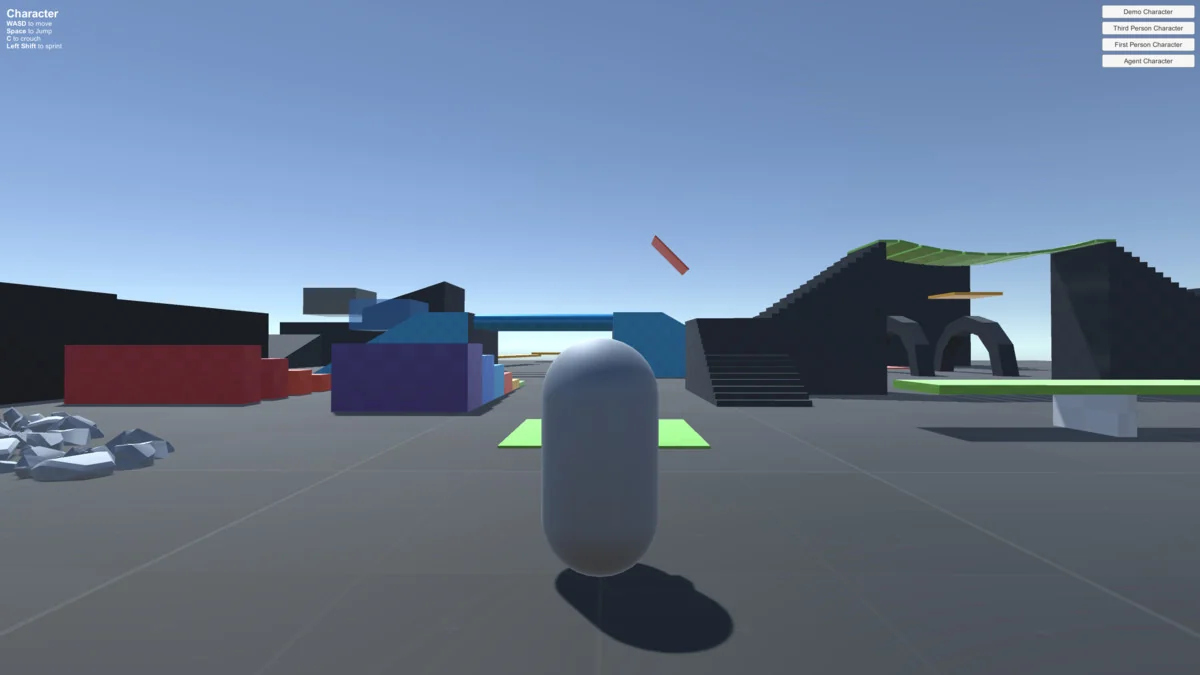
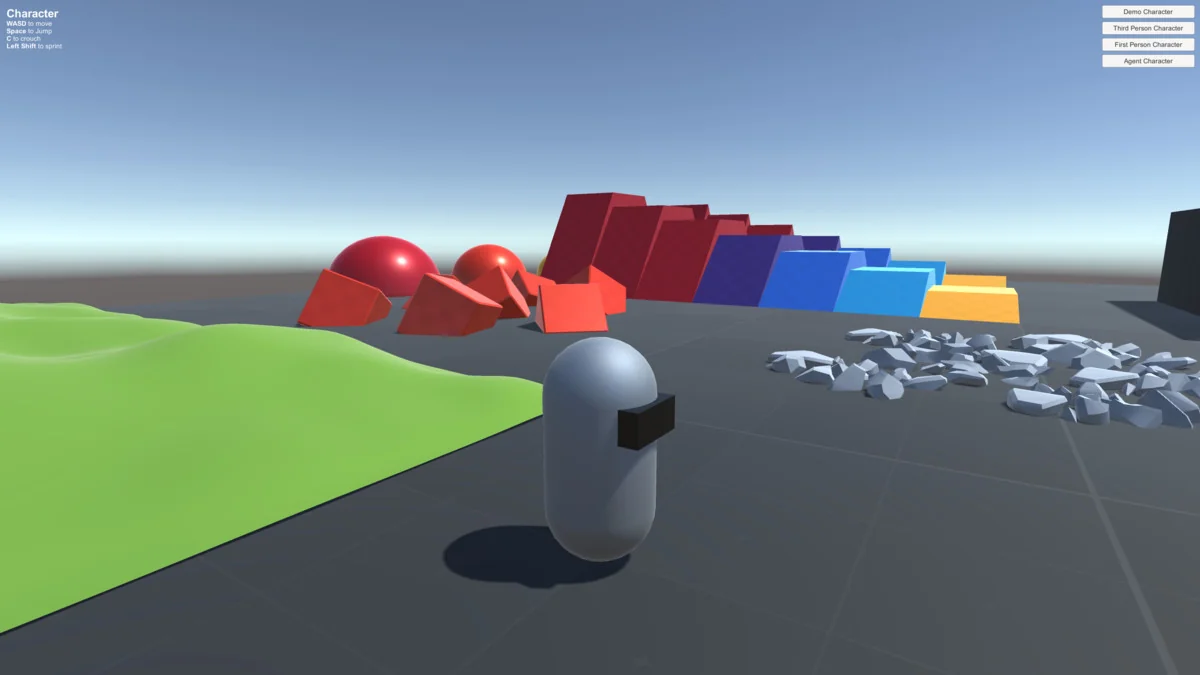
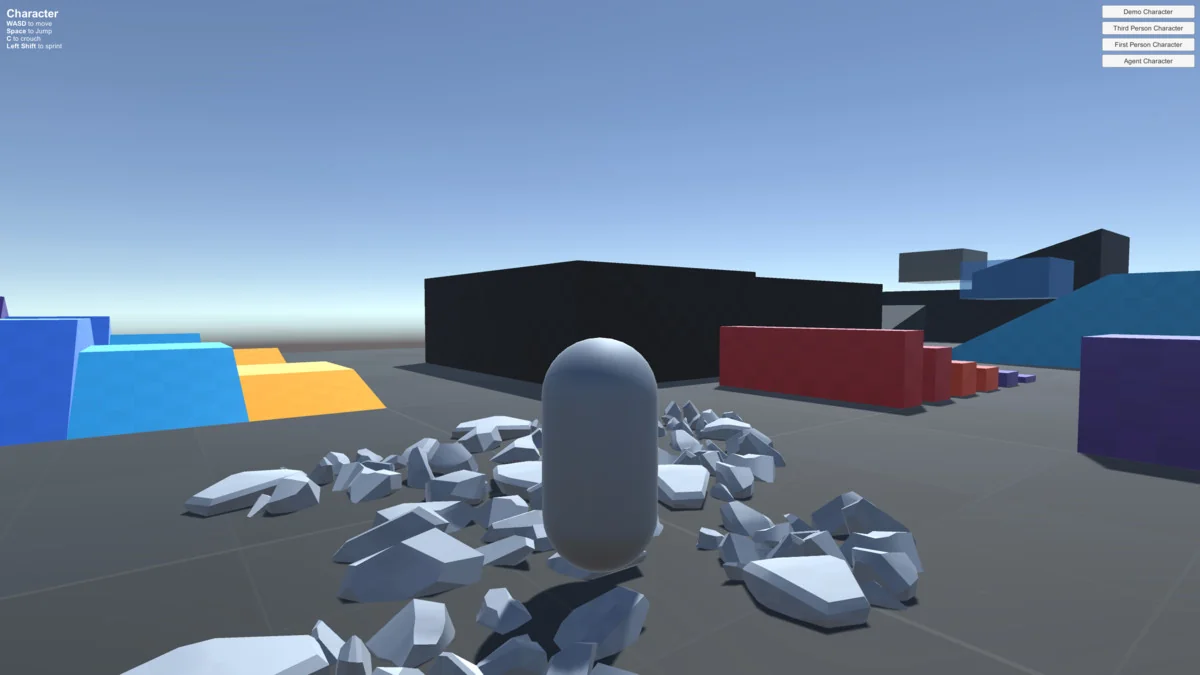
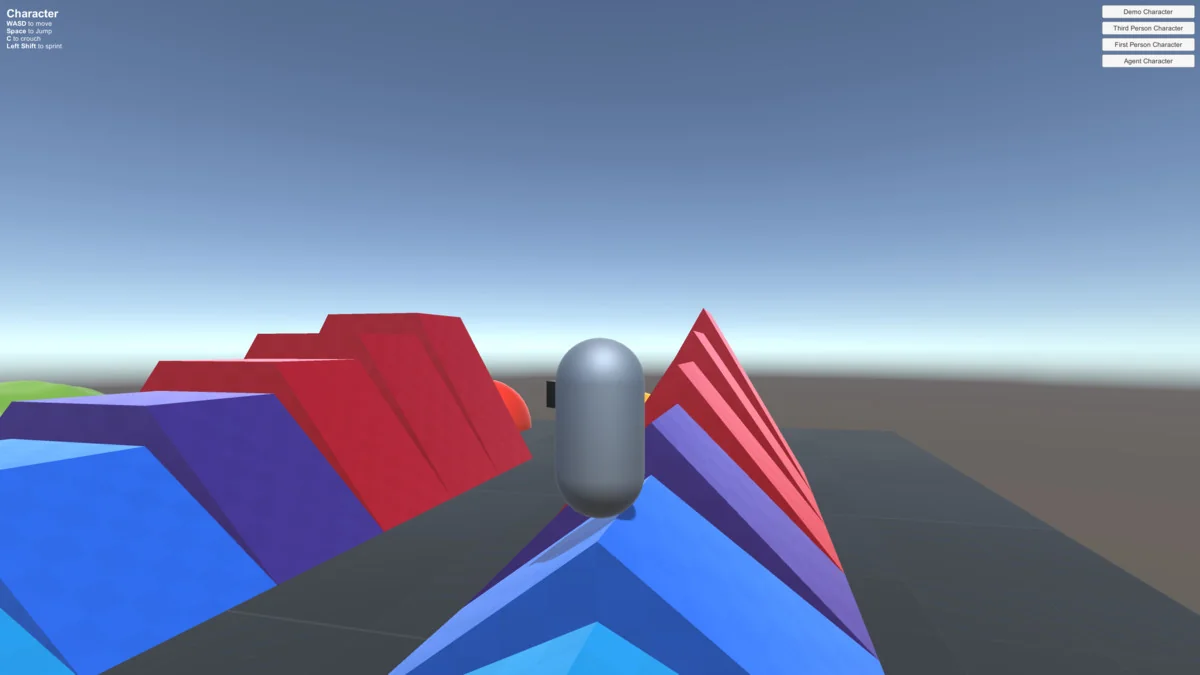
Protected download
Access this resource
All resources are 100% manually reviewed to eliminate all risks.