Login / Register
Current Article:

Dissolve Anything

Categories Automations

Dissolve Anything

Introduction to Dissolve Anything

Dissolve Anything is a powerful and efficient Blueprint system designed to streamline the creation of disintegration effects in your game projects. This tool serves as a significant time saver for developers who need to implement high-quality visual transitions without complex manual coding. Because it is a game-ready solution, it allows for immediate integration into various production pipelines. Developers can achieve professional results quickly by utilizing this intuitive system.

Versatile Mesh Compatibility

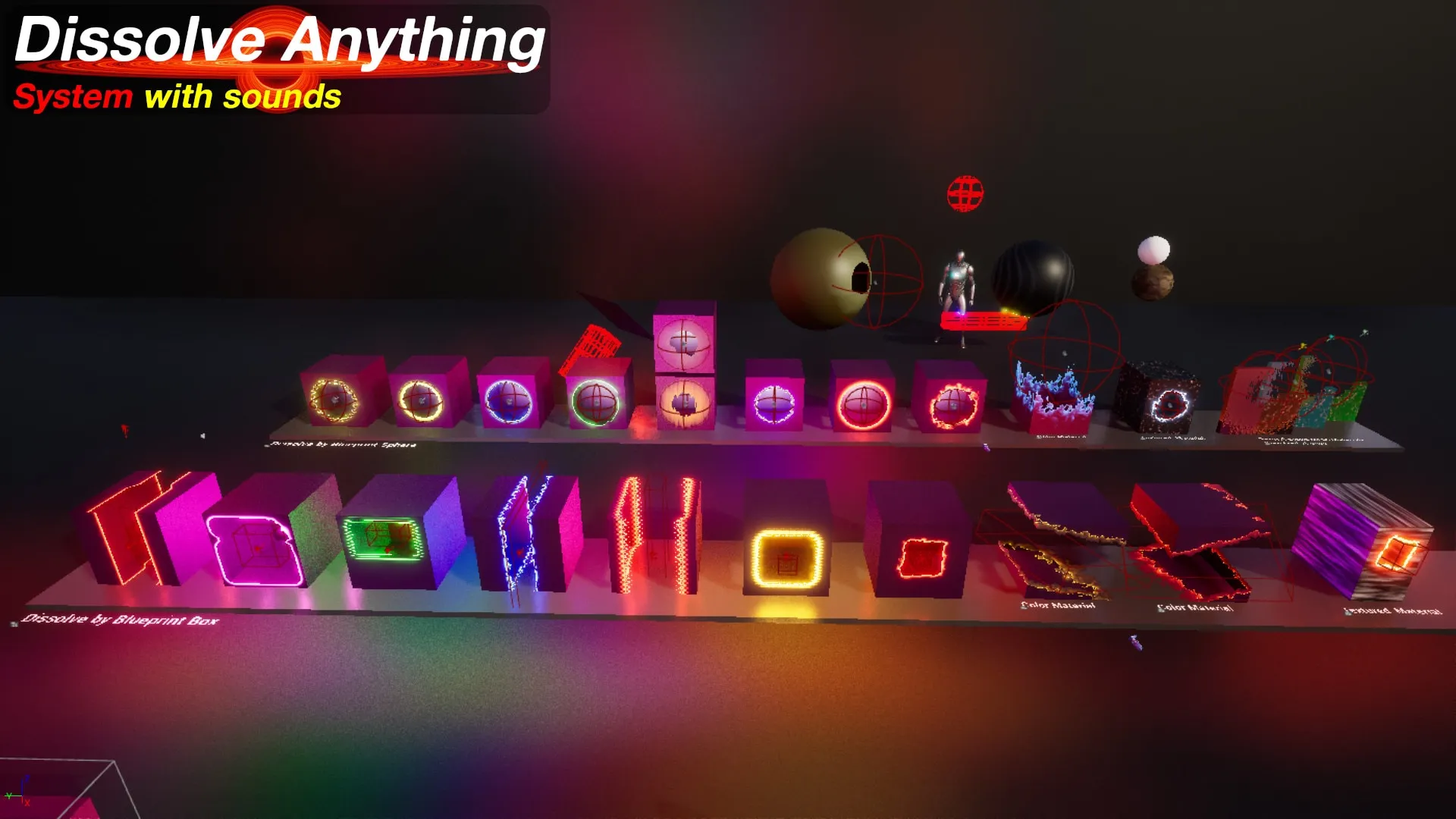
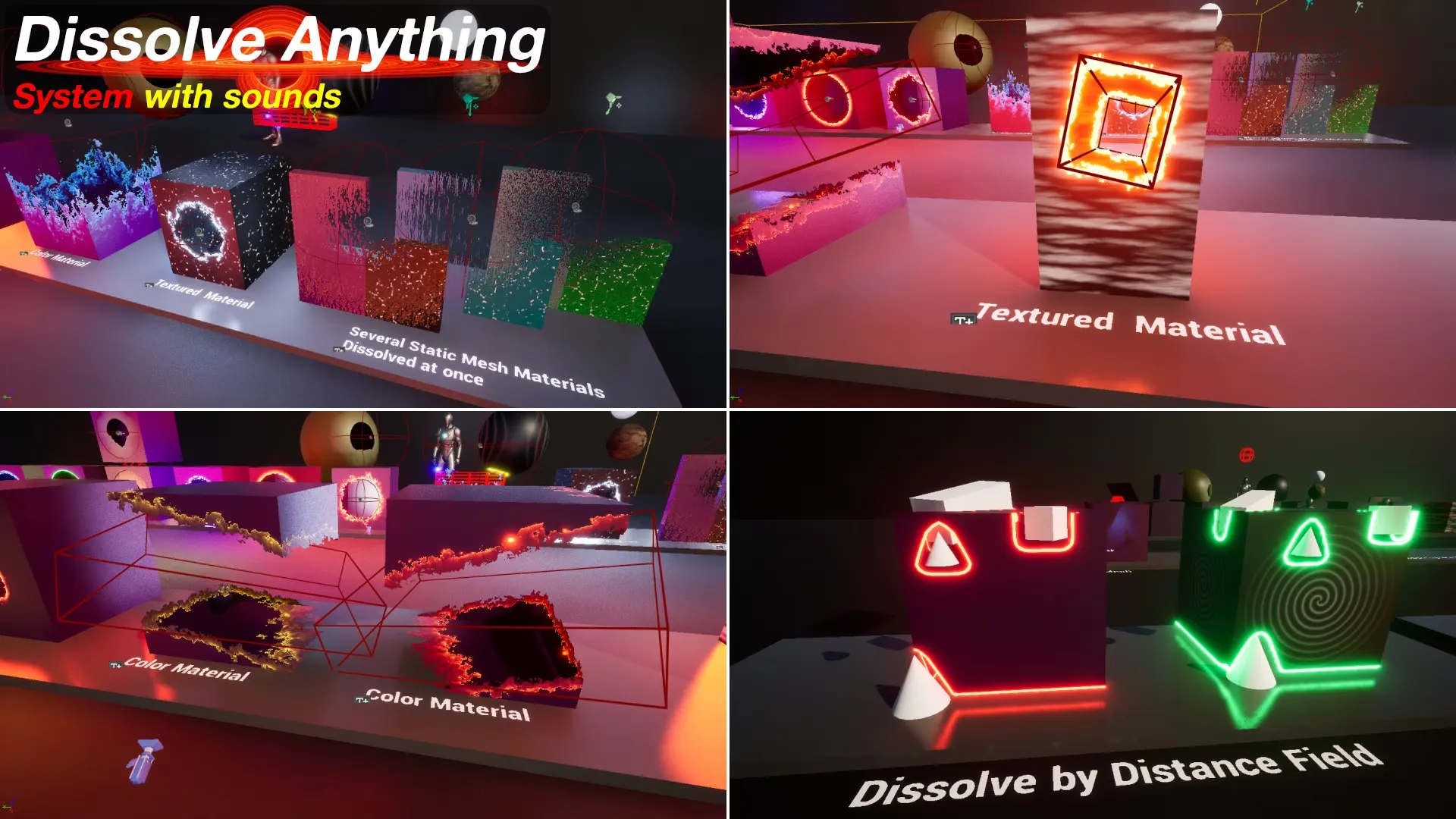
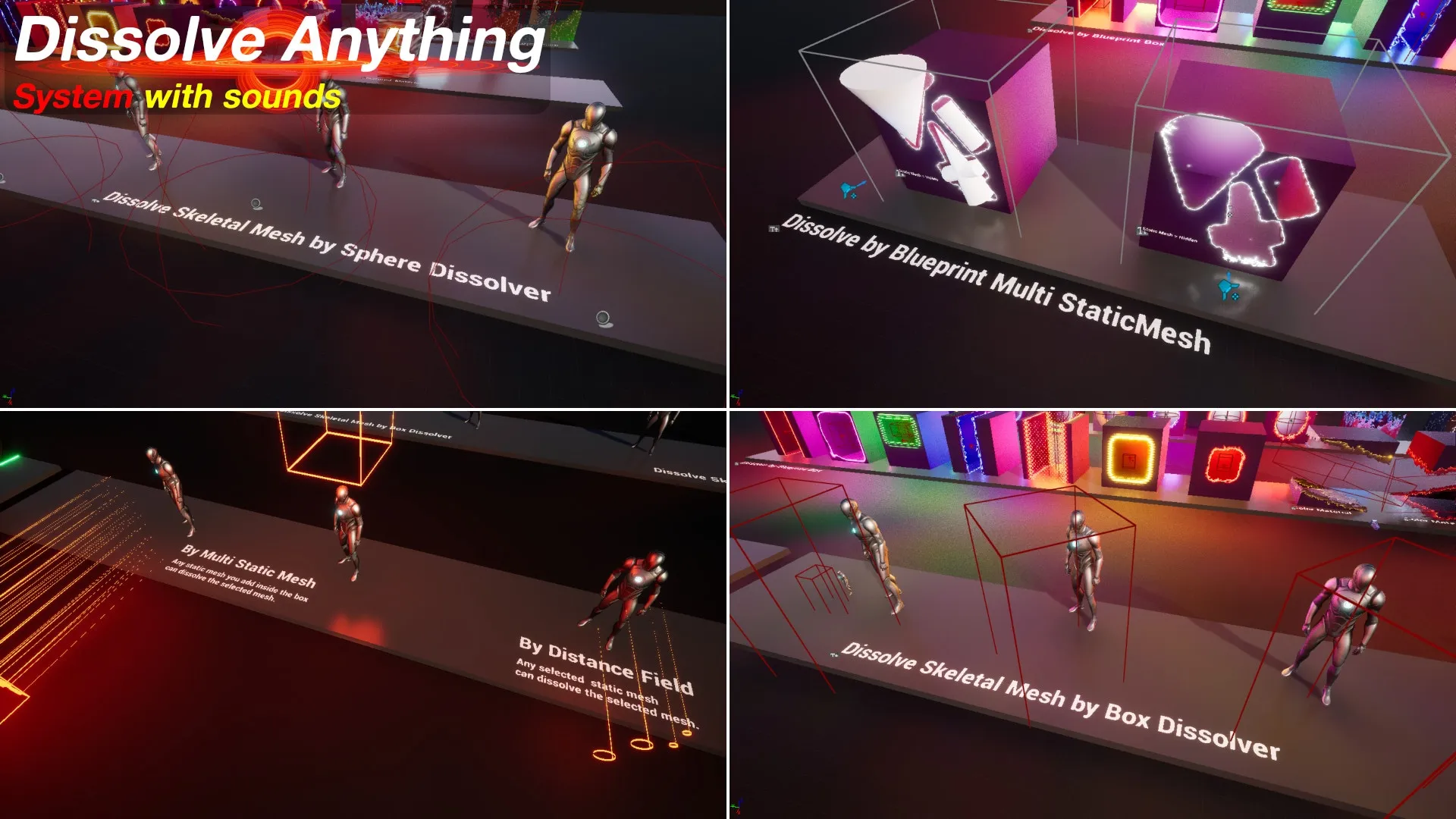
The system is highly flexible regarding the types of assets it can transform. You can easily select your Static, Skeletal, or even complex Character meshes to undergo the dissolve process. This versatility ensures that the effect remains consistent across different elements of your project. Consequently, whether you are working on environmental props or primary protagonists, the tool handles them with equal efficiency. The creator has designed the workflow to be as inclusive as possible for different asset types.

Streamlined Workflow and Setup

Setting up the effect is a straightforward process that requires minimal technical overhead. First, you simply select the mesh you wish to dissolve within the Blueprint system. Next, you select and set the specific materials of the mesh to enable the dissolve functionality. This user-friendly approach removes the need for deep shader knowledge. Furthermore, the system includes integrated audio support to enhance the visual experience.

Key features of the setup include:

  • Easy selection of Static, Skeletal, and Character meshes.
  • Direct material assignment for quick activation.
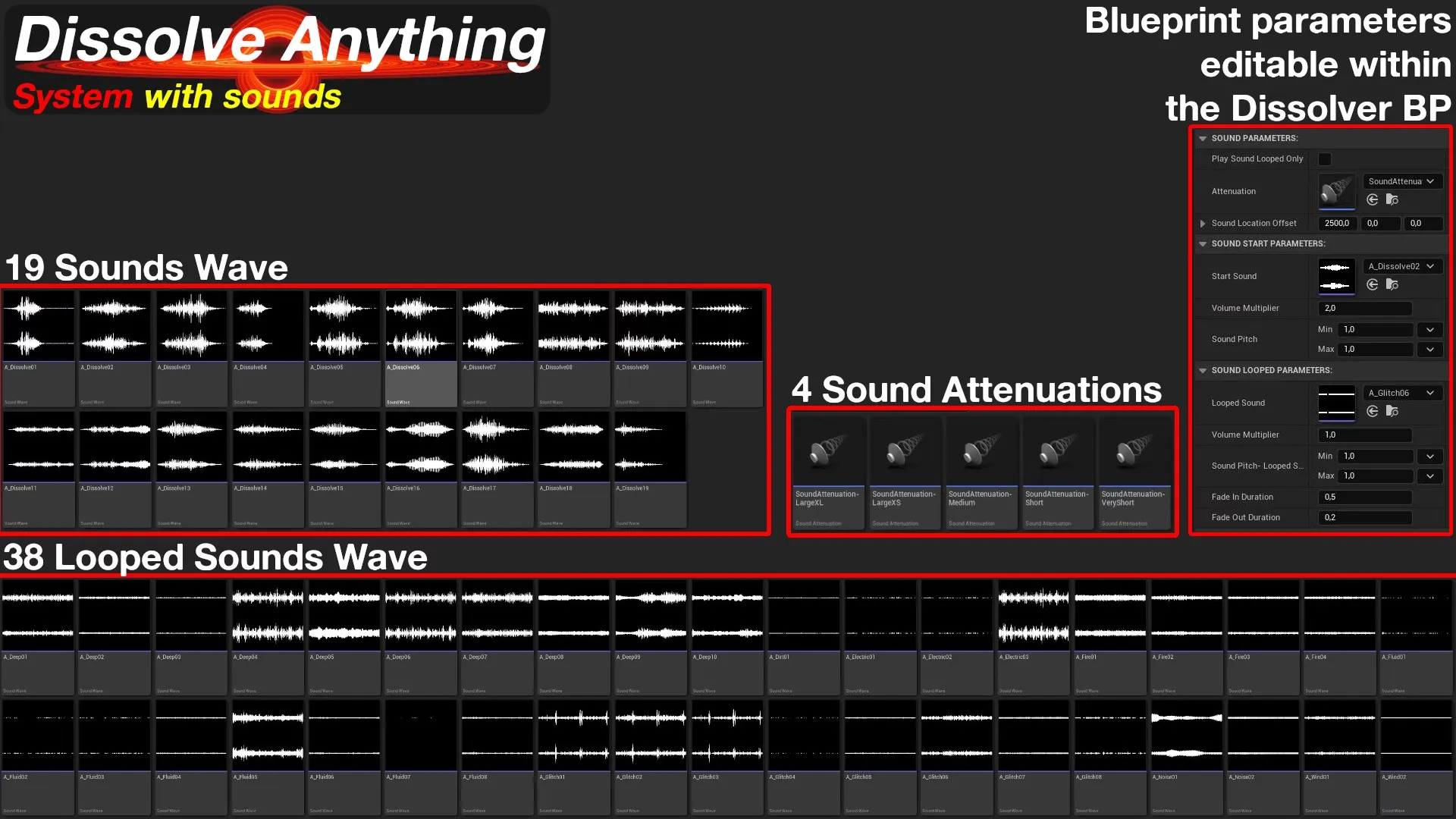
  • Integrated sound selection tools.
  • Customizable attenuation settings for spatial audio.

Advanced Dissolver Shapes and Control

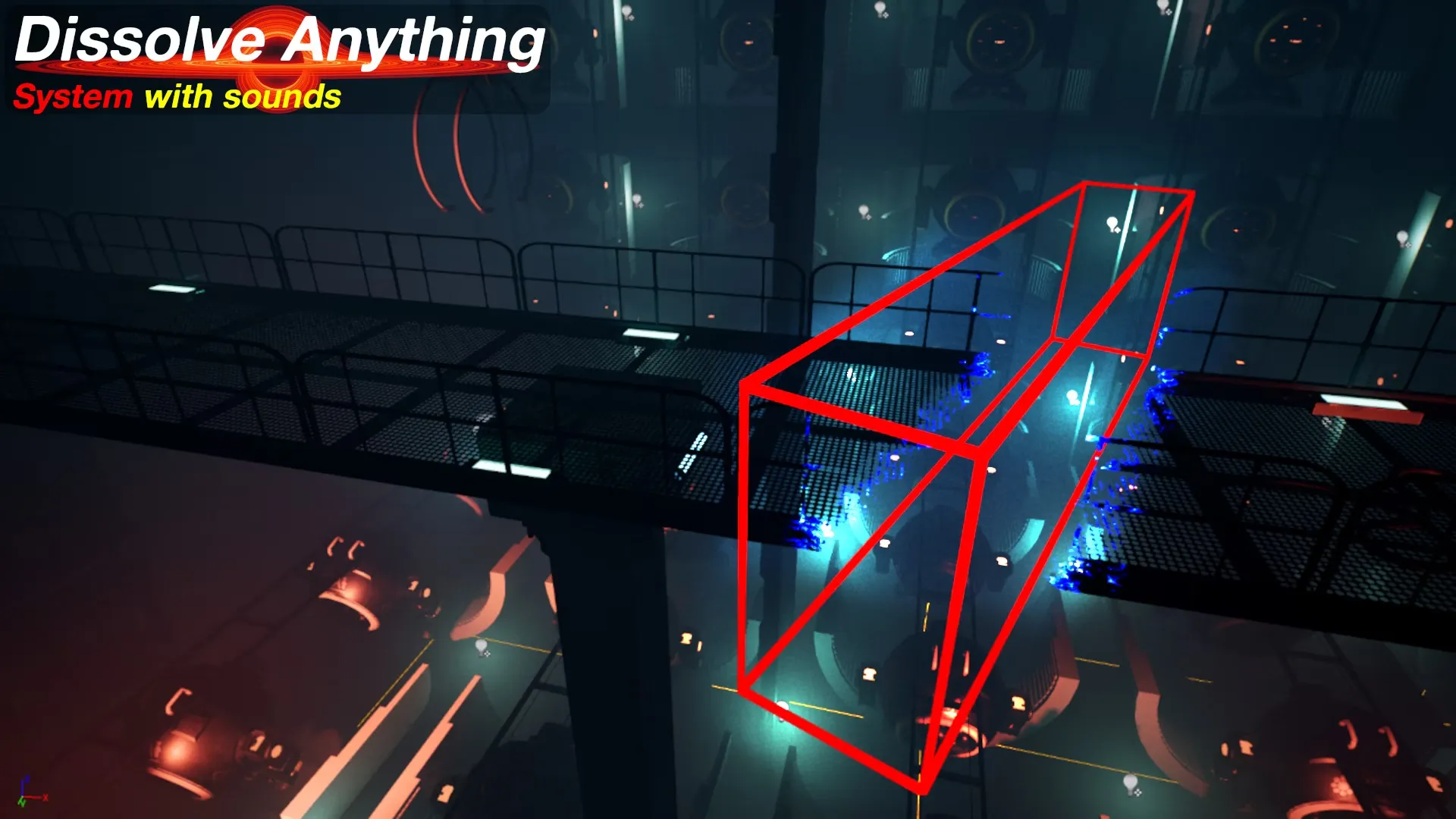
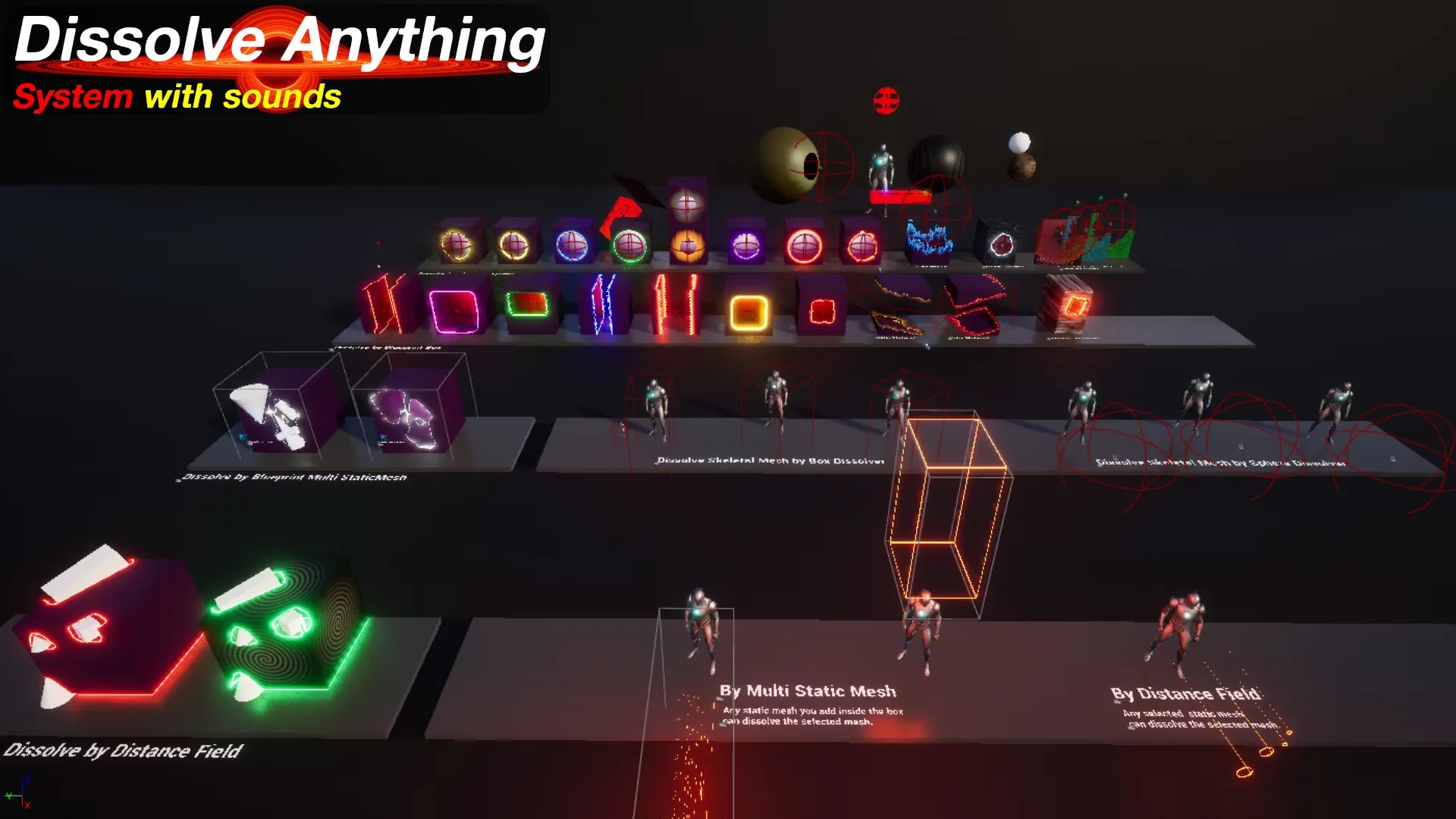
The Dissolve Anything system provides multiple methods for triggering and controlling the disintegration. You can use various shapes as dissolvers to dictate how the effect spreads across the mesh. For instance, you can choose a Box or a Sphere to act as the primary dissolver. Additionally, you can even use a Static Mesh as a dissolver for more complex or unique shapes. This variety allows for precise creative control over the final visual output.

Cinematic and Realistic Applications

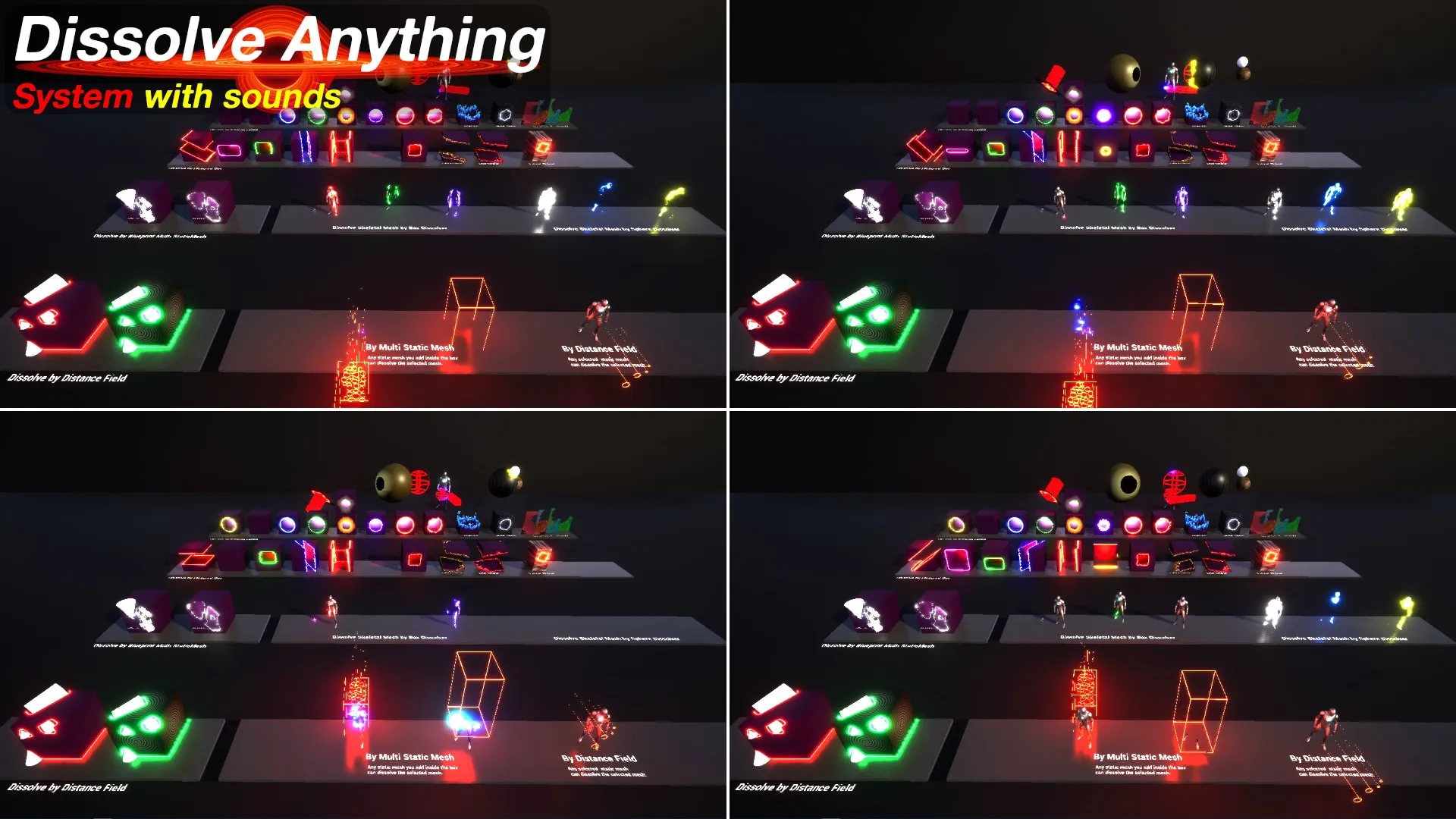
Beyond standard gameplay mechanics, this tool is highly effective for cinematic storytelling. It works seamlessly with the Sequencer to create movie-quality effects for cutscenes or trailers. Therefore, it is an excellent choice for depicting dramatic moments such as character death or magical disappearances. The system supports various styles, including fantasy-themed magic and more realistic physical disintegrations. Moreover, the inclusion of sound and attenuation settings ensures that the audio matches the visual intensity of the scene.

Conclusion

In summary, Dissolve Anything is a comprehensive solution for any developer looking to add polished disintegration effects to their work. It combines a simple setup with powerful features like custom dissolver shapes and cinematic integration. By using this Blueprint system, you can save valuable development time while maintaining high visual standards. It is a reliable tool for creating memorable fantasy or realistic death sequences in any game environment.

Screenshots & Gallery


Dissolve Anything Prev Advanced Working Computer
Dissolve Anything Next Fade Anything

Leave a Reply