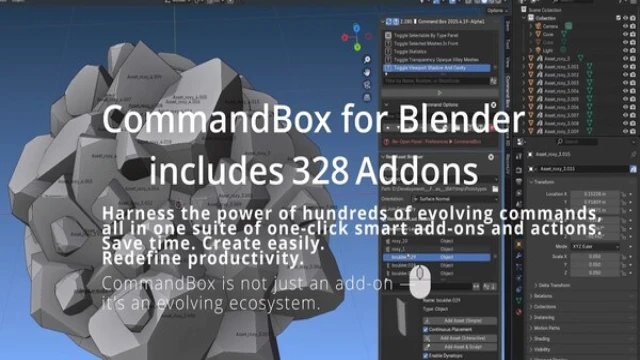
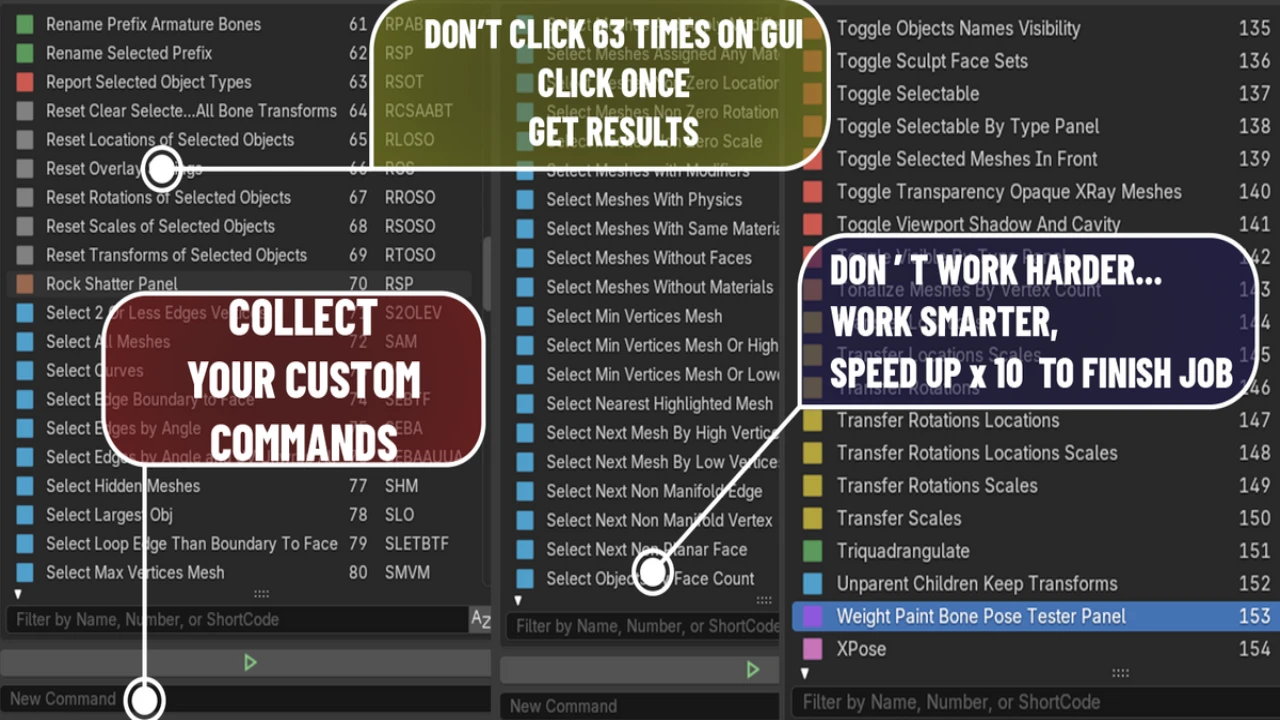
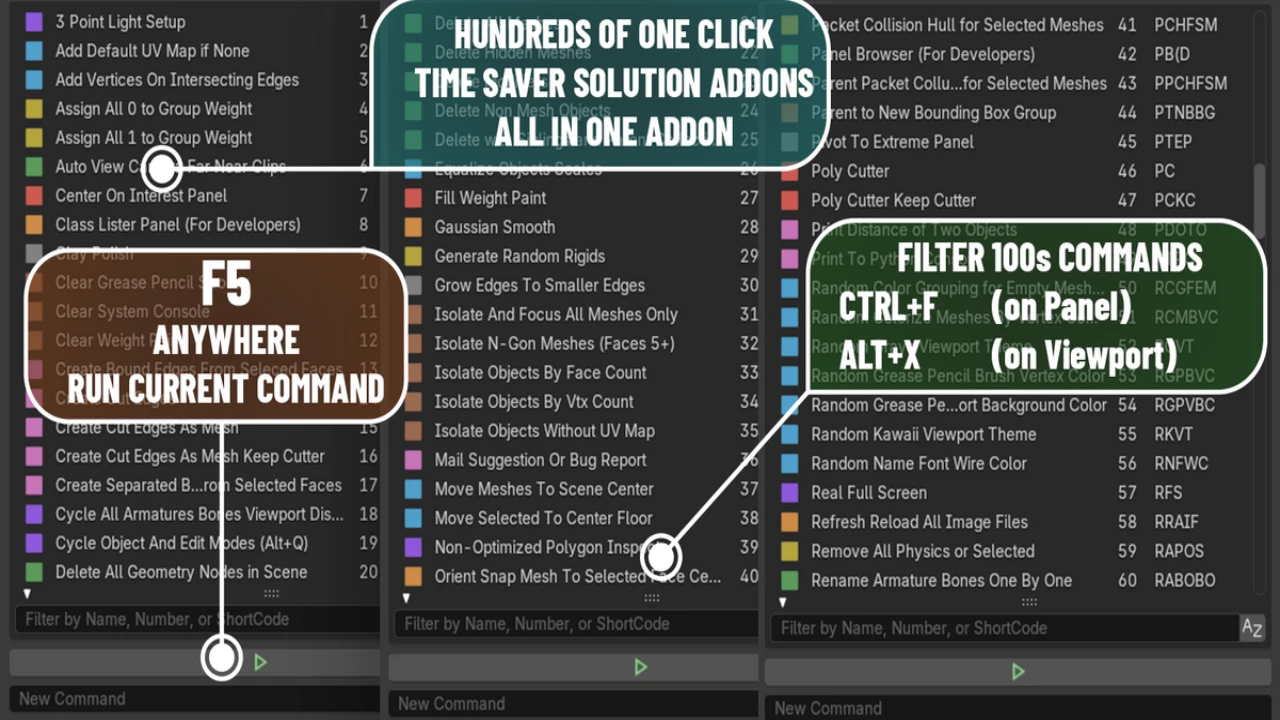
Are you a professional artist or game developer who demands maximum speed from your tools? First and foremost, a bloated workflow with dozens of addons can slow Blender to a crawl, killing your creative momentum. Command Box is the revolutionary solution—a single, ultra-light addon that gives you the power of over 405 commands without the performance cost.
Unlike conventional plugins that bog down Blender by loading everything at startup, Command Box is built for speed. It’s an evolving ecosystem designed to save you time, streamline your process, and completely redefine your productivity.
Why Command Box Will Revolutionize Your Workflow
- The Power of Dynamic Loading
The secret to Command Box’s incredible speed is its dynamic structure. Instead of loading hundreds of tools into memory when you start Blender, it does nothing. It waits. Only when you call a specific command does it load the necessary function, executes it, and then immediately clears it from memory. Consequently, Blender stays as fast and lightweight as a fresh install, no matter how powerful your toolkit becomes. - A Universe of Tools at Your Fingertips
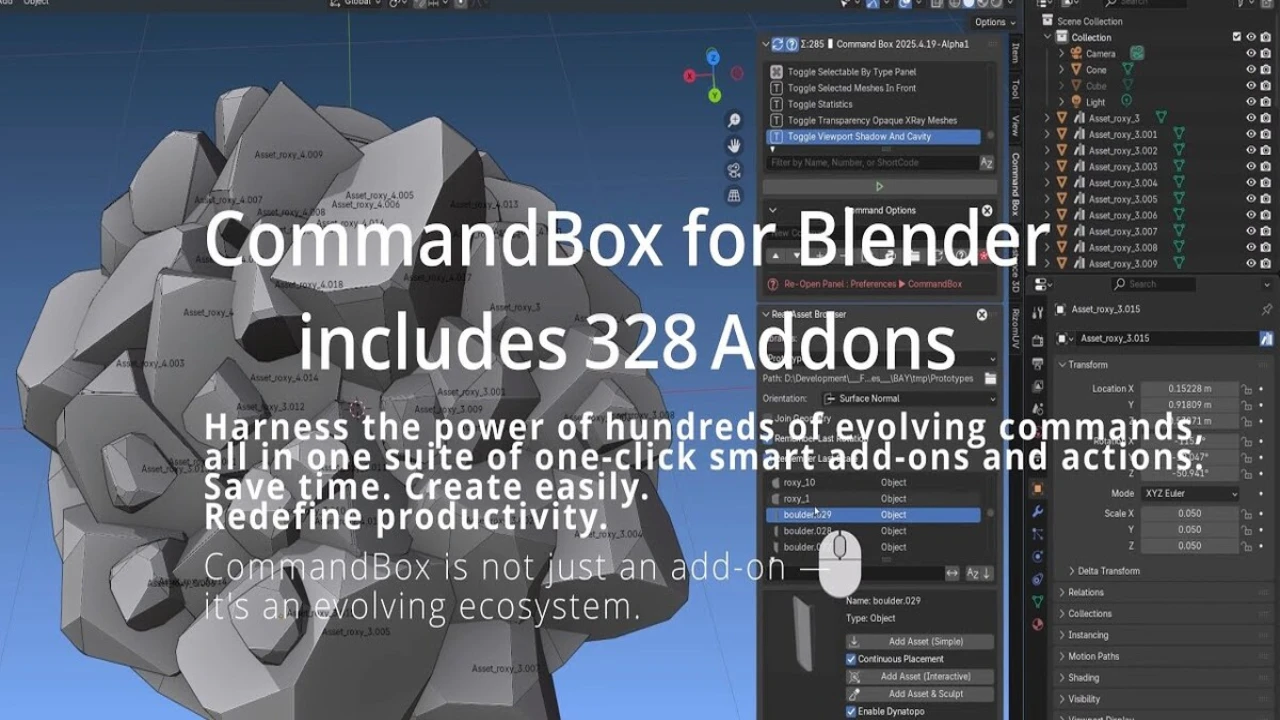
Stop managing dozens of separate addons. Command Box combines the power of 405+ plugins into one cosmic explosion of functionality. With a simple hotkey (Alt+X) and a few letters, you can instantly run hundreds of complex actions and smart tools. There are no tabs, no tags, no categories to slow you down—just pure, unadulterated speed. - Designed for a Professional Workflow
This tool was built for artists who value efficiency. The command-line interface keeps your hands on the keyboard and your mind on your art. You no longer need to break your concentration to hunt through menus for the right operator. Therefore, you can stay in the creative flow state longer, producing higher quality work in a fraction of the time.
Conclusion: The Professional’s Choice
In conclusion, Command Box is not just another addon; it’s an essential upgrade to your entire Blender experience. By providing a massive suite of evolving tools in an incredibly lightweight and blazing-fast package, it empowers you to work smarter, create easier, and achieve a new level of productivity.
Stop letting a slow workflow hold you back. Join the ranks of professional artists and developers who choose professional tools. Get Command Box for Blender today.
Click the button below to download.
Download:
![Lazy Shapekeys [Shape Keys Folder & Utility]](https://3dcghub.com/wp-content/uploads/2025/11/c2ce39237c0551cd180db085554320c2-1-300x169.webp)