Introduction to Clouds Lighting System
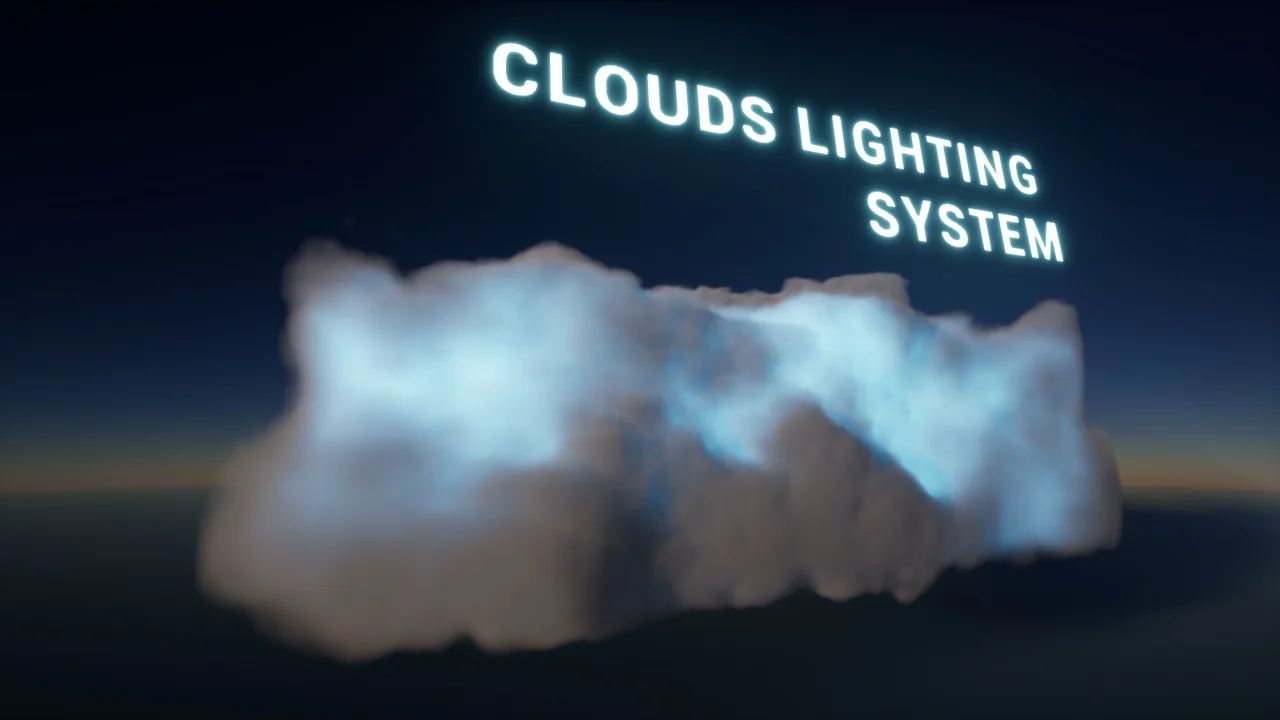
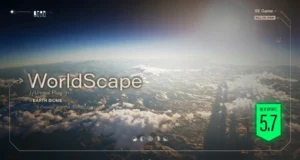
The Clouds Lighting System is a specialized tool designed to add realistic illumination to environmental effects. This plugin specifically targets 2D and volumetric clouds, providing a way to light these complex structures effectively. Furthermore, it serves as an efficient solution for particle systems where developers need large, performance-friendly light sources.
Versatile Application for Environmental Effects
The primary purpose of this system is to enhance the visual quality of clouds. Whether you are working with 2D layers or complex volumetric setups, these light sources integrate seamlessly. Additionally, the system is highly effective for various particle effects. For instance, it can provide illumination for smoke and fog, where traditional lighting might be too resource-intensive to configure.
Comprehensive Customization Options
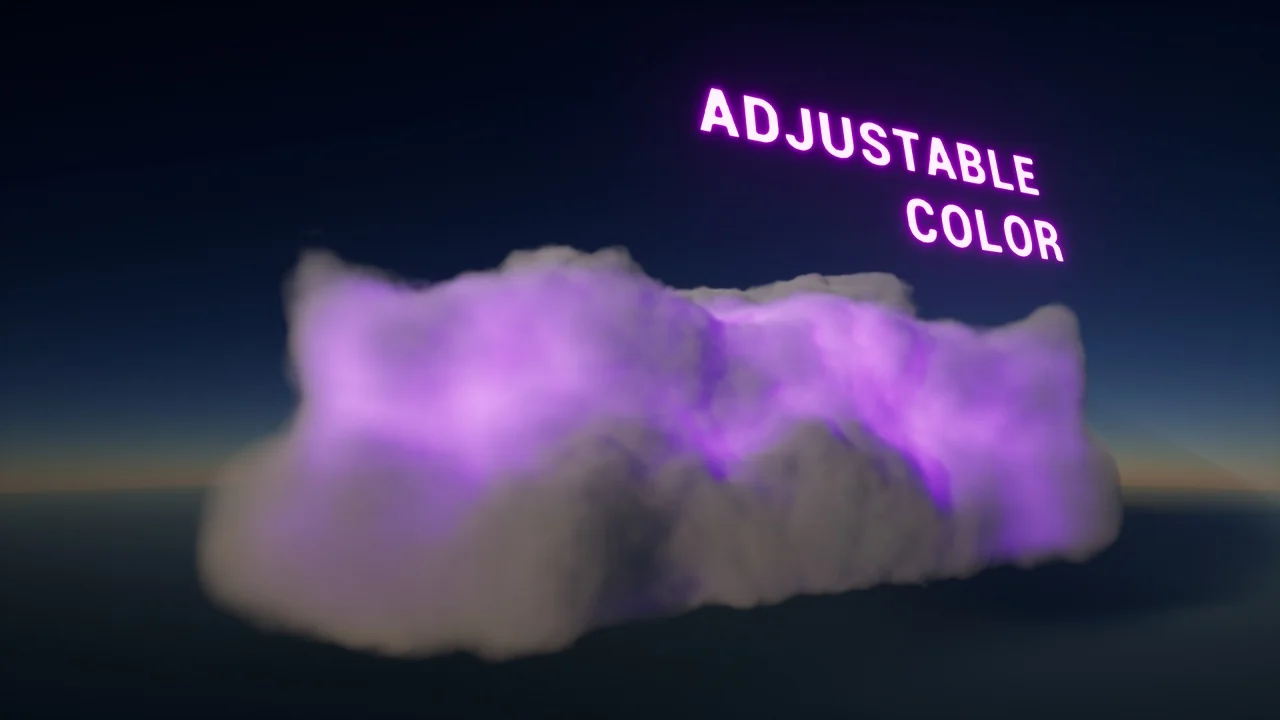
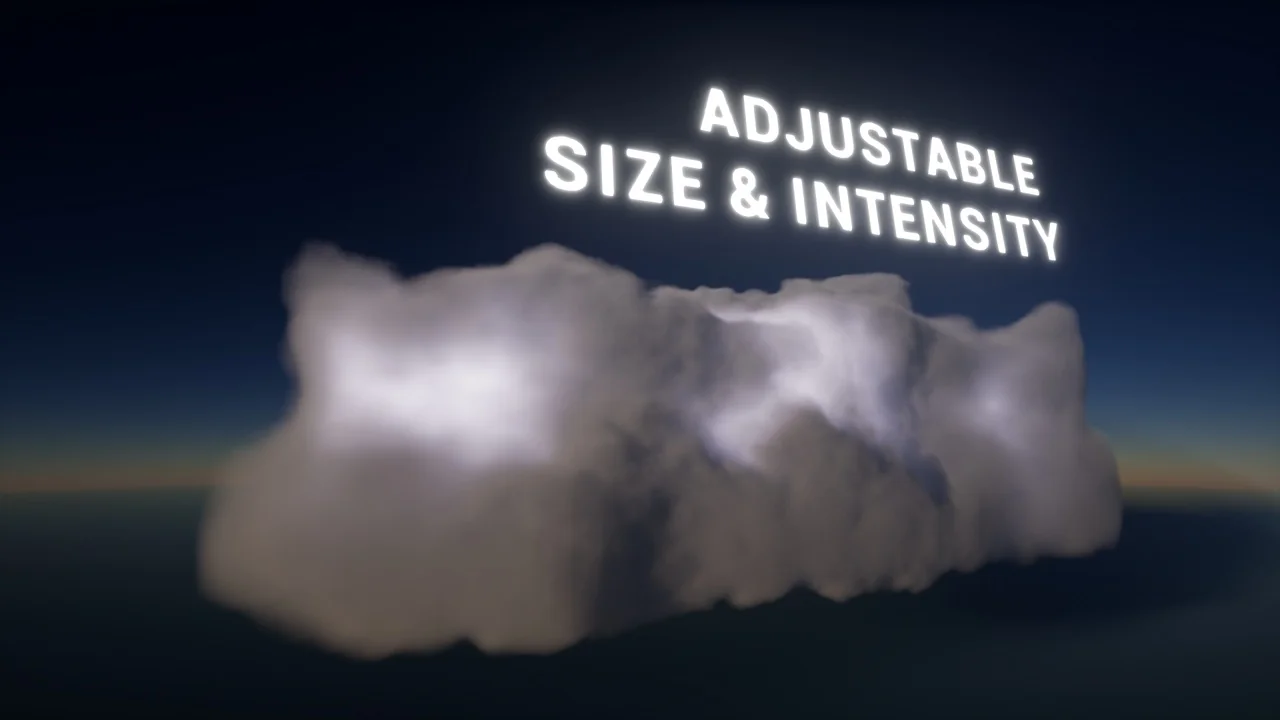
The Clouds Lighting System offers a variety of parameters to ensure total control over the lighting environment. Developers can adjust several key settings to achieve the desired look. These include:
- Intensity: Control the overall brightness of the light source.
- Color: Match the light to the specific mood or time of day.
- Attenuation: Define how the light fades over distance.
- Falloff Type: Choose between exponential or inverse square falloff models.
Moreover, these settings are not static. All parameters are fully accessible through Blueprints and the C++ API. This flexibility allows for dynamic changes during gameplay. Furthermore, the system integrates with the sequencer, making it a valuable tool for cinematic production.
Available Light Types and Technical Details
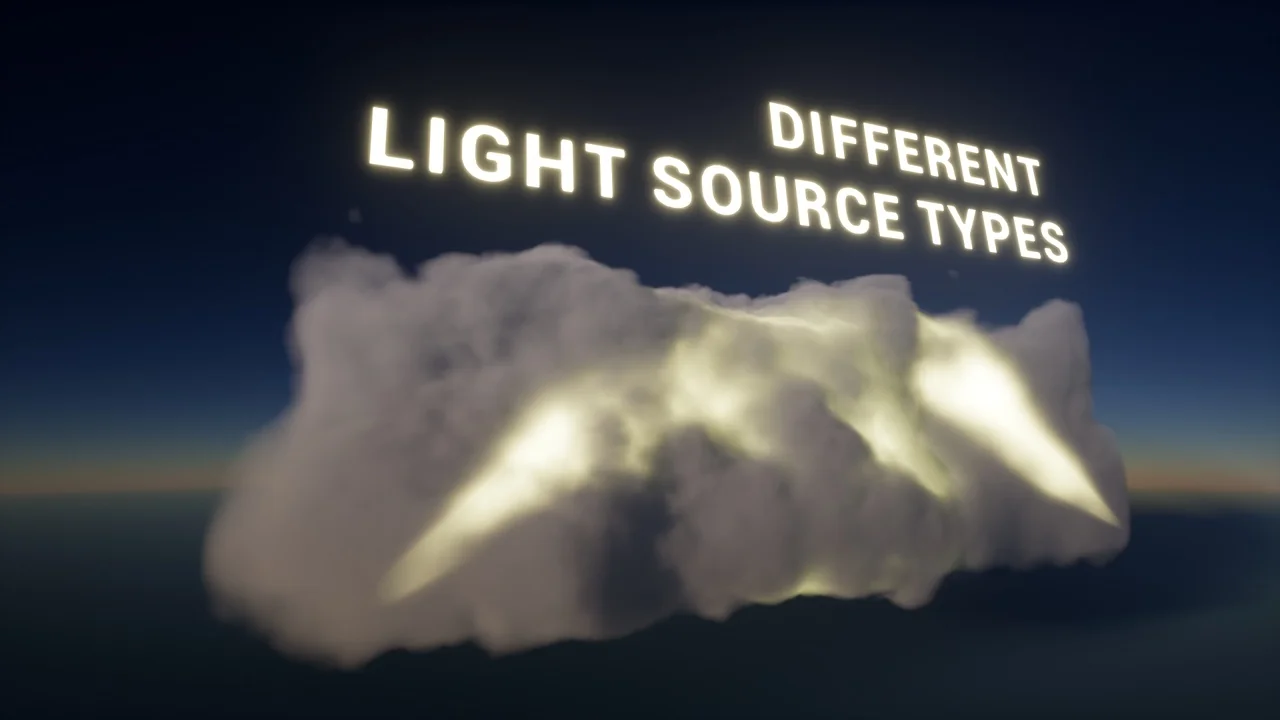
Currently, the plugin includes two primary light source types to suit different needs. The developer has included both PointLight and SpotLight options. A PointLight emits light in all directions from a single point. Conversely, a SpotLight provides a focused cone of light for specific directional effects.
However, it is important to note that these light sources do not cast shadows at this time. This design choice helps maintain high performance, especially when dealing with large-scale effects like fog or clouds. Consequently, it remains a “cheap” and efficient lighting solution for complex scenes.
Accessing Plugin Content
If the plugin contents do not appear immediately after installation, you may need to adjust your content browser settings. The creator recommends checking both “Show Engine Content” and “Show Plugin Content.” Therefore, if you cannot find the assets, verifying these settings should resolve the issue.
Conclusion
The Clouds Lighting System provides a robust solution for developers looking to enhance their environmental lighting. By offering customizable, efficient light sources for clouds and particles, it simplifies the process of creating atmospheric scenes. Although it currently lacks shadow casting, its integration with Blueprints and the sequencer makes it a versatile addition to any development workflow.
Screenshots & Gallery