"ddd0e3fb95b0aec2"{"id":"1000043","slug":"cinemotion-3-real-handheld-camera-motion-kit","title":"Cinemotion 3 Real Handheld Camera Motion Kit","category":"Variety","engine":"5.2+","assetVersion":"","engineVersion":"5.2+","tag":"Variety","accent":"blue","visual":"mech","summary":"A UE5 handheld camera motion library with 98 clips, 40 idles, 58 framing moves, sequencer-ready setup, smoothing options, and additive control.","platform":"Unreal Engine","publishedAt":"2026-05-22T08:44:24.147Z","updatedAt":"2026-05-22T20:12:55.612Z","sourceNotes":[],"fileContents":[],"compatibility":["Unreal Engine","Engine version: 5.2+"],"featuredImage":{"alt":"Cinemotion 3 Real Handheld Camera Motion Kit","src":"/wp-content/uploads/published/2026/05/14491d8996b2-8bb7edd9-870c-488a-84aa-e65a868bd799-dcd02b718c.webp"},"hasDownloadLink":true,"downloads":0,"terms":[{"taxonomy":"category","slug":"variety-vfx","name":"Variety"}],"galleryImages":[{"src":"/wp-content/uploads/published/2026/05/2142bd52f35f-edae866f-9acb-4264-af03-a2cb1d179c15-3536336df1.webp","alt":"Cinemotion 3 Real Handheld Camera Motion Kit"},{"src":"/wp-content/uploads/published/2026/05/42421bd1a201-1f2e7fde-6170-4416-91d7-8562bdadb6c0-d48e48a645.webp","alt":"Cinemotion 3 Real Handheld Camera Motion Kit"},{"src":"/wp-content/uploads/published/2026/05/2972cd4070e3-d0592e6a-c7aa-4fd1-83df-a411265c0c7e-a2efa95f13.webp","alt":"Cinemotion 3 Real Handheld Camera Motion Kit"},{"src":"/wp-content/uploads/published/2026/05/30d780cb0e08-5e52a862-8ef4-4706-aa5d-020063f0d600-cfac34ac09.webp","alt":"Cinemotion 3 Real Handheld Camera Motion Kit"},{"src":"/wp-content/uploads/published/2026/05/90a2a20e1b66-1bb70fd5-3f2c-4d33-be17-374bde496122-60ada162a4.webp","alt":"Cinemotion 3 Real Handheld Camera Motion Kit"},{"src":"/wp-content/uploads/published/2026/05/61b3911ac0d6-ea2ab795-ec45-4a4f-9a31-6a789480078f-1e40ceca44.webp","alt":"Cinemotion 3 Real Handheld Camera Motion Kit"}],"accessPanel":{"kind":"resource","title":"Access this resource","eyebrow":"Free Download","message":"Log in or create a free account to start your download.","fileName":"Content.7z","safetyNote":"Resources are manually reviewed before listing to improve quality and reduce obvious risks.","actionLabel":"Download Free","resourceType":"Resource archive"},"contentHtml":"\u003cp\u003eGetting a camera to feel handheld inside Unreal Engine 5 often comes down to a frustrating tradeoff. A shot can be technically clean but lifeless, or it can carry energy and instability while becoming difficult to control. Cinemotion 3 Real Handheld Camera Motion Kit addresses that problem with a standardized library of handheld camera motion assets that apply directly in Sequencer, giving UE5 cinematics a faster route to realism and a stronger sense of production value.\u003c/p\u003e\n\u003cp\u003eThe kit contains 98 unique handheld camera motion clips. Those are split into 40 unique idles and 58 framing moves, with 920 camera files in total when all variants are counted. The focus is practical rather than abstract: drop motion onto a camera, work inside Sequencer, and shape the feel of the shot from there. For virtual filmmaking, cut-scenes, and related cinematic work, that means spending less time creating baseline movement and more time adjusting a take to fit the scene.\u003c/p\u003e \u003ch2\u003ePutting handheld motion into Sequencer quickly\u003c/h2\u003e\n\u003cp\u003eThis library is made to be added to a project and used directly in Sequencer.\u003c/p\u003e\n\u003cp\u003eThat setup matters because the asset is not framed as a separate camera system that asks for extra software, custom setup, or plugins. The motion files are conformed to UE5 scale and apply directly to cameras in a few clicks. In practice, that makes the first implementation step simple: bring the library into a project, attach the motion to a shot, and start evaluating whether the camera needs a steadier idle, a more active framing pass, or a different variant altogether. Since the assets are standardized, the workflow stays consistent from one shot to the next instead of turning every camera setup into a one-off process.\u003c/p\u003e\n\u003cp\u003eThe package also includes a tutorial map. It covers a quick start guide, advanced tips, and examples for customizing and manipulating the motion data in sequences. That gives the kit a clearer entry point for teams or solo users who want to move from immediate use into more deliberate camera shaping once the basic pass is in place.\u003c/p\u003e \u003ch2\u003e40 Idles and 58 Framing moves for different shot needs\u003c/h2\u003e\n\u003cp\u003eThe split between idles and framing moves gives the library a useful structure.\u003c/p\u003e\n\u003cp\u003eThe 40 unique idles are suited to shots that need subtle handheld presence without obvious reframing. That kind of motion can keep a close-up, dialogue setup, or observational shot from feeling mechanically locked, while still preserving stability. The 58 framing moves expand the library into camera behavior with more visible intention, where the shot is not only breathing but also shifting its composition. Together, the two groups cover a range from restrained handheld texture to more active cinematic movement.\u003c/p\u003e\n\u003cp\u003eWith 920 camera files including all variants, the emphasis is not just on the base clip count but on having alternate forms that can be selected for fit. That helps when matching movement to scene tone. A quiet moment may call for a softer idle with reduced intensity, while a more urgent passage can benefit from a framing move that feels more assertive. The kit stays within one handheld language, but it offers enough variation to avoid repeating the same gesture across every sequence.\u003c/p\u003e \u003ch2\u003eShaping the camera feel with smoothing, scale, and intensity\u003c/h2\u003e\n\u003cp\u003eThe strongest creative control in the kit comes from how the motion can be adjusted after it is applied.\u003c/p\u003e\n\u003cp\u003eEach take includes five levels of pre-baked motion smoothing. That provides a direct way to dial the camera feel up or down without discarding the core movement pattern. A rougher version can preserve more handheld texture, while a smoother version can keep the sense of organic operation without pushing the shot too far into shake. Since this choice exists per take, it becomes part of shot selection rather than an afterthought.\u003c/p\u003e\n\u003cp\u003eOnce the motion is in Sequencer, the camera data can be retimed, stacked, and crossfaded. The intensity and scale of the motion can also be changed directly and interactively inside Sequencer. Those controls matter because believable handheld work is rarely about a single clip dropped in untouched. A shot may need the same motion language but at a slower rhythm, or it may need one pass blended into another to transition between camera states. Being able to stack and crossfade movement opens up more nuanced camera behavior while still working from a fixed library of clips.\u003c/p\u003e\n\u003cp\u003eThis also makes the asset more useful across different scene types. A framing move can be softened by changing intensity, an idle can be made to read more strongly by scaling the motion, and retiming can help align the energy of the camera with performance or edit pace. The creative usage stays grounded in shot construction rather than depending on external tools.\u003c/p\u003e \u003ch2\u003e6DoF and rotation-only options inside Cinemotion 3\u003c/h2\u003e\n\u003cp\u003eNot every shot needs the same kind of handheld influence.\u003c/p\u003e\n\u003cp\u003eAll cameras in the kit come with full 6DoF movement and rotation-only versions. That split gives more control over how the handheld effect enters a sequence. Full 6DoF motion includes both movement and rotation, which can help when a shot benefits from physical drift, body weight, and spatial instability. Rotation-only versions are better suited to cases where the operator feel should remain present but translational movement would interfere with framing, spatial continuity, or an existing camera path.\u003c/p\u003e\n\u003cp\u003eThis choice is especially useful when a production already has camera blocking in place. A scene may have a camera move that is working compositionally but still feels too sterile. In that case, a rotation-only pass can add handheld character without disturbing the underlying path too much. On another shot, a full 6DoF version may be the better fit because the extra movement helps create the impression of a physically carried camera. The kit does not lock the user into one interpretation of handheld motion; it provides parallel options for different implementation needs.\u003c/p\u003e \u003ch2\u003eAxis-aligned motion that applies additively to existing cameras\u003c/h2\u003e\n\u003cp\u003eThe way the files are prepared has a direct effect on how easily they can be integrated into ongoing scene work.\u003c/p\u003e\n\u003cp\u003eAll cameras are axis-aligned and centered around world 0, and they apply additively to existing cameras. That setup supports a layered workflow rather than a replacement workflow. Instead of rebuilding a shot from scratch just to get handheld behavior, the motion can be added onto an existing camera foundation. For productions with established layouts, edit timing, or blocked performances, that additive behavior is a practical advantage because it preserves previous work while introducing a more natural camera response.\u003c/p\u003e\n\u003cp\u003eAxis alignment and centering also contribute to predictability. When a motion library is intended for repeated use across many shots, consistency in how files are oriented and applied is not a minor technical detail. It affects whether the user can move quickly from selection to refinement. Here, the motion assets are prepared to slot into an existing UE5 cinematic workflow with fewer surprises, which suits both fast shot assembly and later-stage polish.\u003c/p\u003e \u003ch2\u003eShoulder-rig capture and where it fits in a production\u003c/h2\u003e\n\u003cp\u003eThe character of the movement comes from how the motion was captured.\u003c/p\u003e\n\u003cp\u003eThe camera clips were shot using a cine-style shoulder rig for correct weight and stability. That detail helps explain the balance the kit is aiming for. The movement is handheld, but not loose in a way that abandons control. It carries the weighted behavior associated with a shoulder-mounted camera style, which is often what gives cinematic handheld work its combination of presence, realism, and readability.\u003c/p\u003e\n\u003cp\u003eNo apps, setup, or plugins are needed, so the kit fits most naturally into the stage of production where a sequence already exists and the camera needs life. It can be used early, when roughing in the visual language of a scene, or later, when polished shots still need a more physical and less synthetic feel. For teams building cut-scenes and virtual filmmaking sequences in UE5, it sits in the workflow as a direct camera motion layer: one that can be applied quickly, adjusted in Sequencer, and matched to the tone of the shot through idles, framing moves, smoothing levels, and additive control.\u003c/p\u003e\n\n\u003ch2\u003eRelated Resources Worth Checking\u003c/h2\u003e\n\u003cul\u003e\n\u003cli\u003e\u003ca href=\"https://3dcghub.com/swarms-vfx/\" title=\"Swarms VFX\"\u003eSwarms VFX\u003c/a\u003e\u003c/li\u003e\n\u003cli\u003e\u003ca href=\"https://3dcghub.com/fluid-ninja-live/\" title=\"Fluid Ninja LIVE\"\u003eFluid Ninja LIVE\u003c/a\u003e\u003c/li\u003e\n\u003cli\u003e\u003ca href=\"https://3dcghub.com/niagara-galaxy/\" title=\"Niagara Galaxy\"\u003eNiagara Galaxy\u003c/a\u003e\u003c/li\u003e\n\u003cli\u003e\u003ca href=\"https://3dcghub.com/stylized-vfx-pack/\" title=\"Stylized VFX Pack\"\u003eStylized VFX Pack\u003c/a\u003e\u003c/li\u003e\n\u003cli\u003e\u003ca href=\"https://3dcghub.com/microscopic-organisms/\" title=\"Microscopic Organisms\"\u003eMicroscopic Organisms\u003c/a\u003e\u003c/li\u003e\n\u003c/ul\u003e","contentTextLength":8349,"navigation":{"current":1602,"total":3511,"previous":{"id":"1000021","slug":"road-bike","title":"Road Bike","category":"Vehicles \u0026 Transportation","platform":"Unreal Engine","updatedAt":"2026-05-22T20:13:10.843Z"},"next":{"id":"1000052","slug":"dinosaur-triceratops","title":"Dinosaur Triceratops","category":"Characters \u0026 Creatures","platform":"Unreal Engine","updatedAt":"2026-05-22T20:12:46.021Z"}},"relatedResources":[{"id":"27854","slug":"swarms-vfx","title":"Swarms VFX","category":"Variety","engine":"5.0+","assetVersion":"Engine version: 5.0+","engineVersion":"","tag":"Variety","accent":"blue","visual":"audio","summary":"Swarms VFX focuses on moving creature and ambient swarm effects that can quickly change how a scene feels. Its set ranges from crawling insects to underwater motion, with Niagara, cinematic, and game-ready tags pointing to real production use.","platform":"Unreal Engine","publishedAt":"2026-04-29T13:14:54.000Z","updatedAt":"2026-04-29T13:14:55.000Z","sourceNotes":[],"fileContents":[],"compatibility":["Unreal Engine","Engine version: 5.0+"],"featuredImage":{"alt":"Swarms VFX","src":"https://3dcghub.com/wp-content/uploads/2026/04/aa036f2095bb_3b092990-826f-4897-8ed9-08421ad9cd85.webp"},"hasDownloadLink":true,"downloads":1},{"id":"1000637","slug":"love-fx","title":"Love FX","category":"Variety","engine":"5.0+","assetVersion":"","engineVersion":"Engine Version: 5.0+","tag":"Variety","accent":"blue","visual":"mech","summary":"30 love and heart Niagara particle effects with 10 distinct designs and 3 variations each, optimized for real-time scenes with single-instance setups.","platform":"Unreal Engine","publishedAt":"2026-07-21T17:06:02.994Z","updatedAt":"2026-07-21T17:06:02.994Z","sourceNotes":[],"fileContents":[],"compatibility":["Unreal Engine","Engine Version: 5.0+"],"featuredImage":{"alt":"Love FX","src":"/wp-content/uploads/published/2026/07/596fed410573-64cd0588-7541-4ad7-9c65-10778a940f29-91909a52e4.webp"},"hasDownloadLink":true,"downloads":0},{"id":"17158","slug":"fluid-ninja-live","title":"Fluid Ninja LIVE","category":"Variety","engine":"5.4+","assetVersion":"Engine version: 5.4+","engineVersion":"Asset Version:1.9.54.4","tag":"Variety","accent":"blue","visual":"character","summary":"Fluid Ninja LIVE is a robust toolset for creating dynamic, responsive fluid simulations in real-time. It supports everything from Metahuman tracking to large-scale environmental effects like fog and sand.","platform":"Unreal Engine","publishedAt":"2026-03-13T13:52:32.000Z","updatedAt":"2026-04-19T15:43:36.000Z","sourceNotes":[],"fileContents":[],"compatibility":["Unreal Engine","Engine version: 5.4+","Asset Version: 1.9.54.4"],"featuredImage":{"alt":"Fluid Ninja LIVE","src":"https://3dcghub.com/wp-content/uploads/2026/03/48b74bb6-c70d-408a-8f29-27d49a842381.webp"},"hasDownloadLink":true,"downloads":6}]}
Variety
Cinemotion 3 Real Handheld Camera Motion Kit
A UE5 handheld camera motion library with 98 clips, 40 idles, 58 framing moves, sequencer-ready setup, smoothing options, and additive control.
Category:Unreal Engine,VarietyPlatform: Unreal EngineEngine version: 5.2+Published: May 22, 2026
Variety
Resource overview
Getting a camera to feel handheld inside Unreal Engine 5 often comes down to a frustrating tradeoff. A shot can be technically clean but lifeless, or it can carry energy and instability while becoming difficult to control. Cinemotion 3 Real Handheld Camera Motion Kit addresses that problem with a standardized library of handheld camera motion assets that apply directly in Sequencer, giving UE5 cinematics a faster route to realism and a stronger sense of production value.
The kit contains 98 unique handheld camera motion clips. Those are split into 40 unique idles and 58 framing moves, with 920 camera files in total when all variants are counted. The focus is practical rather than abstract: drop motion onto a camera, work inside Sequencer, and shape the feel of the shot from there. For virtual filmmaking, cut-scenes, and related cinematic work, that means spending less time creating baseline movement and more time adjusting a take to fit the scene.
Putting handheld motion into Sequencer quickly
This library is made to be added to a project and used directly in Sequencer.
That setup matters because the asset is not framed as a separate camera system that asks for extra software, custom setup, or plugins. The motion files are conformed to UE5 scale and apply directly to cameras in a few clicks. In practice, that makes the first implementation step simple: bring the library into a project, attach the motion to a shot, and start evaluating whether the camera needs a steadier idle, a more active framing pass, or a different variant altogether. Since the assets are standardized, the workflow stays consistent from one shot to the next instead of turning every camera setup into a one-off process.
The package also includes a tutorial map. It covers a quick start guide, advanced tips, and examples for customizing and manipulating the motion data in sequences. That gives the kit a clearer entry point for teams or solo users who want to move from immediate use into more deliberate camera shaping once the basic pass is in place.
40 Idles and 58 Framing moves for different shot needs
The split between idles and framing moves gives the library a useful structure.
The 40 unique idles are suited to shots that need subtle handheld presence without obvious reframing. That kind of motion can keep a close-up, dialogue setup, or observational shot from feeling mechanically locked, while still preserving stability. The 58 framing moves expand the library into camera behavior with more visible intention, where the shot is not only breathing but also shifting its composition. Together, the two groups cover a range from restrained handheld texture to more active cinematic movement.
With 920 camera files including all variants, the emphasis is not just on the base clip count but on having alternate forms that can be selected for fit. That helps when matching movement to scene tone. A quiet moment may call for a softer idle with reduced intensity, while a more urgent passage can benefit from a framing move that feels more assertive. The kit stays within one handheld language, but it offers enough variation to avoid repeating the same gesture across every sequence.
Shaping the camera feel with smoothing, scale, and intensity
The strongest creative control in the kit comes from how the motion can be adjusted after it is applied.
Each take includes five levels of pre-baked motion smoothing. That provides a direct way to dial the camera feel up or down without discarding the core movement pattern. A rougher version can preserve more handheld texture, while a smoother version can keep the sense of organic operation without pushing the shot too far into shake. Since this choice exists per take, it becomes part of shot selection rather than an afterthought.
Once the motion is in Sequencer, the camera data can be retimed, stacked, and crossfaded. The intensity and scale of the motion can also be changed directly and interactively inside Sequencer. Those controls matter because believable handheld work is rarely about a single clip dropped in untouched. A shot may need the same motion language but at a slower rhythm, or it may need one pass blended into another to transition between camera states. Being able to stack and crossfade movement opens up more nuanced camera behavior while still working from a fixed library of clips.
This also makes the asset more useful across different scene types. A framing move can be softened by changing intensity, an idle can be made to read more strongly by scaling the motion, and retiming can help align the energy of the camera with performance or edit pace. The creative usage stays grounded in shot construction rather than depending on external tools.
6DoF and rotation-only options inside Cinemotion 3
Not every shot needs the same kind of handheld influence.
All cameras in the kit come with full 6DoF movement and rotation-only versions. That split gives more control over how the handheld effect enters a sequence. Full 6DoF motion includes both movement and rotation, which can help when a shot benefits from physical drift, body weight, and spatial instability. Rotation-only versions are better suited to cases where the operator feel should remain present but translational movement would interfere with framing, spatial continuity, or an existing camera path.
This choice is especially useful when a production already has camera blocking in place. A scene may have a camera move that is working compositionally but still feels too sterile. In that case, a rotation-only pass can add handheld character without disturbing the underlying path too much. On another shot, a full 6DoF version may be the better fit because the extra movement helps create the impression of a physically carried camera. The kit does not lock the user into one interpretation of handheld motion; it provides parallel options for different implementation needs.
Axis-aligned motion that applies additively to existing cameras
The way the files are prepared has a direct effect on how easily they can be integrated into ongoing scene work.
All cameras are axis-aligned and centered around world 0, and they apply additively to existing cameras. That setup supports a layered workflow rather than a replacement workflow. Instead of rebuilding a shot from scratch just to get handheld behavior, the motion can be added onto an existing camera foundation. For productions with established layouts, edit timing, or blocked performances, that additive behavior is a practical advantage because it preserves previous work while introducing a more natural camera response.
Axis alignment and centering also contribute to predictability. When a motion library is intended for repeated use across many shots, consistency in how files are oriented and applied is not a minor technical detail. It affects whether the user can move quickly from selection to refinement. Here, the motion assets are prepared to slot into an existing UE5 cinematic workflow with fewer surprises, which suits both fast shot assembly and later-stage polish.
Shoulder-rig capture and where it fits in a production
The character of the movement comes from how the motion was captured.
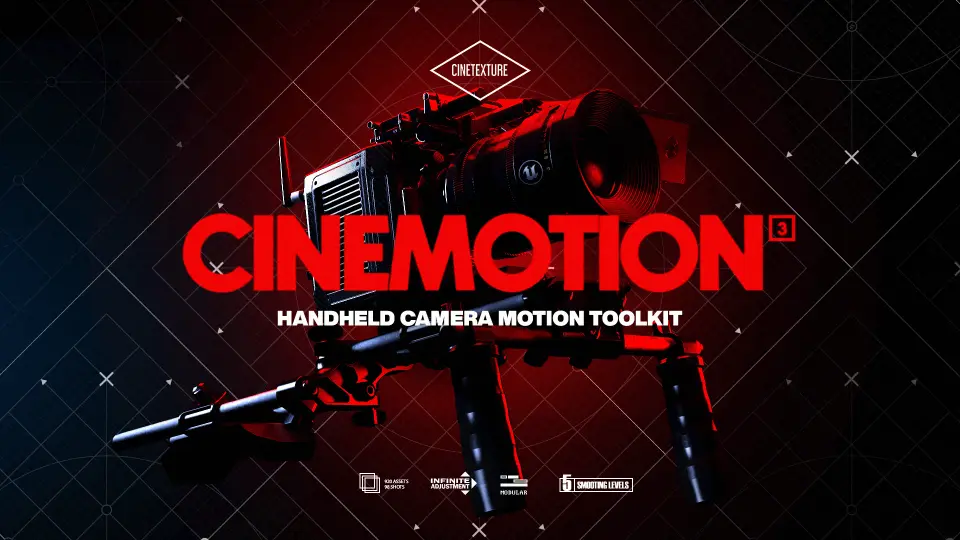
The camera clips were shot using a cine-style shoulder rig for correct weight and stability. That detail helps explain the balance the kit is aiming for. The movement is handheld, but not loose in a way that abandons control. It carries the weighted behavior associated with a shoulder-mounted camera style, which is often what gives cinematic handheld work its combination of presence, realism, and readability.
No apps, setup, or plugins are needed, so the kit fits most naturally into the stage of production where a sequence already exists and the camera needs life. It can be used early, when roughing in the visual language of a scene, or later, when polished shots still need a more physical and less synthetic feel. For teams building cut-scenes and virtual filmmaking sequences in UE5, it sits in the workflow as a direct camera motion layer: one that can be applied quickly, adjusted in Sequencer, and matched to the tone of the shot through idles, framing moves, smoothing levels, and additive control.
 Variety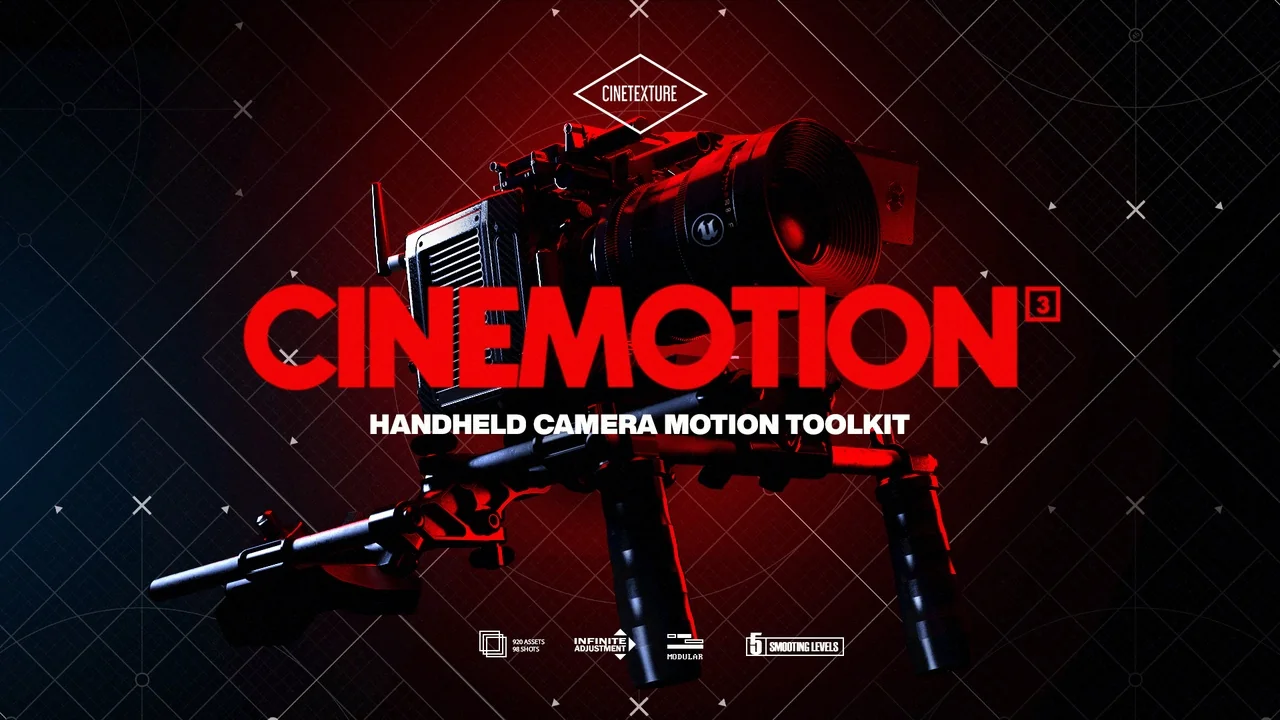
 Variety
 Variety
 Variety