Category: Transition

Free Unreal Engine Resources
Karl

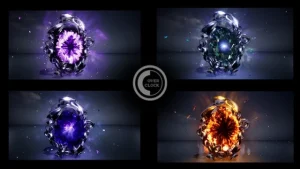
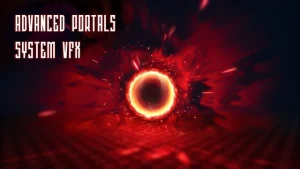
Advanced Portals System VFX

Need to transport players between worlds, open a gateway to another dimension, or create a high-tech teleporter? Introducing the Advanced Portals System, a premium collection of high-quality visual effects built entirely in Unreal Engine 5’s powerful Niagara system. This pack is the definitive solution for adding dynamic, atmospheric, and visually
Read More »
Free Unreal Engine Resources
Karl

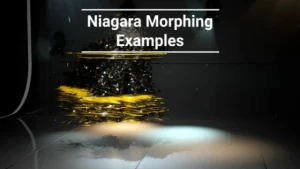
Niagara Morphing Examples

Morphing Examples with using the Niagara Systems Before applying to your SK, make sure of the following 1. Added morphing functionality to materials (see materials of used examples) 2. SK don’t have too many materials 3. All effects compiled shaders 4. The scale of objects does not differ much from

Read More »
Free Unreal Engine Resources
Karl

Niagara Metamorphoses

Abstract visual effects that can be used as backgrounds, nebulae, star clusters, anomalies, magical effects. Click here to view the full details of the resource.:URL Click the button below to download.  Download:

Read More »
Free Unreal Engine Resources
Karl

NiagaraPortalVFX

Various types of Portal effects. 15 Portal effects made with Niagara particle system. Click here to view the full details of the resource.:URL Click the button below to download.  Download:

Read More »
Transition
Karl

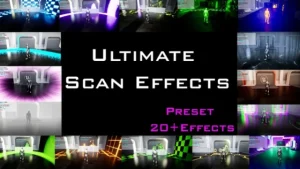
Ultimate Scan Effects and Screen Effects

Advanced Scan effects and Screen Effects with Blueprint Implementation This comprehensive package features over 20 distinctive, high-quality Scan effects, primed and ready for gaming applications, all with easy-to-follow blueprint integration. As a bonus, we’ve included environment post-processing materials to elevate your visuals to the next level. Our advanced object highlighting

Read More »
Free Unreal Engine Resources
Karl

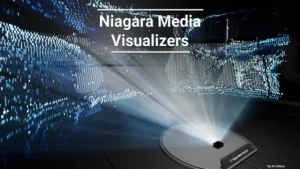
Niagara Media Visualizers

Experiments with visualization of media files .mp4 with use Niagara. Experiments with visualization of media files .mp4 with use Niagara. To work with your own files, you need to add them to the project and assign them to the BP_Mediavisualizer variable. Each example also has a synchronized media player in the actor and a

Read More »
Login