Efficient Animation Importing with Ase Importer
Ase Importer is a specialized plugin designed to bridge the gap between Aseprite and your game development environment. This tool allows you to import and automatically generate your animations, including textures, sprites, and flipbooks, directly from an .aseprite save file. Consequently, the developer can focus more on creation and less on manual asset setup.
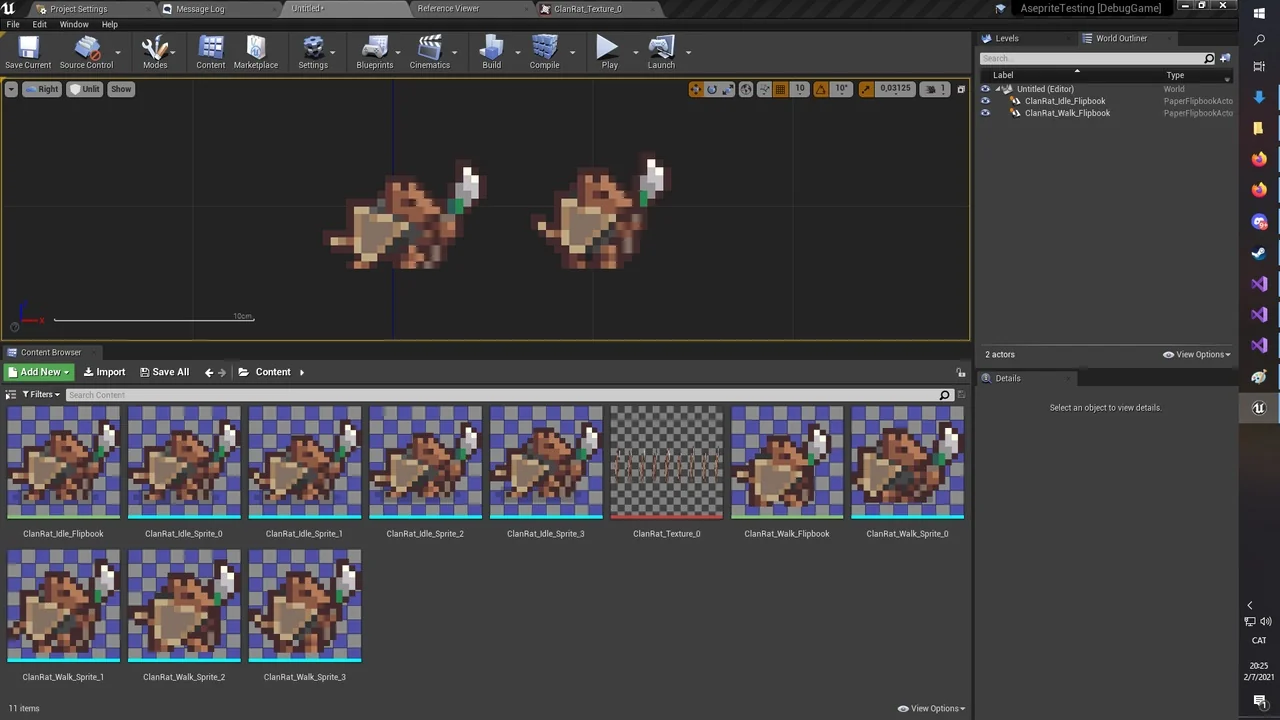
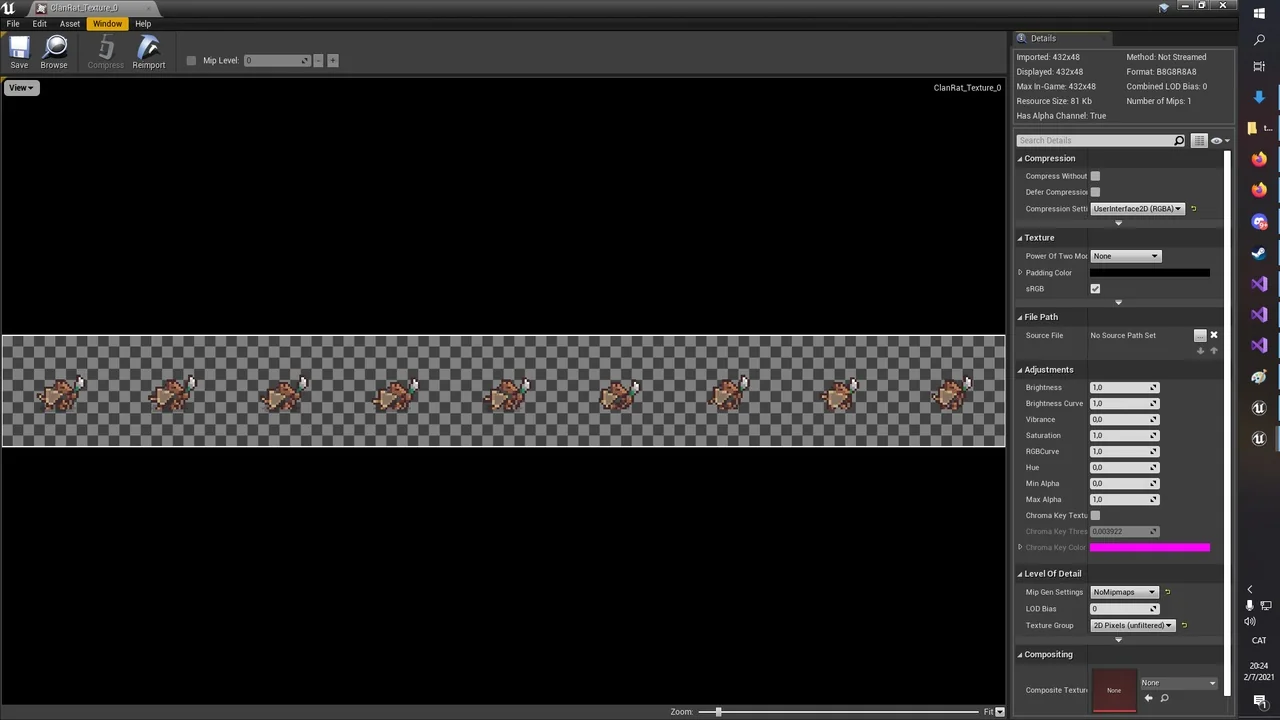
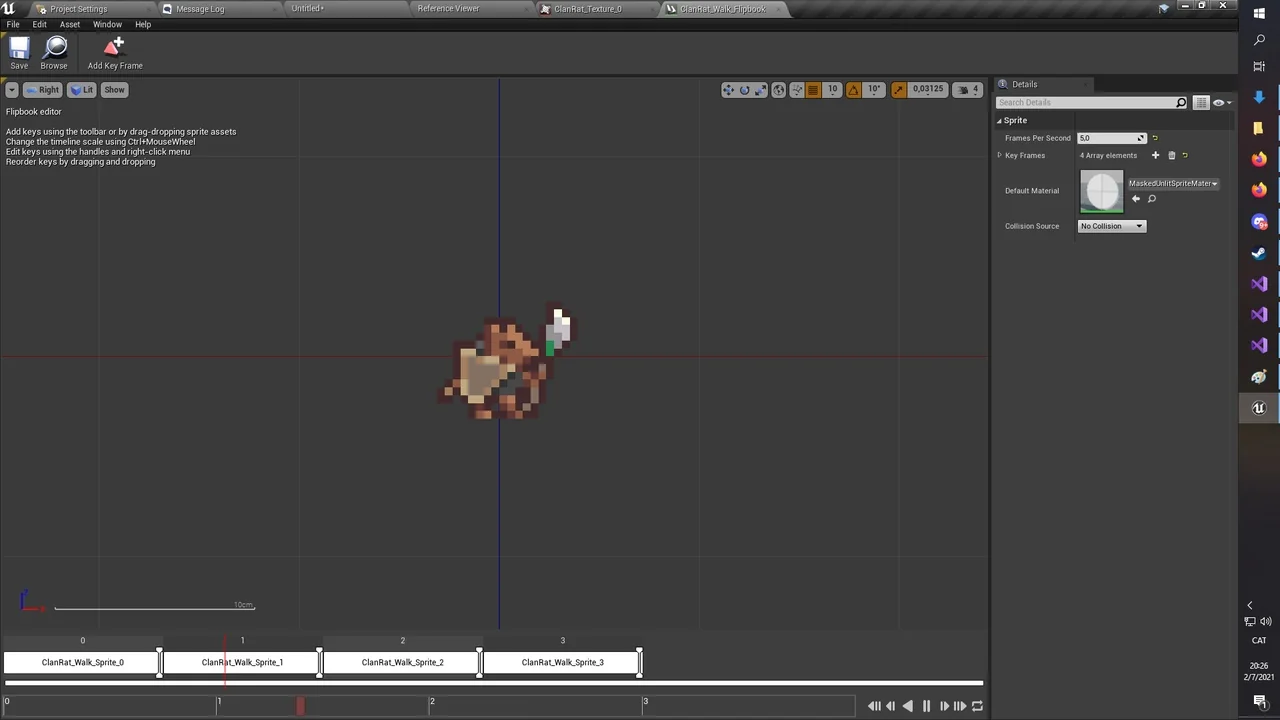
The workflow is built for speed and simplicity. To get started, you just drag and drop an .aseprite file into the content browser. The plugin then generates texture atlases for all frames automatically. Furthermore, for each tag found in the source file, the plugin creates a PaperFlipbook animation containing all relevant PaperSprites.
Flexible Operation Modes
The Ase Importer offers two distinct modes of operation based on how your source file is organized. If you use Aseprite tags, the tool creates a separate flipbook animation for every individual tag it identifies. This makes managing complex character states much more efficient.
Alternatively, if your file contains no tags, the plugin treats the entire sequence as a single animation. In this case, it creates one PaperFlipbook that includes every frame from the file. Therefore, you have full control over how your assets are partitioned during the import process.
Technical Handling and Reimporting
Managing animation speed is handled through specific logic within the Ase Importer. Since some environments do not support per-frame durations, the importer sets the flipbook speed based on the duration of the first frame in each tag. This ensures your timing remains consistent with your original work.
Additionally, the plugin supports a non-destructive reimport workflow. You can update your assets by dragging the updated .aseprite file into the editor again. If the tags are unchanged, the importer modifies existing assets rather than creating new ones. This allows you to maintain your flipbook references throughout the editor without interruption.
Conclusion
The Ase Importer provides an essential utility for pixel artists and developers. By automating the creation of texture atlases and PaperFlipbooks, it removes the tedious steps of manual sprite configuration. Whether you are working with complex tagged animations or simple sequences, this tool ensures a smooth transition from Aseprite to your final project.
Screenshots & Gallery