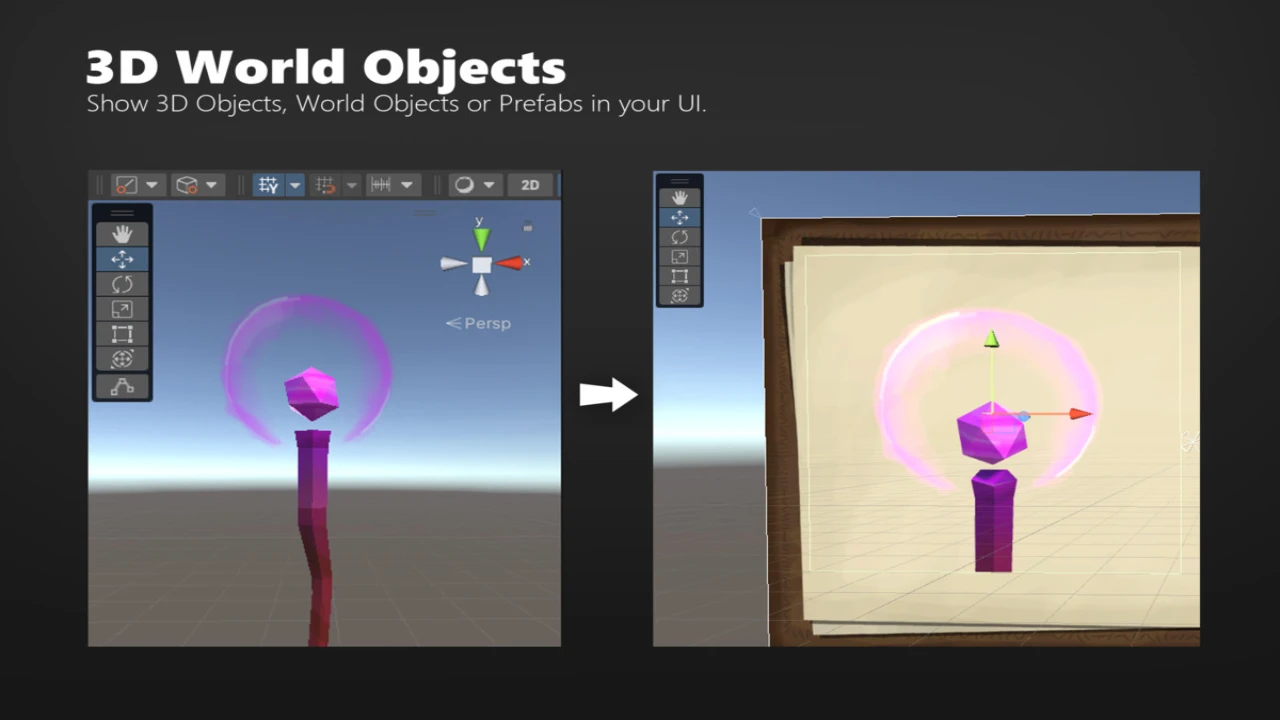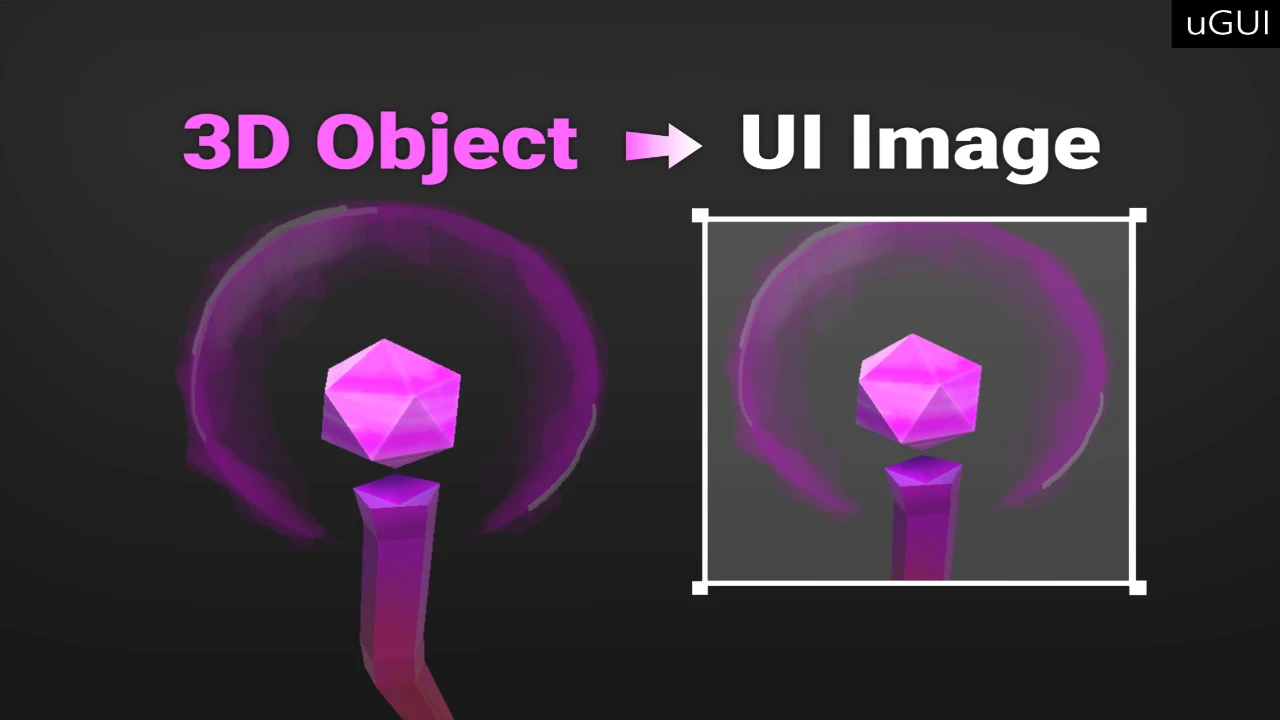
Are your game’s interfaces feeling flat? In modern game development, static 2D sprites often aren’t enough to convey the depth and detail of your assets. 3D Object Image for UGUI is the ultimate solution for developers who want to render 3D world objects or prefabs directly within the Unity UI.
Forget complex Render Texture setups or managing multiple camera layers. This asset streamlines the process, allowing you to display 3D content inside standard UI elements with a simple drag-and-drop workflow. Whether you are building an RPG inventory, a strategy game mini-map, or a character selection screen, this tool brings your UI to life.
Key Features & Benefits
Transform your user interface with a tool designed for flexibility and ease of use:
- Dynamic 3D Inventories:
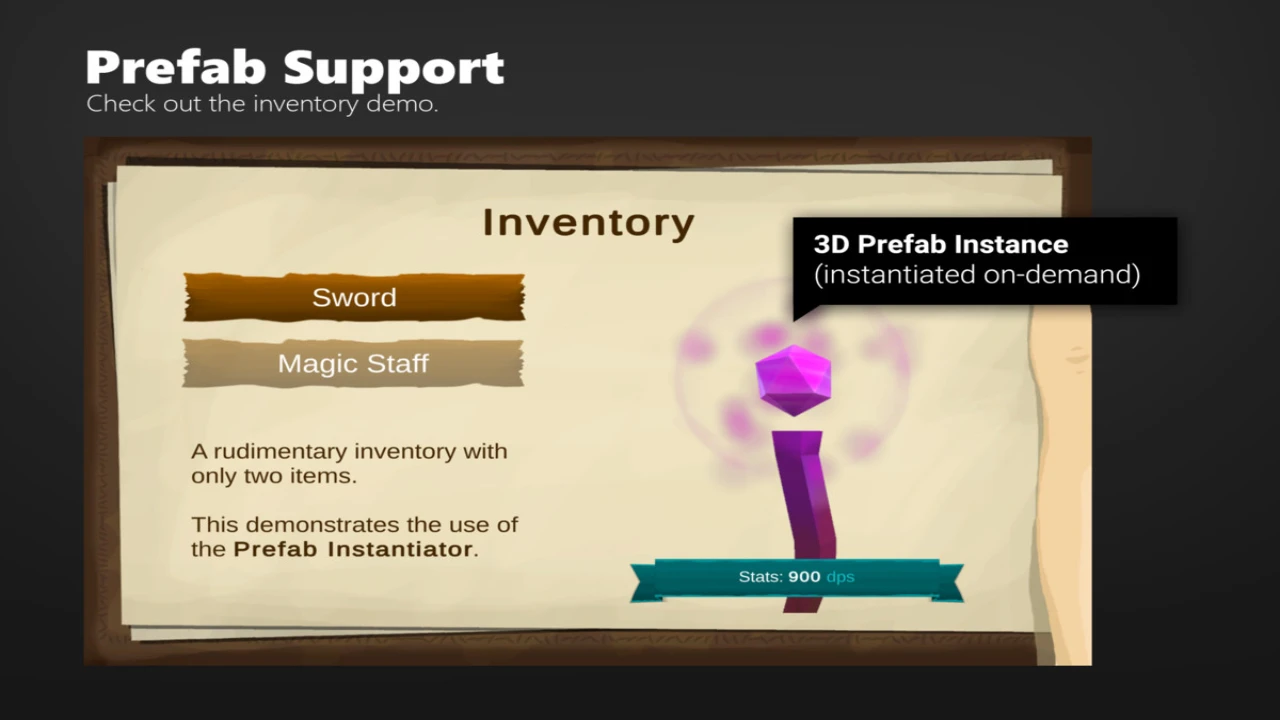
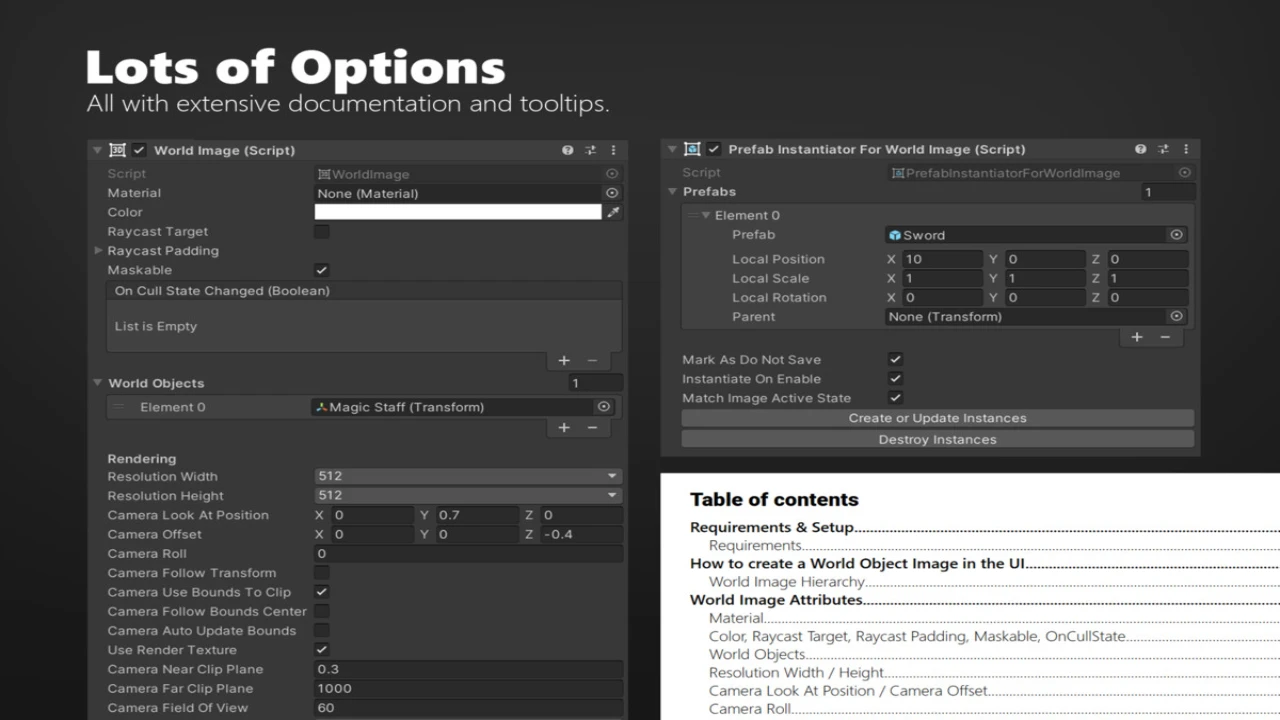
Stop using static icons. With the PrefabInstantiator, you can drag your weapon or item prefabs directly into the UI. Allow players to see their equipment in full 3D, rotating and updating in real-time. - Live NPC Portraits:
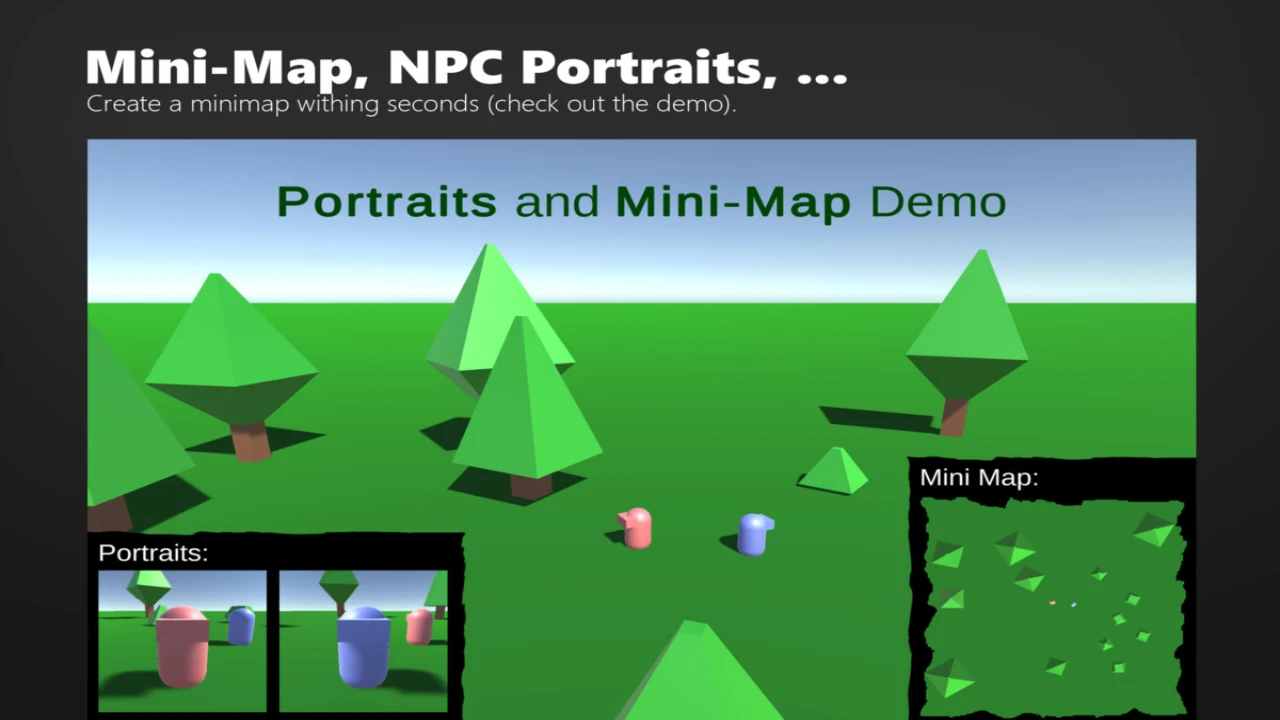
Create immersive dialogue systems or character sheets. Simply drag a character’s transform into the object list to render a “live” portrait that reflects their current animation and state, rather than a pre-rendered image. - Instant Mini-Maps:
Need a tactical view? By emptying the object list and setting the camera to a top-down perspective, you can generate a functional mini-map of your level instantly, rendered directly inside a UI frame. - Native UI Integration:
The system is based on Unity’s default Maskable Graphic. This means it behaves exactly like a standard UI Image. You can apply masks, change materials, and use it within Scroll Views without any graphical glitches. - Universal Render Pipeline Support:
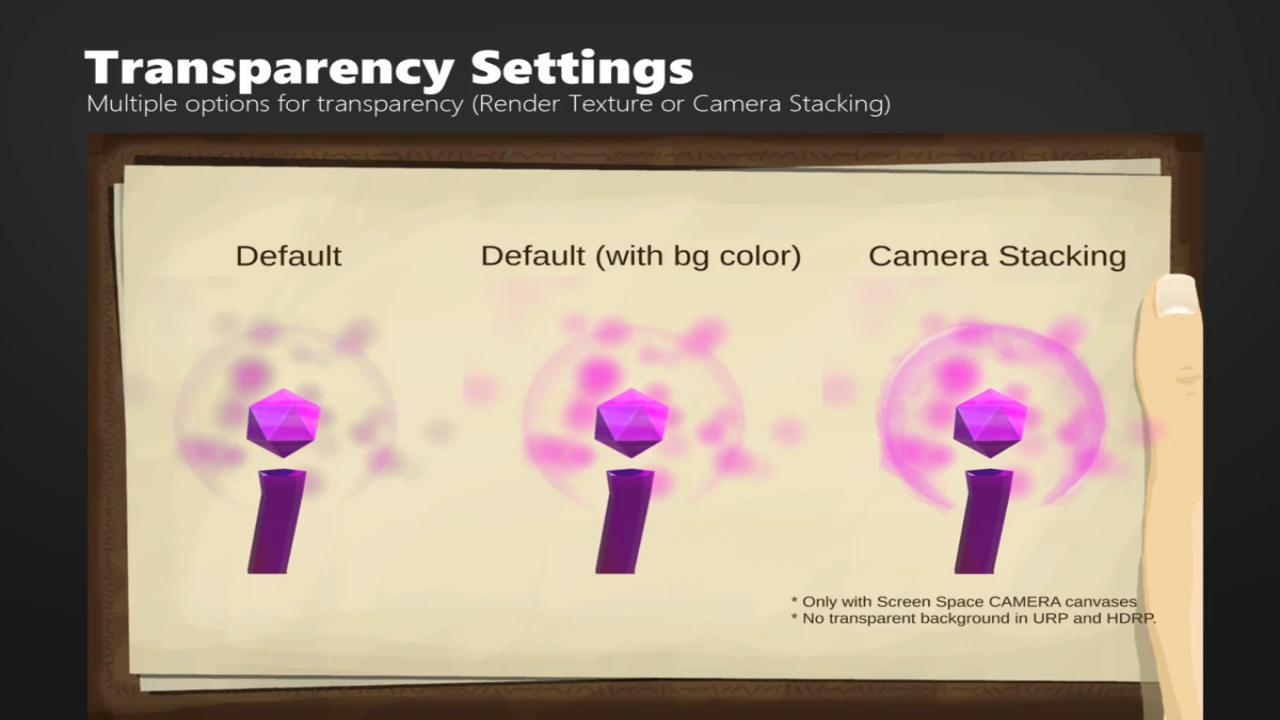
Don’t worry about compatibility. Whether you are using the Built-In Pipeline, URP, or HDRP, the asset works flawlessly across all rendering paths.
Streamlined Workflow
We believe tools should save you time, not add complexity. Setting up a 3D UI element is as easy as 1-2-3:
- Create: Right-Click in your Hierarchy > UI > World Image.
- Select: Pick the object(s) or prefabs you want to display.
- Done: Your 3D object is now rendering inside your UI.
Why Choose 3D Object Image for UGUI?
Visual Fidelity Meets Functionality
First and foremost, this asset bridges the gap between your game world and your interface. It allows for a level of polish found in AAA titles, where the UI feels like an extension of the game rather than an overlay.
Developer Friendly
In addition to its visual benefits, the tool is designed to fit your existing workflow. Because it inherits from standard Unity UI classes, it plays nicely with your existing layout groups, anchors, and canvas scalers.
Conclusion
3D Object Image for UGUI is the fastest way to add depth and interactivity to your Unity interface. Whether you need a spinning sword in an inventory slot or a real-time view of a level, this asset handles it with zero fuss.
Upgrade your UI from flat 2D to dynamic 3D today. Download now and start rendering your world directly in your interface!
Click here to view the full details of the resource.:URL
Related Articles:
Flat Dark Themed GUI / UI Kit – over 600 PNG !