Getting the spell effects into a Unity project
Wizard Spells Pack is set up around Unity 2020.3.18, with built-in render support available by default. HDRP and URP are also supported through Shader Graph, which is installed together with the asset. On Unity 2021 or below, those render pipelines use a free package, while Unity 2022 and Unity 6+ treat URP and HDRP as the default path. The render setup can be changed back to built-in if needed.
The package is delivered as a unitypackage, and the current version is 2.0. The release history shows shader updates, effect optimization, and compatibility work across newer Unity versions, which makes the pack feel maintained rather than frozen at its first release. It is also listed as working on PC, consoles, mobiles, web, and VR.
What is inside the pack
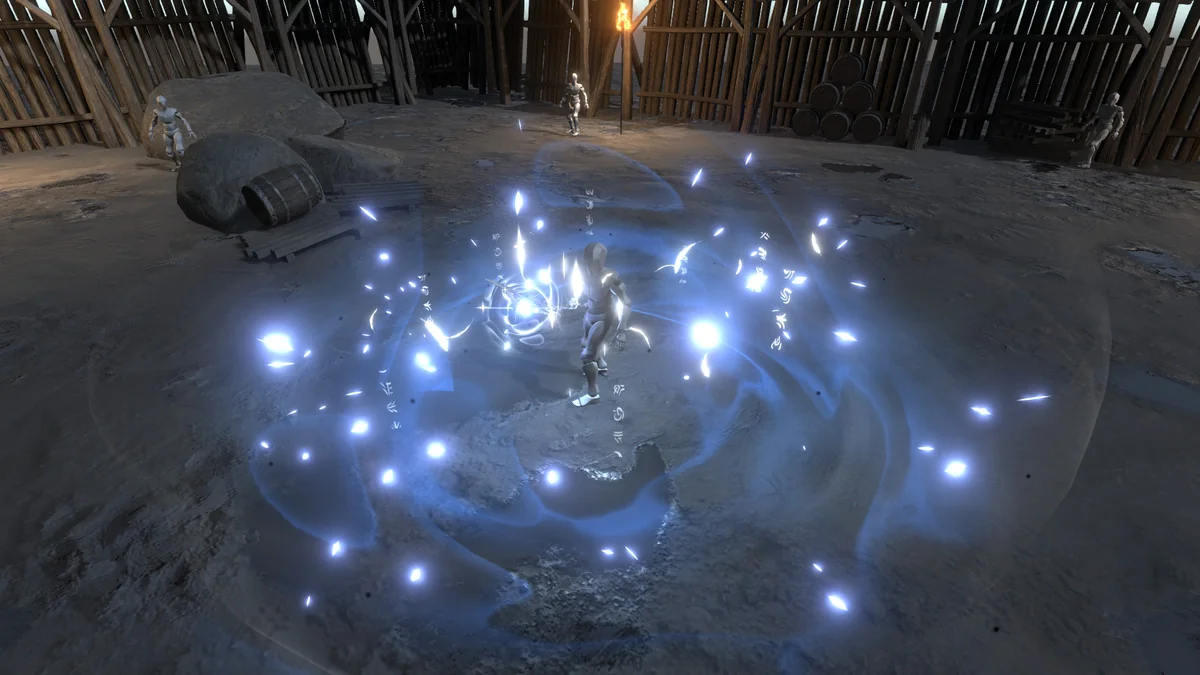
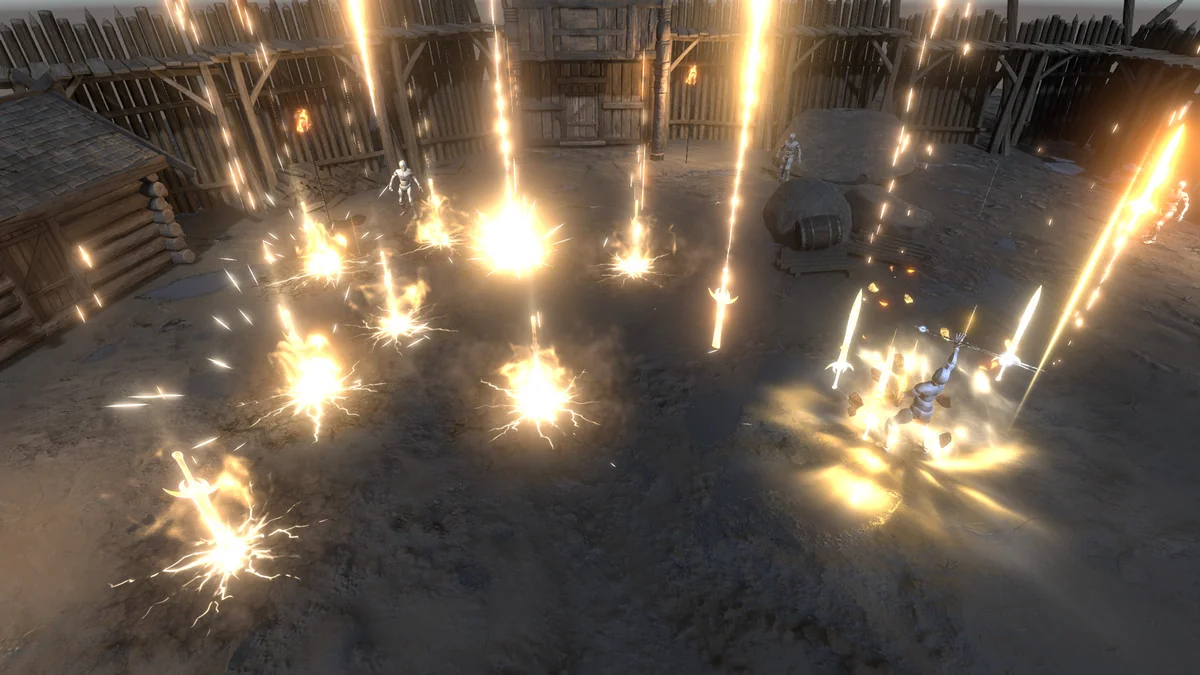
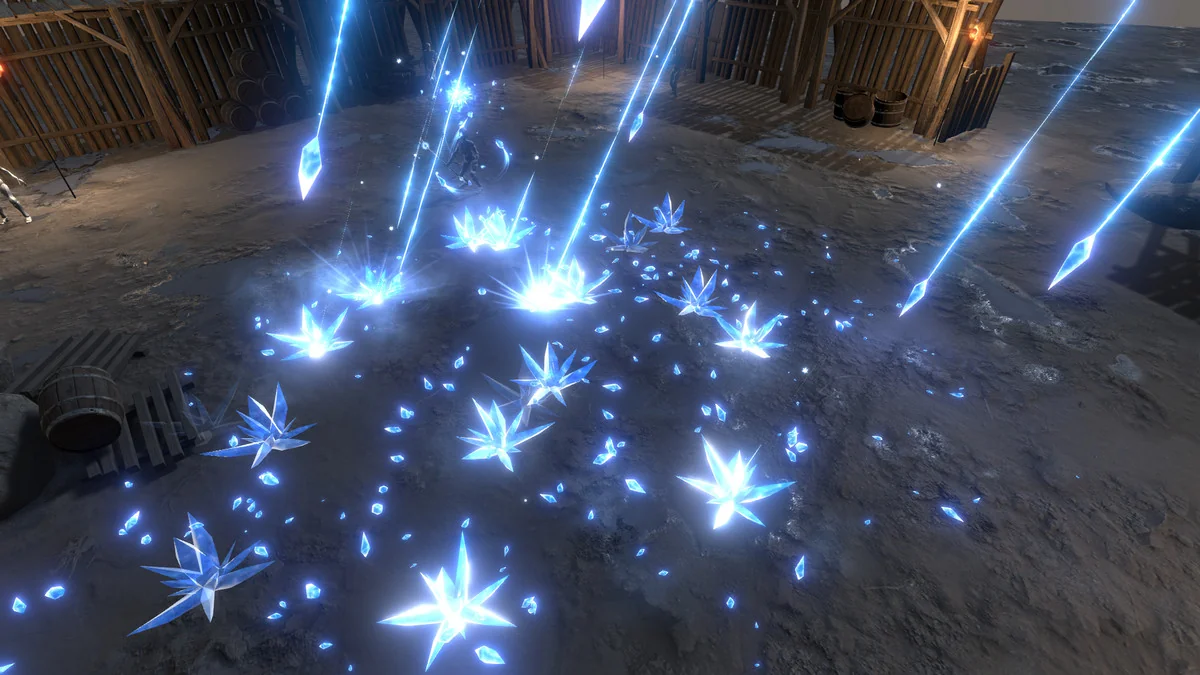
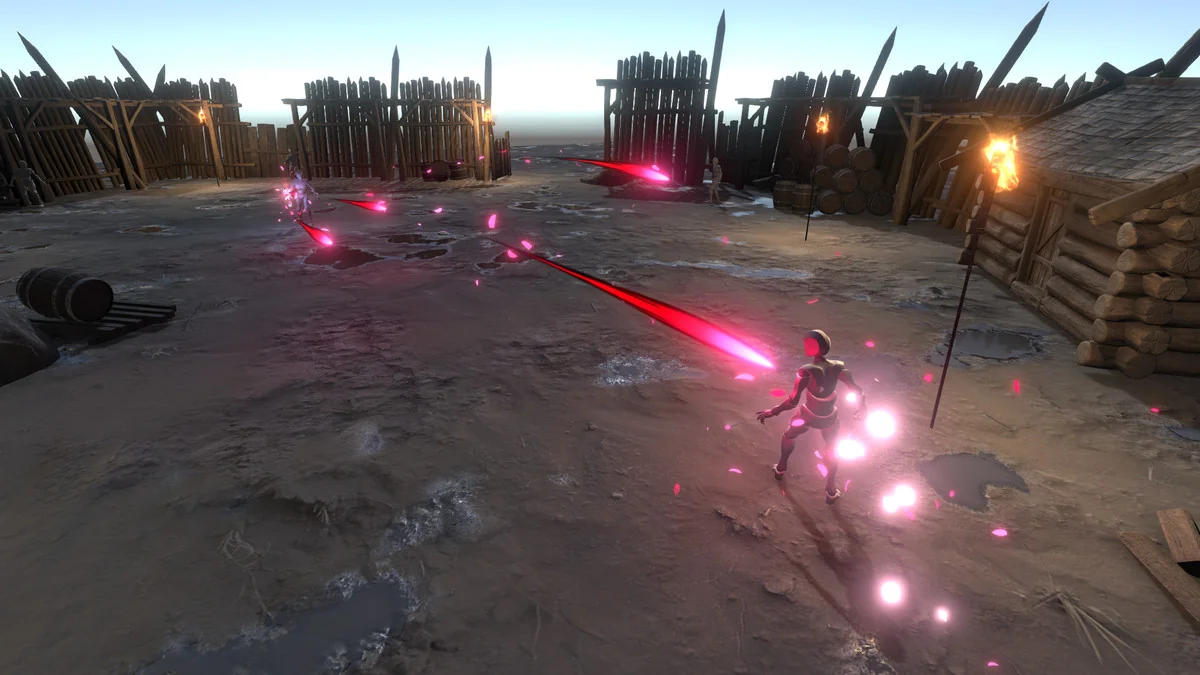
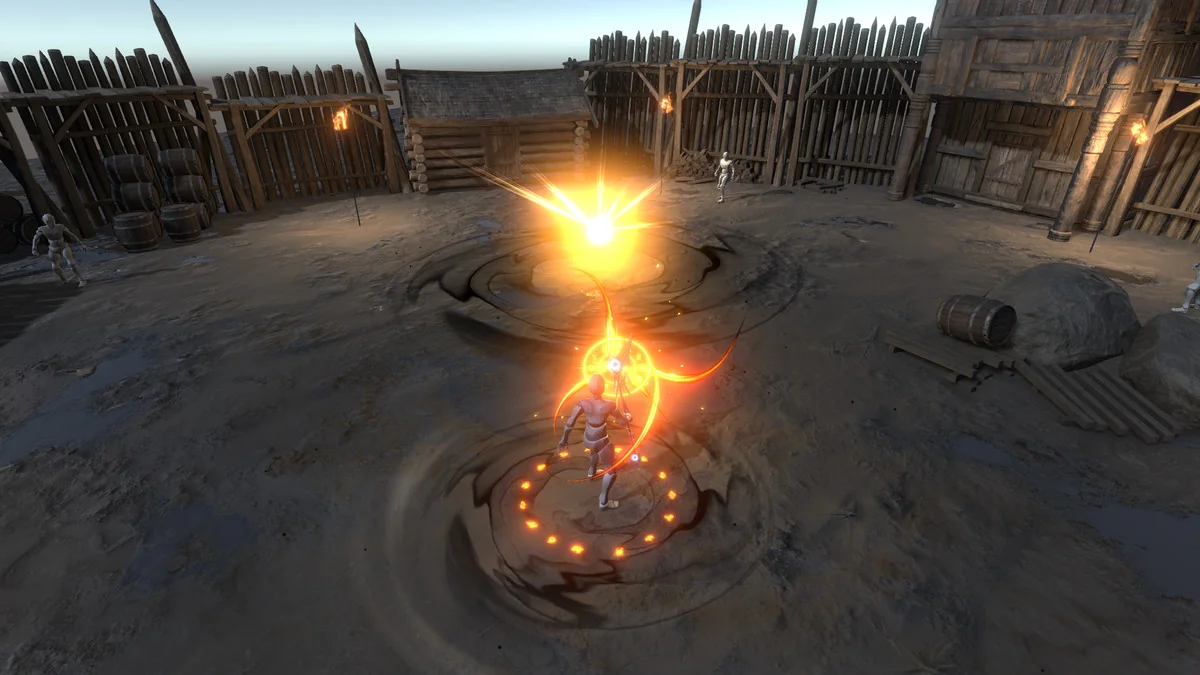
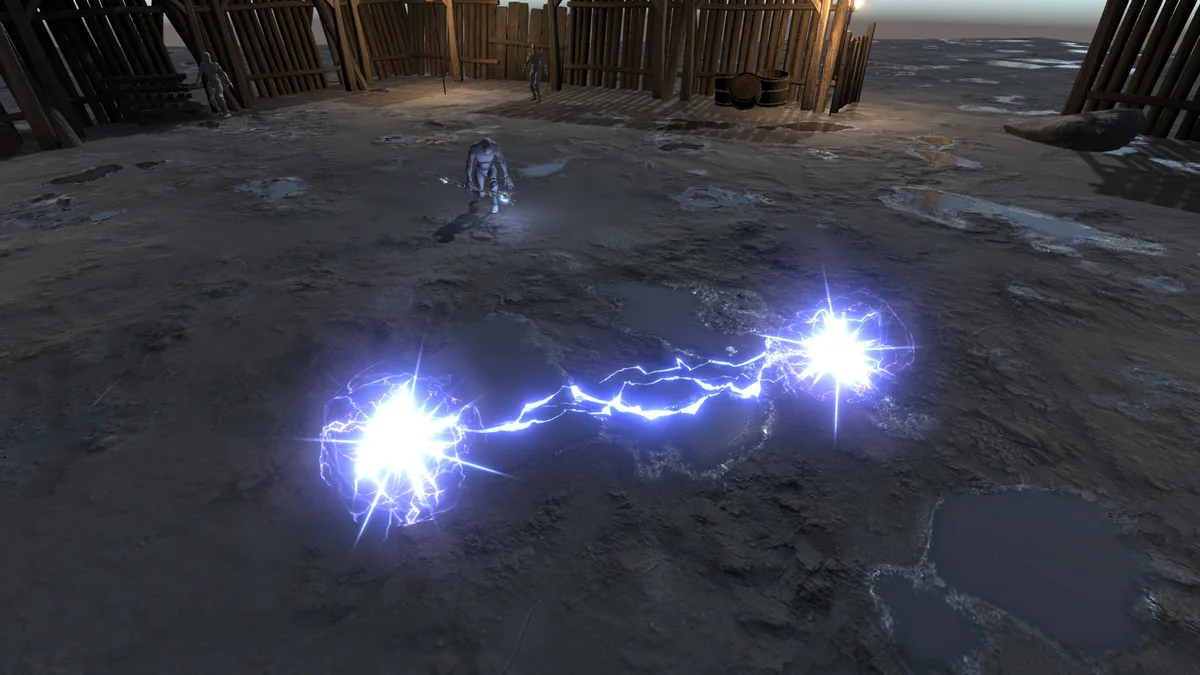
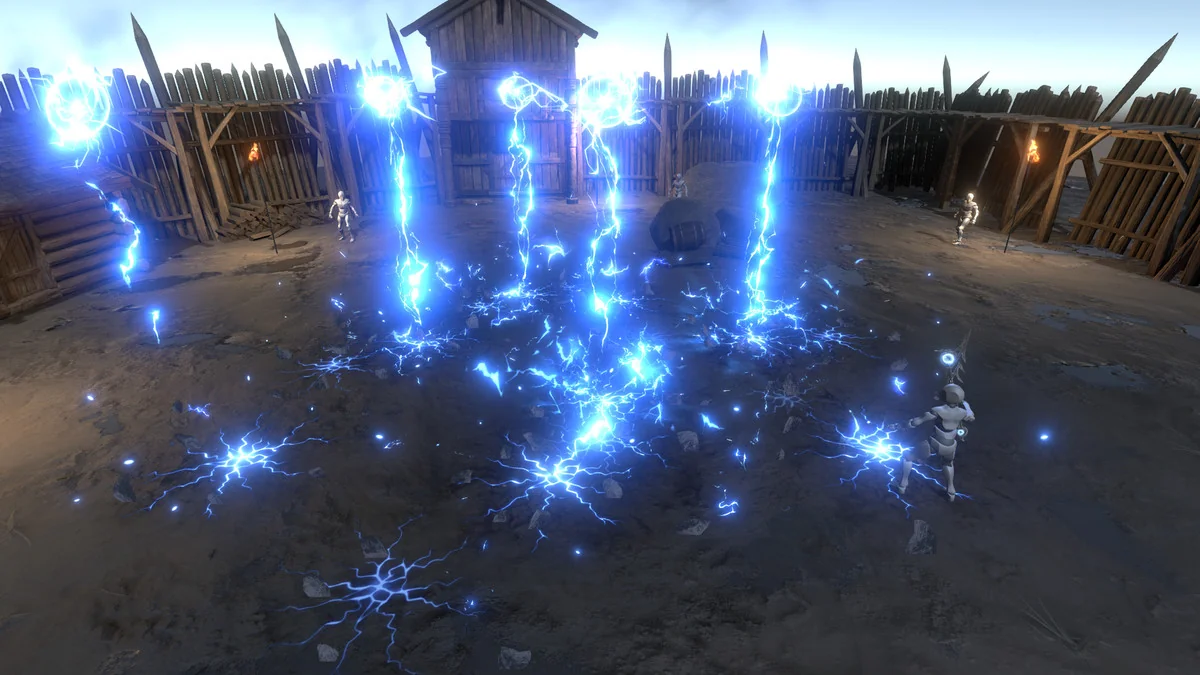
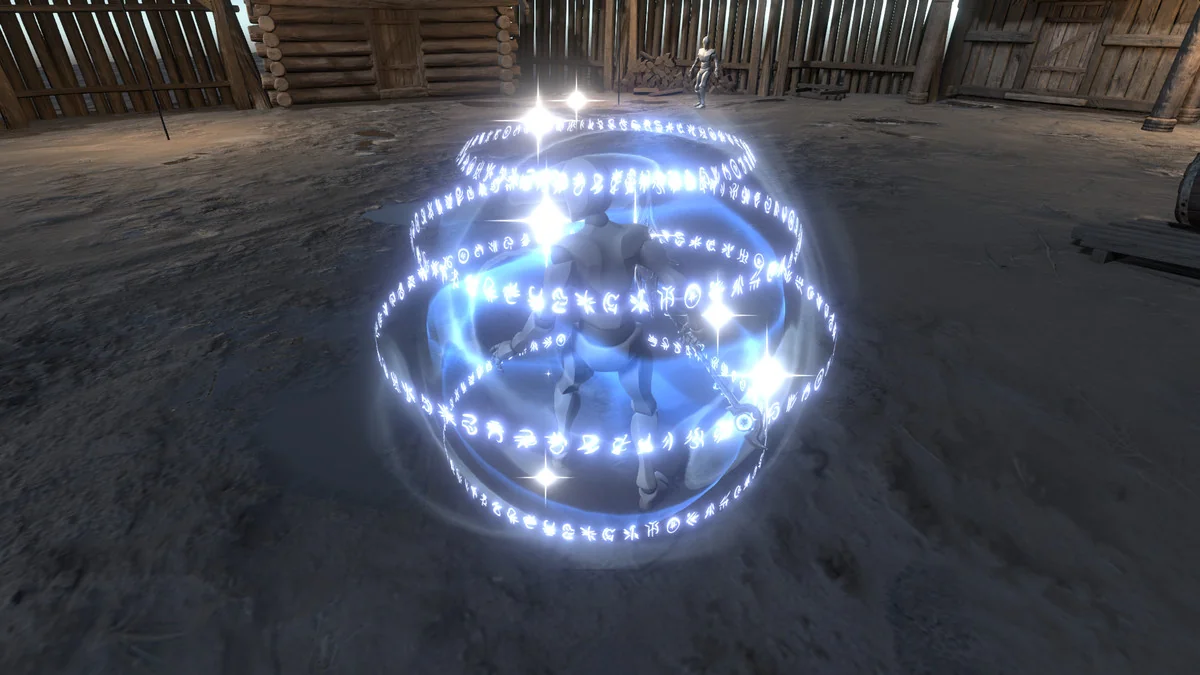
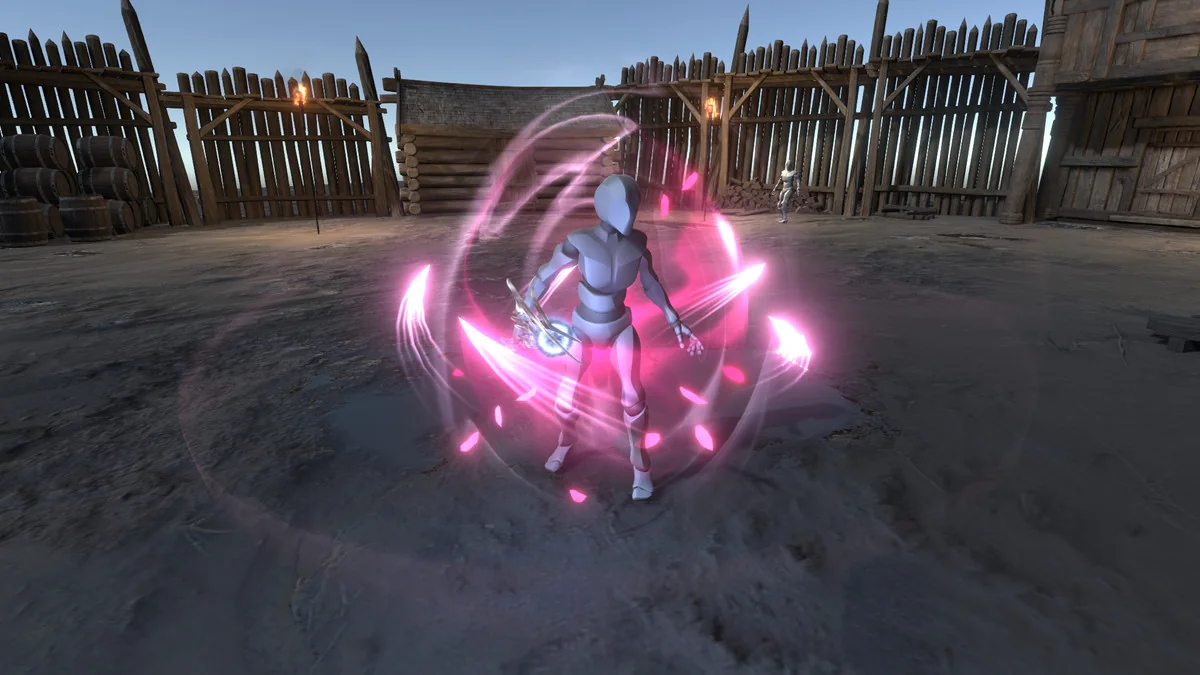
The content is centered on spell visuals and the pieces that help them read clearly in a game. The core set is made up of 31 prefabs, including 14 complete spells with main and casting effects. A second variation is included for spikes and shield, giving those effects alternate treatment inside the same pack.
- 31 prefabs
- 14 complete spells with main and casting effects
- Second variation for spikes and shield
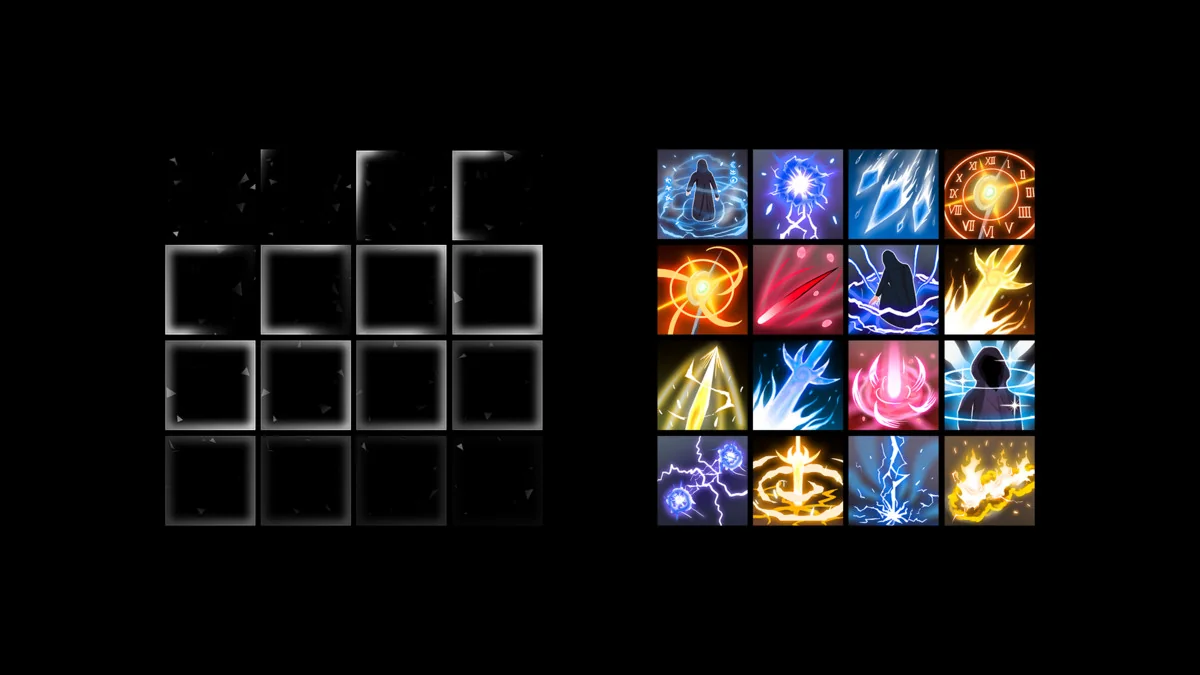
- 14 unique icons created for the asset
- 1 UI sprite-animation for the icons
- 15 high quality SFX
- HQ PBR Fantasy staff asset as an addition
That mix makes the pack more than a visual-only set. The icons and UI sprite-animation give the spell set a matching interface layer, and the included staff asset extends the fantasy theme into a prop that can sit alongside the effects.
How the effects behave in production
The effects can be re-sized, re-timed, and re-colored, which is useful when a scene needs the same spell to read differently at different distances or pacing levels. No projectors are used in the effects. Texture sizes run across 2048×2048, 1024×1024, 512×512, 256×256, and 128×128, so the pack covers a range of texture resolutions rather than relying on a single size.
The combination of spell prefabs, SFX, and icon work points toward projects that need magic attacks, shield moments, or spike-style visuals with matching audio and UI cues. Because the pack supports PC, consoles, mobiles, web, and VR, it can sit inside projects with different target platforms without forcing the effects into only one delivery path.
Demo-scene notes and maintenance details
The demo scene includes a non-target RPG controller that is not part of the asset. Support does not apply to the animations and scripts used in the demo scene, though scripts under the standard Asset Store license can be used. That keeps the focus on the spell visuals themselves rather than on the demo setup.
Version history shows the asset has gone through shader updates and compatibility changes. Version 2.0 updated all shaders and optimized the effects. Earlier updates rewrote the Blend_LinePath shader for better trail control, fixed an emission glitch in Blend_TwoSides when using backface fresnel, improved shaders for Unity 2022+ in Deferred render path or orthographic camera setups, and replaced shaders with Shader Graph in version 1.3. There is also backward compatibility with other Hovl Studio assets noted in the release history.
For a Unity project that needs wizard-style spell visuals, matching sound effects, icons, and render pipeline coverage in one set, this pack stays focused on the practical side of implementation. It is most useful when the goal is to build around ready-made spell behavior, then adjust the look, timing, and sound to fit the scene.
Asset Gallery
Protected download
Access this resource
All resources are 100% manually reviewed to eliminate all risks.