Optimize Your Workflow with Virtual Animation Tools V6
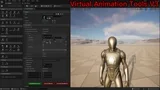
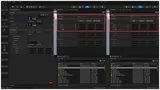
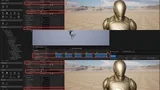
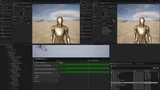
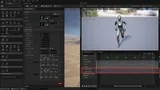
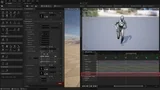
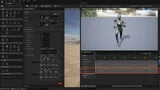
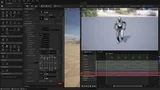
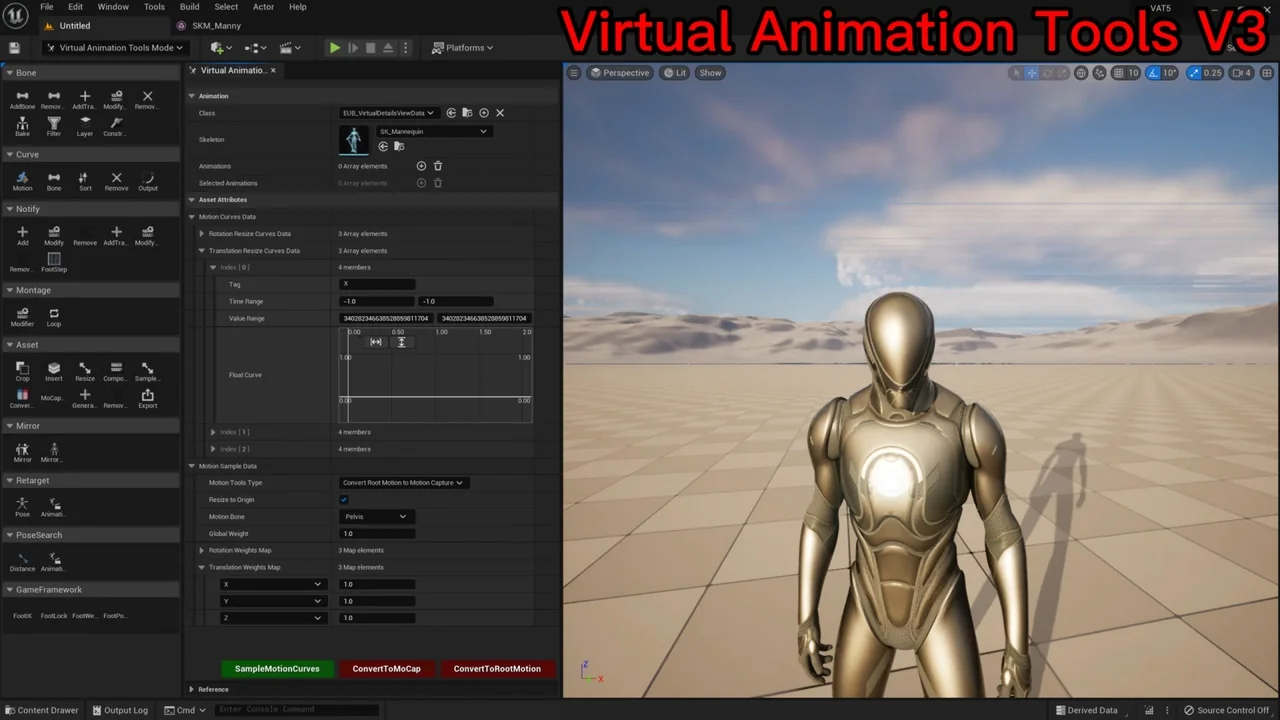
Virtual Animation Tools V6 is a comprehensive solution designed for developers working with massive animation libraries. If you are tired of repetitive manual configurations, this toolset offers automation for bone layering, distance matching, and footstep curve generation. It serves as a central hub for all essential animation features required in modern game development.
Managing tens of thousands of animations can be a daunting task. However, this tool simplifies the process by providing specialized modules for bone manipulation and data baking. Consequently, developers can focus on creative tasks rather than technical hurdles.
Advanced Bone and Layer Management
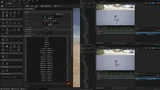
The BoneTools module allows for precise control over skeletal structures. You can easily add weapon bones, IK bones, and camera bones without unskinned weight issues. Furthermore, the developer has included features to modify or remove animation bone data on a per-frame basis to fix jumping values.
Key features of the bone management system include:
- Baking Bone Data: Bake attack frames for low frame rate clients or simulate torso positions on the server.
- Layer Blending: Convert arm-only animations into full-body movements, which is ideal for transitioning from FPS to TPS.
- Constraints: Constrain IK and FK bones or copy data from weapon bones directly to hand bones.
Efficient Curve and Notify Automation
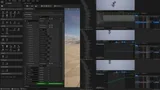
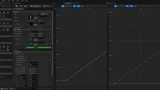
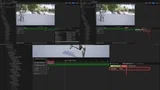
Virtual Animation Tools V6 excels at handling complex curves and notifications. The CurveTools module supports motion curves for distance matching and samples per-axis data on the root bone. Additionally, you can export these curves to external assets or sort them to maintain project organization.
The Notify Tools are equally robust, allowing you to generate footstep sounds automatically. You can modify custom variable data within notifies or delete notification tracks in batches. This automation significantly reduces the time spent on manual audio and visual syncing.
Asset Manipulation and Motion Conversion
The Asset Tools provide essential utilities for cropping, resizing, and merging animation assets. For instance, you can insert specific poses into any frame or resize sample rates to match your project requirements. Moreover, the tool includes a rate modifier to output assets at a consistent play rate.
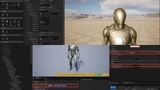
Motion data conversion is another standout feature. You can convert motion capture data into root motion animation or vice versa. This flexibility allows for secondary adjustments and scaling of root motion data to fit different character sizes.
Specialized GameFramework and Mirroring Tools
To ensure high-quality character movement, the GameFramework tools generate alpha curves for Foot IK and Foot Lock. These curves help determine footstep offsets and positions, distinguishing between left and right feet accurately. Furthermore, the Mirror Tools can automatically generate a mirrored bone tree, eliminating the need for manual configuration.
Finally, the tool includes PoseSearch capabilities that generate unique compressed values for poses. This feature facilitates efficient animation matching and frame mapping between different assets. Whether you are generating LODs for skeletal meshes or retargeting poses, Virtual Animation Tools V6 provides the necessary utility to enhance your production pipeline.
Conclusion
Virtual Animation Tools V6 is a versatile asset for any developer looking to automate complex animation tasks. By offering tools for bone blending, curve management, and motion conversion, it ensures a smoother and more efficient development cycle. This toolkit is essential for maintaining high-quality animations across large-scale projects.
Screenshots & Gallery