Introduction to Ultra Volumetrics
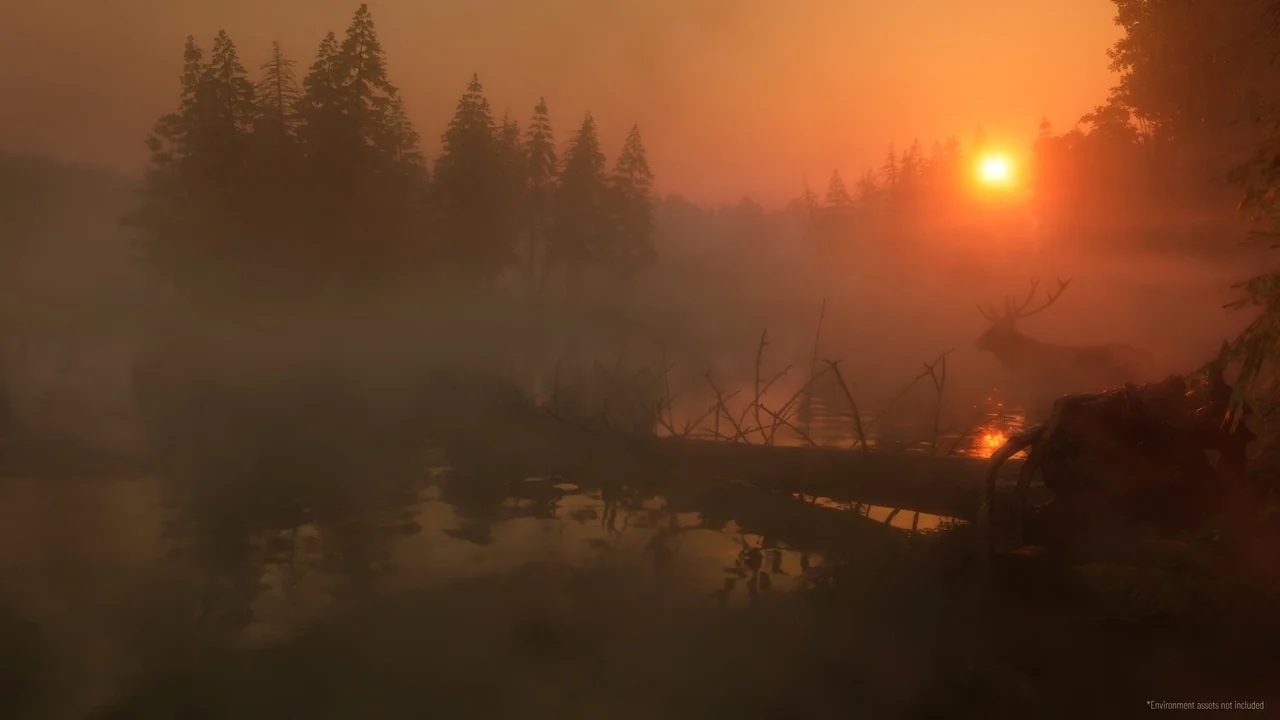
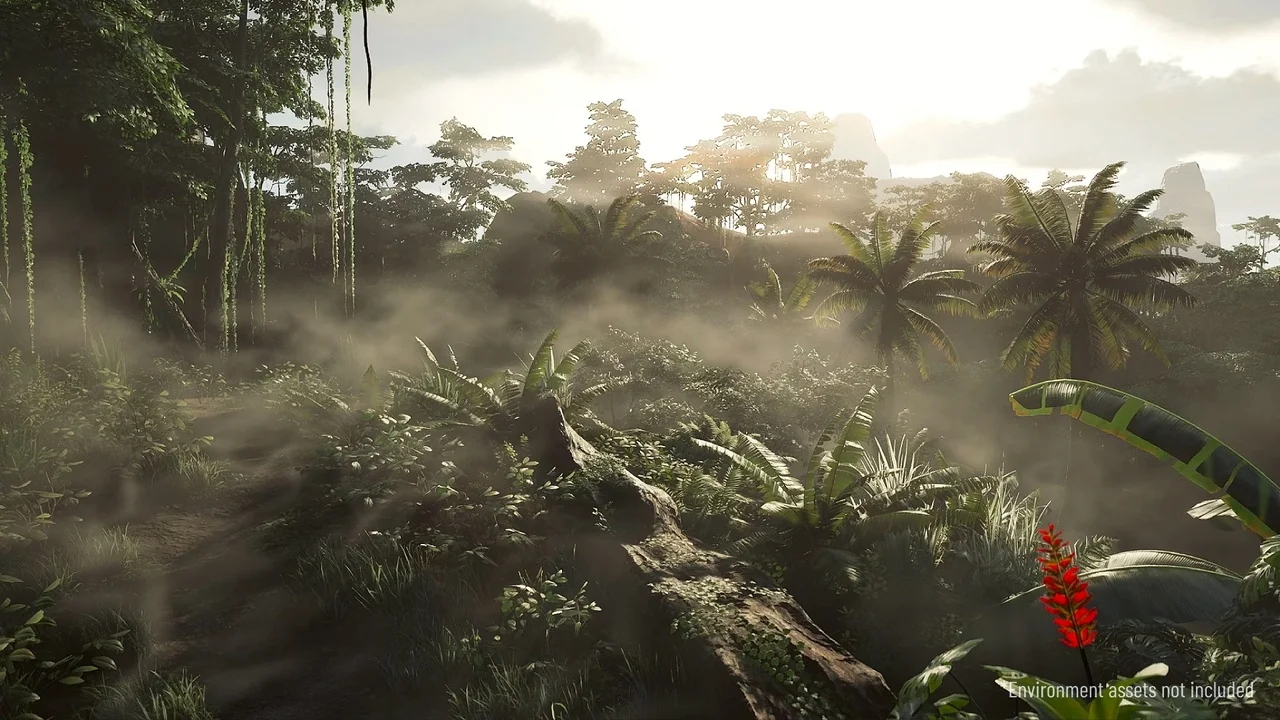
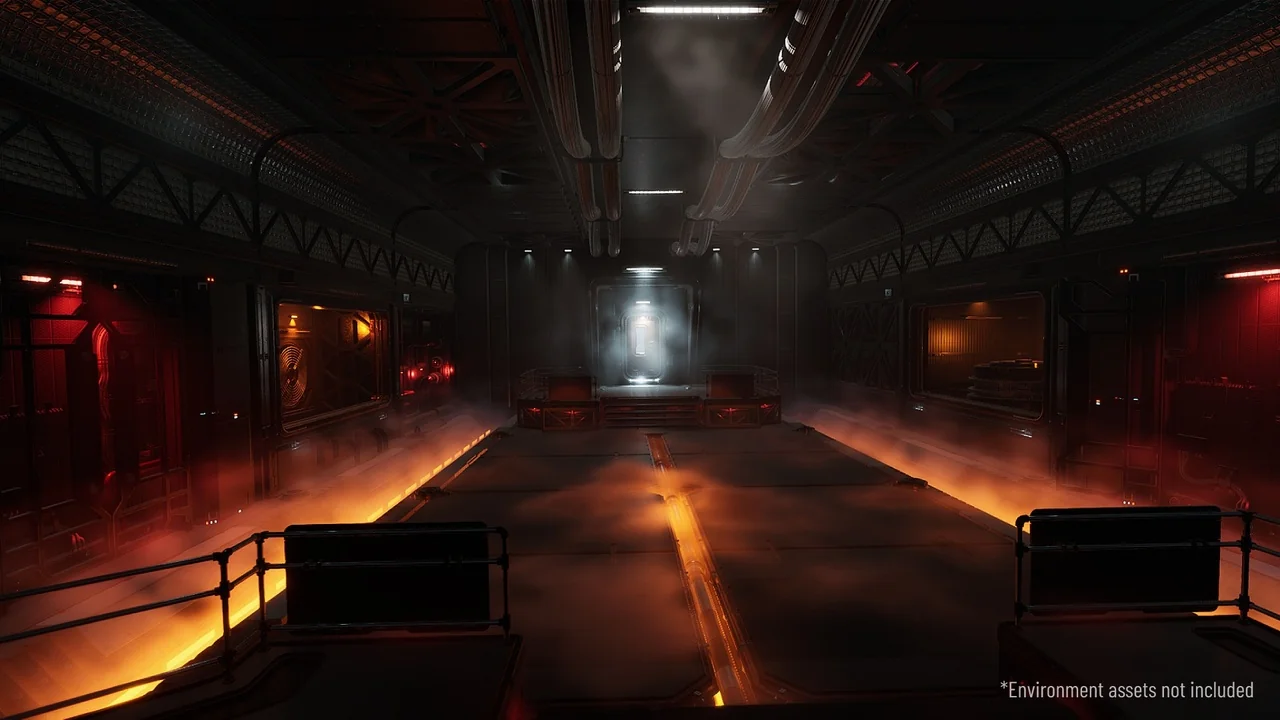
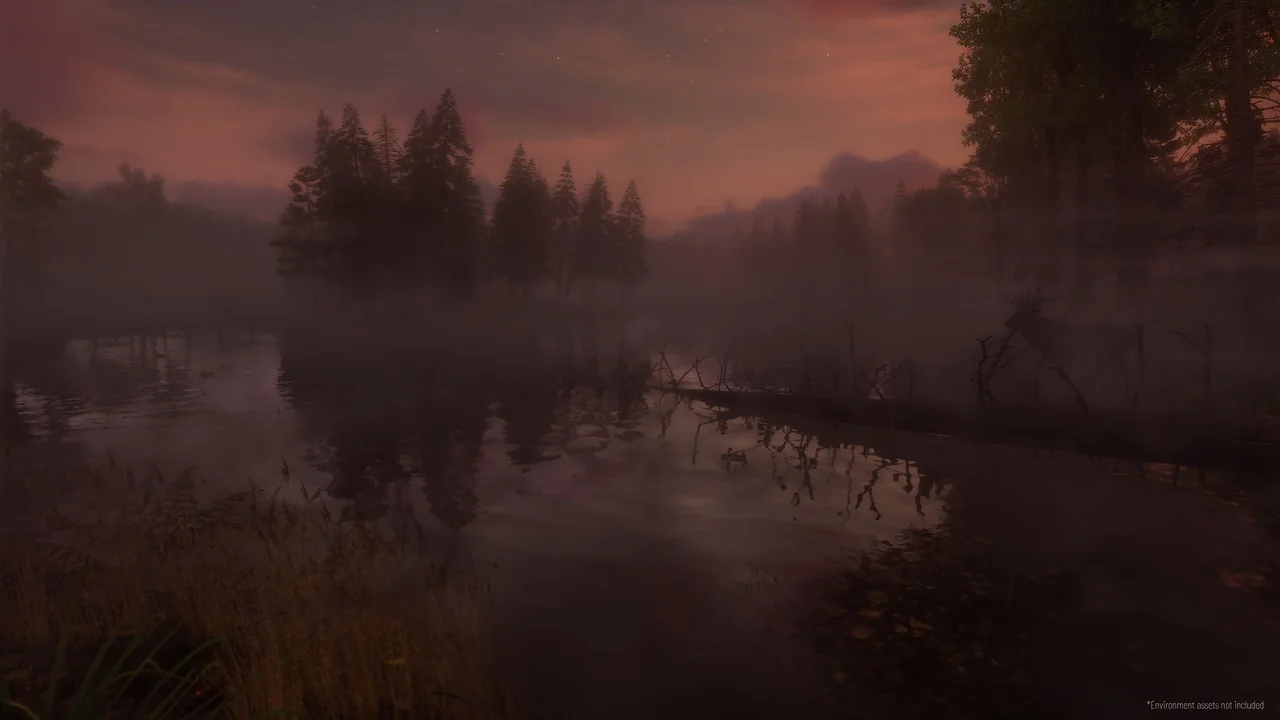
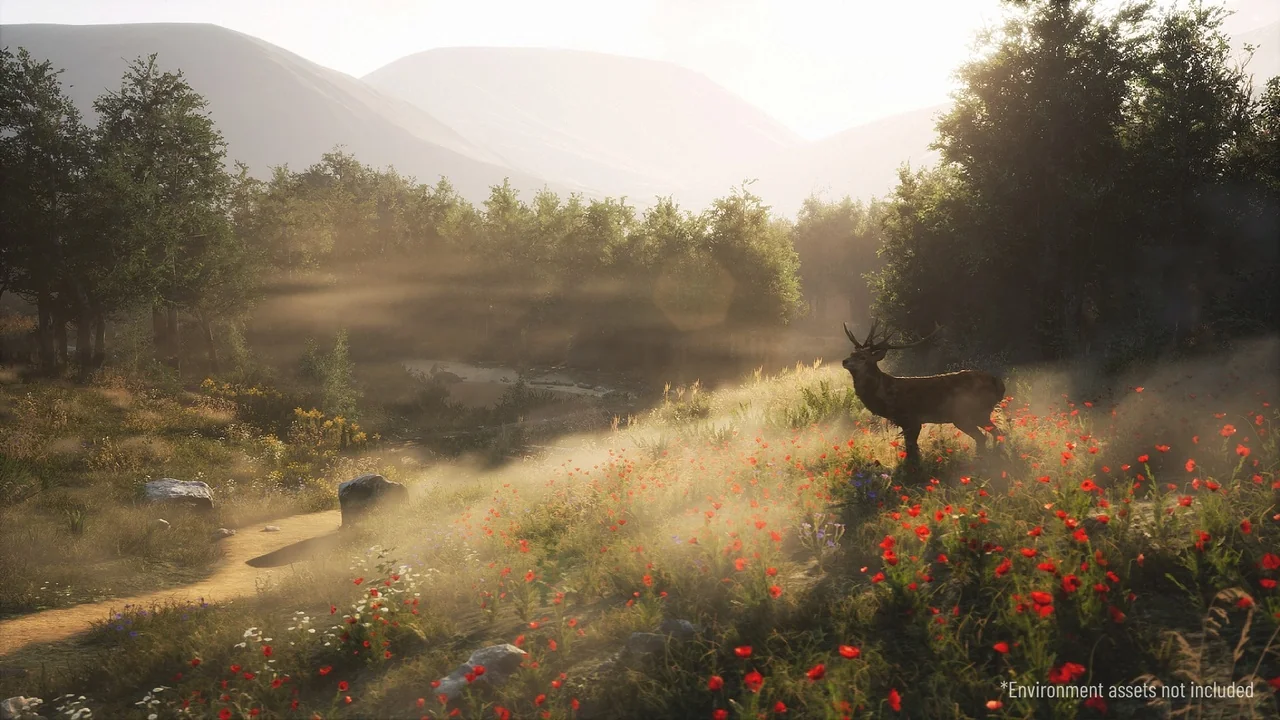
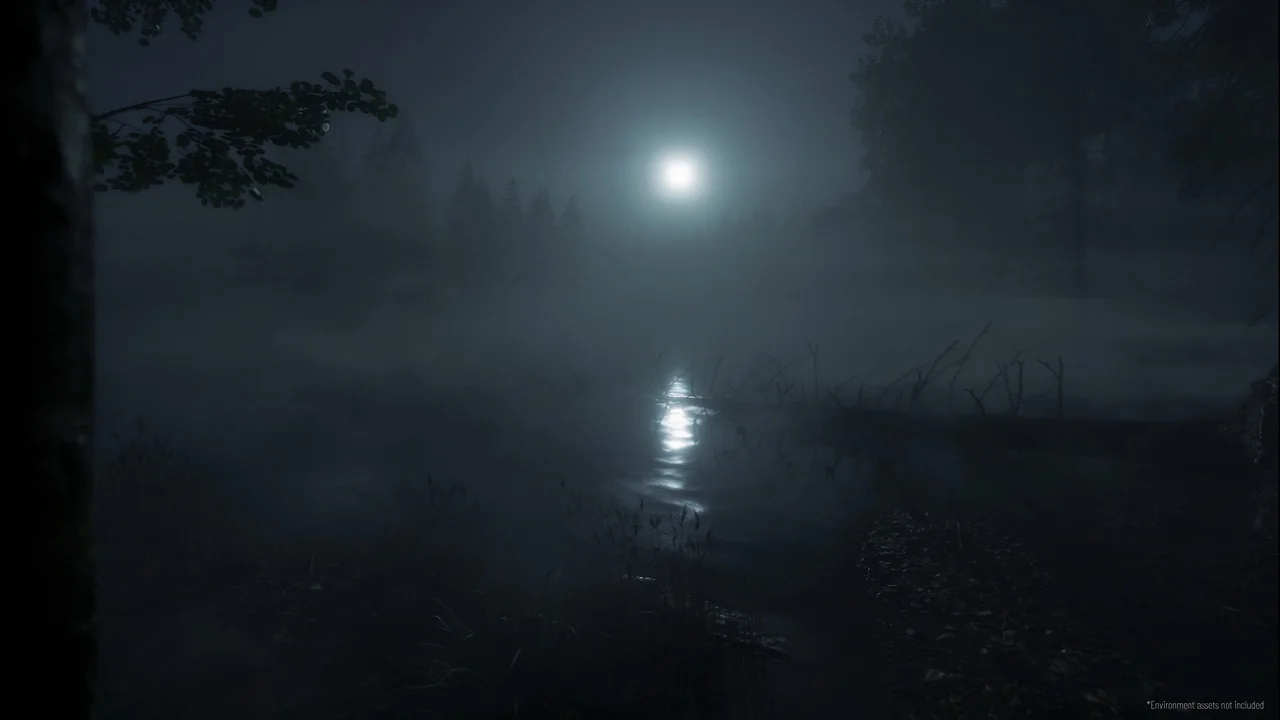
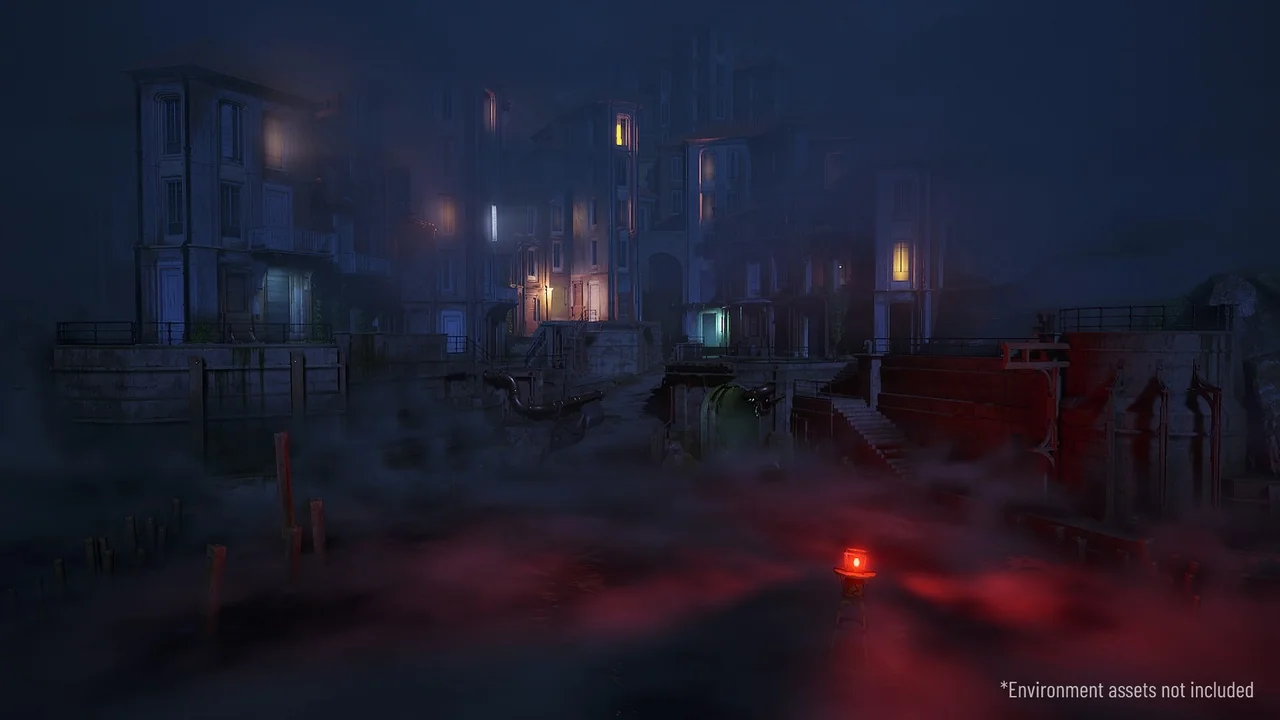
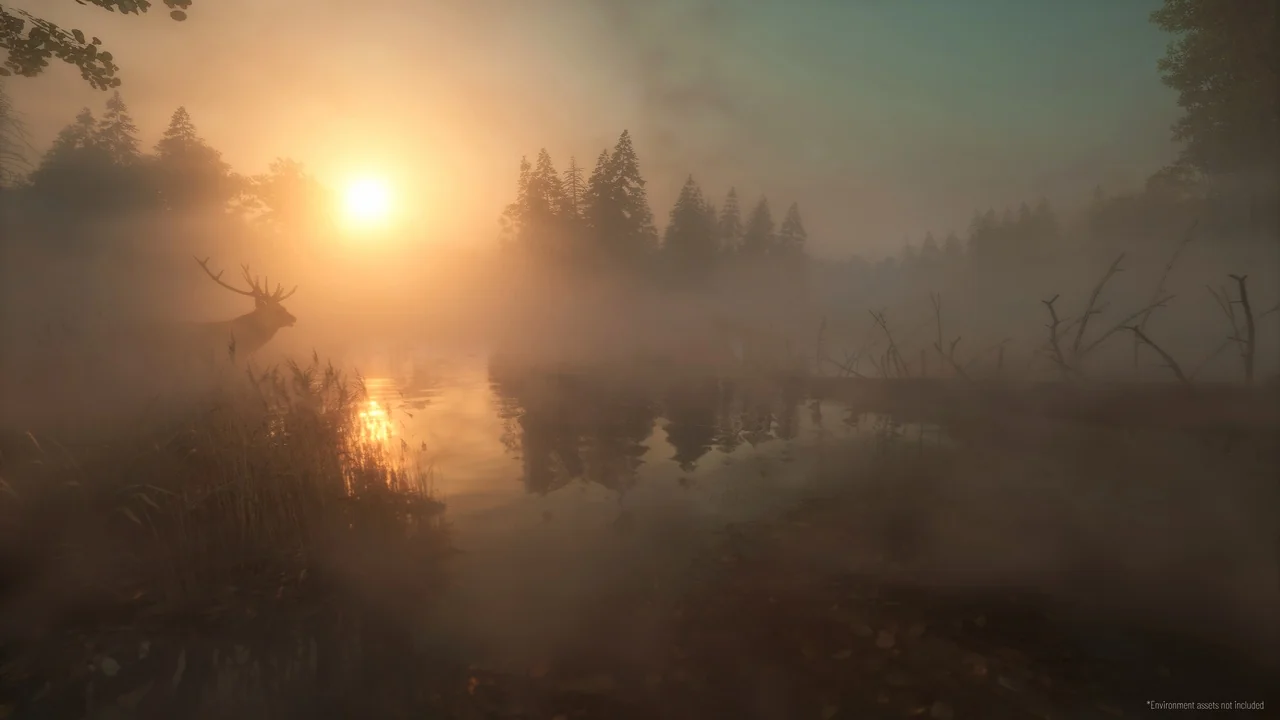
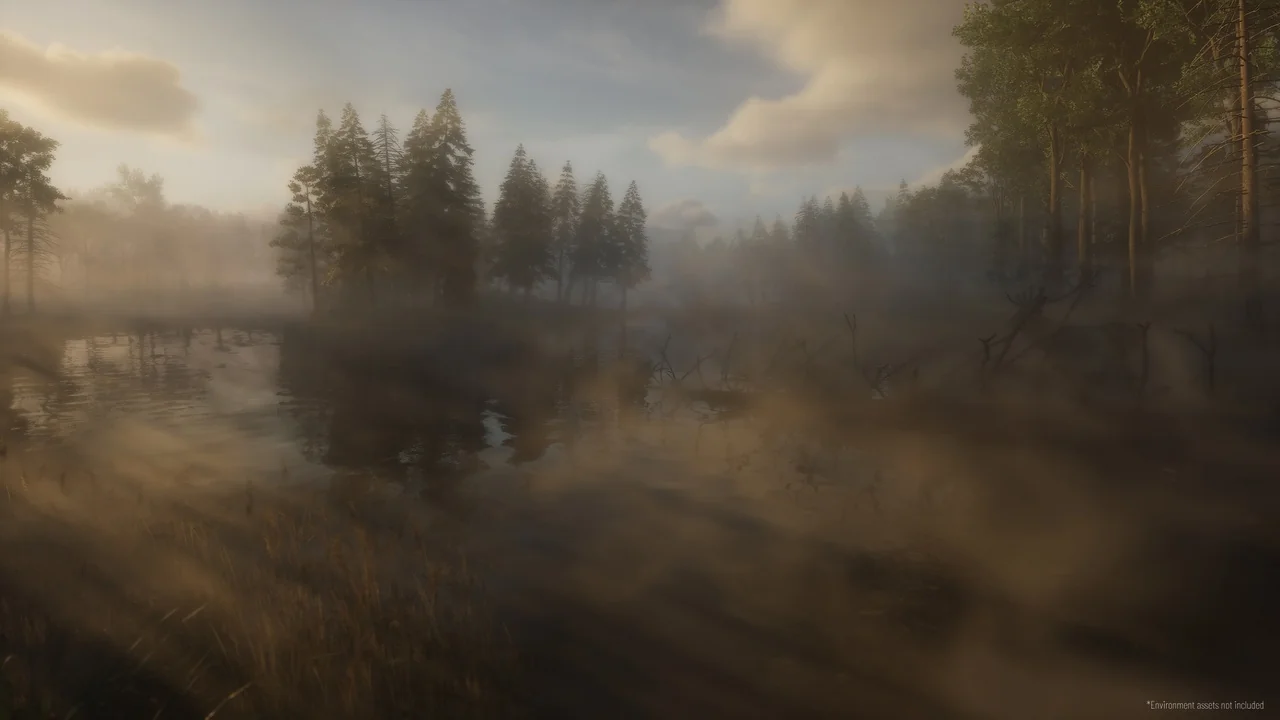
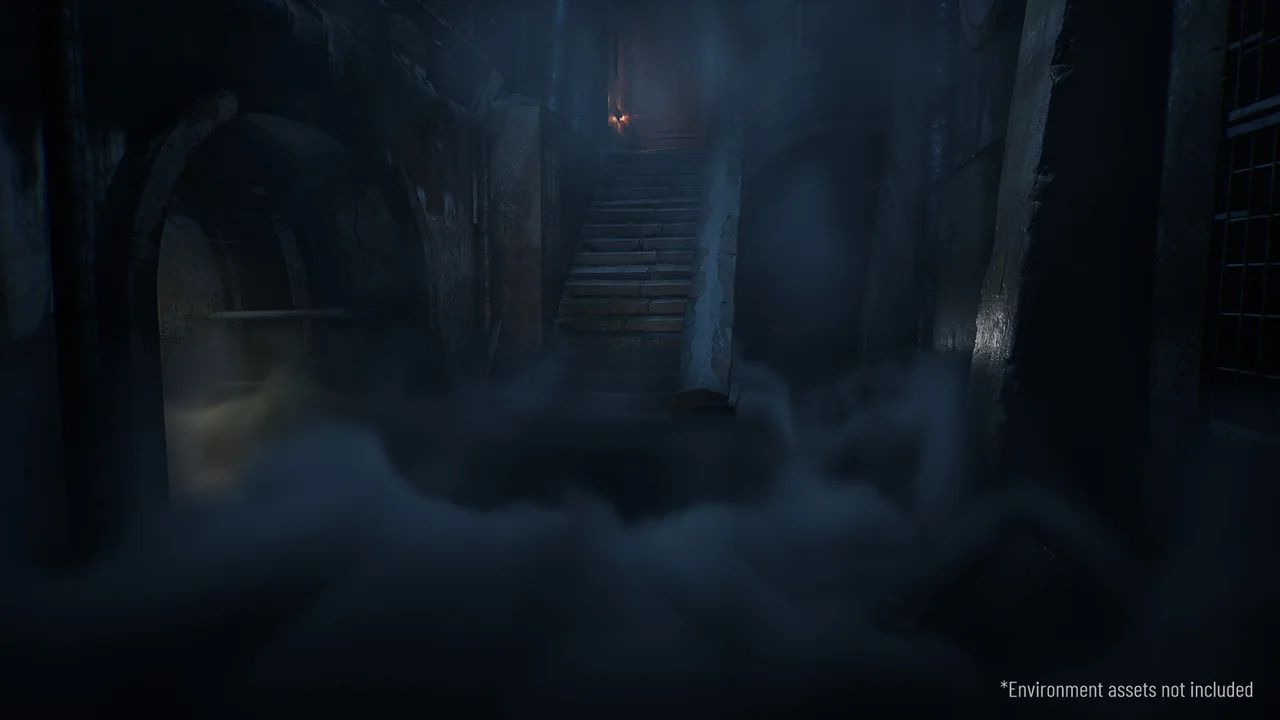
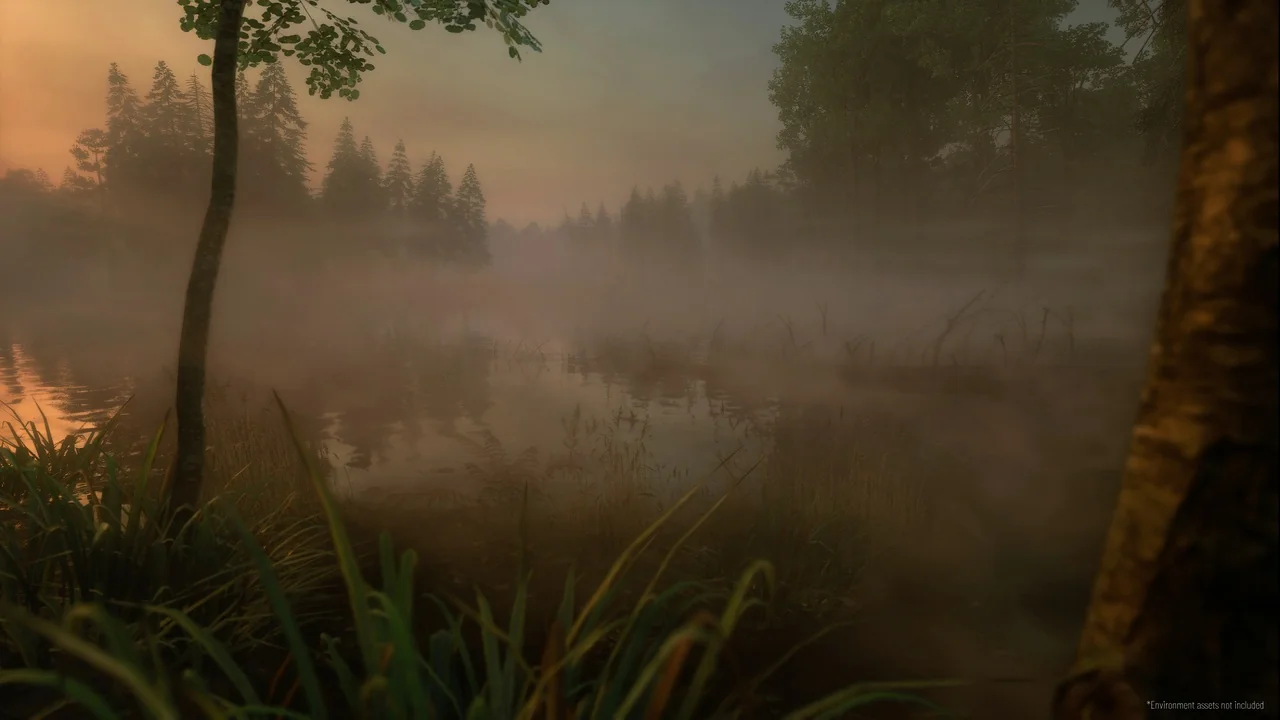
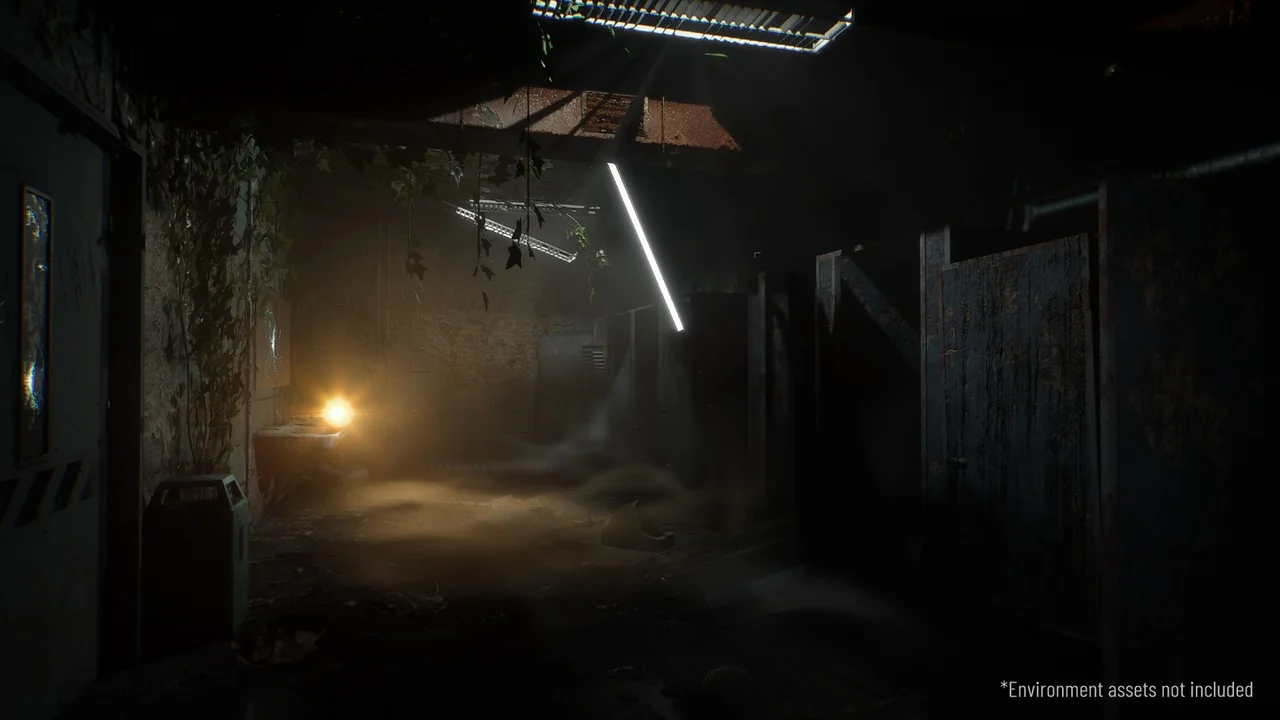
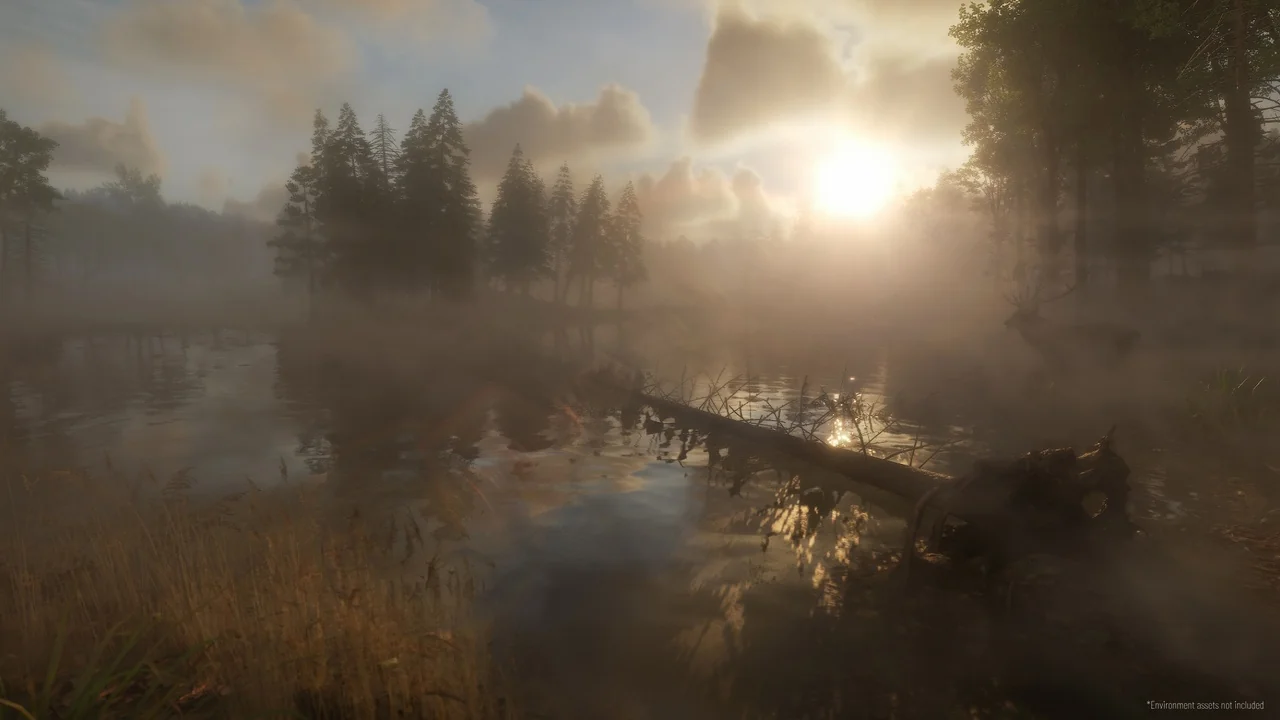
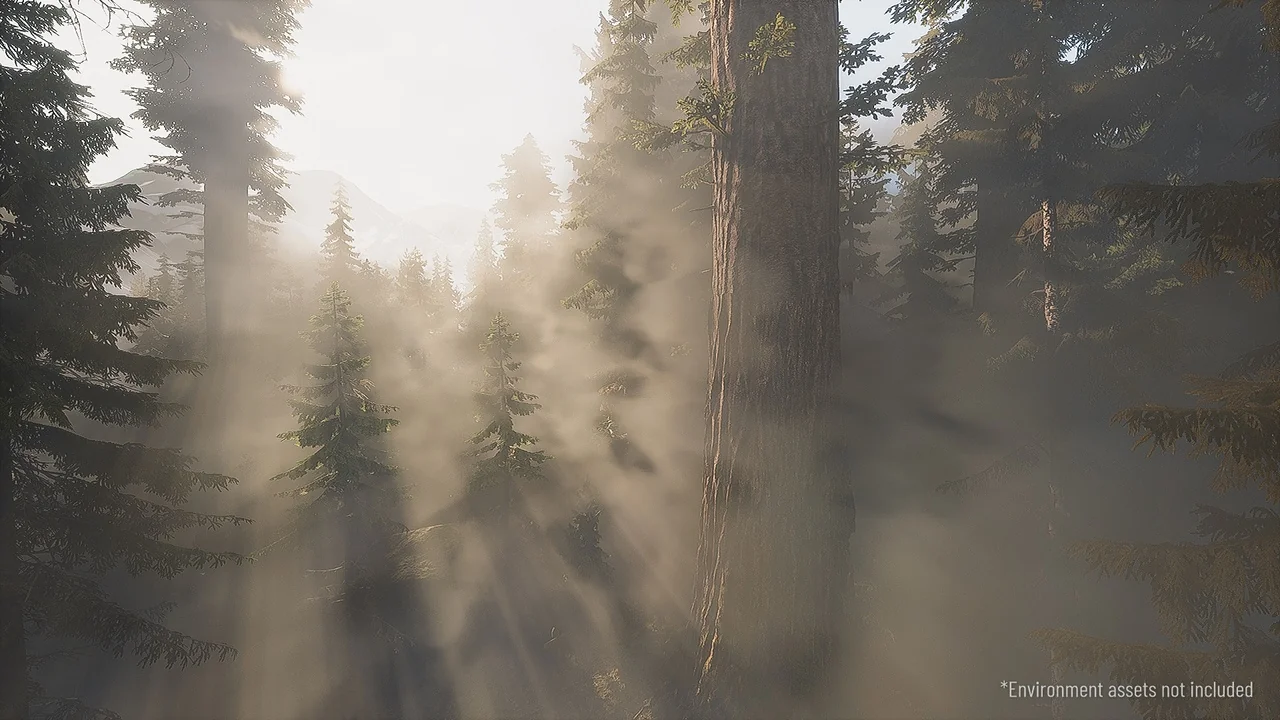
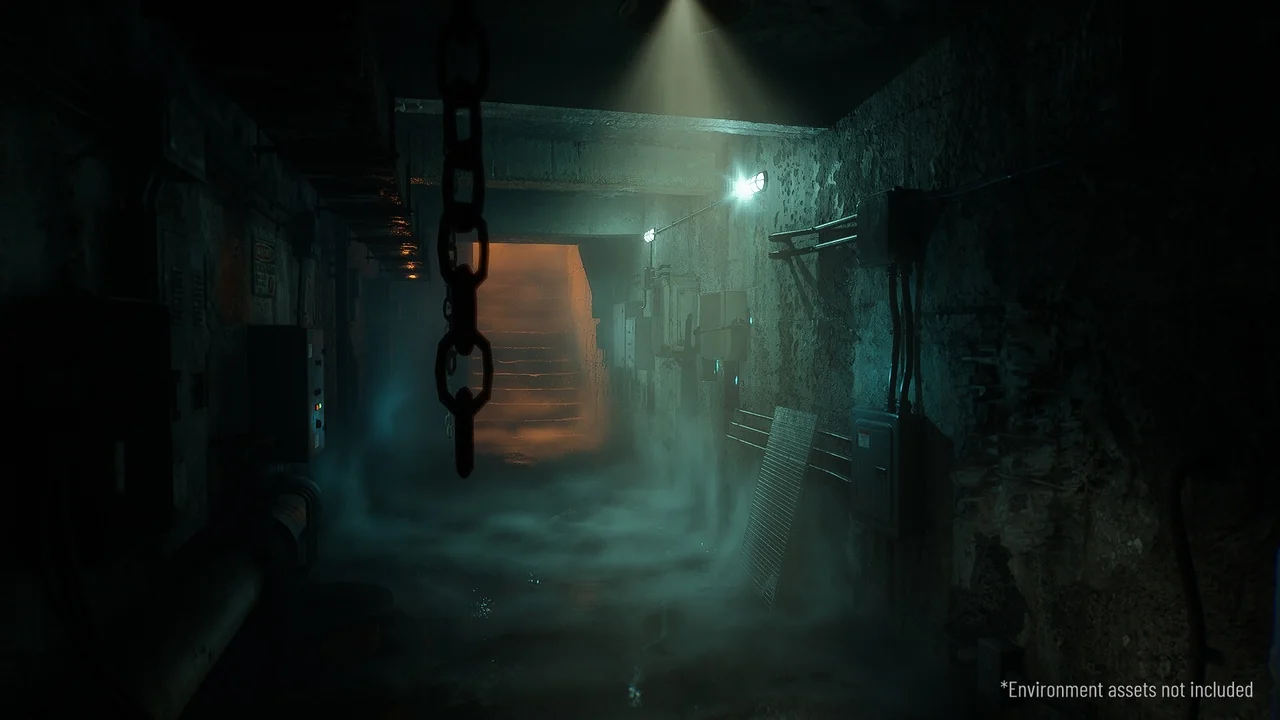
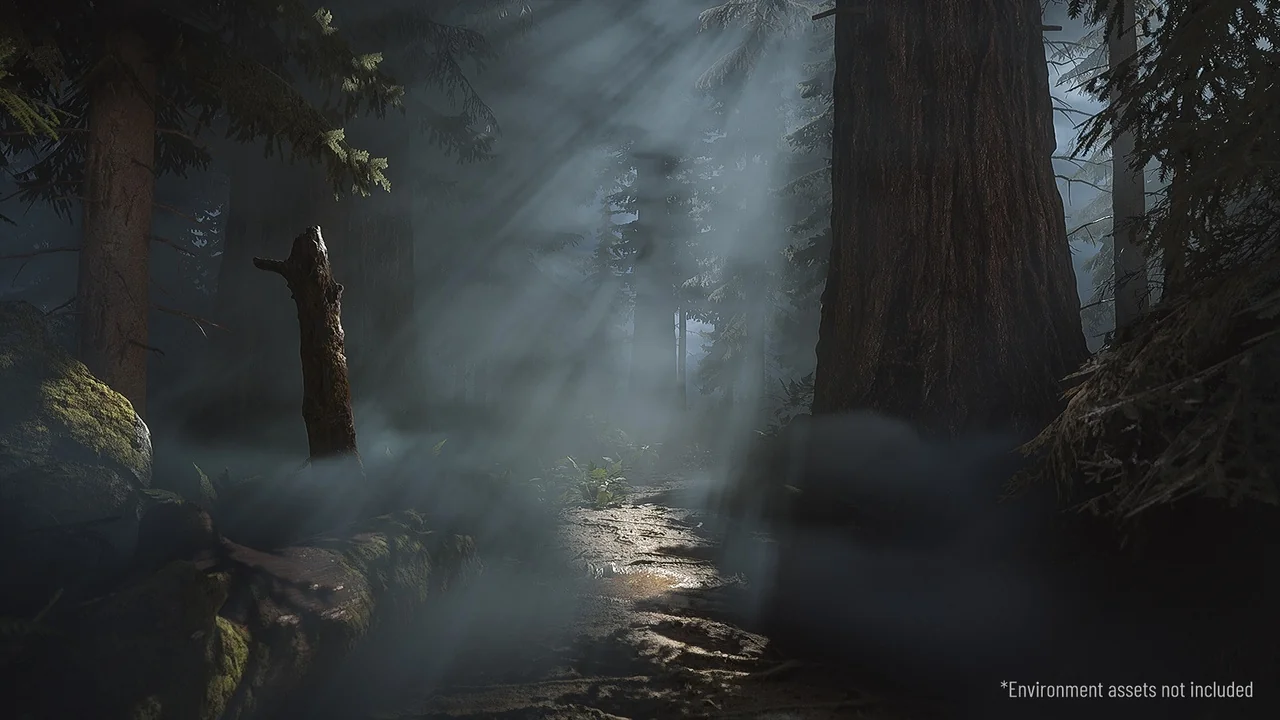
Ultra Volumetrics is a simple way to add visually interesting local volumetric fog to any project. The developer designed this system to be game-ready and highly performant. Consequently, creators can enhance their scenes without sacrificing significant frame rates. The tool includes many adjustable parameters and functions that ensure ease of use for developers of all skill levels.
Advanced Painting and Spline Tools
One of the standout features of Ultra Volumetrics is the built-in Paint Mode. This tool allows you to paint fog exactly where you want it within your level. Moreover, you can paint flow maps to make the fog move in any specific direction. This level of control ensures that environmental effects match the artistic vision of the scene.
Additionally, the system utilizes the power of splines for rapid environment dressing. You can place fog along paths very quickly without losing any core functionality. These spline-based fog blueprints also support animations. Therefore, you can easily create moving mist or flowing steam along complex paths in your game world.
Dynamic Interactivity and Physics
Ultra Volumetrics goes beyond static visuals by offering full interactivity. Both players and physics objects can interact with the fog volumes. The system can generate overlap events, allowing the environment to react to gameplay triggers. To demonstrate these capabilities, the creator included an interactive example character named Ultrabot.
Furthermore, the fog supports various fading effects. For instance, there are specific fading functions for both Third Person and First Person perspectives. This ensures that the fog never obstructs the camera in an unnatural way. You can also mix multiple volumes together to create complex, layered atmospheric effects.
High-Fidelity Visual Features
The visual quality of the fog is driven by several advanced technical features. The fog can cling to surfaces using distance fields, creating a grounded and realistic appearance. Additionally, the system supports self-shadowing, which includes shadows cast from directional lights. This results in more depth and volume within the mist itself.
Other visual parameters include adjustable fog color and scattering. The fog also supports rotational adjustments to fit the orientation of your scene. For projects using the latest technology, the tool supports path tracing in versions UE 5.4 and above. These features combined allow for stunning, cinematic environmental effects.
Workflow Efficiency and Optimization
Efficiency is a core focus of this toolset. It includes a randomize function with seed numbers, making it incredibly fast to dress up levels with variety. Moreover, the developer provided a collection of fog presets. You can also save your own custom presets to reuse them across different levels or projects.
Optimization is handled through various quality settings. These settings can be adjusted based on the distance from the camera to maintain performance. The package includes a quality settings editor utility widget and a quality settings trigger for precise control. Furthermore, panning speed functions and distance fade settings allow for smooth transitions and animations.
Conclusion
Ultra Volumetrics offers a comprehensive suite of tools for any developer needing performant atmospheric effects. By combining paintable flow maps, spline-based placement, and physics interactivity, it provides a versatile solution for modern game development. Whether you need subtle mist or dense, interactive smoke, this system provides the necessary control and optimization.
Screenshots & Gallery