Modular Foundations for Modern Survival Gameplay
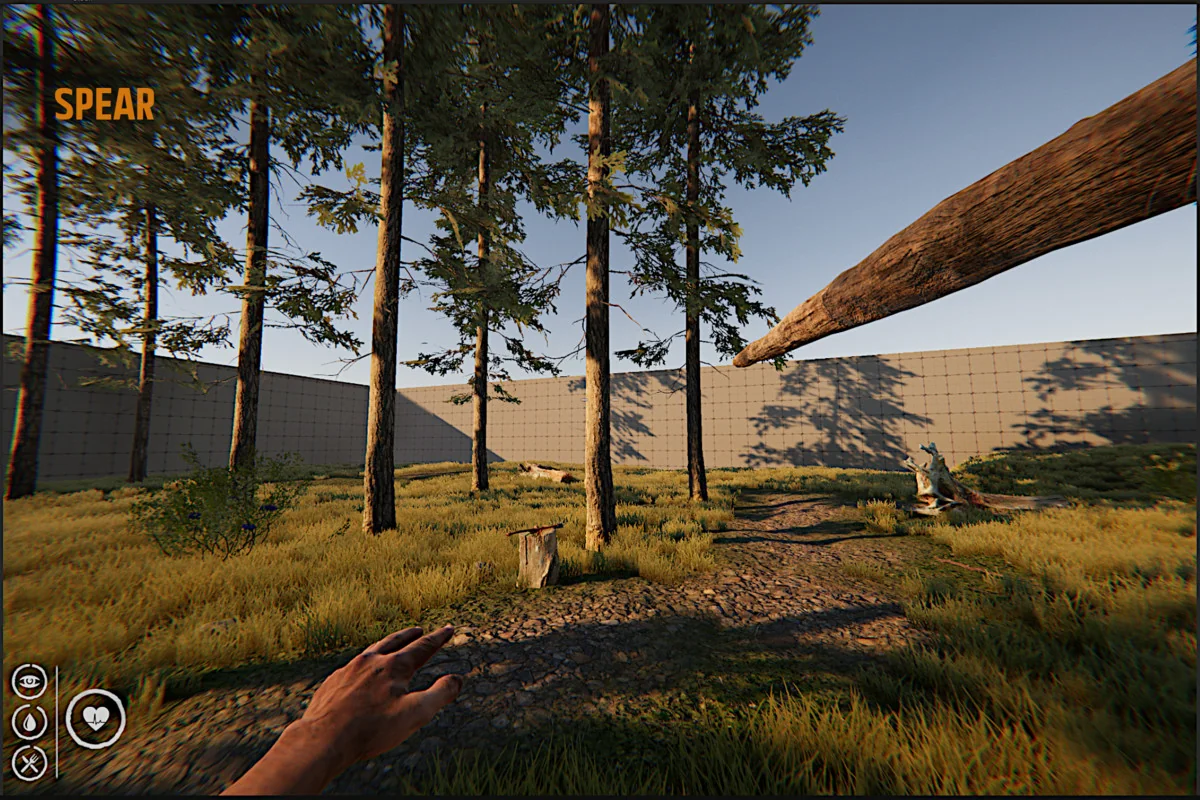
Survival Template PRO is designed as a versatile toolkit for developers working within Unity 6. The resource is structured to provide a scalable framework that can serve either as a primary foundation for a new project or as a technical reference for understanding the mechanics of modern survival titles. With a package size of 2.3 GB and an asset count of 2879, the template provides a substantial starting point for building complex interactions. It is intended for creators who possess a baseline understanding of the Unity editor, focusing on modularity to allow for the expansion of survival mechanics without rewriting core systems.
The Harvestable Environment and Terrain Interaction
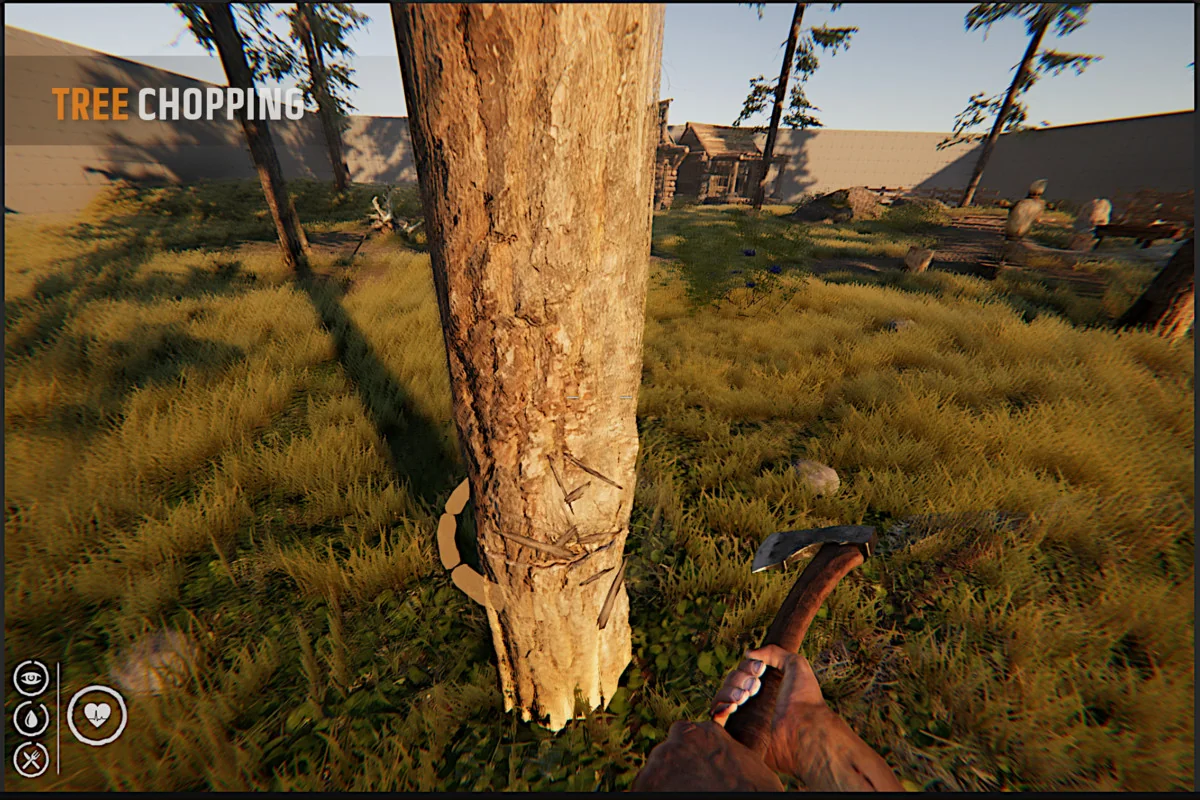
A significant focus of the template’s recent updates is the overhaul of how players interact with the world environment. The system utilizes a TerrainHarvestableManager, which allows for the conversion of standard terrain trees into interactive, harvestable objects. This transition is essential for creating a world where the environment reacts to player input, enabling resource gathering that directly impacts the game’s economy and crafting loops.
To improve player feedback during these actions, the developer has implemented harvest profiles and refined the health user interface for harvestables. The health UI now uses sprite-based elements to provide a clearer visual representation of progress while gathering resources. These refinements extend to terrain-specific bugs and interaction logic, ensuring that the transition from a static terrain object to a harvestable item is seamless within the game world.
Refined Inventory and Item Management
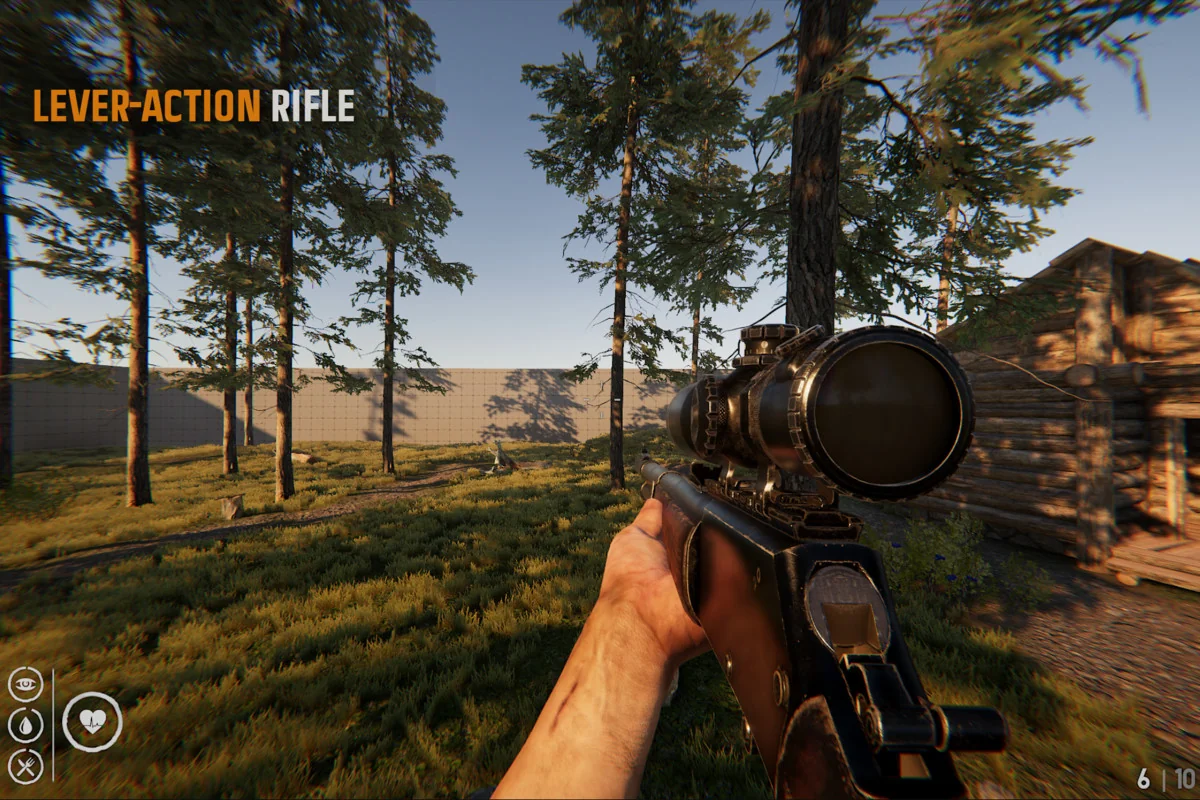
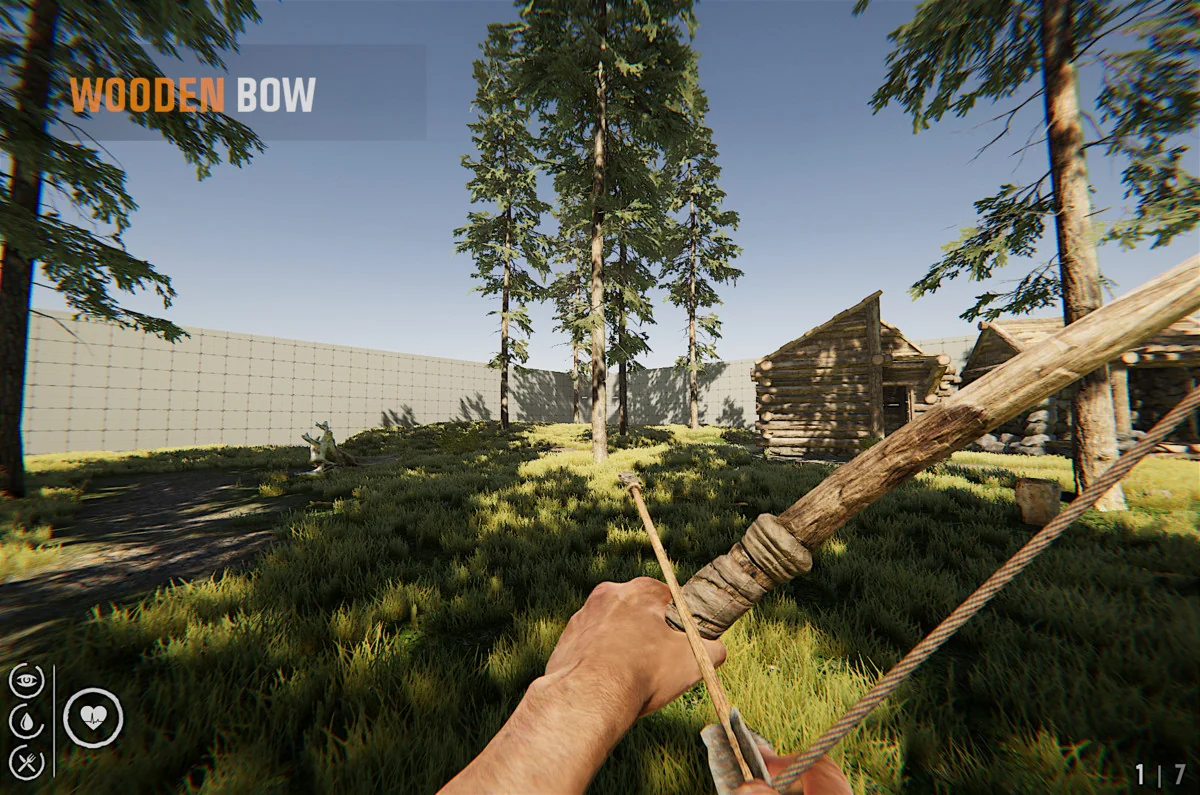
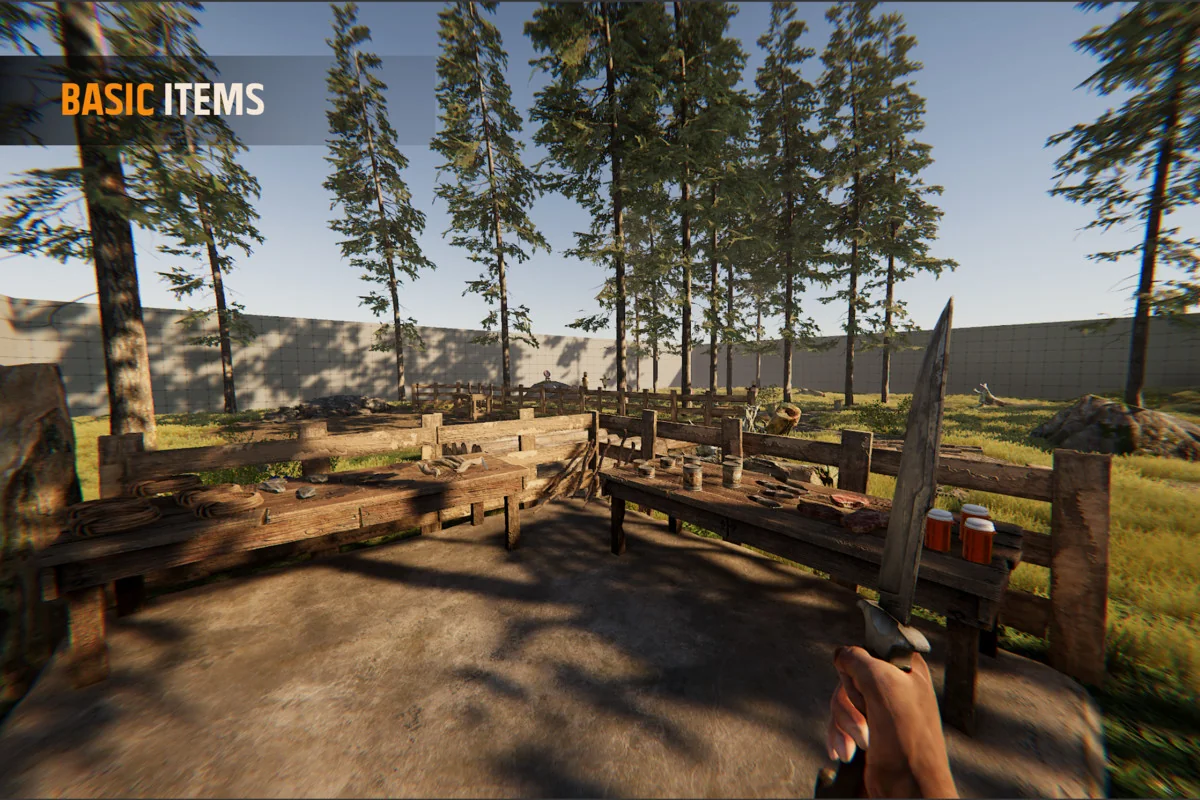
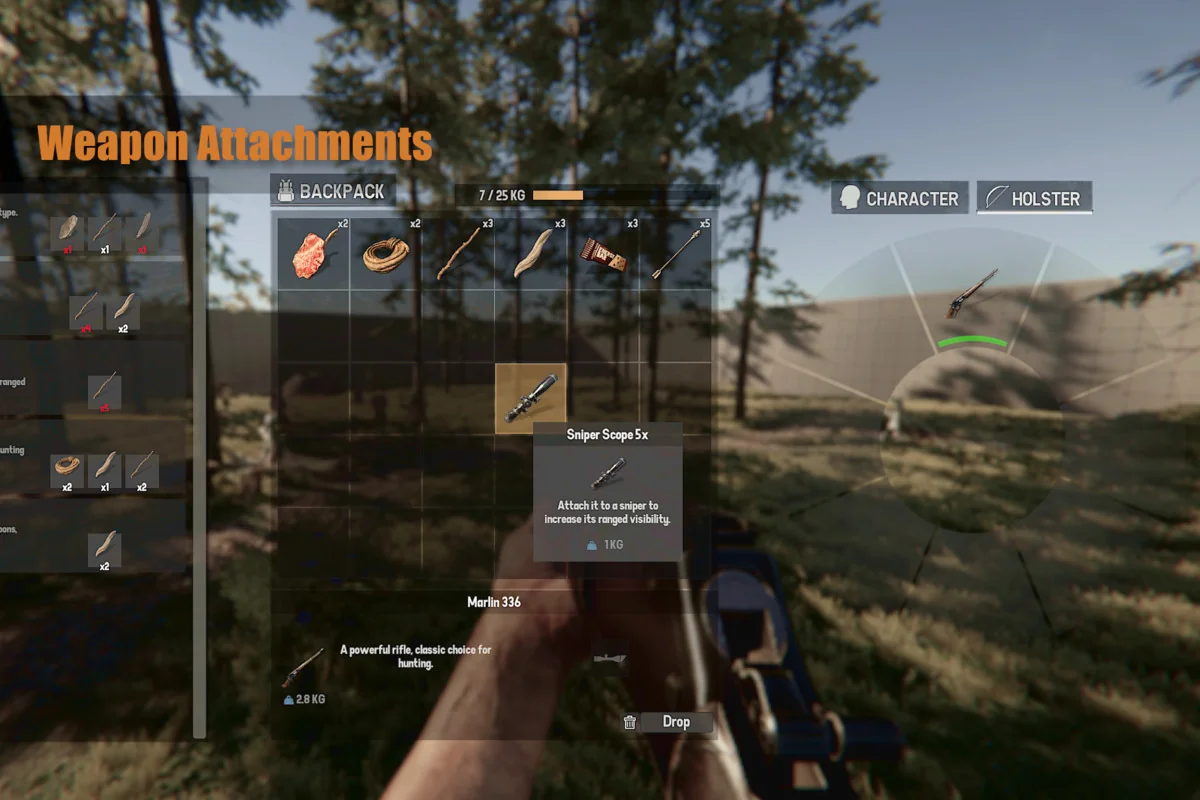
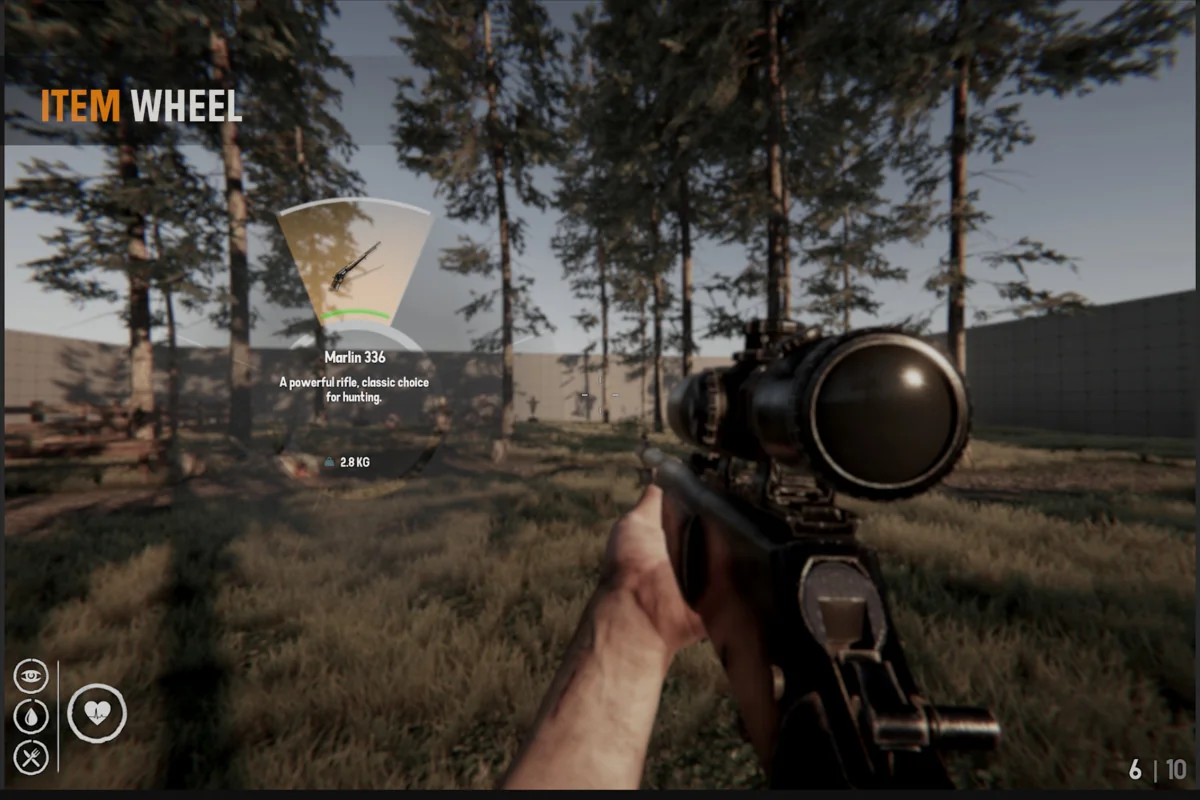
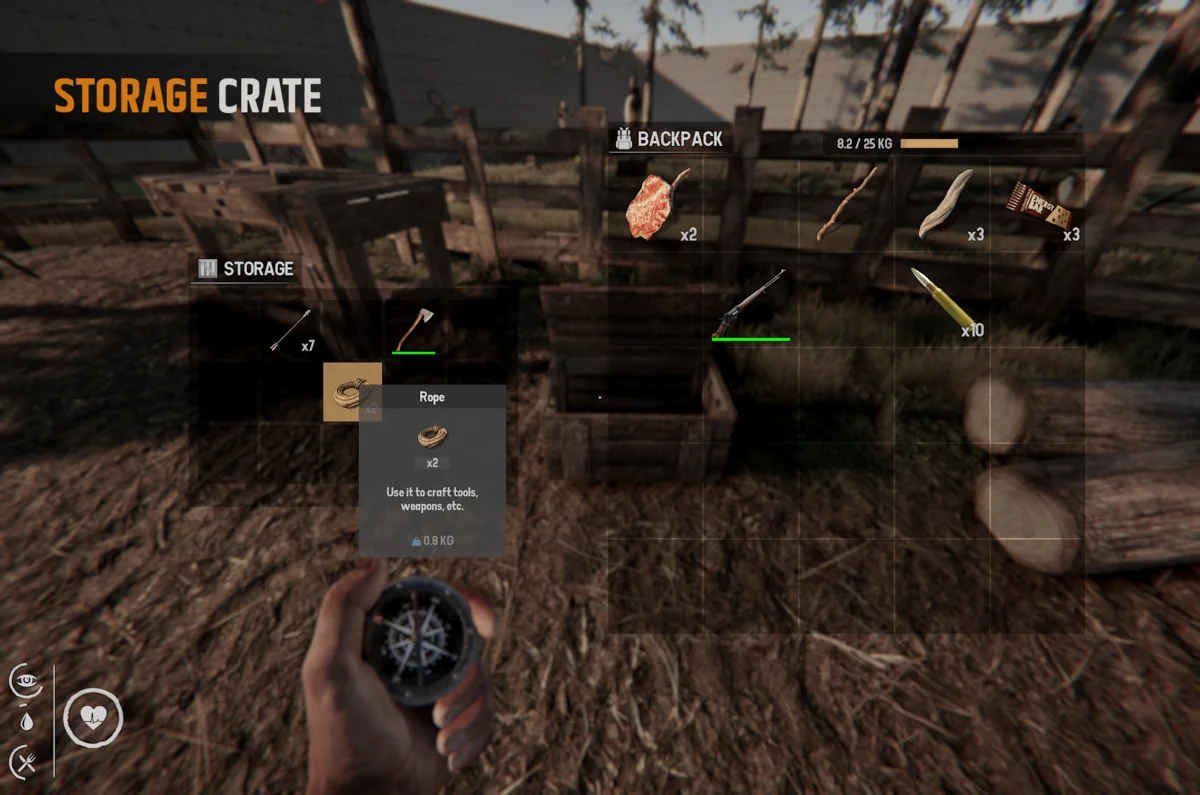
The template includes a comprehensive inventory system that addresses the logistical challenges common in survival games. The inventory UI scaling has been optimized to ensure readability across different resolutions, while the item wheel provides a functional method for quick selection during active gameplay. Recent technical refinements have addressed critical inventory behaviors, such as ensuring that item weight is correctly calculated and saved during transitions between play sessions.
Specific item interactions have also been expanded to allow for more nuanced inventory management:
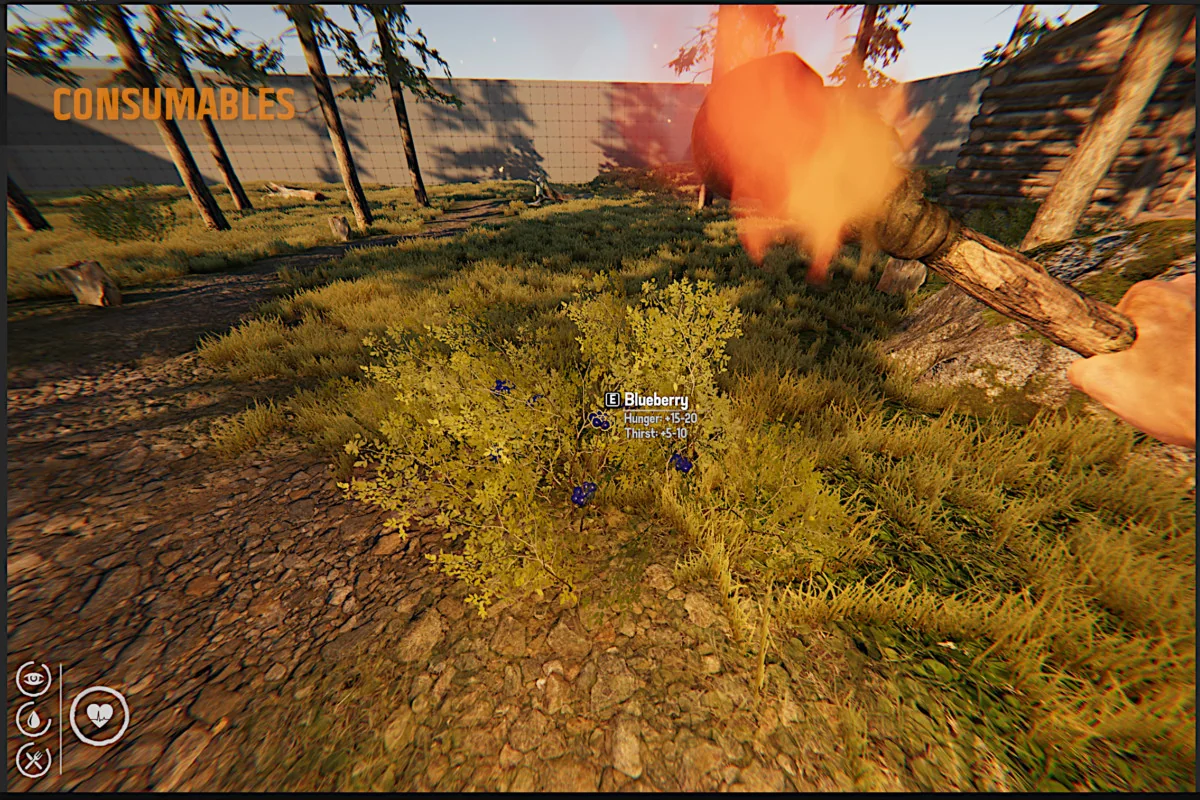
- Throwable stacking enables players to carry multiple items in a single slot, streamlining the management of consumables or projectiles.
- Ammo and stamina UI elements have been corrected to provide accurate real-time data to the player.
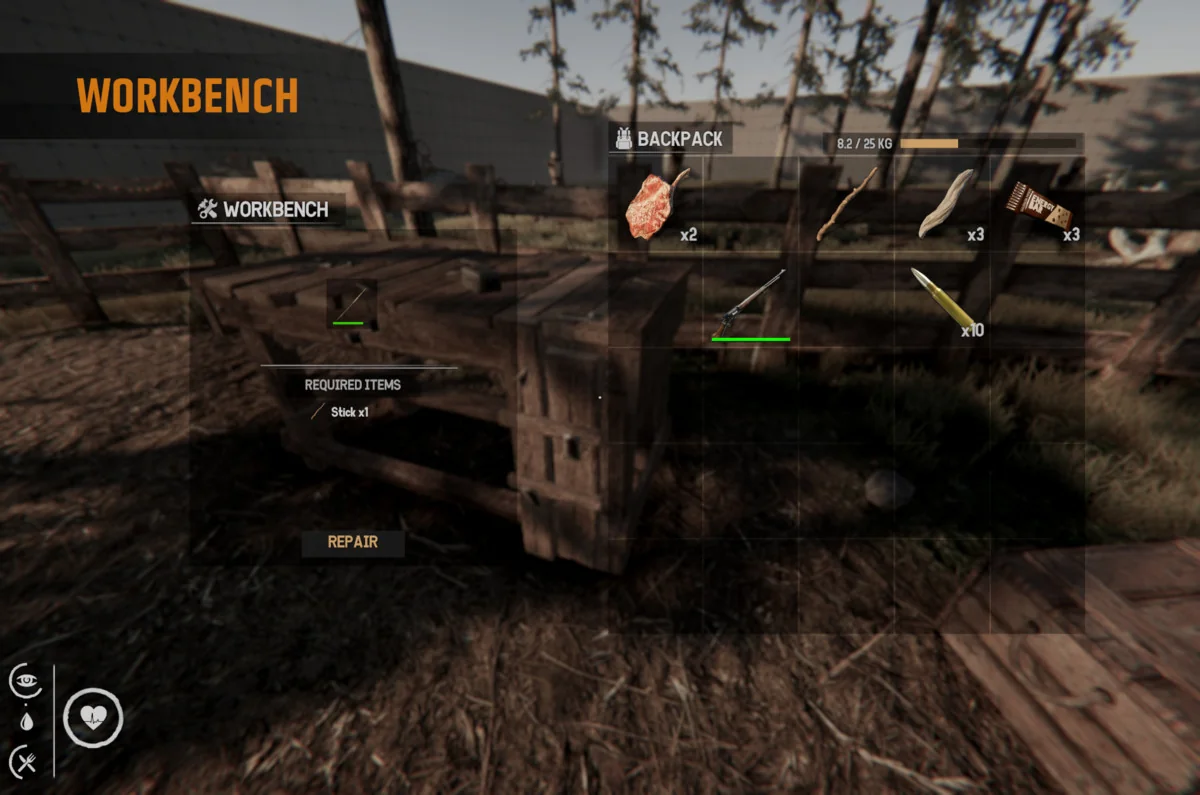
- Interactions with specific objects, such as campfires and anvils, have been updated to prevent stacking issues or logic bugs during use.
- Inventory weight saving and loading mechanics ensure that player progression and encumbrance remain consistent across sessions.
Environmental Navigation and Player Physics
Movement and physical interaction with the game world are governed by systems that prioritize stability across various terrain types. The template features improved slope handling and player collision logic to prevent the character from sliding on land or clipping through geometry. To facilitate better navigation for both players and AI entities, the included scenes come with pre-baked navigation surfaces.
These navigation surfaces are particularly relevant when using the template’s integration with Emerald AI. By providing a structured navigation mesh, the template ensures that AI entities can traverse the world effectively, interacting with the player and the environment according to the survival logic established by the developer. Furthermore, collision fixes prevent players from interacting with objects through walls, maintaining the integrity of the game’s physical boundaries.
Pipeline Compatibility and Integration
Survival Template PRO is built to support a variety of visual styles through its compatibility with multiple Scriptable Render Pipelines (SRP). It supports the Built-in, HDRP, and URP pipelines in Unity 6, allowing developers to choose the visual fidelity that best suits their project’s requirements. This flexibility ensures that the template’s systems—from the blood screen effects to the inventory overlays—render correctly regardless of the chosen pipeline.
Integration with external systems is a core feature of the toolkit. It includes support for Emerald AI 2025, allowing for the inclusion of complex animal or enemy behaviors. Additionally, the template supports multiplayer frameworks like Mirror, providing a pathway for developers looking to expand their survival experience into a cooperative or competitive environment. These integrations are supported by technical fixes that address SRP issues and tool window validation, ensuring the development environment remains stable during the implementation of these advanced features.
Workflow Enhancements and Upcoming Features
For developers looking to streamline their production pipeline, the template includes tools for managing the creation of new content. While the current version offers a robust set of systems, upcoming updates are expected to introduce editor wizards designed to simplify the process of adding new weapons, items, and harvestables to the game. These wizards aim to reduce the manual setup required for common survival game assets, allowing creators to focus on world-building and gameplay balance.
Customization is further supported through customizable keymapping and planned controller support, which will broaden the accessibility of games built on this foundation. The current iteration, version 1.5.3, requires Unity 6 or higher, ensuring that projects can leverage the latest engine features while utilizing a toolkit that has been progressively refined through several major updates.
Visual Breakdown
Protected download
Access this resource
All resources are 100% manually reviewed to eliminate all risks.