Introduction to the Smart Cable Connector
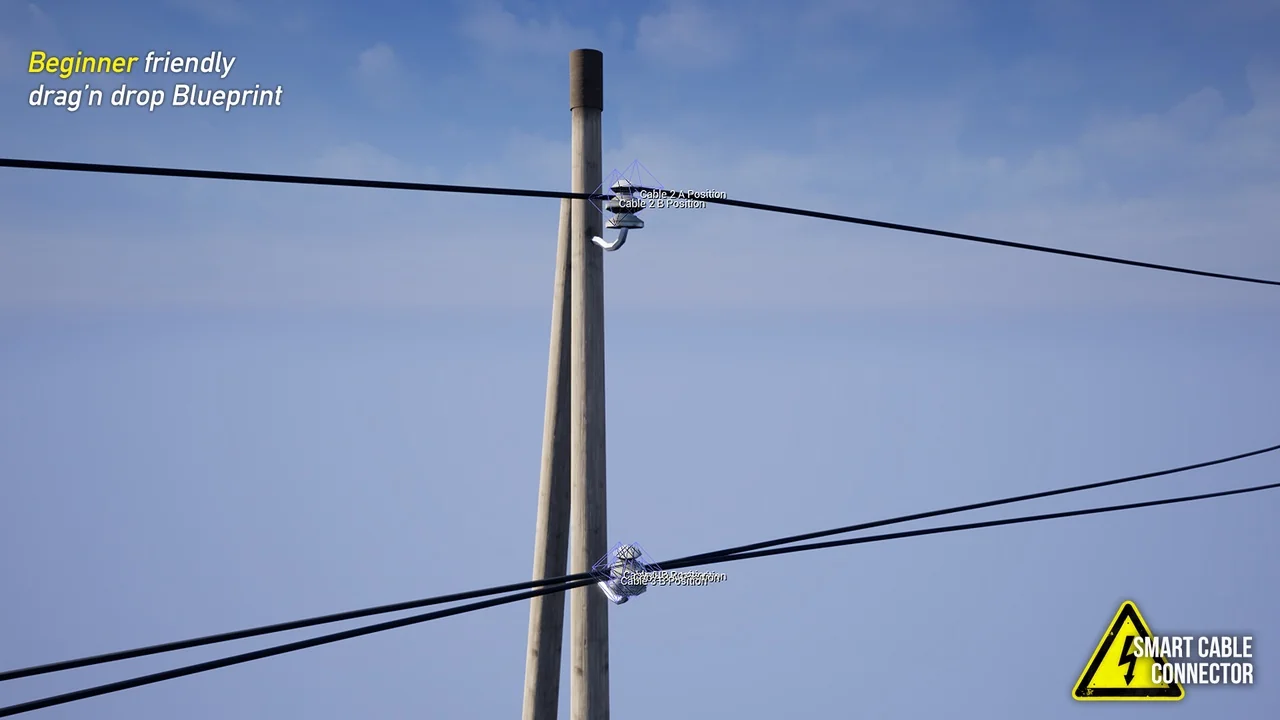
The Smart Cable Connector is a specialized Unreal Engine blueprint designed to simplify environment creation. It addresses the time-consuming task of manually connecting power poles and telephone posts. By using this tool, developers can generate realistic electrical lines across their levels in seconds.
Furthermore, this resource is tailored for efficiency. Instead of adjusting every wire by hand, the blueprint handles the heavy lifting. Consequently, artists can focus on the broader layout of their scenes. This makes the Smart Cable Connector an essential addition to any developer’s toolkit.
Easy Drag-and-Drop Workflow
One of the primary benefits of this tool is its accessibility. The developer created it to be beginner-friendly. Therefore, no advanced blueprint knowledge is required to get started. Users simply drag and drop the blueprint into their level to begin the process.
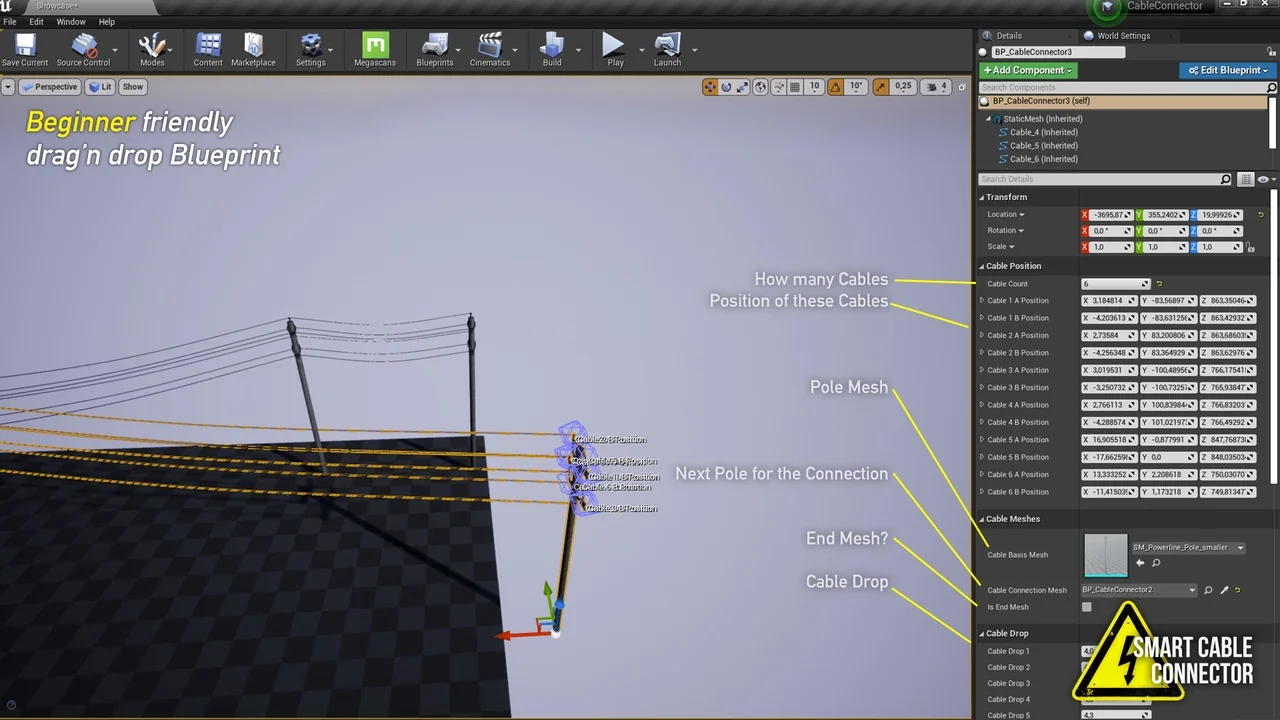
After placement, setting up the system is straightforward. You can choose a new base mesh for your poles with just two clicks. Moreover, the tool allows you to define custom spawn and destination points for your cables. This flexibility ensures that the wires align perfectly with your specific 3D models.
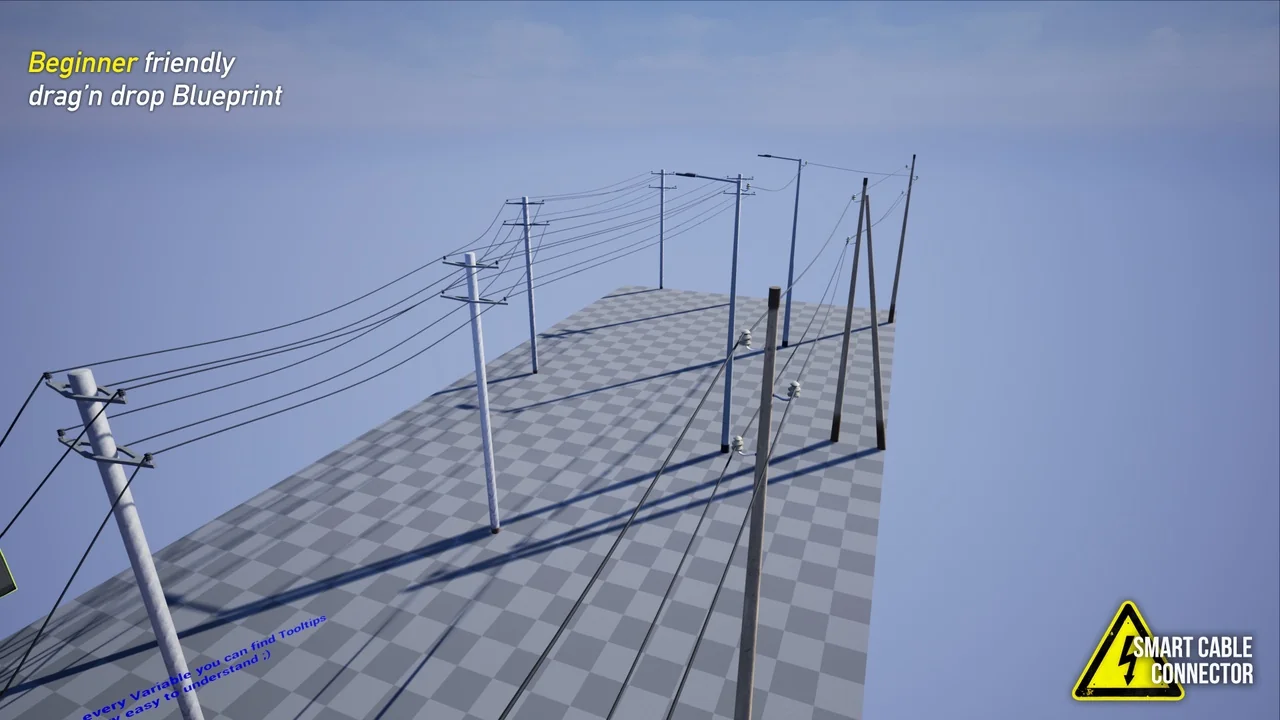
Once the initial setup is complete, the workflow remains fast. You can set the desired number of cables and then duplicate the pole. The system automatically handles the connections as you expand your infrastructure. This prevents the frustration of manual adjustments that many developers face.
Advanced Customization and Features
The Smart Cable Connector offers various options to enhance visual realism. Specifically, users can adjust the cable sag with a single click. This feature allows you to control how much the wires hang, adding a natural feel to the environment. Additionally, the tool includes four different types of cables to suit various industrial needs.
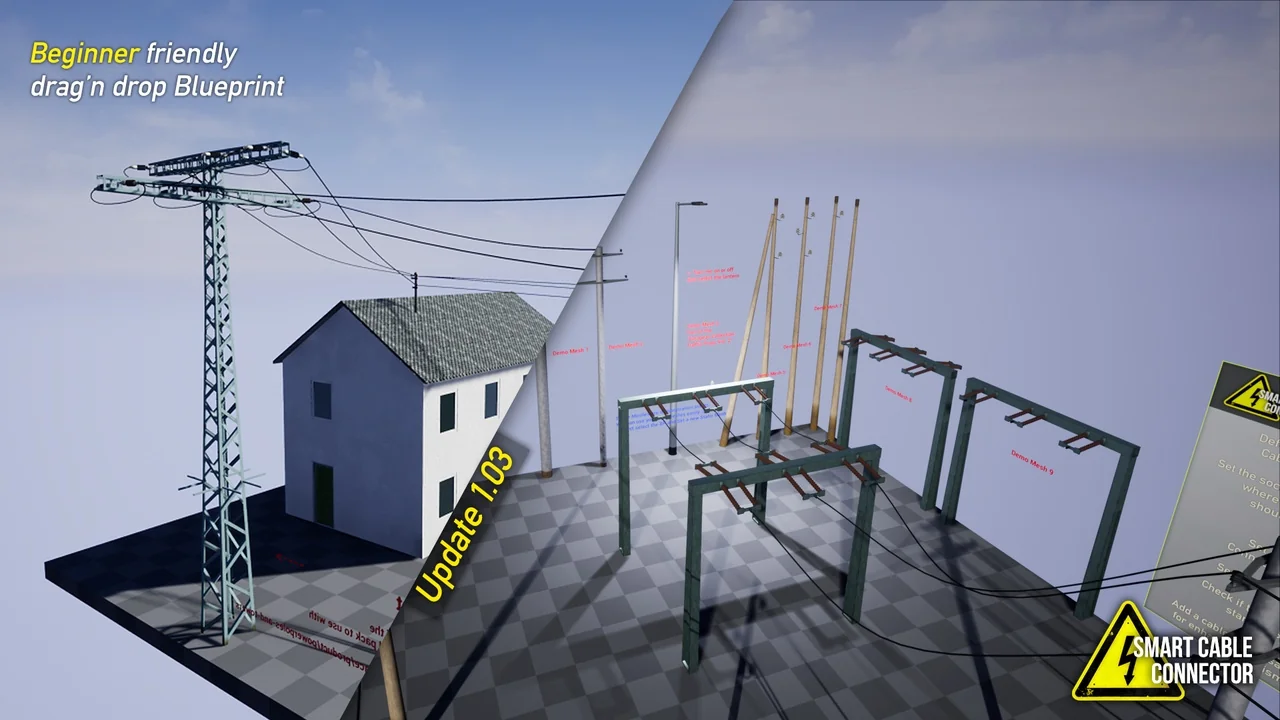
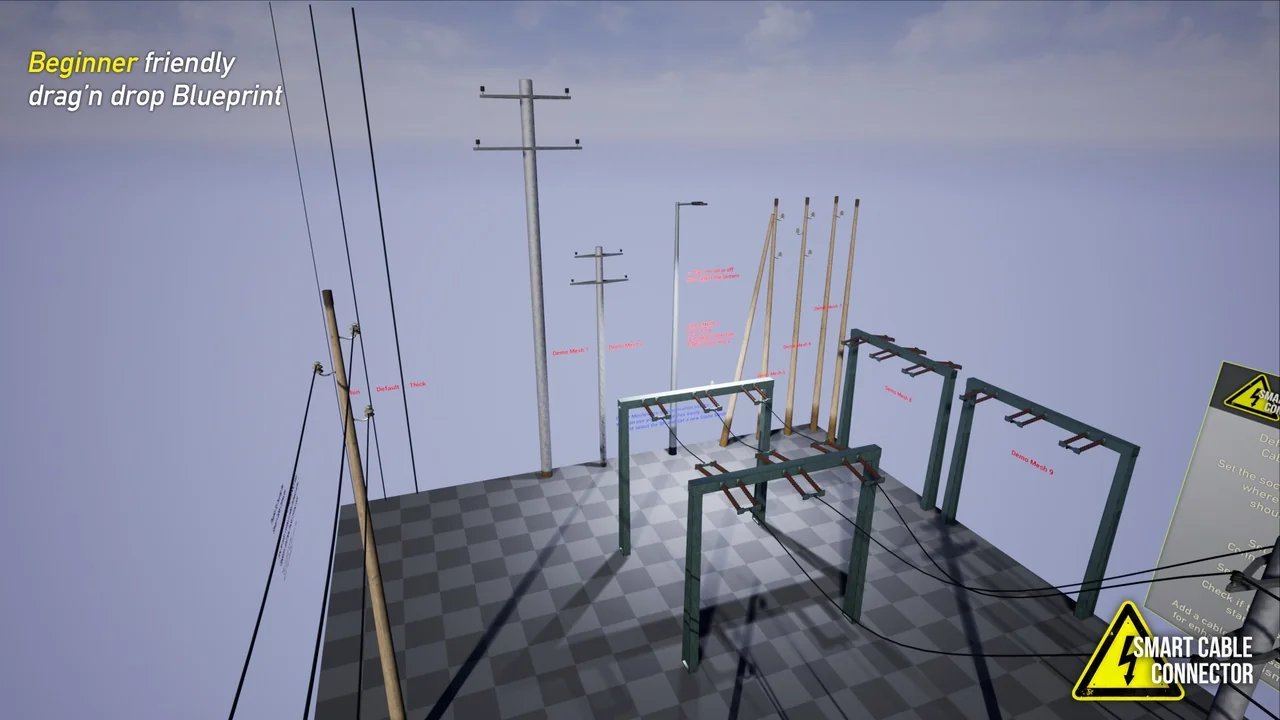
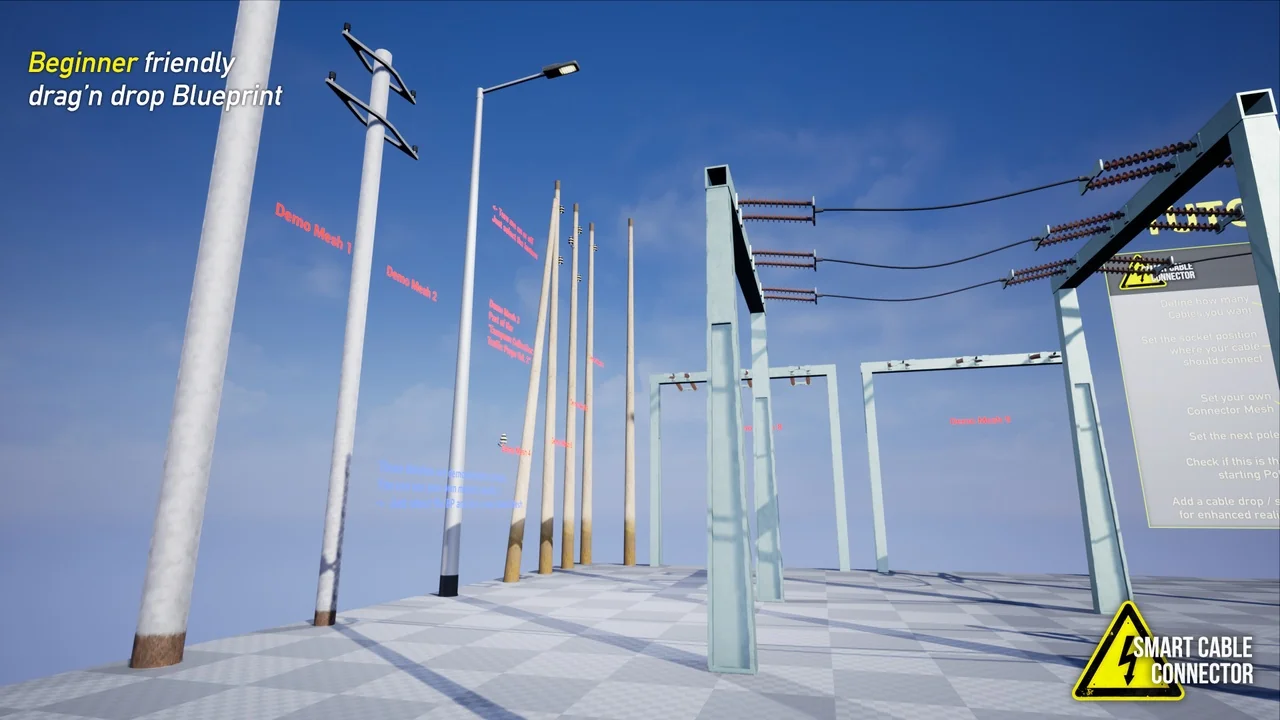
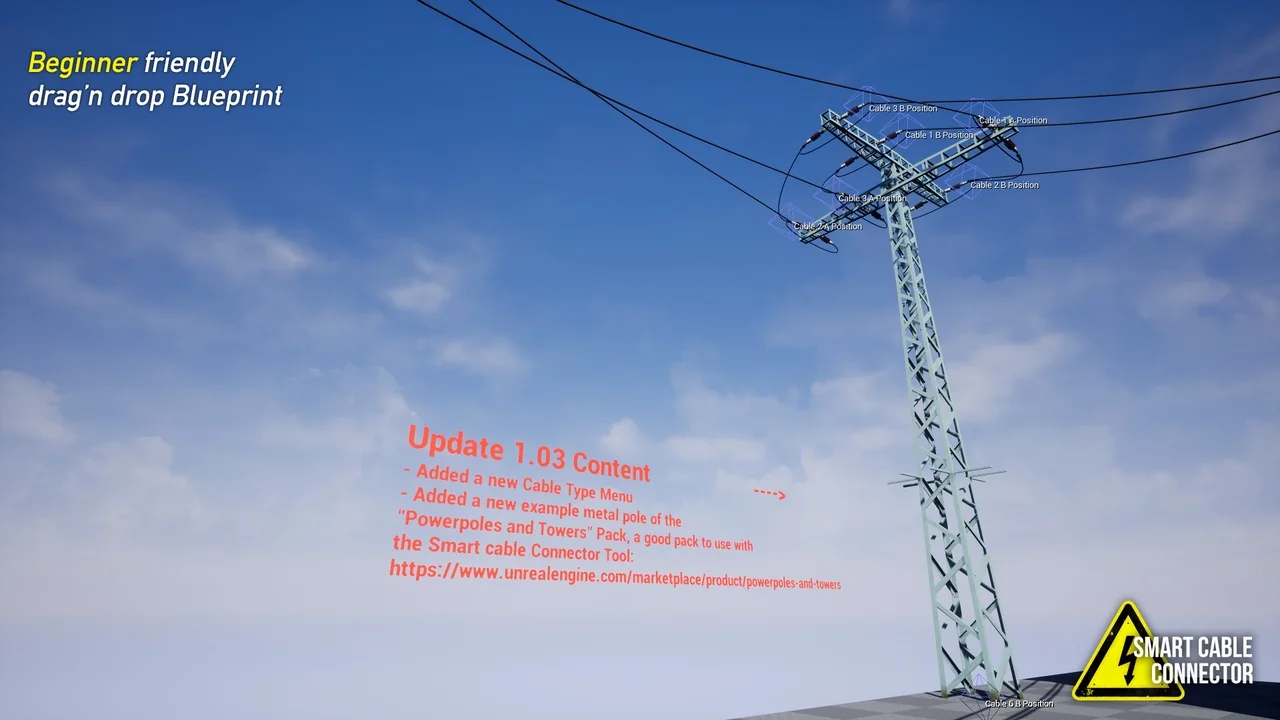
To help users get started, the package provides nine basic demonstration power poles. It also includes several mesh pole variations and modular pieces. These assets allow for immediate testing and implementation within a project. Furthermore, the system is designed to work seamlessly with other external power pole and tower asset packs.
Latest Updates and Improvements
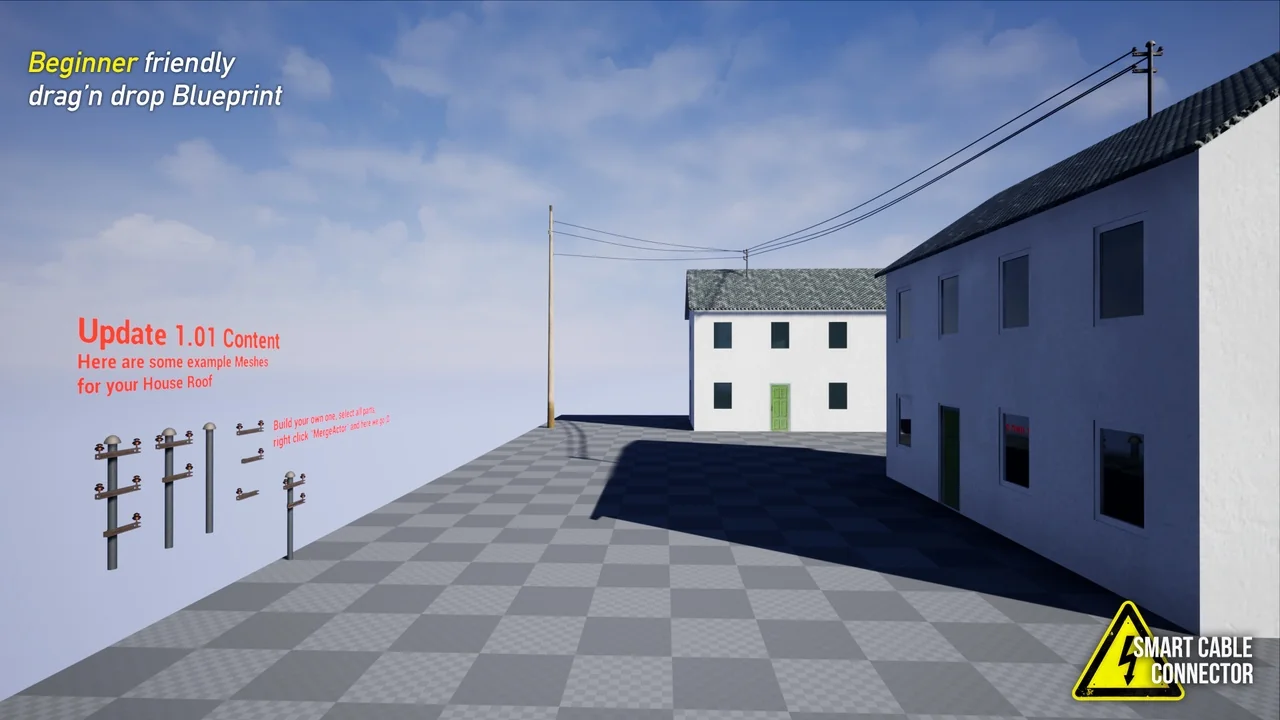
The developer provides continuous updates to improve the tool’s functionality. For example, the latest version 1.04 introduced several significant additions. These include six new meshes and a dedicated roof connector for building-to-pole connections. Moreover, a new cable size chooser has been added to give users more control over the thickness of their lines.
These improvements ensure that the tool remains versatile for different project scales. Whether you are building a rural road or an industrial complex, the updated features provide the necessary utility. Consequently, the tool continues to evolve to meet the needs of modern game development.
Conclusion
In summary, the Smart Cable Connector is a powerful time-saving resource for Unreal Engine users. It eliminates the tedious nature of manual cable placement through an intuitive blueprint system. Because it is so easy to use, even absolute beginners can produce professional results quickly.
With its customizable sag settings, multiple cable types, and recent mesh updates, it offers great flexibility. This tool is a reliable solution for anyone looking to build realistic power and telephone networks. By choosing this blueprint, you can save time and improve the visual quality of your digital environments.
Screenshots & Gallery