Path Construction and Editor Integration
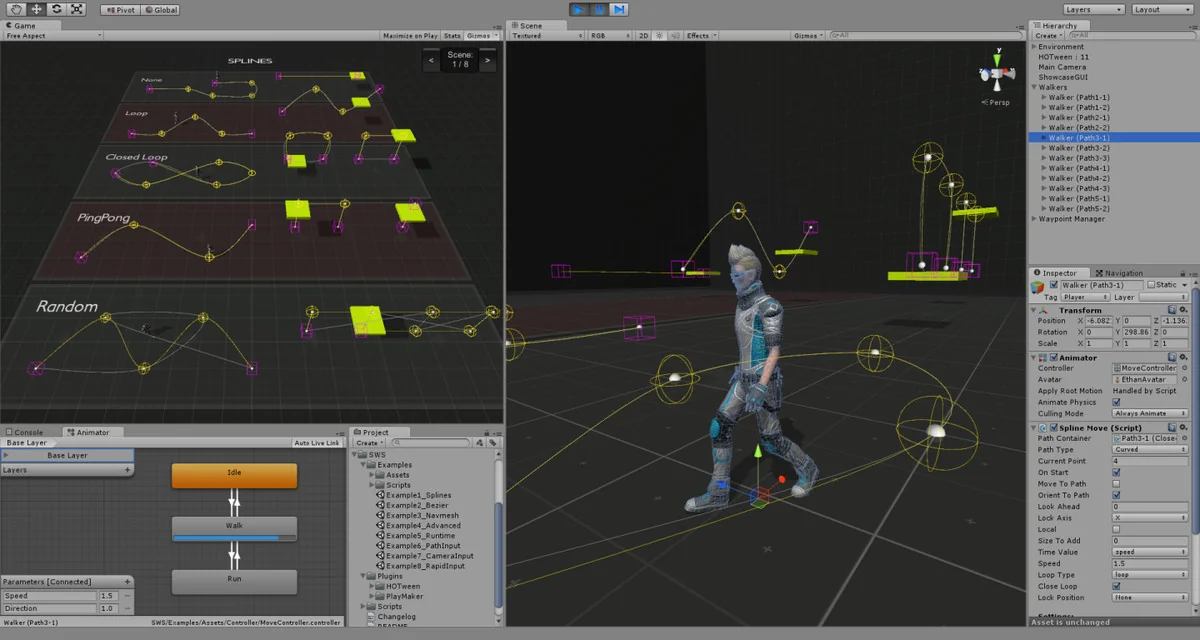
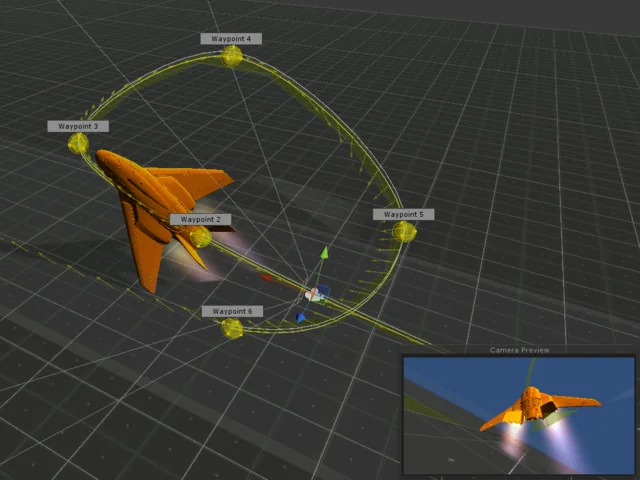
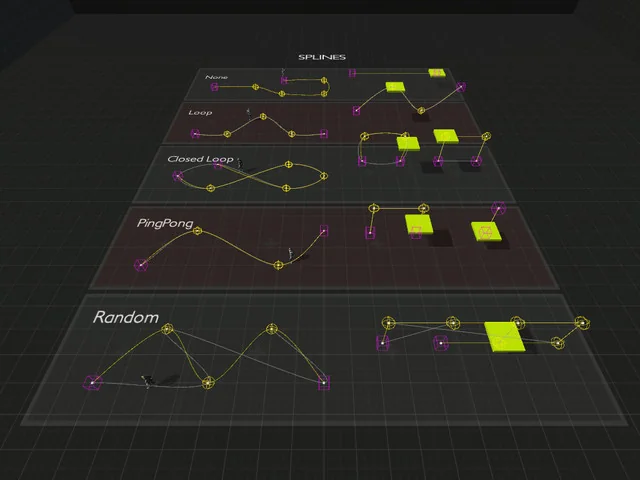
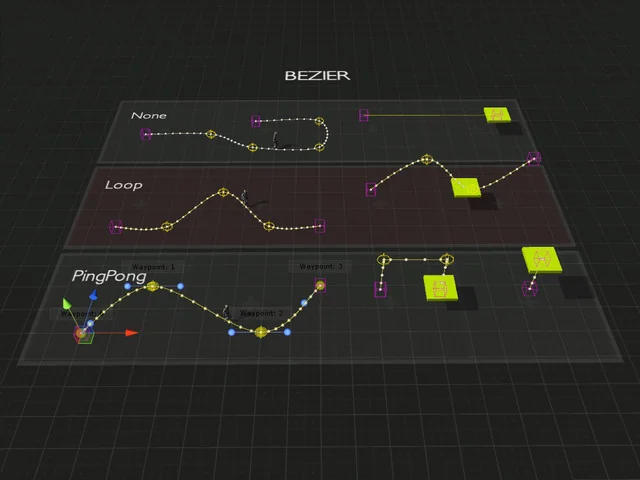
The Simple Waypoint System is designed to streamline the process of moving game objects along specific trajectories by allowing developers to construct paths directly within the Unity editor. The system supports multiple path types to suit different movement requirements, including linear, curved, and bezier paths. This flexibility ensures that whether an object needs to follow a rigid, straight-line patrol or a smooth, organic curve, the geometry can be defined without leaving the scene view.
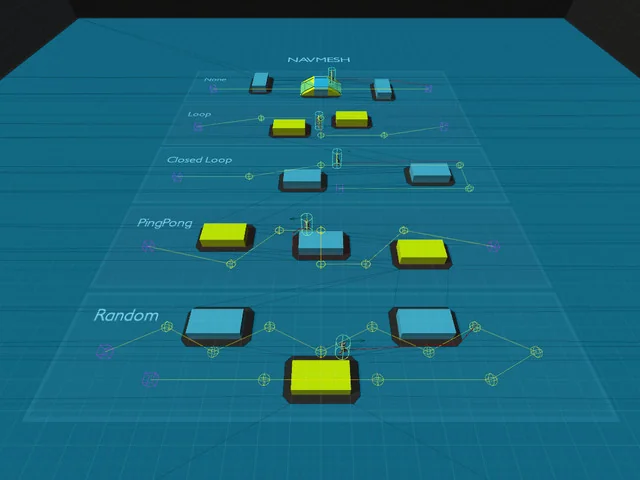
For projects requiring logic-based navigation, the system integrates with Unity Navigation to support NavMesh paths. This allows characters to respect baked navigation data while still following a defined set of waypoints. The developer has organized the toolset so that movement scripts can be attached to any game object, which then references the created paths to dictate its behavior in the scene.
Movement Logic and Object Orientation
Control over how an object traverses a path is handled through various movement scripts that include several loop types and directional options. Objects can be set to reverse their direction upon reaching the end of a path or pause at specific waypoints using built-in delay settings. To ensure movement feels integrated into the game world, the system includes an orientation feature that aligns the object to the path’s direction as it moves.
A specialized Waypoint Rotation Mode offers further control by allowing objects to orient themselves based on the specific rotation of the waypoints themselves, rather than just the path’s forward vector. This is particularly useful for complex character behaviors where a specific facing direction is required at certain nodes. Additionally, the system supports Mecanim Animator Controllers, enabling developers to synchronize character animations with the speed and state of the waypoint movement.
Technical Integration and UnityEvents
Under the hood, the system utilizes the DOTween engine for its tween-based movement, and the free version of DOTween is included with the package. This integration allows for smooth interpolation and easing as objects transition between waypoints. For developers who need to trigger specific game logic at certain points along a path, the system makes use of UnityEvents. This allows for the calling of custom methods whenever an object reaches a designated waypoint, facilitating environmental interactions or scripted events without deep coding overhead.
The package contains 159 assets in total, including 10 example scenes that demonstrate various implementation scenarios. These samples cover a range of use cases, such as:
- Spline and Bezier path configurations
- NavMesh-based movement samples
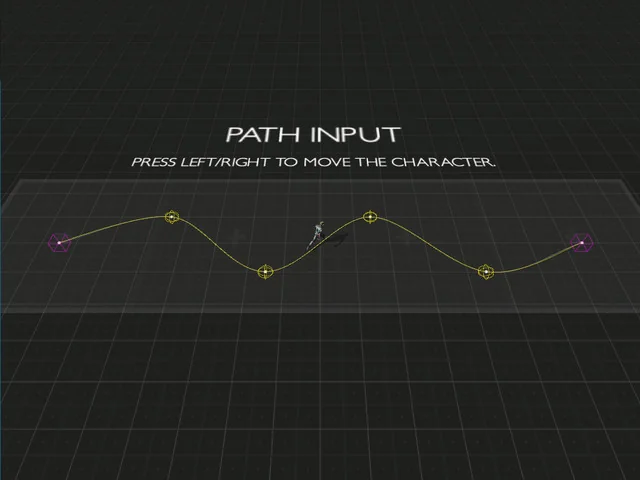
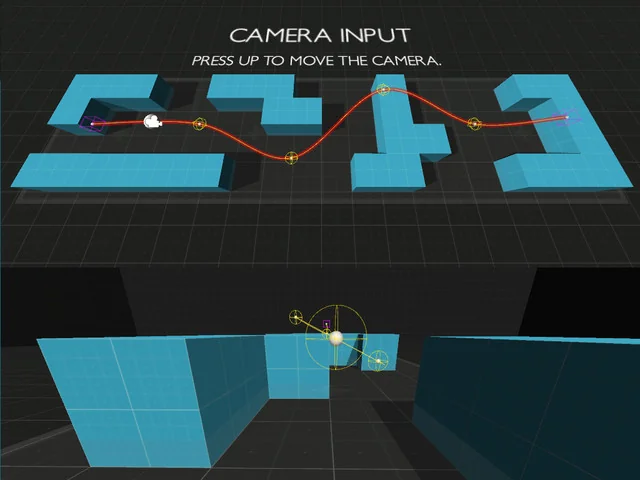
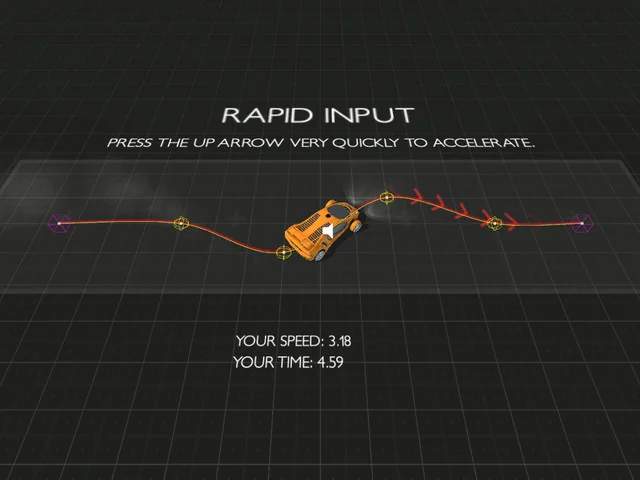
- Player, Camera, and Rapid input examples
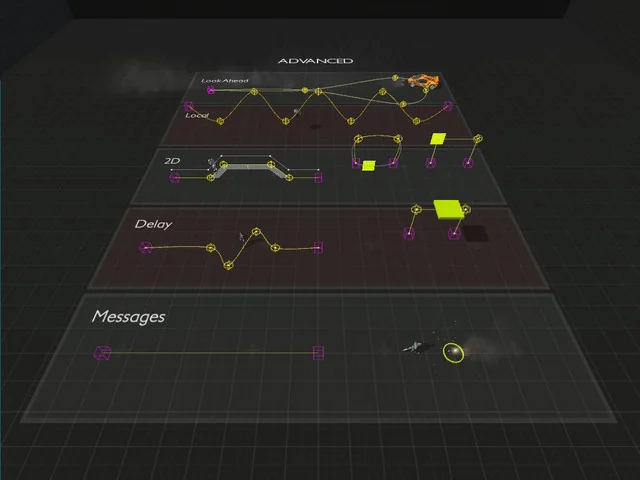
- Advanced event triggering and waypoint rotation
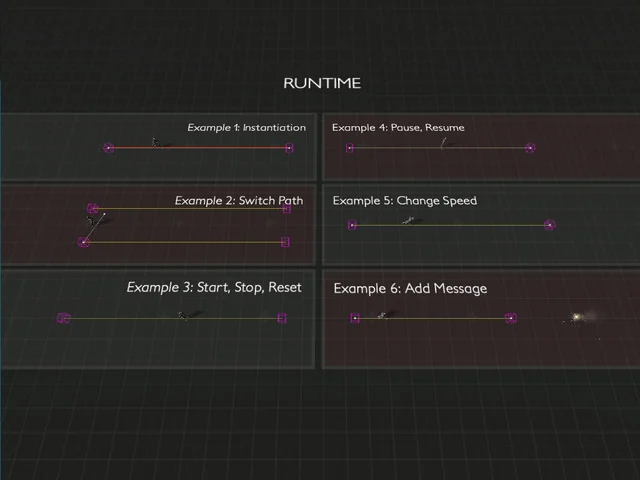
- Runtime API usage for dynamic path adjustments
Compatibility and Project Requirements
The Simple Waypoint System is compatible with several versions of the Unity editor, specifically supporting 2020.3.0, 2022.3.10, and 6000.0.58. It is designed to function across different render pipelines, ensuring that the movement scripts and path visualizations work correctly in the Built-in Render Pipeline, HDRP, URP, and Custom SRP environments.
The code is fully documented to assist with implementation, and the package includes quick start documentation to help establish basic pathing quickly. The file size remains relatively compact at 17.7 MB, making it a lightweight addition to the project hierarchy. By providing a structured way to handle path-based motion, the system removes the need for manual coordinate tracking and custom movement interpolation logic.
Project Screenshots
Protected download
Access this resource
All resources are 100% manually reviewed to eliminate all risks.