Writing and editing inside the Unity window
Script Inspector 3 keeps script, shader, and text asset editing inside the Unity Editor, so the code window stays part of the project workspace instead of a separate application. That matters when a scene, an asset, and the related code all need to stay close together while a project is being shaped. The tool was a finalist in the 2015 Unity Awards, and its release history runs from its first publication on May 29, 2012 to version 3.1.11 on Dec 28, 2024.
At the center of the package is a custom-made advanced C# parsing and code analysis engine. It uses a hybrid of.Net Reflection and incremental syntactic and semantic analysis techniques, which lets files open instantly and keeps code changes flowing into its internal data structures, parse tree, type model, and symbol tables. The result is an editing loop that stays responsive while the project changes, instead of forcing the user to wait on an external editor to load, locate the right file, or jump to the right line.
Completion, snippets, and code generation
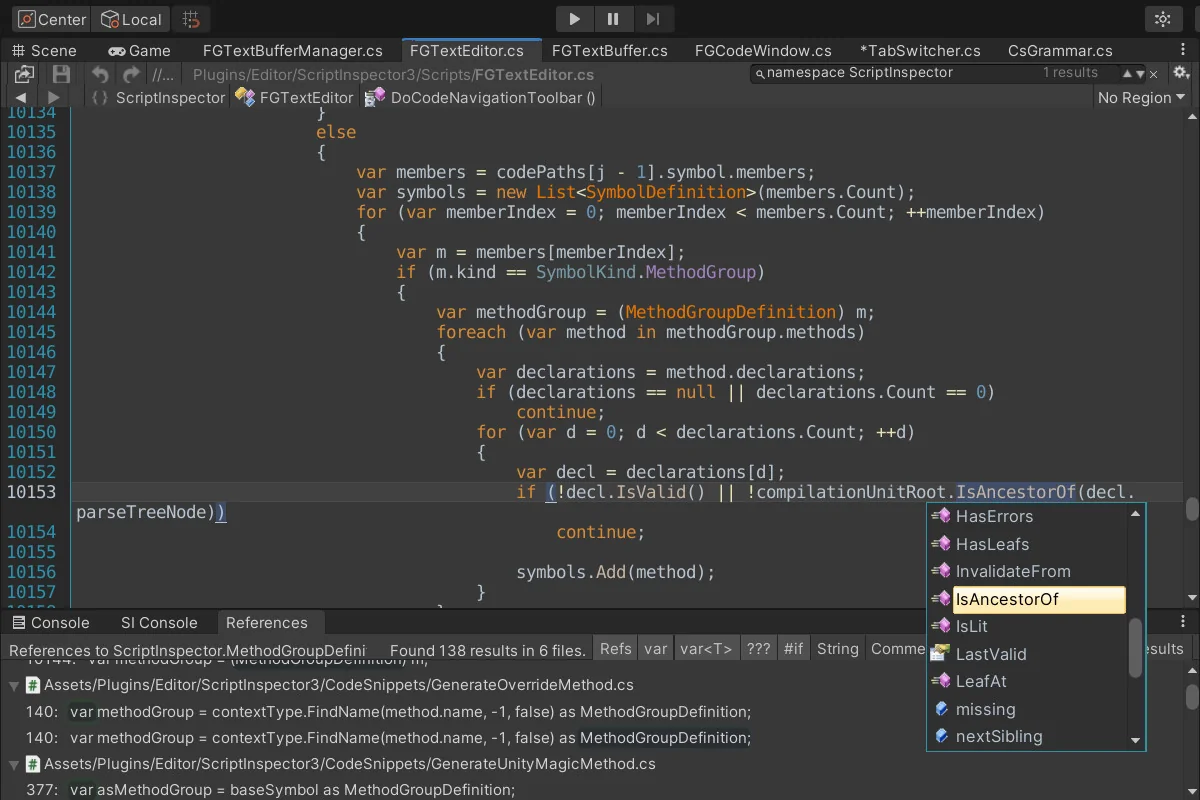
C# work gets context-sensitive auto-completion and automatic code completions, the familiar IntelliSense-style support that helps while typing methods, fields, and references. Script Inspector 3 also includes customizable code snippets, giving teams a way to reuse small blocks of structure without rebuilding them every time a file is opened.
The package goes further with code generators for Unity magic methods and code generators for override methods. Those tools help when a script needs a standard method pattern inserted quickly, whether the task is setting up a class for Unity callbacks or filling in inherited members. Auto-closing braces and auto-indent keep new lines aligned as code is written, and automated saving and reloading reduces the friction that usually comes with switching between edit states.
Quick inspection tools are available for static fields and properties, along with MonoBehaviour fields and properties. That makes it easier to check values and object state while staying in the editor, which is useful when a script needs to be understood in context rather than in isolation. Script Inspector 3 also allows parameterless static methods to be executed directly, adding another small but practical way to work with code without leaving the Unity environment.
Finding your way through large projects
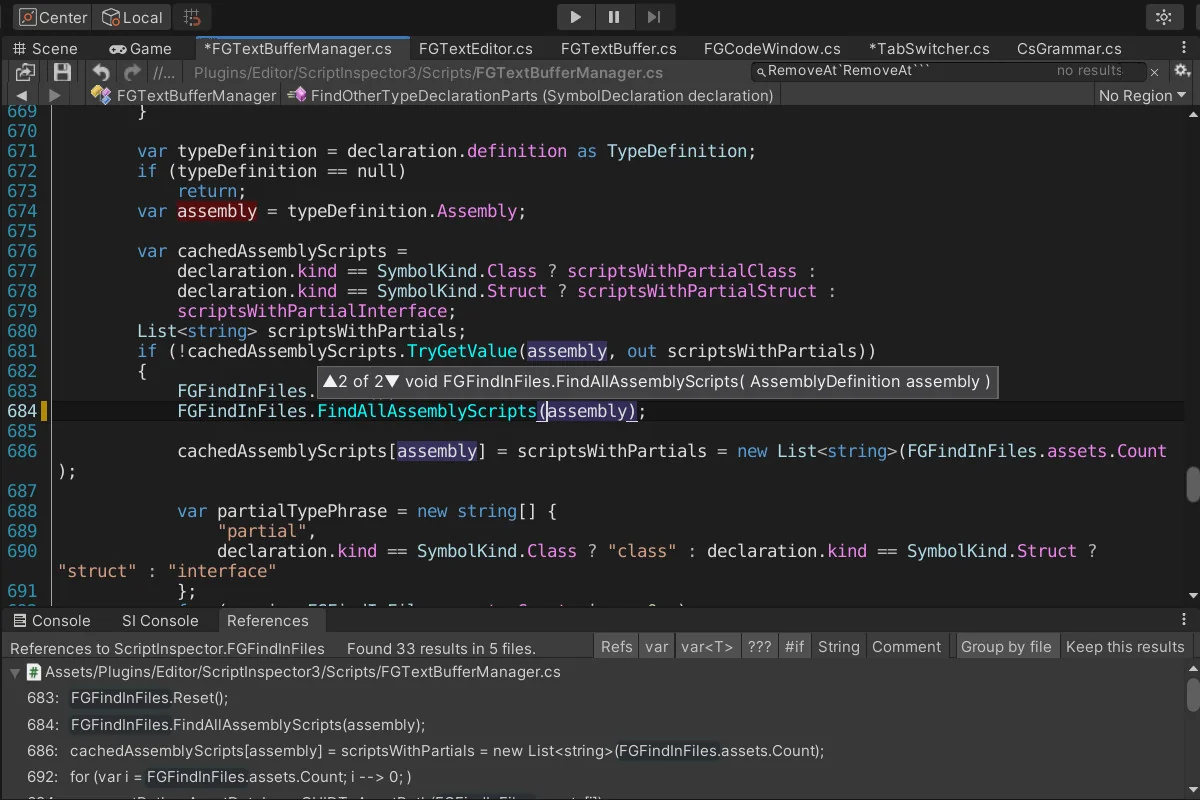
Navigation tools cover a wide range of common tasks. Script symbols and #region navigation make it easier to move through structured code, while Go To Definition and Find All References with filtering help trace where something comes from and where it is used. Cursor history navigation keeps the editing trail available, and Search, Quick Search, Find in Files, and Replace in Files with preview and selections cover the broader project lookup side.
Replace in Files is paired with global Undo/Redo afterward, which helps when a batch change needs to be reviewed or rolled back. The editor also provides unlimited and independent undo and redo buffers per asset, so edits can remain separate even when several files are open at once. Quick call-stack navigation to Console log entries gives one more route back into the code from runtime messages, which is useful when a log entry points to a specific path through the project.
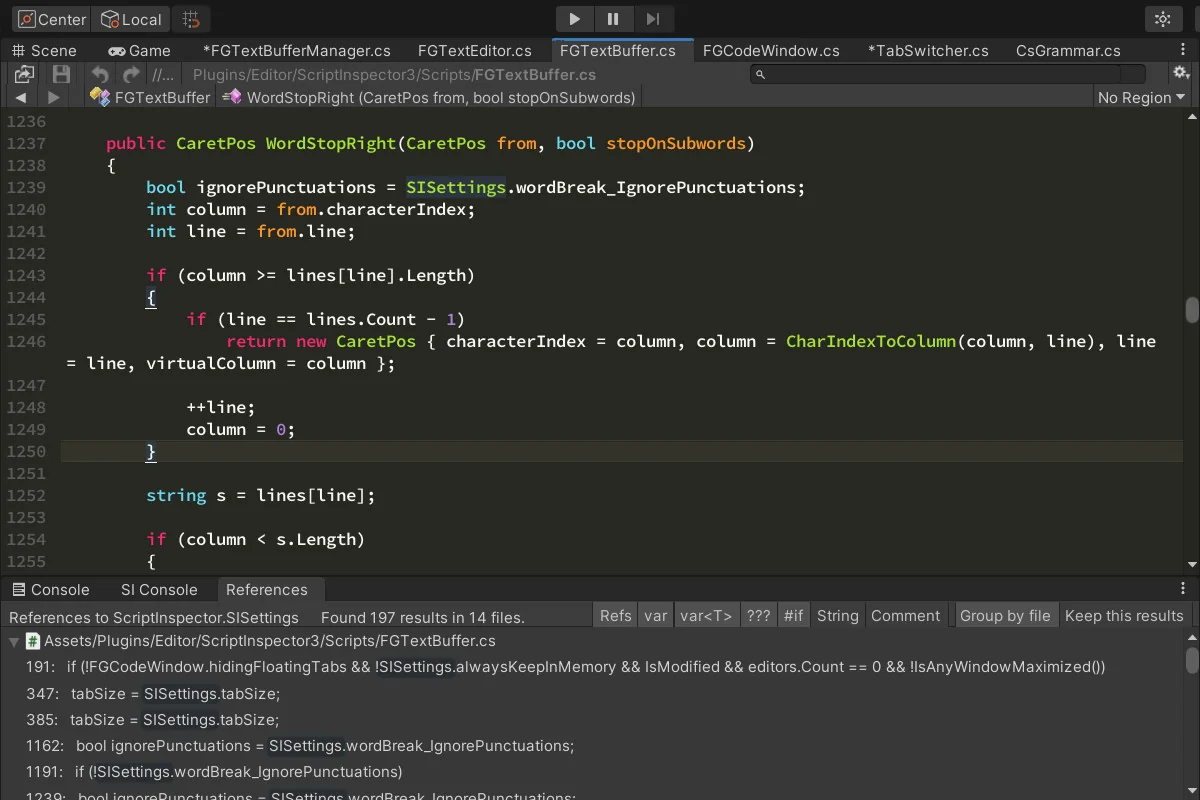
Visual feedback is just as active. Semantic and syntax highlighting, error highlighting, read/write reference highlighting, and matching braces highlighting all give a clearer read on what is happening inside a file. Together with the navigation tools, these cues support a workflow where the code is not only editable, but easy to read while moving through it.
Editor habits, references, and project details
Script Inspector 3 includes key bindings and mouse handling, so the editor can match different working habits. Multiple handpicked fonts and color themes change the look of the workspace, while full source code is included for teams that want to inspect the package itself. The tool also ships with the Unity Scripting Reference and MSDN Reference for.Net symbols, keeping reference material close to the editing surface instead of split across separate tools.
Version control integration is part of the workflow too, including P4Connect support. That makes the editor fit more naturally into managed project work, where code changes need to stay connected to the wider pipeline. The technical details place the package at 3.2 MB with an asset count of 284, and the original Unity version is 4.0.0. For teams that want scripts, shaders, and text assets edited, inspected, and navigated from inside Unity, Script Inspector 3 keeps that production loop in one place.
Asset Gallery
Protected download
Access this resource
All resources are 100% manually reviewed to eliminate all risks.