From rough 3D motion to pixel art sprites
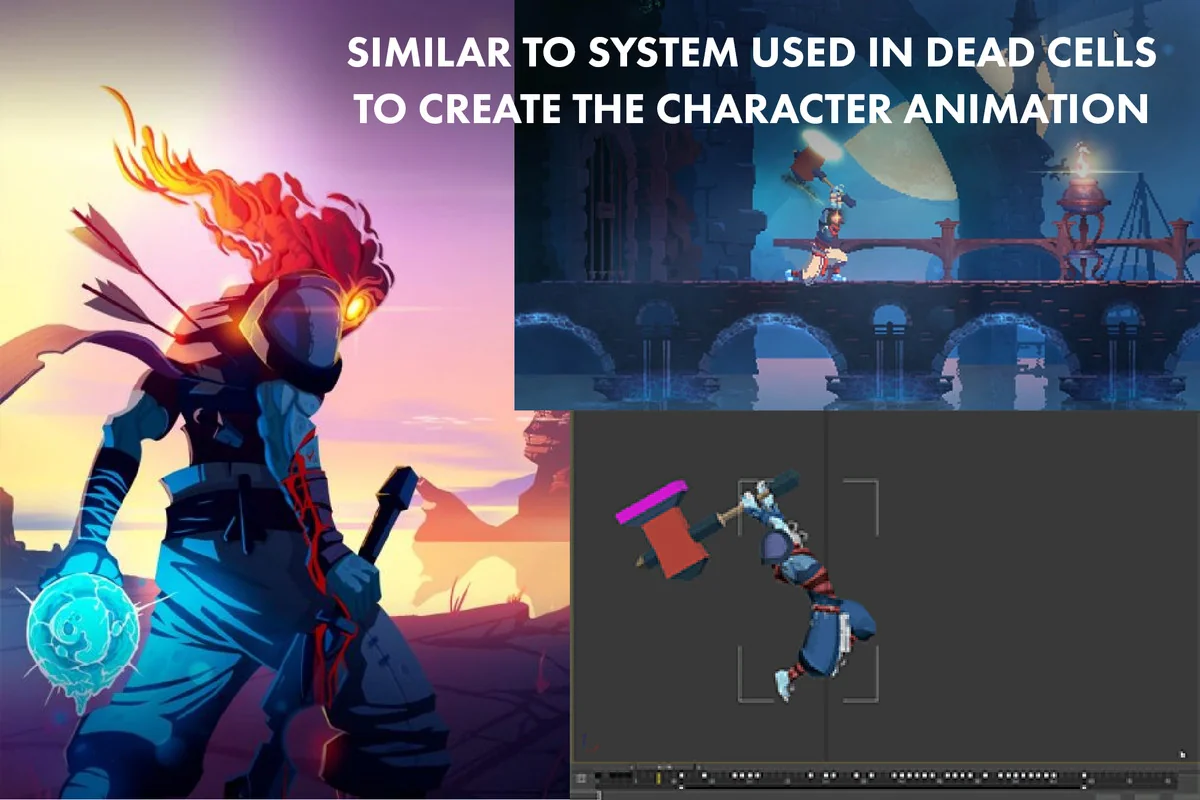
Pixelate is a Unity package for turning 3D animation into pixel art sprite sheets. It tackles a time-heavy part of pixel art production: drawing hundreds of frames by hand for simple motion. Instead of building every frame individually, the workflow starts with a basic 3D character, unlit colors, and simple rough animations, then converts that motion into pixel-style output.
The package focuses on speed without removing control. It is set up to convert animation into a pixel art result quickly, which makes it useful when a project needs sprite sheets but the animation work needs to stay lean. The result is meant to look organic and natural rather than stiff, while still coming from a 3D animation setup.
This makes Pixelate fit a very specific production problem: a team wants pixel art presentation, but not the full manual workload that usually comes with frame-by-frame drawing. By keeping the starting point in 3D, it gives artists and developers a way to reuse motion and reduce the amount of repetitive sprite work that would normally come after it.
Controls that stay visible while you work
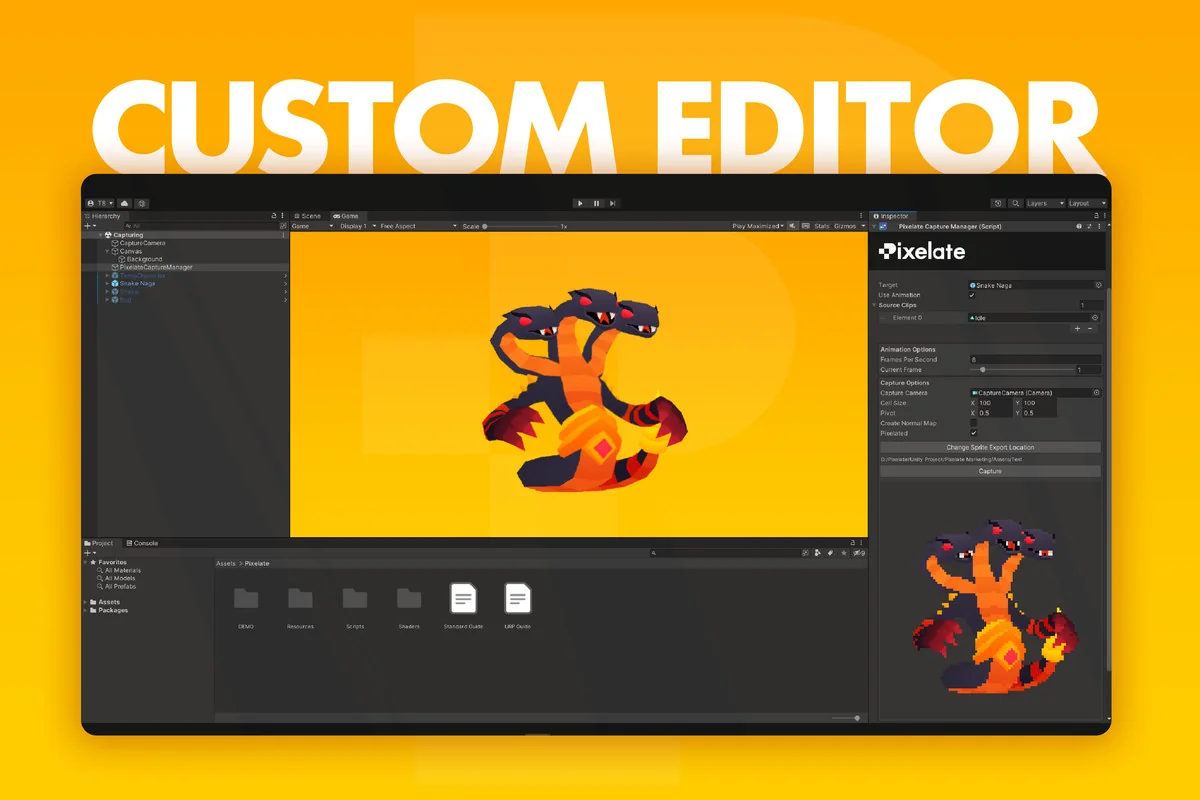
The package includes a proprietary 3D-2D shader system that exposes several pieces of control during the conversion process. Sprite size can be adjusted, animation frame rate can be controlled, and the result can be previewed before export. That makes the conversion process feel like an active part of setup rather than a final black-box step.
Pixelate also offers a live pixelated preview before export, so the output can be checked while the character and animation are still being worked on. That matters when timing and spacing need to be tuned to match a pixel-art style. The package also supports exporting animations in any resolution, giving more room to adapt the final sprite sheets to different project needs without changing the base animation workflow.
Another point that stands out is the flexible interface. Combined with full control over animation frame rate, it gives the user room to shape how the sprite sheet behaves instead of locking the result to one fixed look. In practice, that means the conversion can be adjusted to the pace and size a project actually needs, instead of forcing the animation to fit a preset output.
Lighting, normal maps, and the final sprite sheet
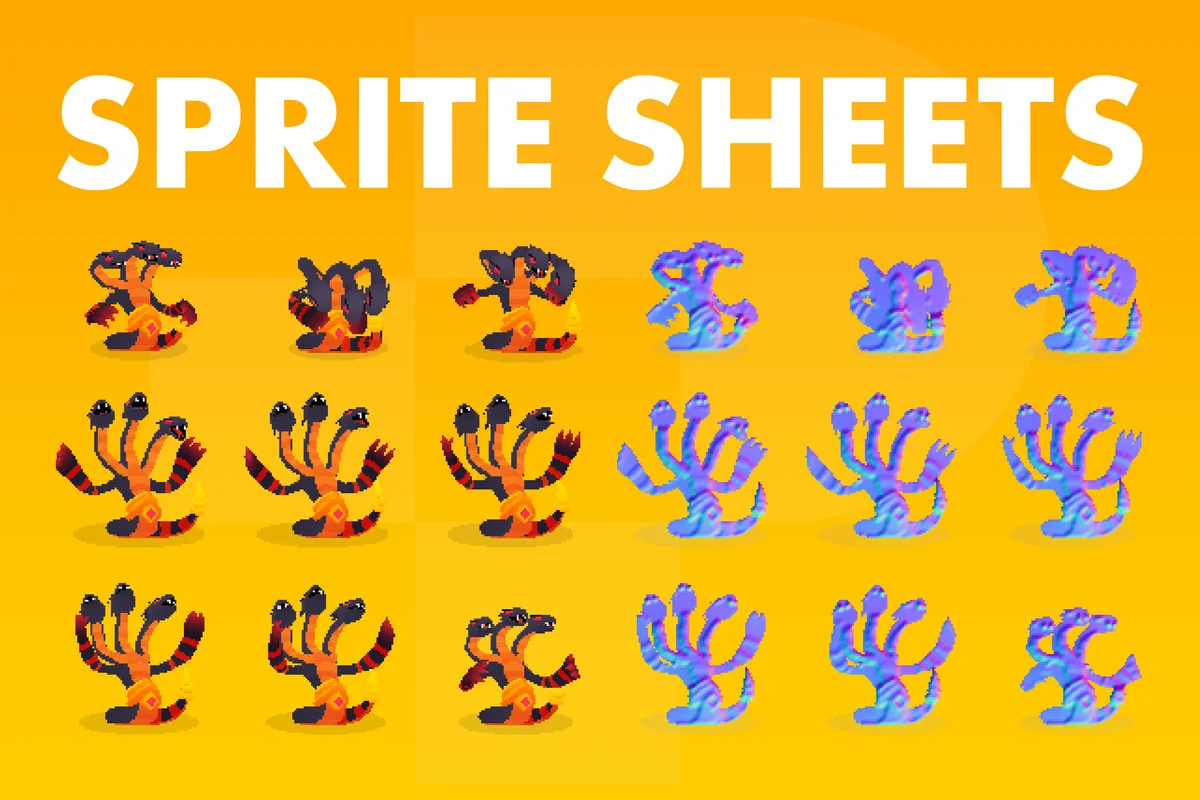
Pixelate does more than flatten 3D animation into pixel frames. Sprite sheets created with the package include a normal map, which lets the character react to 2D real-time lighting. The package also notes that the normal map reacts to 3D real-time lighting, adding another layer of visual response once the sprite sheet is in use.
The lighting behavior is one of the clearest signs that Pixelate is aimed at practical game production rather than a static conversion effect. Real-time lighting support in URP is part of the feature set, so the output can stay responsive inside a lit scene. That gives the sprites a way to sit naturally in environments where light changes matter, while still keeping the pixel-art appearance.
This is also where the packageâs approach separates itself from a simple style filter. The sprite sheet is not just a frozen image sequence; it carries lighting information through the normal map. For teams working with characters that need to react to scene lighting while preserving a pixel look, that combination becomes a useful part of the animation pipeline.
Where it lands in a Unity production pipeline
Pixelate sits in Unityâs Sprite Management category and comes as a unitypackage. The package details list version 1.05, a latest release date of Nov 18, 2024, and a first publication date of May 13, 2021. The file size is 24.5 MB, the asset count is 31, and the original Unity version is 2022.3.45.
The project also presents itself as a tool created by game developers for their own workflow. That background fits the way the package is positioned: as a practical utility for turning 3D animation into pixel art sprite sheets with less manual frame drawing. Active support and constant updates are part of the listed feature set, which points to an asset that is meant to keep evolving alongside production needs.
In a real pipeline, Pixelate belongs near the animation setup and sprite export stages. It is most useful when a team already has a rough 3D character and wants to move toward a pixel-art presentation without rebuilding every frame from scratch. For that kind of project, the package gives a direct route from simple 3D motion to editable sprite sheets that can react to lighting and stay easy to preview before export.
Visual Breakdown
Protected download
Access this resource
All resources are 100% manually reviewed to eliminate all risks.