The Trajectory-Based Animation Workflow
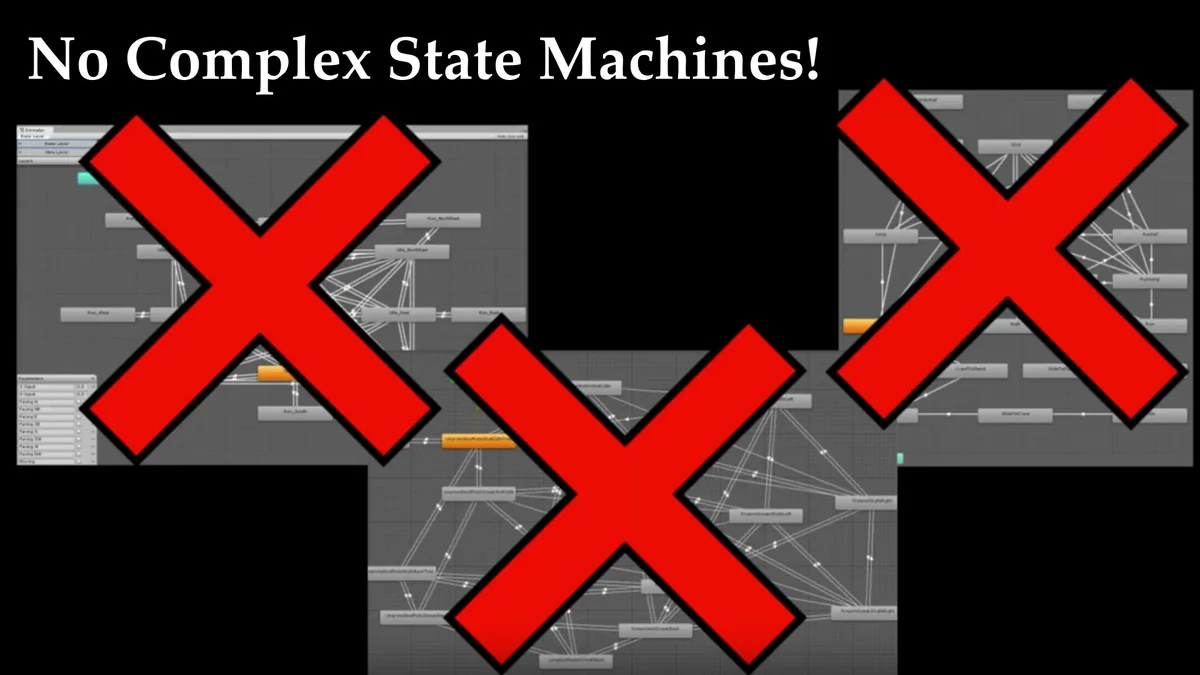
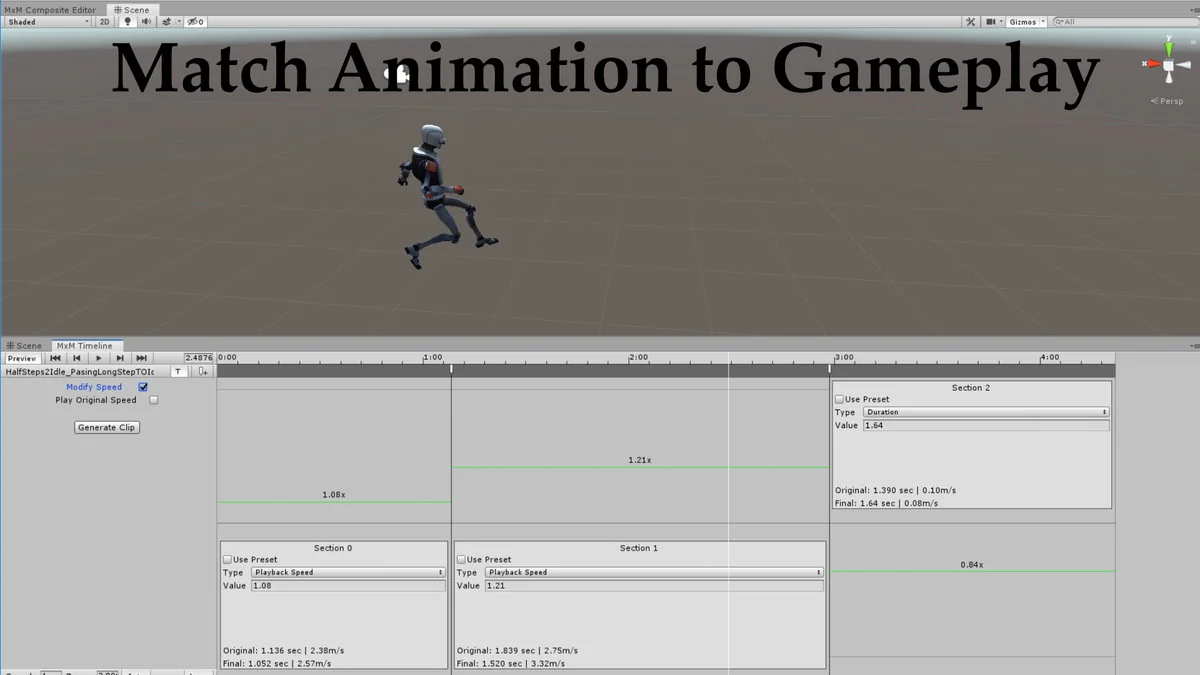
Motion Matching for Unity (MxM) operates as an advanced alternative to the traditional Mecanim system. Rather than requiring developers to construct complex state machines, define specific transitions, or manage logic-heavy animation conditions, the system automates frame selection by analyzing data. It functions by comparing the current pose of a character and its desired future trajectory—derived from player input—against the entire library of available animations. This allows the system to jump to the most appropriate clip and time-stamp dynamically, resulting in fluid starts, stops, plants, and turns that are difficult to achieve with manual transition logic.
Technical Implementation and Performance
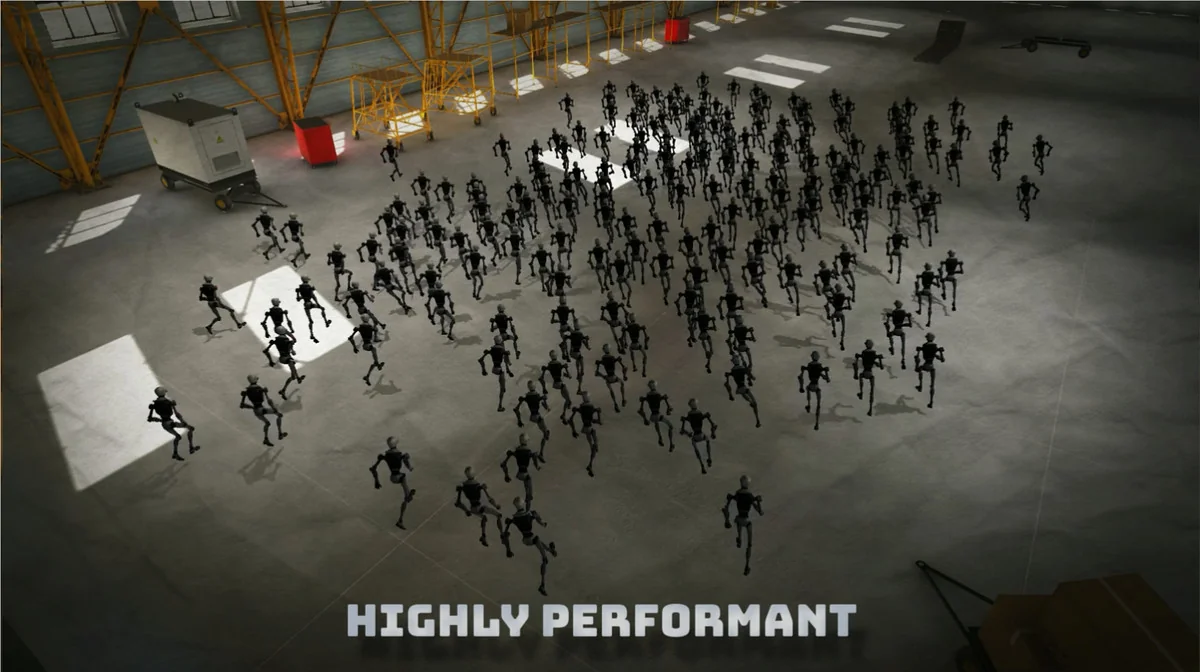
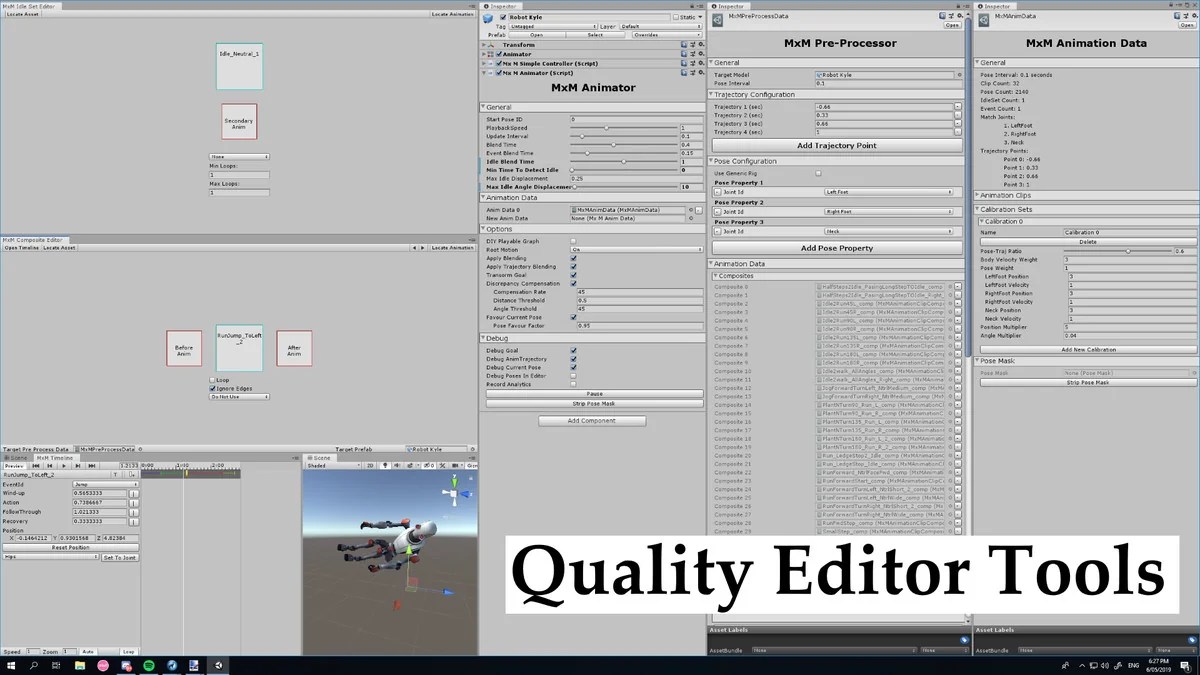
To handle the computational demands of comparing poses and trajectories in real-time, the system is built on Unity’s Job System and Burst compiler. This technical foundation allows for high-speed processing of animation data, ensuring that the selection of the next animation frame occurs with minimal performance overhead. Because it relies on these modern Unity frameworks, the system has specific dependencies. Users must install several packages from the Unity Package Manager, such as the Jobs package, to ensure functionality. While some of these dependencies may be in preview, they are required for the system to remain stable during runtime.
Scripting and Skill Requirements
This is not a plug-and-play solution for character movement. Implementation requires a minimum of basic Unity scripting knowledge, though the developer recommends an intermediate level of experience with C# and general Unity programming to fully utilize the system’s capabilities. Because the workflow revolves around “un-structured interactive animation,” strong programmers are better equipped to integrate the logic required for trajectory handling and event triggers. Furthermore, while the system can work with cut animation clips, it is specifically optimized for studios and developers with high animation bandwidth, particularly those utilizing motion capture data.
Animation Coverage and Continuity
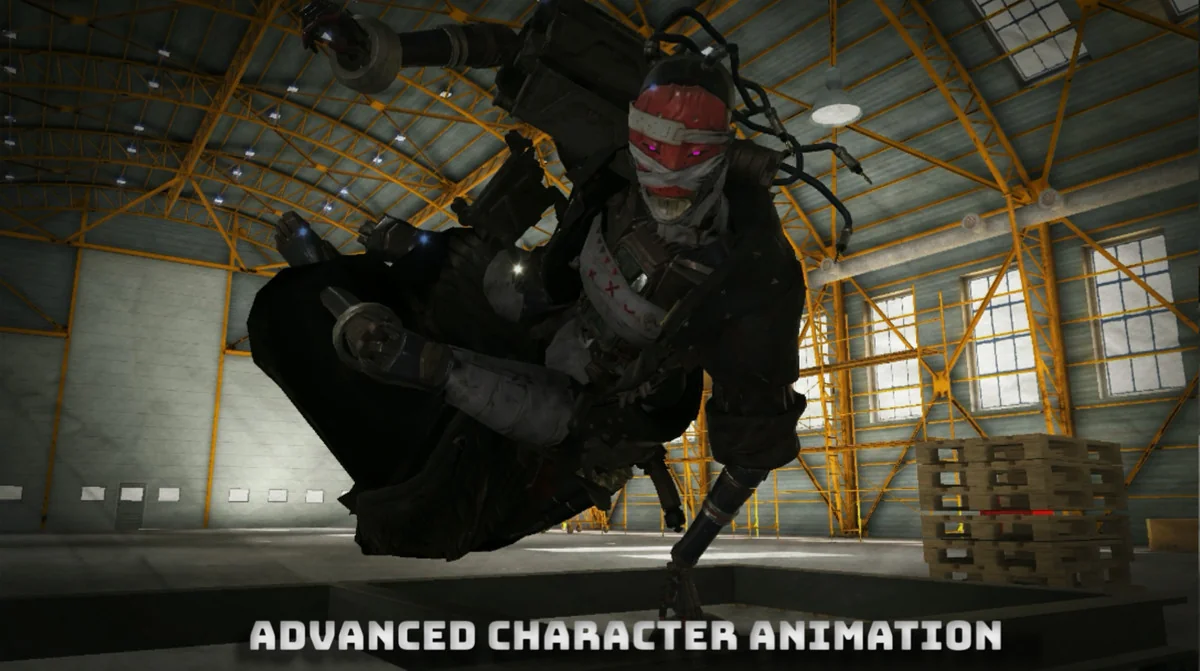
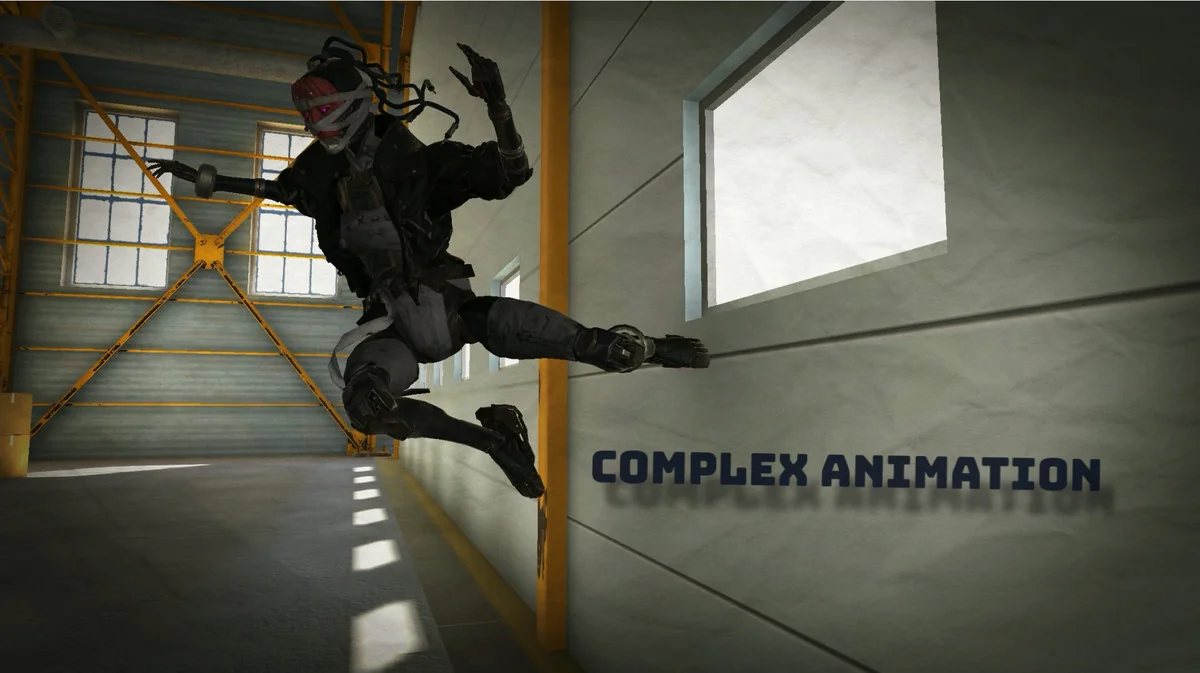
The quality of the animation output is heavily dependent on the animation library provided to the system. MxM requires a specific type of animation coverage to maintain continuity; specifically, transition animations are necessary to bridge different movements effectively. Without sufficient coverage, the system may struggle to find appropriate frames to jump to, which can impact the natural look of the character’s movement. It is important to note that the package does not include the 3D models typically shown in trailers, focusing instead on the underlying animation logic and framework.
Demonstration Scenes and Event Features
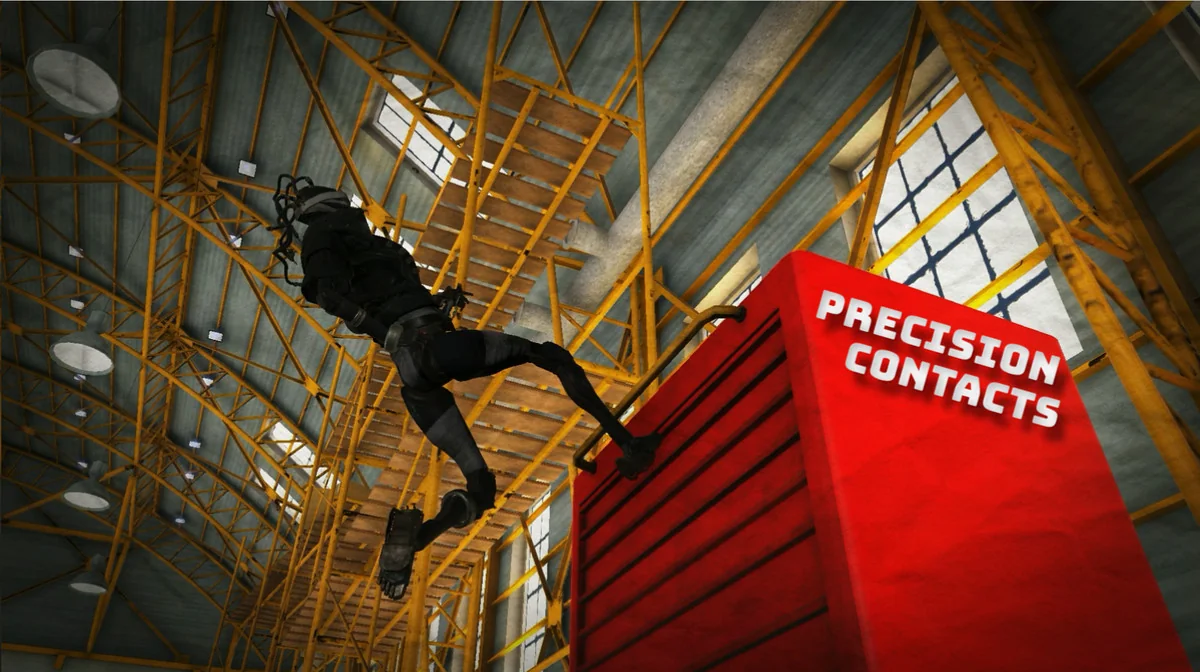
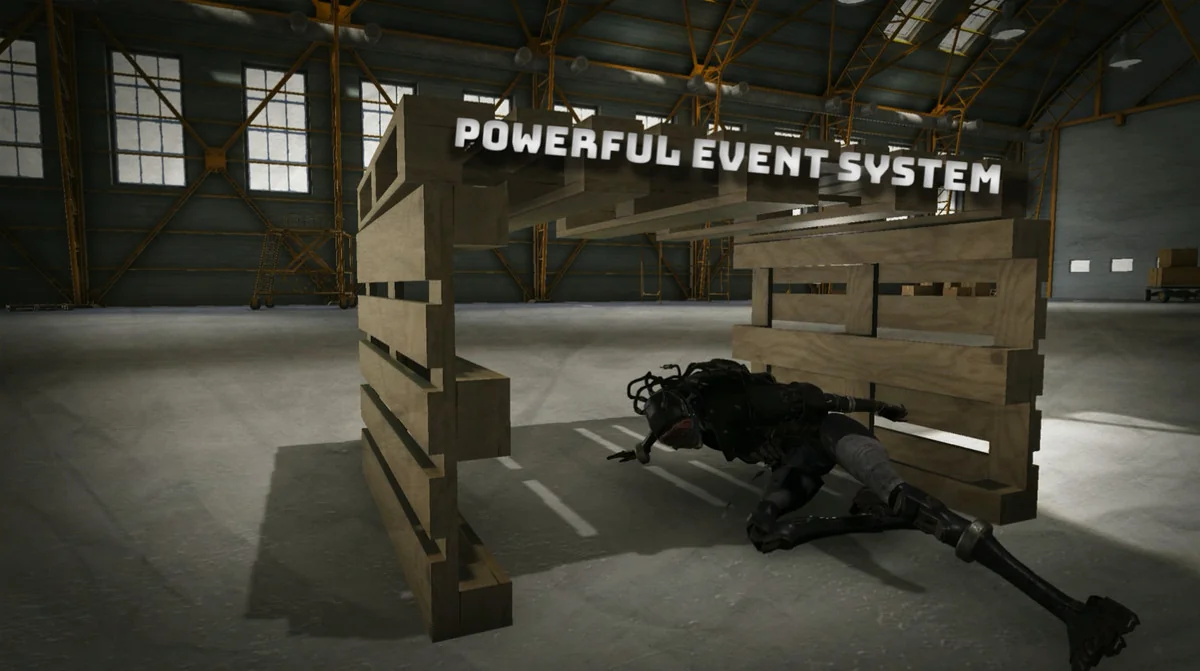
For those looking to understand the practical application of the system, a demo scene is provided featuring a player-controlled Robot Kyle. This scene demonstrates the character’s ability to run and perform parkour-style vaults. However, the vaulting system included is intended strictly as a demonstration of the system’s event features—such as triggering specific actions at the right time—rather than a production-ready vaulting solution. These events allow for character-specific actions to be integrated into the motion-matching loop, providing a bridge between fluid movement and interactive gameplay mechanics.
Currently, the system is provided as-is without active support. While it may function on mobile devices, mobile platforms are not yet actively supported, making it primarily a tool for desktop-based development where the Job System and Burst compiler can be fully utilized.
Project Screenshots
Protected download
Access this resource
All resources are 100% manually reviewed to eliminate all risks.