Dynamic Liquid Simulation for Realistic Environments
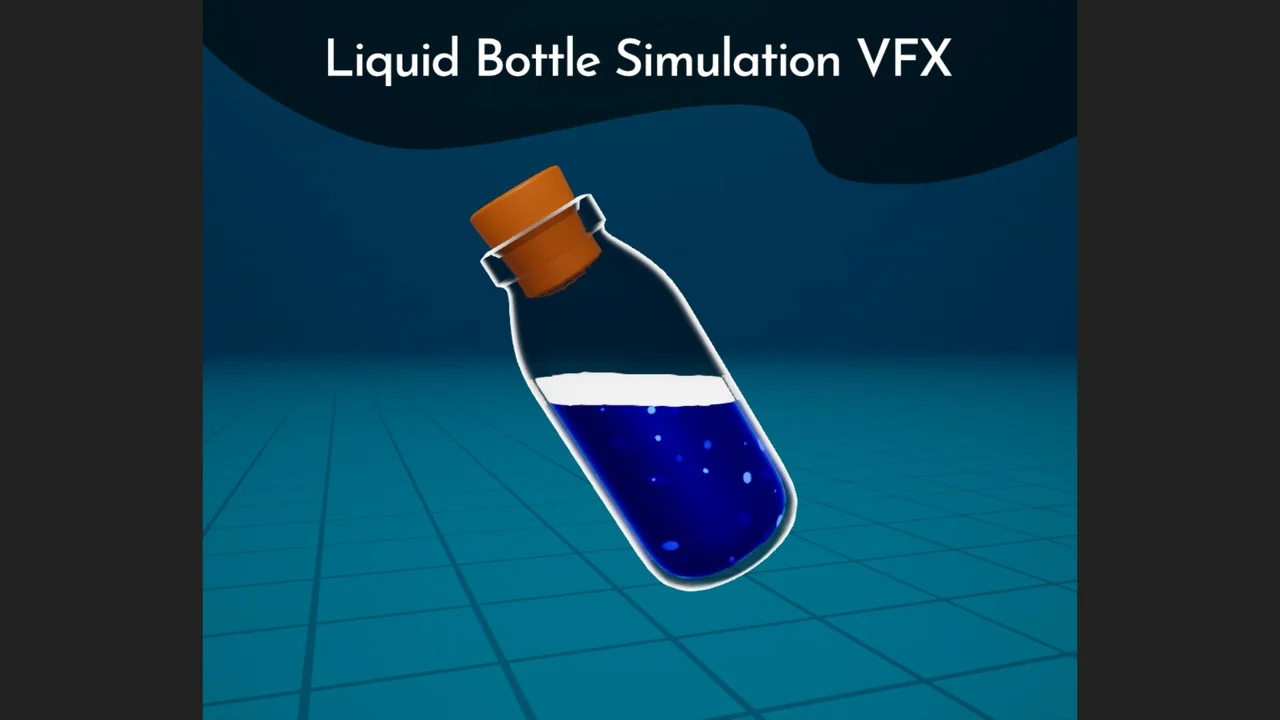
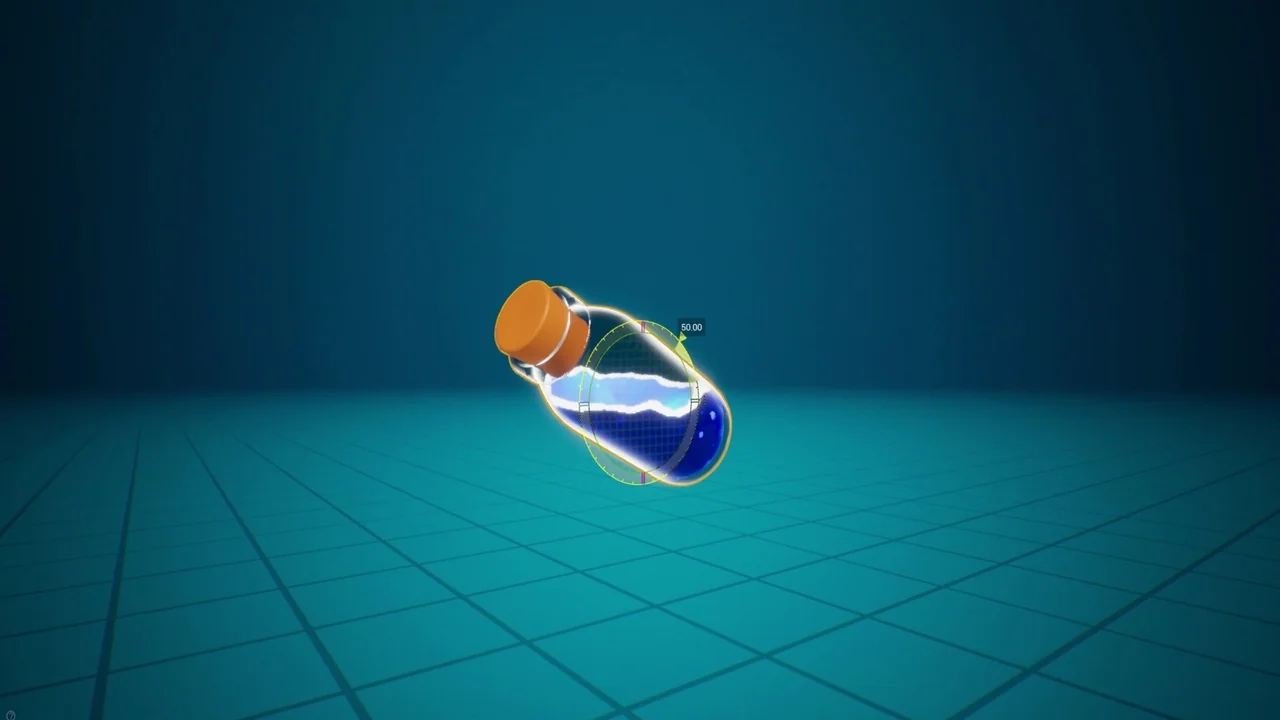
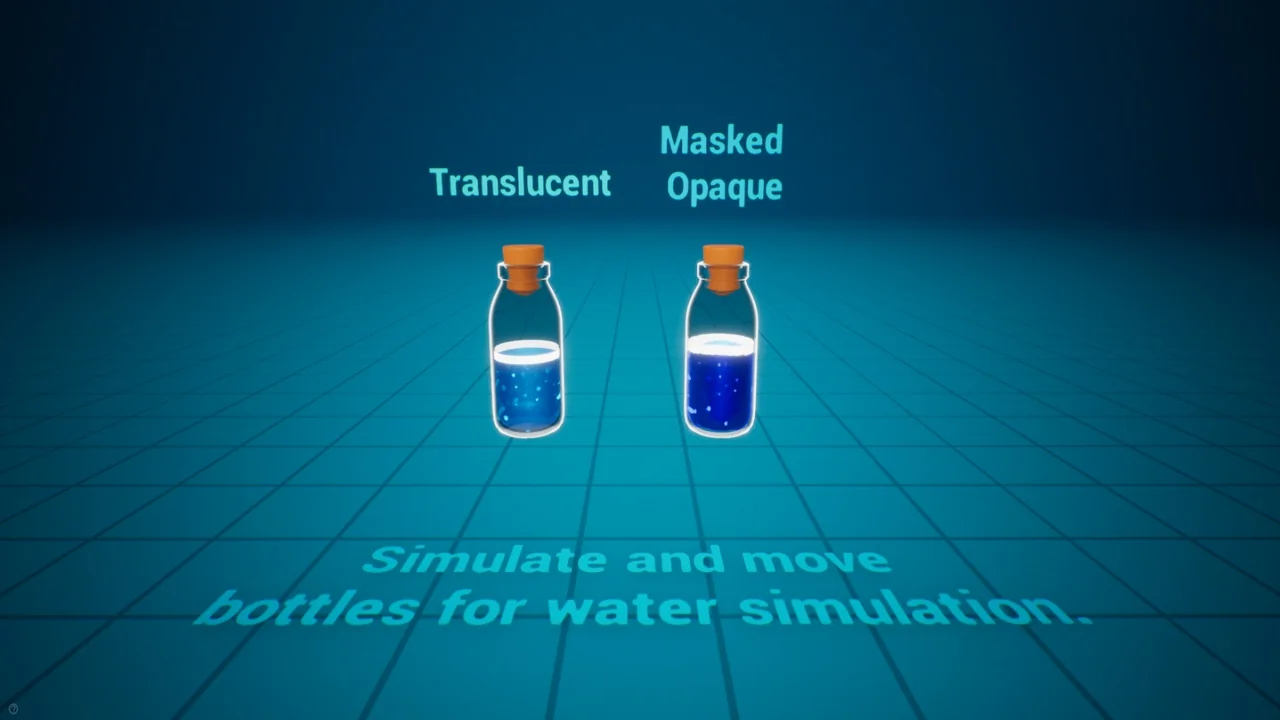
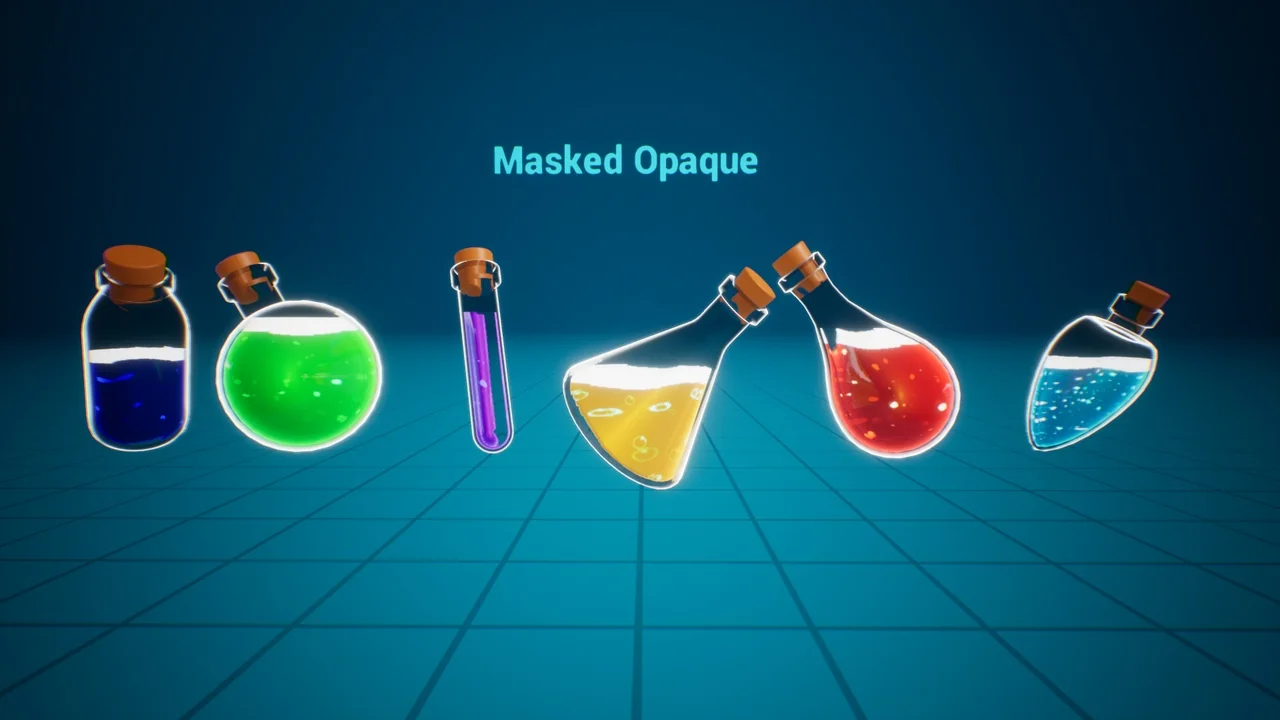
The Liquid Bottle Simulation VFX offers a specialized solution for developers who need to simulate liquid behavior inside containers. This asset focuses on movement-based reactions, ensuring that the liquid shifts according to the object’s velocity. Consequently, the visual effect remains grounded in the physical motion of the bottle.
Furthermore, the system is versatile enough to be used with physics. This allows the liquid to react naturally during complex interactions or environmental collisions. Because the simulation is driven by movement, it provides a convincing sense of weight and fluid dynamics for your in-game items.
Customization and Blueprint Control
The appearance of the liquid is highly customizable to suit different project needs. Developers can easily tweak specific values within material instances to change how the fluid looks. Additionally, the creator has included exposed Blueprint variables to give users more control over the simulation’s behavior.
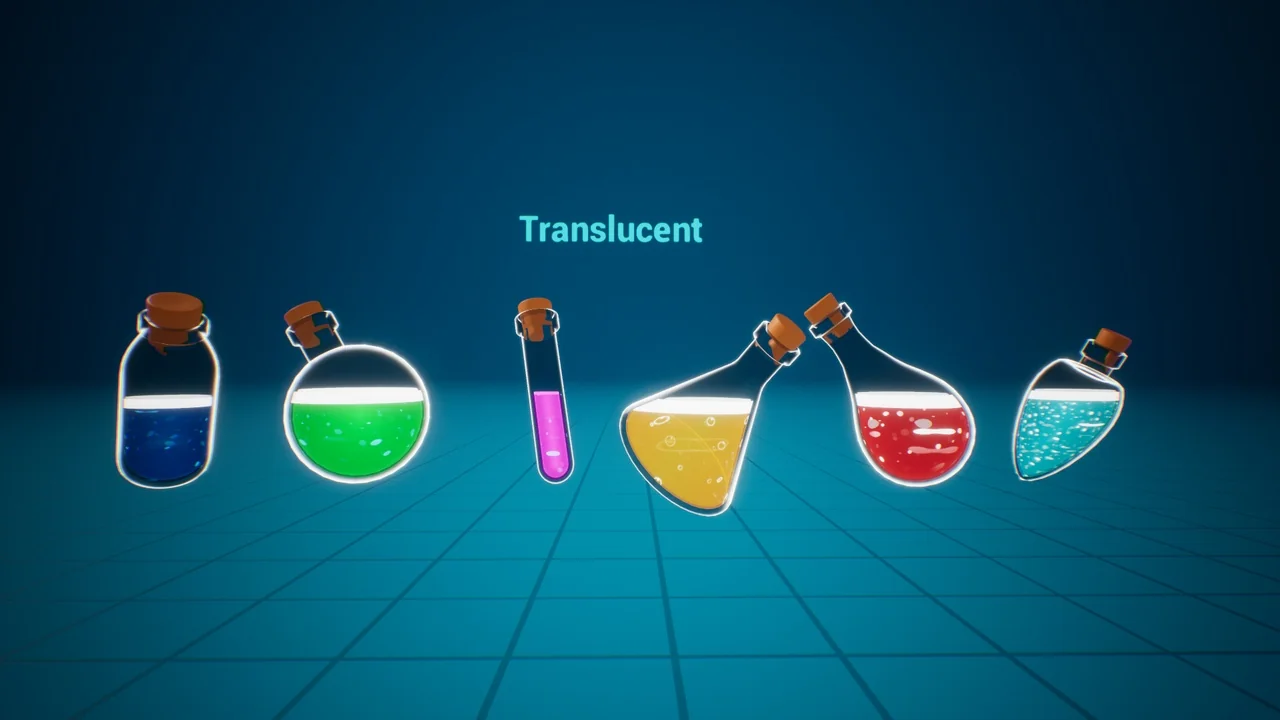
These customization options make it possible to achieve various visual styles, from realistic water to stylized surfaces. Since these parameters are easily accessible, you can refine the look of your liquid without needing to rebuild the entire system from scratch.
Easy Implementation and Compatibility
Integrating the Liquid Bottle Simulation VFX into your workflow is designed to be a simple process. You can implement the effect by simply applying the material to your custom models. Moreover, the developer has indicated that documentation and tutorials will be available to assist with the setup process.
Currently, the asset is compatible with Unreal Engine 4.25. However, there are plans to improve and update the resource for newer engine versions. If you need to use it in a more recent version of the engine immediately, you can do so manually. To achieve this, import the asset into a 4.25 project and then open that project in your desired newer version of Unreal Engine.
Conclusion
In summary, the Liquid Bottle Simulation VFX is a practical tool for adding interactive fluid effects to game objects. By utilizing velocity-based movement and offering extensive material customization, it provides a high level of visual quality. Whether you are working on a stylized or realistic project, this asset simplifies the process of creating convincing liquid containers.
Screenshots & Gallery