Efficient Environment Creation with IA Scatter
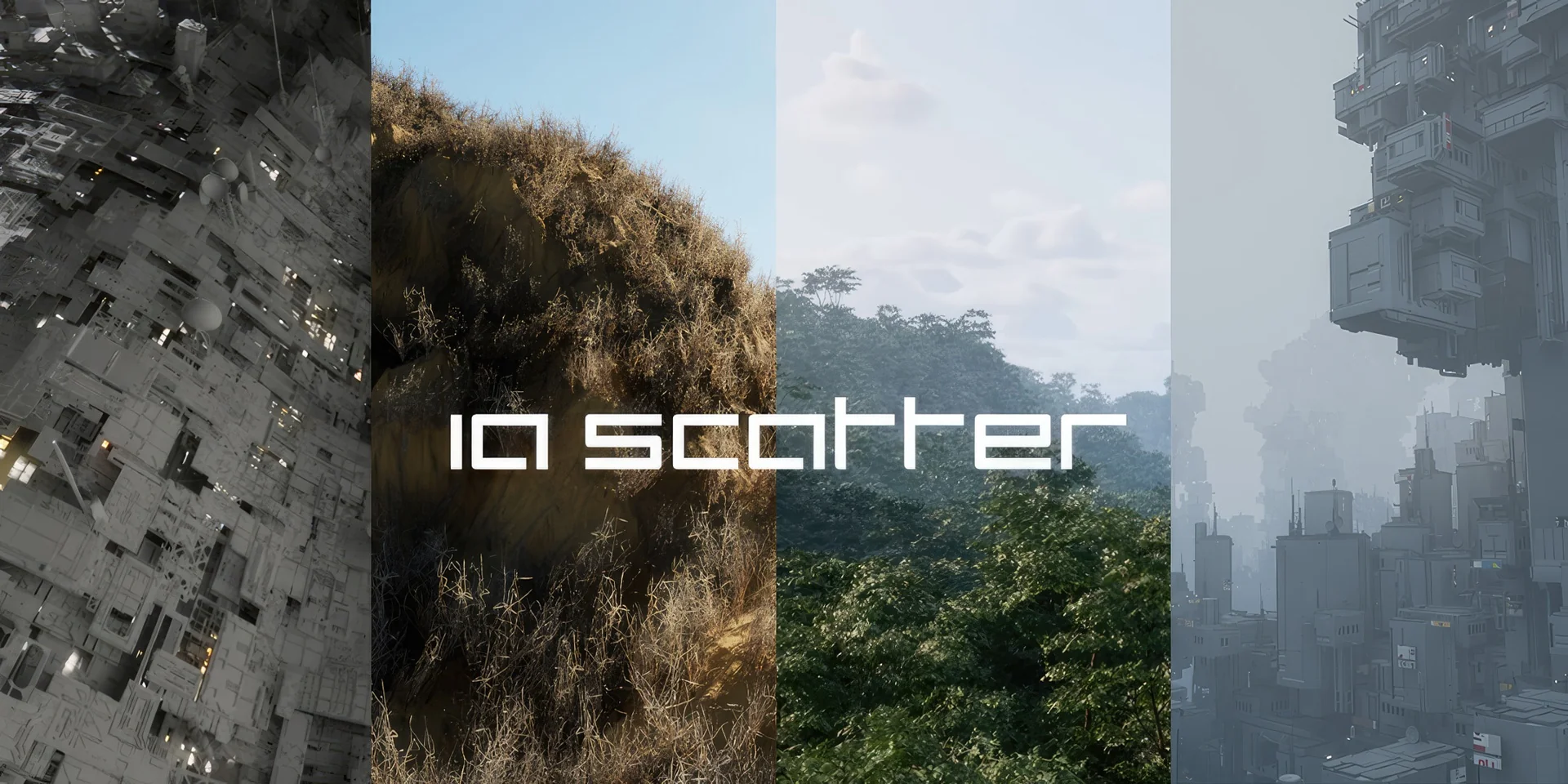
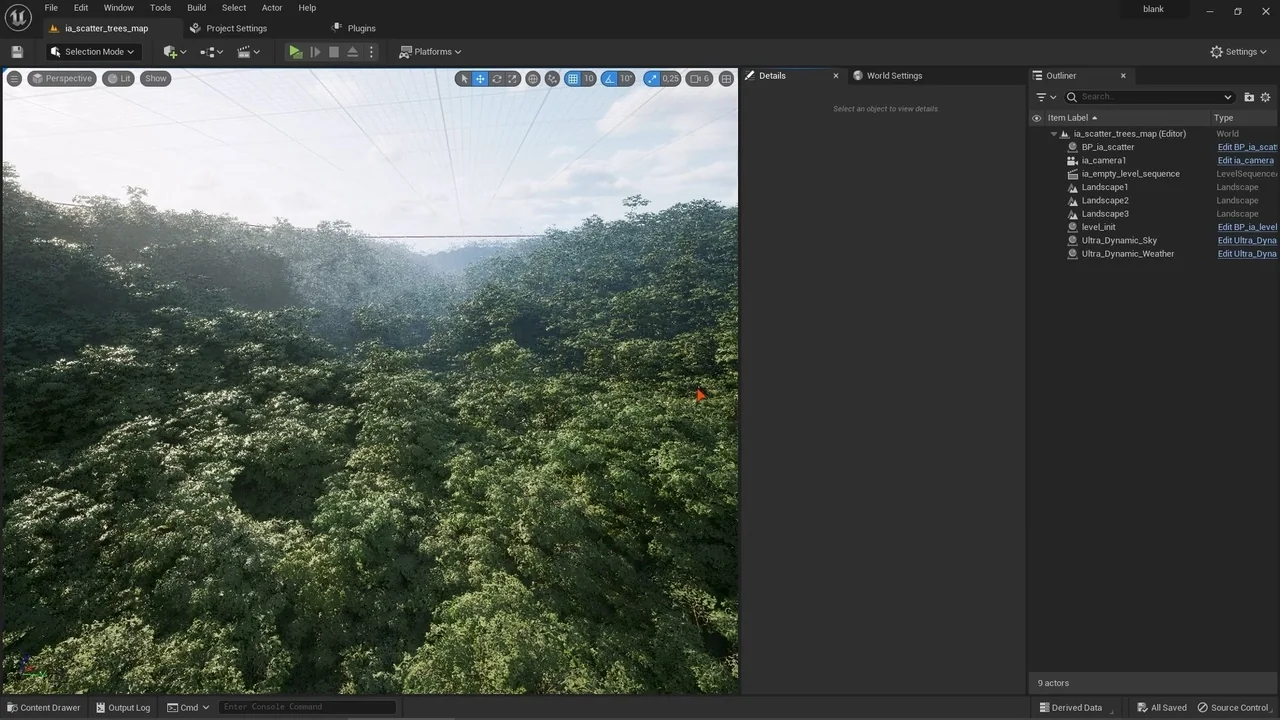
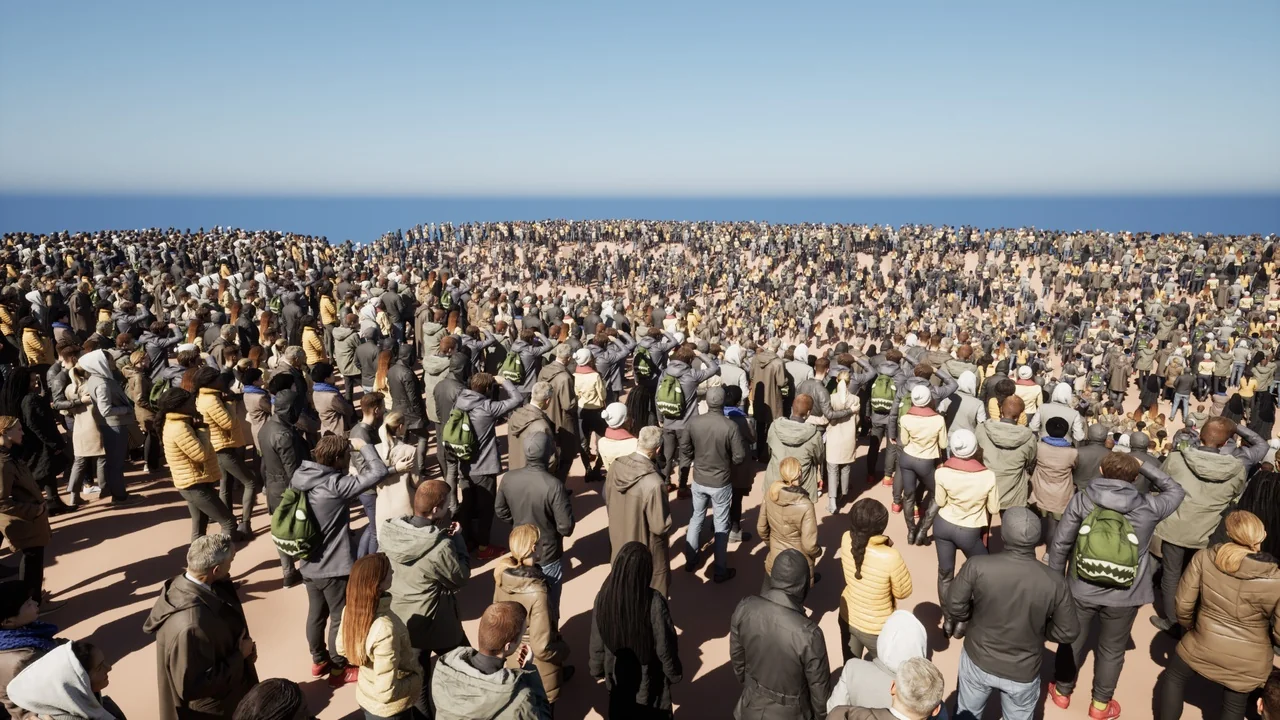
ia scatter is an easy, fast, and feature-rich scattering tool designed specifically for Unreal Engine. Whether you are building a massive open-world environment or a detailed indoor scene, this tool helps bring life to your project. It enables the seamless creation of natural and immersive scenes in just a few minutes. Consequently, developers can avoid tedious manual placement while retaining the flexibility to make changes on the fly.
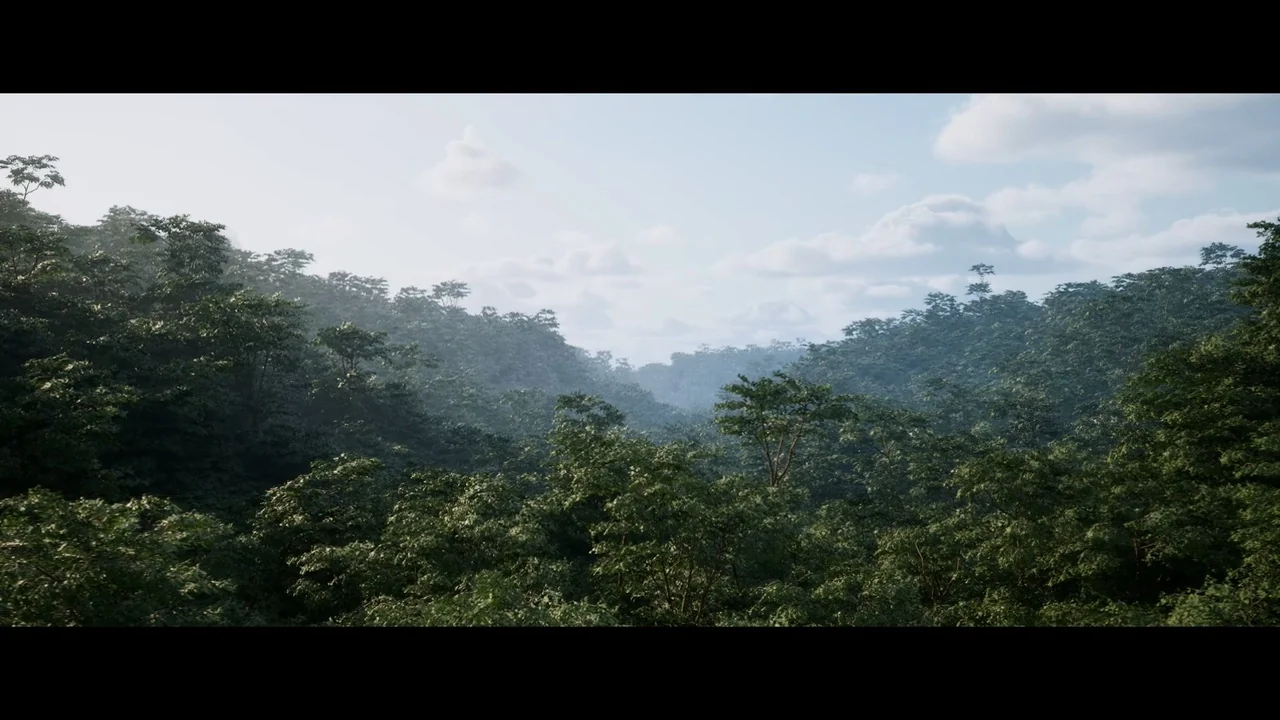
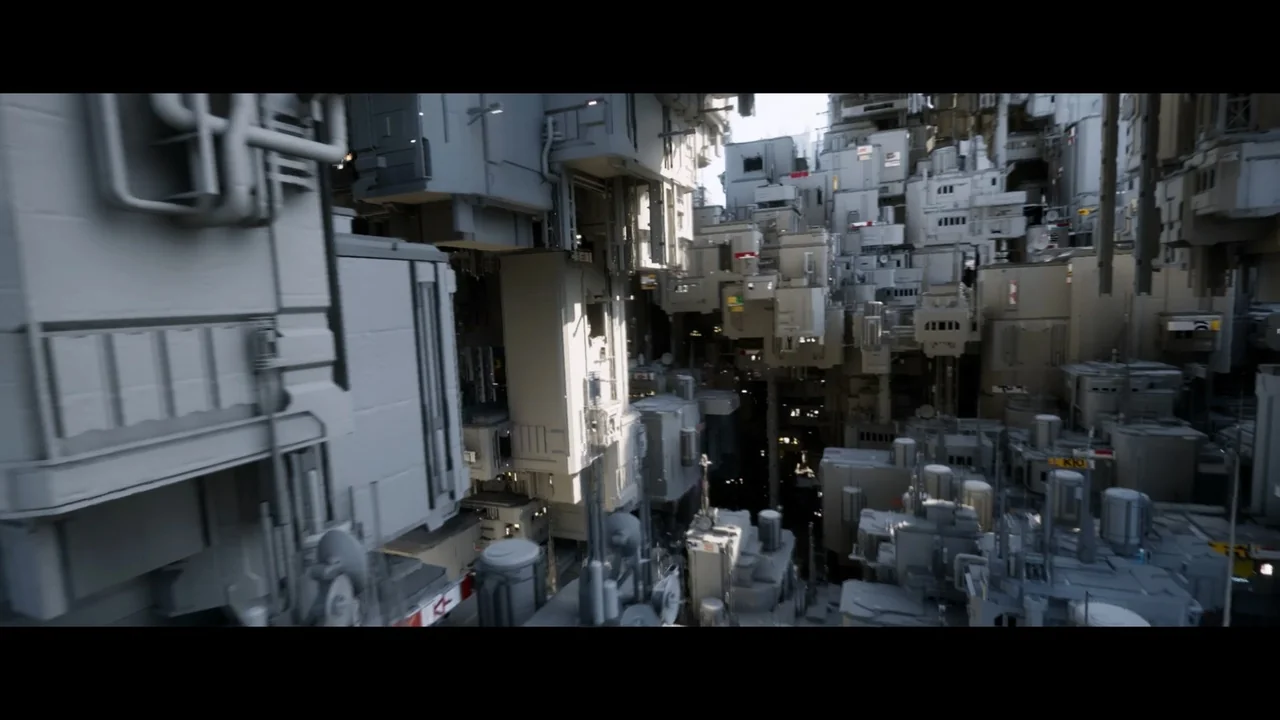
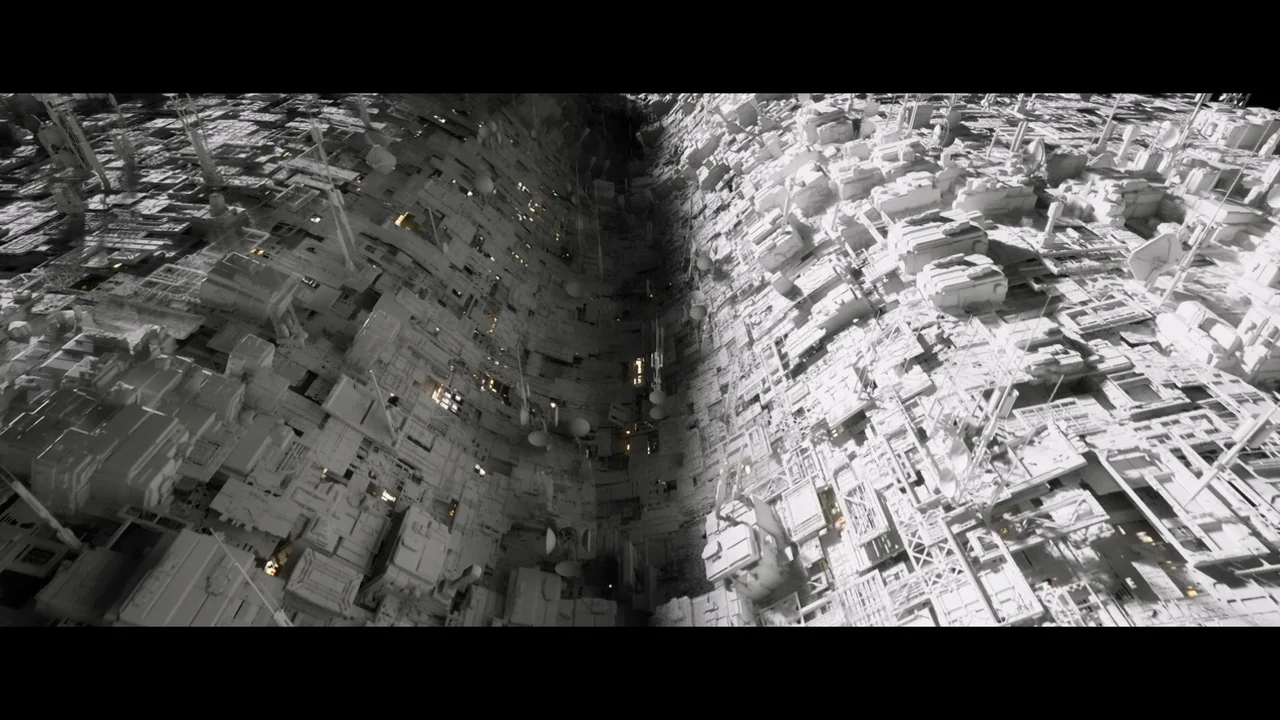
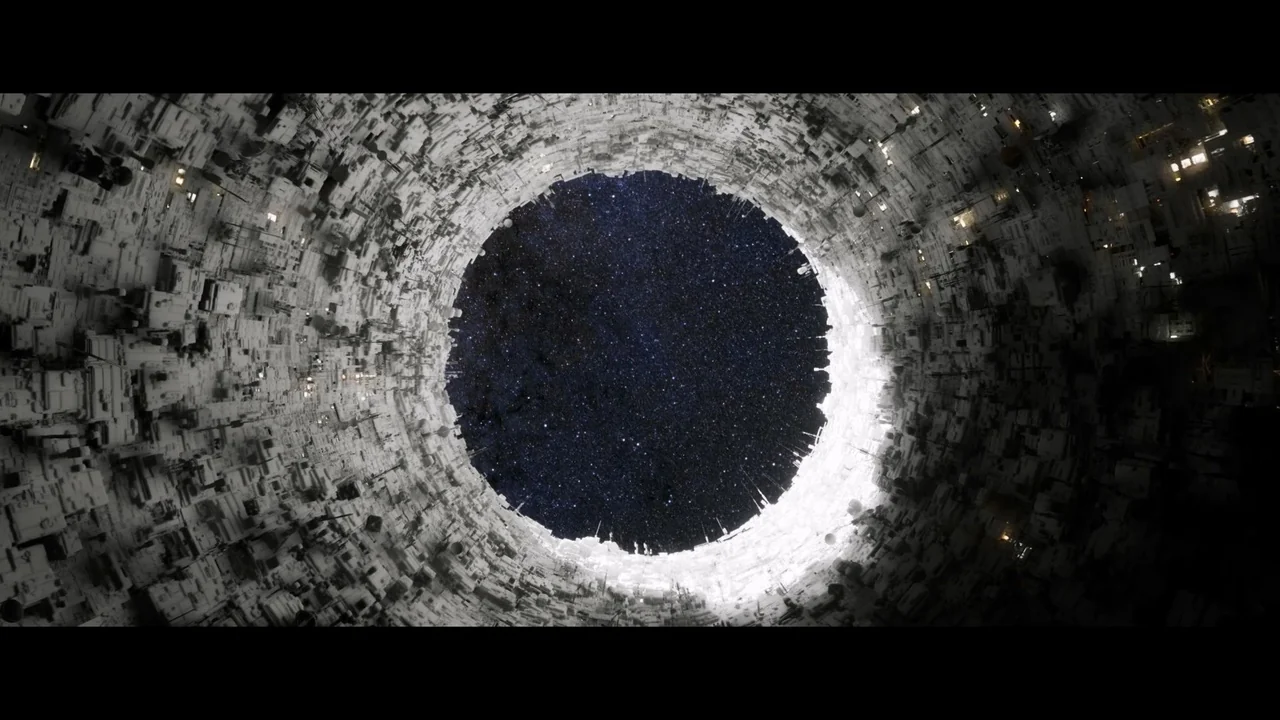
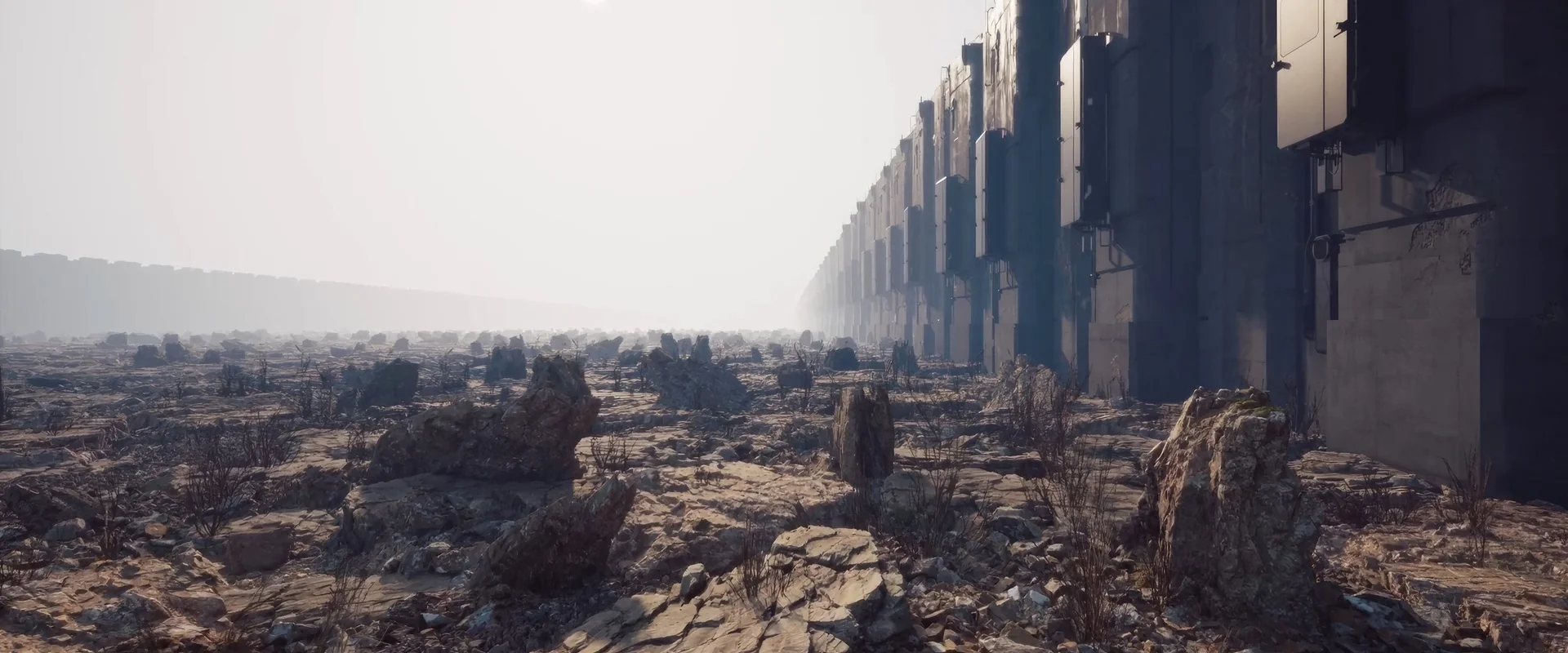
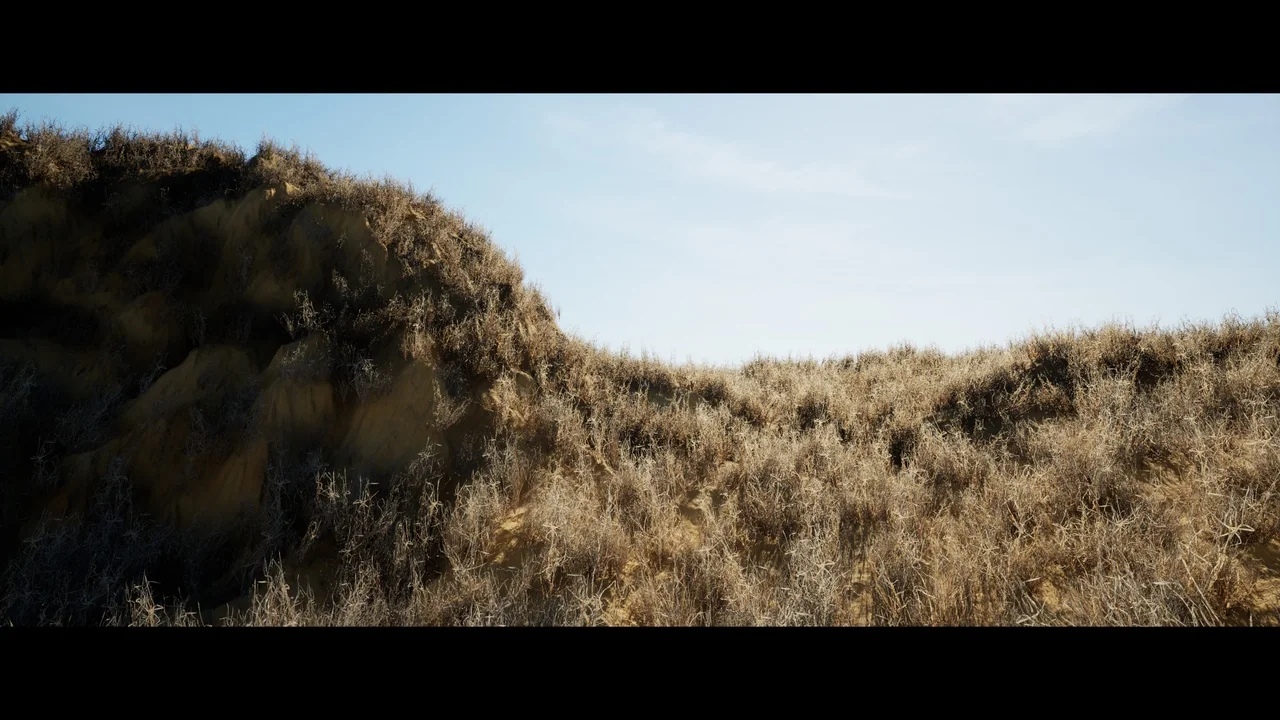
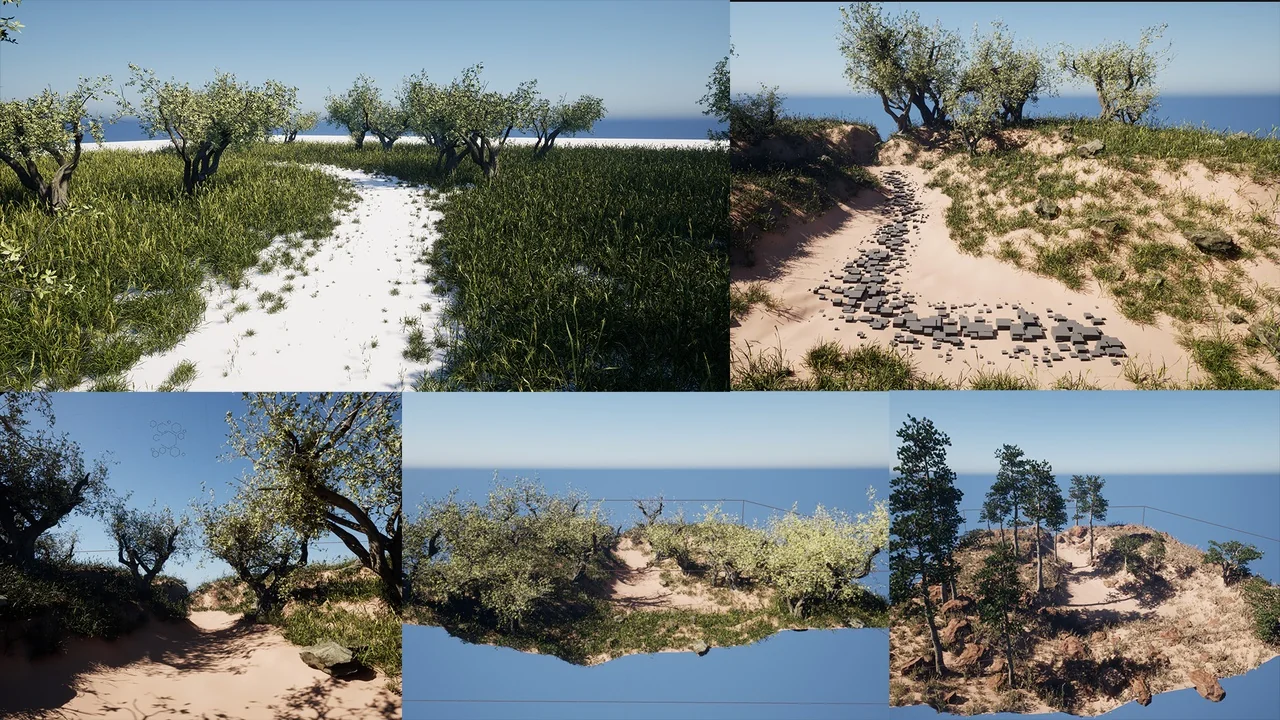
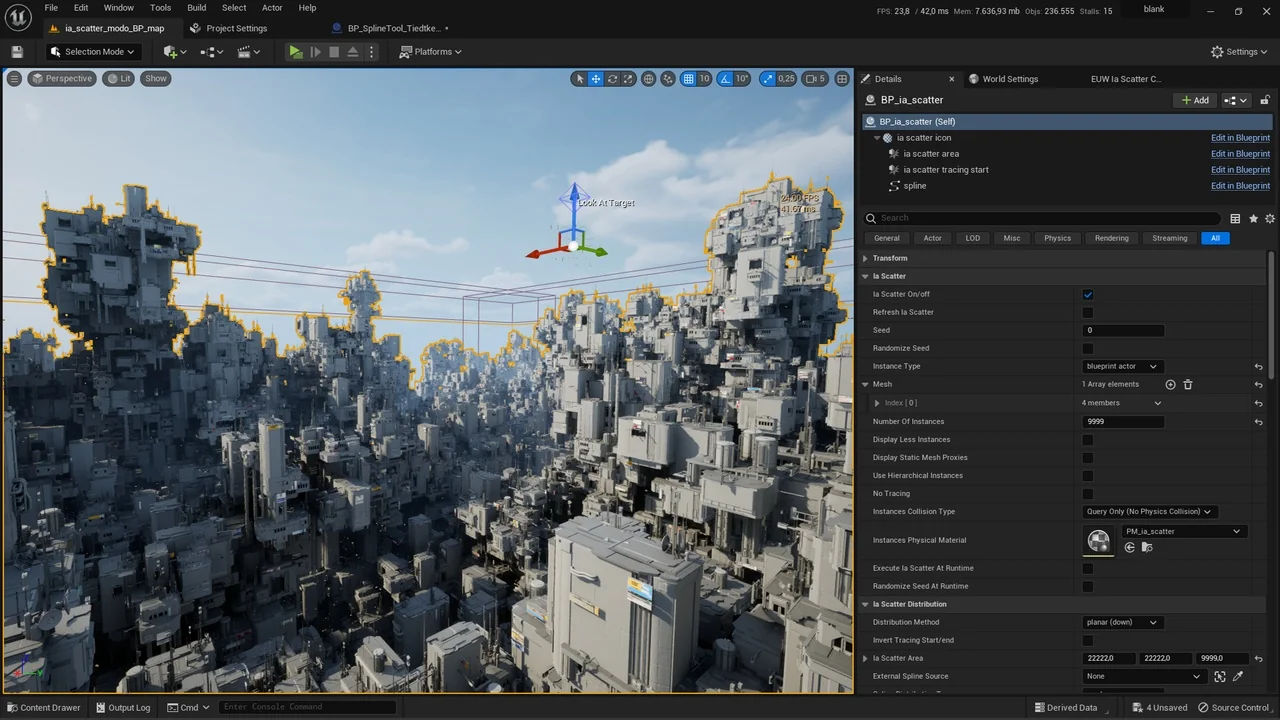
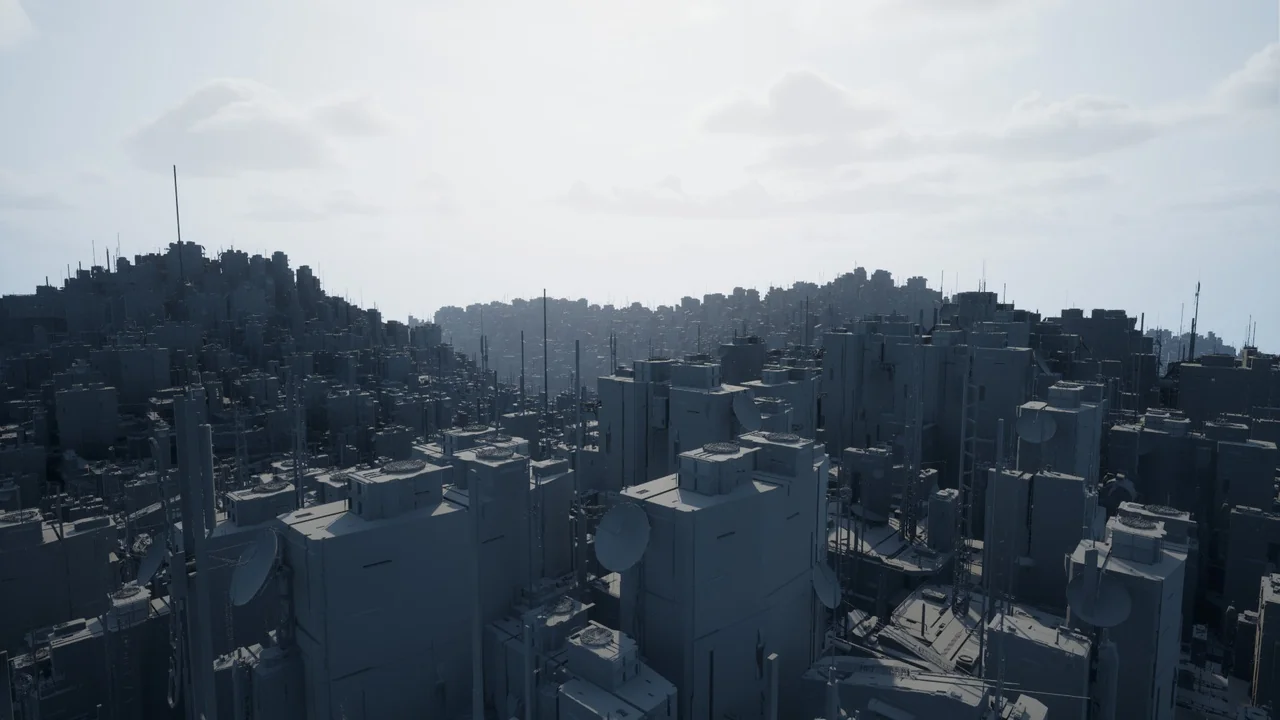
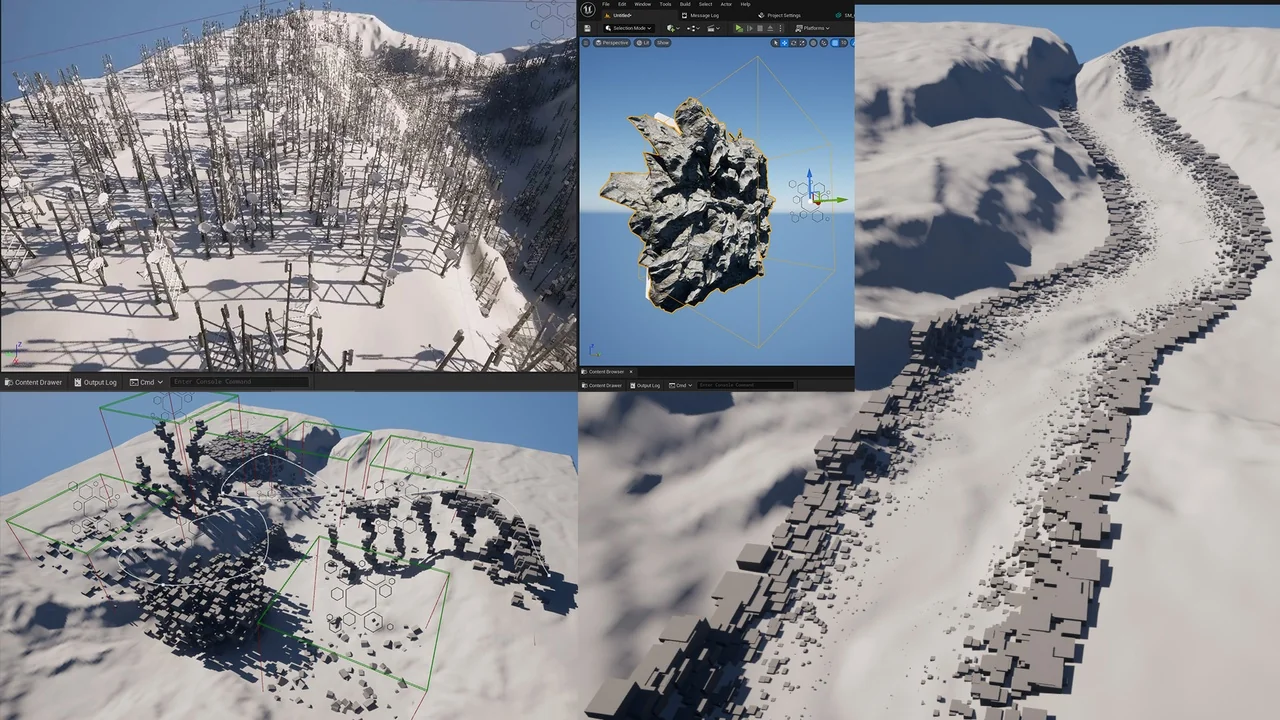
The tool is highly versatile and suitable for a wide range of assets. You can use it to scatter plants, rocks, and nature elements, or even technical details like antennas on buildings. Furthermore, it works perfectly for abstract designs and complex cityscapes. By using this tool, you can increase productivity and maintain complete control over your environment’s look and feel.
Comprehensive Distribution and Tracing Features
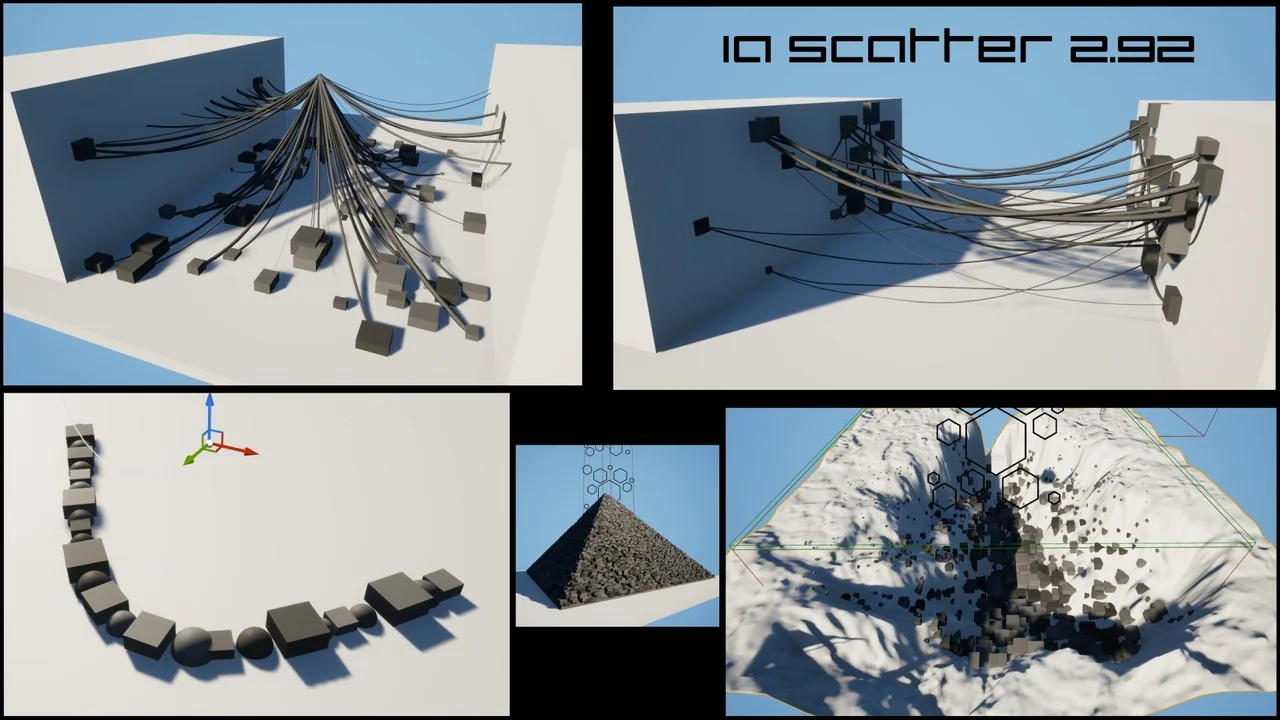
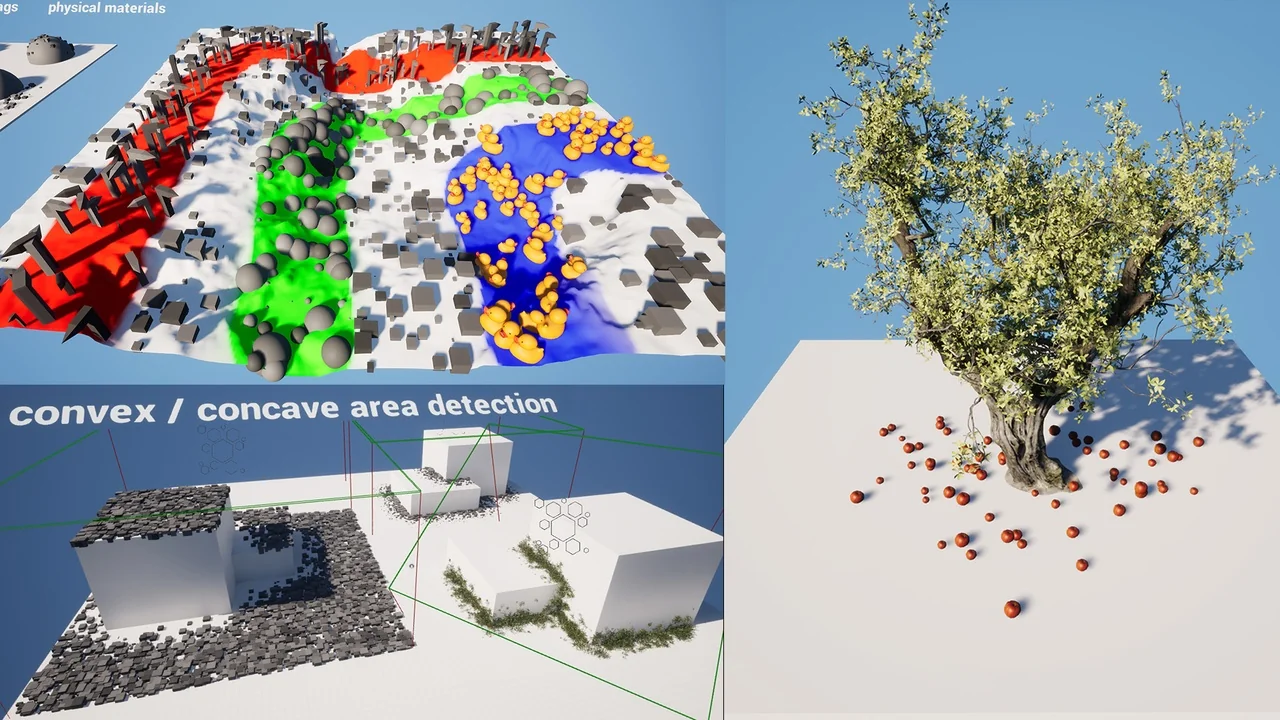
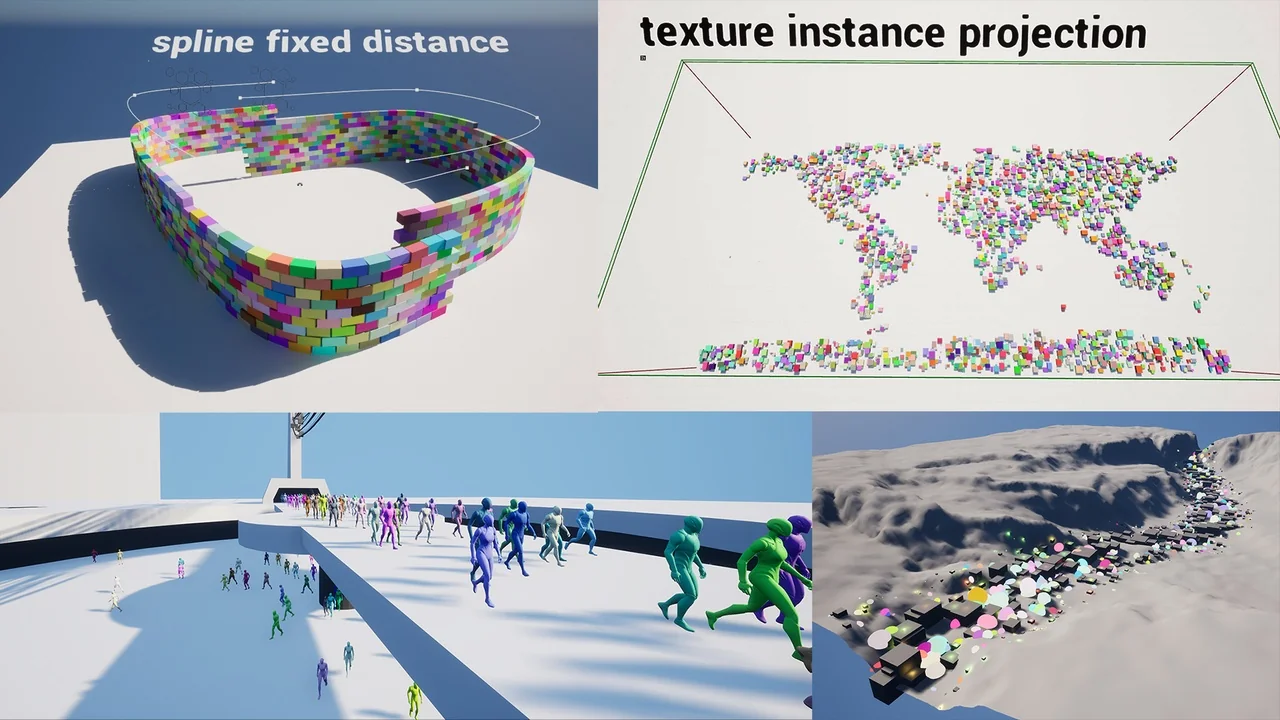
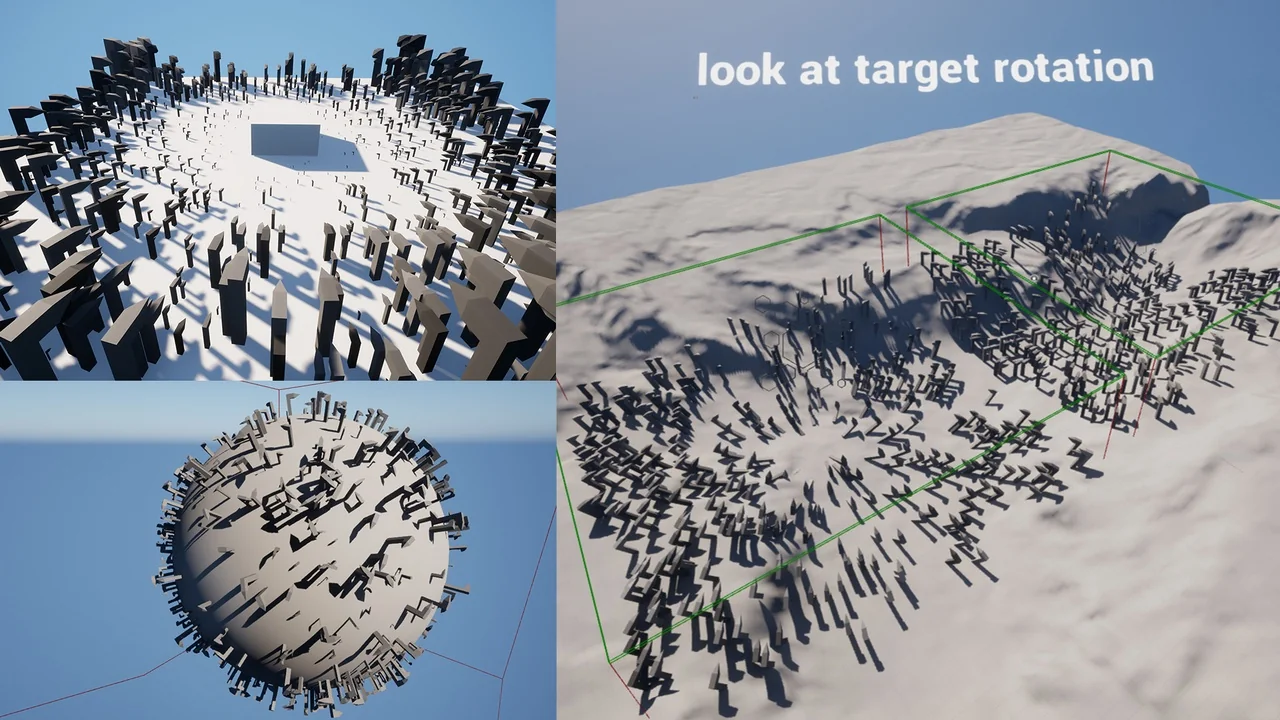
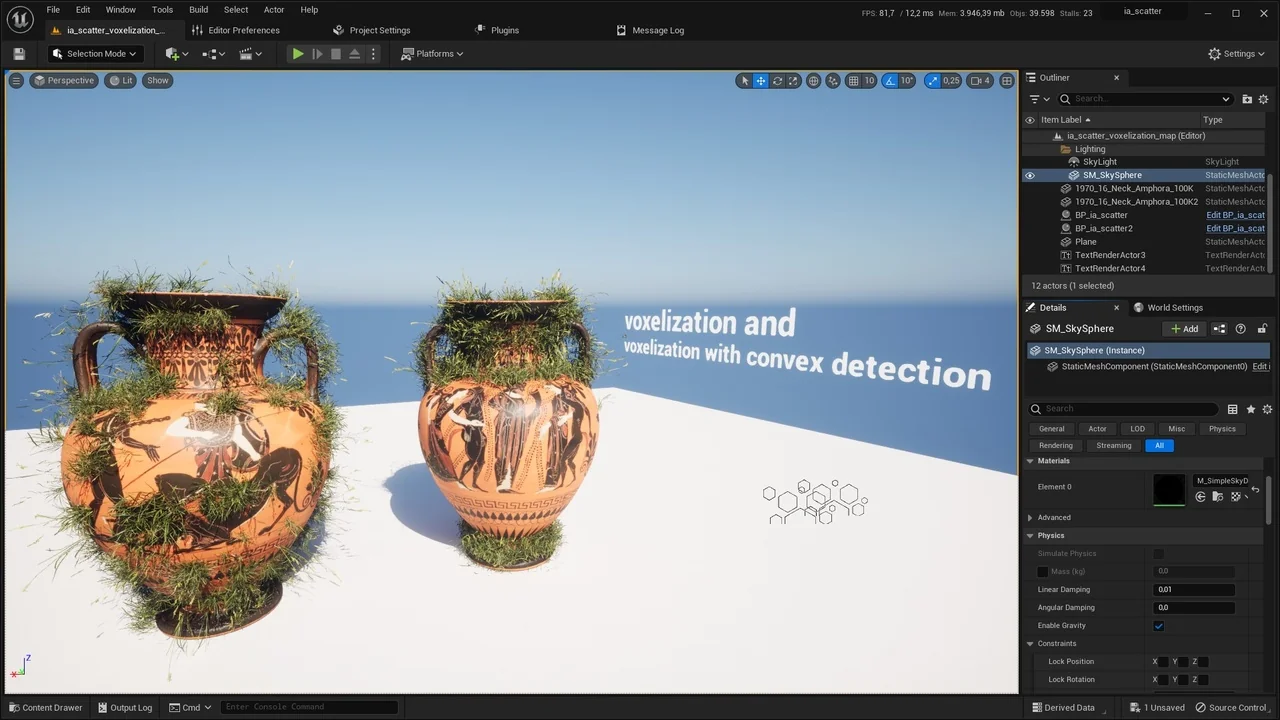
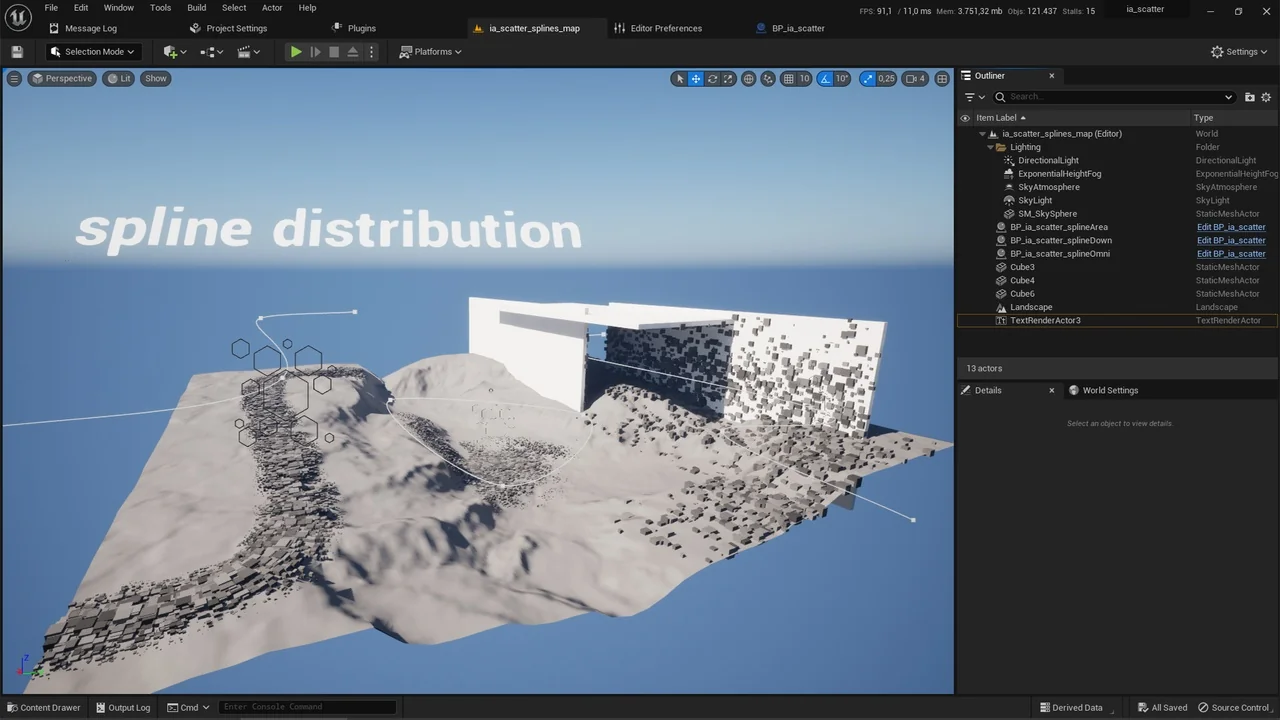
One of the core strengths of ia scatter is its variety of tracing and distribution options. Users can choose from area, spline, planar, linear, and point tracing methods. Additionally, the tool supports 1D and omnidirectional multiple actor voxelization distribution. For more artistic control, the developer included vertex color influenced scattering and texture map instance projection.
The system is not limited to simple static meshes. It supports the instancing of several asset types, including:
- Static meshes and skeletal meshes
- Blueprint actors
- Niagara systems
- Geometry collections
Each instance can be controlled with specific probability settings. Moreover, the tool includes a dedicated cable system and voxel geometry generation for advanced scene building.
Advanced Control and Customization
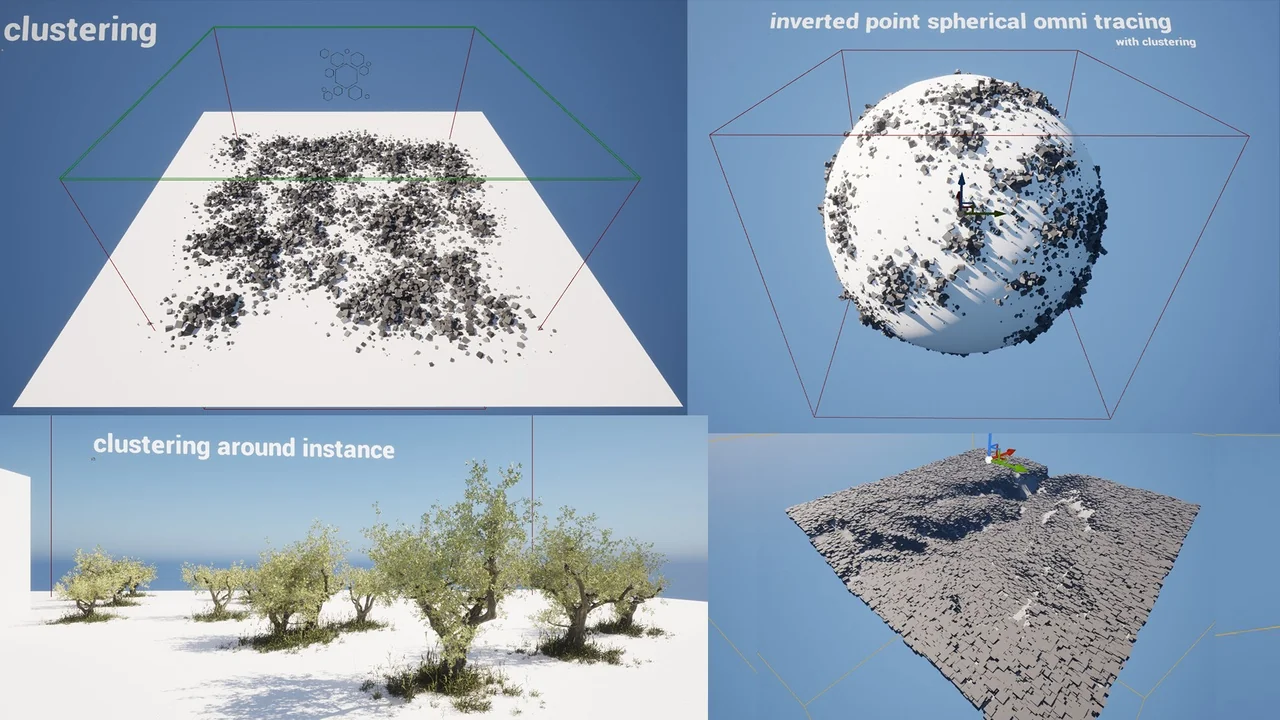
Precision is vital in environment design, and ia scatter provides deep customization options. You can utilize scale falloff gradients with curve and ratio controls to create natural transitions. Similarly, look-at rotation options and 3D widget targets allow for specific orientations. The tool also features convex and concave detection modes, clustering, and proximity scaling based on multiple actors.
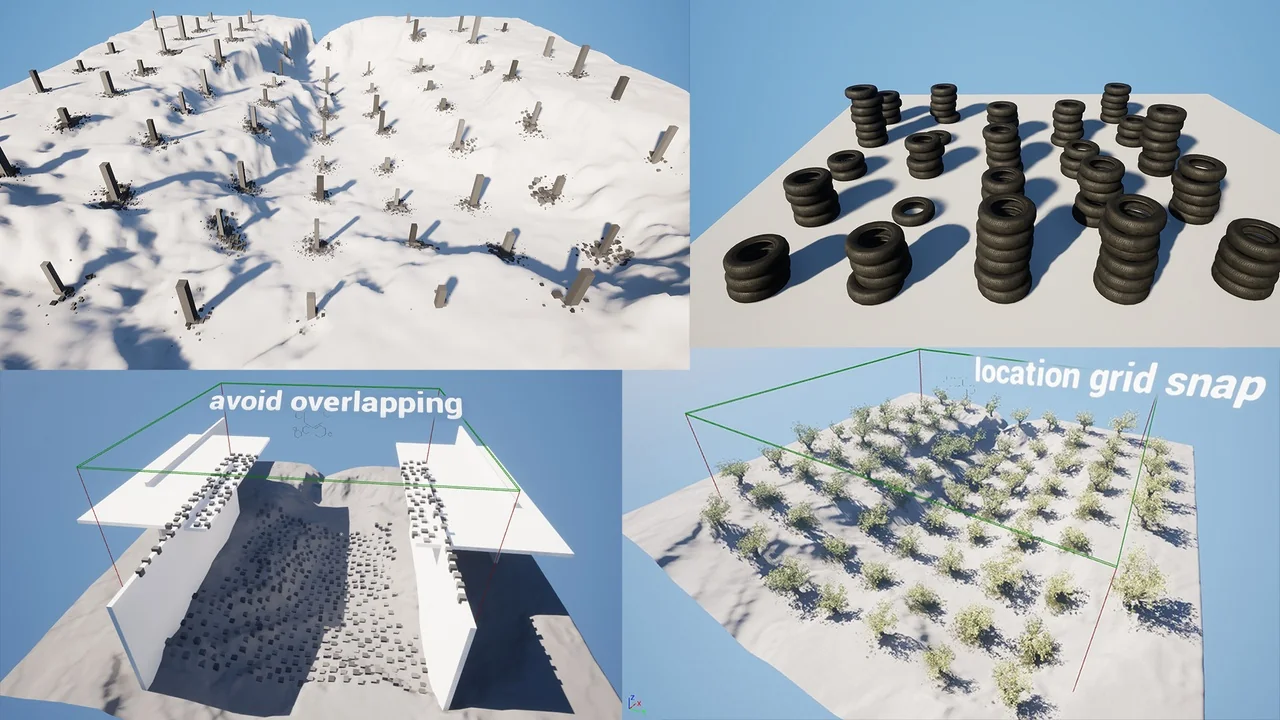
To ensure a clean layout, the developer integrated three different methods to avoid overlapping. You can set a minimum distance between instances or use slope angle distribution to restrict placement. Furthermore, the scattering area itself can be rotated to face any direction, providing total spatial freedom. Location grid snapping and rotation snapping are also available for those requiring a more structured arrangement.
Streamlined Workflow and Performance
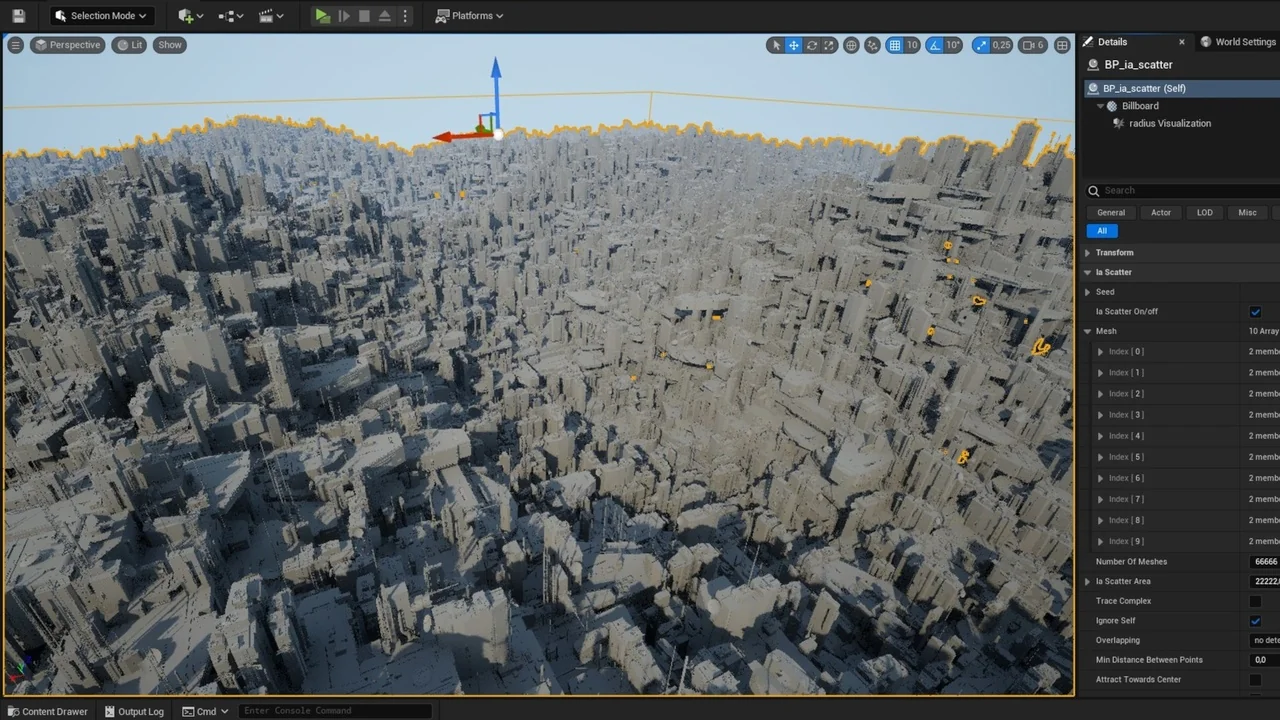
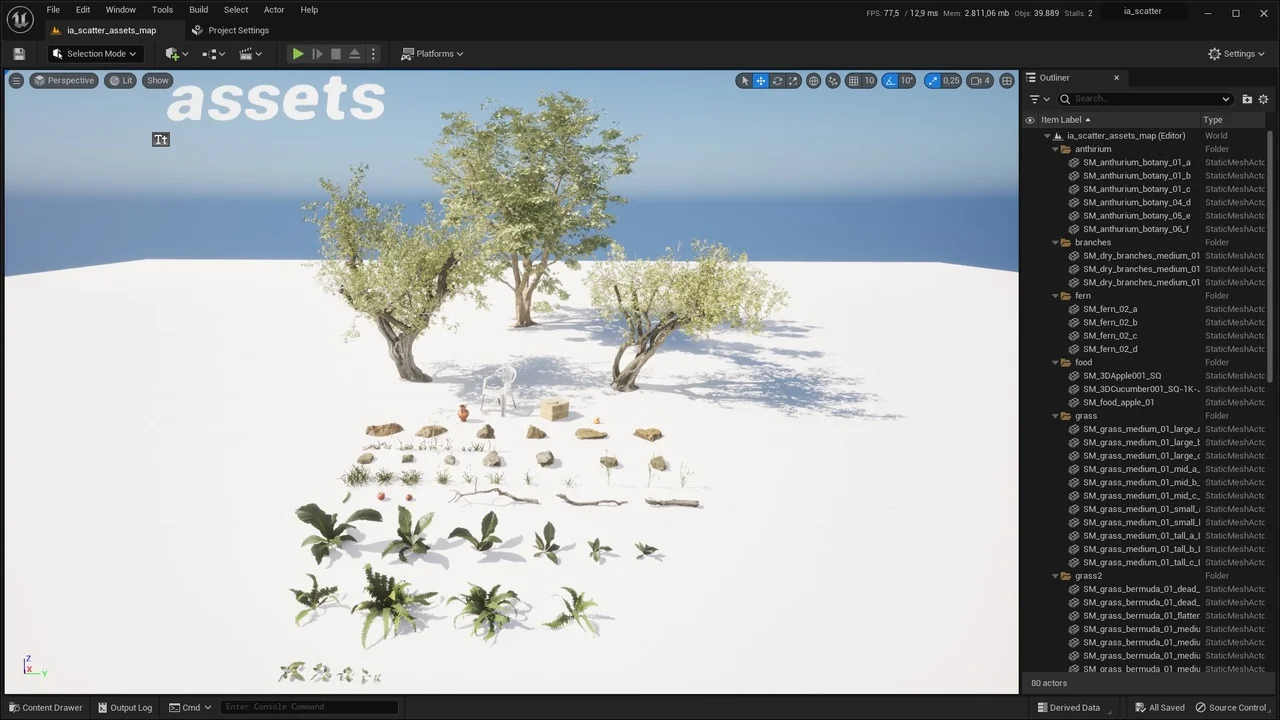
The tool includes several features to speed up the development process. A built-in preset saving and loading system allows you to reuse your favorite configurations. Additionally, the control panel features an “autoPopulate” function to quickly append selected meshes or blueprints. If you need to finalize your scene, you can convert scattered instances into actual scene actors or instanced foliage actors with a single click.
Technically, ia scatter operates via both construction scripts and the event graph, supporting runtime execution. However, users should note that since version 1.98, the Geometry Script plugin must be enabled within Unreal Engine. While the tool is highly compatible, voxelization is not available for version 4.27 due to engine limitations. For the best results, the creator recommends enabling Nanite for all static meshes and using the “preserve area” setting for foliage assets.
Final Take
Taken together, ia scatter is a robust solution for any Unreal Engine developer looking to optimize their workflow. It combines ease of use with professional-grade features like voxelization, spline integration, and advanced collision selection. By reducing the time spent on manual asset placement, it allows creators to focus on the creative aspects of their project.
Visual Breakdown