Overview of Heat – Complete Modern UI
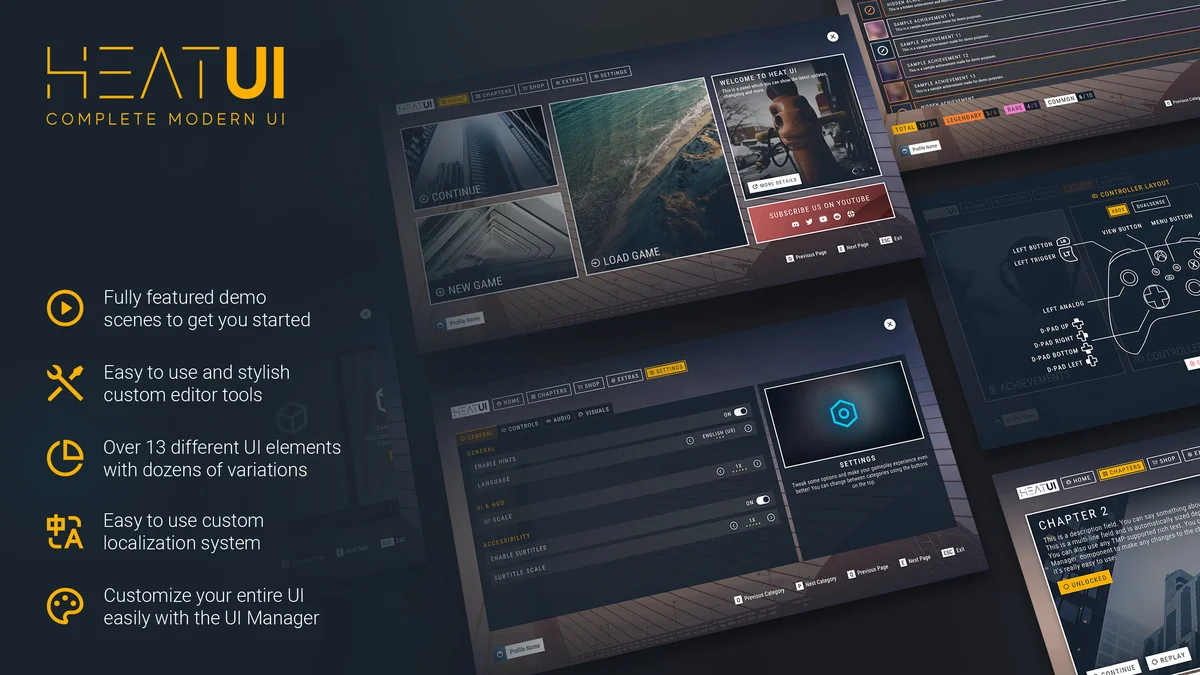
Heat – Complete Modern UI is a comprehensive user interface solution designed specifically for Unity developers. It features a modern and minimalistic aesthetic that fits seamlessly into any game genre. Because the package is fully documented, the creator has made it easy for users to implement and customize. Furthermore, the asset is optimized to ensure high performance across various gaming environments.
The developer focused on creating a versatile toolset that works with Unity 2021.3 and onwards. This includes full support for Unity 6. Consequently, developers can use this asset in both current and future-facing projects. It serves as a complete solution for those looking to elevate their project’s visual quality without starting from scratch.
Streamlined Workflow with the UI Manager
One of the primary benefits of Heat – Complete Modern UI is the included UI Manager. Instead of modifying every object individually, you can change the entire look of your interface in seconds. This global management system significantly reduces the time spent on visual adjustments. Moreover, the tool is fully customizable directly within the Unity Inspector.
Developers do not need to deal with complex code for minor visual changes. You can tweak almost every aspect of the interface using standard inspector tools. Therefore, the workflow remains intuitive and accessible even for those with limited programming experience. This focus on ease of use makes it a powerful asset for rapid prototyping and final production alike.
Rich Components and Integrated Systems
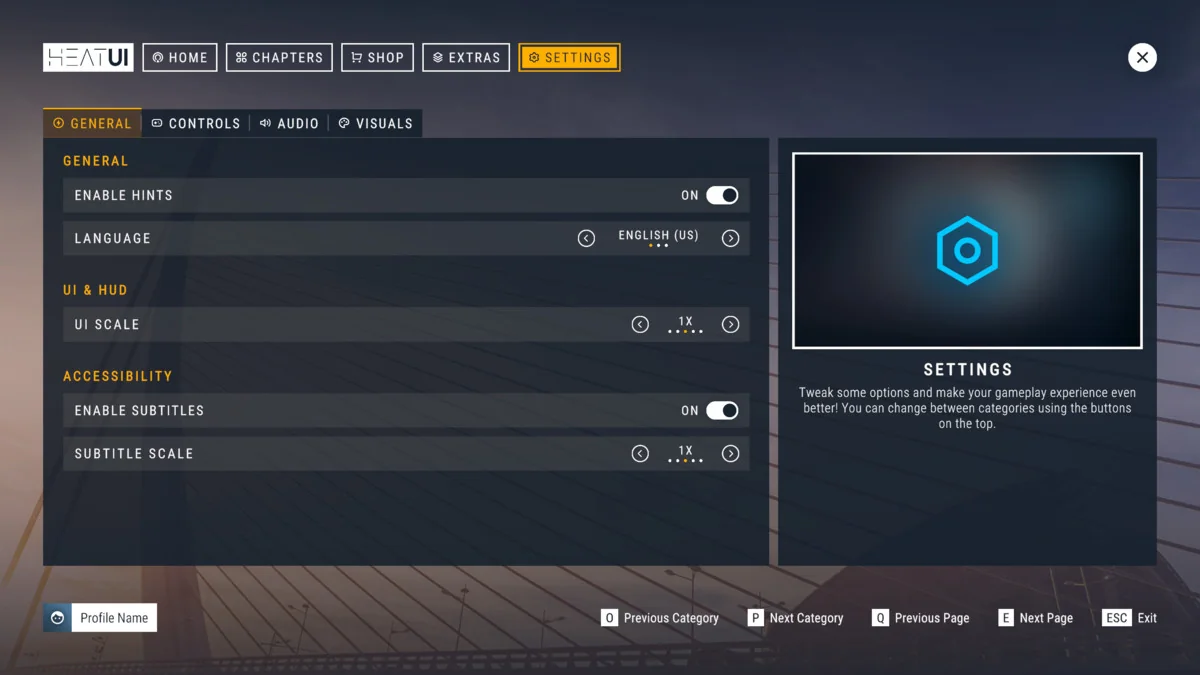
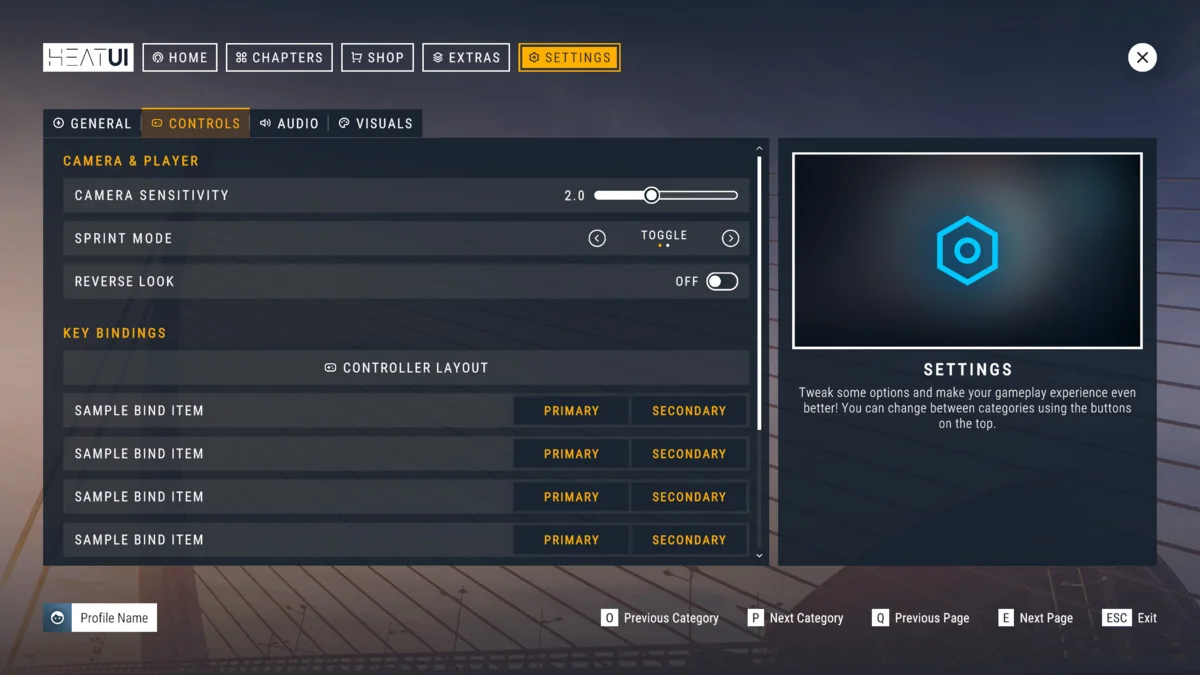
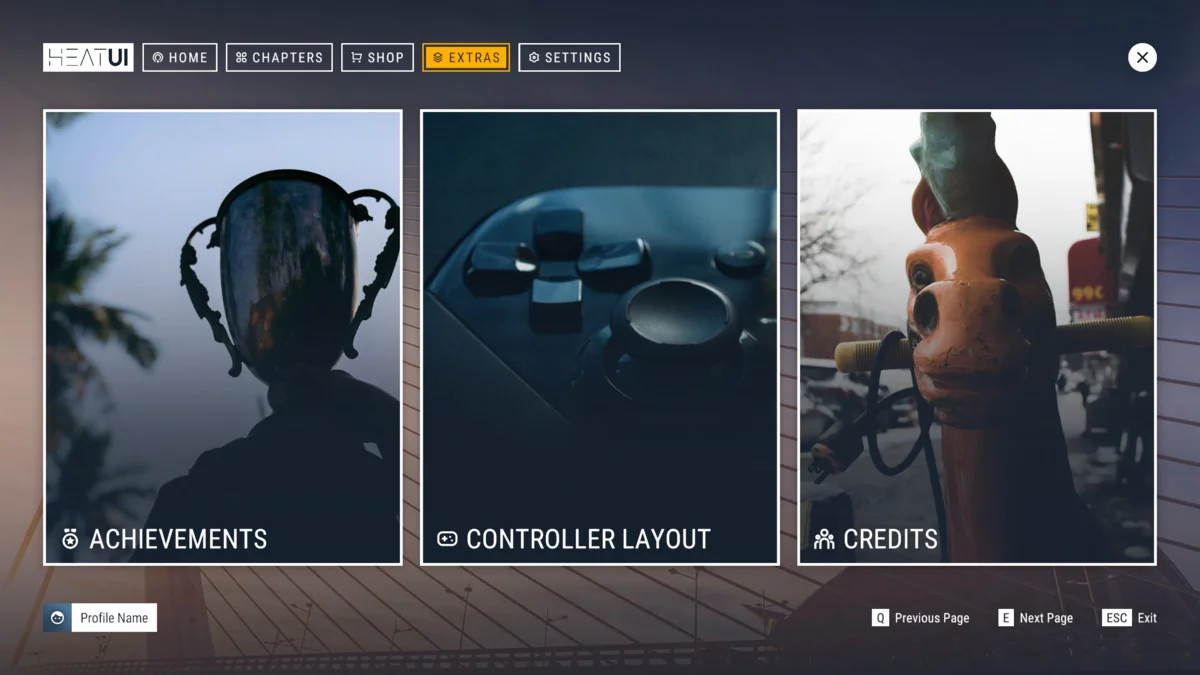
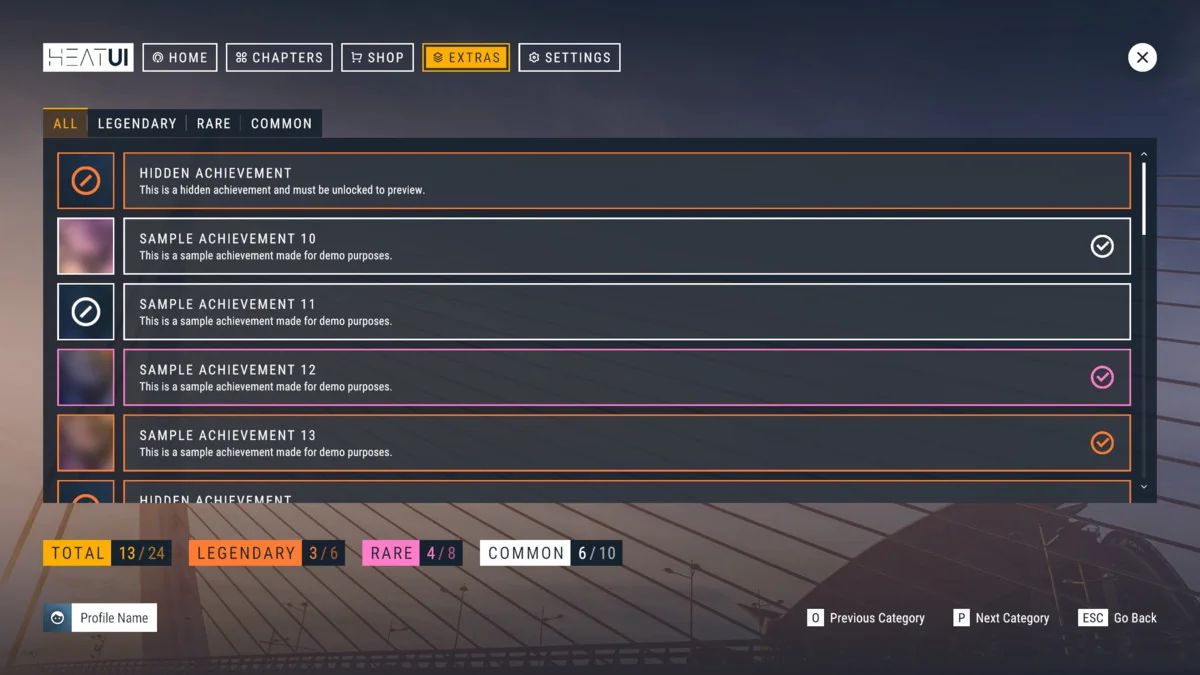
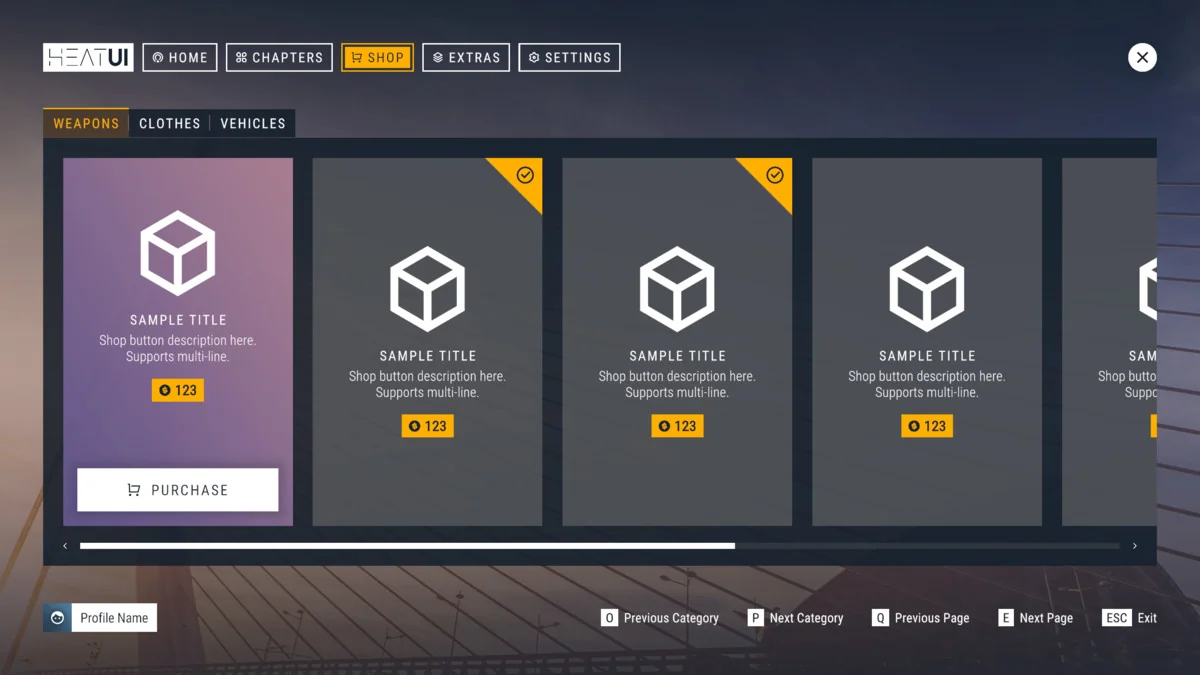
The package provides a robust library of over 15 unique UI elements. It also includes dozens of presets and sliced sprites to help you build diverse layouts. Additionally, Heat – Complete Modern UI goes beyond simple visual components. It incorporates essential game systems such as a Localization System and a Credits module. For instance, you can easily implement Achievements using the built-in tools provided in the package.
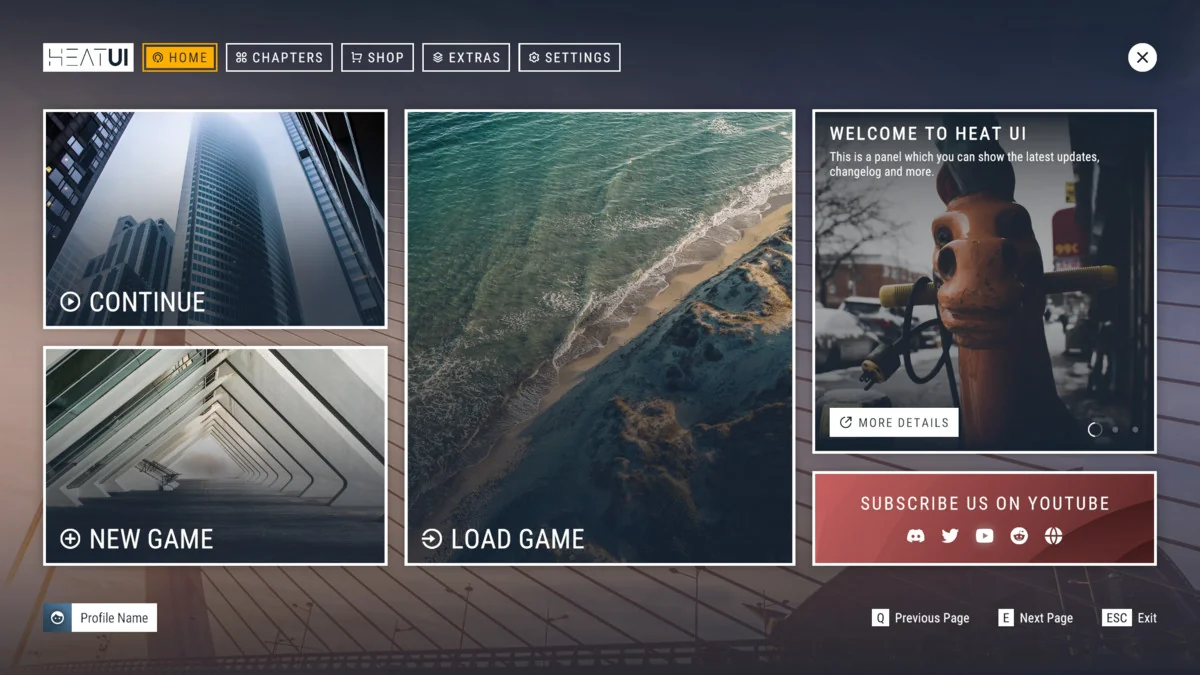
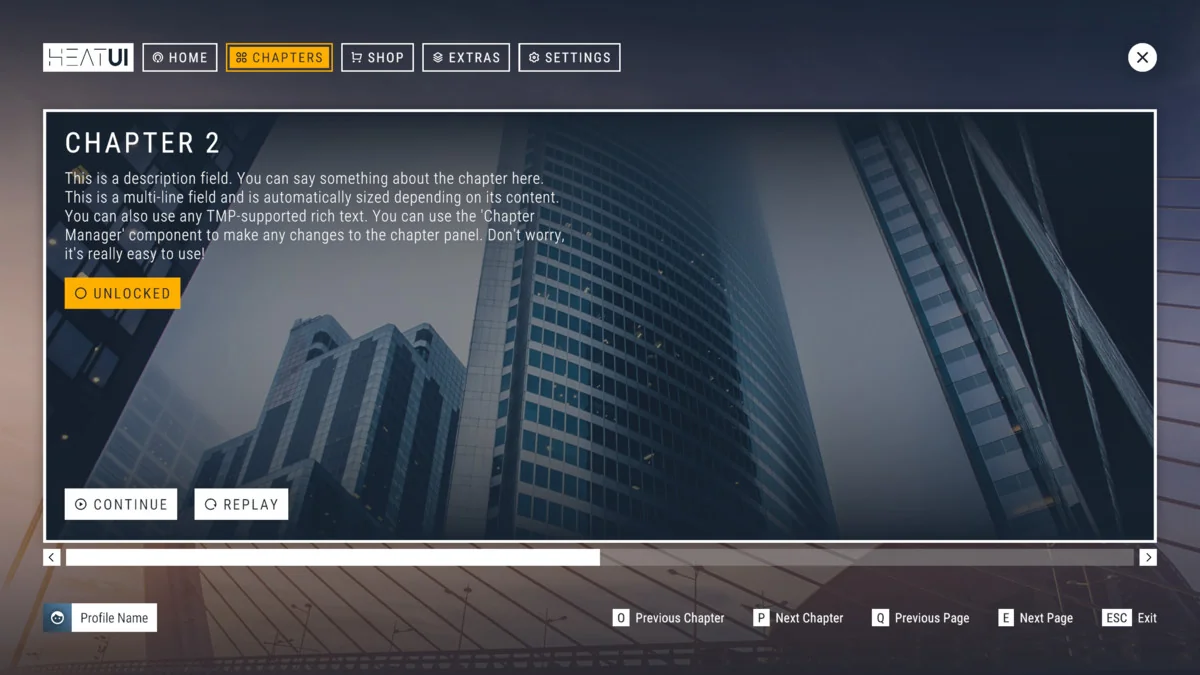
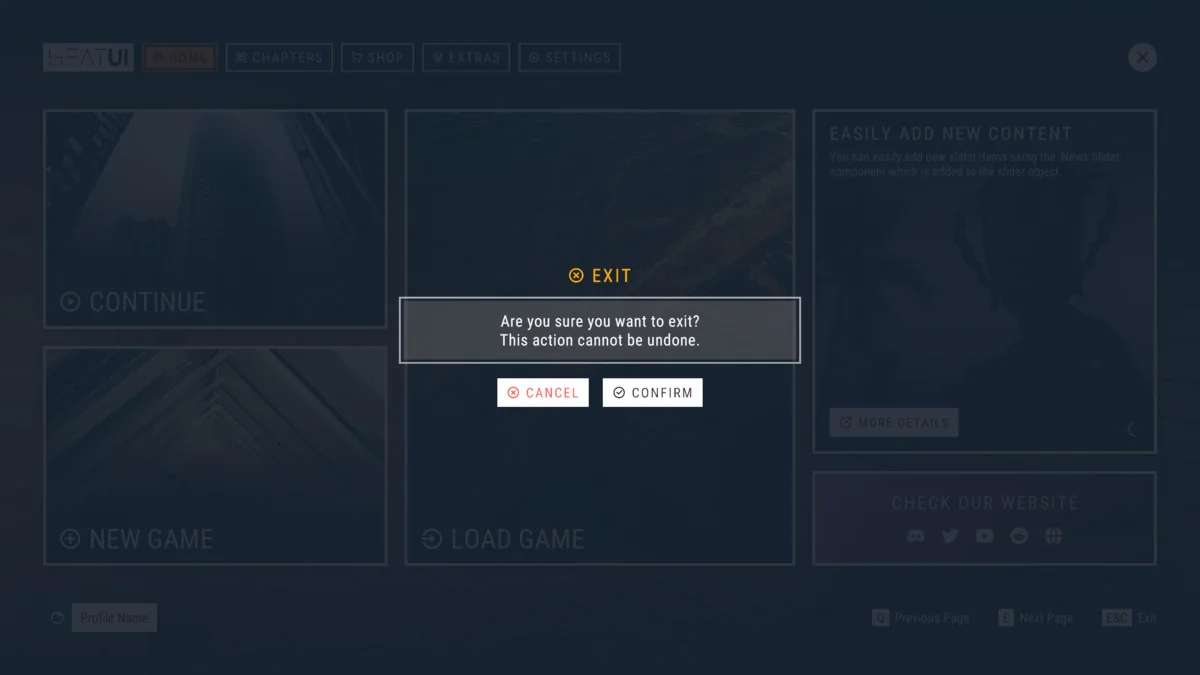
To help users get started, the developer included fully featured demo scenes. These scenes demonstrate how to arrange components for professional results. By utilizing these presets, you can quickly visualize how the UI will appear in a live environment. The inclusion of these tools ensures that your project has a consistent and polished feel.
Technical Requirements and Compatibility
Heat – Complete Modern UI is built using the native Unity UI (UGUI) system. This allows you to continue working with familiar workflows. It also means you can use third-party UGUI extensions alongside this package. However, there are specific technical requirements to keep in mind. Specifically, TextMesh Pro is required for all text elements within the package.
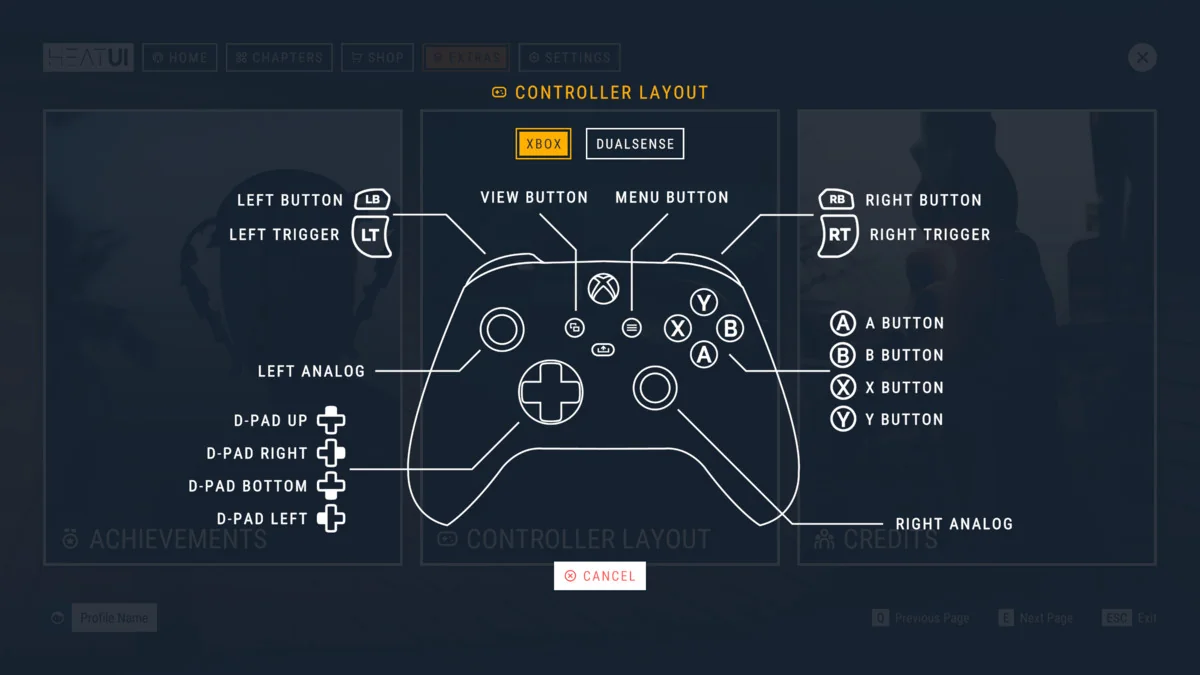
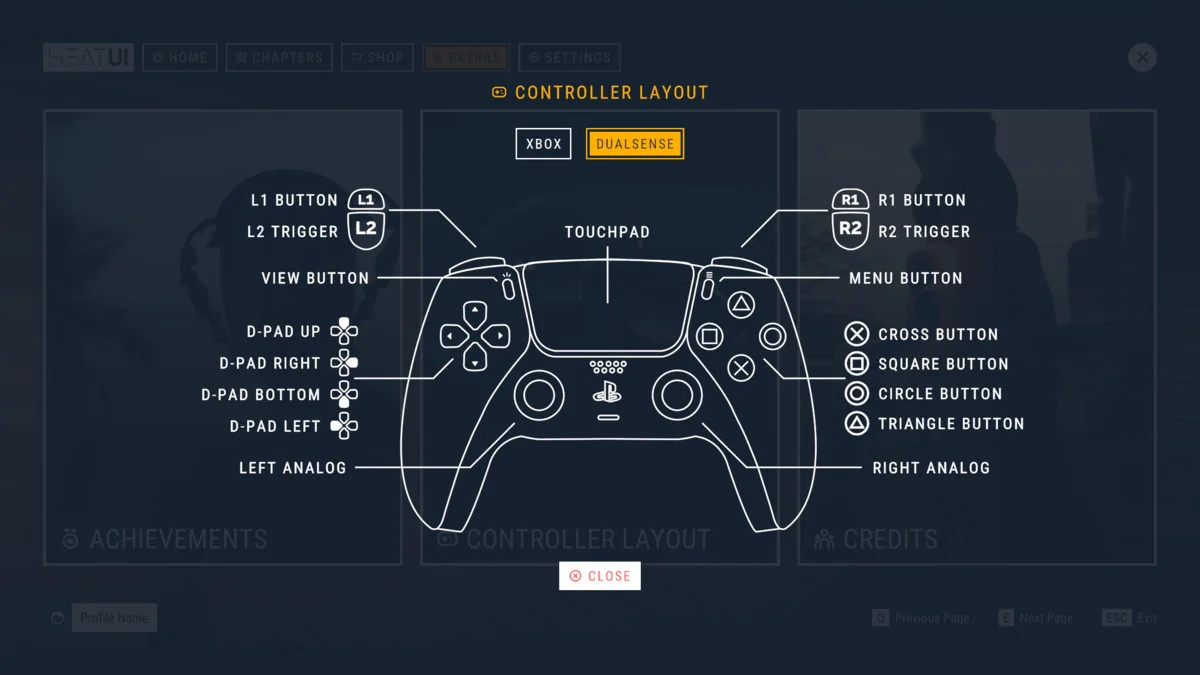
Regarding input, the system exclusively supports the New Input System. The legacy input manager is not supported. Additionally, the asset is compatible with all major rendering pipelines, including Built-in, URP, and HDRP. It supports deployment on various platforms such as Windows, macOS, Xbox, and PlayStation. Please note that it is not compatible with UI Toolkit or certain other UI packages like Beam UI or Reach UI.
Conclusion
Heat – Complete Modern UI offers a professional and highly flexible interface solution for Unity projects. With its UI Manager, rich component library, and support for multiple rendering pipelines, it streamlines the UI design process. Whether you are building for PC or consoles, this asset provides the tools necessary to create a modern, high-quality user experience.
Screenshots & Gallery