High-Performance Fluid Simulation in Unreal Engine
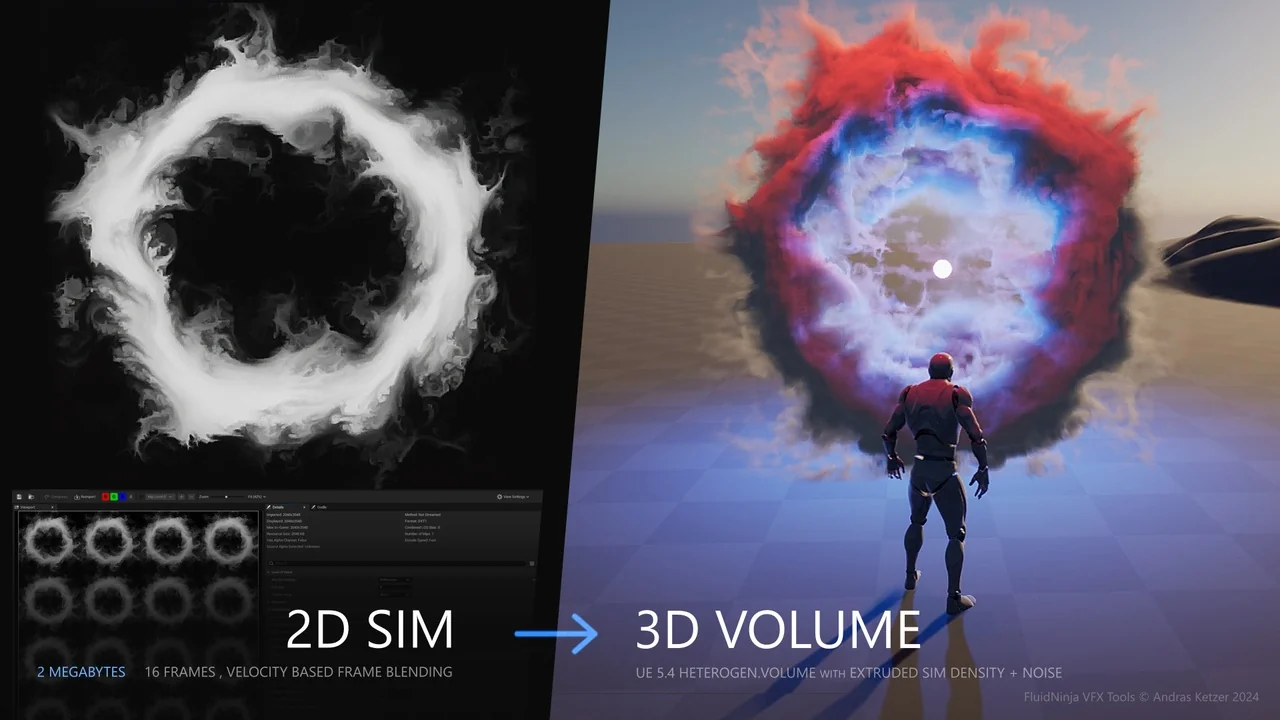
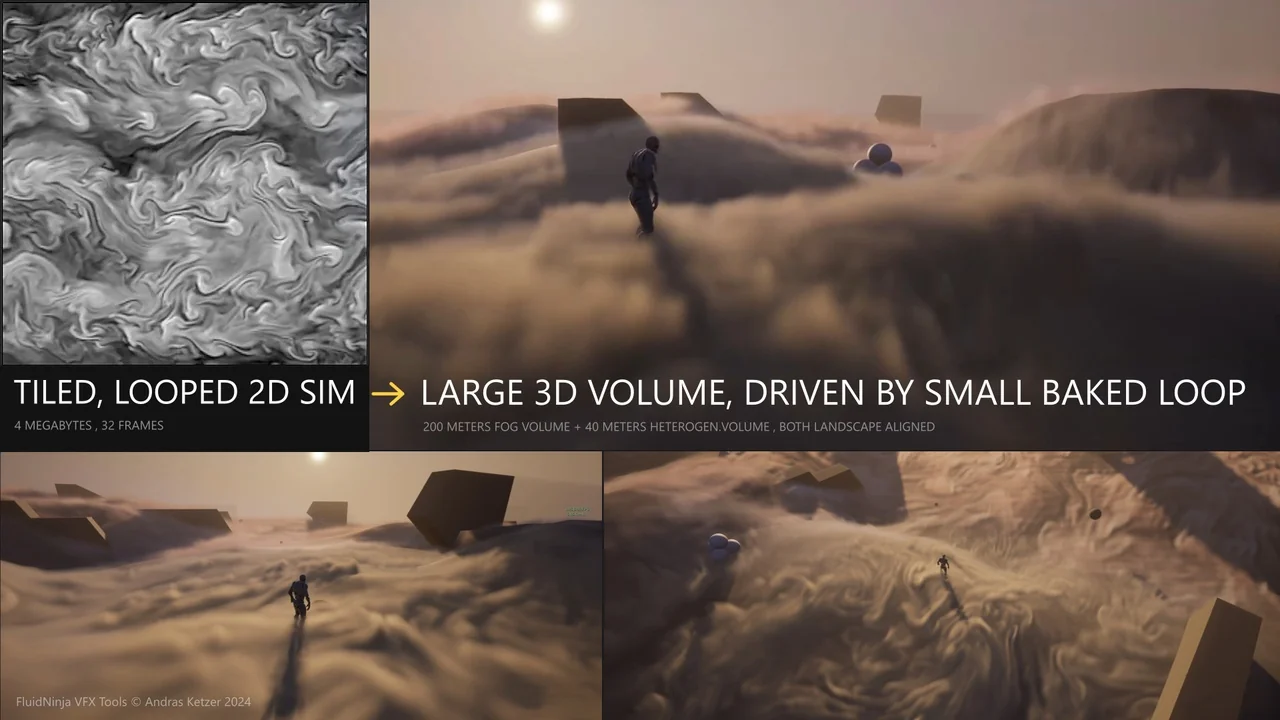
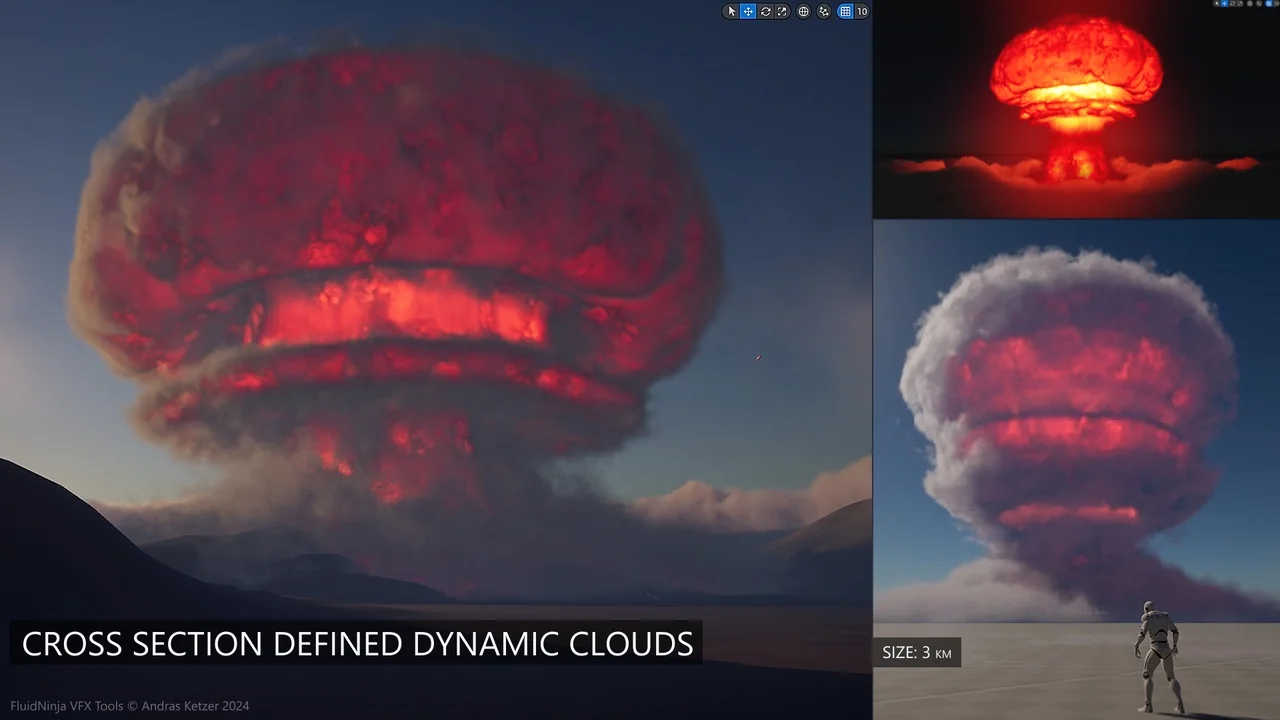
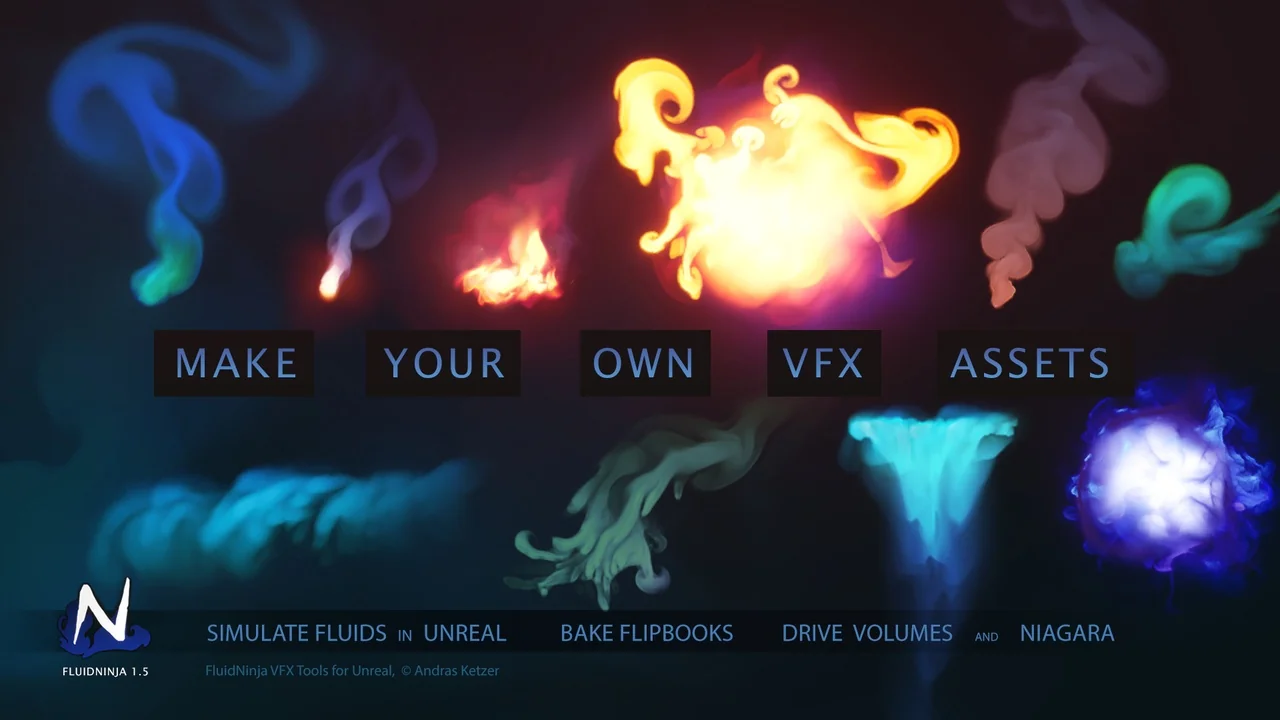
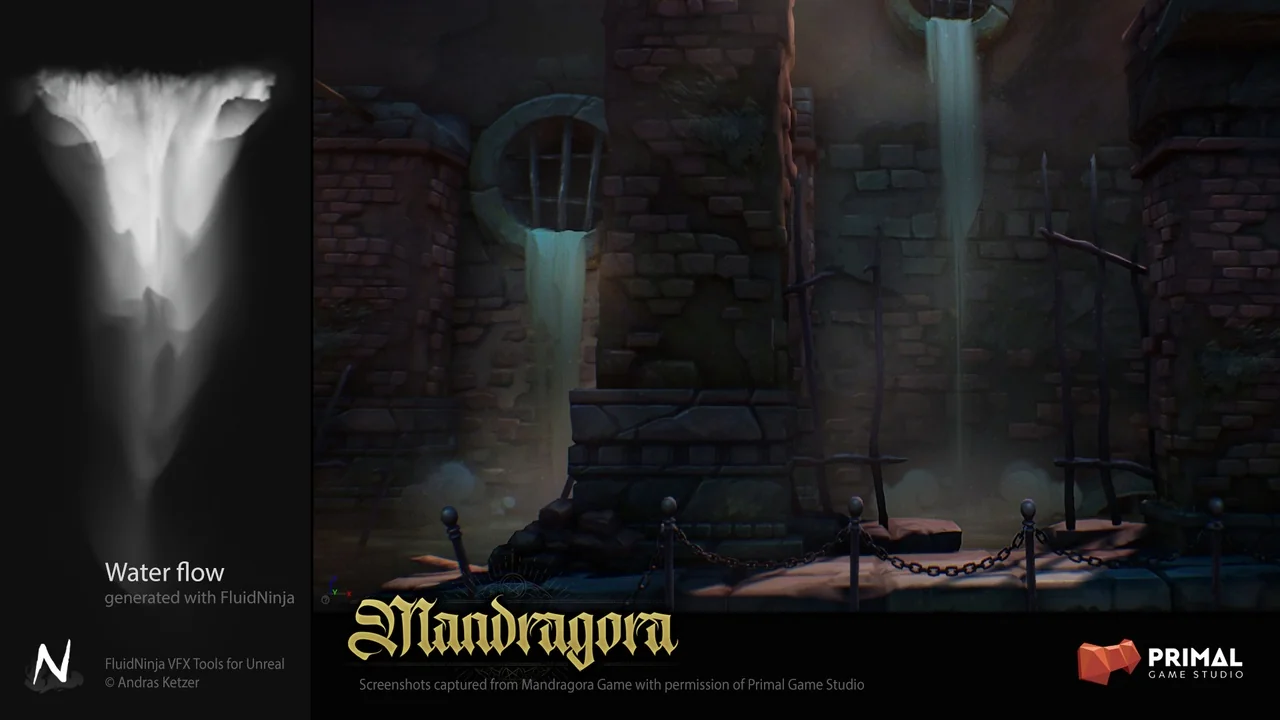
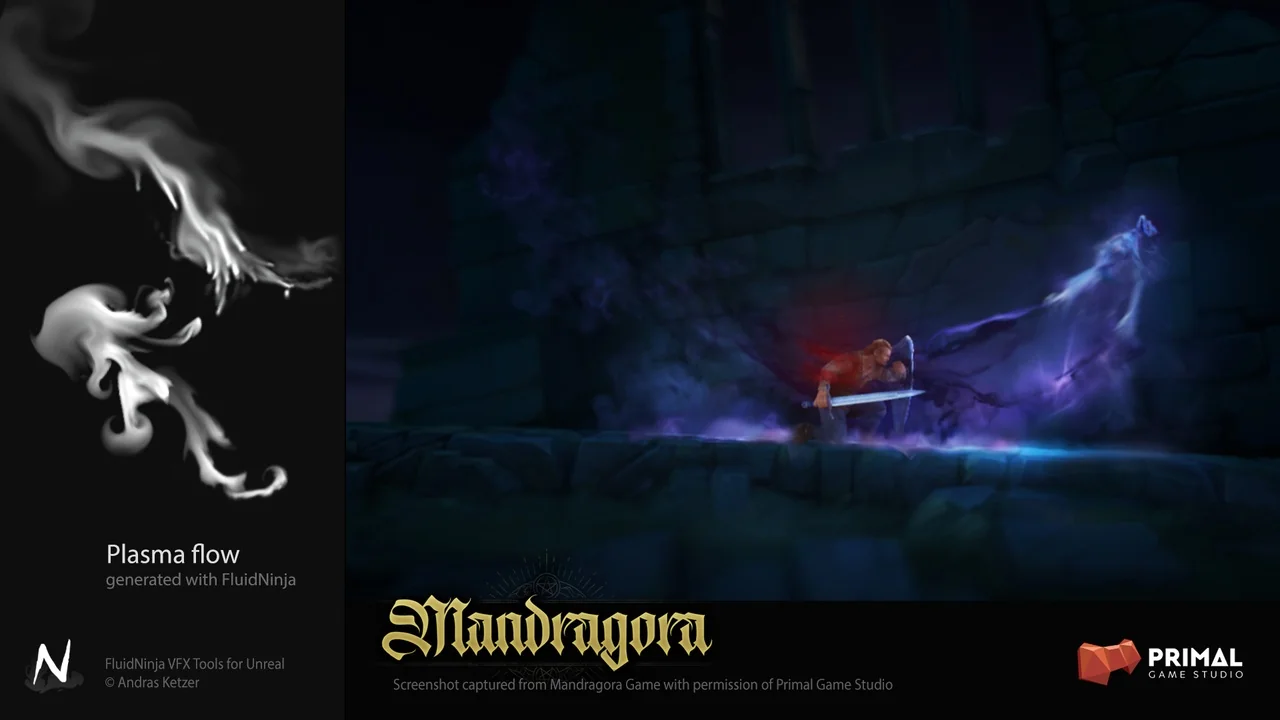
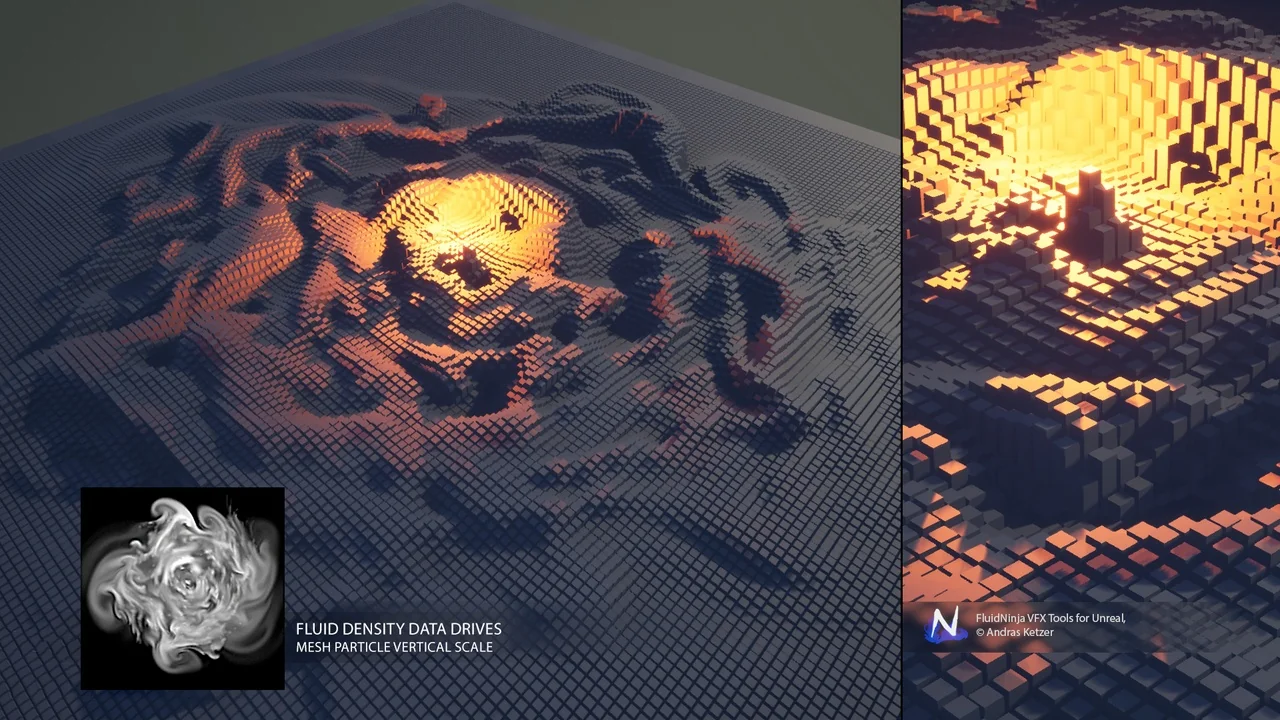
Fluid Ninja VFX Tools is a specialized 2D fluidsim baking toolkit designed specifically for Unreal Engine 5.4. This resource enables developers to drive 3D volumes and particles using extremely small baked data assets. Typically, these assets range from 1 to 4 Megabytes in size. Consequently, they offer a highly efficient alternative to traditional VDB assets, which are often performance-heavy and range from 100 to 400 Megabytes.
The primary goal of the toolkit is to provide a lightweight workflow for complex visual effects. By utilizing baked data, the creator ensures that high-quality fluid behavior can be integrated into projects without the massive storage overhead of standard volumetric formats. This efficiency makes it an ideal choice for projects targeting optimized performance.
Core Components and Features
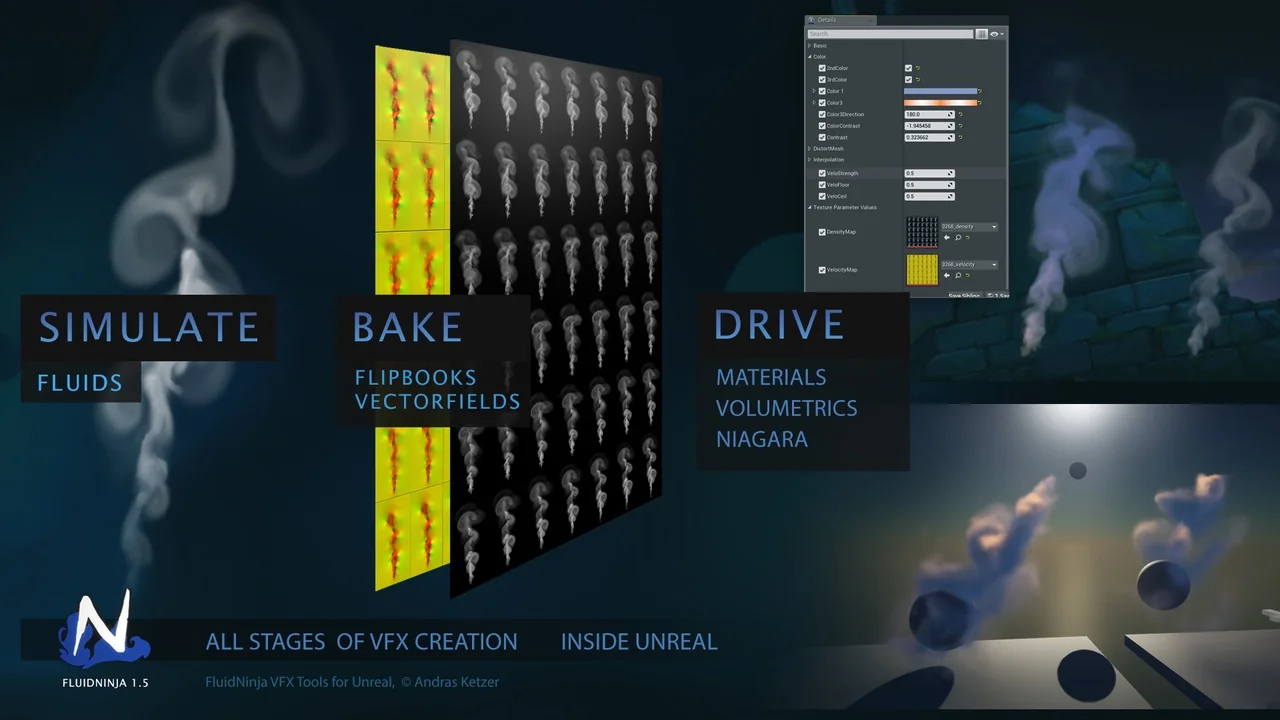
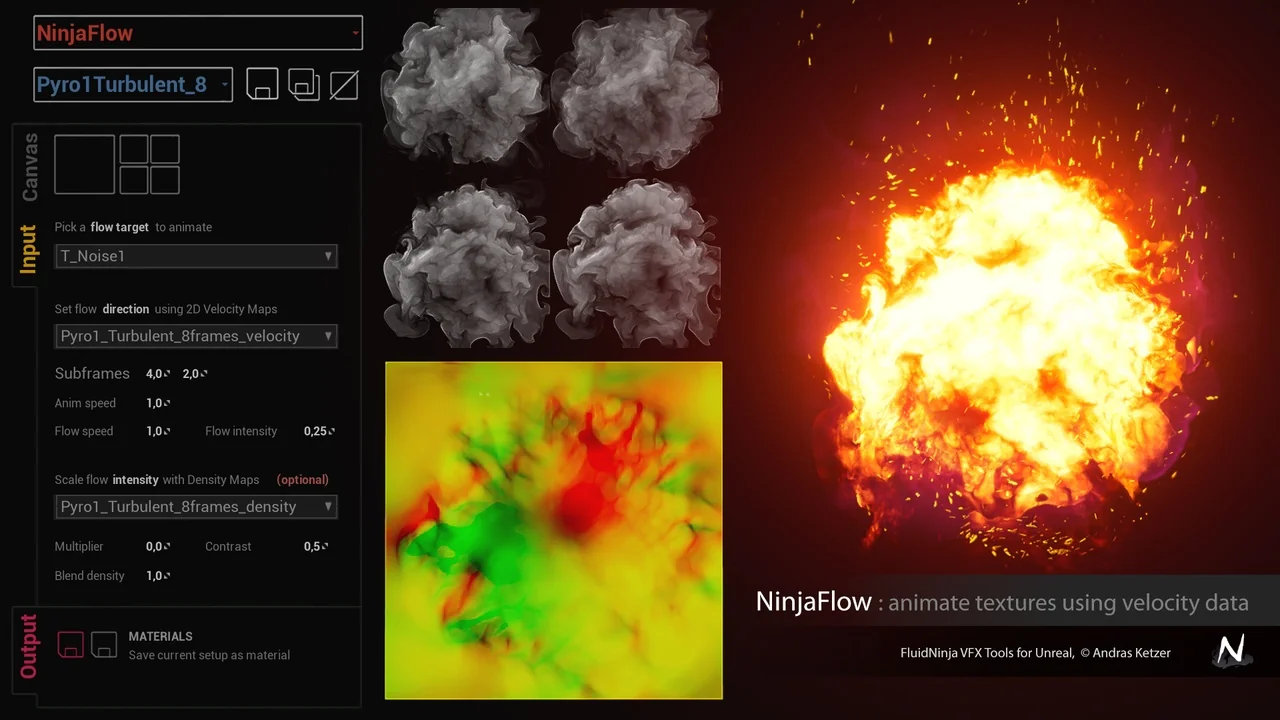
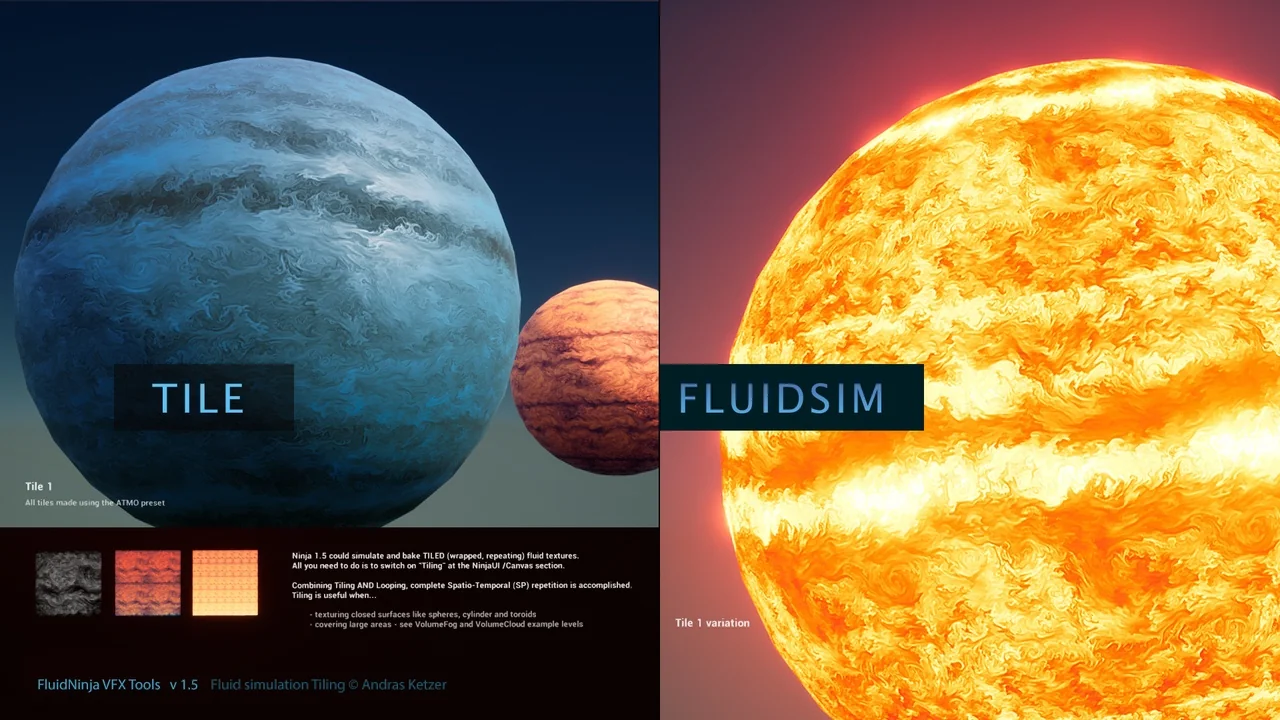
The toolkit includes a comprehensive fluid simulator equipped with real-time viewports. This allows for immediate visual feedback during the creation process. Additionally, a dedicated baking tool is provided to save density and velocity data. This data is converted into flipbooks and player-materials for easy implementation.
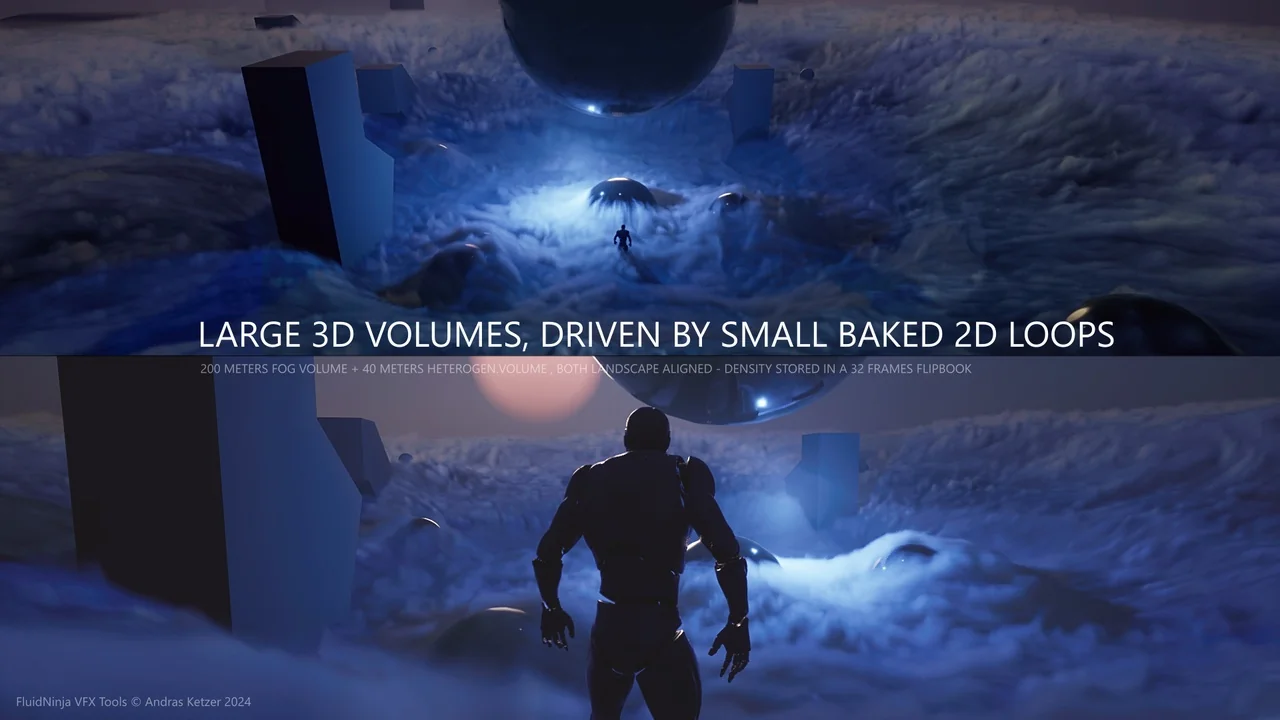
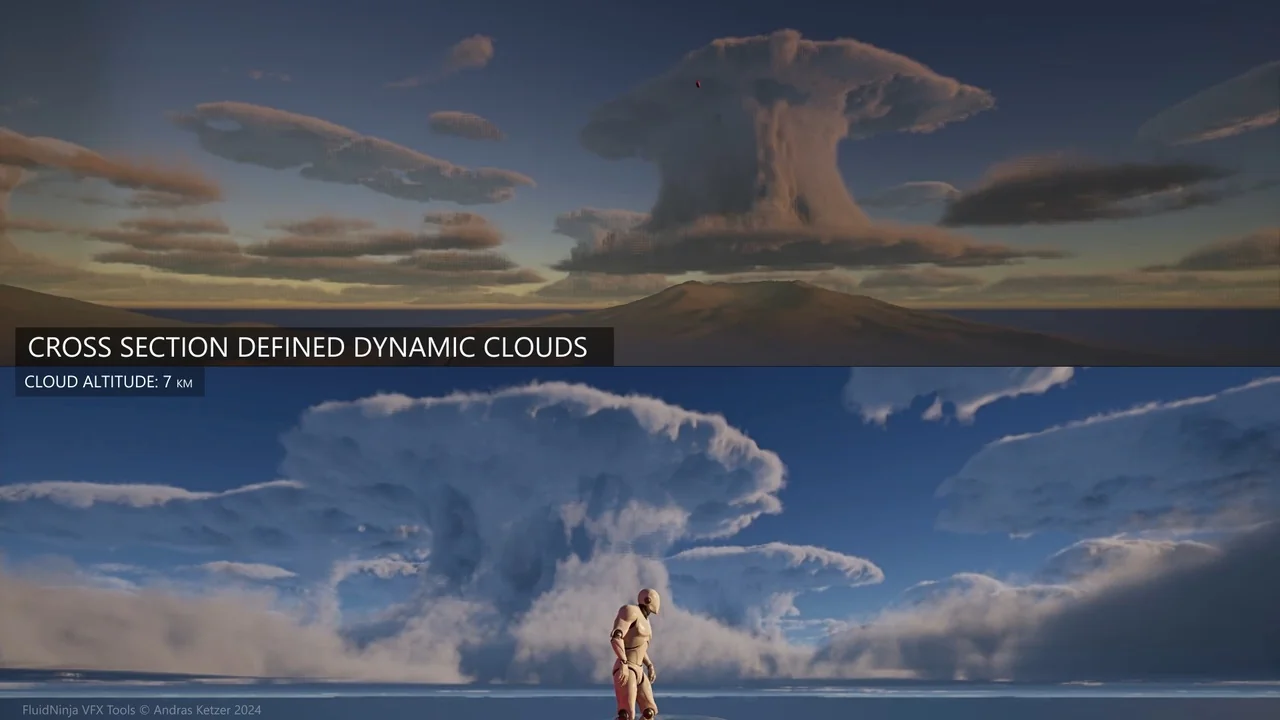
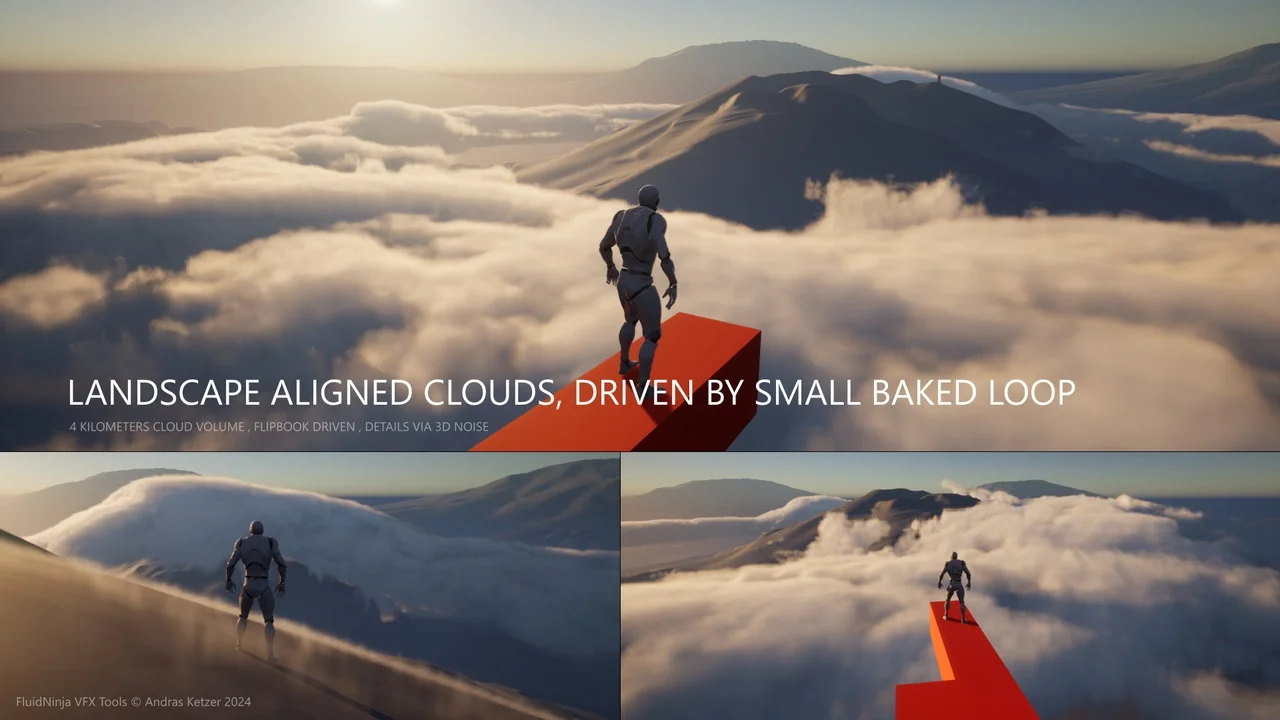
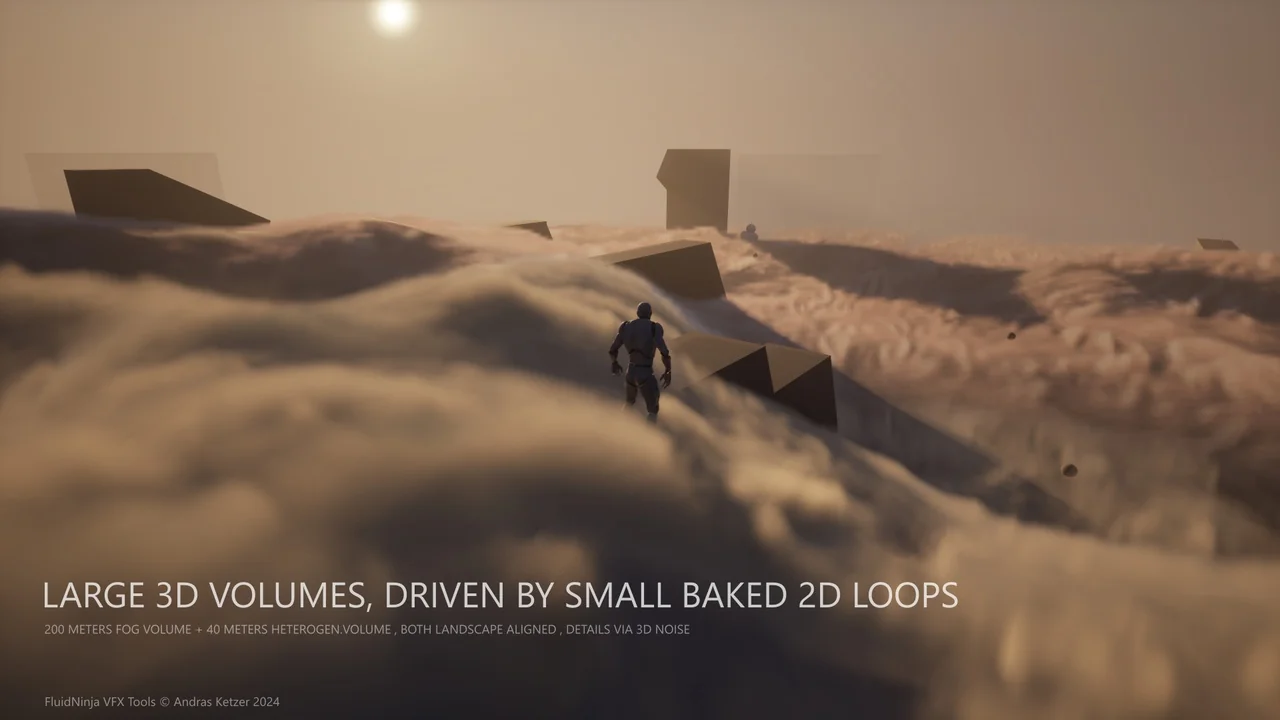
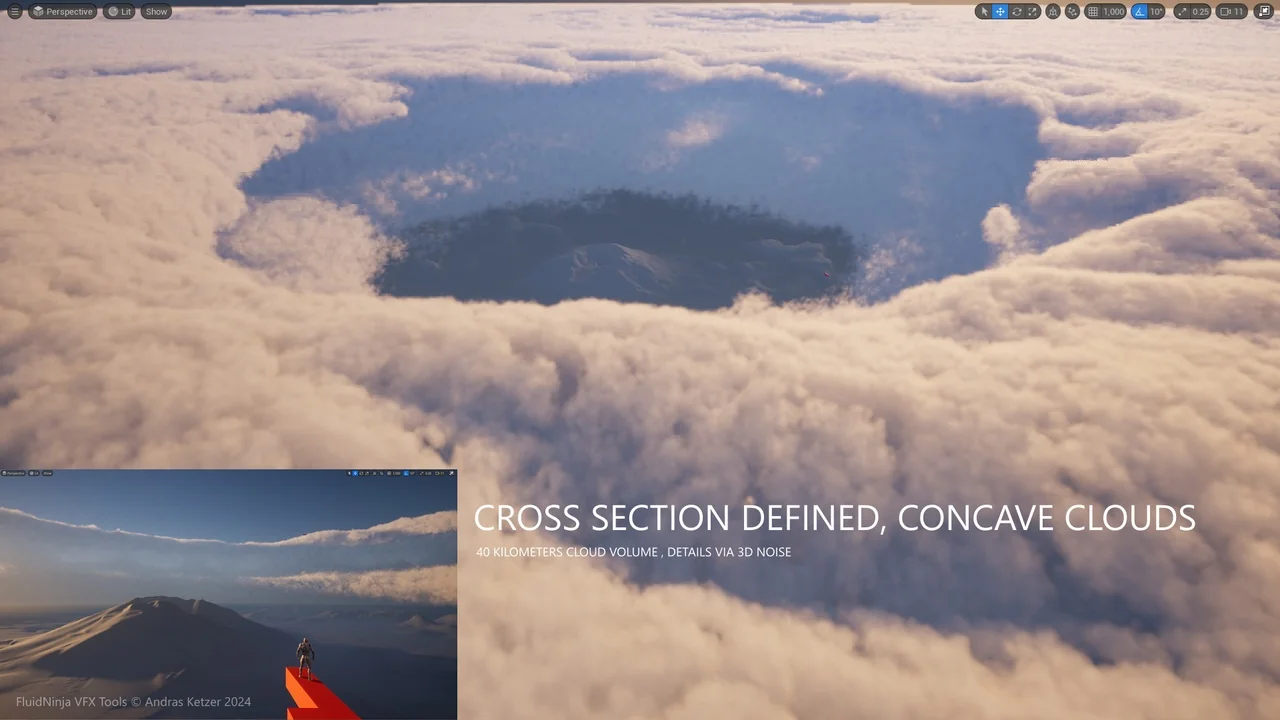
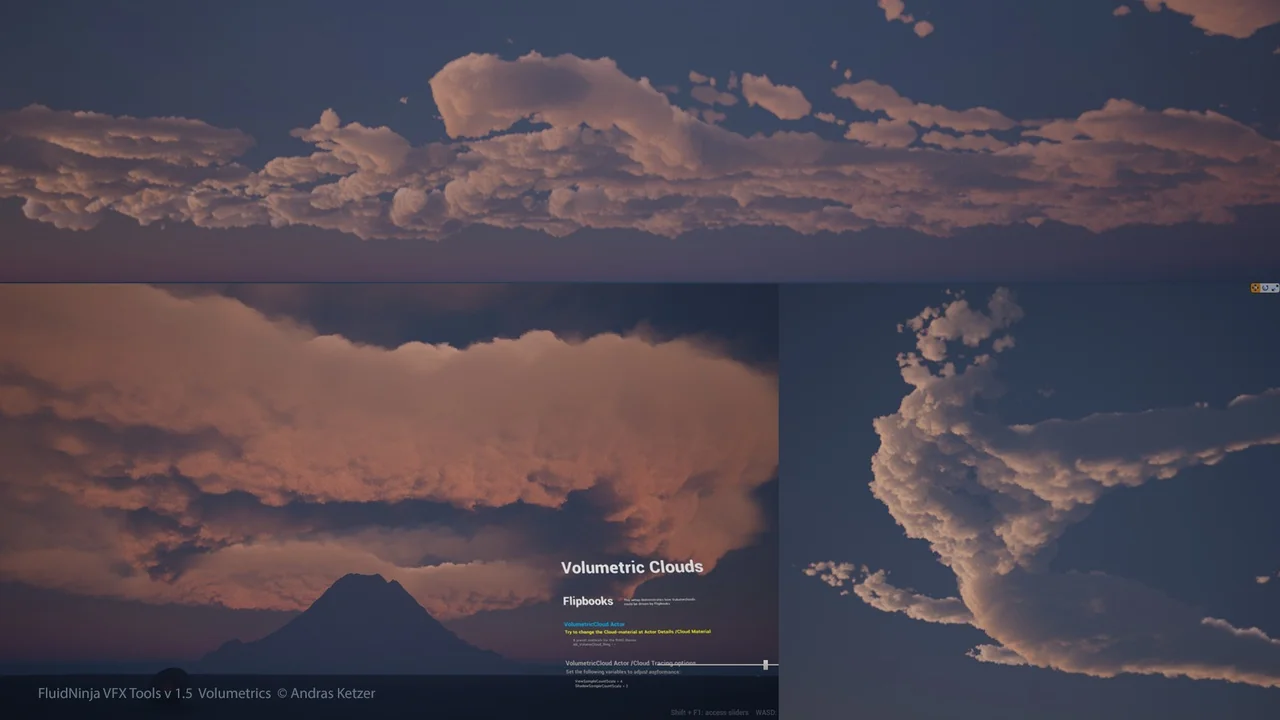
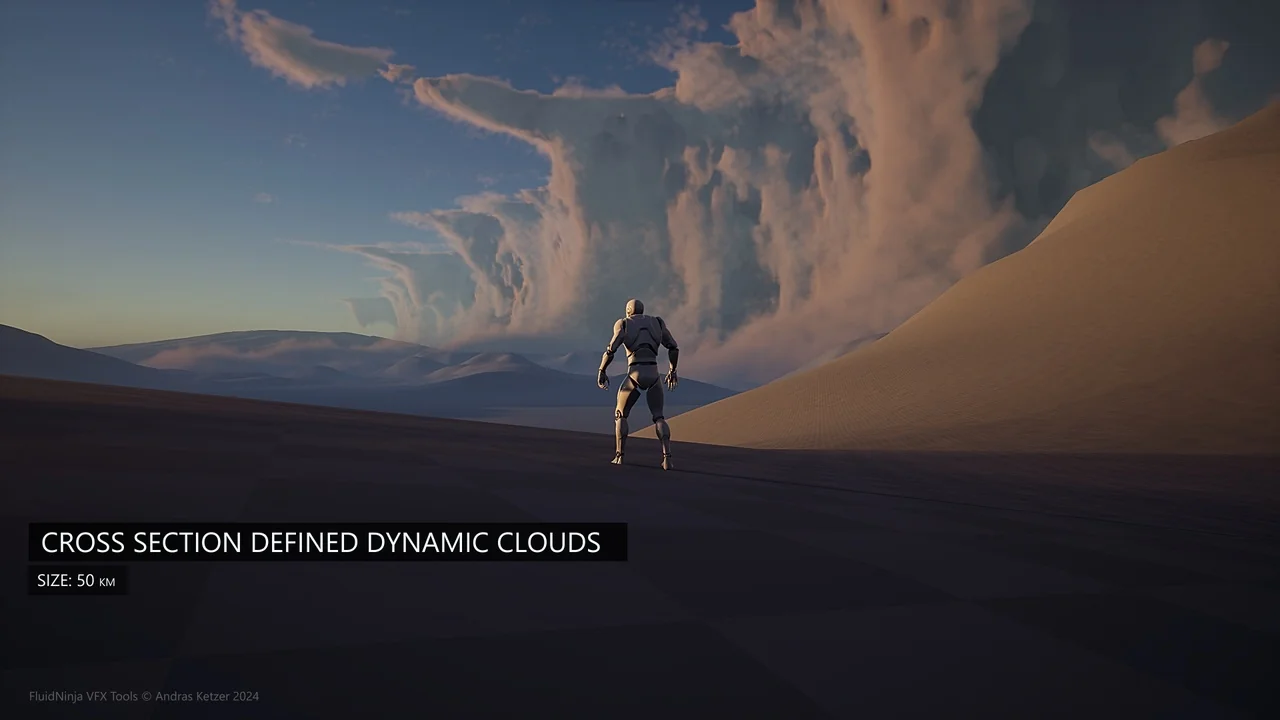
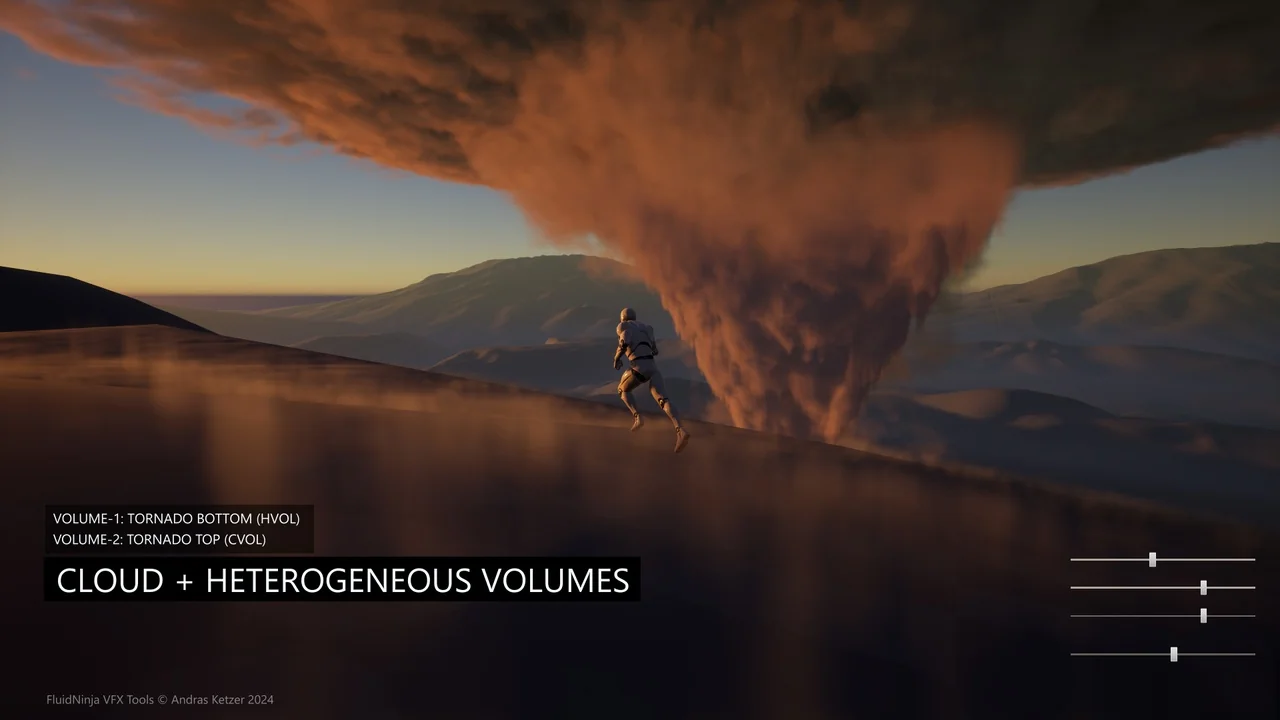
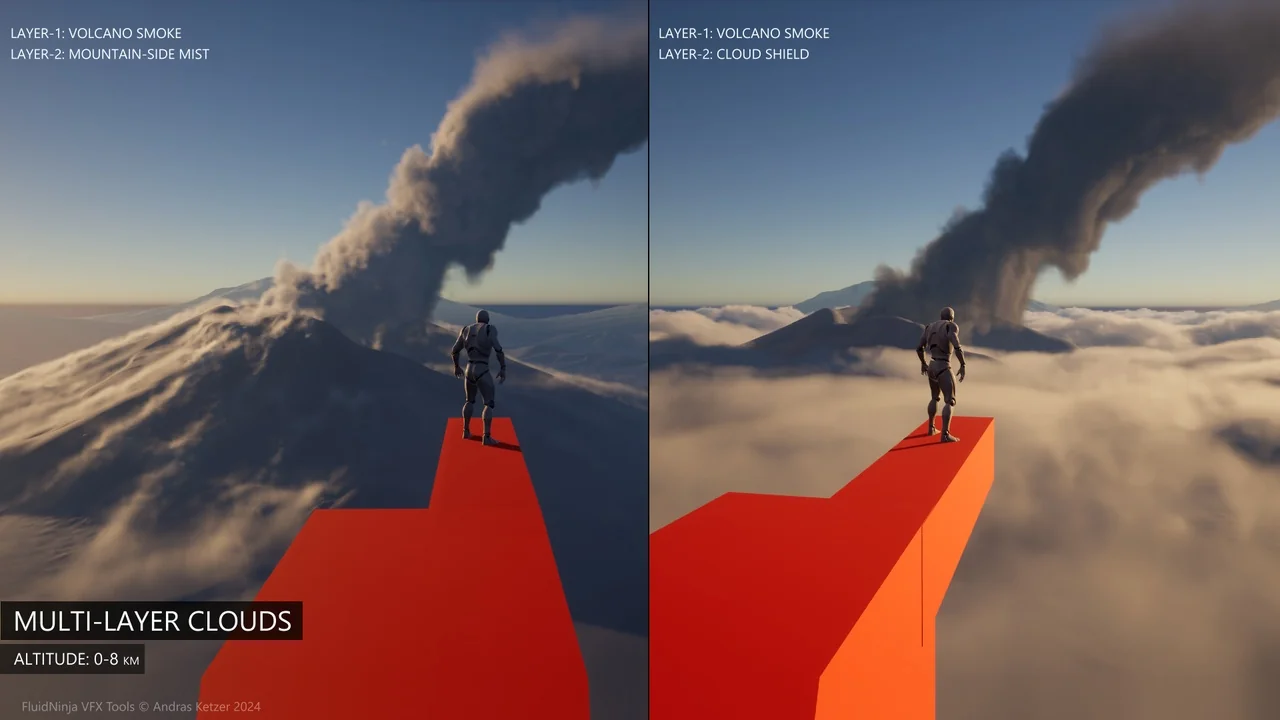
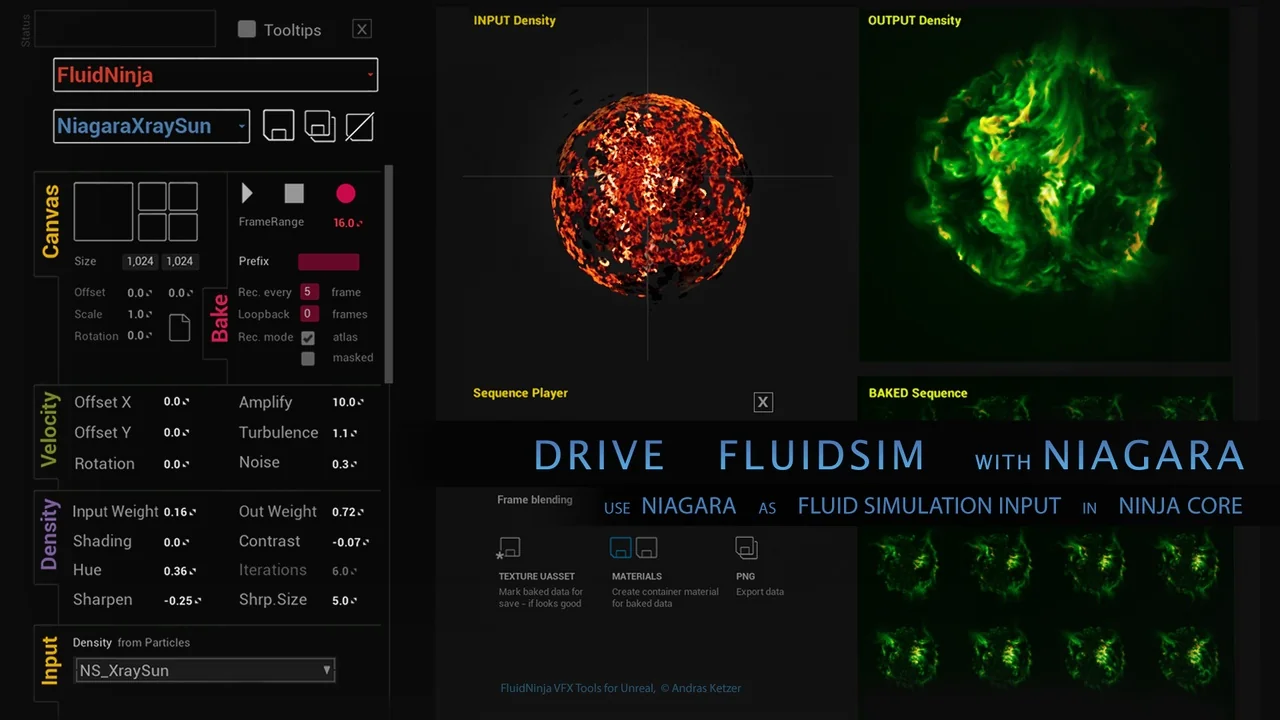
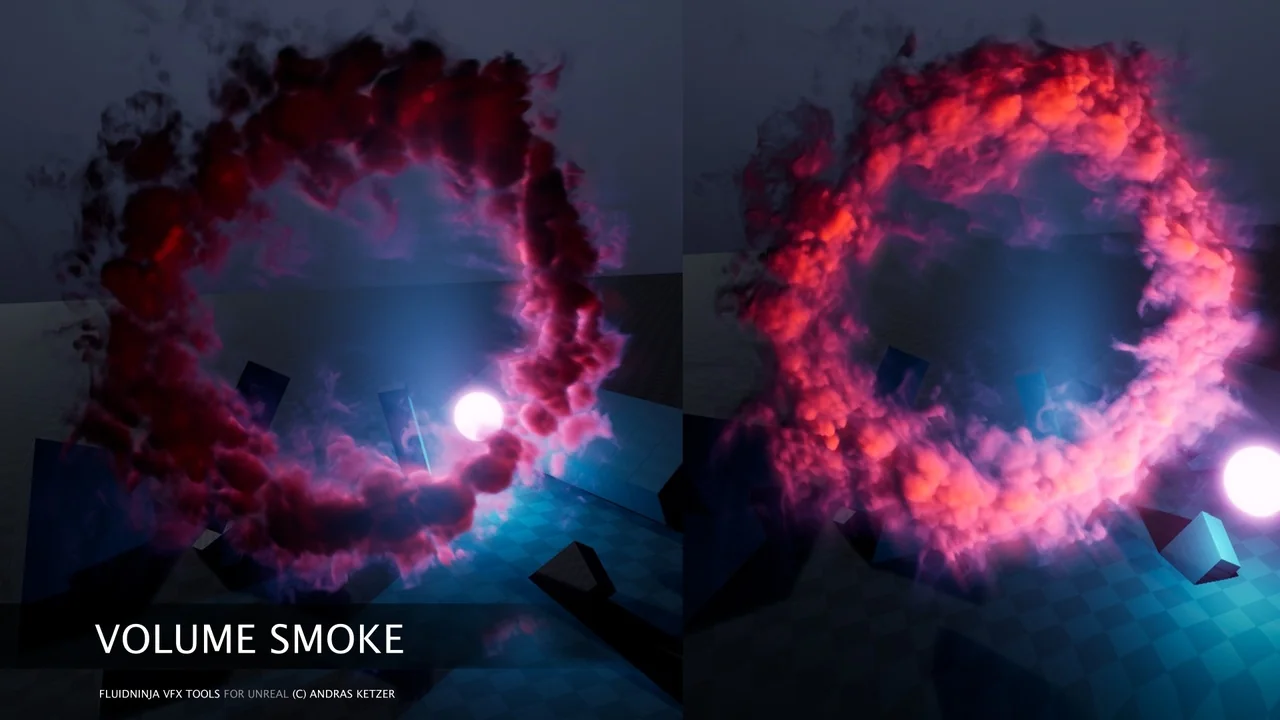
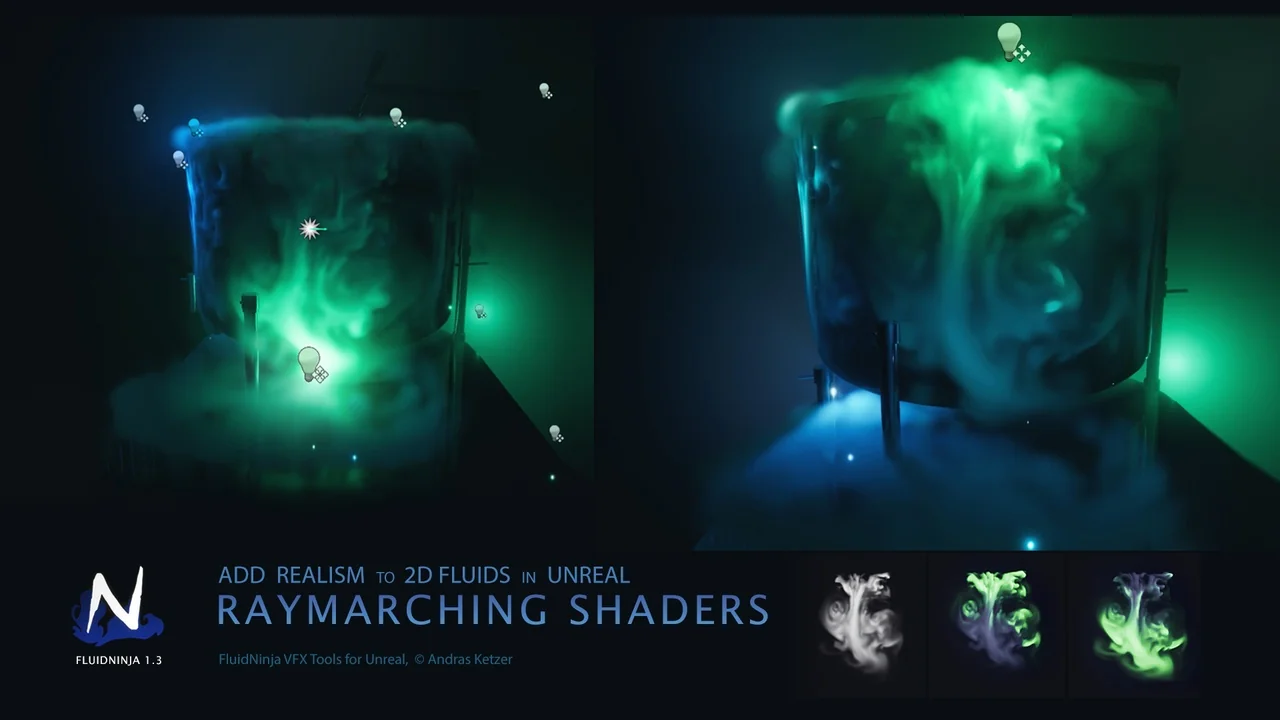
Fluid Ninja VFX Tools also supports advanced volumetric setups. It is compatible with Heterogeneous Volume setups for Unreal Engine 5.4. This includes specific configurations for cloud volumes and fog volumes. Furthermore, the toolkit features Niagara modules. These modules sample the baked fluid data to drive GPU particle systems efficiently.
Versatile Simulation Inputs and Outputs
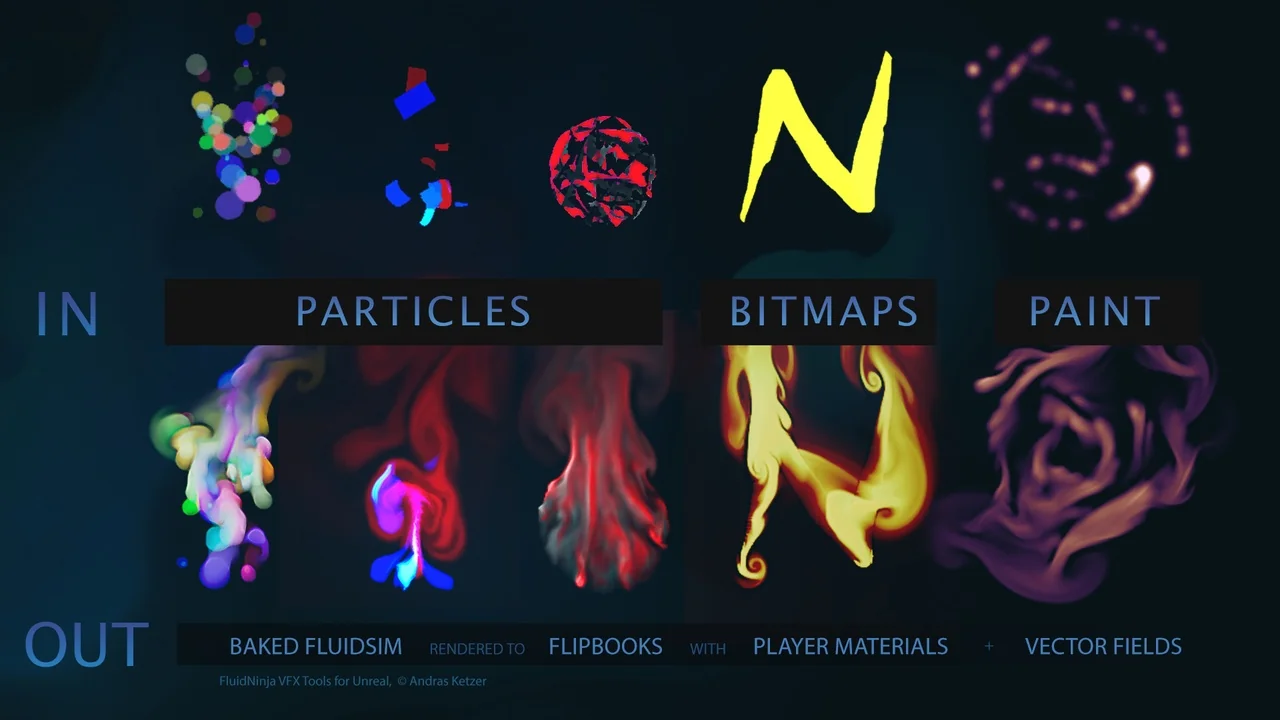
The simulation process is highly flexible, supporting various input methods. Specifically, users can utilize Niagara particles, bitmaps, or a built-in painter to define the simulation. This variety ensures that both stylized and realistic VFX can be achieved within the same framework.
Once the simulation is processed, the toolkit provides several output formats. These outputs include:
- High-quality flipbooks and flowmaps.
- Ready-to-use container materials.
- Embedded baked data for immediate deployment.
Workflow and Learning Curve
It is important to note that Fluid Ninja VFX Tools is not a simple drag-and-drop tool. Because of its technical depth, the developer suggests that learning the system typically takes about a week. However, the toolkit includes demo levels that showcase various use cases. These examples cover both stylized and realistic visual effects, providing a solid foundation for new users.
For those interested in real-time responsiveness, the creator mentions NinjaLIVE as a separate solution for non-baked simulations. Additionally, NinjaPLAY is available as a standalone flipbook player. Before committing to the full version, a student version is available for testing on the community server to ensure it meets project needs.
Conclusion
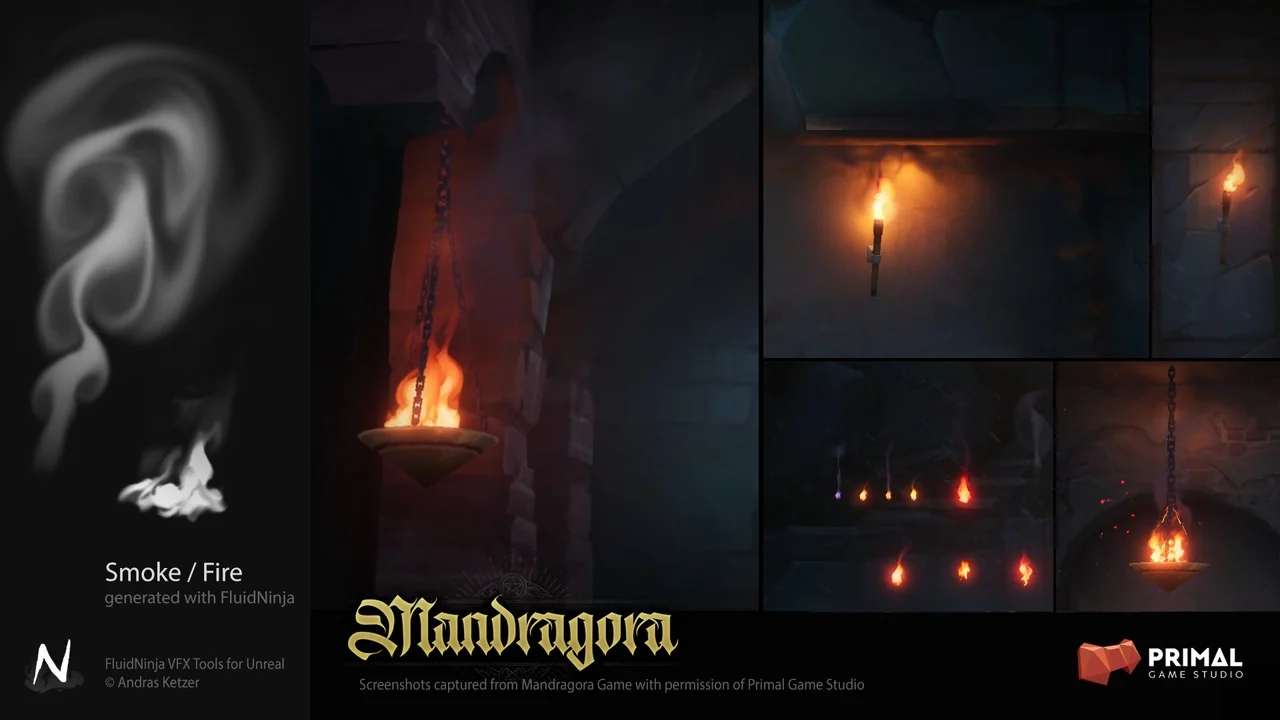
Fluid Ninja VFX Tools represents a significant advancement in managing fluid data for real-time environments. By focusing on compact baked assets, it allows developers to maintain high visual fidelity for smoke, fire, and fog without sacrificing frame rates. Therefore, it remains a vital resource for technical artists working within the Unreal Engine ecosystem.
Screenshots & Gallery