Introduction to Advanced Mesh Fading
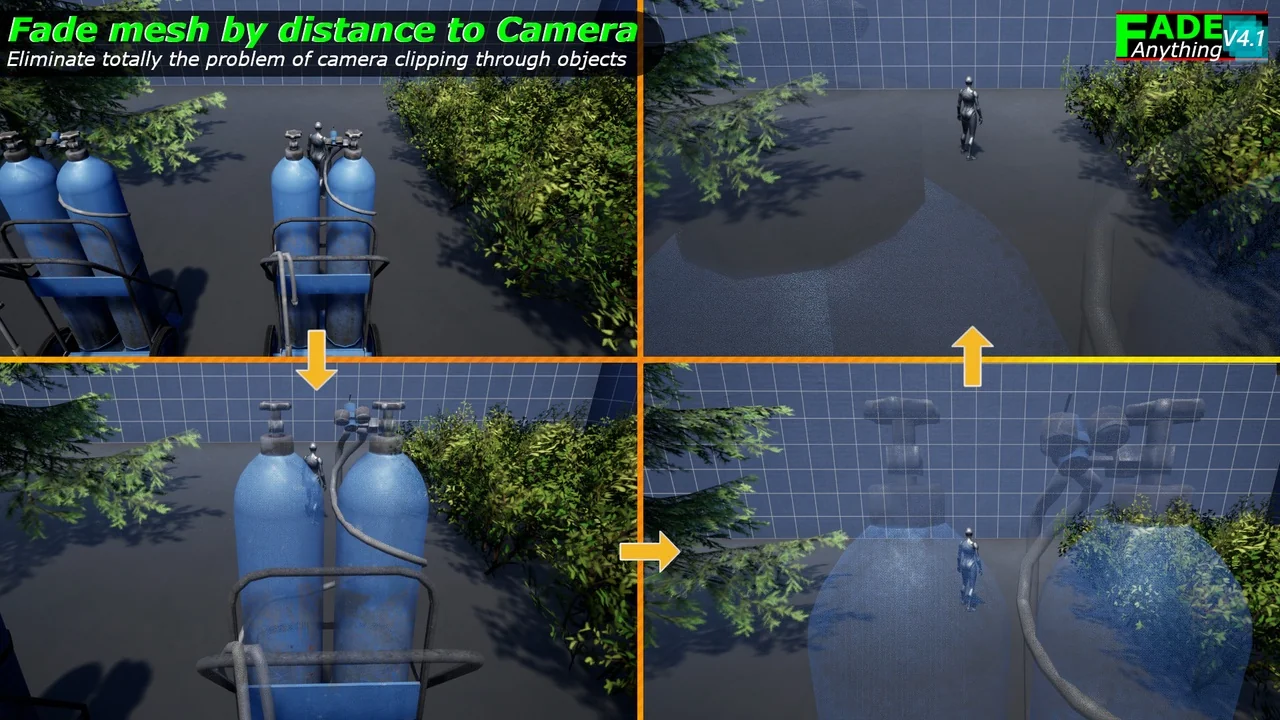
Fade Anything provides a comprehensive solution for managing object visibility in Unreal Engine projects. Furthermore, it addresses common development hurdles like camera clipping and poor viewing angles. This tool allows developers to fade static meshes, skeletal meshes, and even foliage seamlessly. Consequently, it has become a highly versatile resource for modern game environments.
Flexible Implementation Methods
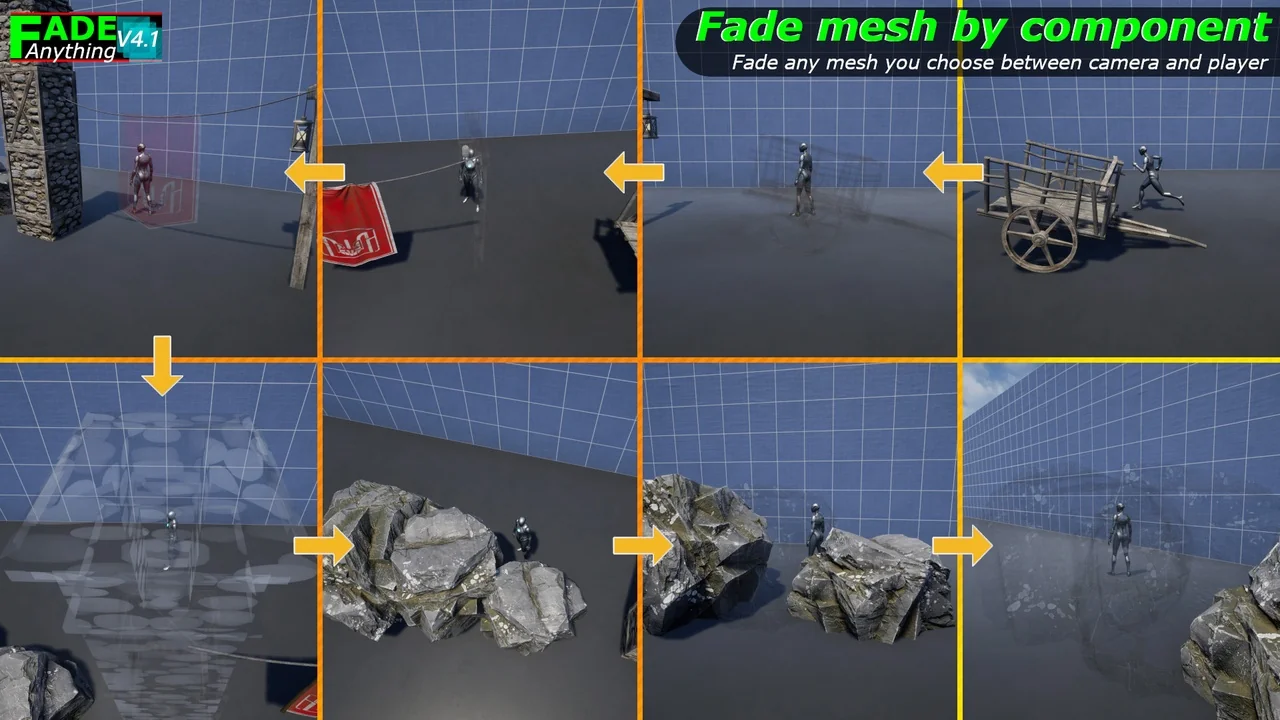
The developer designed Fade Anything to be exceptionally easy to implement. You can simply add a “FadeThisMesh” component to any mesh. Alternatively, you can apply the “FadethisMaterial” function directly to a material. Because both solutions work together, there are zero conflicts when using them simultaneously. This flexibility allows you to choose the best approach for your specific workflow.
Wide Range of Asset Support
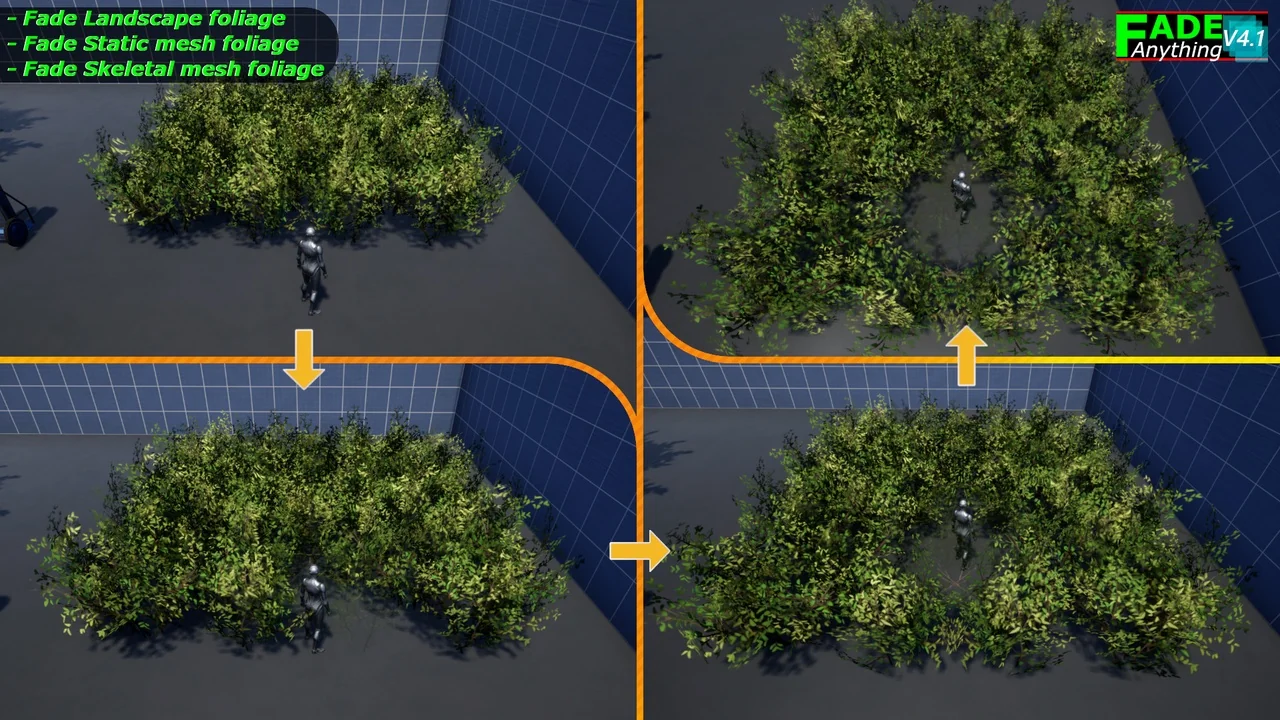
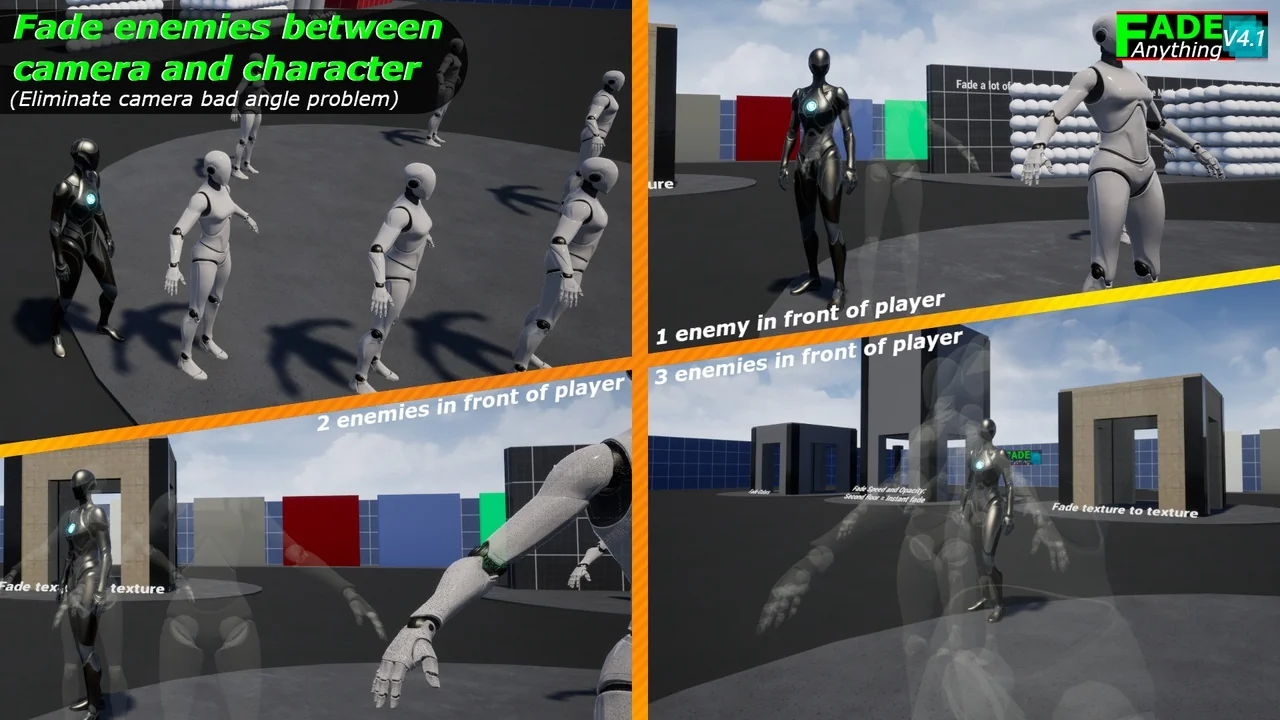
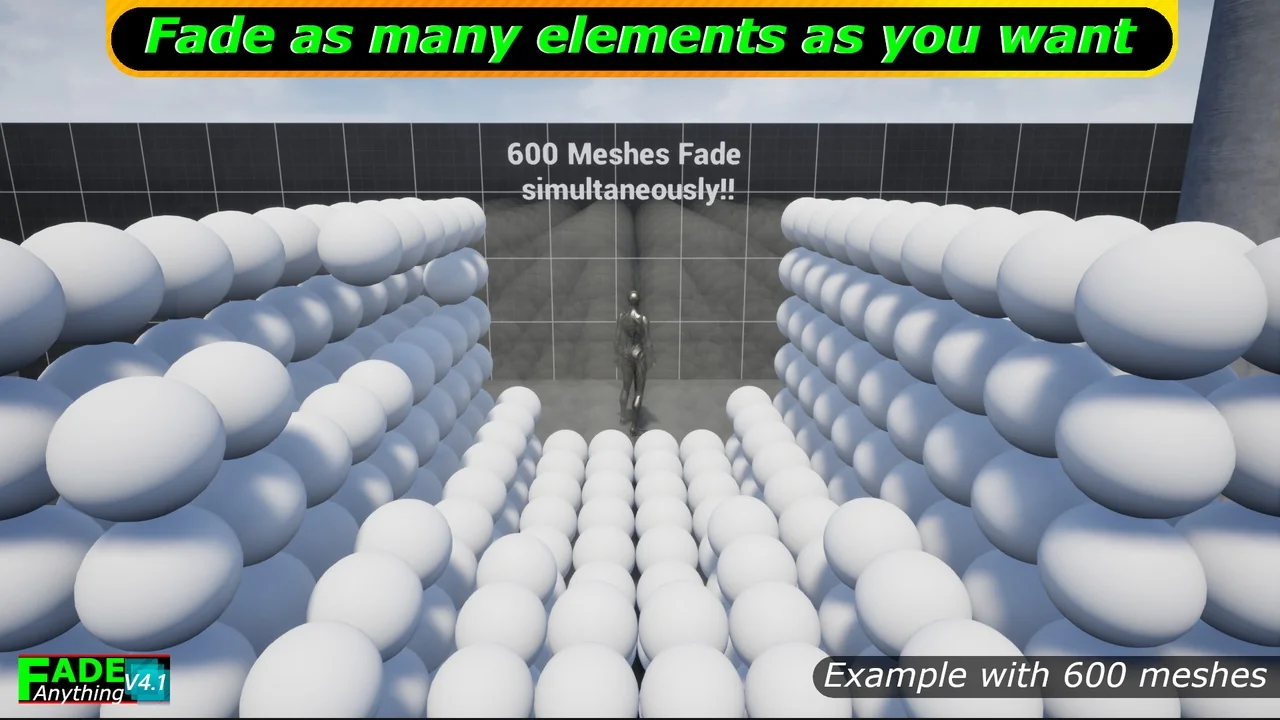
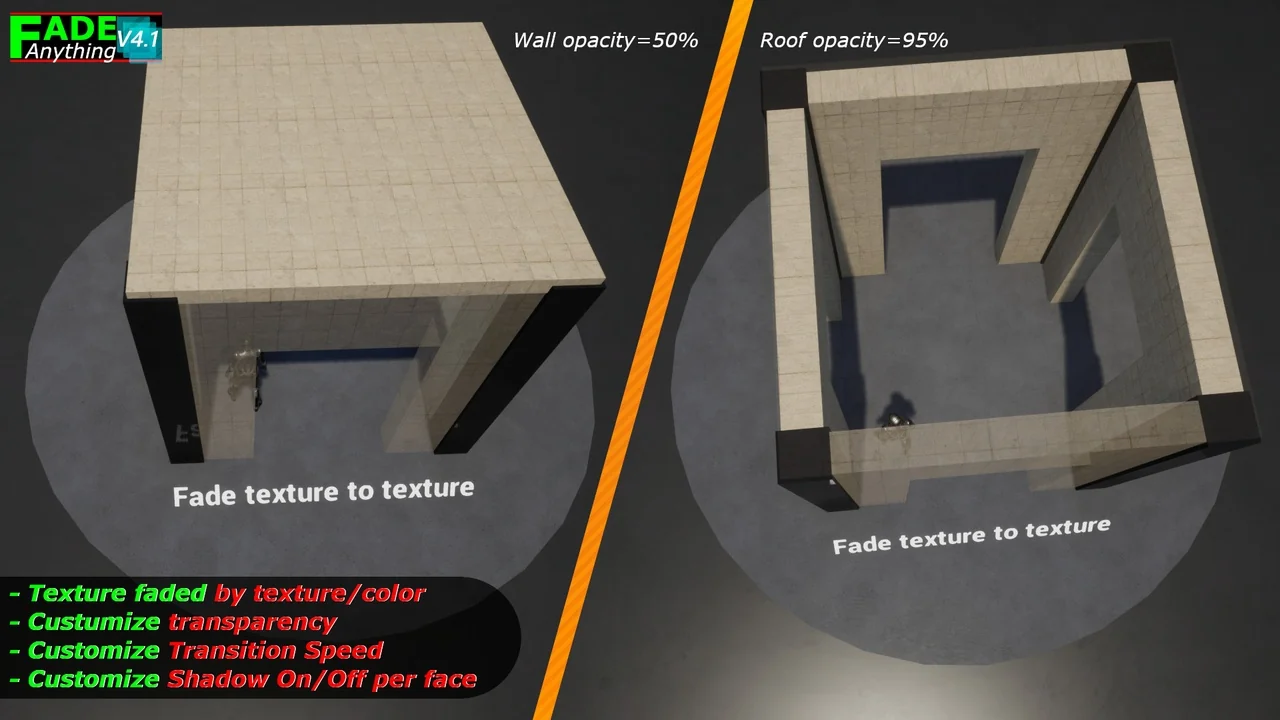
This system supports a wide range of assets, including walls, roofs, and vehicles. Moreover, it handles complex elements like landscape foliage and grass with ease. It also includes an “Occlude Any Mesh” feature for better scene management. Therefore, it is suitable for both small objects and large structures like houses. You can even fade enemies to prevent camera angle problems during intense gameplay.
Key Features and Compatibility
- Nanite Support: Fade Nanite objects with or without specific toggles (UE5.1+).
- Dynamic Fading: Works with both static and skeletal meshes.
- Shadow Control: Toggle shadows on or off for faded objects to maintain lighting consistency.
- Foliage Integration: Specifically designed to handle landscape foliage and grass.
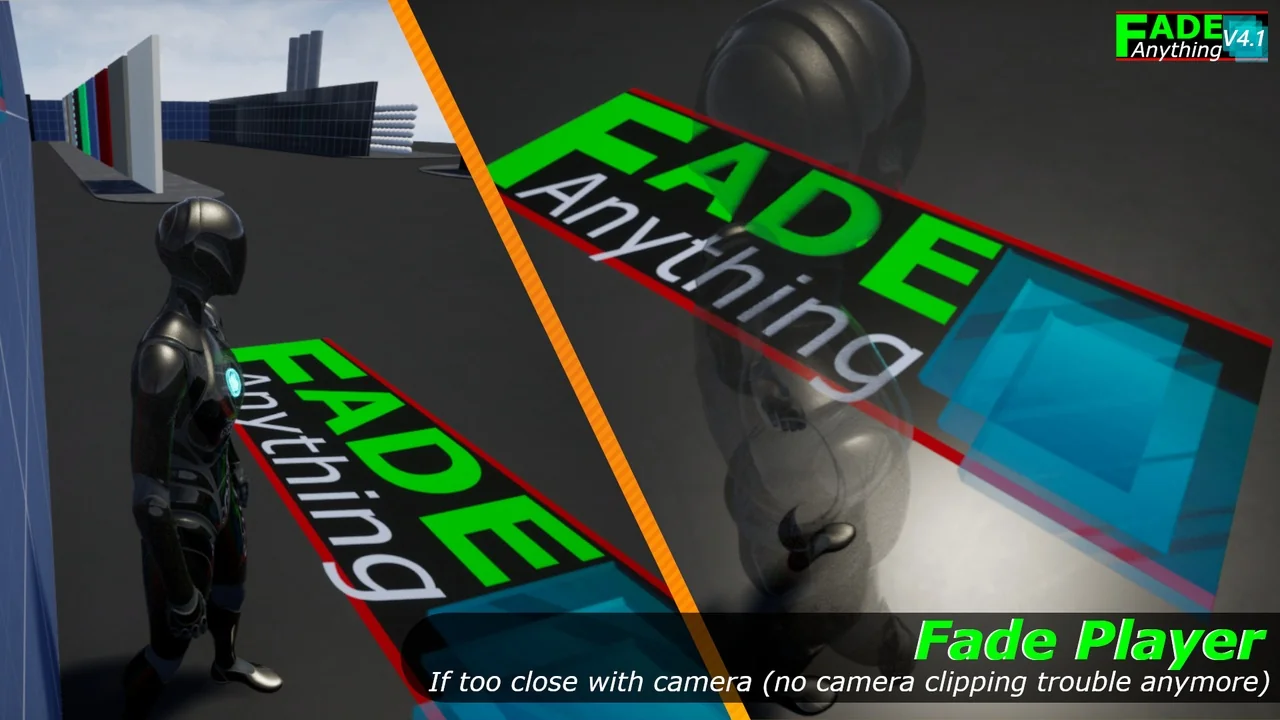
- Player Clipping: Automatically fades the player character if it gets too close to the camera.
Advanced Customization and Optimization
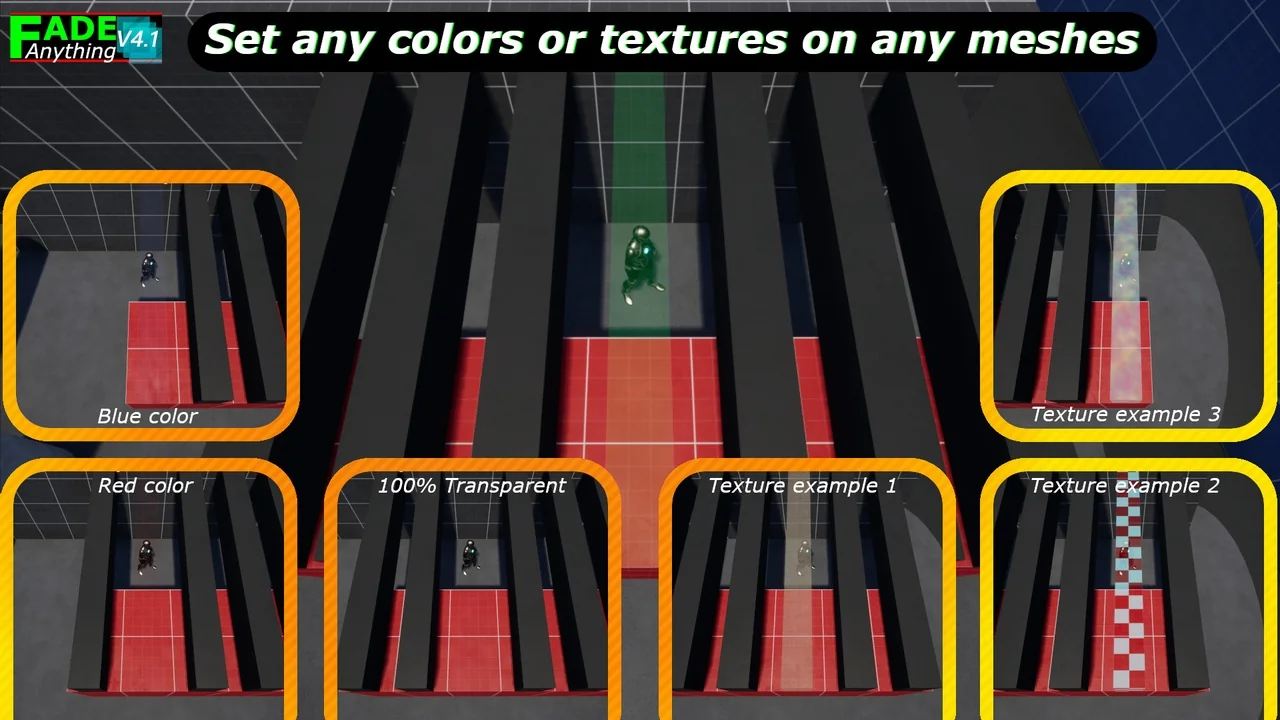
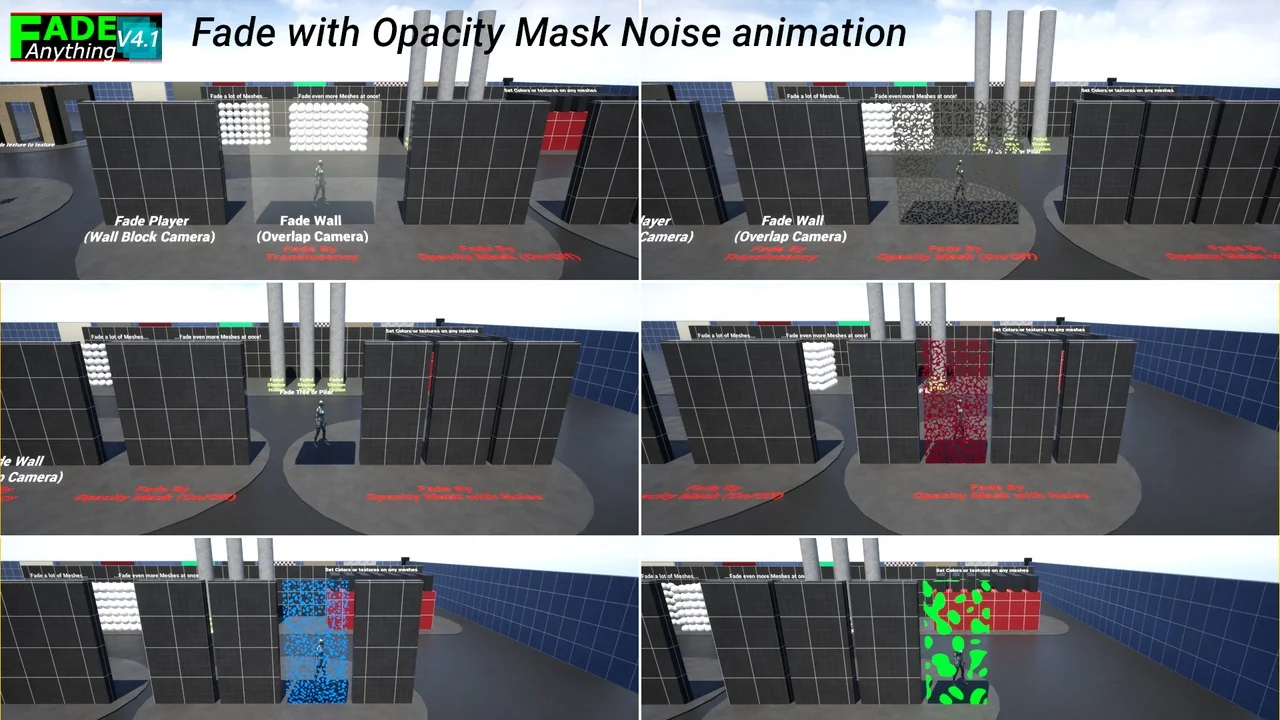
Every “FadeThisMesh” component includes detailed parameters for individual settings. For example, you can adjust transition speeds and transparency levels. You may also change textures, colors, or the size of the fade effect around the player. Additionally, the system supports noise-based opacity masks for gradual transitions. These options are clearly explained within comment bubbles for advanced editing.
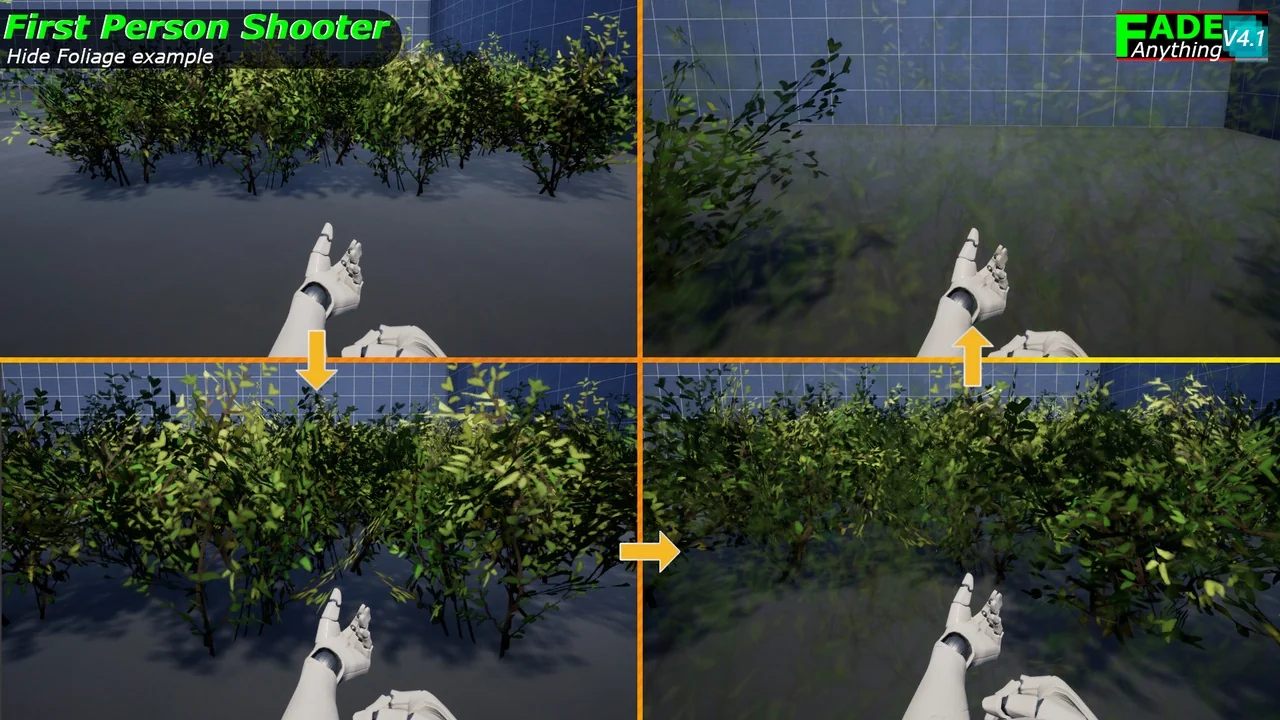
The system has seen continuous improvements through several updates. Version 3.3 introduced new optimizations for better performance. Later, version 4.1 added support for fading Blueprint static mesh instances. Finally, the latest version 4.2 focuses on further system improvements. These updates ensure the tool remains efficient for various camera setups, including first-person perspectives.
Conclusion
Fade Anything is a robust tool for any developer looking to improve camera-to-object interactions. It offers flexibility through its dual-method approach and extensive customization options. By using this system, you can create a more polished and immersive gameplay experience. It effectively eliminates the technical frustrations of camera clipping and obstructed views.
Screenshots & Gallery