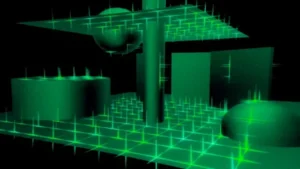
Particles, geometry, and prefab layers
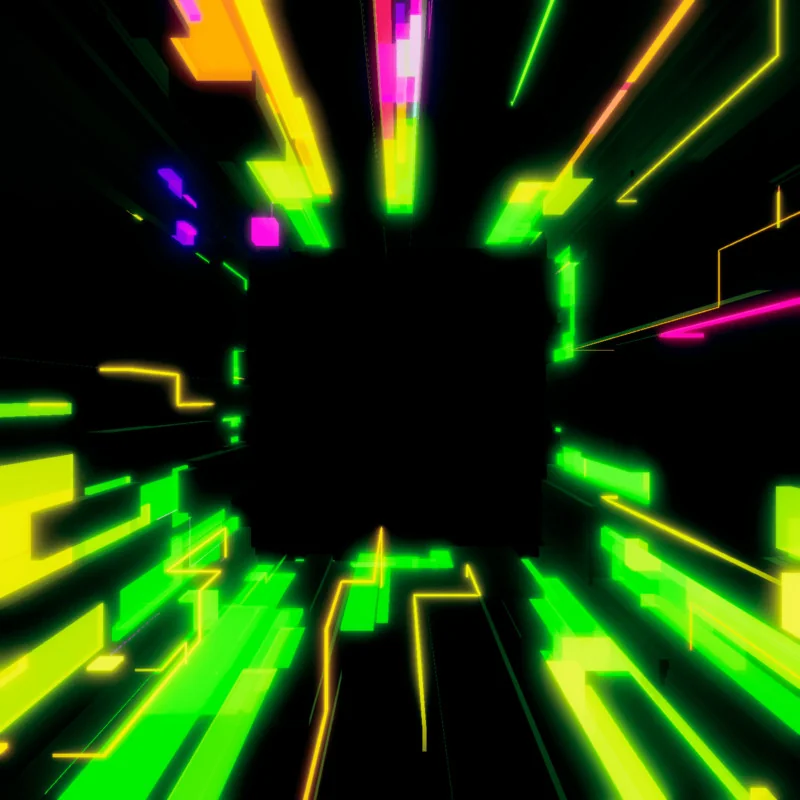
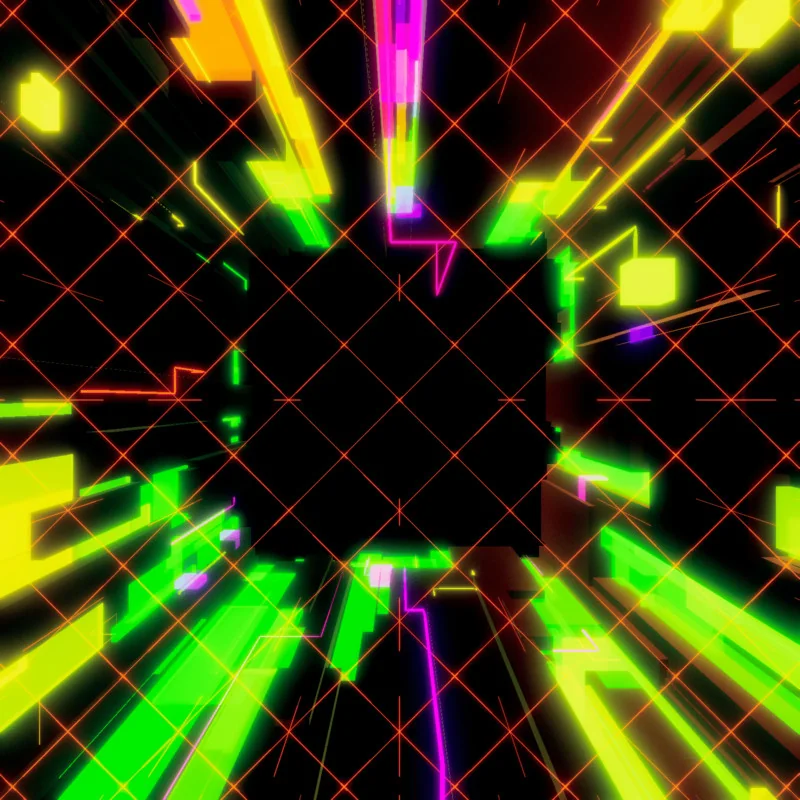
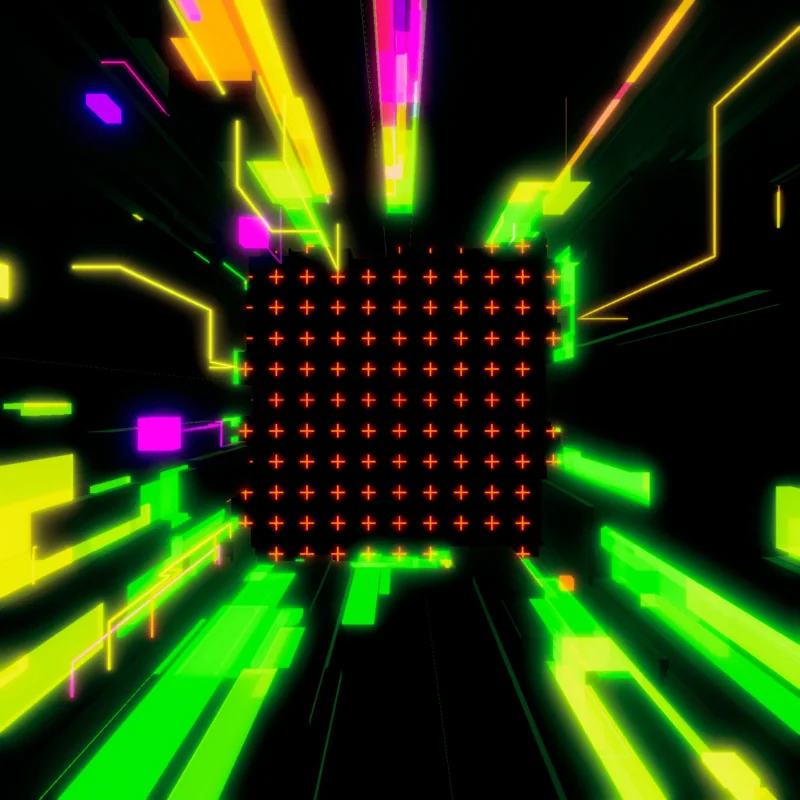
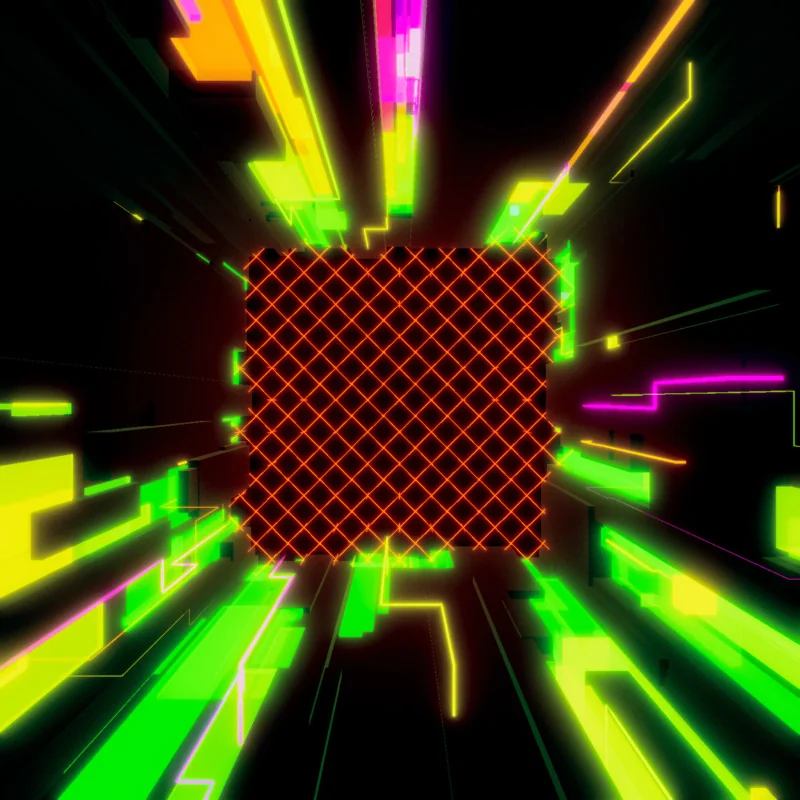
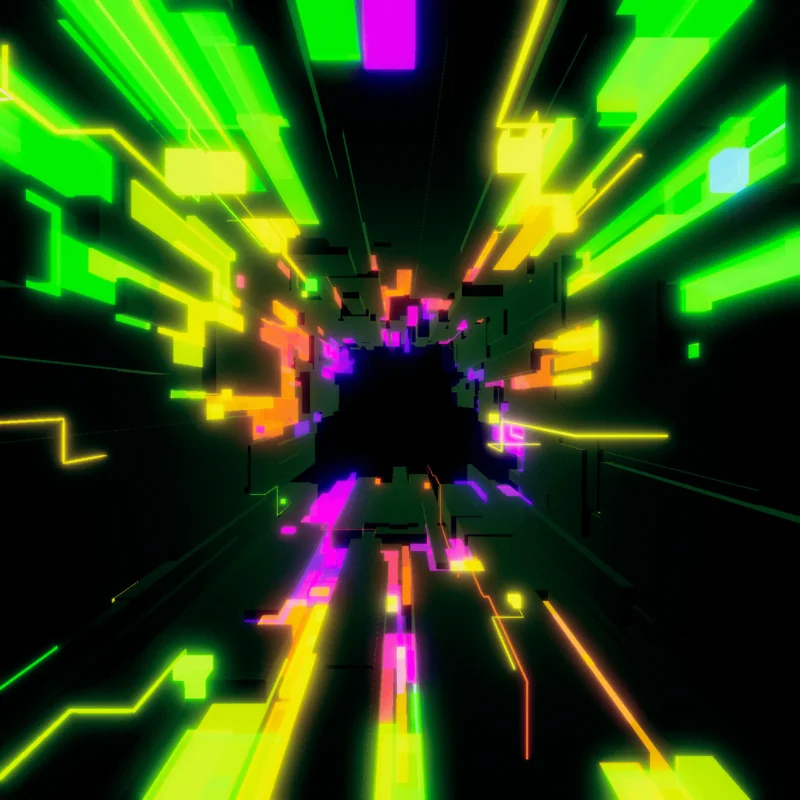
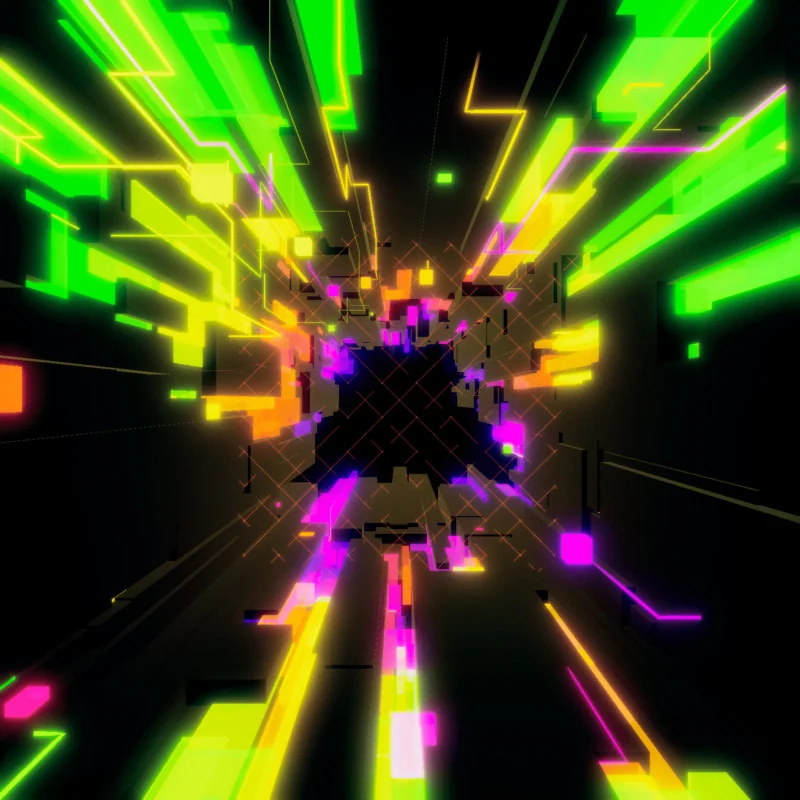
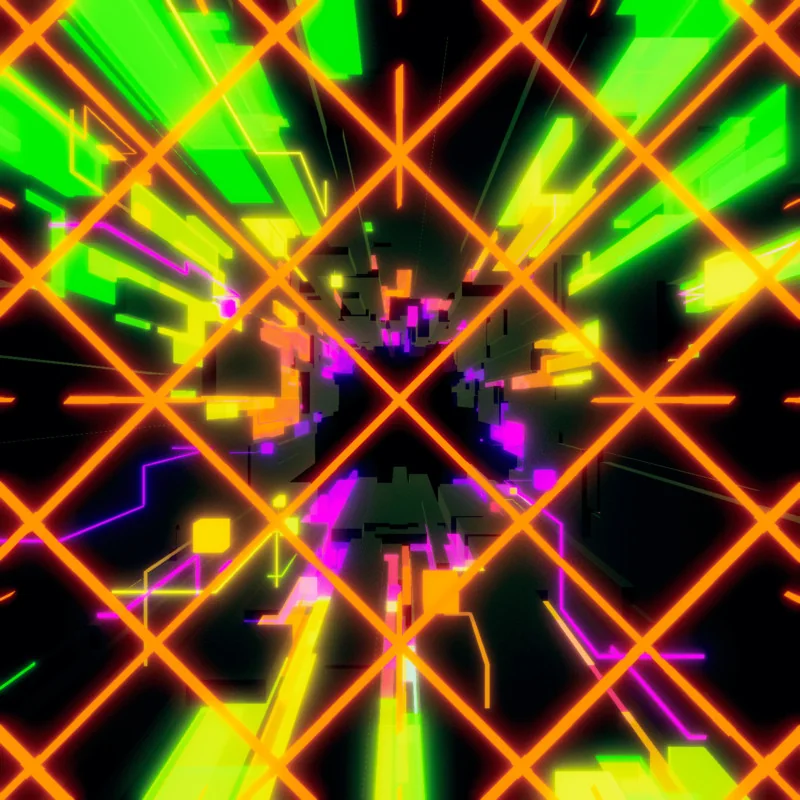
Cyber Effects – Tunnels centers on a tunnel made entirely out of particles, with supporting materials, geometry, and prefab arrangements that hold the effect together as a complete scene element. The package does not present itself as a single static mesh or a one-off visual flourish. It is arranged as a collection of parts that can be used together, which makes the tunnel feel more like a built effect than a single isolated asset.
The included pieces are straightforward and specific:
- A tunnel made entirely out of particles;
- A few materials;
- Geometry;
- Prefabs of the final composition;
- Prefabs of every part that composes the final result.
That structure matters because it gives the effect both a finished version and the individual pieces that make it up. Someone working inside Unity can use the full composition when the goal is a ready-made visual tunnel, or inspect the separate prefabs when the scene needs finer control. The package is also positioned inside the particles category path, which matches the way the effect is assembled.
Scene placement and playmode workflow
The implementation is kept simple at the point of use: drag the prefab onto the scene and enter playmode. That is the clearest setup detail provided, and it shows the tunnel as something meant to be dropped into a project without a complicated setup chain. The effect is not described as requiring extra steps, so the workflow stays focused on placement and playback rather than additional assembly outside Unity.
Because the package includes both the final composition and the prefabs for each part, the scene workflow can move in two directions. One path is quick placement, where the tunnel can be tested as a complete visual element. The other is modular inspection, where the separate prefabs make it possible to look at the pieces that contribute to the finished result. That combination gives the package a practical role in projects that need a particle tunnel with a clear internal structure.
The asset count is listed as 140, and the package type is unitypackage. Those details give a sense of how the content is delivered inside Unity, while the file size is listed as 10.7 MB. The latest version is 1.1, and the latest release date matches the first published date of Oct 22, 2020.
Visual reference and tone
The visual direction is tied to a specific artistic lineage. The effect was inspired by the art of Transistor And Remember Me, then evolved further while the developer was working on the visual effects for Pixel Ripped 1989. That background helps place the tunnel in a recognizable style space without needing to stretch beyond the given details. The tags attached to the package point in the same direction: psychedelic, hologram, colorful, neon, sci-fi, digital, cyberpunk, cyber, and future.
Those descriptors make the intended look easy to place in a project. The tunnel is not framed as plain industrial geometry or a generic corridor effect. It sits closer to a stylized science-fiction visual, with the particle construction supporting the neon and cyberpunk feel. The word choices attached to the package point toward scenes that need a vivid, artificial, high-energy look rather than a neutral environment piece.
Because the effect is particle-driven, the visual character is part of the structure itself. The tunnel is not just decorated with particles; it is made entirely out of them. That detail gives the effect its identity and explains why the materials, geometry, and prefabs are presented alongside the particle work. Each part has a role in keeping the final composition readable as a tunnel while preserving the stylized look suggested by the package’s visual direction.
Unity compatibility and package details
Cyber Effects – Tunnels is listed with original Unity version 2019.4.11. Render pipeline compatibility is shown for 2019.4.11f1 across Built-in, URP, and HDRP. That compatibility line is one of the most practical details in the package, because it tells you the tunnel is organized to fit multiple rendering paths within that Unity version family.
The package sits in the particles category, with the category path shown as vfx/particles. The technical profile is compact and specific: unitypackage delivery, 140 assets, 10.7 MB file size, version 1.1, and the October 22, 2020 release dates. Nothing in that set of details suggests a broad general-purpose content library. It reads more like a focused VFX component that was packaged to reproduce one visual idea cleanly inside Unity.
For projects that need a cyberpunk-style particle tunnel, the package is set up to handle quick scene placement, review of the full finished composition, and access to the individual pieces that build the effect. That makes it a practical fit for setup work where the tunnel needs to be dropped in, played back, and adjusted through the prefab structure already included.
Preview Images
Protected download
Access this resource
All resources are 100% manually reviewed to eliminate all risks.