Transforming Vertex Data into Static Map Assets
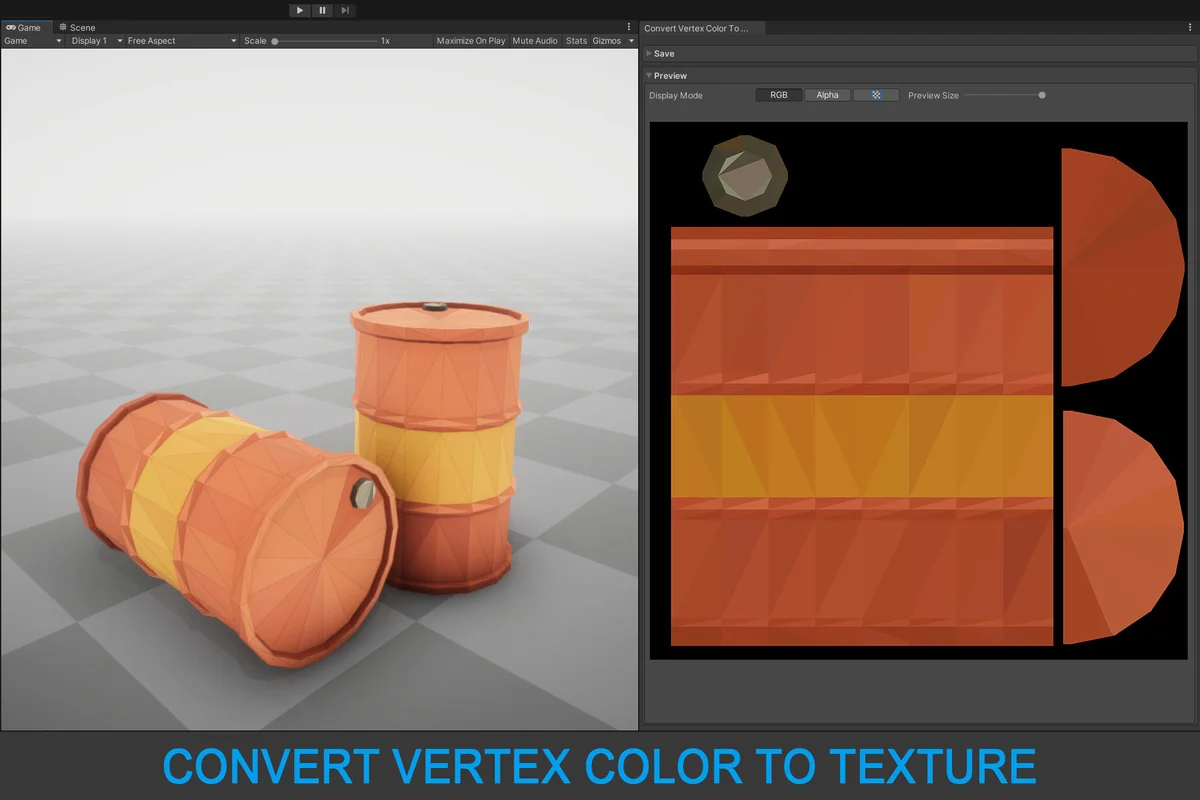
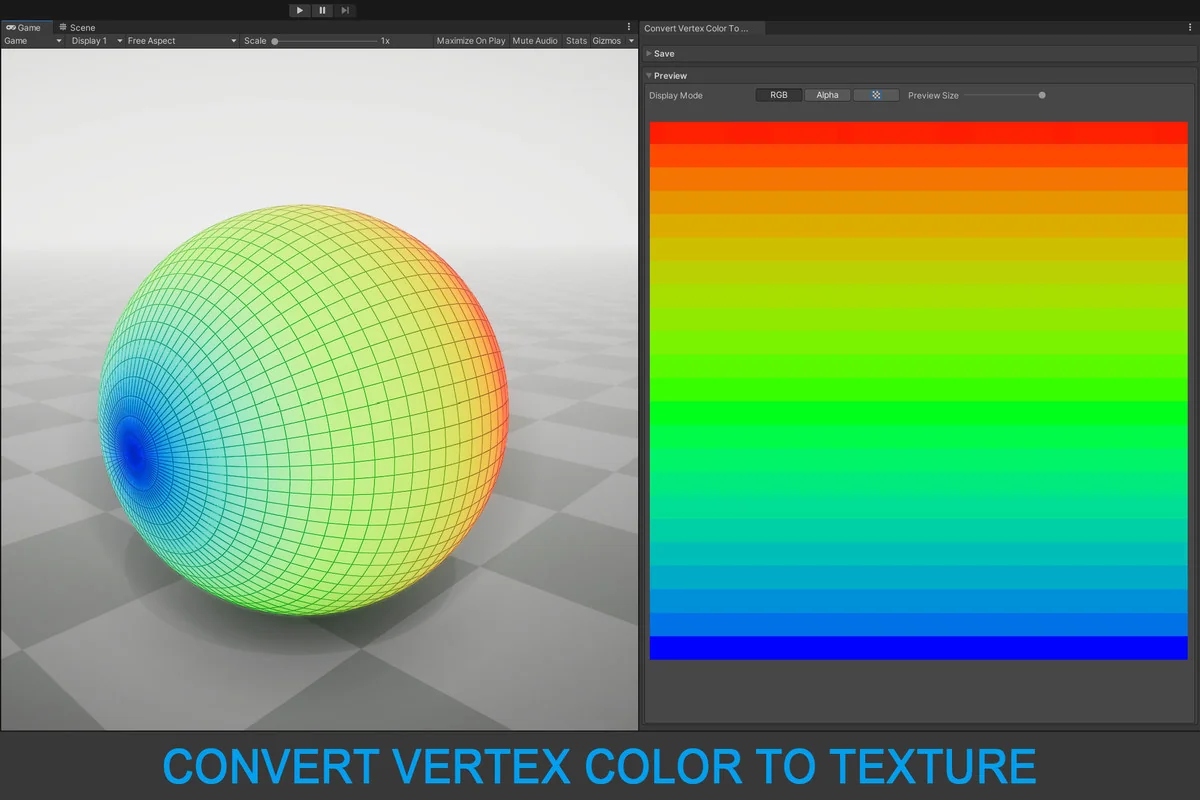
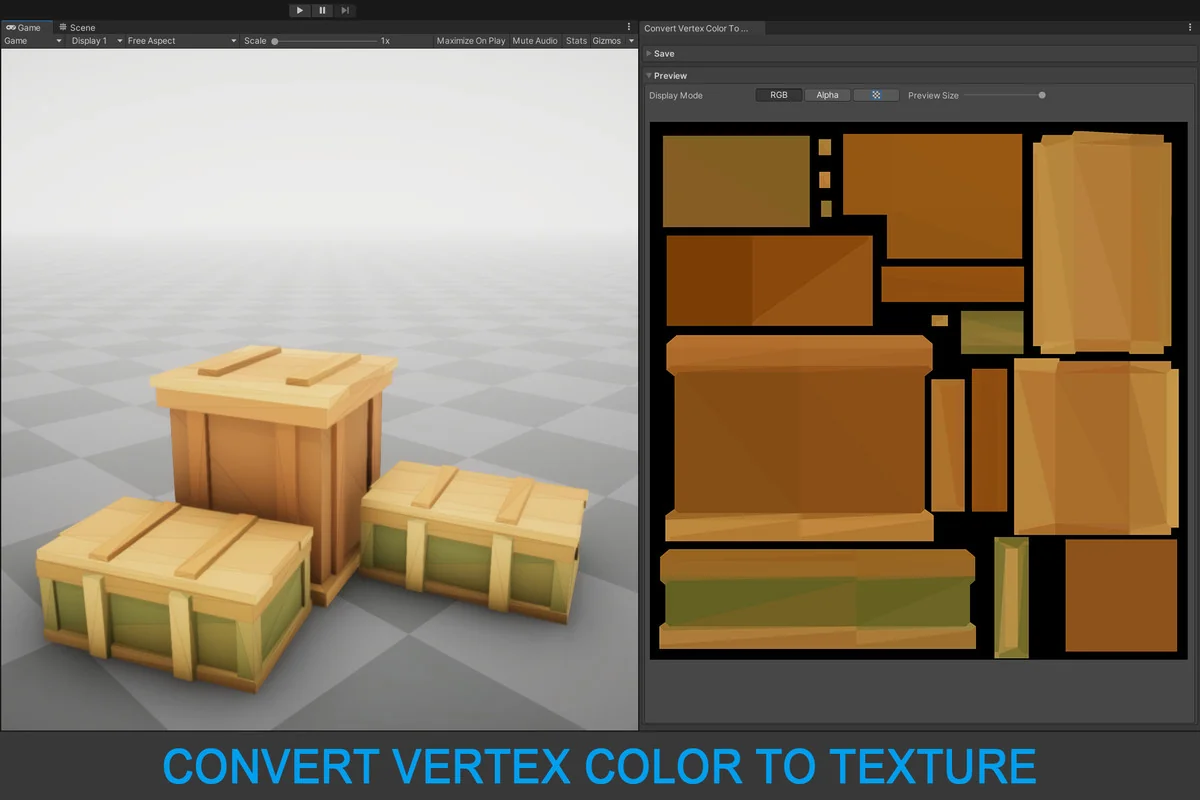
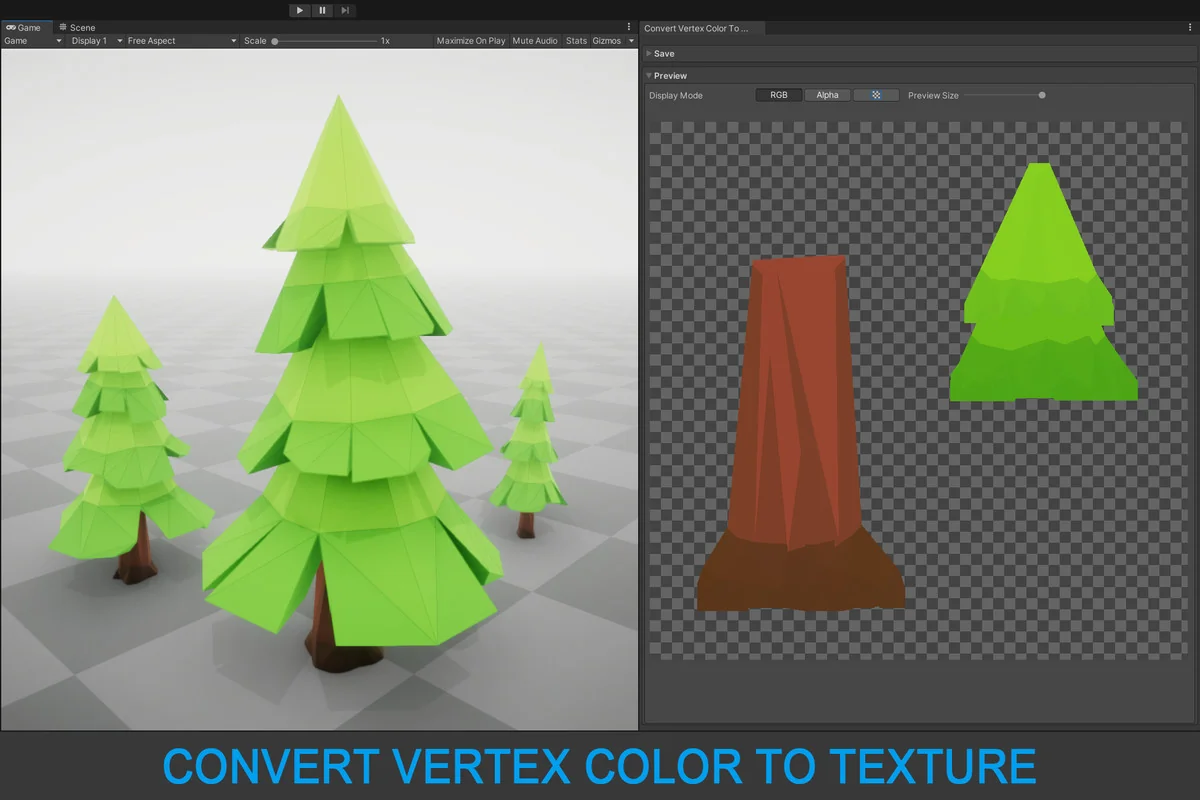
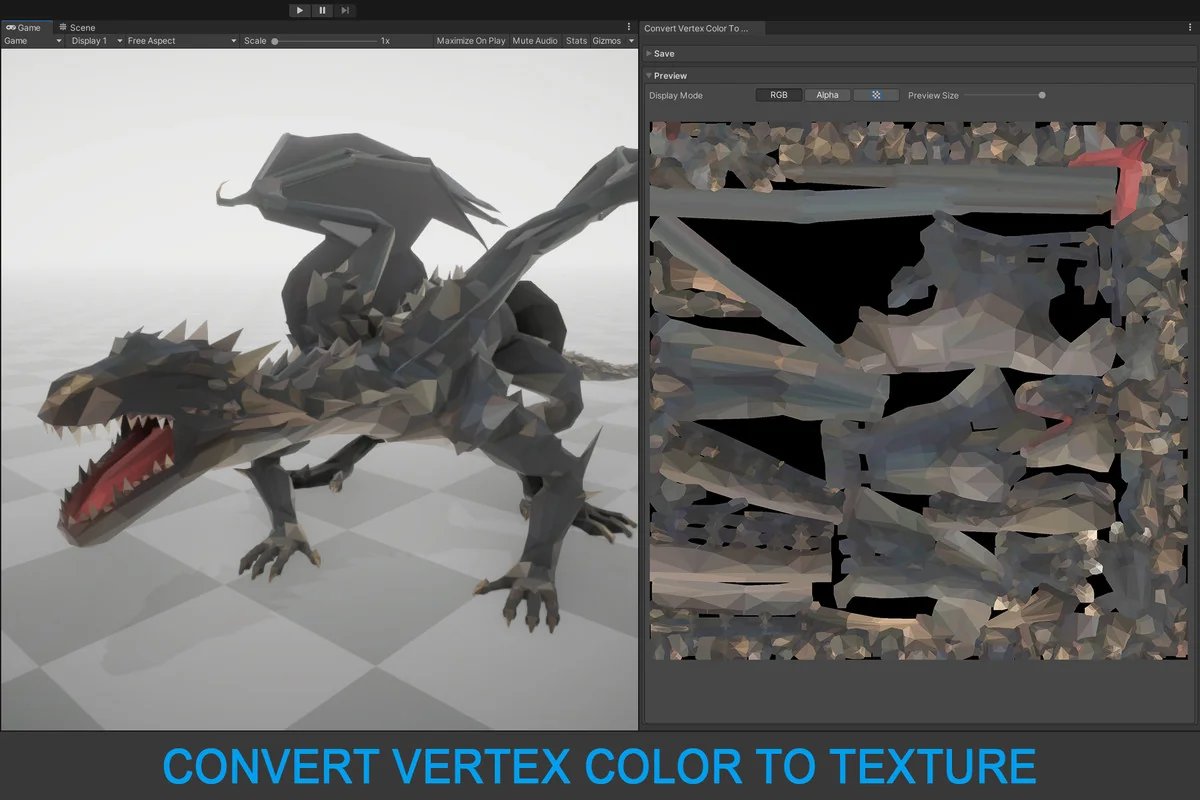
The process of converting vertex colors into textures is a specialized workflow designed to transition data stored on the geometry level into a format that can be utilized by shaders and materials as standard image files. This tool by Amazing Assets provides a bridge for this transition within the Unity ecosystem, allowing developers to extract color information from meshes and store it in common image formats. By moving data from the vertex level to a texture, creators can often simplify their shader logic or prepare assets for environments where vertex color support might be limited or where specific texture-based effects are required.
The solution functions in two distinct environments: the Unity Editor and during application run-time. In the editor, the tool is primarily used as a utility for baking data into assets before a project is built. This is particularly useful for optimizing meshes that use vertex colors for masking, tinting, or environmental effects. Converting this data into a texture can help in standardizing the asset pipeline, especially when moving between different modeling applications or engine versions.
Handling Submeshes and Batch Processing
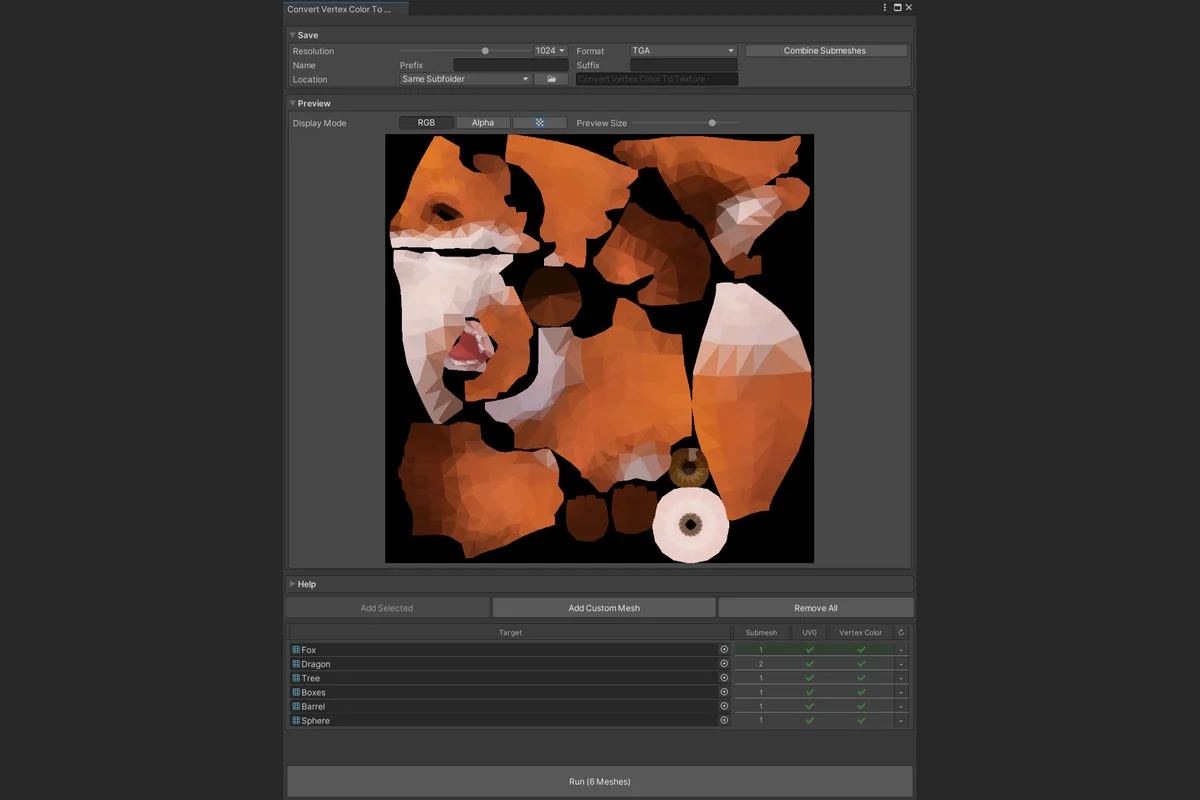
One of the core functional aspects of this tool is its flexibility in how it treats submesh data. When a mesh contains multiple submeshes, the tool offers two distinct paths. It can render each submesh’s vertex colors separately, resulting in individual texture files for different parts of the geometry. Alternatively, it can combine all submesh data into a single, unified texture map. This choice is critical for managing draw calls and material assignments, as combining textures can often lead to more efficient rendering in complex scenes.
For projects with large libraries of assets, the editor tool includes a batch converter. This allows for the simultaneous processing of multiple meshes, significantly reducing the manual labor required to convert an entire project’s worth of vertex-colored geometry. The output resolution is highly scalable, supporting textures up to 8K. This high-resolution ceiling ensures that fine details captured in dense vertex meshes are preserved when transferred to the UV-based texture. Supported export formats include JPG, PNG, and TGA, providing standard compatibility with various compression and transparency requirements.
Implementing Runtime Conversion via API
Beyond static baking in the editor, the package includes a run-time API that expands the capabilities of the standard Unity Mesh class. By adding the ConvertVertexColorToTexture extension method, developers can trigger the conversion process while the game is running. This method returns a Texture2D object, which can then be applied to materials dynamically.
This runtime functionality opens up possibilities for procedural content generation or systems where vertex colors are modified by gameplay events. Because the source code is included with the package, developers have the ability to inspect the implementation and integrate the conversion logic directly into their own custom systems. The tool uses a specialized algorithm designed to eliminate visual seams, which is a common artifact when translating data between the discrete points of a vertex grid and the continuous pixels of a texture map.
UV Requirements and Technical Constraints
The successful conversion of vertex colors to a texture is heavily dependent on the quality of the underlying mesh data. Specifically, the tool requires a mesh with a proper UV0 layout. Because the conversion process maps vertex data onto a 2D plane, any overlapping or inaccurate UV0 coordinates will result in incorrect rendering. The tool does not automatically generate UVs; it relies on the existing layout provided by the 3D artist or the modeling software. Ensuring a clean, non-overlapping UV map is the primary prerequisite for achieving a high-fidelity bake.
The tool is designed for compatibility across the modern Unity landscape, supporting Long Term Support (LTS) versions starting from 2019.4 up through the latest Unity 6000 releases. It is also built to function across all major render pipelines, including the Built-in Render Pipeline, the Universal Render Pipeline (URP), and the High Definition Render Pipeline (HDRP). This broad compatibility ensures that the workflow remains consistent regardless of the visual target or rendering technology used in a project.
Integration and Pipeline Support
As a utility focused on modeling and asset preparation, the package is integrated into a broader suite of tools but functions as a standalone solution for its specific task. With a small file size of 78.4 KB and a focused asset count of 38 files, it is a lightweight addition to a project’s folder structure. The inclusion of full source code allows for deep integration into automated build pipelines or custom editor windows. While the tool provides a streamlined path for data conversion, the developer notes that support for older versions like Unity 2019.4, 2020.3, and 2021.3 has reached its final update, signaling a shift in focus toward the more recent Unity 6000 and 2022 LTS branches.
Asset Gallery
Protected download
Access this resource
All resources are 100% manually reviewed to eliminate all risks.