Advanced Atmospheric Control with Cinematic Clouds BP
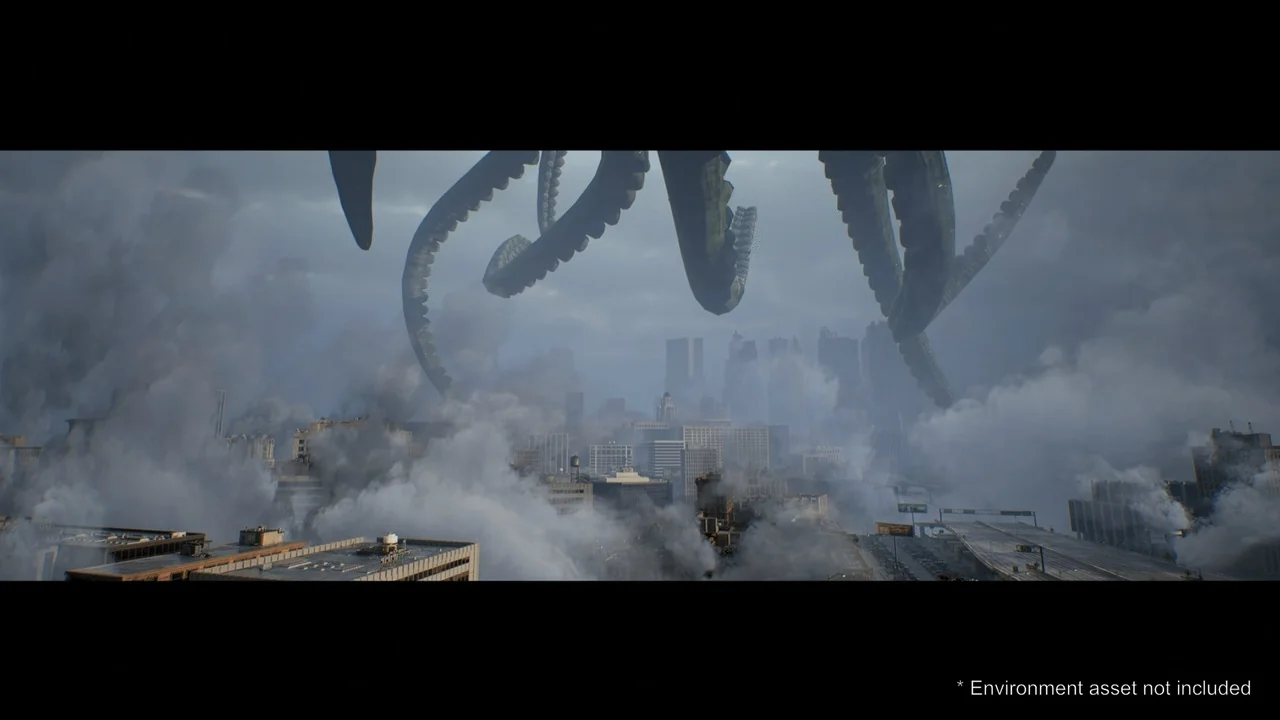
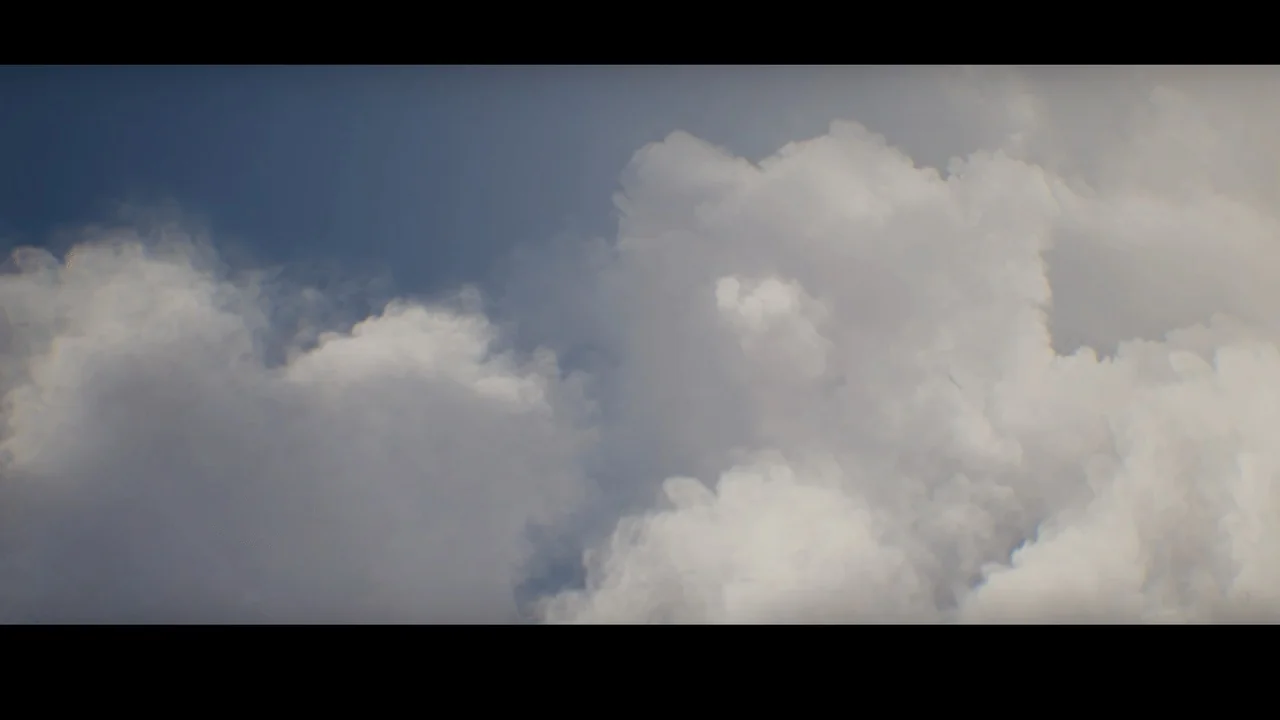
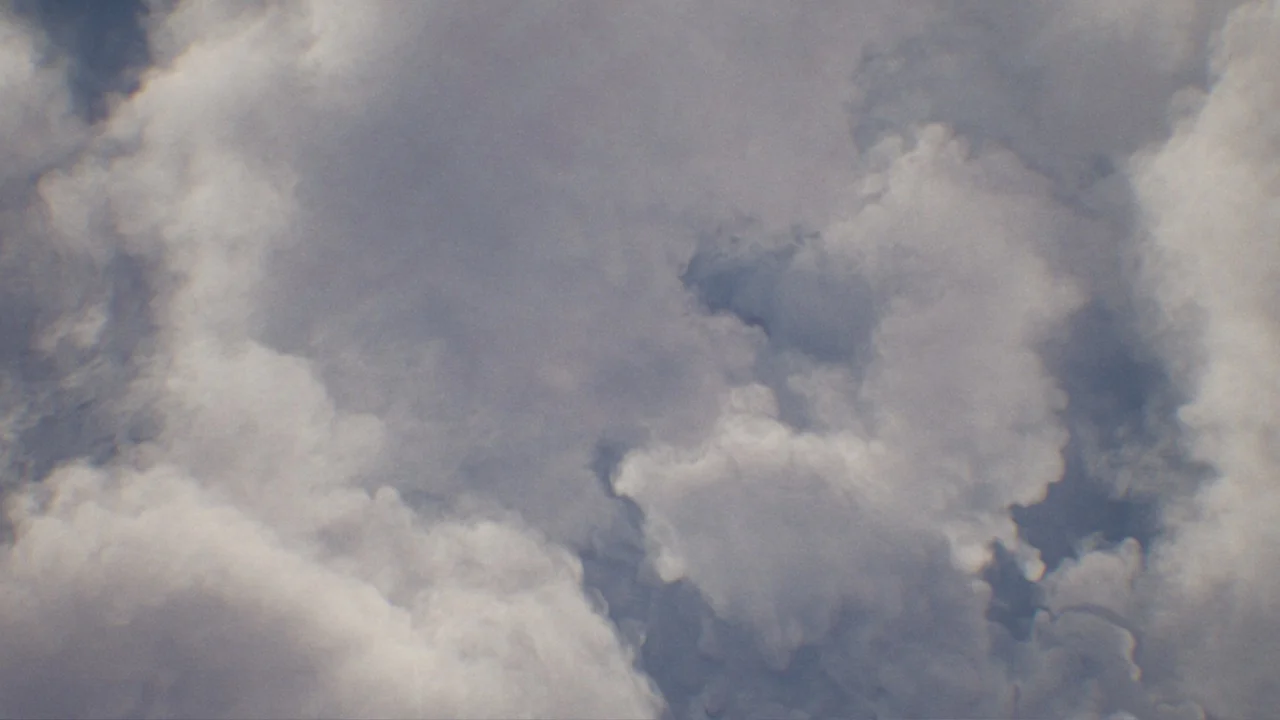
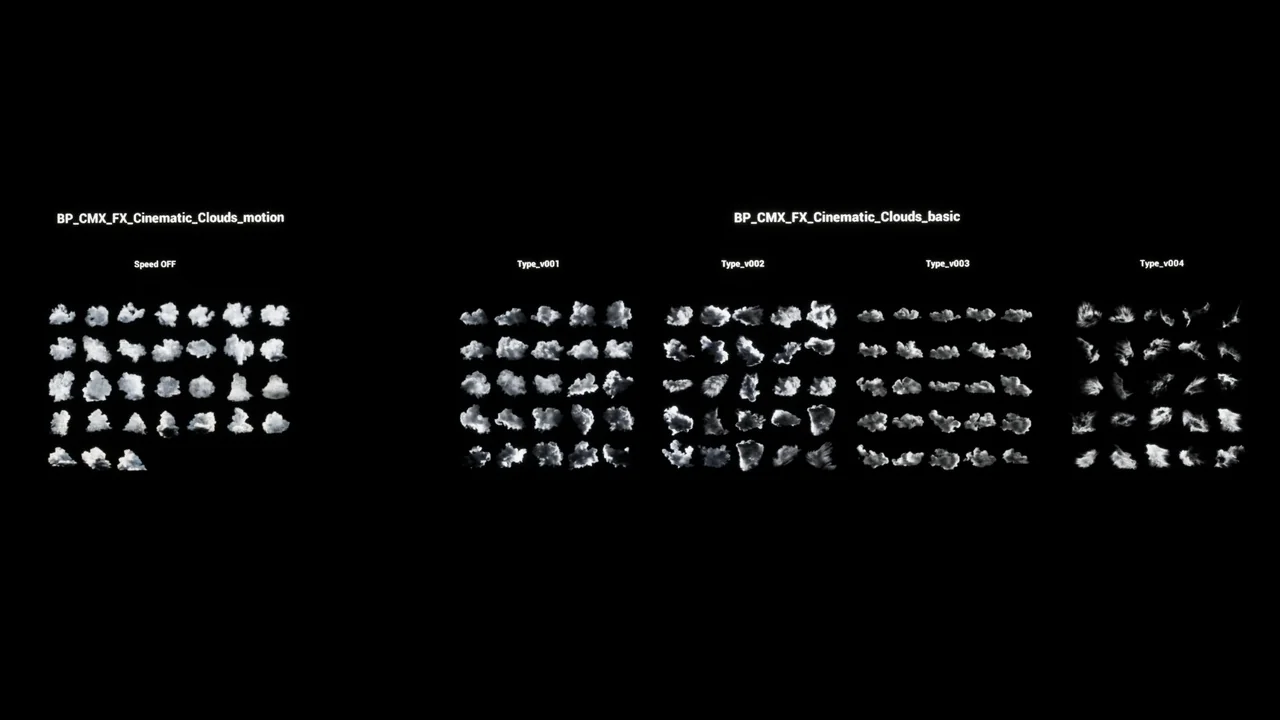
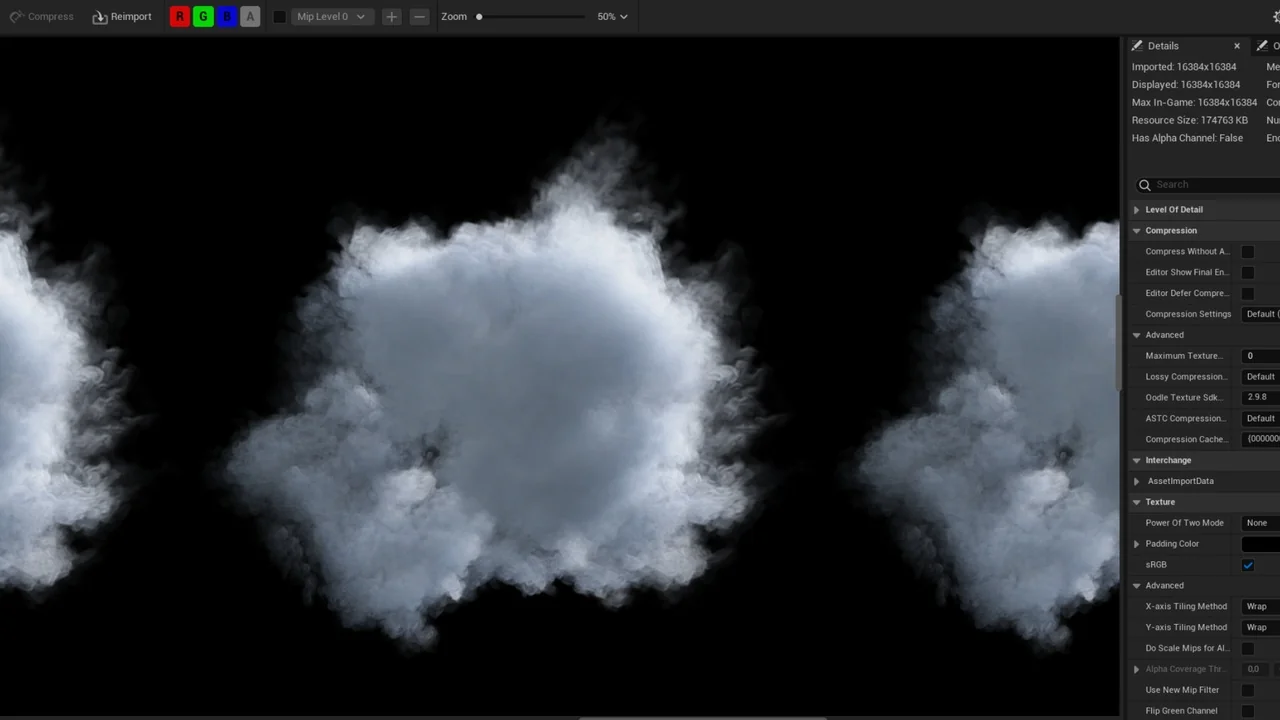
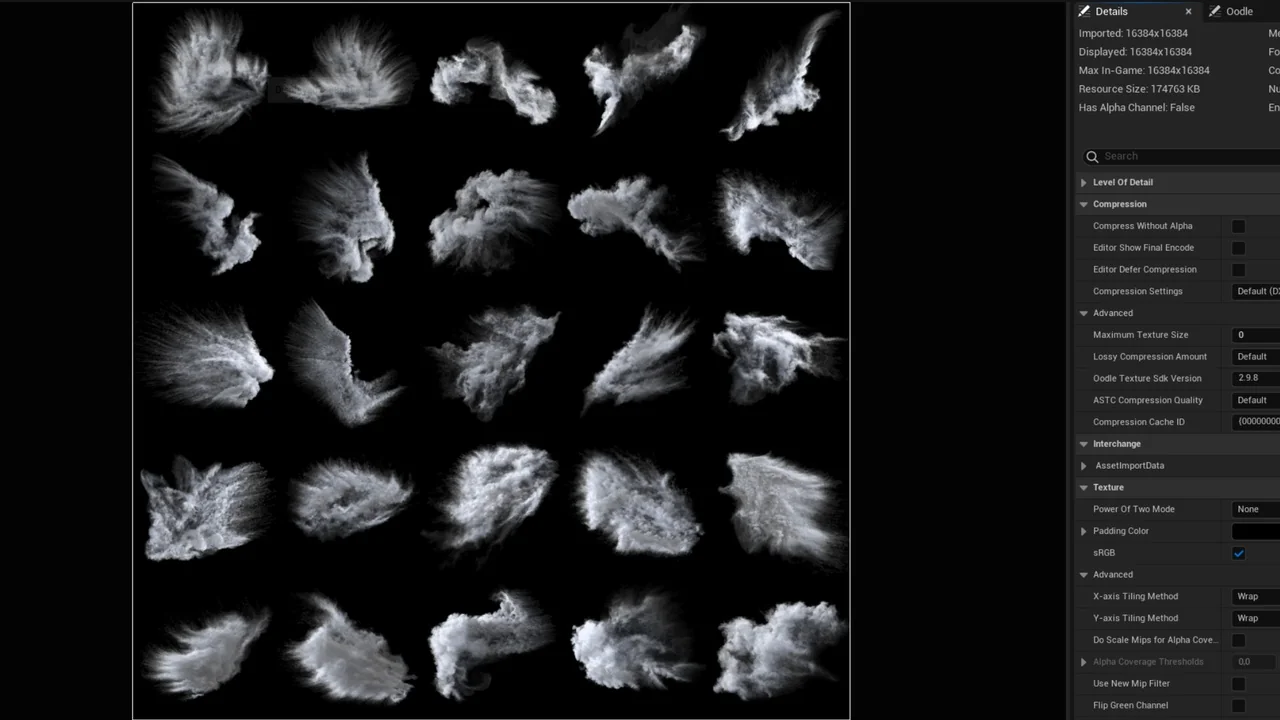
Cinematic Clouds BP provides a comprehensive system for integrating high-quality atmospheric elements into Unreal Engine projects. This asset includes 131 different high-resolution clouds, allowing for a wide variety of sky conditions. Consequently, developers can achieve a professional look without manual asset creation.
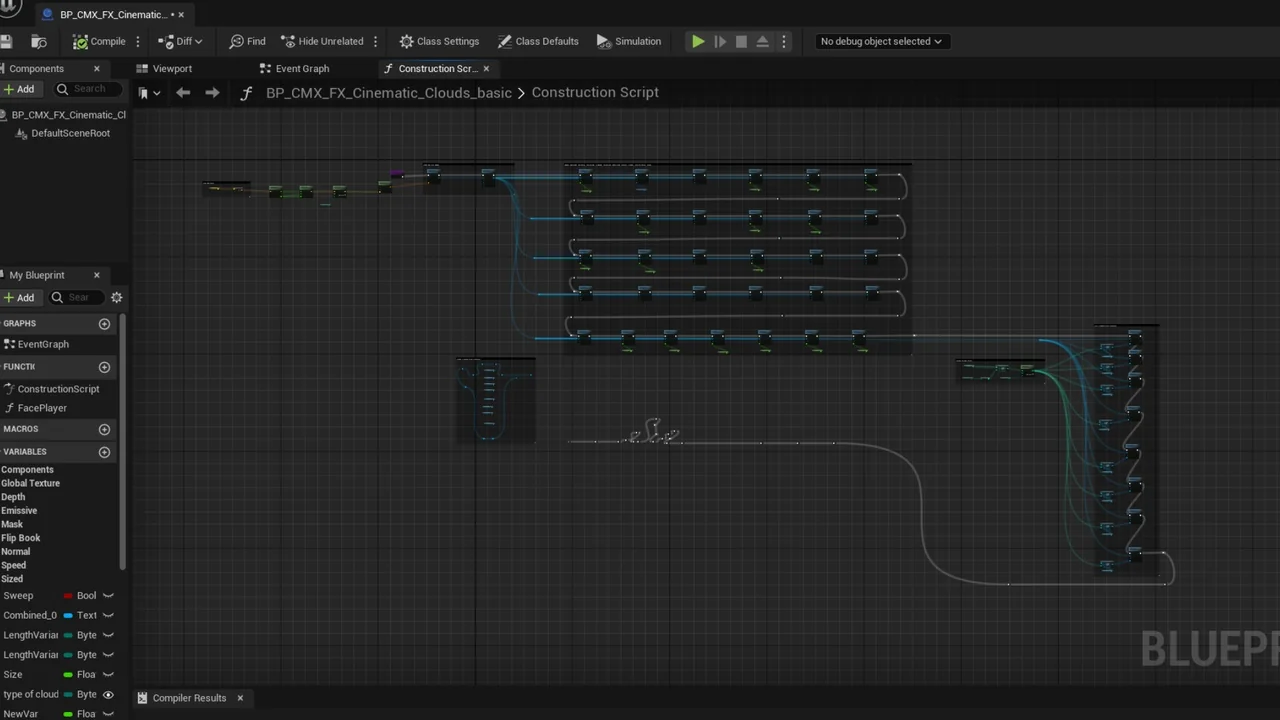
The system is designed around two core blueprints that simplify the implementation process. Specifically, these blueprints allow users to access flipbooks through a single, unified interface. This streamlined approach ensures that high-resolution visuals are accessible even for those new to the engine. Furthermore, the developer focused on making the workflow as efficient as possible.
Ease of Use and Workflow Integration
Ease of use is a primary benefit of this resource. The creator implemented a drag-and-drop workflow that saves significant development time. Therefore, users can quickly populate their scenes with realistic cloud formations. There is no need for complex setup procedures to get started.
Customization is handled through intuitive controls within the blueprint. For instance, you can simply enter a specific number or use a slider to change the cloud type. This interactive method makes it easy to cycle through the 131 available options. Moreover, the visual feedback is instantaneous, allowing for rapid iteration during scene dressing.
Key Features of Cinematic Clouds BP
- High-Resolution Library: Contains 131 unique cloud flipbooks for diverse visual styles.
- Simplified Blueprints: Includes 2 blueprints designed for easy integration.
- User-Friendly Interface: Selection is handled via simple numerical input or sliders.
- Drag-and-Drop: Designed for immediate placement within your Unreal Engine environment.
Dynamic Customization Options
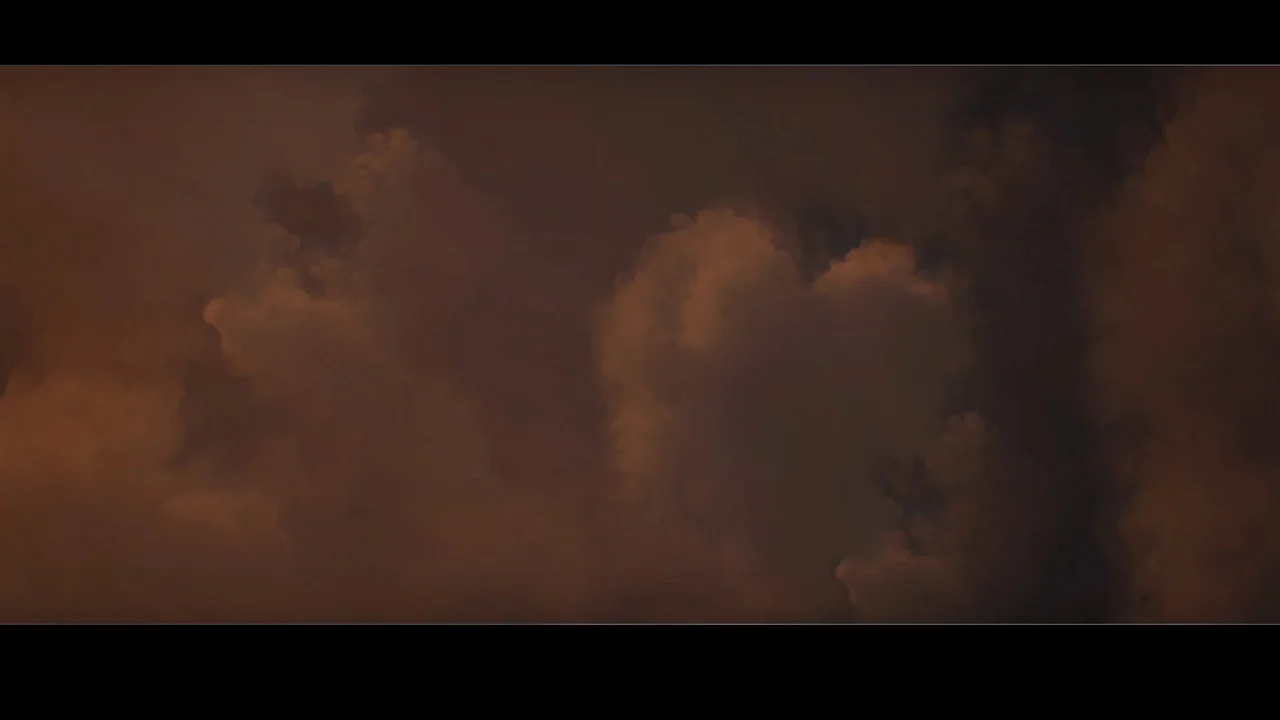
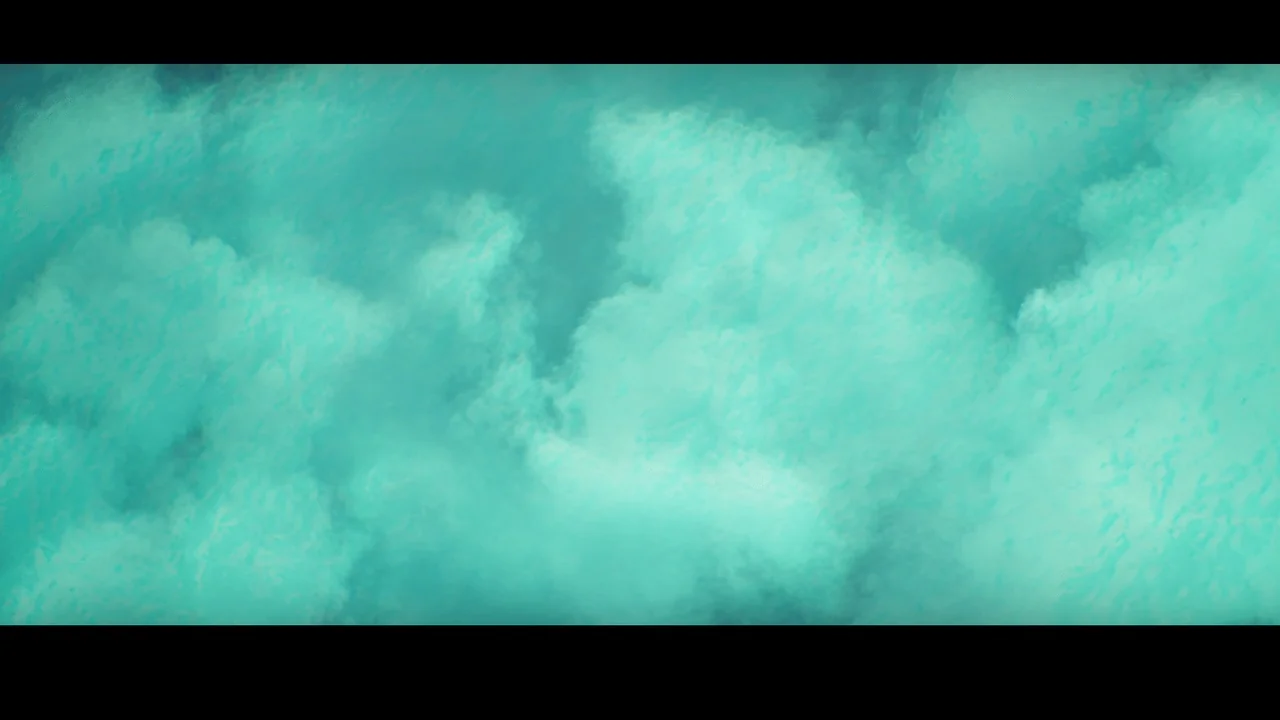
Beyond selection, Cinematic Clouds BP offers deep visual control. Users can modify the color of the clouds to match specific lighting conditions or artistic directions. Consequently, you can create anything from bright daylight scenes to moody, overcast environments. Moreover, the emissive power setting allows for glowing or highly illuminated effects.
Movement is another critical factor in realistic environment design. This asset includes speed controls to adjust how the clouds behave within the scene. Additionally, the mask settings provide further refinement for the final visual output. Therefore, the clouds can be tailored to fit the specific needs of any cinematic sequence.
Customizable Parameters
- Color: Change the hue to match your scene’s lighting.
- Emissive Power: Adjust the brightness and glow of the cloud assets.
- Mask: Refine the visibility and blending of the flipbooks.
- Speed: Control the rate of movement for dynamic skyboxes.
Conclusion
In conclusion, Cinematic Clouds BP is a versatile tool for any Unreal Engine developer. It combines a massive library of 131 high-resolution assets with a user-friendly blueprint system. As a result, creating cinematic and realistic skies becomes a much faster and more efficient process. Whether you are building a game or a cinematic render, this asset provides the tools necessary for high-quality atmospheric effects.
Screenshots & Gallery