Character aura effects that can be placed into a scene quickly
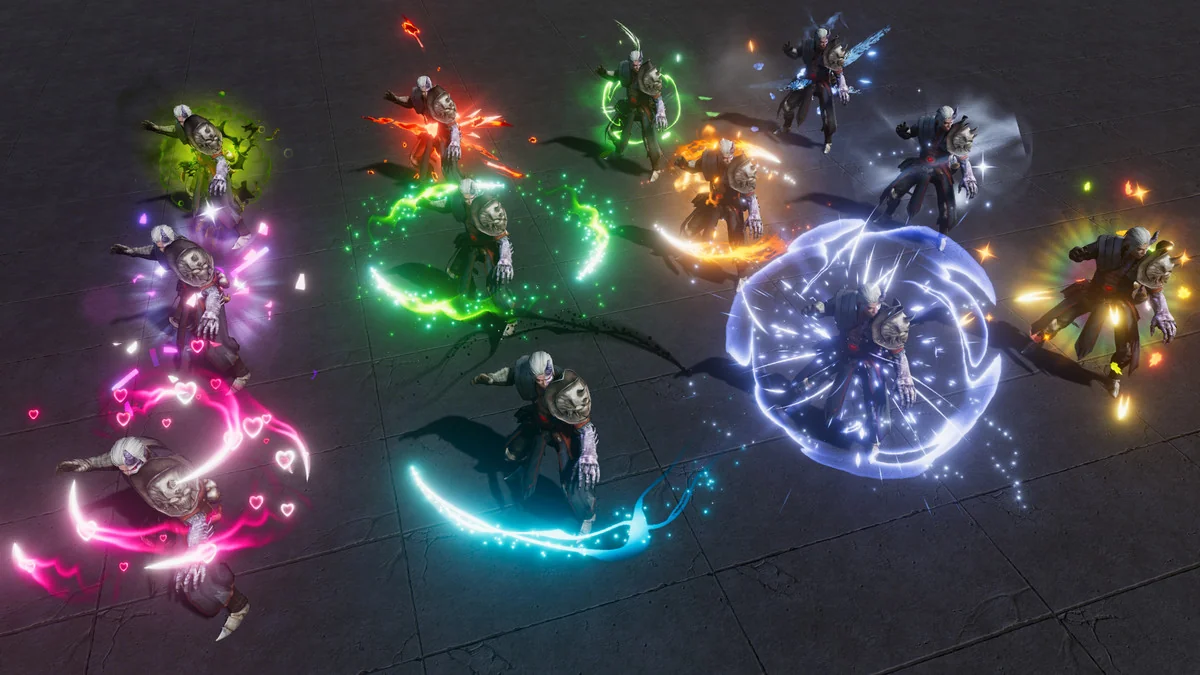
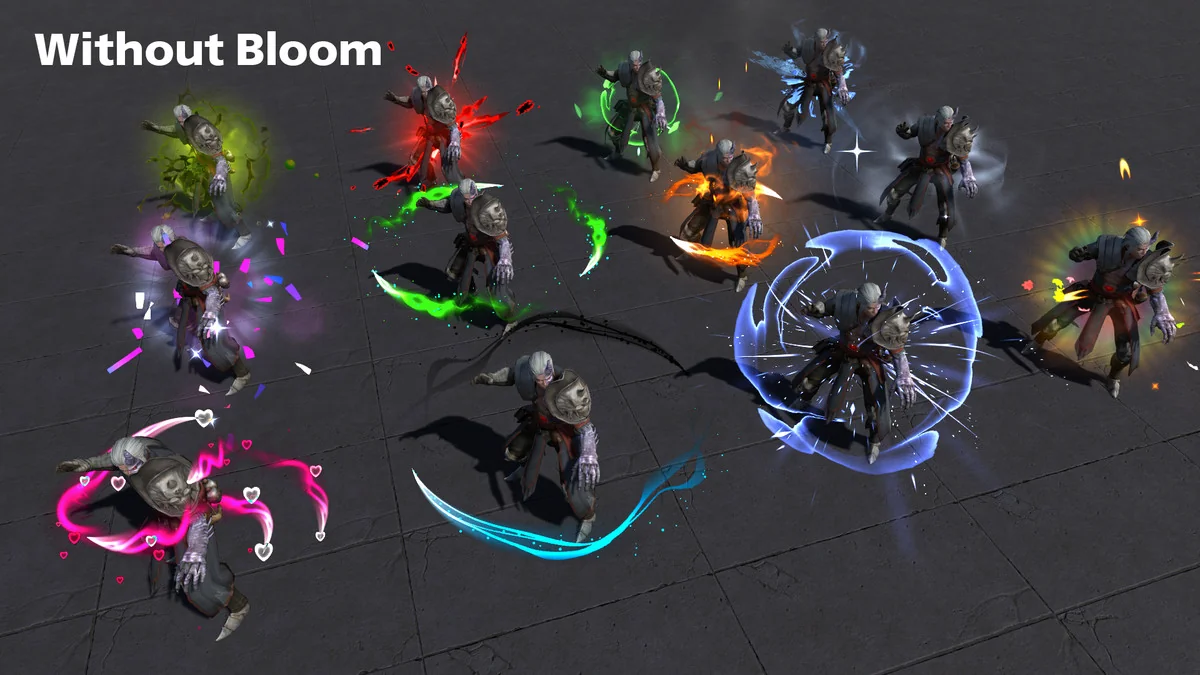
Character Auras 3 fits the kind of Unity project where a character needs an aura that reads clearly the moment it appears. That could be a fire aura around an active spell, a heal aura tied to recovery, a poison aura for an effect state, or a more decorative look such as confetti, love, or stars. The pack contains 12 aura effects, and each one comes as a prefab that is ready to drop into a game.
The setup stays focused on particles rather than mesh-based effects. Every effect is described as a simple looped particle system, so the emphasis is on a reusable aura motion that can be attached to a character or effect moment without building a mesh version for it. For scenes that need readable VFX around gameplay actions, that makes the package straightforward to place and test.
The twelve aura styles in the set
The available effects cover a mix of seasonal, elemental, and symbolic looks:
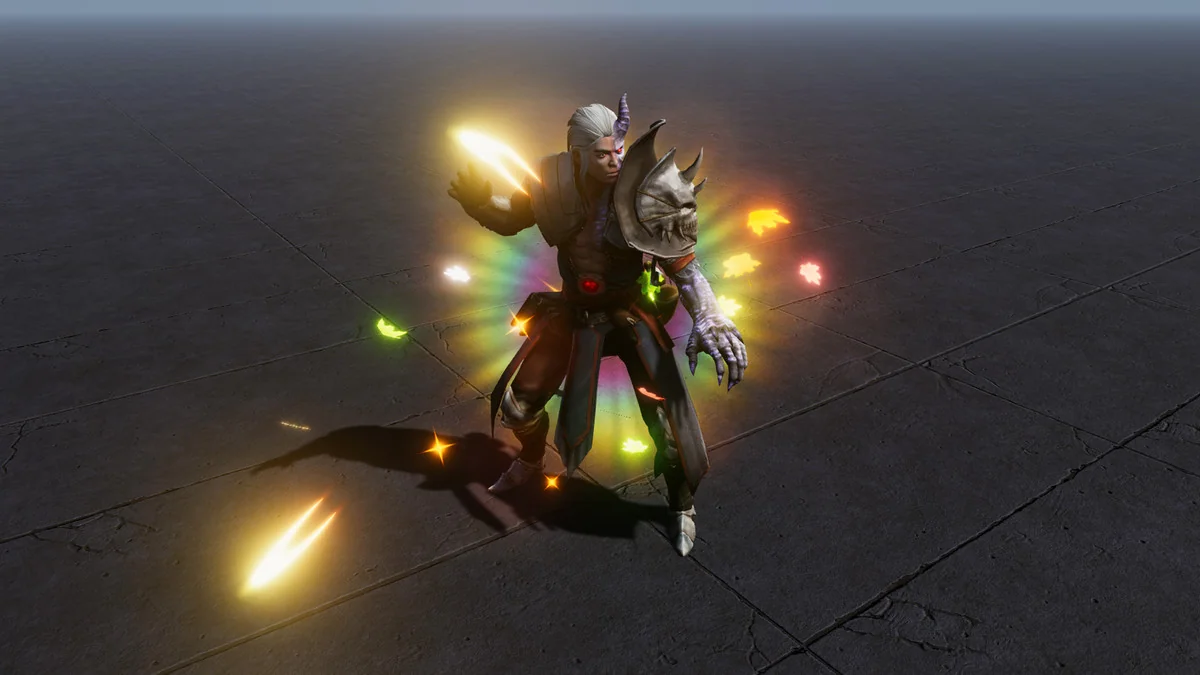
- Autumn aura
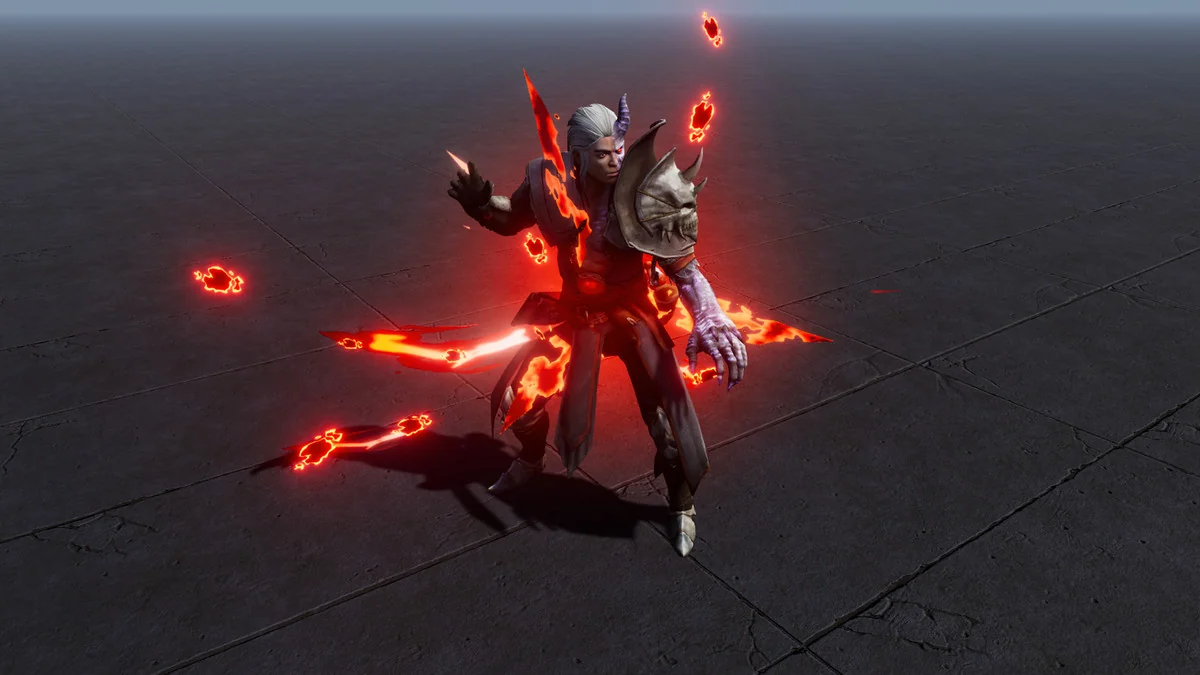
- Blood aura
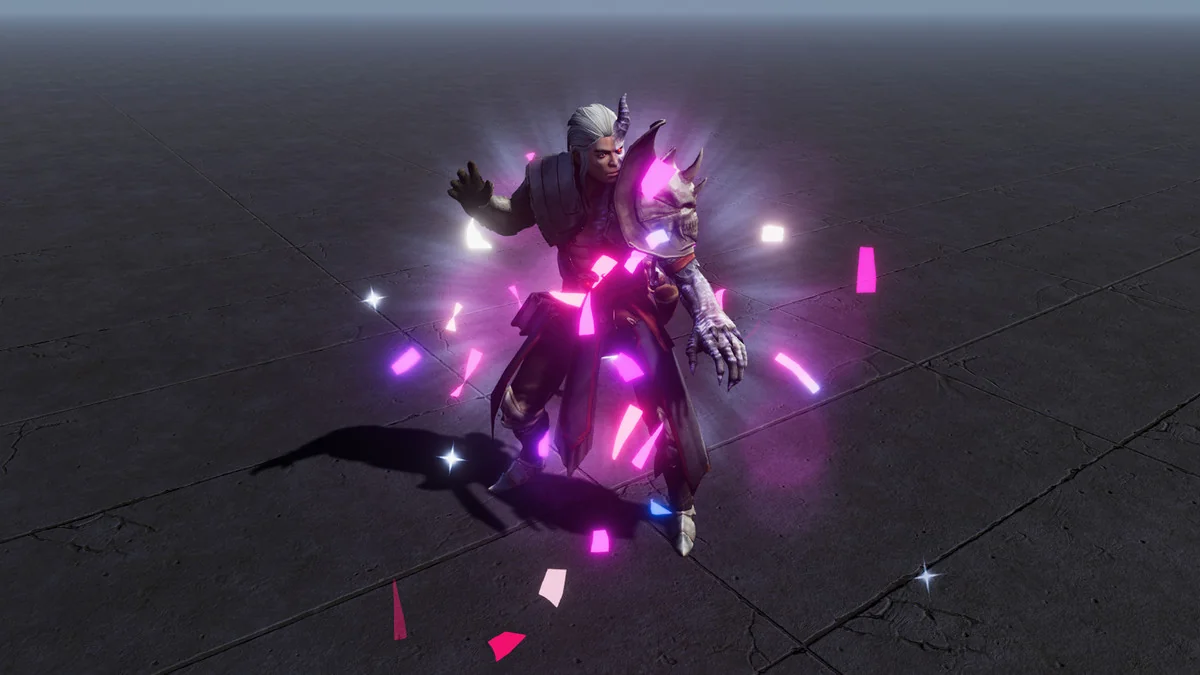
- Confetti aura
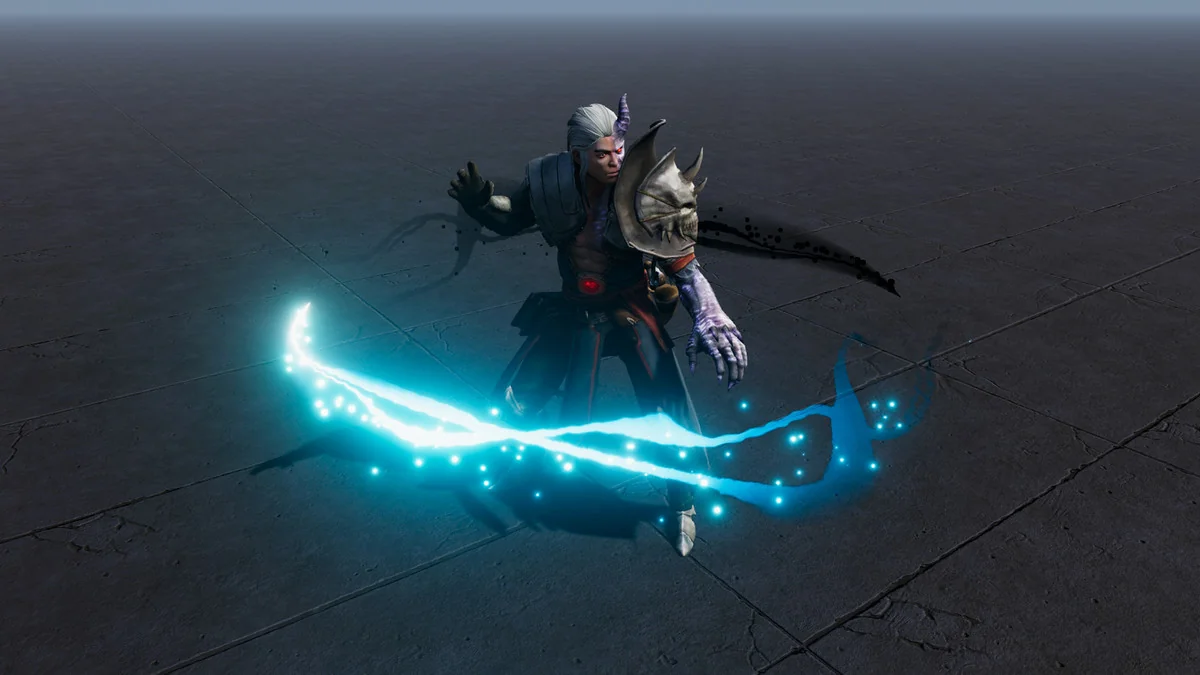
- Fast wind
- Fire aura
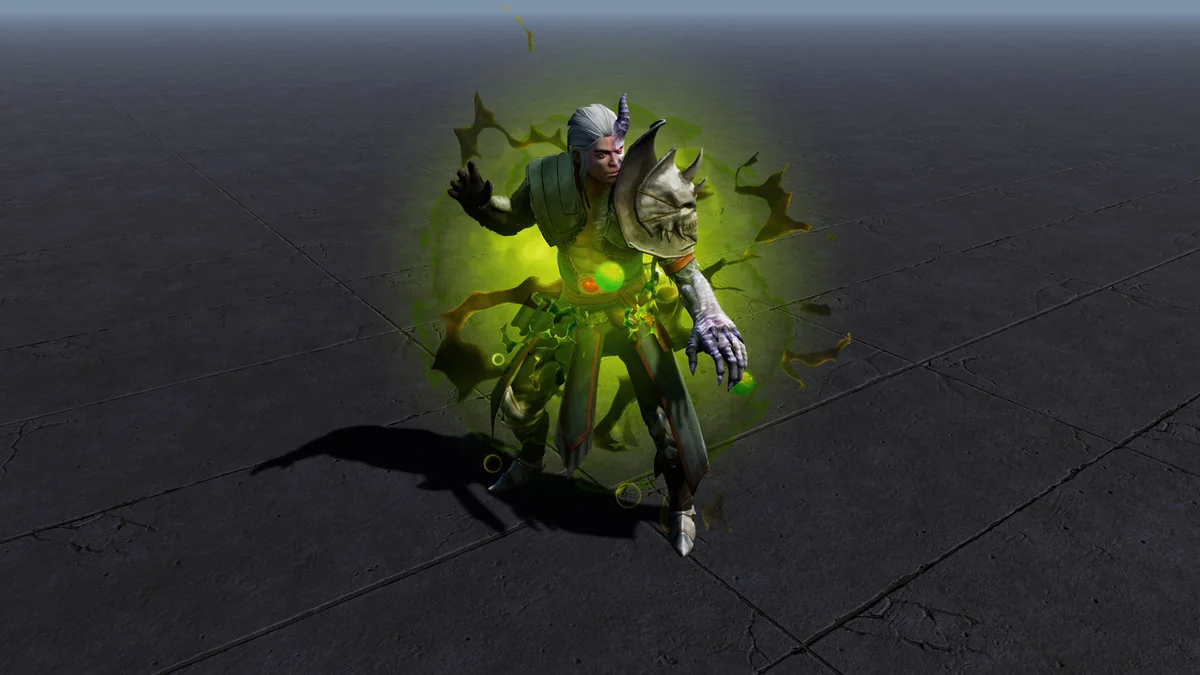
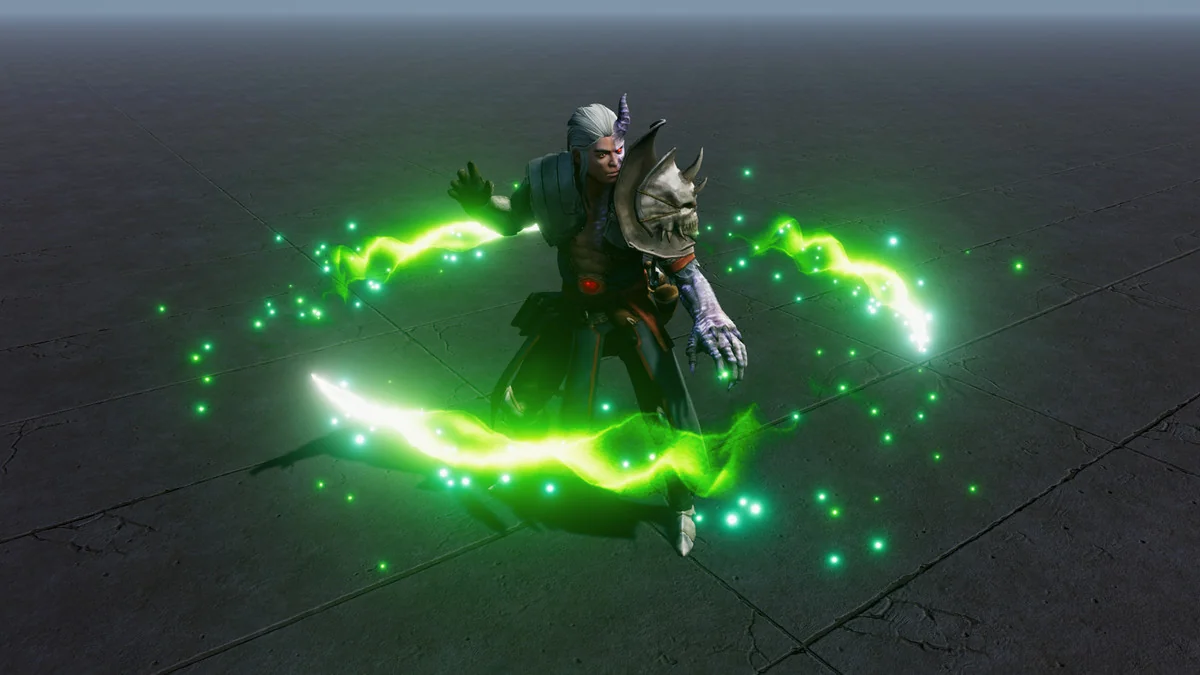
- Forest aura
- Heal aura
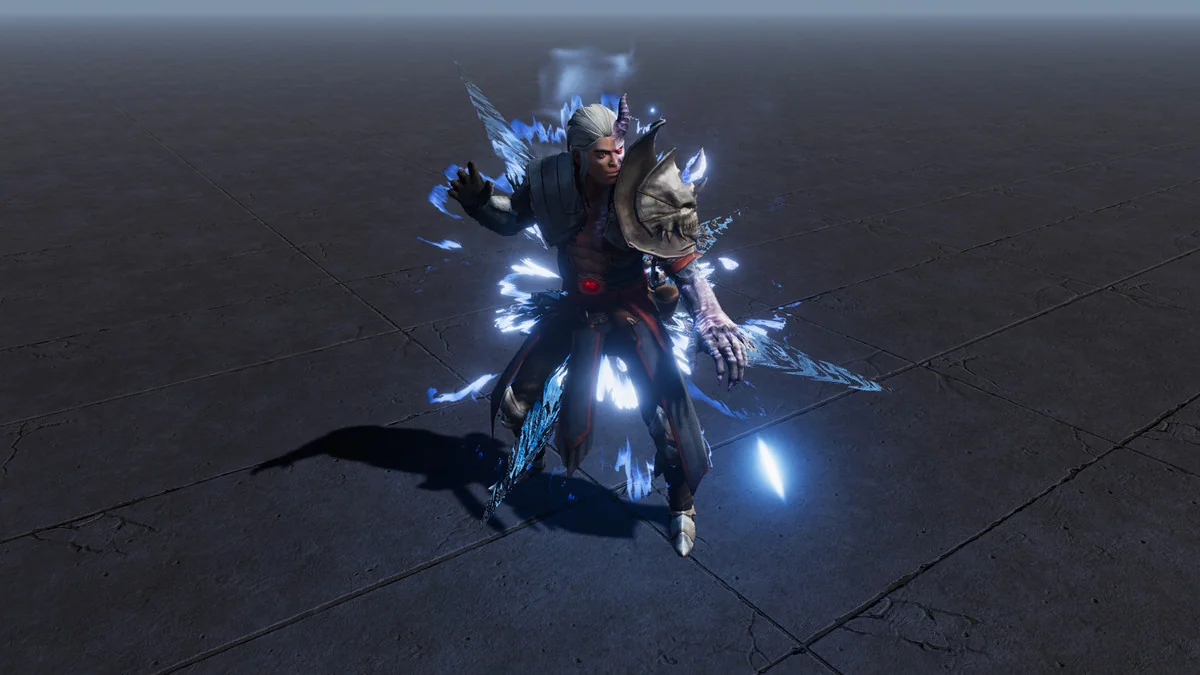
- Ice aura
- In Yang
- Love aura
- Poison aura
- Star aura
That range makes the pack easy to match with different character states or spell themes without shifting away from the same particle-driven style. A fire effect, an ice effect, and a heal effect all stay in the same visual family, while the more expressive options such as blood, love, or confetti can be used when a project needs something less elemental and more character-specific.
Because the prefabs are already prepared as game-ready pieces, the practical workflow is simple: choose the aura that matches the moment, place it in the scene, and keep moving. There is no need to treat the package as a modeling task or rebuild the effect structure from scratch.
Pipeline support and shader notes
The pack is listed as supporting all platforms, and it works with BiRP, URP, and HDRP. Shader Graph is required for BiRP, and it is installed together with the asset. That keeps the package aligned with common Unity rendering setups while still covering the Built-in, URP, HDRP, and Custom SRP compatibility listed for specific Unity versions.
The render pipeline compatibility is given as 2022.3.12f1 for URP, HDRP, and Built-in, and 6000.0.67f1 for HDRP, Built-in, URP, and Custom SRP. Supported Unity versions are 2022.3.12 and 6000.0.67, with 2022.3.12 noted as the original Unity version. For teams working across different project branches, that compatibility detail matters more than the visual theme alone.
The promo videos and images use the free post-processing effect Bloom. That is separate from the aura pack itself, but it explains the brighter presentation seen in the media and gives a clear reference point for how the effects can look when viewed with post-processing enabled.
Package details, version history, and what is included
The package comes as a unitypackage and contains 136 assets. Its file size is 36.3 MB, and it sits in the Spells category with the path vfx/particles/spells. The current release is version 2.0, with the latest release date set to Feb 18, 2026. It was first published on Feb 23, 2023.
The update history shows the pack being refined over time. Version 2.0 updated all shaders and optimized the effects. Version 1.2 rewrote the Blend_LinePath shader for better trail control and fixed an emission glitch in the Blend_TwoSides shader when using backface fresnel. Version 1.1 improved shaders so depth is disabled for Deferred render path or orthographic camera. Version 1.0 was the first release.
That history points to a package that is not just a static set of visuals. Shader behavior, trail handling, and render-path handling have all been adjusted across releases, which is relevant if the aura effects need to behave consistently in an actual production scene rather than just in a preview.
For a project that needs spell-like aura visuals, character-specific particle effects, or quick placeholder-to-final VFX placement, Character Auras 3 is most relevant when the goal is to drop in a ready aura and keep the scene moving. Teams working in Unity and using Built-in, URP, or HDRP will get the clearest fit from it.
Preview Images
Protected download
Access this resource
All resources are 100% manually reviewed to eliminate all risks.