Dynamic Audio Management via Sequences
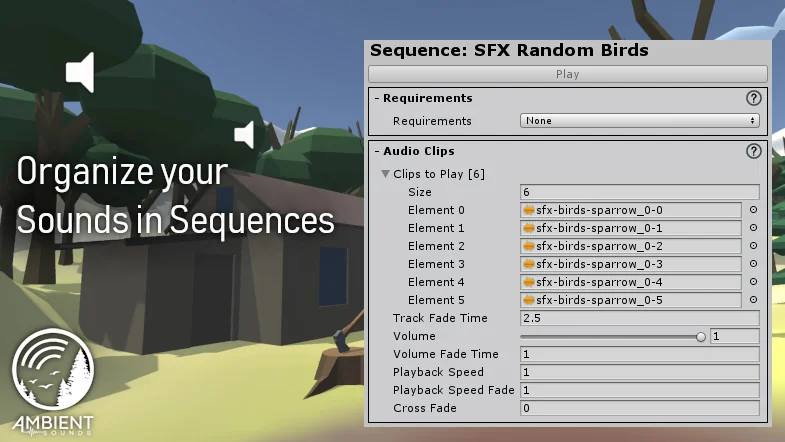
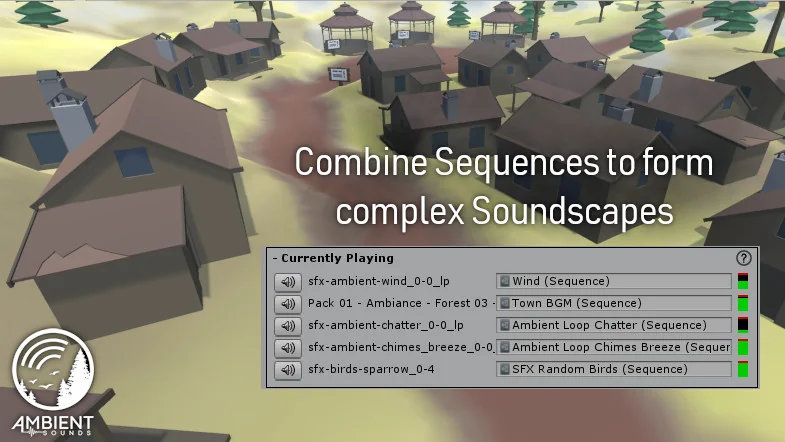
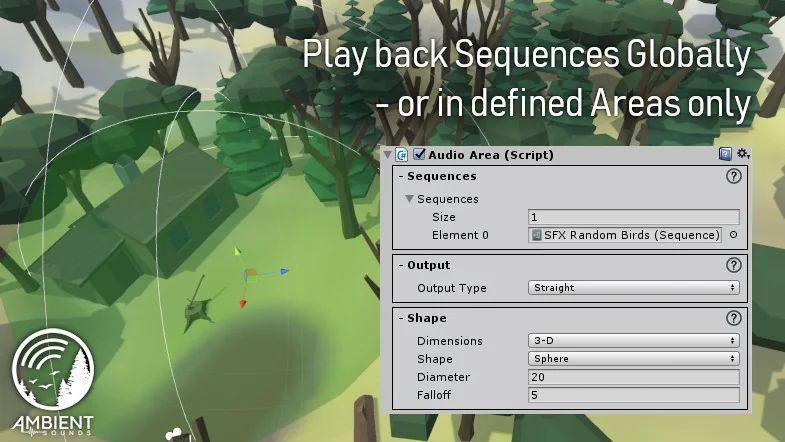
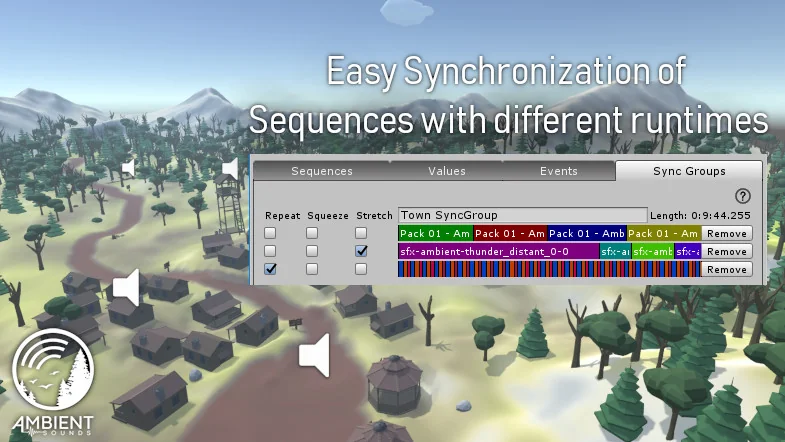
Ambient Sounds introduces a structured approach to environmental audio in Unity 6 by organizing tracks and effects into what the developer calls Sequences. Rather than relying on a collection of individual audio scripts scattered across a scene, this system centralizes audio playback logic. By grouping sounds into sequences, developers can create layered soundscapes that evolve based on the state of the game world. This method is designed to reduce the overhead of managing dozens of separate audio components, allowing for a more cohesive audio environment that can be adjusted from a central location.
The Event and Modifier System
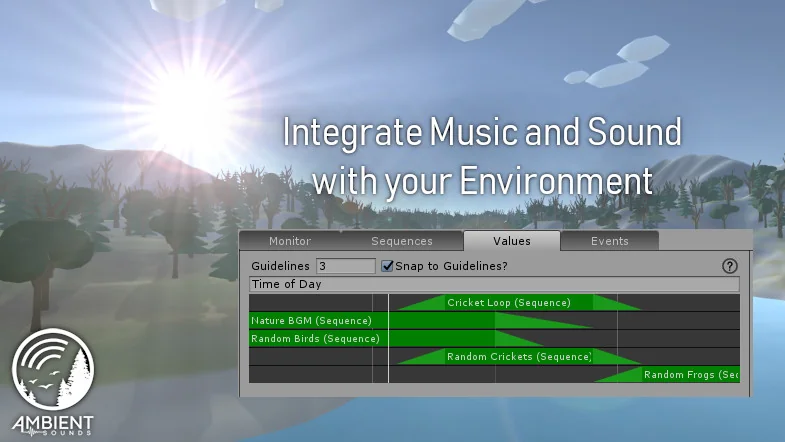
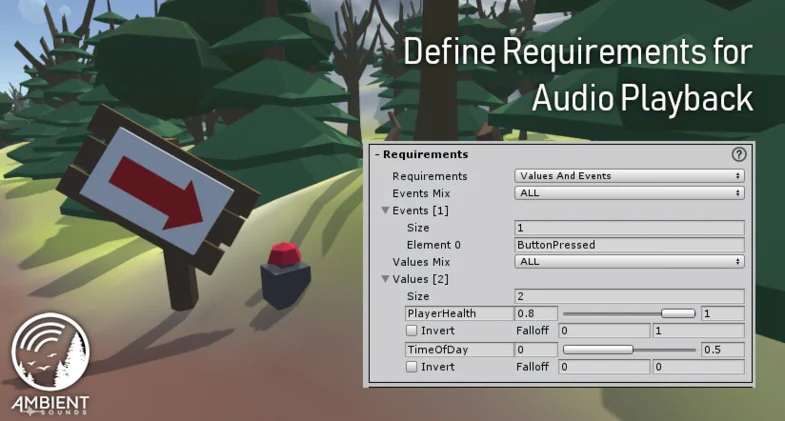
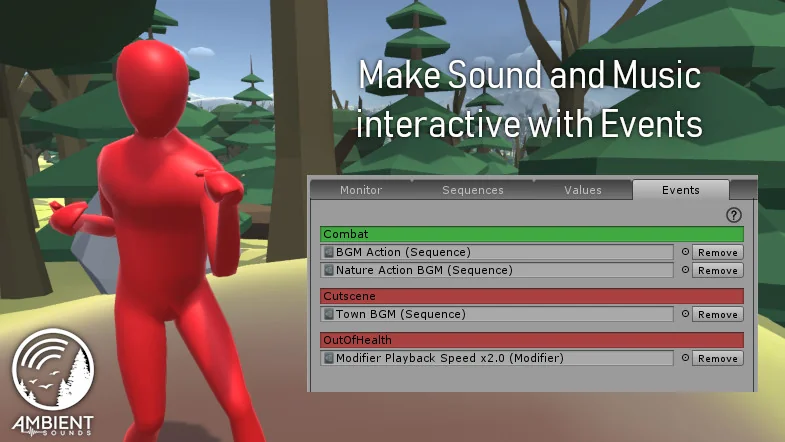
To control how and when audio transitions occur, Ambient Sounds utilizes an Event and modifier system. This functionality is built to be accessible to creators who prefer a no-code workflow. The system allows for the definition of specific conditions that dictate which sounds are triggered and how they are modulated. Because these modifiers handle the logic of the ambient audio, developers can implement complex auditory behaviors—such as sounds that shift based on environmental changes—without writing custom scripts. This makes the tool particularly useful for sound designers and environment artists who need to iterate on the atmosphere of a level without constant programmer intervention.
Real-Time Monitoring and Debugging
One of the more technical features of the package is the Monitor window. This interface provides a real-time overview of the game’s audio state, displaying debug information that explains exactly which sounds are playing and the logic behind why they were triggered. In complex scenes where multiple sequences and modifiers might be active simultaneously, this window serves as a diagnostic tool to ensure that the interactive soundscape is behaving as intended. Having visibility into the internal logic of the audio system helps identify conflicts or timing issues that might otherwise be difficult to track down in a standard Unity scene view.
Integration with the Procedural Worlds Ecosystem
Ambient Sounds is designed to function as a standalone tool but is also integrated into a broader suite of world-building utilities. The developer places this tool within a hierarchy of resources ranging from Gaia, which is tailored for beginners and hobbyists, to Gaia Pro VS, which is intended for professional terrain and environment workflows. For those working at a larger scale, the tool is also compatible with Storm, an advanced system designed for MMO support and render acceleration. This integration suggests that Ambient Sounds is built to scale alongside different levels of project complexity, from simple prototypes to dense, optimized worlds.
Included Audio Assets and Workflow Benefits
To assist with immediate implementation, the package includes a library of professionally produced music and sound effects. This allows developers to begin building soundscapes immediately using the sequence and modifier systems without needing to source external assets first. By providing both the management system and the content, the tool aims to bridge the gap between world-building and final audio polish. The primary benefit for Unity 6 users is the shift away from fragmented audio setups toward a unified system that handles the technical heavy lifting of interactive sound design.
This system is best suited for developers looking to move beyond static audio triggers in favor of a more reactive environment. Whether used as part of a larger bundle or as a specialized sound tool, it provides the necessary framework to manage the complexity of modern game audio within the Unity 6 engine.
Project Screenshots
Protected download
Access this resource
All resources are 100% manually reviewed to eliminate all risks.