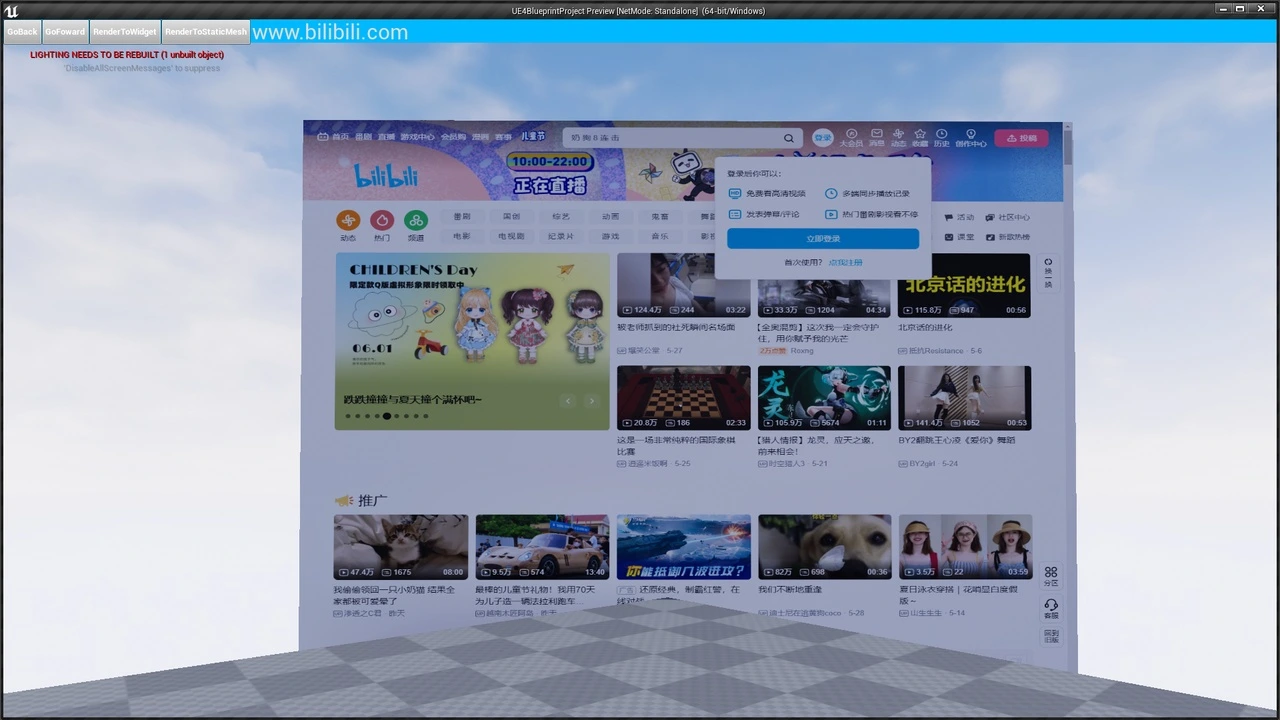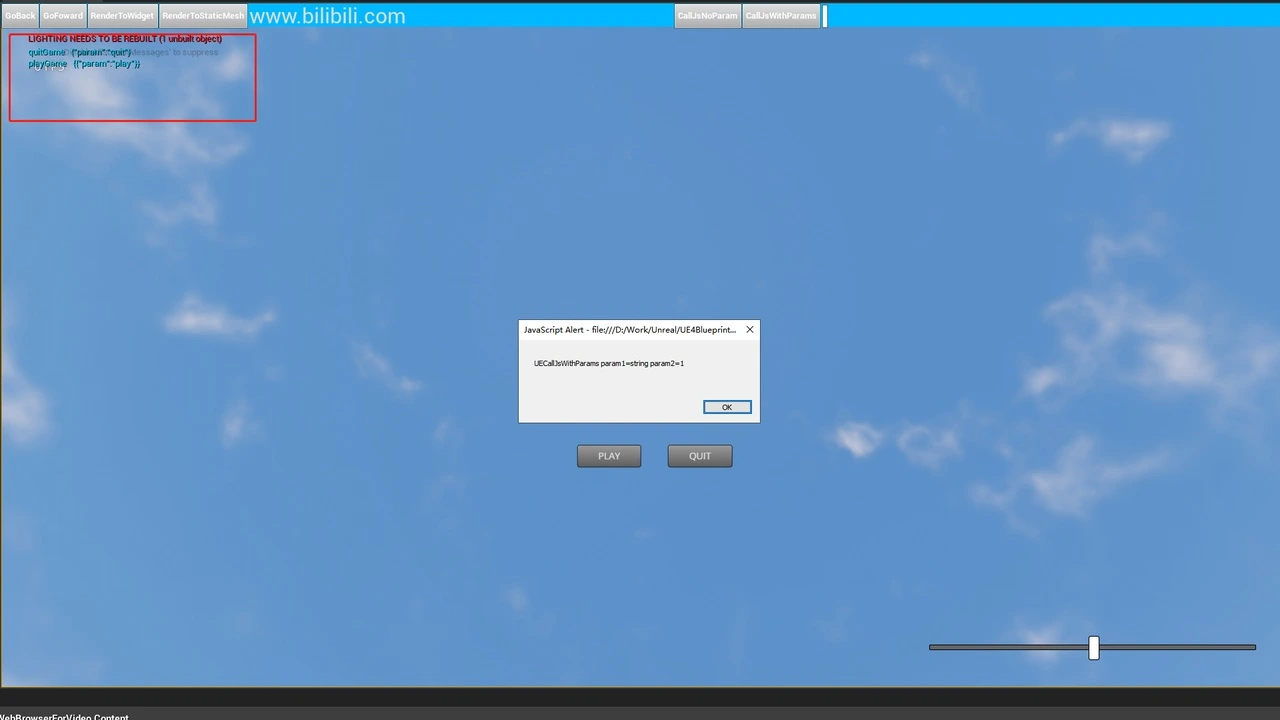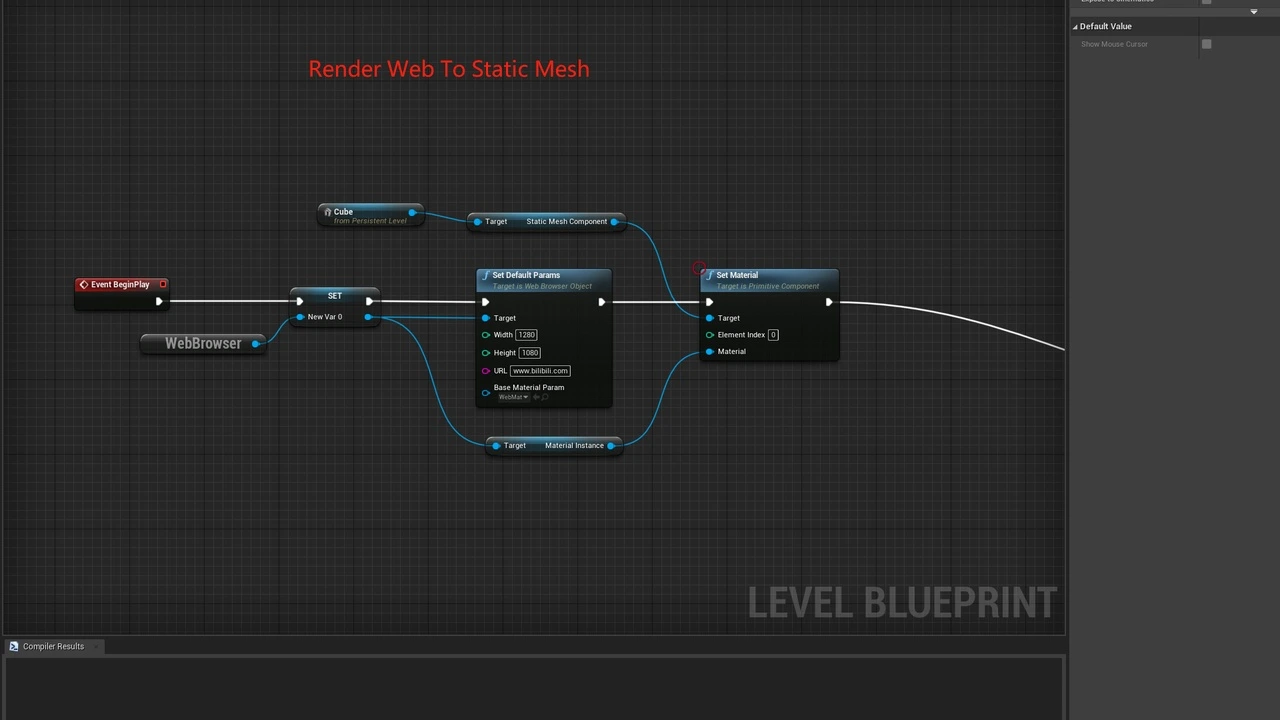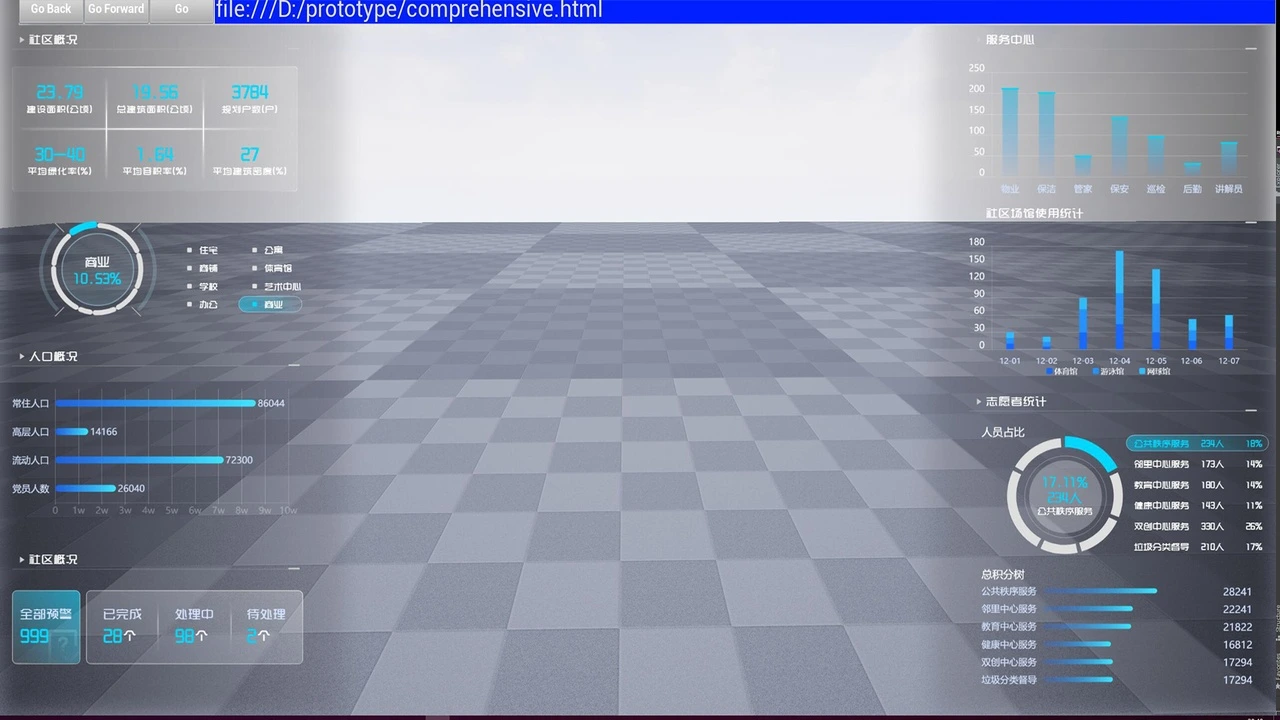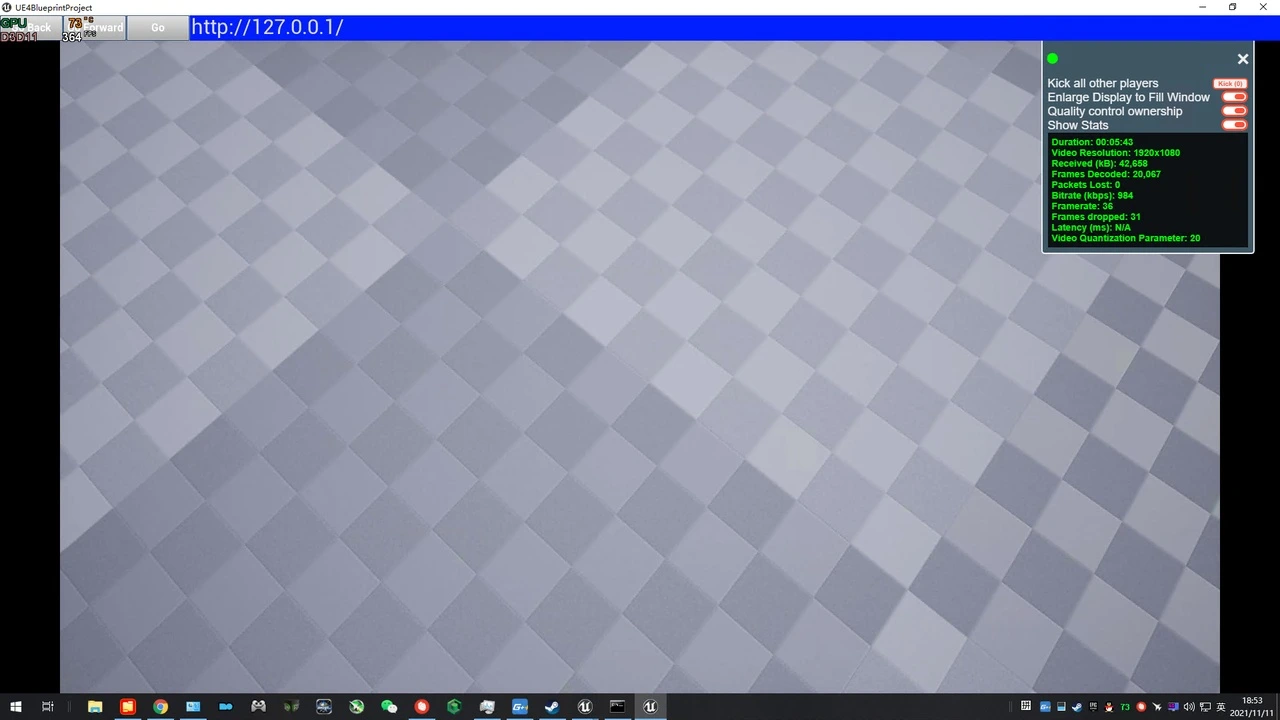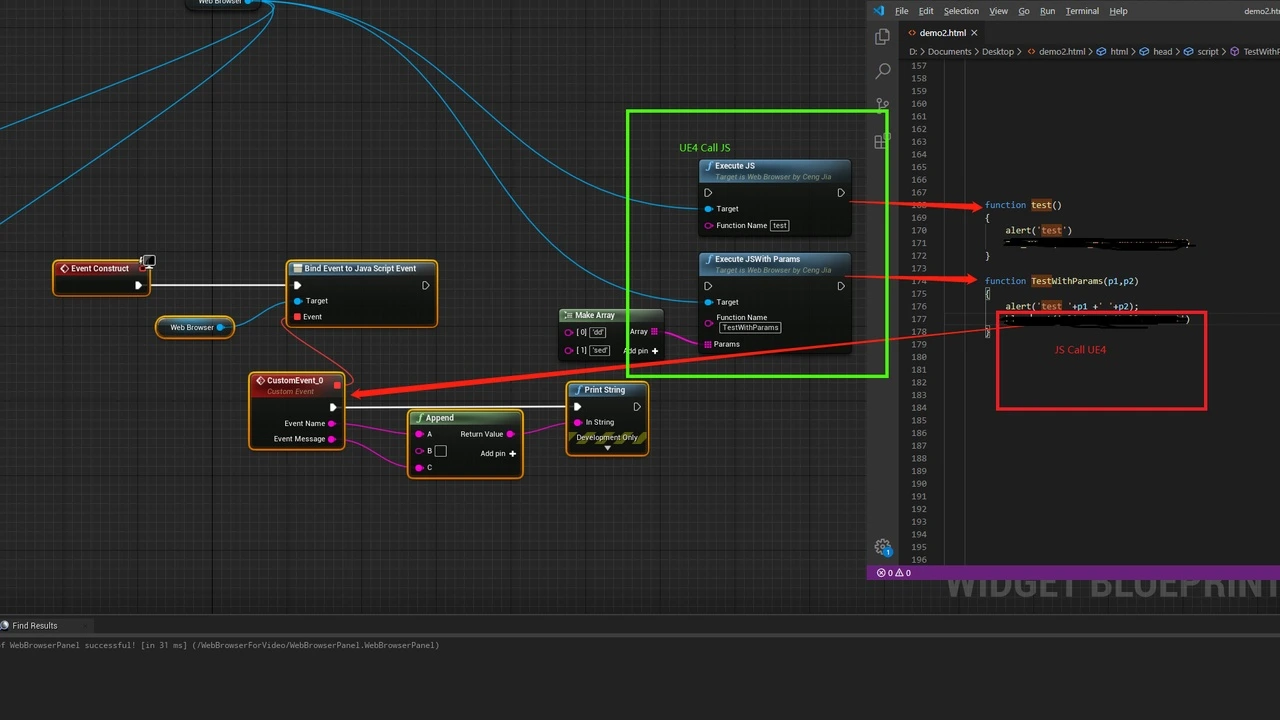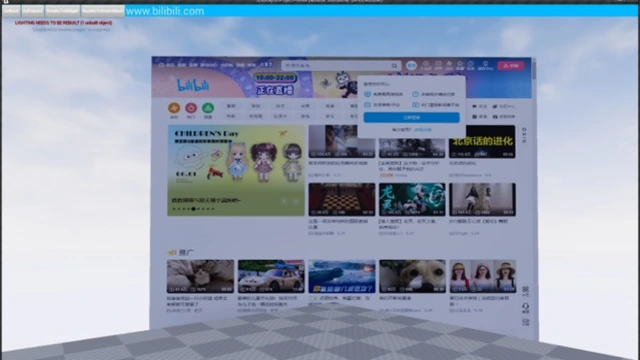
Tired of slow, laggy web UIs in your Unreal Engine projects? Our High-Performance In-Game Web Browser is the solution you’ve been looking for. This powerful plugin is engineered from the ground up to render multiple, high-frame-rate browser windows directly onto any static mesh in your scene, unlocking new possibilities for interactive displays, dynamic UIs, and immersive experiences.
Stop compromising on performance and start building truly dynamic worlds today.
Key Features & Benefits
- Unparalleled Performance & Smoothness: First and foremost, this plugin is built for speed. It delivers a significantly higher frame rate compared to standard web browser solutions, ensuring that even complex web pages or video streams render smoothly without impacting your project’s overall performance.
- Render Directly onto Any 3D Object: Unleash your creativity by rendering web content not just on a flat plane, but on any static mesh. This means you can create interactive computer screens, dynamic billboards in a city, or futuristic displays on curved surfaces, seamlessly integrating web content into your 3D environment.
- Support for Multiple Browser Windows: Need to display information from several web sources at once? Our plugin efficiently handles multiple browser instances simultaneously, giving you the flexibility to build complex and information-rich UIs within your game or application.
- Full Interactivity with Keyboard Input: Your web content isn’t just for display. The plugin supports keyboard input, allowing users to interact with web pages directly within your project. To begin typing, simply press the ‘Tab’ key while in PIE (Play In Editor) mode.
Technical Details & Compatibility
To ensure optimal performance and avoid conflicts, this plugin is designed to be the primary web rendering solution in your project.
- Required Configuration: For the plugin to function correctly, please disable other web browser plugins such as the built-in WebBrowserWidget and the Quixel Bridge plugin before use.
- Cesium Integration: This plugin is fully compatible with Cesium for Unreal. To ensure a smooth integration, follow these simple steps:
- First, remove any other Cesium plugin from your project.
- Next, download the provided compatibility files.
- Finally, unzip and place the files into your project’s Plugins directory.
Elevate Your Project Today
Whether you’re building a complex training simulation, an interactive architectural visualization, or a next-generation game with dynamic in-world UIs, this plugin provides the performance and flexibility you need.
Stop letting slow web rendering hold you back. Download the High-Performance In-Game Web Browser today and revolutionize how you integrate web content into your Unreal Engine projects!
Click here to view the full details of the resource.:URL