Do you need to migrate assets to a different project that uses an older Unreal Engine version ?
Have you migrated assets to an earlier version of the Unreal Engine and they don’t seem to “appear” in the content browser ?
Do you want to make your assets available to people using earlier versions of Unreal Engine ?
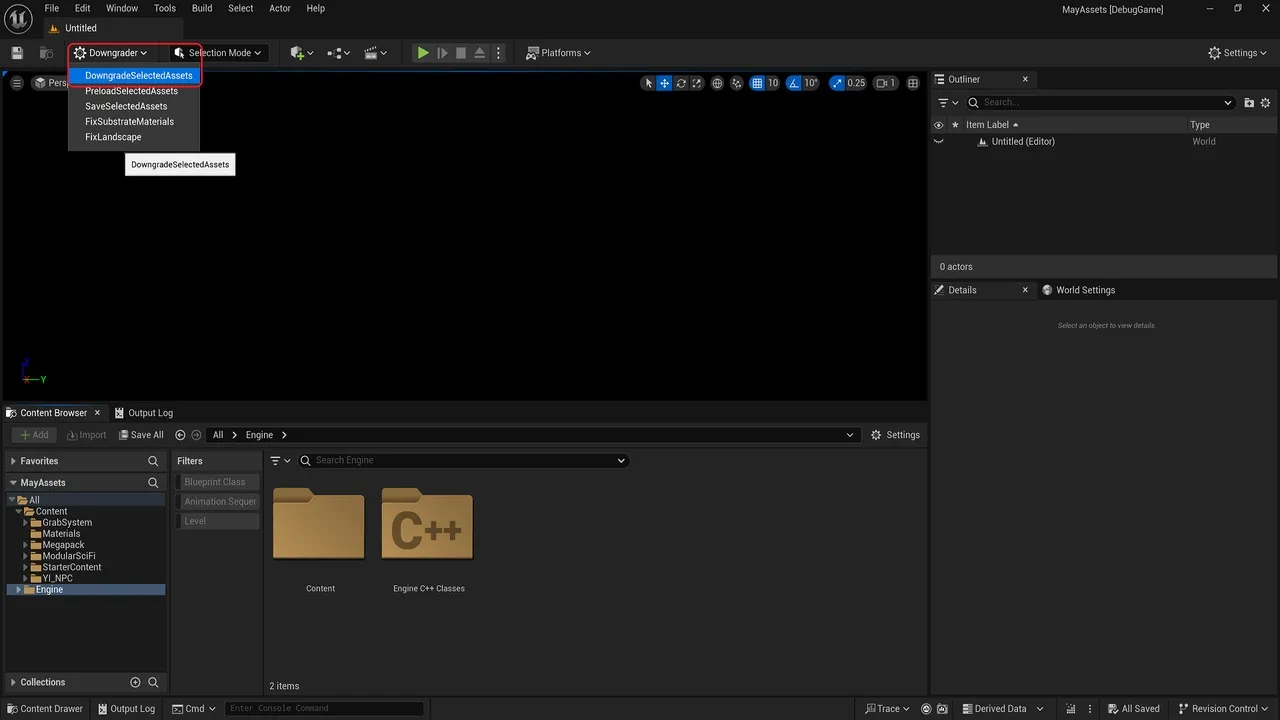
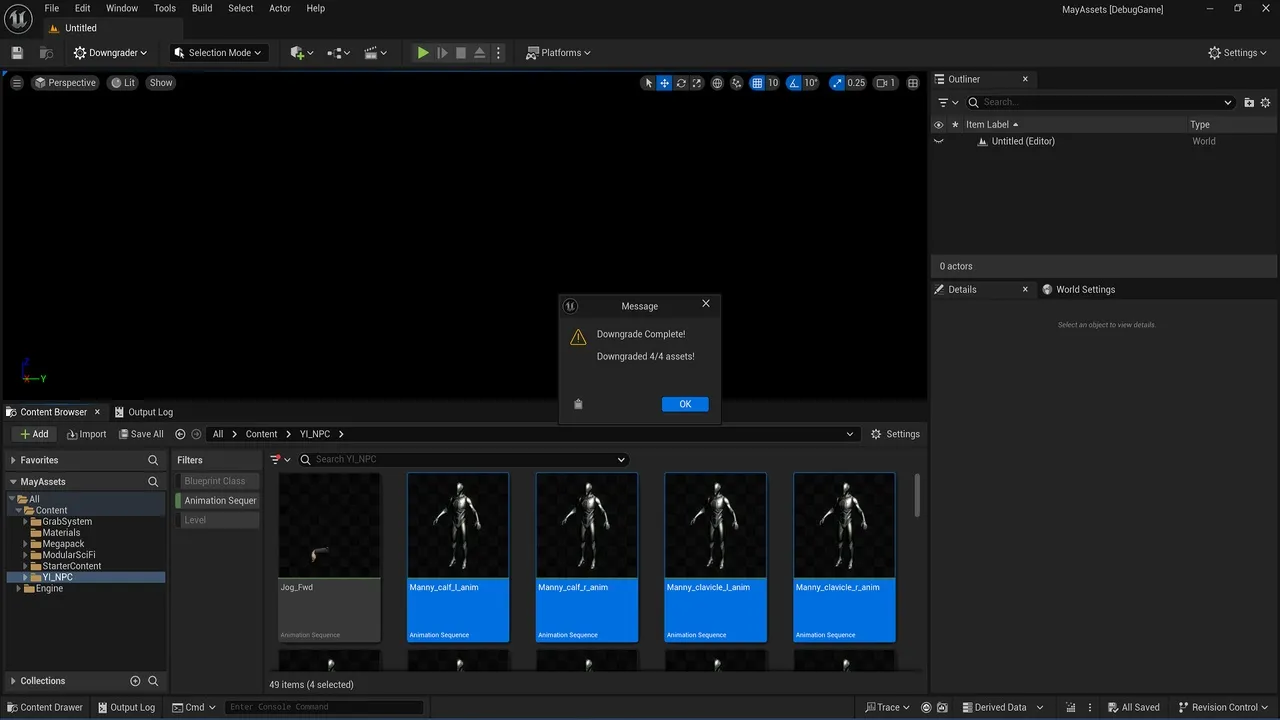
Then what you need is to use the Asset Downgrader to downgrade those assets to the specific version you want.
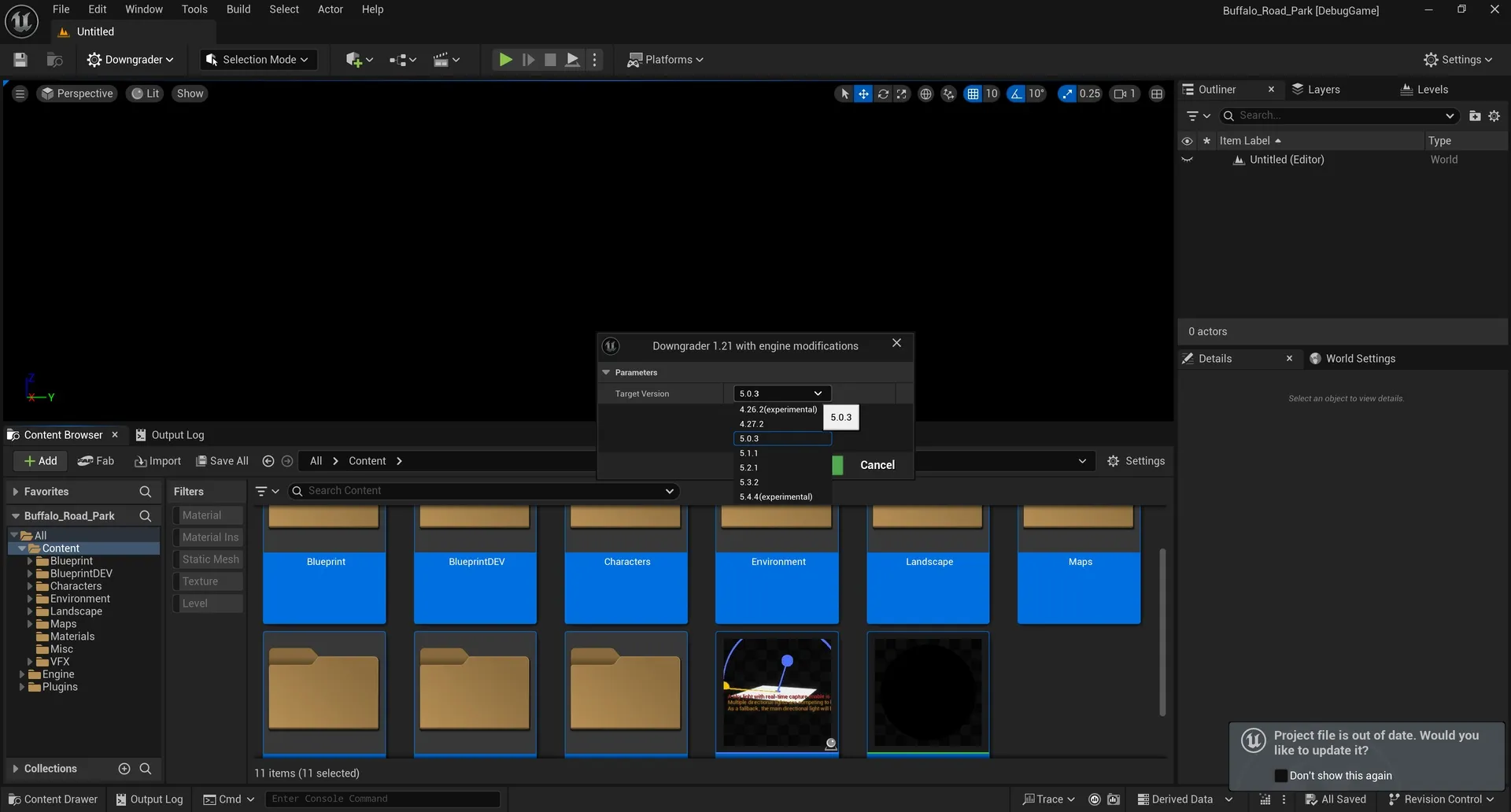
Asset Downgrader will downgrade assets to 5.5.4, 5.4.4, 5.3.2, 5.2.1, 5.1.1, 5.0.3, 4.27, 4.26 . It works by first upgrading the assets to Source Version (5.3-5.6), and then applying various patches to the .uasset files in order to make them compatible with the TargetVersion, just without the newer data (i.e. nanite data is removed for a 4.27 downgrade). Do note that features of the newer unreal versions (like nanite on masked materials, new material nodes, new niagara modules) can’t be ported to the old versions.
Click here to view the full details of the resource.:URL
Click the button below to download.
Download: