Ambient Sounds – Interactive Soundscapes for Unity 6 creates interactive soundscapes system for your game
Welcome to Ambient Sounds
- Purchase Ambient Sounds to create an Interactive Soundscapes system for your game.
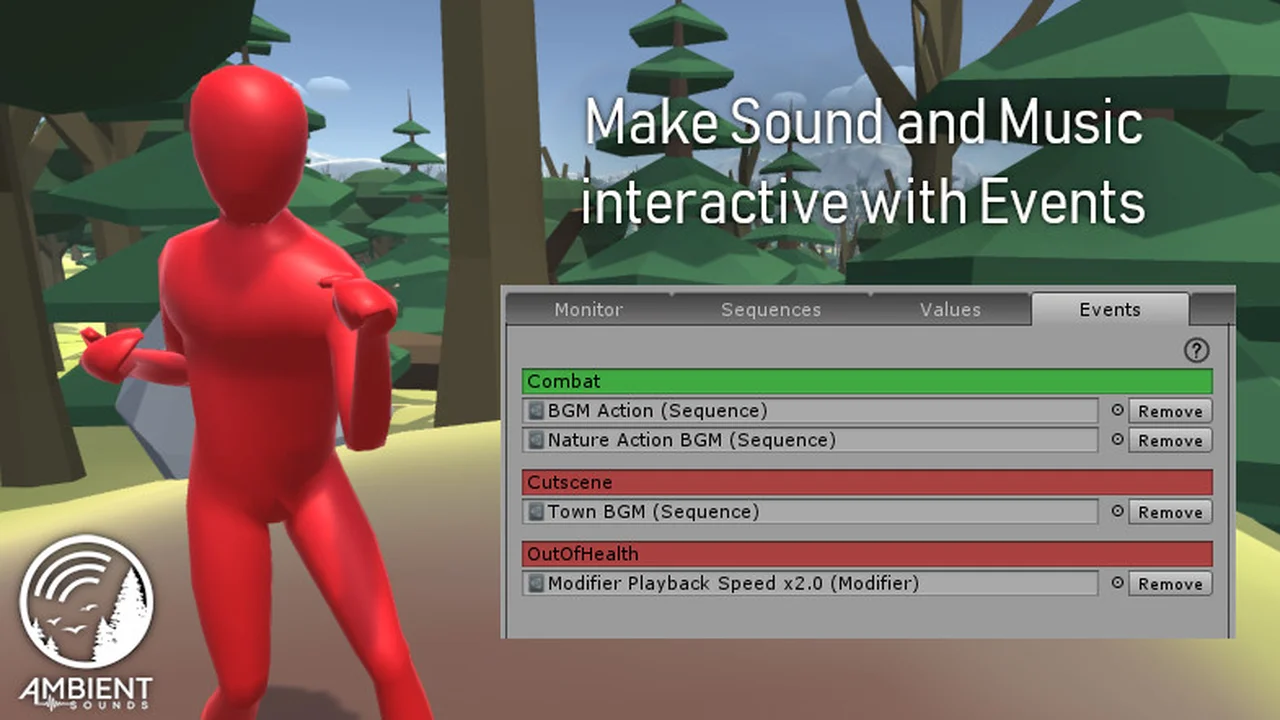
- Ambient Sounds is an easy-to-use sound system that organizes your tracks and effects into Sequences to create dynamic soundscapes for your game. The Event and modifier system allows you to control which sounds are being played in your ambient audio without writing a line of code.
- You can keep an overview of your game audio through a Monitor window that shows debug information about which sounds are being played and why in real-time. Ambient Sounds also comes with a library of professionally composed and produced music and sound effects to get you up and running. Stop fiddling with dozens of individual audio scripts in your scene and take back control with Ambient Sounds!
What can I do with Ambient Sounds?
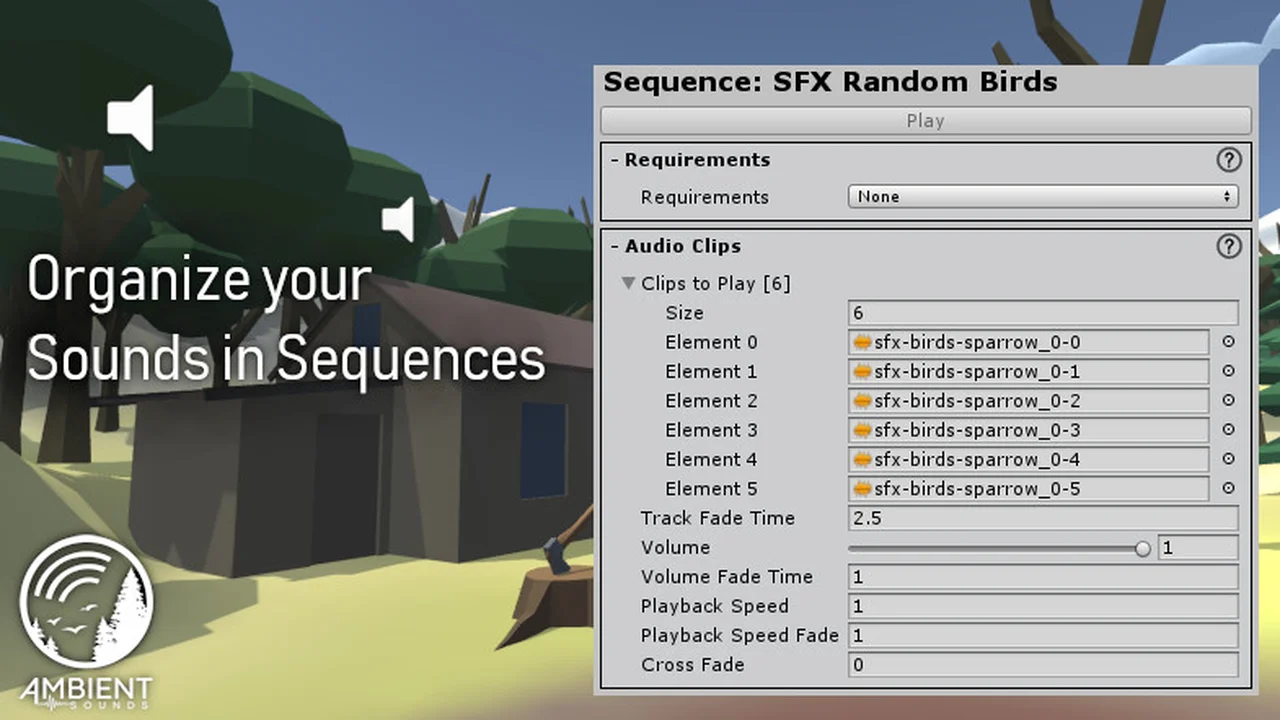
- Organize your audio clips into Sequences with combined playback settings
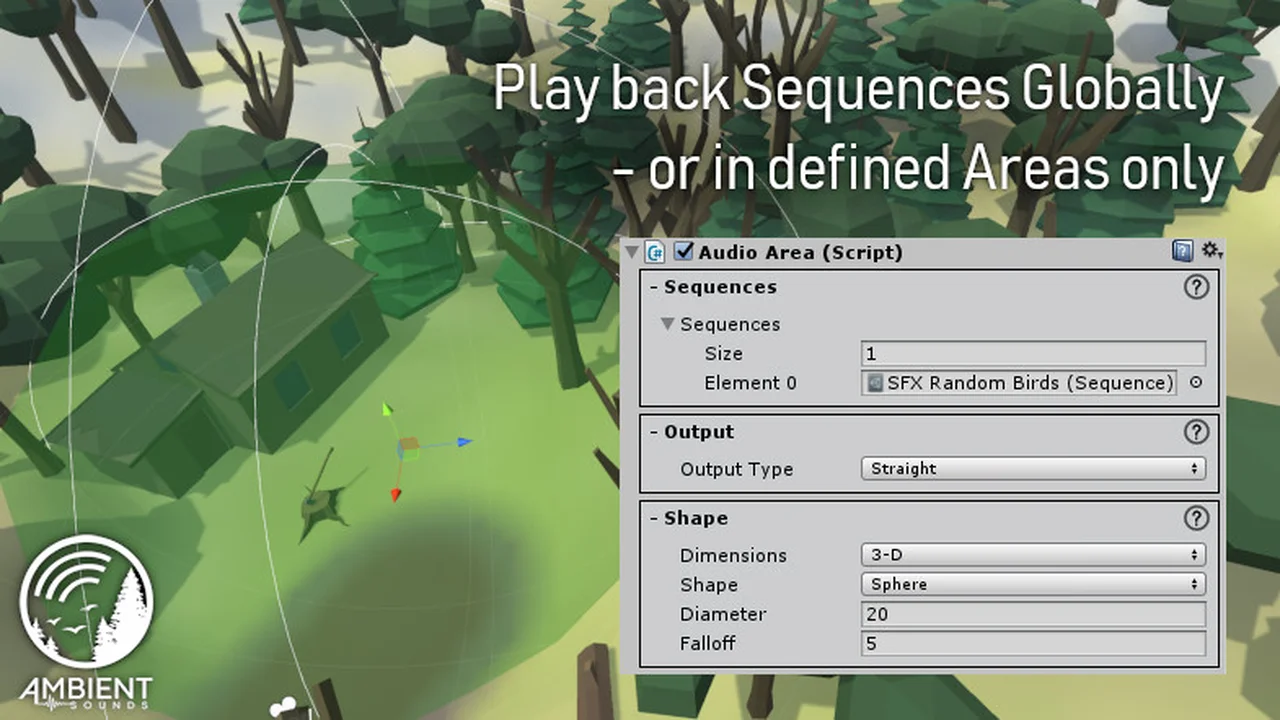
- Play Sequences either globally or locally in a certain area of your game world
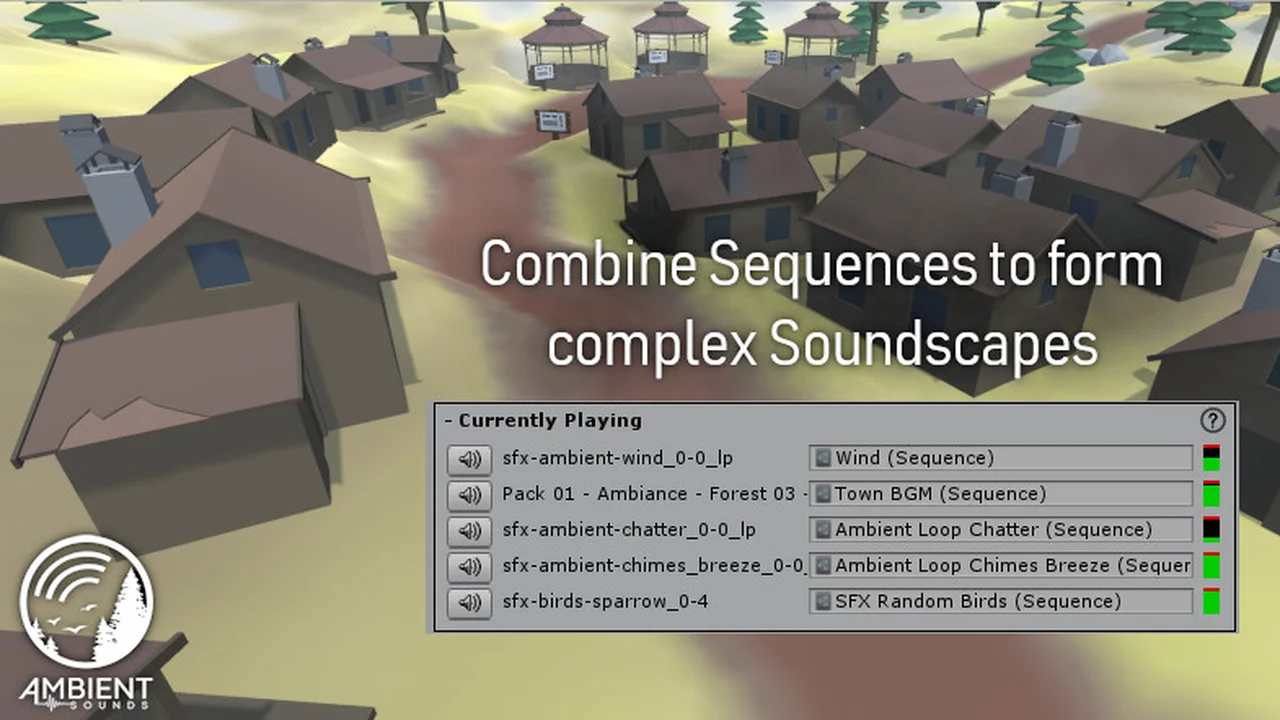
- Pair multiple Sequences of background noises and music to create a unique soundscape for each location in your game
- Blend seamlessly between soundscapes in different regions
- Make Sequences interactive by controlling them through Requirements
- Modify Sequences on the fly to react to Events in your game
- Synchronize Playback between Sequences to make them start and end at the same time even if they are different in duration
- Keep control over your Ambient Audio setup with comprehensive lists of all Sequences and conditions in your scene in the Ambient Sounds Manager Window.
How could I use this in my game?
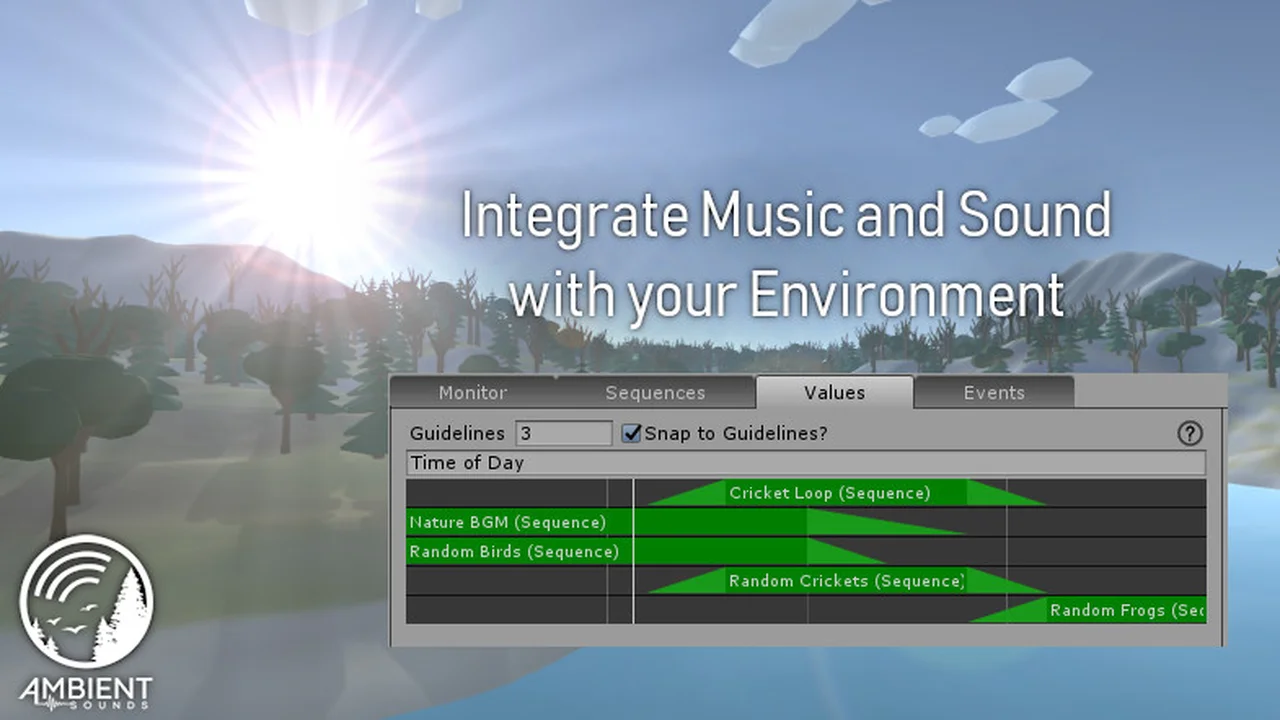
- Create a forest soundscape that plays back different music and sounds (birds, frogs, branches breaking, wind rustling) depending on the time of day and/or weather;
- Play sounds coming from random places around the player or a certain location;
- Play more and more intense wind as the player scales up a mountain;
- Change the music to a combat theme as the player gets attacked;
- Slowly blend to a dark and moody soundtrack when the player enters a cave;
- Make a sequence more and more intense by adding additional sequences that playback more music/sounds;
- Play music faster as the game enters the final seconds before the time limit ends;
- Automatically duck / mute music playback while dialogue audio plays;
- Stop music playback as the player enters a building and resume as they leave again;
- Play sounds around the player that follows the player’s movement as they weave a magical spell;
- Quickly re-use the Ambient Audio Areas in different places of your game or in other projects.
Click here to view the full details of the resource.:URL

Click the button below to download.
Download: