Setup starts with the right Unity pipeline
World Streamer 2 is a memory streaming and optimization system for Unity, and it is marked as a tool for advanced Unity users. The setup path depends on the render pipeline you are using, especially when working in HD RP or URP. In those cases, the support pack inside the HD and URP support Folder replaces shaders, prefabs, and meshes so they work with the chosen pipeline out of the box. The readme files in that folder are part of the process, so the integration is not just a drag-and-drop step.
The supported Unity range is broad. The package is listed for Unity 2019, Unity 2020, Unity 2020.1+, Unity 2020.2+, Unity 2020.3+, Unity 2021.1+, Unity 2021.2+, Unity 2021.3+, Unity 2022.1+, Unity 2022.2+, Unity 2022.3+, Unity 2023.1+, Unity 2023.2+, Unity 6+, Unity 6.1+, Unity 6.2+, Unity 6.3+, and Unity 6.4+, with HD RP, URP, and Built-in called out across that range.
What the streaming system changes
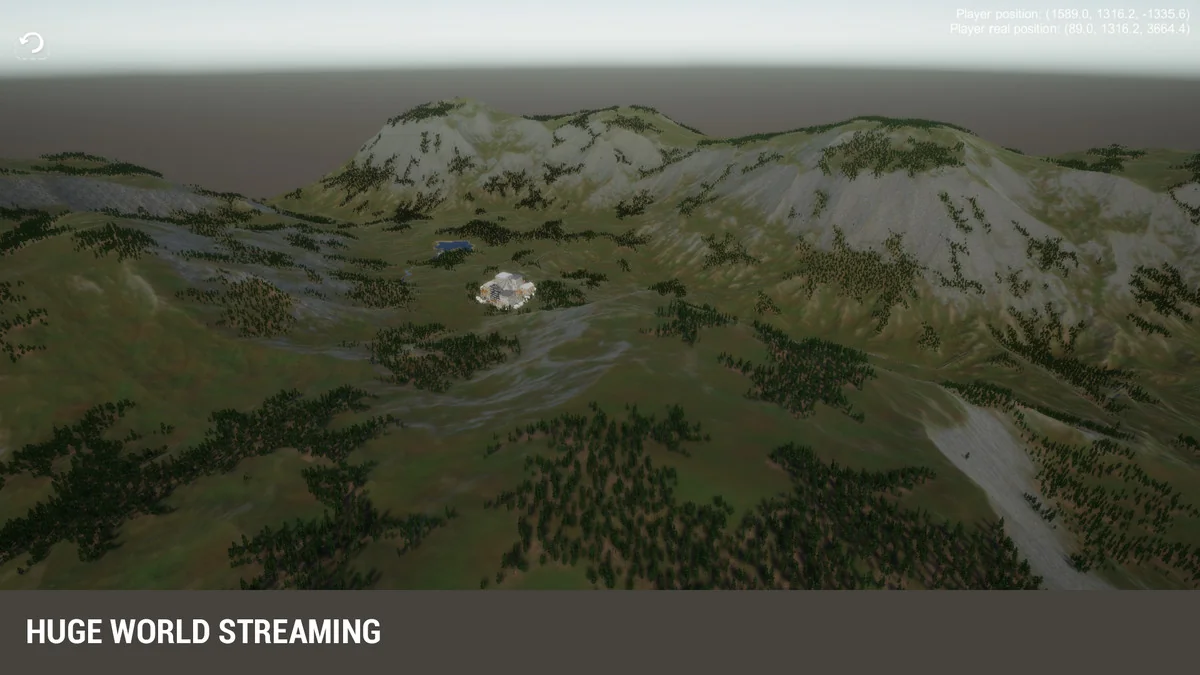
At its core, World Streamer 2 streams a game from disc in any axis and space. That gives large worlds room to move beyond a fixed boundary while the player is active. The package also lets the background of a scene become a low-poly representation, which changes how distant parts of the world are handled without forcing a loading break in the middle of movement.
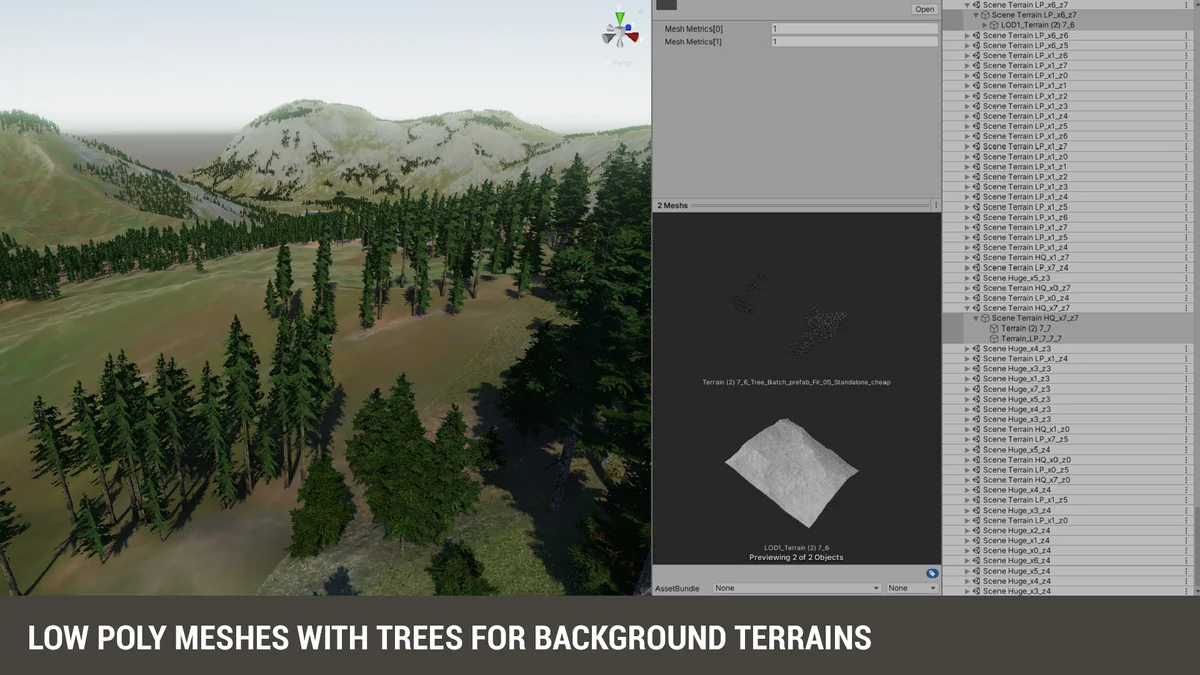
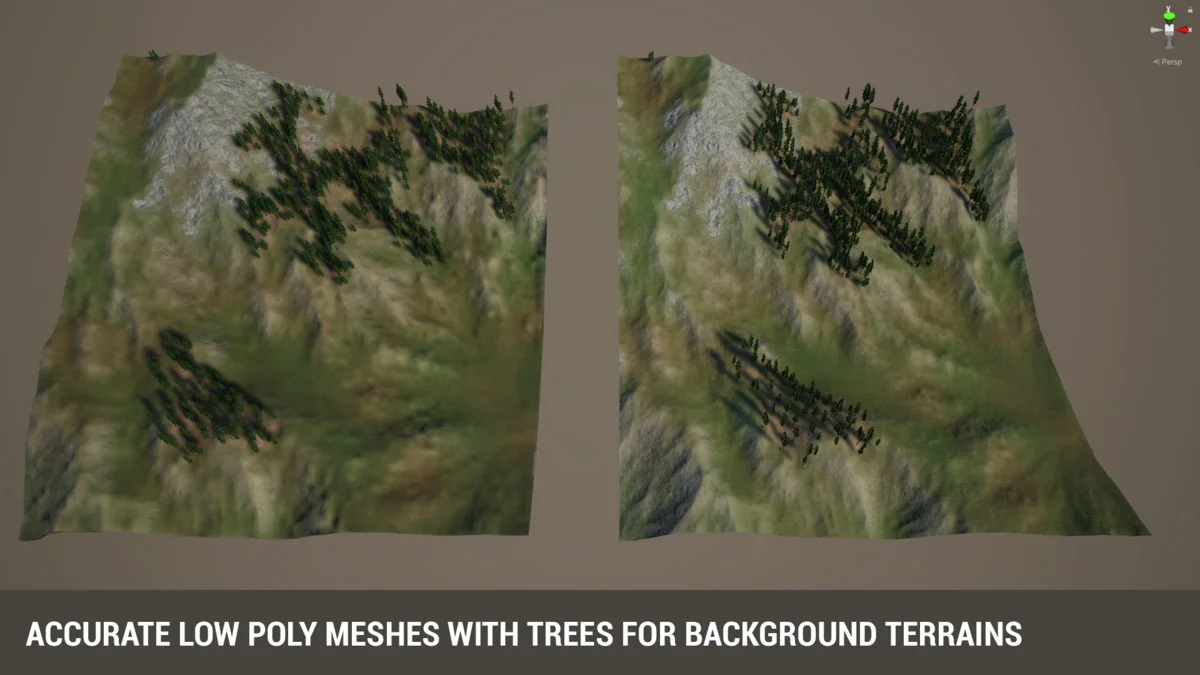
A floating point fix system is included as part of the workflow. Ring streaming is another part of the package, and it replaces Unity terrains with low-poly meshes in the far distance. The result is a workflow that keeps the visible world under control while the heavier parts of the scene are only brought in when they are needed.
Scene scale without loading screens
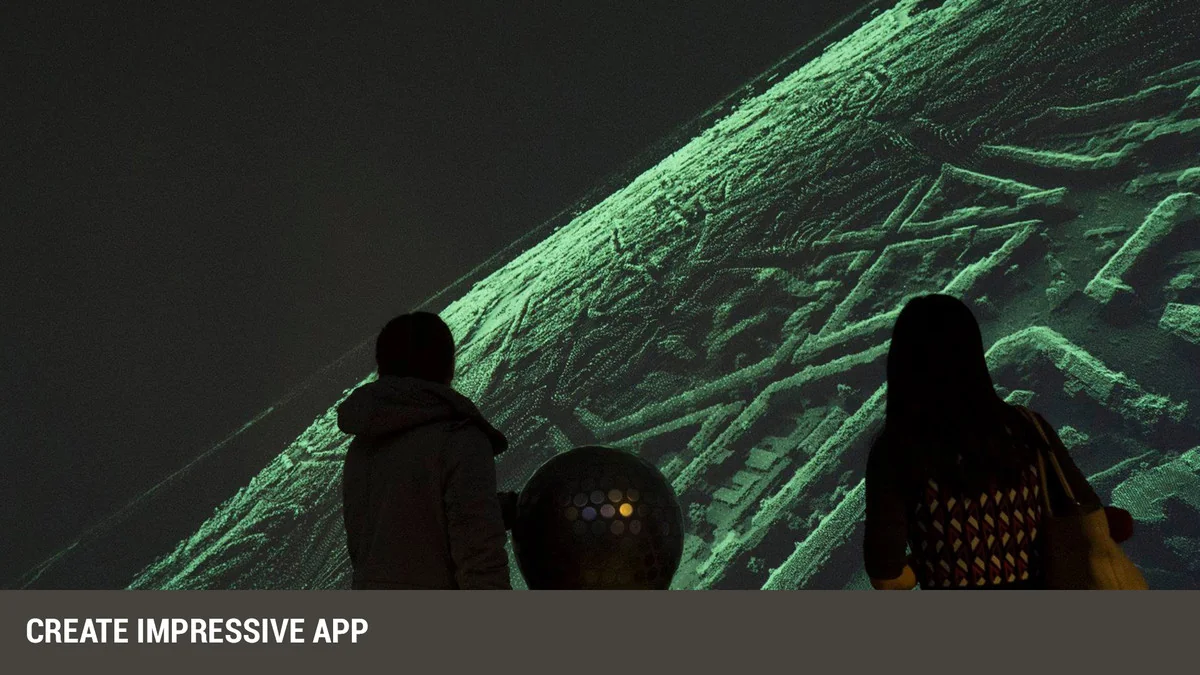
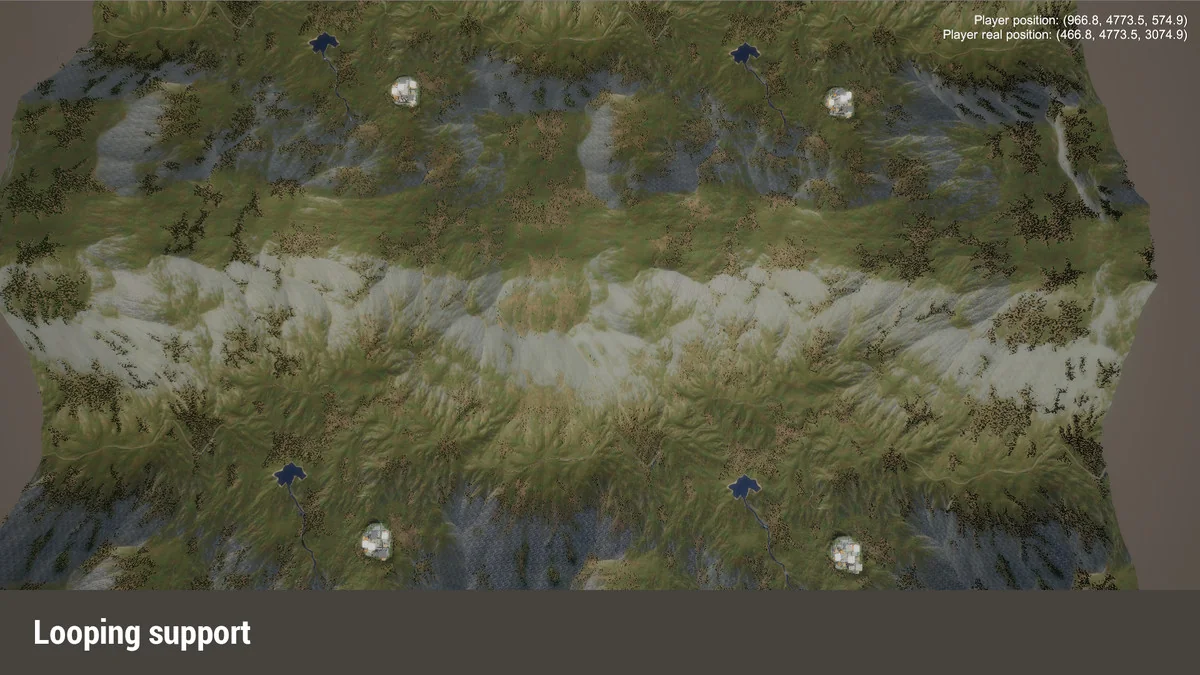
The package is aimed at scenes that need to stay active while the player travels through them. It can support endless space games, 2D platformers, third-person projects, cloud point viewers, and other game types that need movement across large areas. An endless looped world is also mentioned, so the same streaming setup can be used for spaces that repeat rather than ending at a hard boundary.
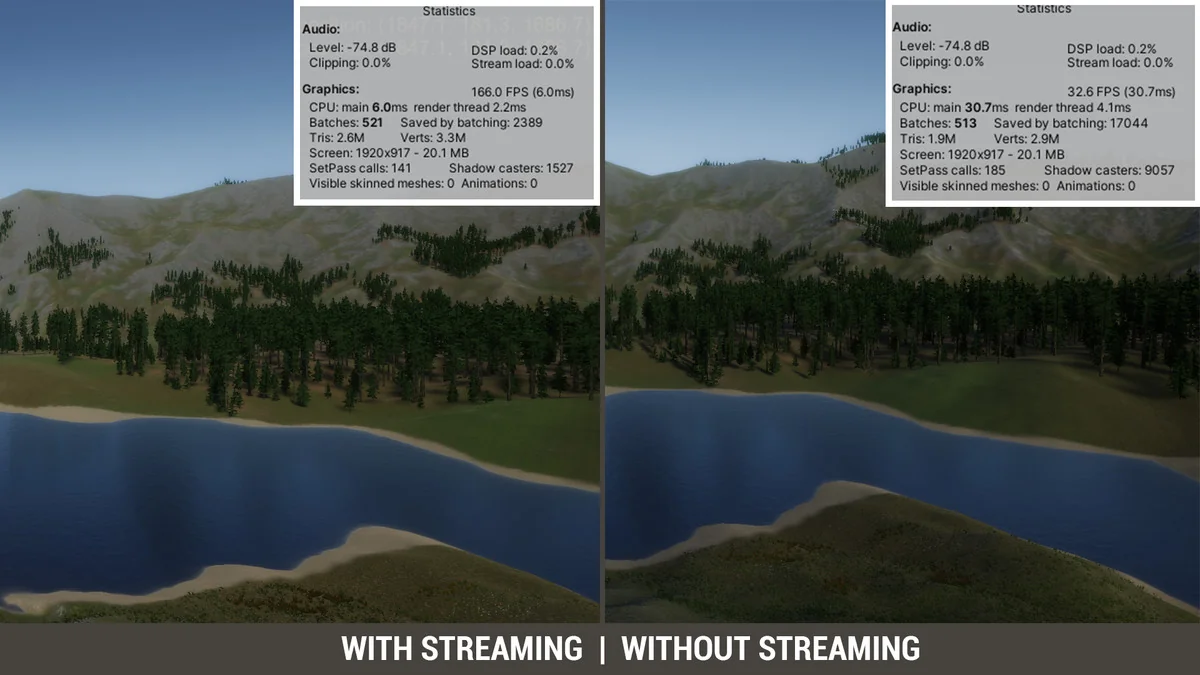
World Streamer 2 lets scenes grow as large as needed without loading screens during player movement. The practical effect is simple: the world can keep moving while the content behind it is streamed in from disc. That makes it easier to keep the play experience continuous instead of stopping every time the player crosses into another section.
Local areas, layers, and team work
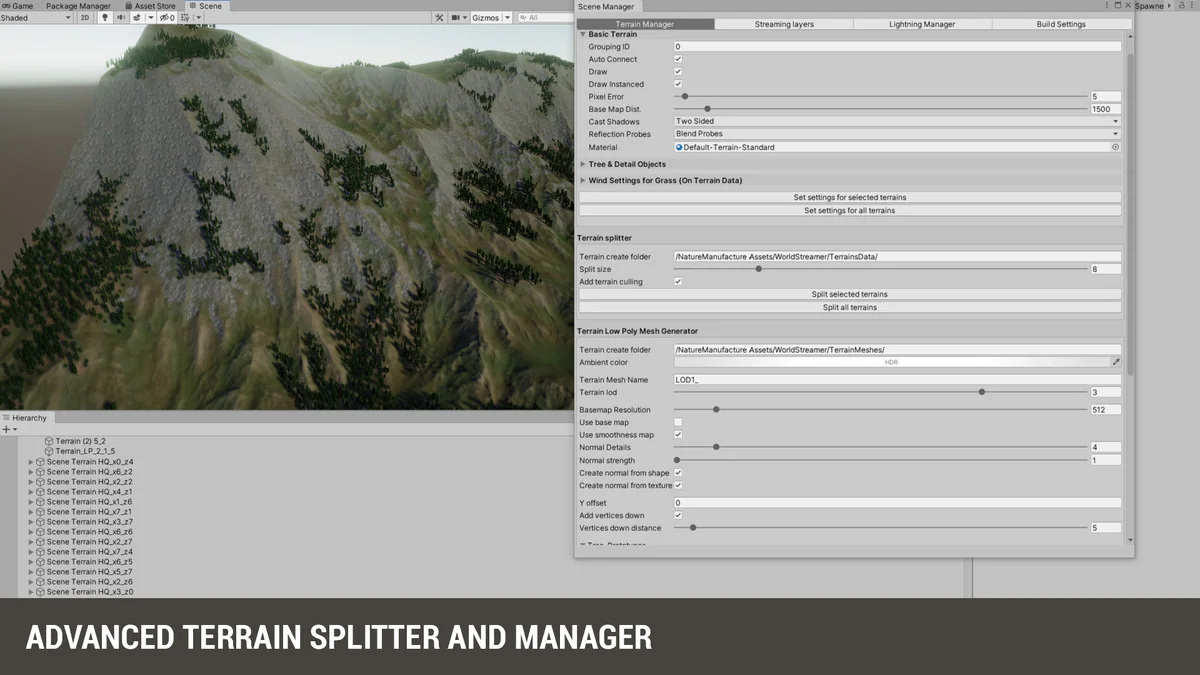
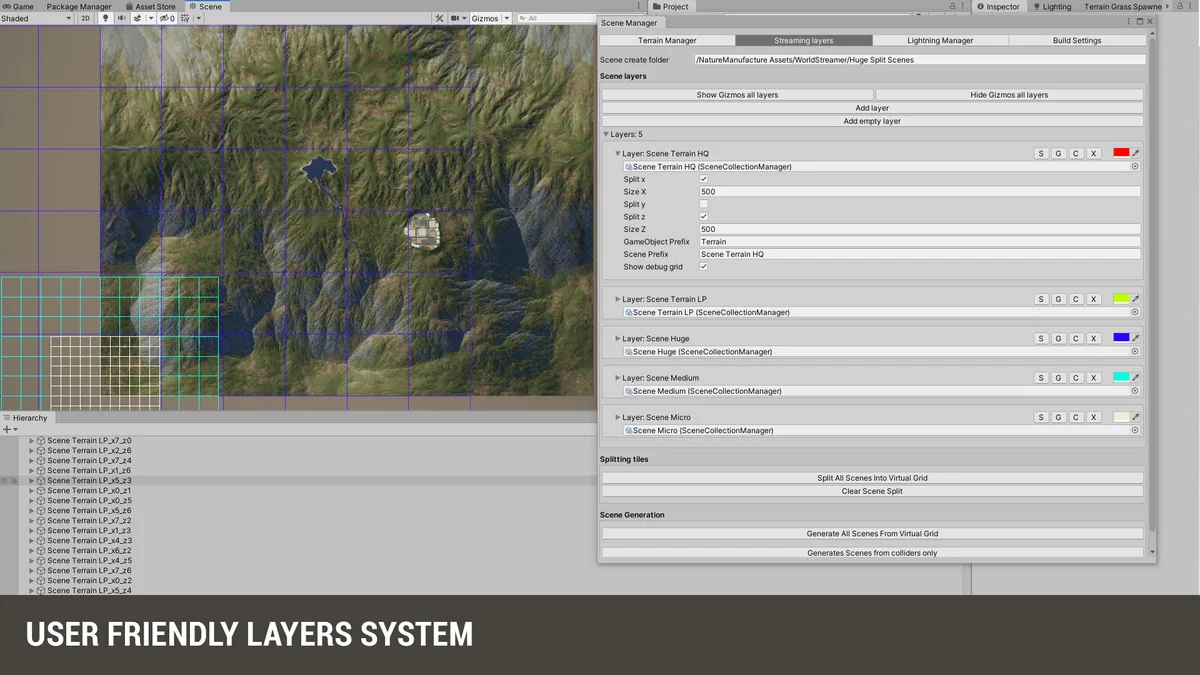
The world can be separated into layers such as lighting, AI, and geometry, or split into local areas. That gives the project a more controlled structure than a single undivided scene. Teams working in the same area can focus on the local section they need, then update the world through the local area updater with two buttons. The workflow is clear and direct rather than requiring every part of the scene to be handled at once.
That same local approach also fits the idea of building in pieces. The package says scenes can be as big as you want, without limits, but it also gives a way to work on the local area and keep updates tied to the part of the world that actually changed. For projects with multiple systems in play, separating lighting, AI, and geometry can make the scene easier to manage.
Collider streaming, interiors, and distance handling
Collider streaming gives rooms and floors their own loading trigger. Content streams only when a player hits the room or floor area collider, which is useful when whole towns need interiors without keeping every interior active all the time. This approach makes it possible to build larger connected spaces while still keeping the streaming behavior tied to player location.
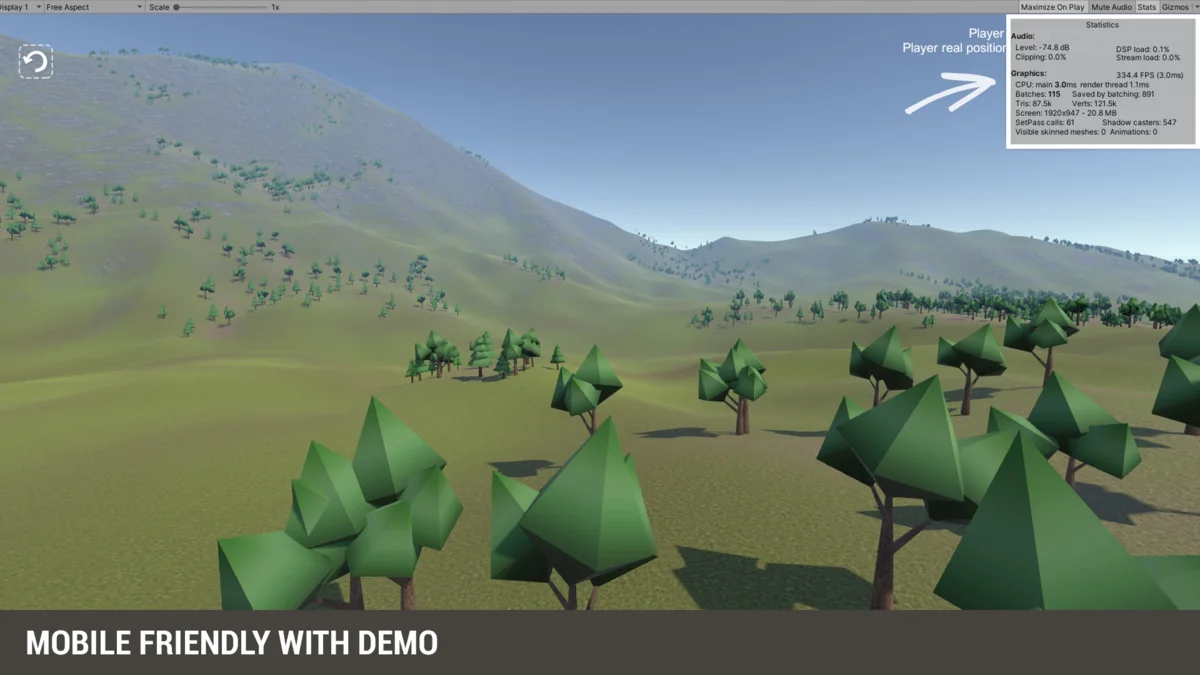
That same structure helps reduce object count in the scene. When fewer objects are active at once, CPU and GPU power are saved for the parts that are currently necessary. The package is also described as useful for architectural presentation and for any application that needs to use as low memory as possible, which fits the focus on loading only what matters at the moment it matters.
For open world projects, ring streaming provides a way to turn distant terrain into low-poly meshes instead of keeping the full terrain detail everywhere. That gives the far distance a lighter representation while the closer area stays active through the streaming system. Open-world scenes can then be loaded from disc in a few clicks, with the emphasis placed on keeping the world manageable during play rather than on a fixed scene size.
World Streamer 2 is most useful for advanced Unity users who need large scenes, local-area updates, and several kinds of streaming in one workflow. The packageâs support structure, pipeline replacement step, and streaming modes all point toward production work where scene size, memory use, and player movement have to stay under control at the same time.
Preview Images
Protected download
Access this resource
All resources are 100% manually reviewed to eliminate all risks.