Introduction to the Stylized Water Pack
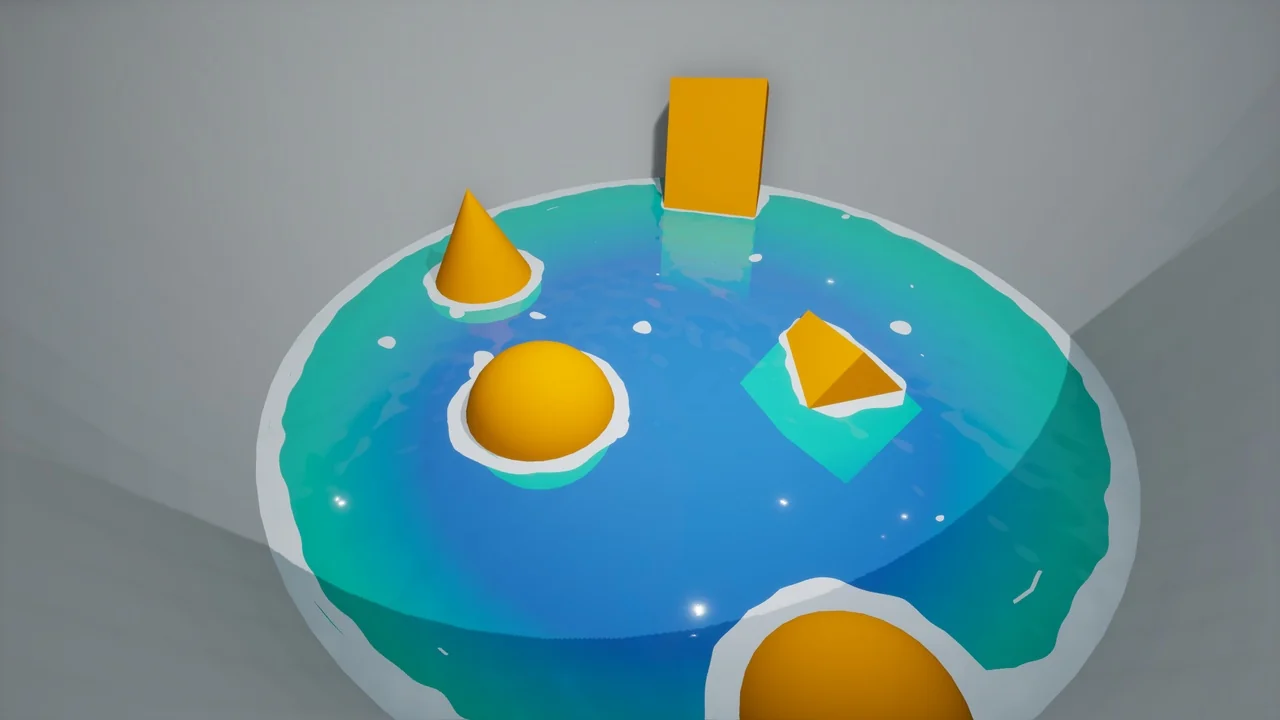
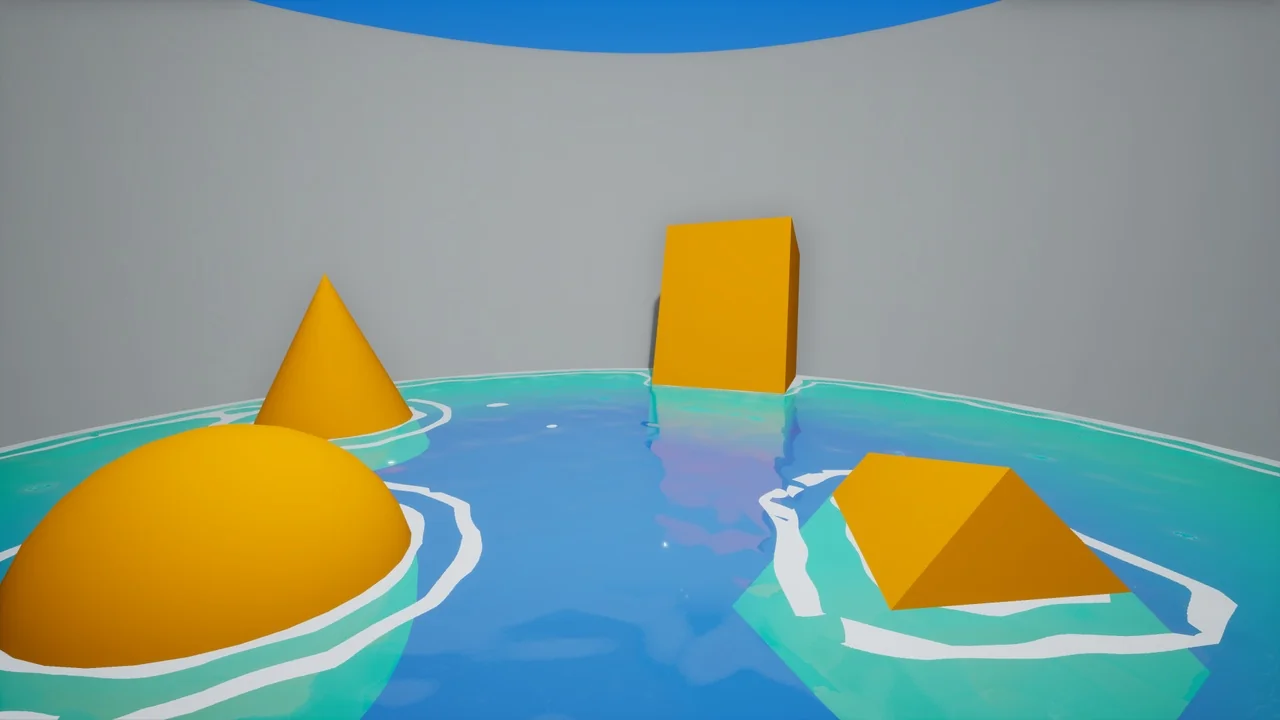
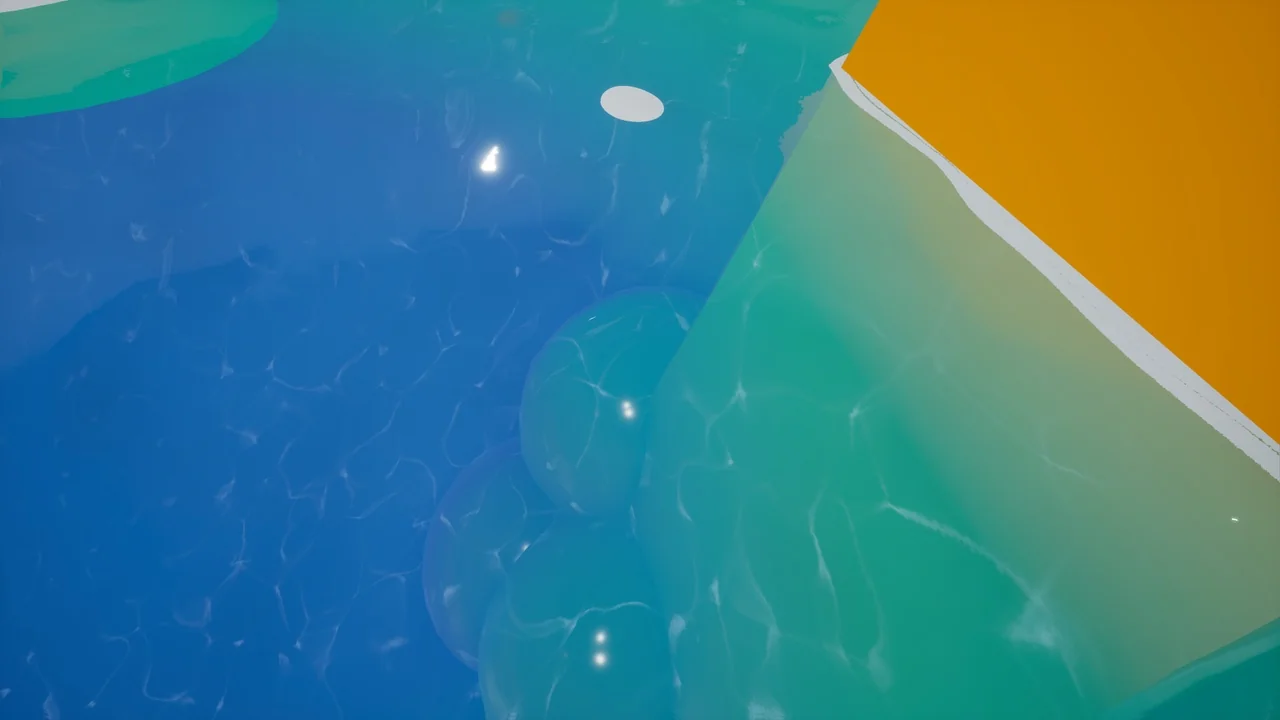
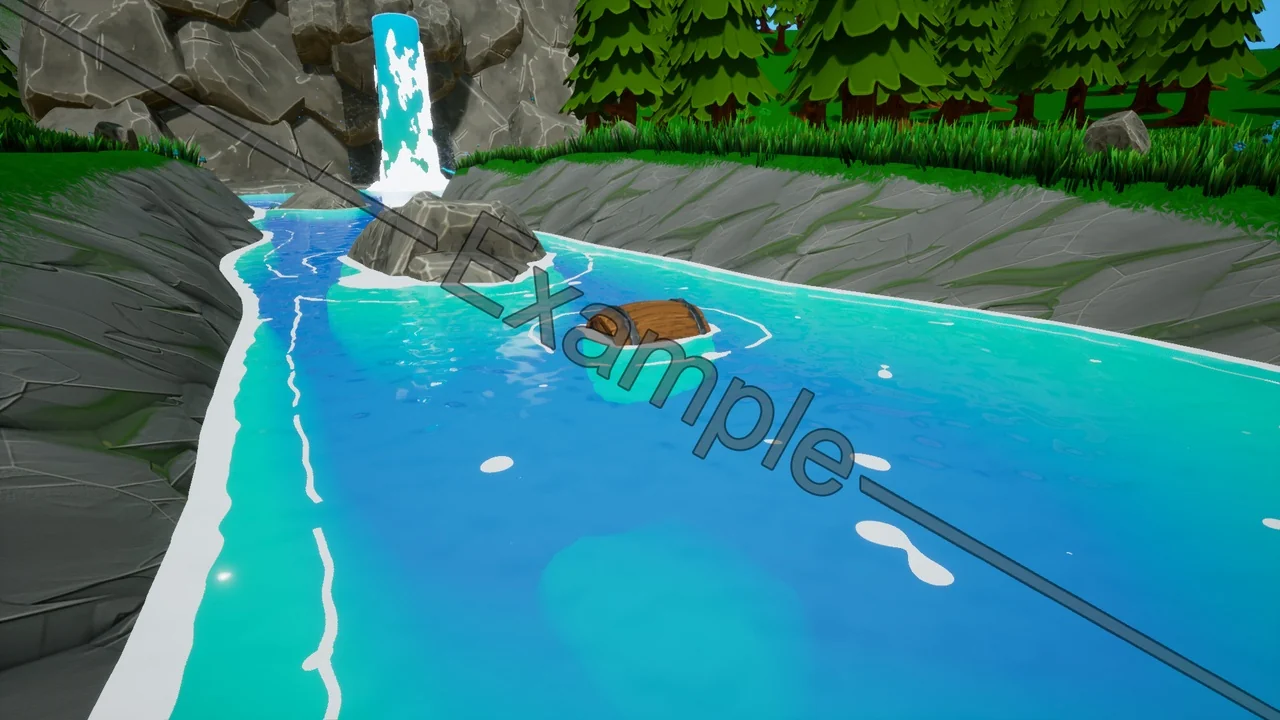
The Stylized Water Pack is a versatile resource designed for developers who need a flexible and visually appealing water solution. This pack provides a water material that is fully adjustable to suit various project needs. Because the material is organized into clear sections, users can easily make alterations to the base properties. Consequently, it serves as a robust foundation for creating unique aquatic environments.
Comprehensive Material Features
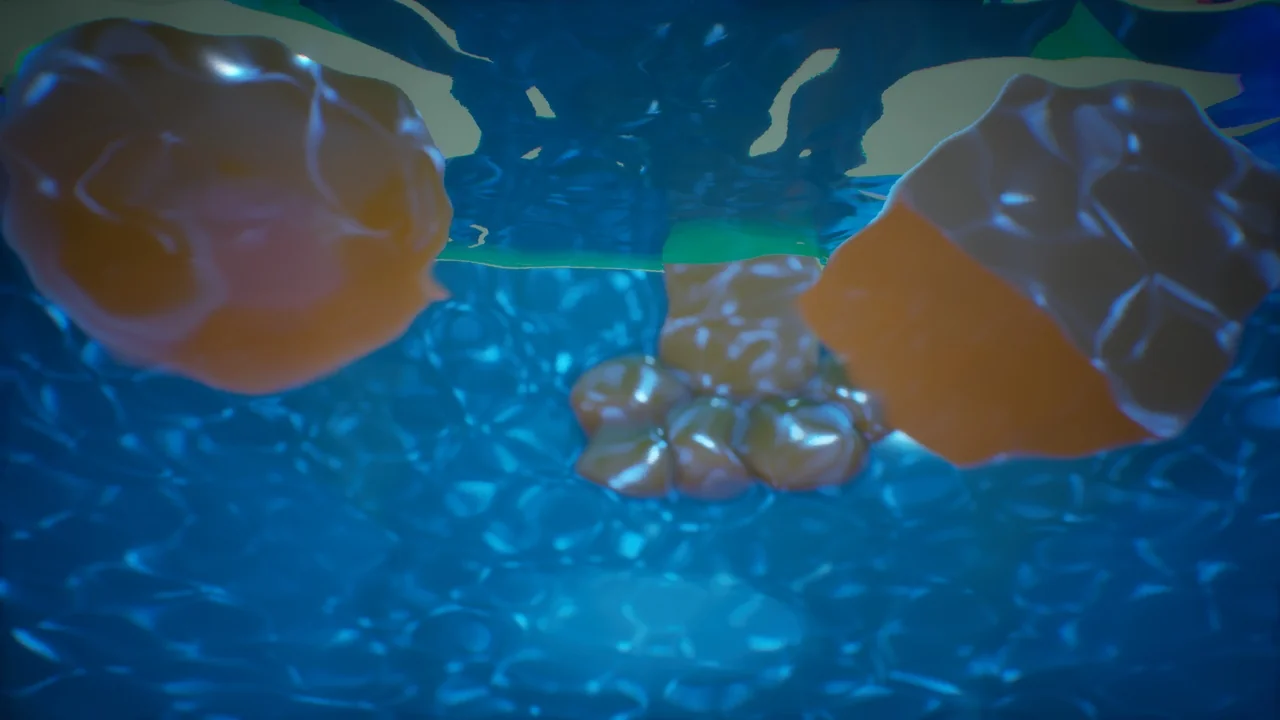
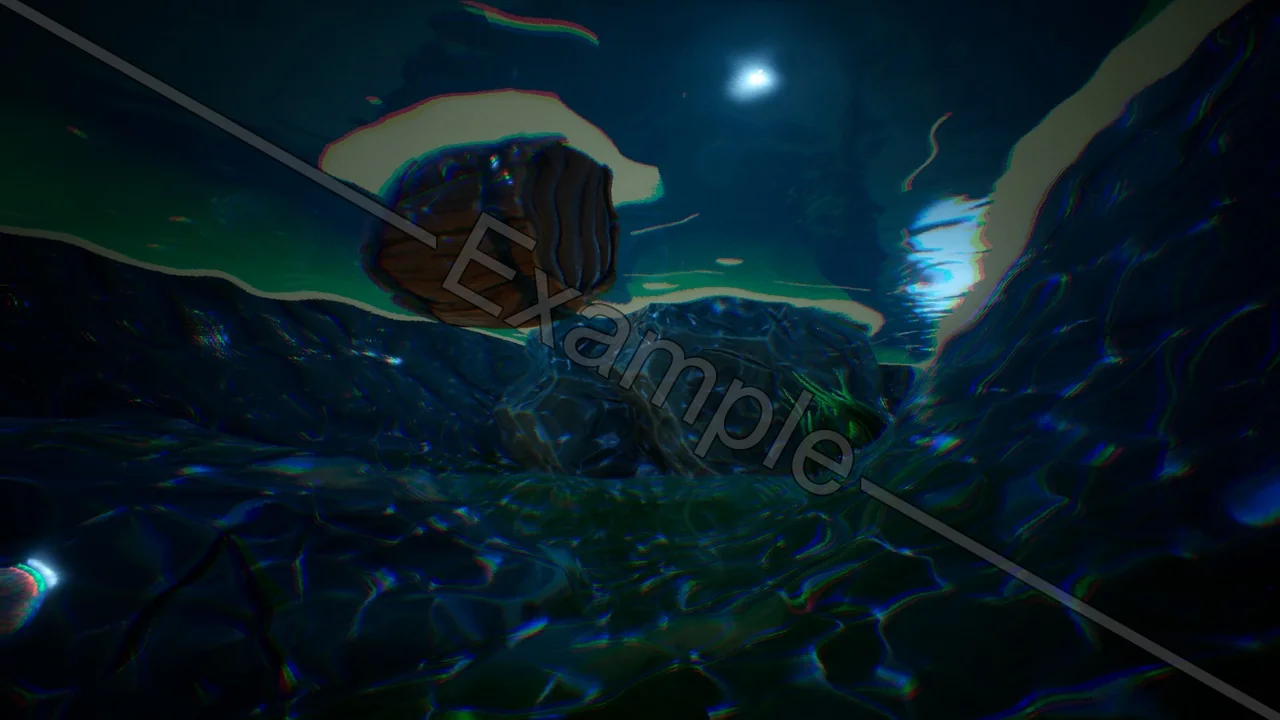
This package is built with modularity in mind. The developer has constructed the shader using independent material functions that can be used or changed individually. Moreover, the pack includes more than just surface visuals. It also provides a decal material and a post-process material. When these elements are combined, they create a convincing underwater effect for your scenes.
Additionally, the Stylized Water Pack includes a buoyancy material function. When you attach this function to the world position offset of a material, it allows props to bob up and down realistically in the water. This feature adds a layer of dynamic interaction to your game world without complex setups.
Technical Setup and Optimization
The entire system is integrated into a convenient blueprint called “BP_WaterBody.” You can simply drag this blueprint into your level to begin. However, there are a few technical requirements to ensure the best results:
- Enable Distance Fields: Users must enable Distance Fields in the Project Settings for the shader to function correctly.
- Game View: If the water appears overly reflective or white in the editor, press “G” to enable game view and see the intended look.
- Performance Tuning: The blueprint uses planar reflections by default. While these look great, they can be demanding. To improve performance, you can delete the “er” component within the blueprint’s viewport.
Compatibility and Updates
The creator has ensured the Stylized Water Pack remains functional across different engine versions. For those using Unreal Engine 5, a specific fix is available. You should change the translucency settings in the material from “Surface ForwardShading” to “Surface TranslucencyVolume” for optimal results. Furthermore, the pack is compatible with version 4.24.
Update v1.00 introduced a manual slider for foam lines, allowing for precise control over the water’s appearance. The developer even kept the old generation version in the package for those who prefer the original look. Finally, the pack includes a small example level to demonstrate the assets in action.
Conclusion
The Stylized Water Pack is an efficient tool for any creator looking to implement stylized aquatic features. With its customizable materials, buoyancy functions, and performance options, it provides a complete toolkit for environment design. Whether you need a simple pond or a complex underwater scene, this pack offers the necessary components to achieve your vision.
Screenshots & Gallery