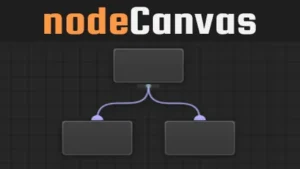
States, Actions, and Events in one workflow
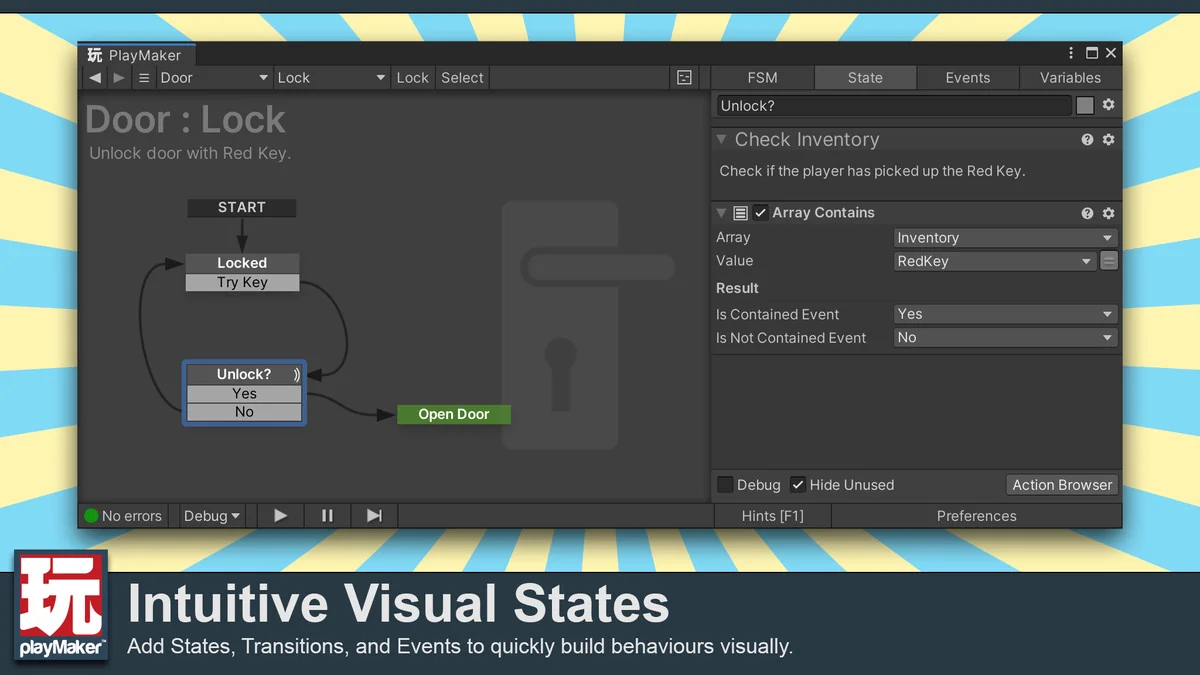
Playmaker is the visual scripting package from Hutong Games LLC, and its core structure is easy to identify: States, Actions, and Events. That setup replaces a node-heavy approach with a higher-level editor that organizes behaviors into a state machine. For artists and designers, that means work can move forward without coding. For programmers, it adds a visual state machine editor that can sit alongside scripts and custom extensions.
The package takes a different route from tools that expose the Unity API and the C# language as thousands of separate nodes. Instead of forcing everything into a large node graph, it uses a more compact structure that is easier to follow when building game logic. The goal is not to hide structure, but to make it clearer, so behaviors can be assembled and revised without a long learning curve for non-programmers.
Playmaker also supports a mixed workflow. Scripts can interface with it directly, and the system can be extended with Custom Actions. That gives it room to fit projects where some behavior is handled visually while other parts stay in code. The package is meant to help those pieces work together rather than forcing a single method across the whole project.
Graph View, drag-and-drop editing, and reusable templates
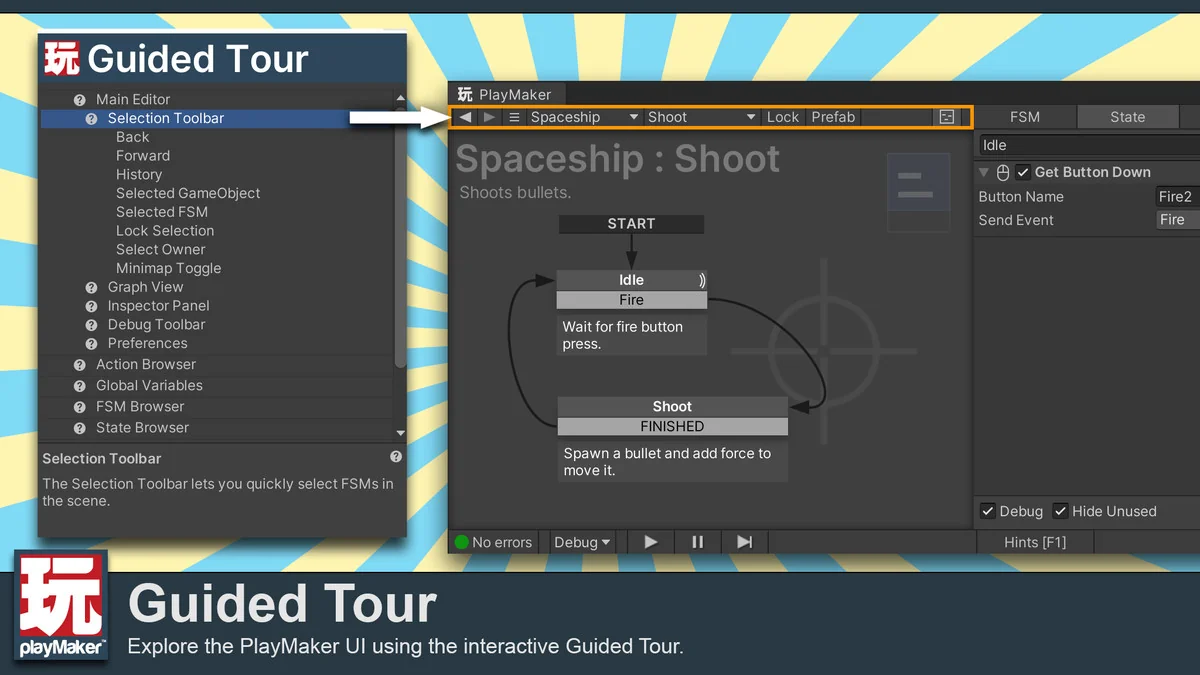
The editing flow centers on a Graph View where behaviors are built by arranging states and actions. Actions are dragged into place, which removes syntax errors from the editing step and keeps the process focused on logic rather than code formatting. Copy and paste support makes it possible to reuse graphs, and templates can be saved for later work. Those tools matter when a project uses repeated behavior patterns across multiple objects or scenes.
Because the editor works with a smaller set of moving parts, it stays close to the way game behavior is usually discussed: what the object is doing, what event changes it, and what action runs next. That makes it practical for incremental work, where one behavior can be tested, adjusted, and then reused elsewhere. The same structure also fits projects that need quick iteration during production, since states and events can be changed without rebuilding the logic from scratch.
Playmakerâs approach also connects to its performance notes. Other visual scripting solutions often rely on delegates or reflection calls for every node in a graph, which can add overhead when even simple behaviors need many nodes. In Playmaker, actions are C# scripts like any other script in the project, so calling them is quick and efficient. The package also tends to use fewer actions to accomplish the same work that might take dozens of nodes elsewhere.
What the editor exposes while the game is running
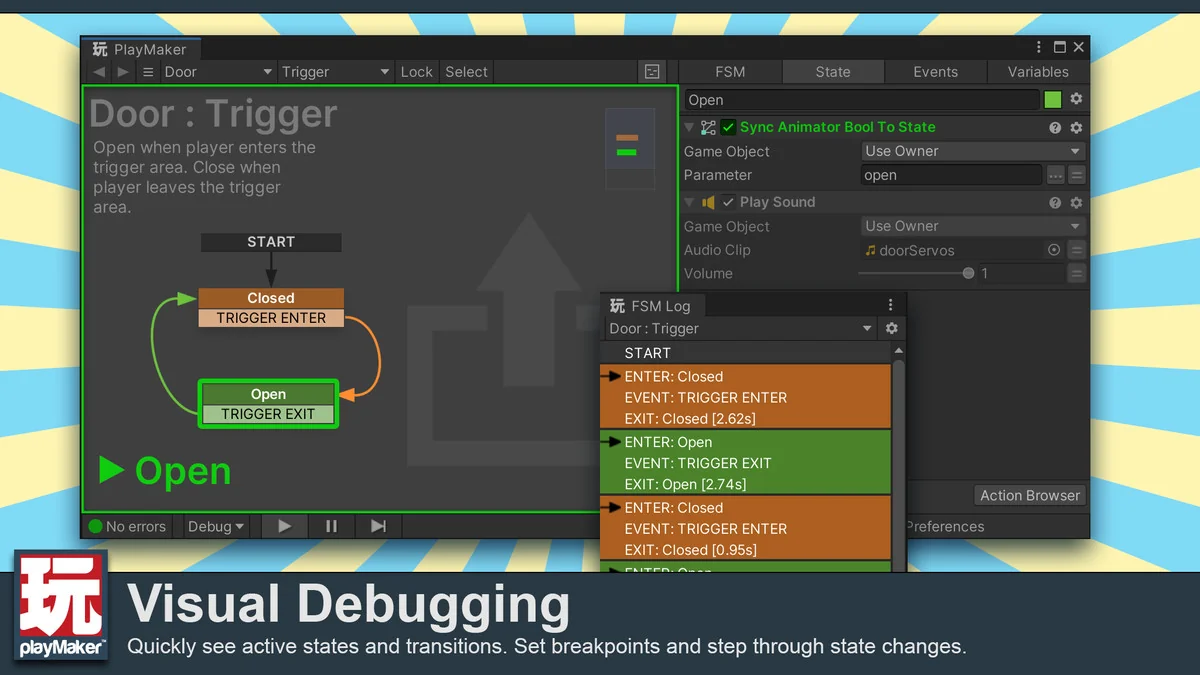
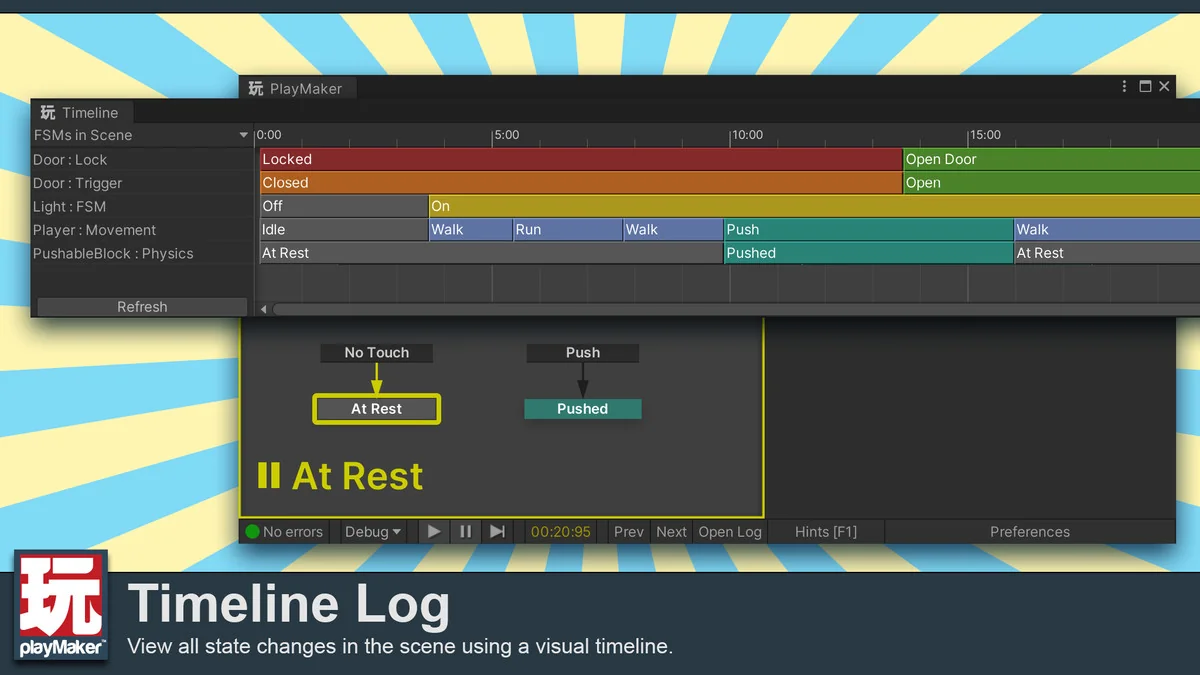
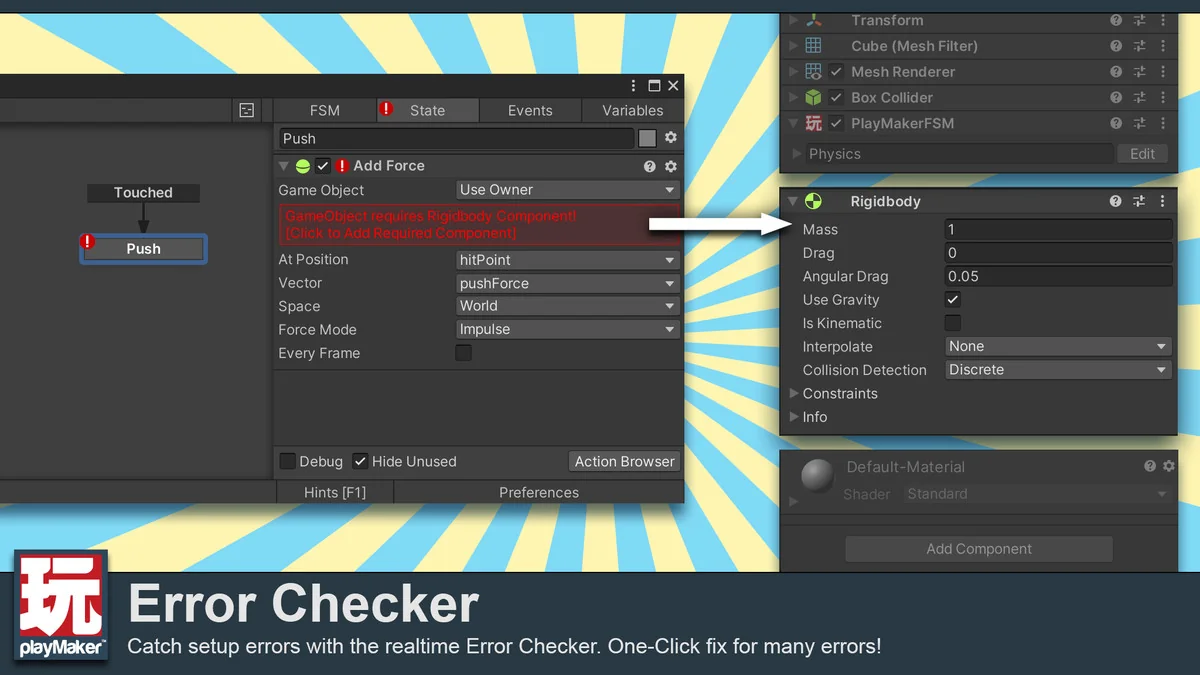
Runtime debugging is one of the more practical parts of the package. Playmaker can watch States, Variables, and Events while the game runs, which gives a direct look at how the logic is behaving. That is useful when a state machine is doing something unexpected, or when an event is not landing where it should. Instead of guessing at the flow, the editor provides visible runtime feedback.
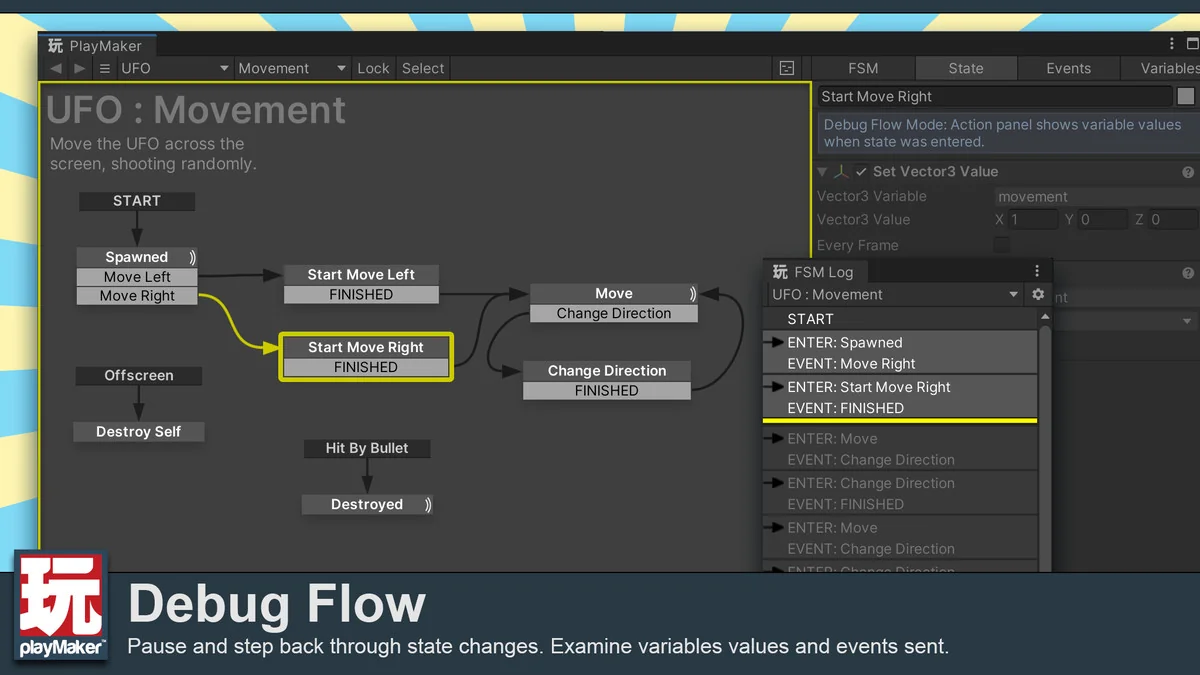
Debug Flow goes a step further by allowing time to be paused and rewound. That makes it easier to inspect the path a behavior took and see where the logic changed. For projects that depend on state transitions, event timing, or variable changes, that kind of inspection can save time during iteration. The package is not only about building behaviors, but also about checking them while they run.
These debugging tools fit the same practical pattern as the rest of Playmaker: keep the workflow readable, make the state of the game visible, and reduce the friction between creation and testing. The result is an editor that can be used to shape behavior and then examine it without leaving the visual environment.
Community tools, tutorials, and project support
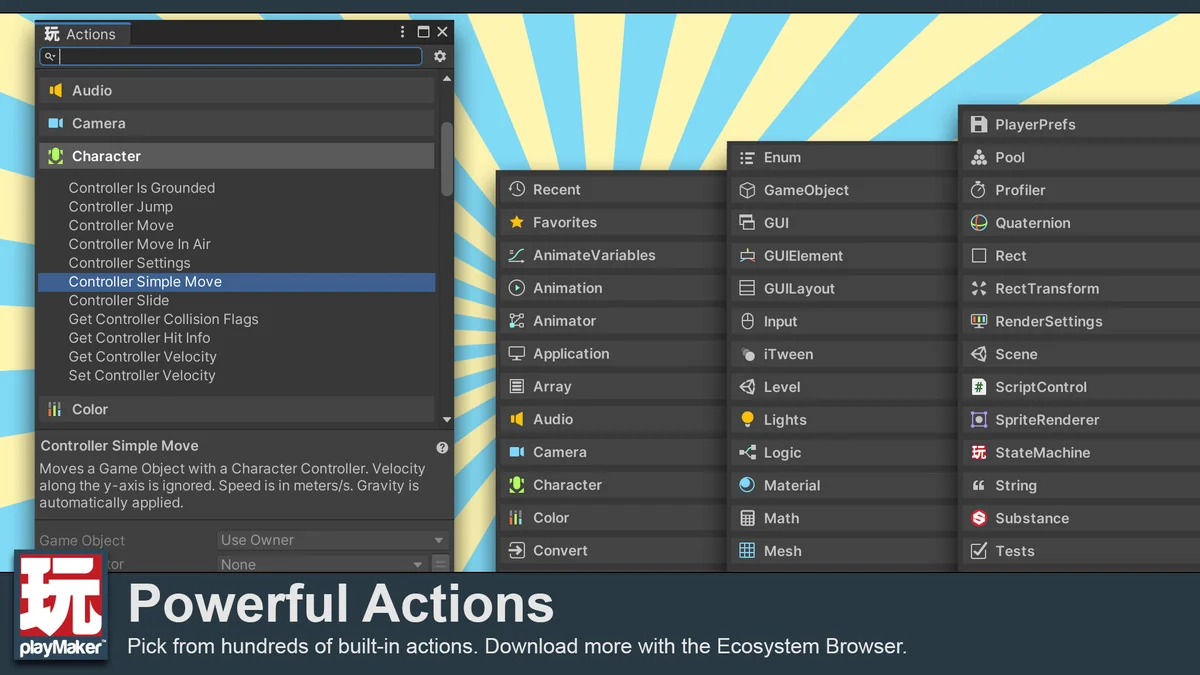
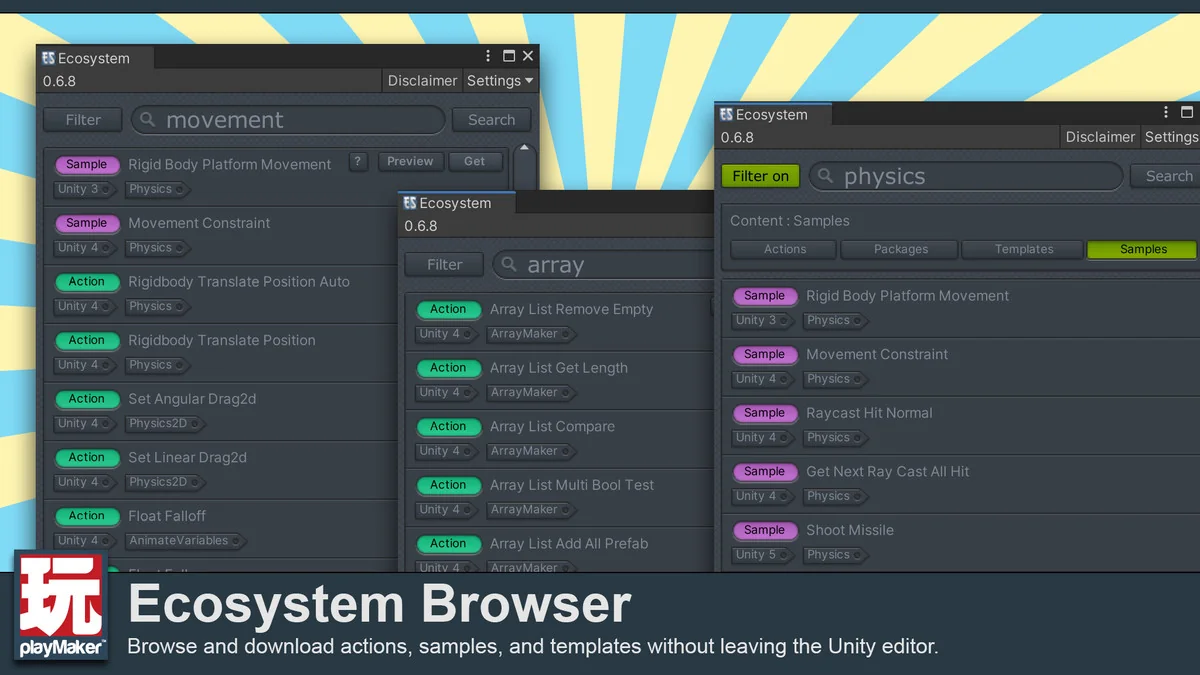
Playmaker has an active user community, with admins and power users online to answer questions. The package also includes an Ecosystem Browser that gives access to a growing collection of custom actions, tutorials, samples, templates, and related material. That makes the system easier to extend without starting from a blank setup each time.
Third-party assets often include Playmaker support as well. When that support is available, the asset can expose easy-to-use actions instead of forcing users to work through APIs written for programmers. That keeps the visual workflow more direct and helps different assets fit into the same state machine approach.
Several learning and support paths are part of the package as well, including tutorials on the YouTube channel and a Discord channel. Those channels sit alongside the broader community and the Ecosystem Browser, so the package is not limited to the core editor alone. It is set up around ongoing use, reference material, and practical extensions that can be brought into day-to-day work.
Where it fits in a Unity project
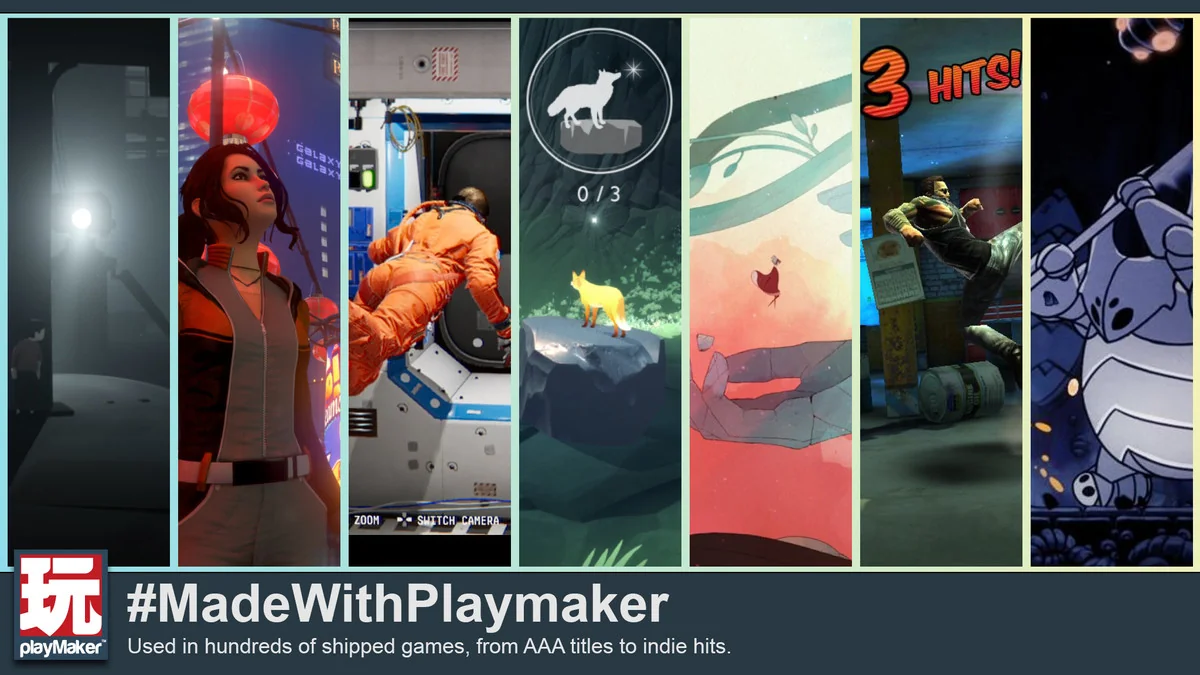
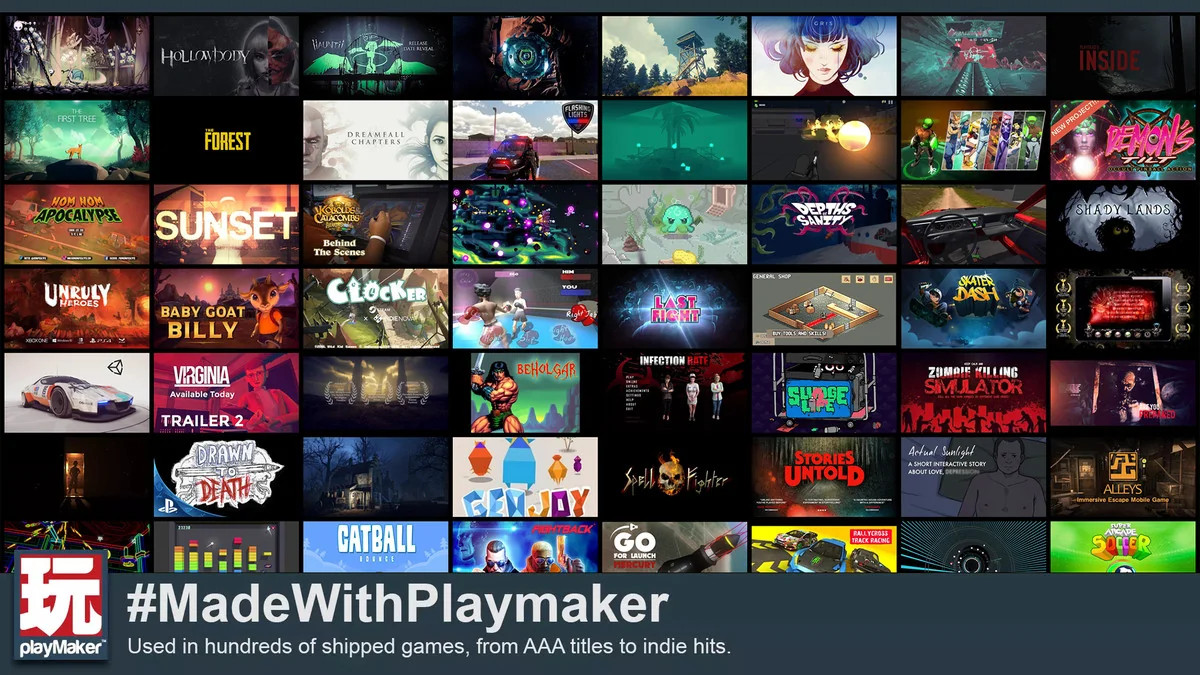
Playmaker has been used in hundreds of shipped products, including Hearthstone, INSIDE, Hollow Knight, The First Tree, Observation, Dreamfall Chapters, and Firewatch. That history points to a workflow that can handle both solo work and larger studio setups. The package is presented as something that has been used with AAA studios and solo indie developers alike, with support for use across platforms.
Unity 6 compatibility is also listed as part of the feature set. Combined with the visual Graph View, drag-and-drop Actions, runtime debugging, Custom Actions, and the ecosystem of reusable materials, the package covers both creation and follow-through. It gives teams a way to build behaviors visually, inspect them while they run, and extend them when the project needs more than the default action set.
For projects that need a state-machine-driven visual scripting layer in Unity, Playmaker is set up to handle behavior building, script interaction, and runtime inspection in the same workflow.
Preview Images
Protected download
Access this resource
All resources are 100% manually reviewed to eliminate all risks.