Pre-Configured Points of Interest
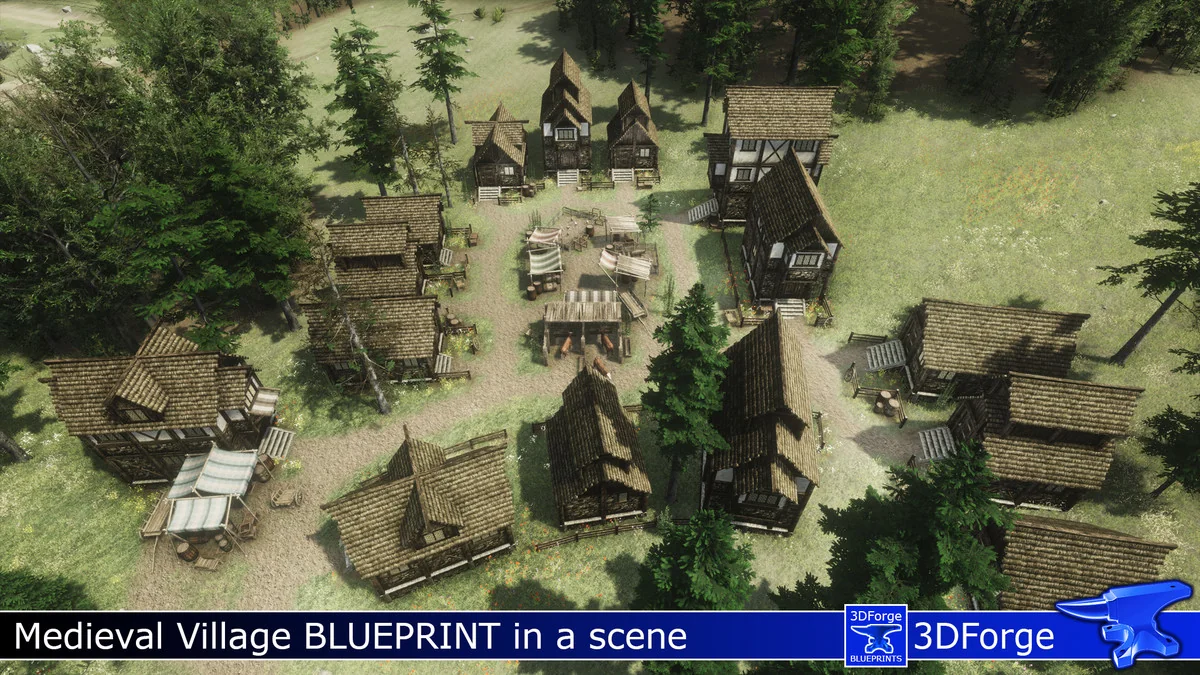
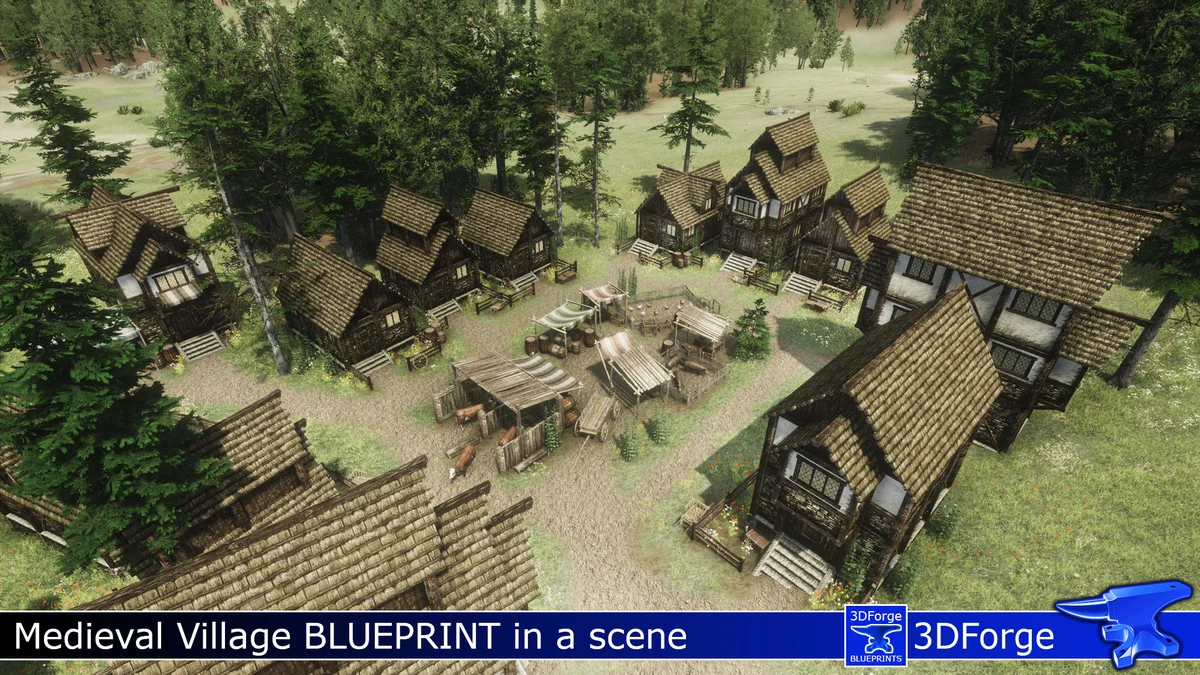
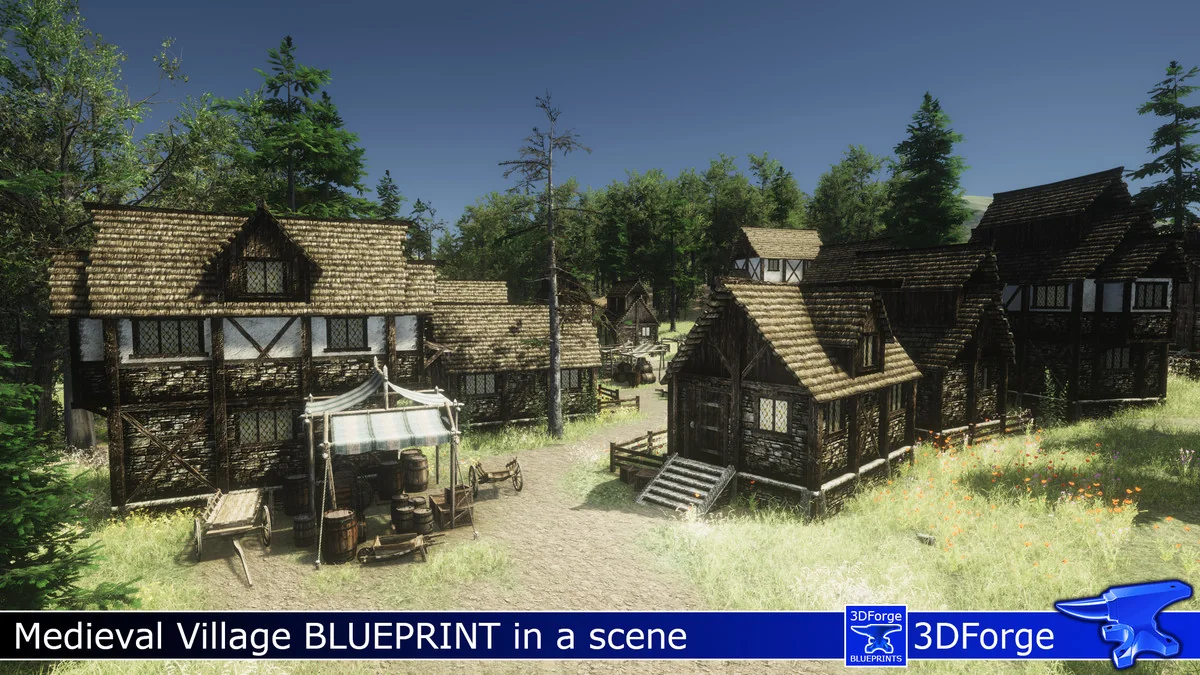
PB Medieval Villages 1 functions as a library of handcrafted layouts designed to streamline the creation of fantasy settlements. Rather than providing raw meshes or textures, this package focuses on the logical arrangement of existing assets to create “points of interest.” The developer has structured these blueprints to simulate a lived-in environment, ensuring that the placement of houses, markets, and blocks feels natural and professional within a game world.
The core of the package is built around “Blueprints,” which are prefabricated layouts that allow developers to drop complex structures into a scene instantly. Because these are prefabs, they maintain a tiny file size of approximately 2.9 MB, preventing the project bloat that often comes with high-resolution environment kits. This structure allows for easy management of individual parts, giving artists the flexibility to adjust the components as needed for their specific scene requirements.
Blueprint Variety and Scene Composition
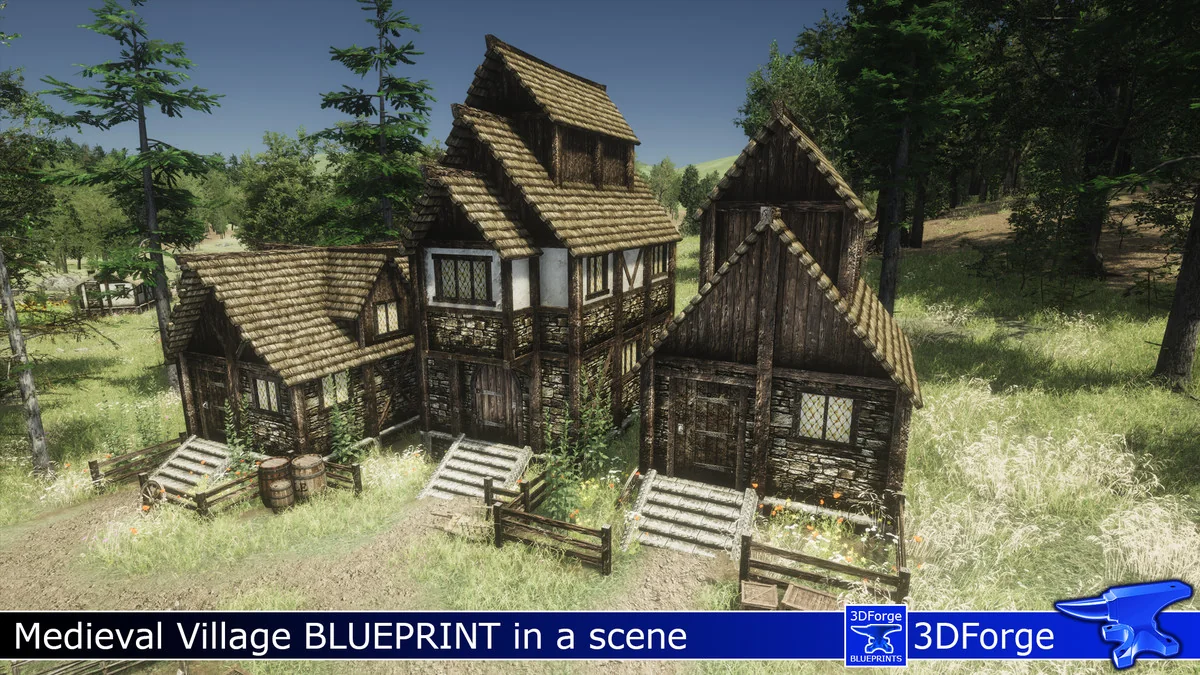
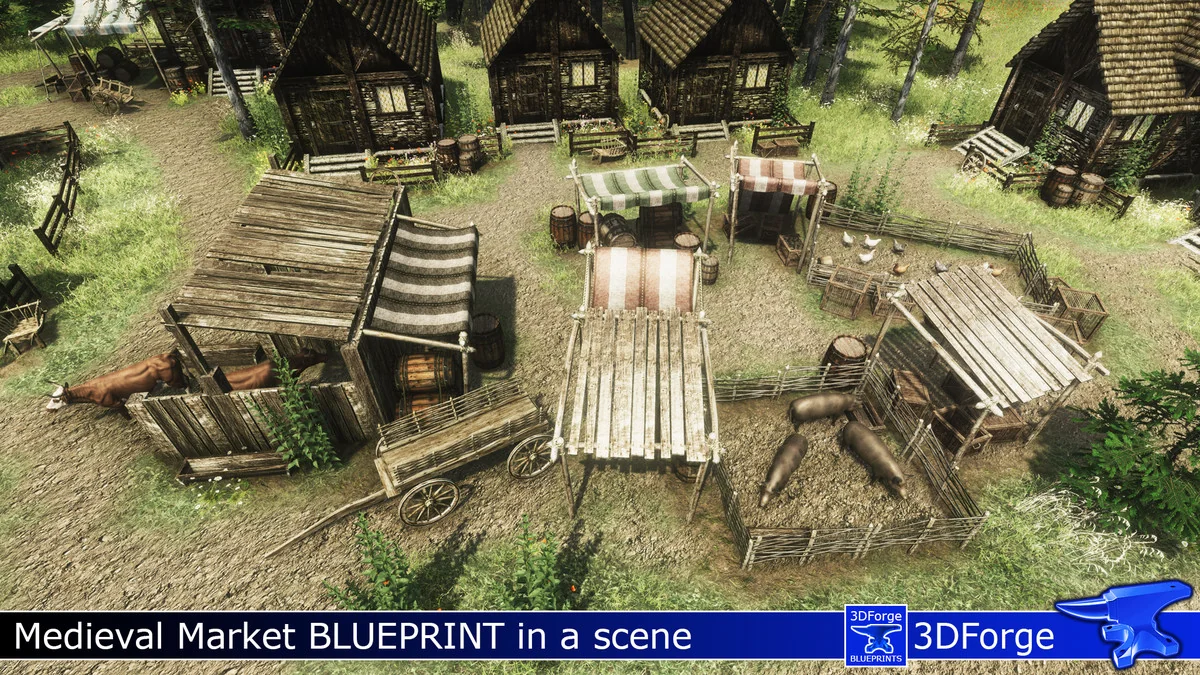
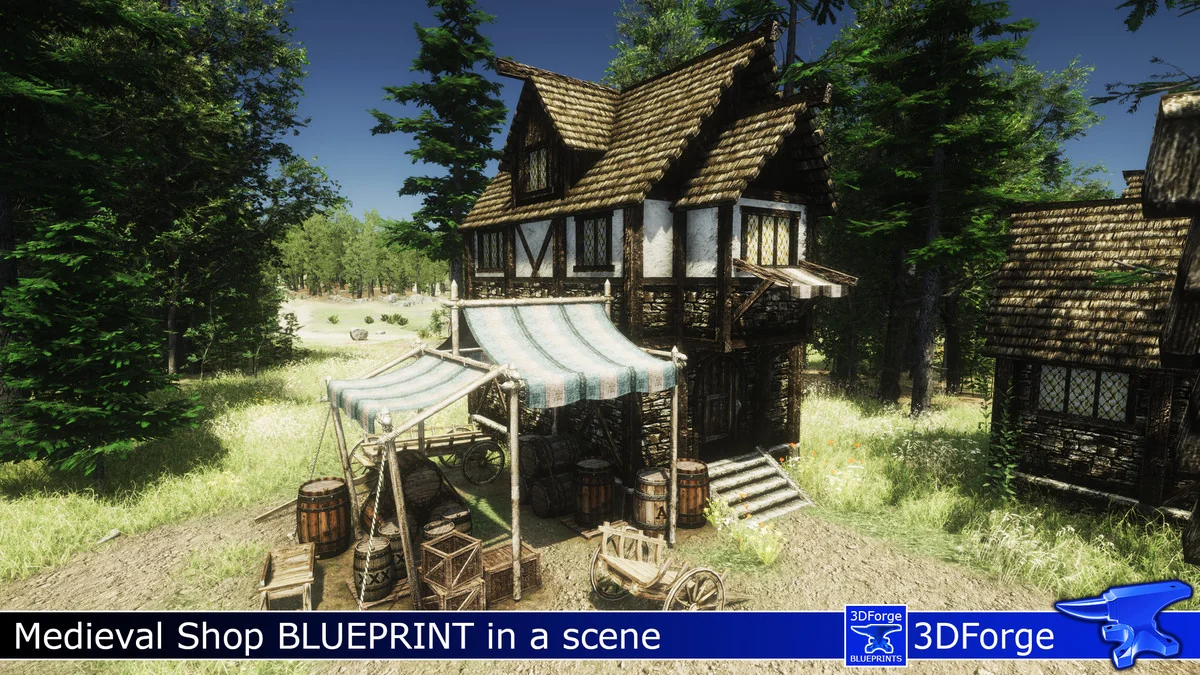
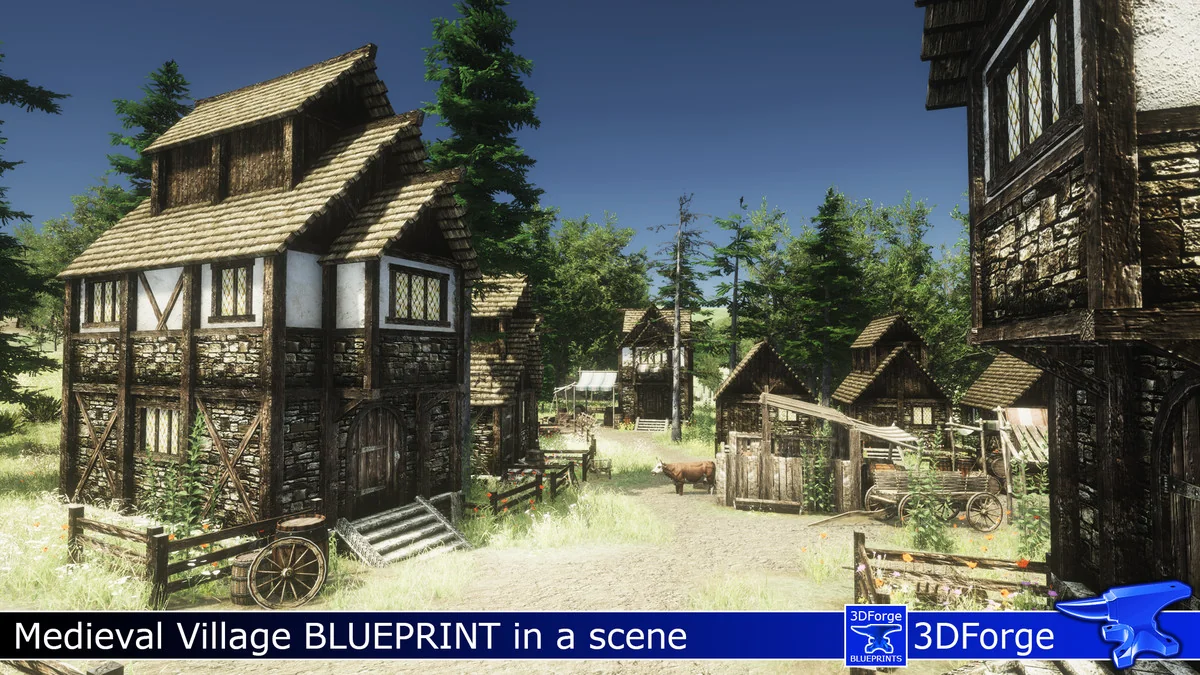
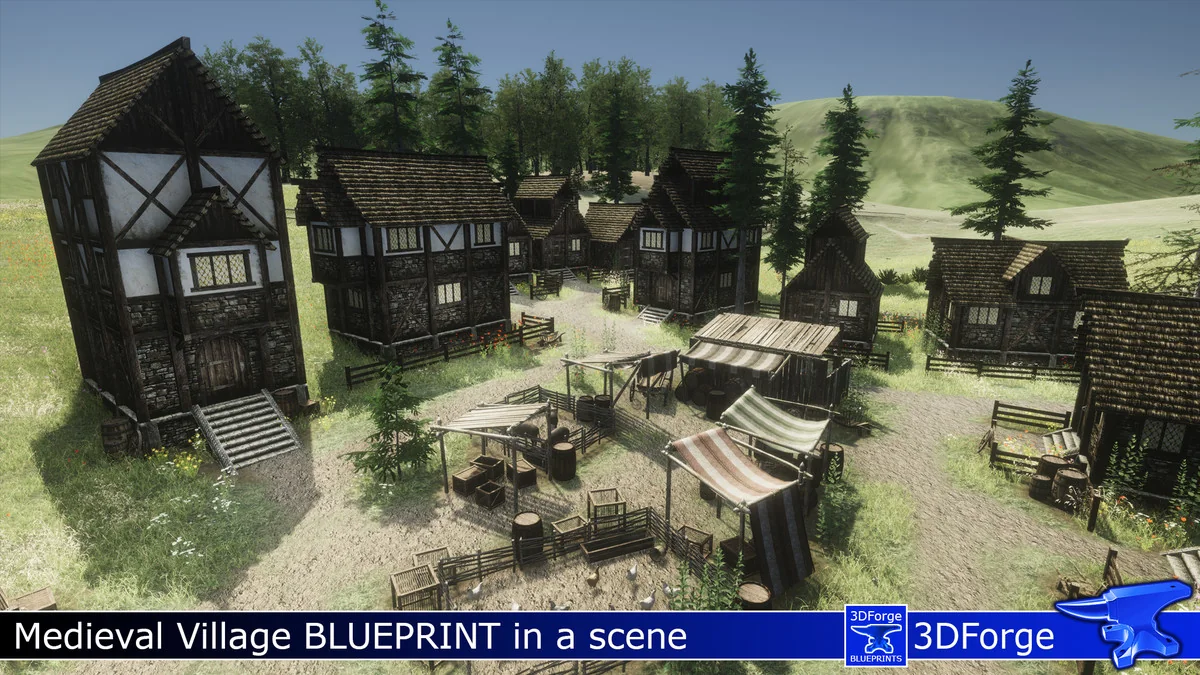
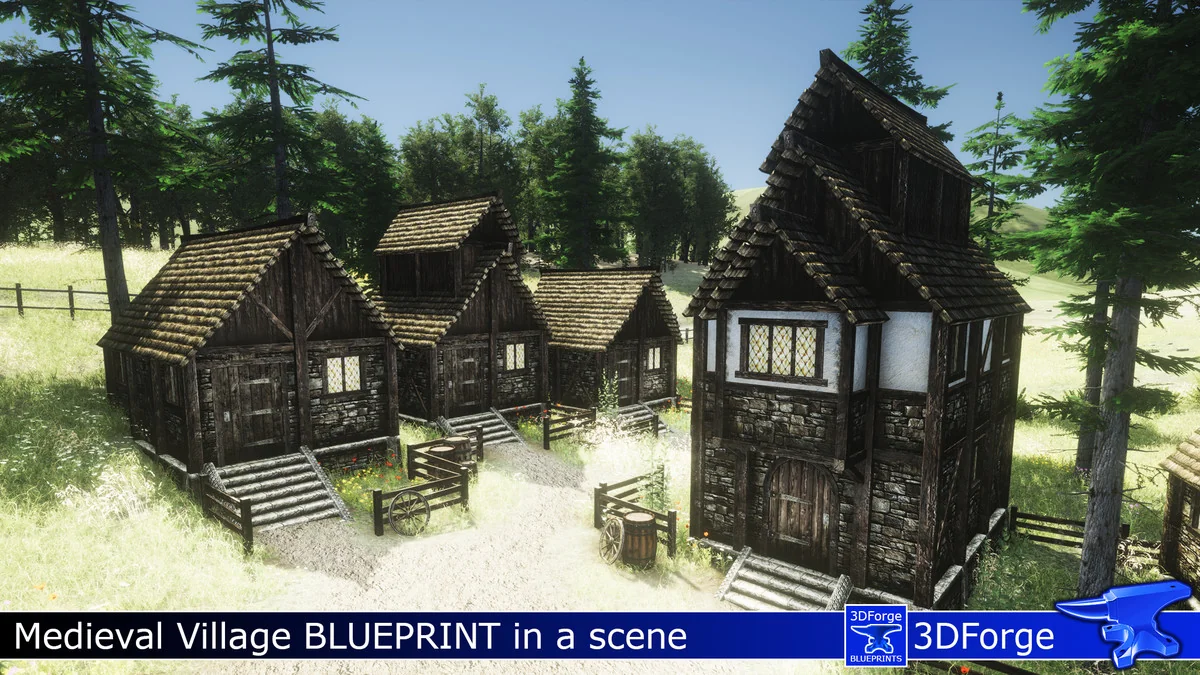
The package contains a total of 61 assets, categorized to cover various aspects of a medieval settlement. The distribution includes 13 full medieval villages, 12 village houses, and 21 village blocks. For more specialized areas of a map, the collection includes 7 medieval shops and 6 village markets. These layouts are designed to act as the structural backbone of a town, providing a variety of architectural silhouettes to avoid repetitive visuals across a large game world.
By using these pre-arranged blocks, developers can focus on the macro-level design of their world. The village blocks and market layouts provide a sense of density that is often time-consuming to achieve when placing individual props manually. These layouts serve as a foundation that can be further customized by adding smaller details such as 3rd party animals, crops, or vegetation to complete the atmosphere of a functioning society.
Workflow and Terrain Integration
Integrating these blueprints into a Unity project is designed to be a straightforward drag-and-drop process. Once a blueprint is placed in the scene, it can be adjusted vertically to match the contours of the terrain. This functionality is particularly useful for developers working with uneven or hilly landscapes, as the individual parts of the blueprints can be moved down to the correct height to ensure they sit naturally on the ground.
To further ground these structures in the environment, the creator suggests painting paths around the surroundings of the blueprints. This workflow bridges the gap between the static prefabricated layouts and the dynamic terrain of the game world. Additionally, the package includes scene files specifically designed for easy Gaia and GENA integration, allowing developers who use these tools to incorporate the medieval layouts into procedural or semi-procedural environment generation pipelines.
Technical Pipeline and Compatibility
It is important to note the specific requirements for utilizing PB Medieval Villages 1. This package does not include internal texture or mesh data. Instead, it requires the Village Exteriors Kit to function, as the blueprints are built using the assets from that specific library. This modular approach allows the developer to keep the file size minimal while providing complex layout information.
On a technical level, the included packages utilize the Built-In Standard Unity Shader. While this is the default, it is fully compatible with Unity’s conversion tools. This means that developers working in the Universal Render Pipeline (URP) or the High Definition Render Pipeline (HDRP) can successfully convert the shaders to match their project’s specific rendering requirements. This flexibility ensures that the blueprints can be used in a wide range of visual styles, from stylized fantasy to more realistic medieval simulations.
Practical Application in World Building
For artists aiming to build out expansive fantasy realms, these blueprints serve as a middle ground between individual prop placement and full-level design. The well-structured nature of the prefabs allows for granular control; developers can manage individual parts of a village block or shop layout as they see fit. This is particularly useful when creating specific narrative locations where a house or shop needs to stand out from the rest of the settlement. By starting with a professional layout, the developer can focus on the unique storytelling elements of the scene rather than the basic structural arrangement.
Project Screenshots