Streamlined Experience Management
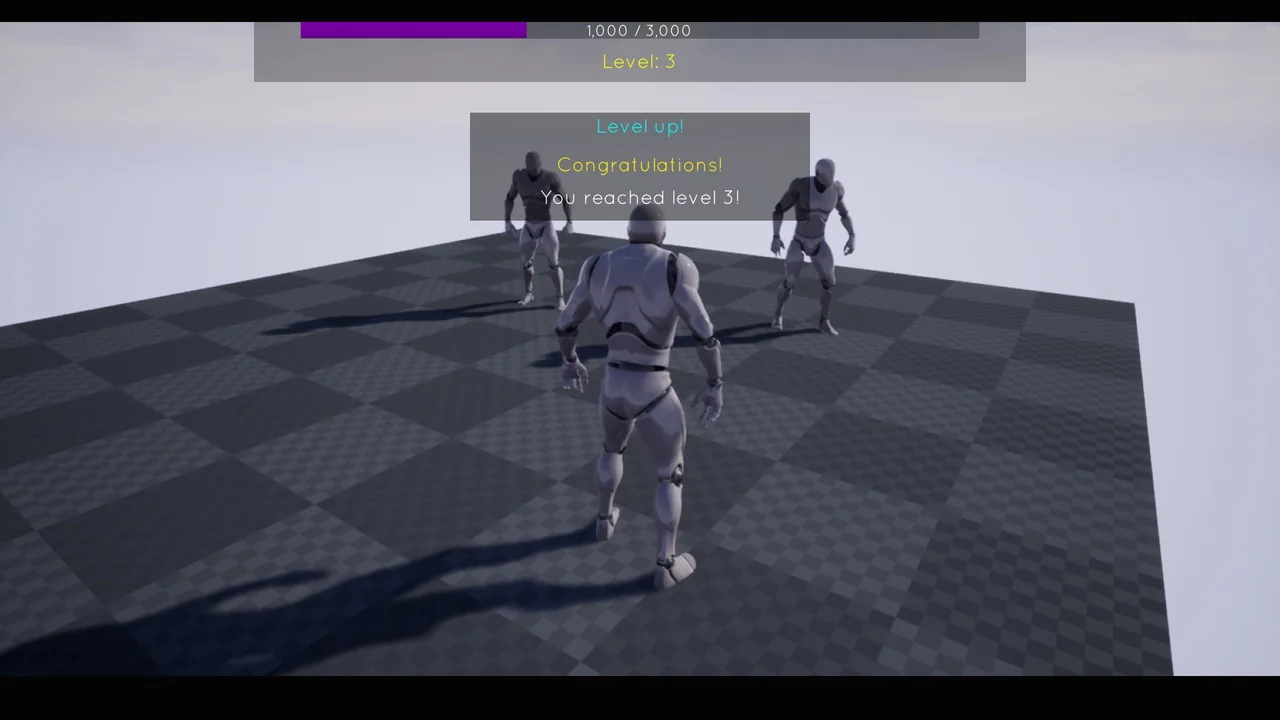
The Multiplayer XP System offers a straightforward way to handle player progression in your game. Moreover, this system is designed for quick integration using Blueprints. It provides a realistic approach to leveling mechanics for various project types. Therefore, developers can focus on gameplay instead of complex coding. The creator focused on making the system accessible for all skill levels.
Simple Implementation Workflow
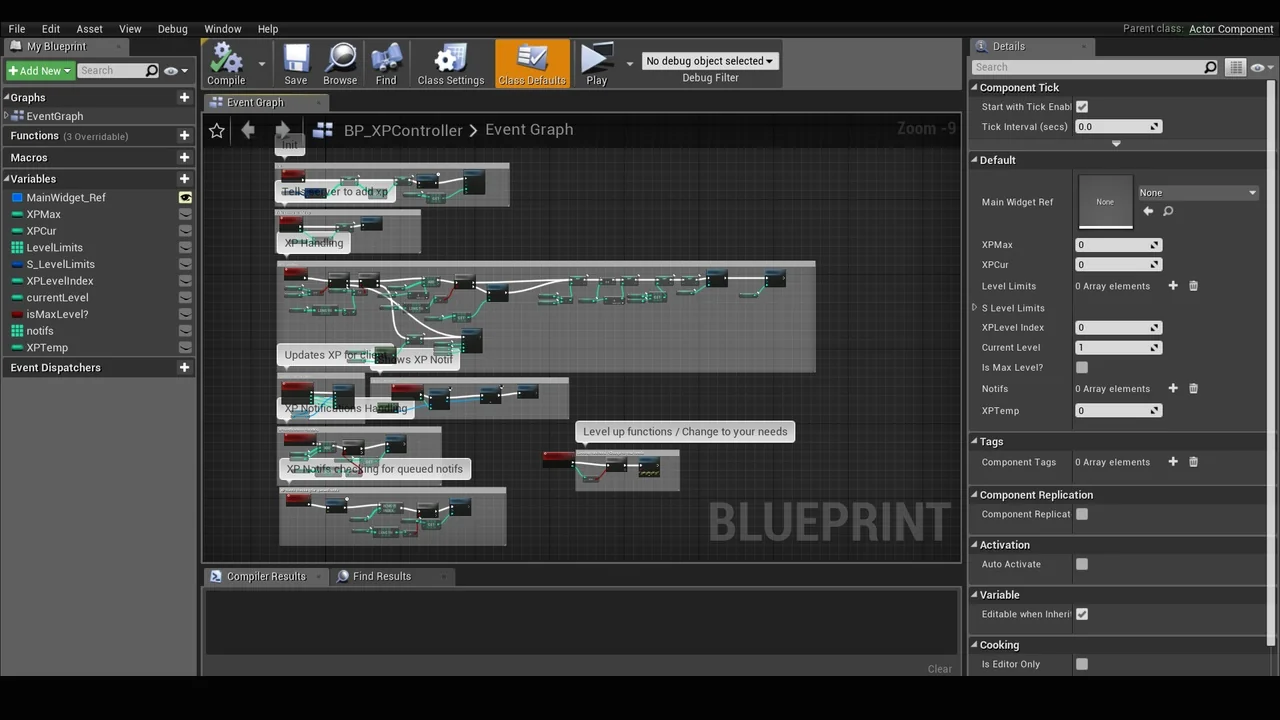
Initially, setting up the system requires only a few steps. You can start by adding the XP component to your actor. This modular approach ensures the logic remains organized. Next, you must create the XP main widget to handle the visual data. This widget displays the player’s current progress on the screen.
After creating the widget, you must reference it to the XP component. This connection allows the two parts to communicate effectively. Finally, you call the “Init” function to start the system. This function initializes the data and prepares the logic for use. Consequently, the Multiplayer XP System becomes active within the game world immediately.
Managing Experience Points
Adding experience to a character is a very simple process. The developer included a dedicated “Add XP” function for this purpose. You can call this function whenever a player completes a task or defeats an enemy. Furthermore, you have the freedom to choose your desired amount of experience for each action. This flexibility allows for precise control over the leveling speed.
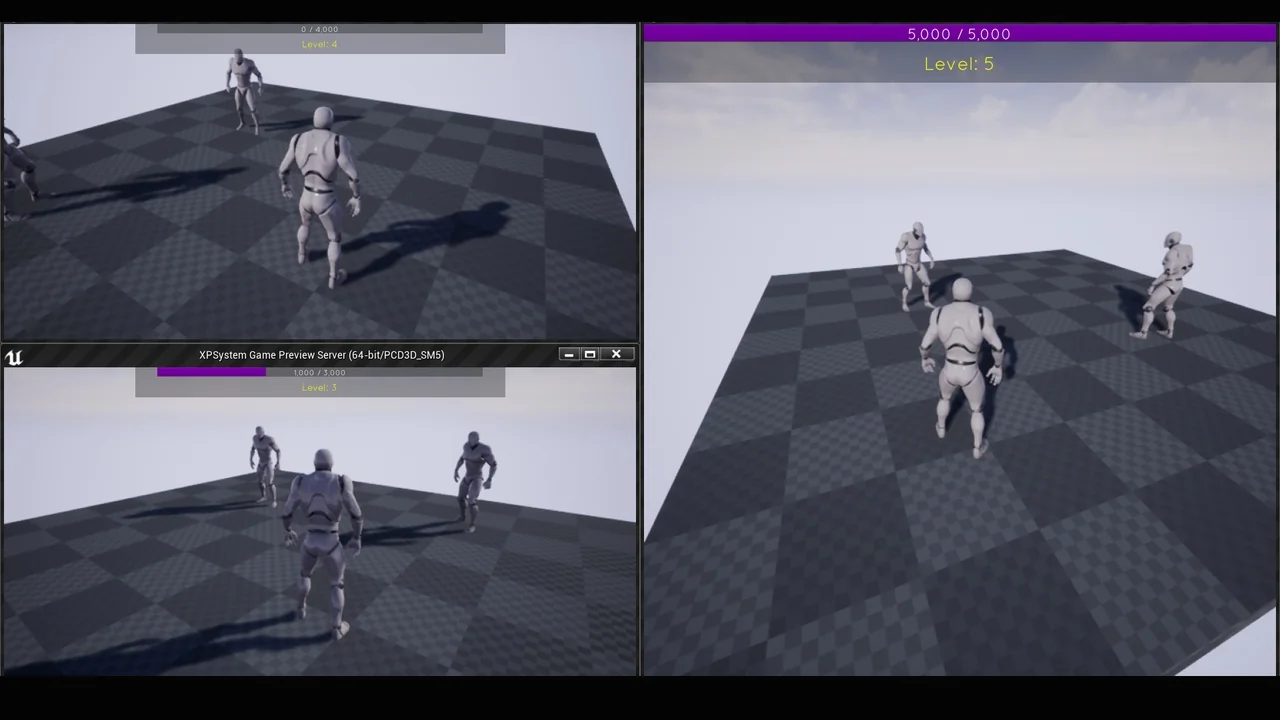
The Multiplayer XP System is built to be versatile. It works perfectly for single-player adventures where only one user earns points. However, it is also fully compatible with multiplayer environments. This makes it a great choice for online games that require synchronized progression. The system handles the logic across different network setups efficiently.
Flexible Integration Options
Because the system uses a component-based design, it is highly adaptable. You can attach the XP component to any actor that needs to track progress. Specifically, this includes player characters, vehicles, or even interactive objects. The use of a main widget also ensures that the user interface is easy to manage. However, the system remains lightweight to maintain game performance.
If you need guidance during the setup, the developer provides a tutorial. This video demonstrates exactly how to setup and use the system. It also covers how to change specific settings to fit your needs. Additionally, support is available through a dedicated community server. This ensures that help is accessible if you encounter any implementation questions.
Conclusion
In conclusion, the Multiplayer XP System is an efficient tool for any developer. It simplifies the process of adding experience and leveling to a project. By using the included functions and components, you can create a functional progression system quickly. Whether you are building an online world or a solo journey, this system provides the necessary foundation for character growth.
Screenshots & Gallery