Setup starts with Unity and the required packages
Magica Cloth 2 is set up for Unity 2021.3.20 or higher, with Burst 1.8.1 or higher and Collections 1.4.0 or higher. Those packages are installed automatically, so the project starts from a defined runtime base instead of asking for extra manual setup. An installation guide is included, and the package comes with full source code.
The simulation uses Unity DOTS, which keeps the cloth system focused on fast execution rather than on a special rendering setup. It does not affect the rendering pipeline and does not require dedicated shaders. That makes the cloth part easier to place into an existing project without changing the visual stack around it.
Transform and Mesh both stay in play
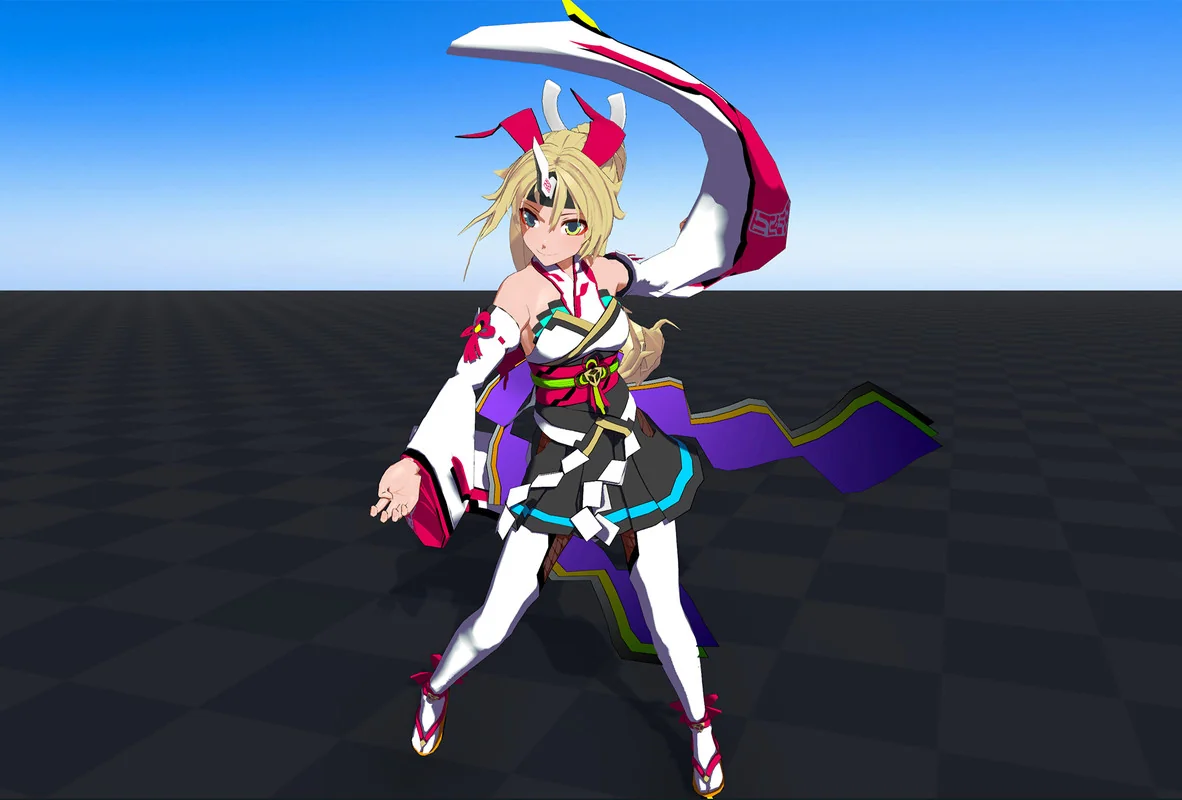
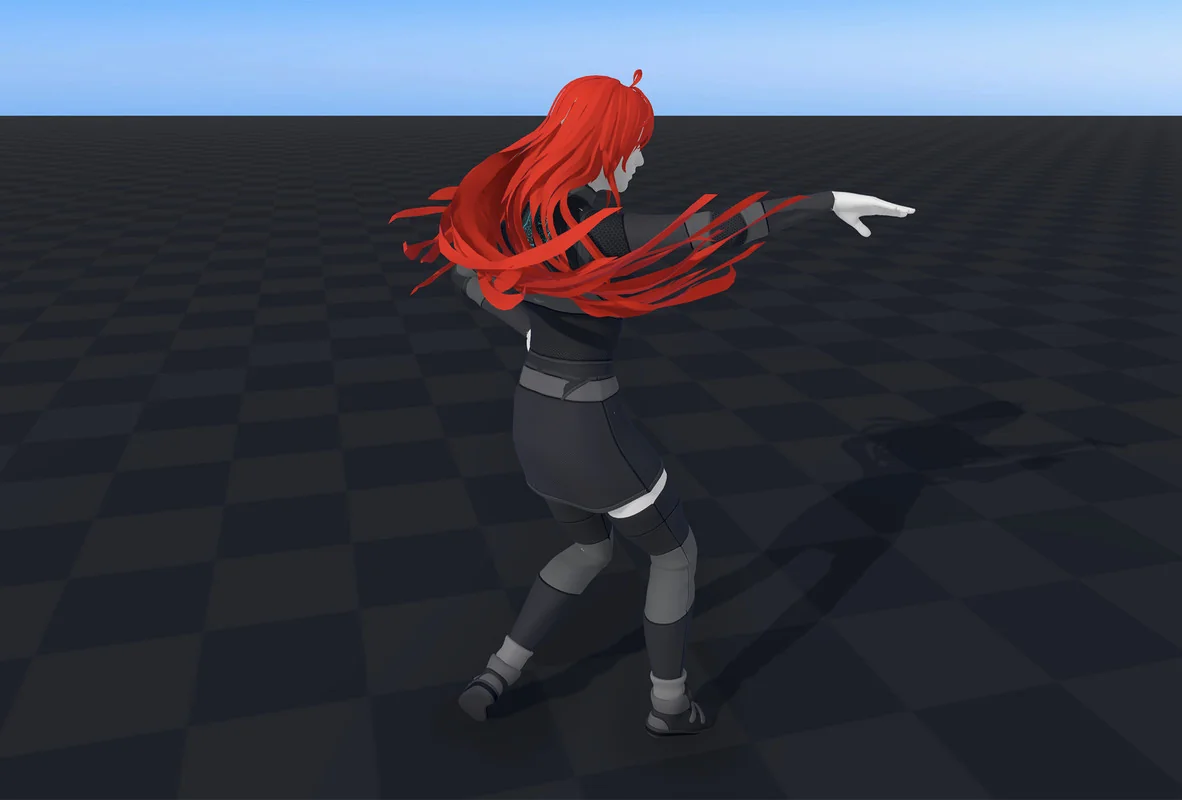
The system works with both Transform and Mesh, so it can fit different character setups without forcing a single workflow. The description points to a simple goal: swing anything on your character. That makes the package relevant wherever a piece of the character needs secondary motion rather than rigid movement.
It also supports 2.5D behavior, combining 2D-like movement with physically realistic motion. In practice, that gives the simulation a controlled feel while still keeping the cloth movement grounded in physics. Full support for runtime builds is included, so the same cloth setup is intended to keep working after the project is built.
Time manipulation is part of the control set as well, with slow and stop behavior available. Uniform scaling is supported, and only one axis of XYZ supports negative scale. Those limits matter because they define how far the setup can be pushed without stepping outside the supported range.
Collision tools and motion control
Version 2 adds collision features that were not present in the previous version. Point and edge based collision are included, along with self-collision and mutual collision. Penetration measure is handled through backstop by normal line, and there is also a normal adjustment function.
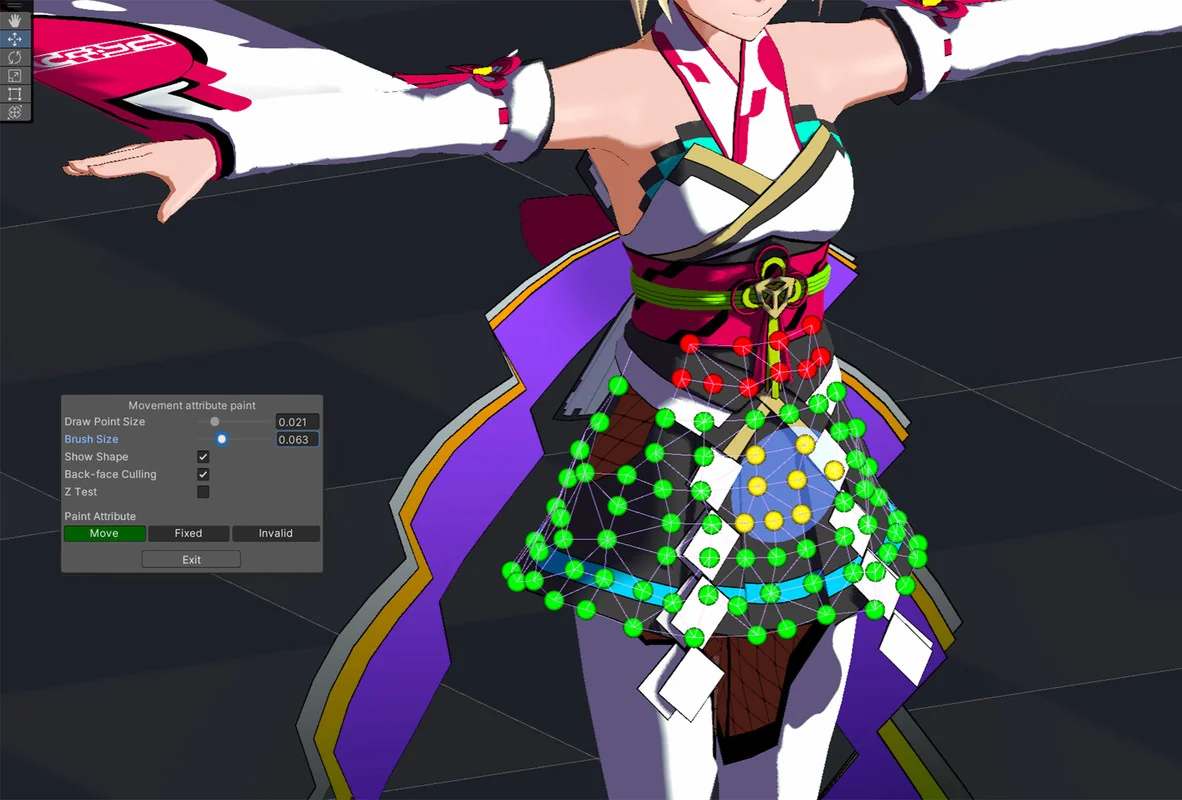
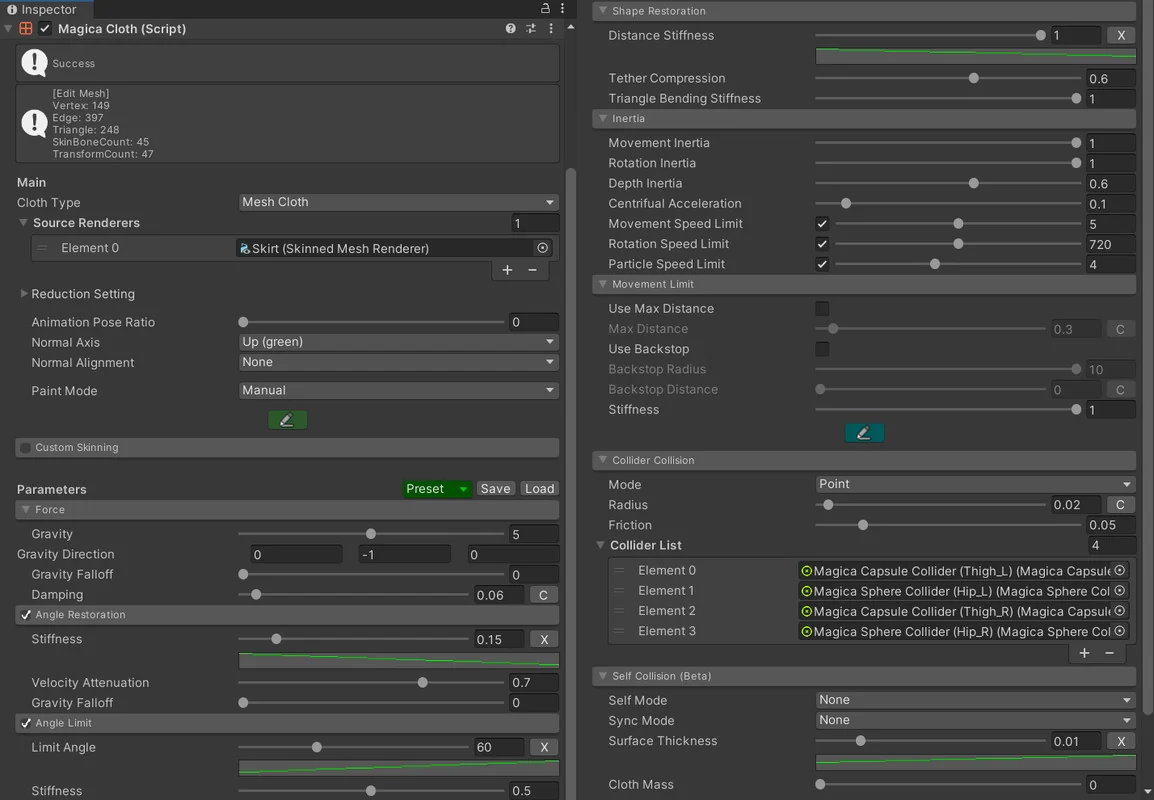
The package emphasizes a more direct setup flow as well. System optimization integrates all components into one, and the old pre-build step is removed. That means there is no longer a Create button workflow to pass through before use. Parameters have been greatly simplified, and vertex painting has been improved. Vertex painting can also be specified by texture.
Another practical change is that subassets are no longer stored in Prefabs. For projects that reuse character setups or keep related assets grouped together, that reduces an extra layer of asset handling during production.
Render pipelines, platform limits, and known restrictions
Magica Cloth 2 is available in BuildRP, URP, and HDRP render pipelines. Because it does not rely on special shaders, the simulation stays separate from the rendering side while still fitting into those pipeline options.
- Works on all platforms except WebGL and VisionOS
- WebGL is unsupported because Burst compilation does not work there
- VisionOS is limited by some PolySpatial packages that do not support Collections 2.x
- It is not compatible with Ver1.x
There are also a few specific restrictions to keep in mind. The cloth system cannot be applied to vertices deformed with BlendShape. Unity Tuanjie is not guaranteed, since it cannot be fully tested in that environment. These points make the supported space fairly clear before the asset is dropped into a production project.
Where it fits in character work
This is a strong fit for character scenes that need motion layered on top of the base rig without changing the rendering pipeline. Because it supports both Transform and Mesh, the setup can be adapted to different object structures. The fast DOTS-based approach, collision set, and runtime support all point toward use in projects that want responsive secondary motion with fewer moving parts in the workflow.
Version 2 is also a clear maintenance step forward from Ver1.x. PhysicsManager, RenderDeformer, and VirtualDeformer are removed, the component structure is integrated, and the parameter set is simplified. With source code included and support available, it is positioned as a cloth system that can stay close to the project instead of sitting apart from it.
For teams working on character movement, attached elements, or other in-scene motion that needs cloth simulation, Magica Cloth 2 keeps the setup focused, the limits explicit, and the runtime path ready for production use.
Preview Images
Protected download
Access this resource
All resources are 100% manually reviewed to eliminate all risks.