Prefab Architecture and Modular Components
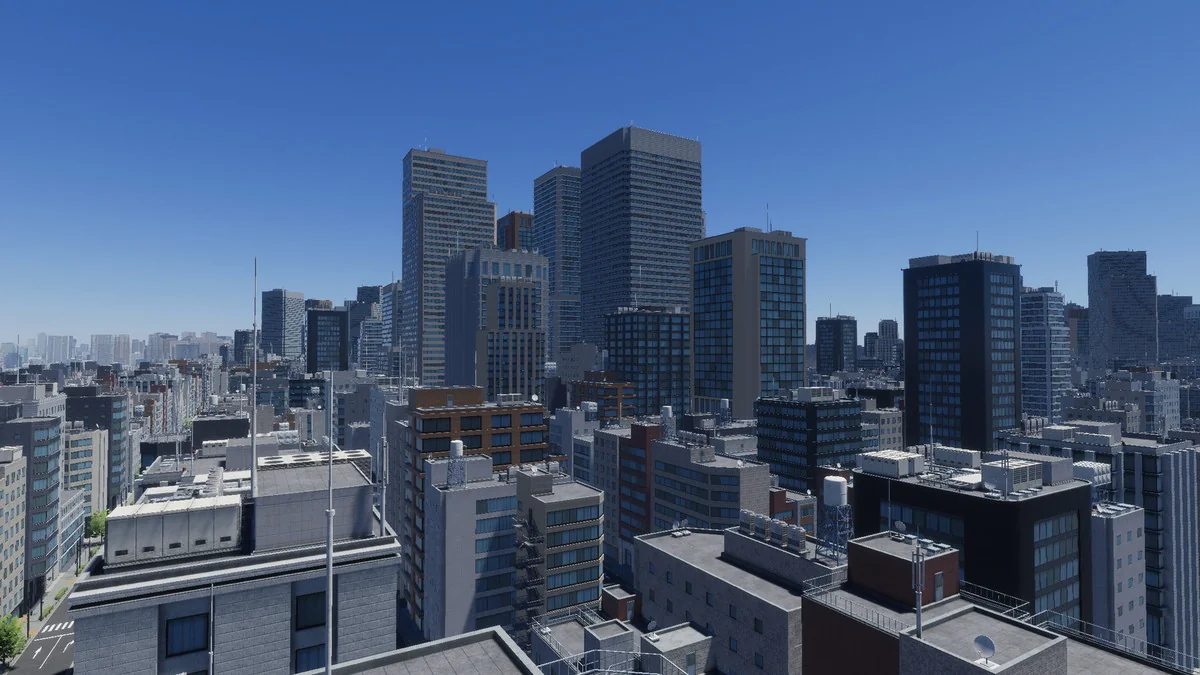
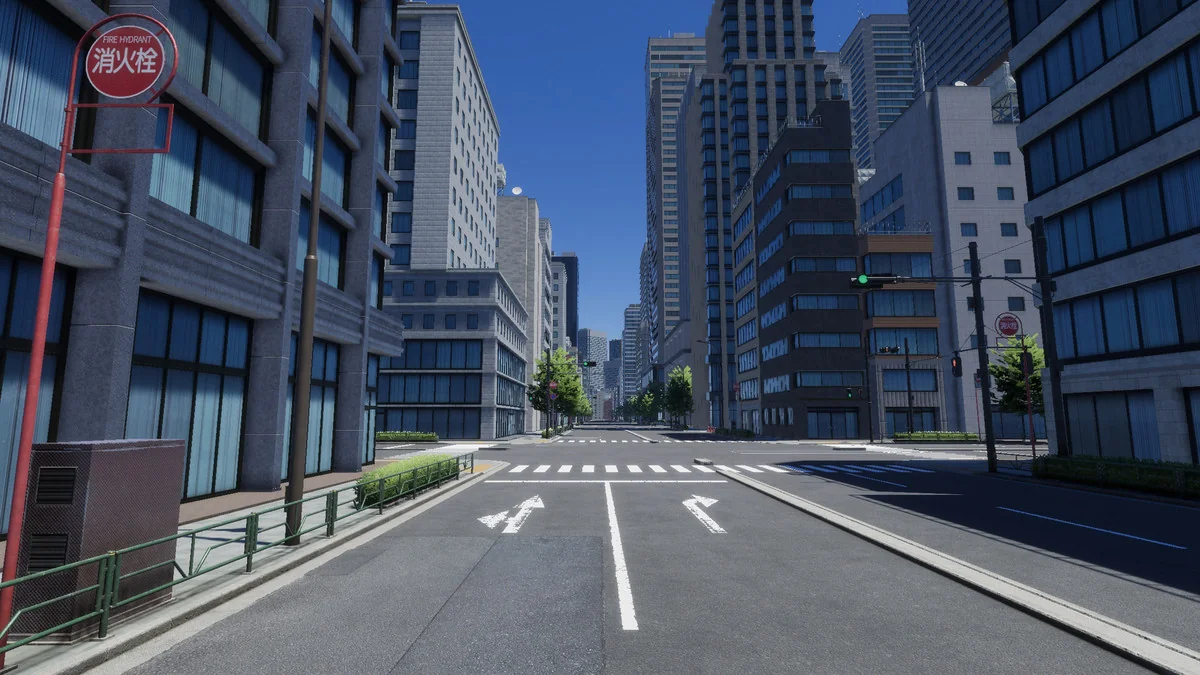
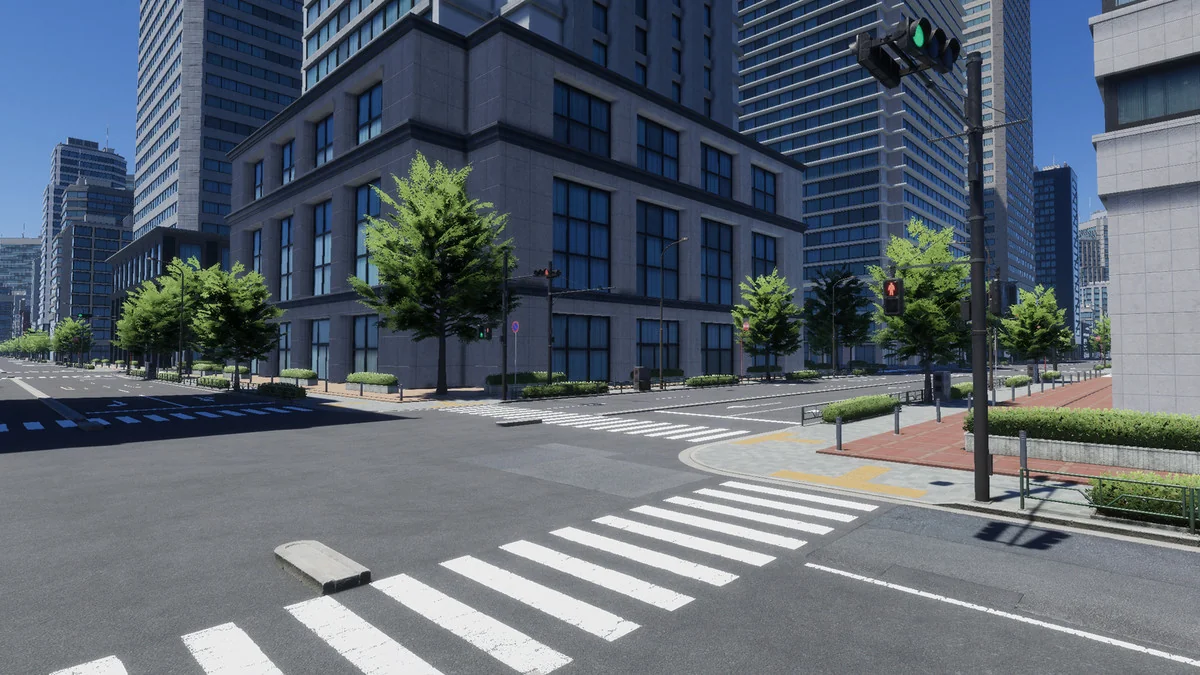
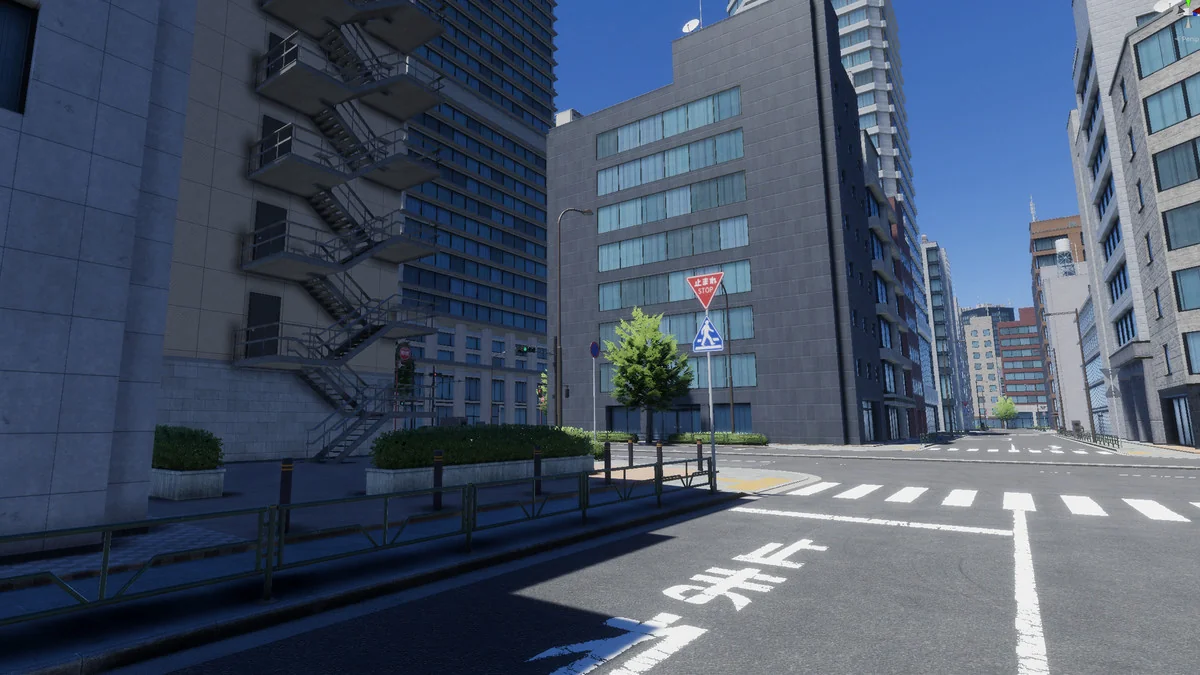
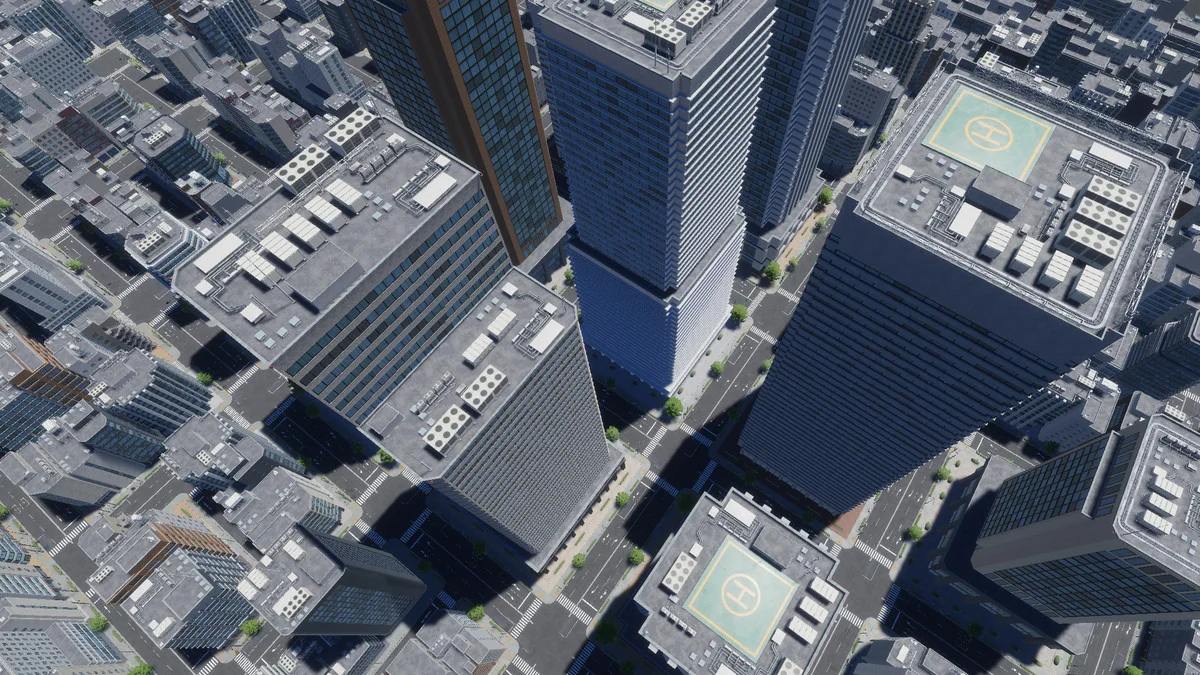
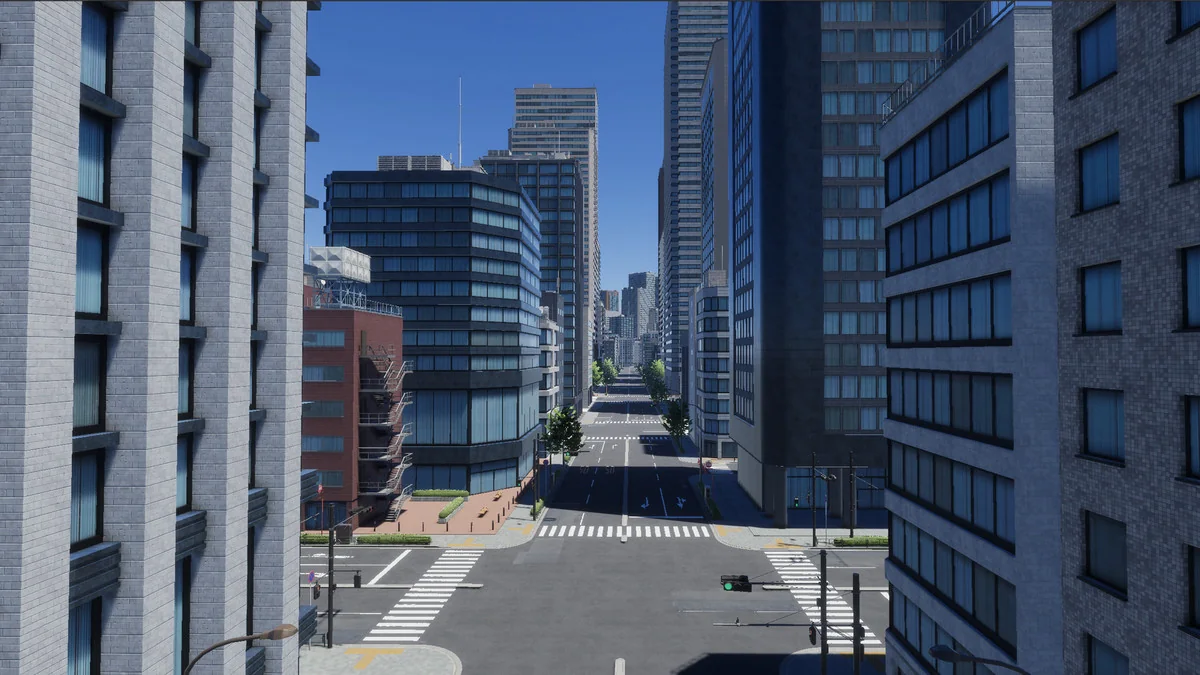
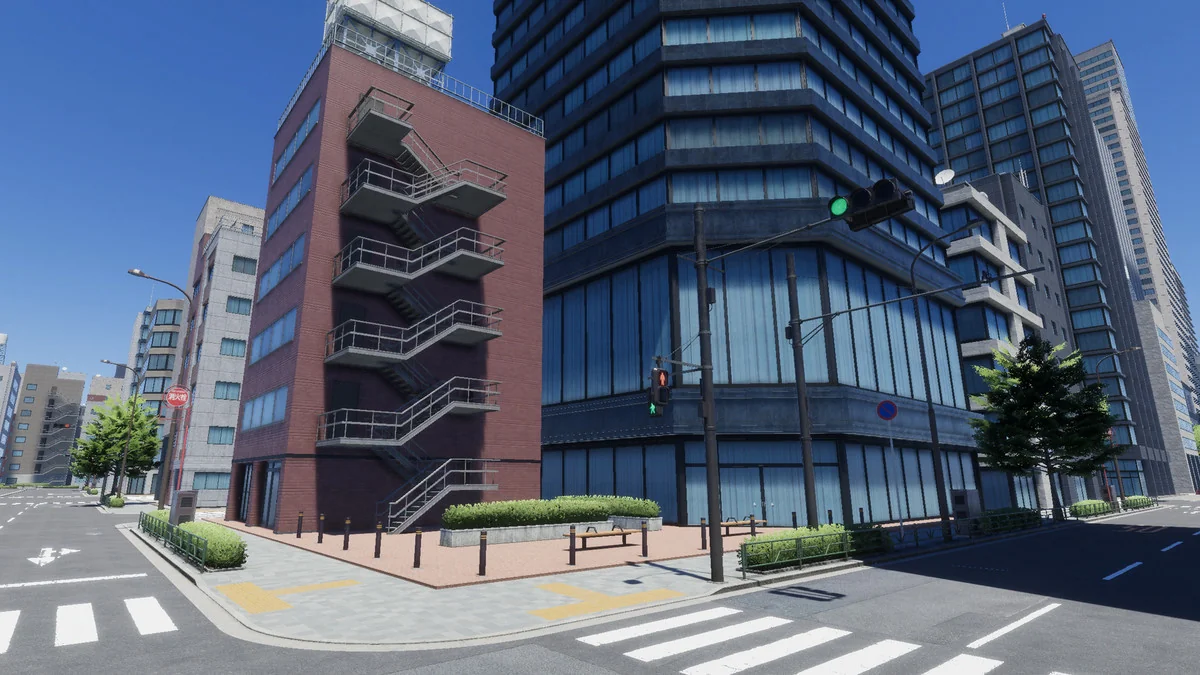
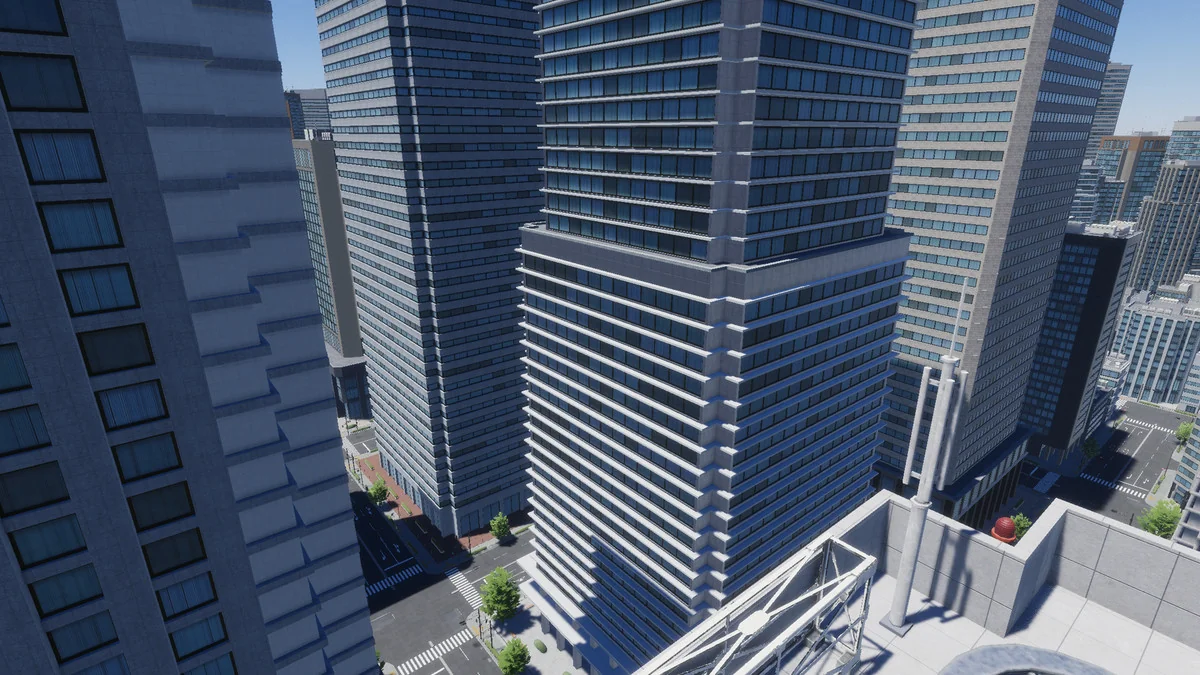
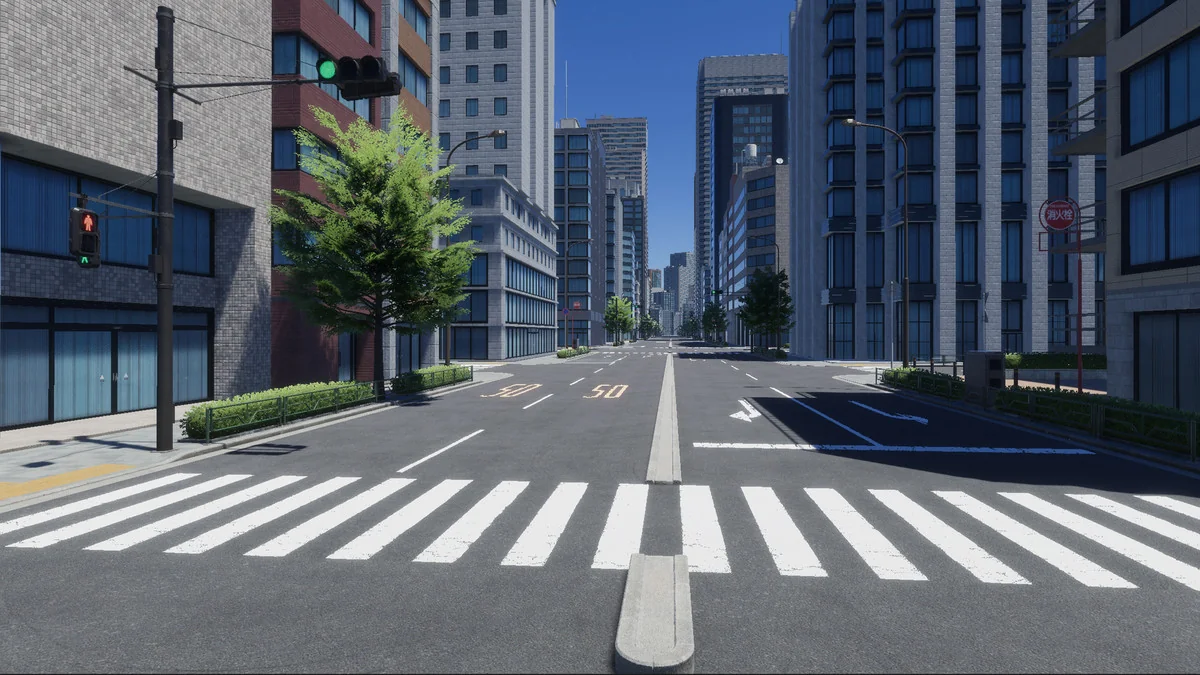
The Japanese City collection is structured to facilitate the assembly of dense urban environments, specifically focusing on the aesthetic of a Japanese downtown district. The pack contains 182 FBX files and 310 total prefabs, providing a wide variety of assets to populate a scene. These assets are categorized into two main groups: buildings and props. The buildings are designed for exterior use and do not include interior spaces, keeping the focus on street-level and skyline composition.
To assist with the initial setup, the developer has included two demo scenes. One is a day scene, showcasing how the assets interact with lighting, while the other provides an overview of the individual components included in the library. This modular approach allows for the creation of unique city layouts by rearranging the 310 prefabs within the Unity editor.
Geometry and Optimization Details
Managing performance in a dense city environment is addressed through specific geometry optimizations. The buildings within this pack are equipped with two levels of detail (LODs), allowing for better performance when viewing structures from a distance. The complexity of the geometry varies significantly depending on the asset type:
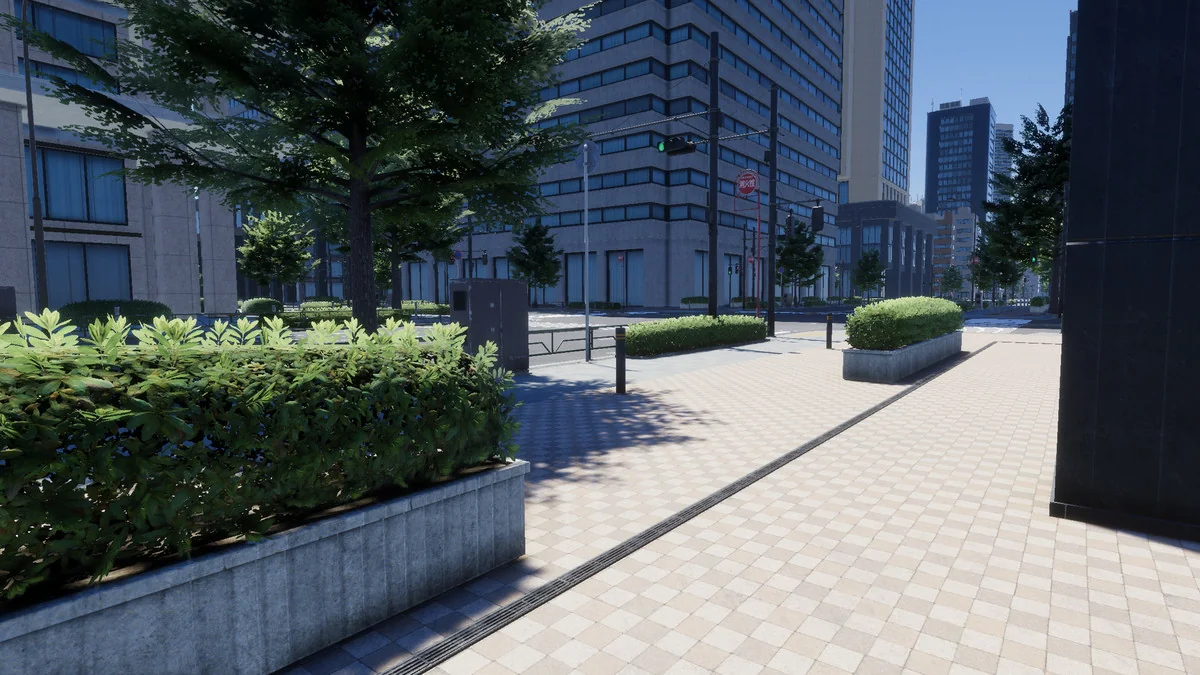
- Prop assets: Ranging from 10 to 4,000 triangles.
- Building prefabs: Ranging from 1,000 to 60,000 triangles.
This wide range in triangle counts suggests a hierarchy of detail, where smaller street-level props are lightweight, while primary structures provide the necessary resolution for closer camera proximity. The 1.4 GB file size reflects the breadth of these assets and the accompanying texture data.
Visual Fidelity via Multi-Map Texturing
The visual quality of the Japanese City pack is driven by its texture library, which includes 220 individual textures. These textures range in size from 512 to 4096 pixels, providing flexibility for different hardware targets or visual requirements. The pack utilizes a standard PBR-adjacent workflow by providing four specific map types:
- Albedo: For base color and surface detail.
- Metallic: To define surface reflectivity and material properties.
- Normal: For fine surface geometry and lighting interaction.
- Emissive: To handle glowing elements, which are essential for a neon-heavy downtown aesthetic.
In the version 1.1 update, the developer expanded the texture set by adding English-language variants, allowing for more versatility in how the city is localized or presented in different regional contexts.
Pipeline Support and Project Integration
The package is designed for compatibility with several Unity render pipelines. While it was originally published for the Built-in pipeline and HDRP, version 1.2 introduced a dedicated URP support package. This is delivered via a specific .unitypackage file included within the main download. The technical specifications list the original Unity version as 2021.3.30, and the developer notes that screenshots and video demonstrations were captured using HDRP (version 2020.3.42f1).
For developers working in newer versions of the engine, the asset count of 933 total items suggests a robust library that can be migrated between pipelines, provided the correct unitypackage is utilized for the intended renderer. It is important to note that this is a 3D art-only package; it does not contain rigs, scripts, or music, making it a specialized resource for environmental artists and level designers who handle their own scene logic.
Version Iteration and Technical Scope
The development history of the Japanese City asset shows a focus on refinement and accessibility. Following its initial release in early 2023, the resource has seen updates that addressed small bug fixes and expanded the visual assets. The inclusion of the English textures and the formal URP support package in version 1.2 indicates a move toward broader usability across different project types. The assets are provided as a standard unitypackage, ensuring they can be imported directly into existing Unity projects for immediate placement within a scene.
Asset Gallery