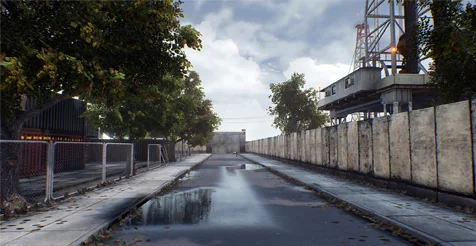
Introduction to the Realistic Highway Assets
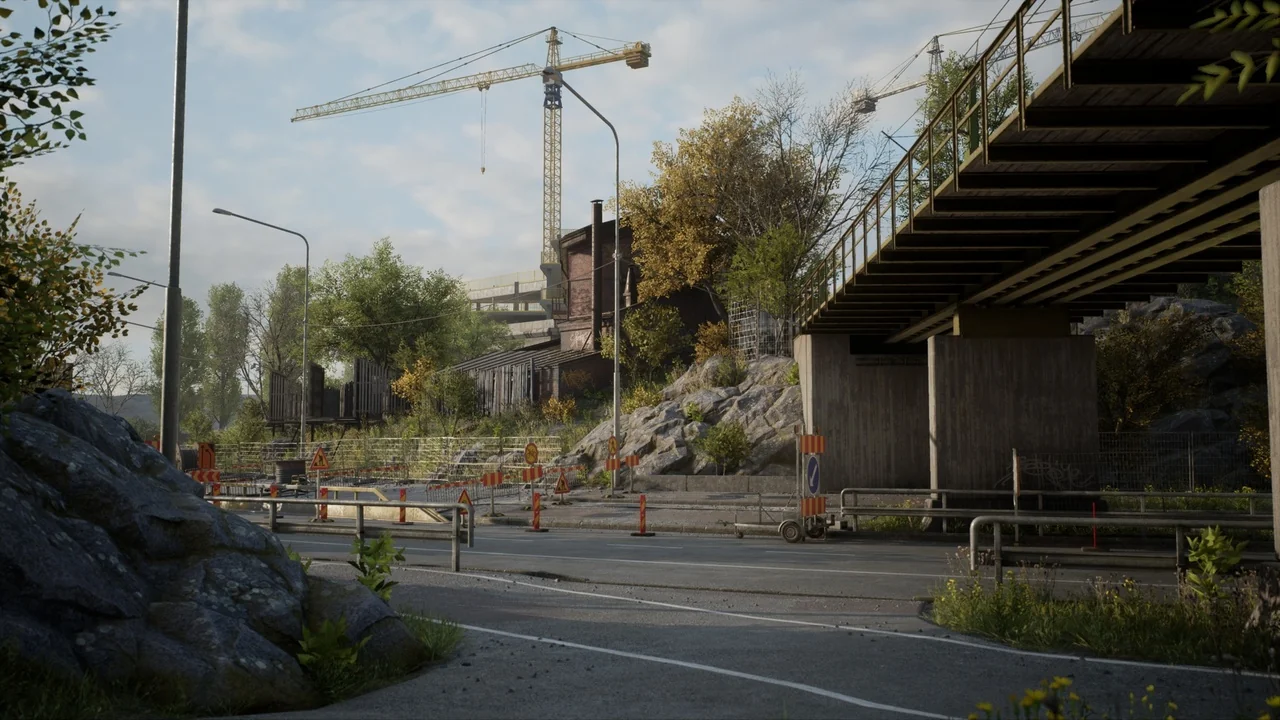
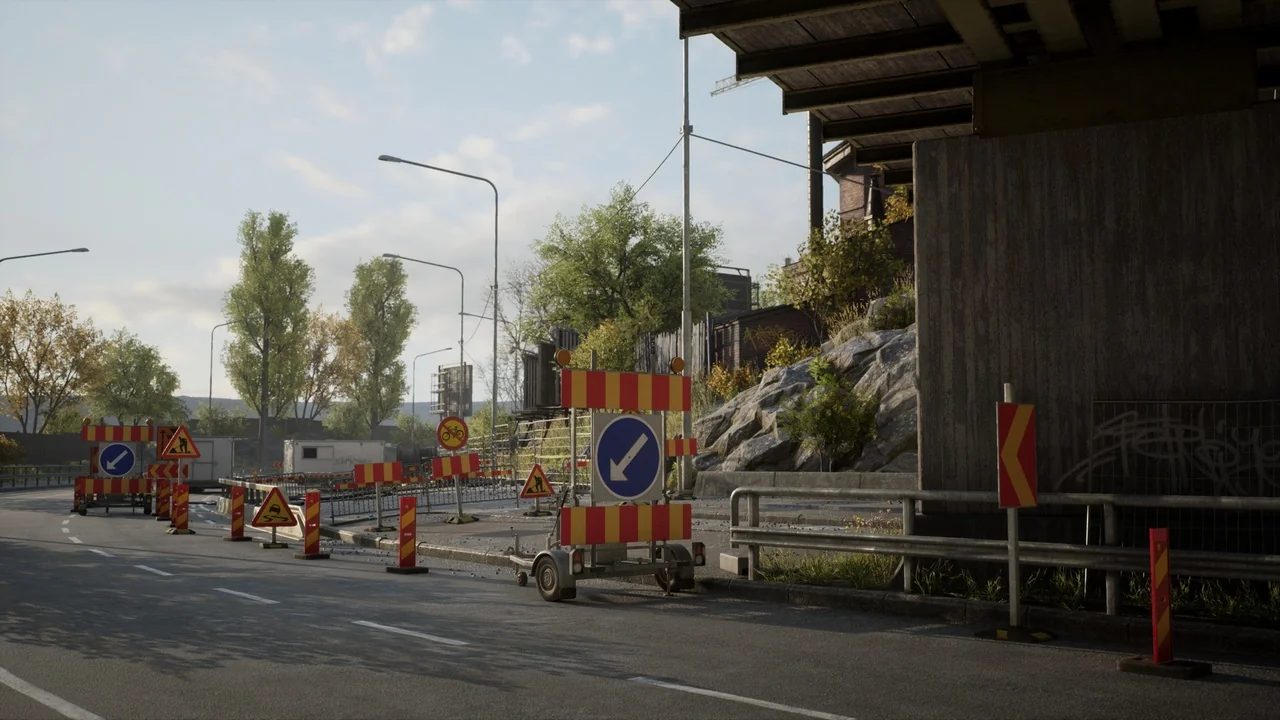
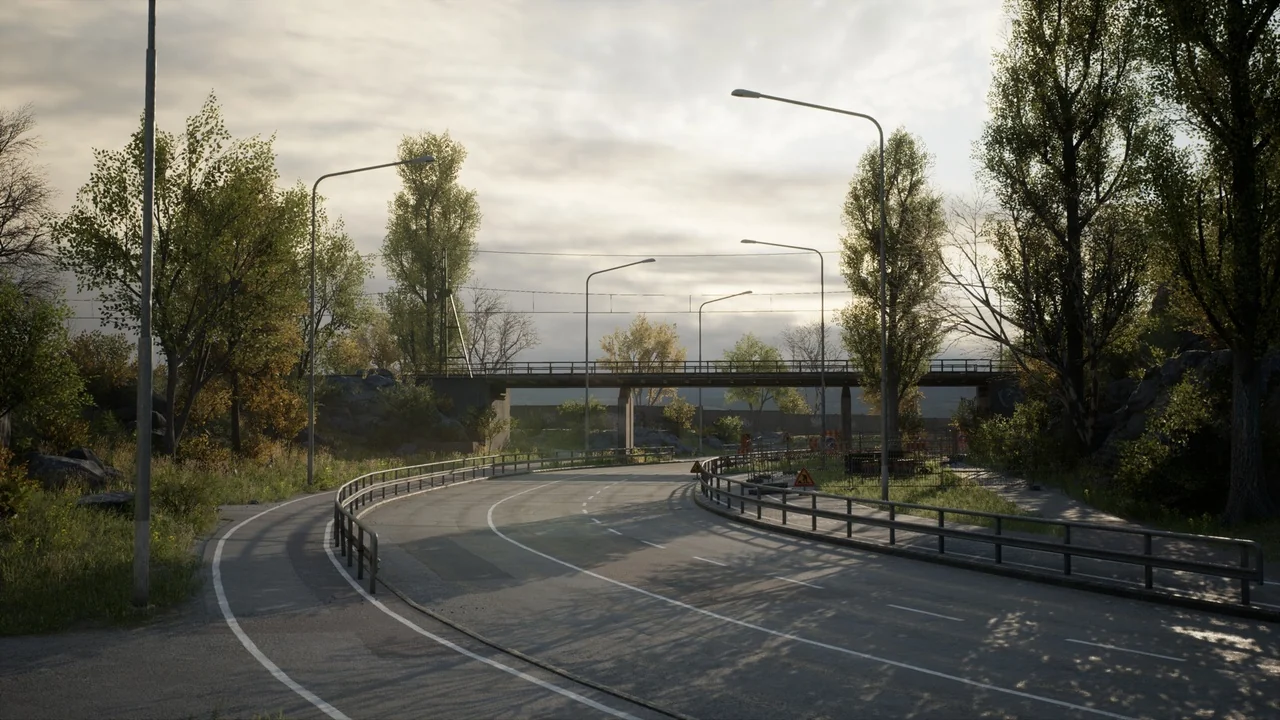
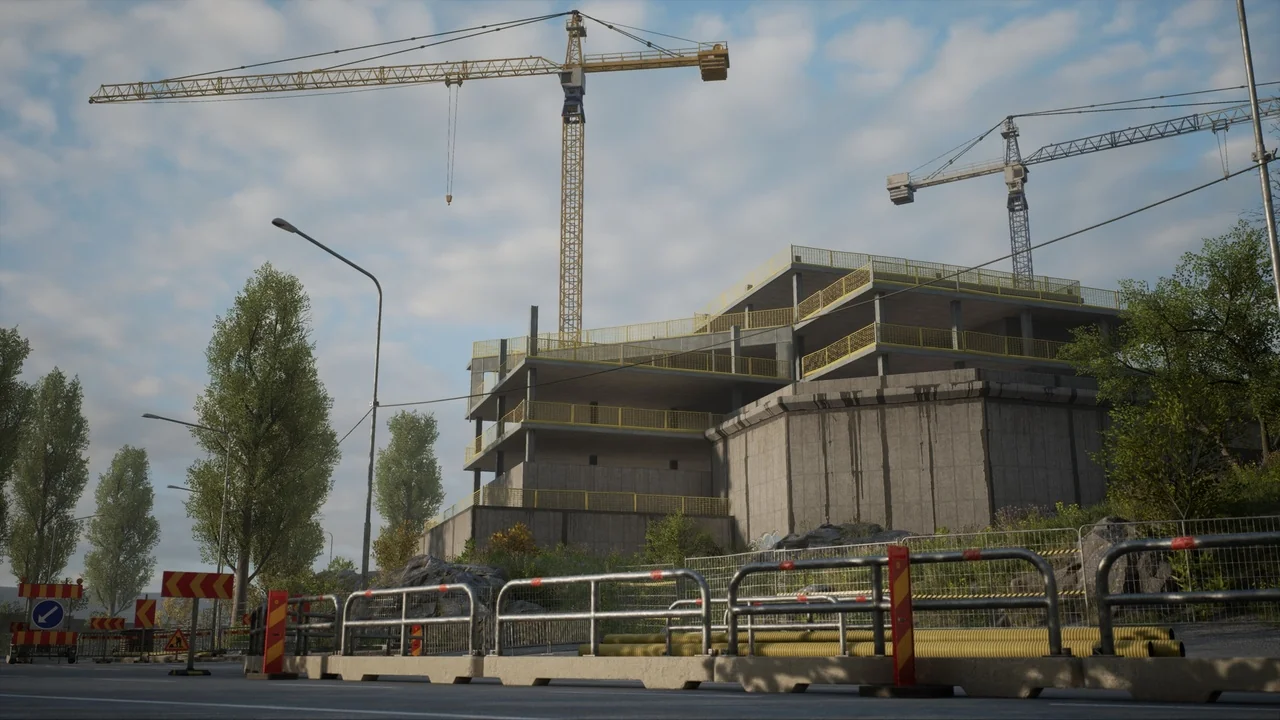
Highway – Environment is a versatile asset pack designed for developers who need realistic roadside scenery in Unreal Engine. This collection offers a professional set of tools for building believable industrial and transit zones. Therefore, it is an ideal choice for racing games, open-world adventures, or cinematic projects. The package includes a detailed demo map to help you get started immediately.
Performance and Optimization
Optimization is a primary focus for these assets. Every model is game-ready and carefully constructed to maintain high performance. For instance, small assets maintain a texel density of around 1k per square meter. Larger structures utilize layered materials with 2k tiling textures to ensure visual fidelity. Consequently, your scenes will look sharp without sacrificing frame rates. Furthermore, the tiling texture scale is easily customizable through Material Instances.
Key Technical Features
- Optimized 3D models ready for game integration.
- High-quality texel density for consistent visual quality.
- Layered materials with customizable tiling textures.
- Included demo map showcasing realistic world elements.
Advanced Foliage and Vegetation
The foliage system is a significant highlight of the Highway – Environment pack. The creator has integrated Pivot Painter features into the vegetation set. This technology allows for complex, realistic wind movements and interactions. Furthermore, the pack includes a specialized demo map to showcase these advanced foliage effects. This ensures that your Highway – Environment feels alive and dynamic rather than static.
Modularity and Construction
Building a world requires flexible components. The package provides a modular road set consisting of various static meshes. However, please note that these meshes are not configured for Landscape Splines. Instead, they are designed for manual placement to ensure specific architectural looks. Meanwhile, the buildings in this set are unique, non-modular structures that add character to the landscape. Additionally, the set includes realistic props like industrial fences and traffic signs to complete the environment.
Unreal Engine 5 Compatibility
Users working in Unreal Engine 5 may need to adjust their project settings for the best results. By default, the engine uses Dynamic Global Illumination and Virtual Shadow Maps. To match the intended aesthetic of the Highway – Environment, you can change the Dynamic GI to ‘None’ in the rendering settings. In addition, switching the Shadow Map method to ‘Shadow Maps’ is recommended. Alternatively, you can still use Virtual Shadow Maps if you set the Dynamic Shadow Distance of the Directional Light to zero.
Recommended Settings for UE5
- Navigate to Project Settings > Engine > Rendering.
- Set Dynamic Global Illumination Method to None.
- Set Shadow Map Method to Shadow Maps.
- Adjust Directional Light settings for custom shadow distances.
Conclusion
In conclusion, the Highway – Environment provides a robust foundation for modern level design. It combines technical optimization with high-quality visual assets. Whether you are building a vast highway or a small industrial corner, these resources deliver professional results. Finally, the included demo maps serve as an excellent reference for lighting and layout.
Screenshots & Gallery