High-Resolution Game Interface Design
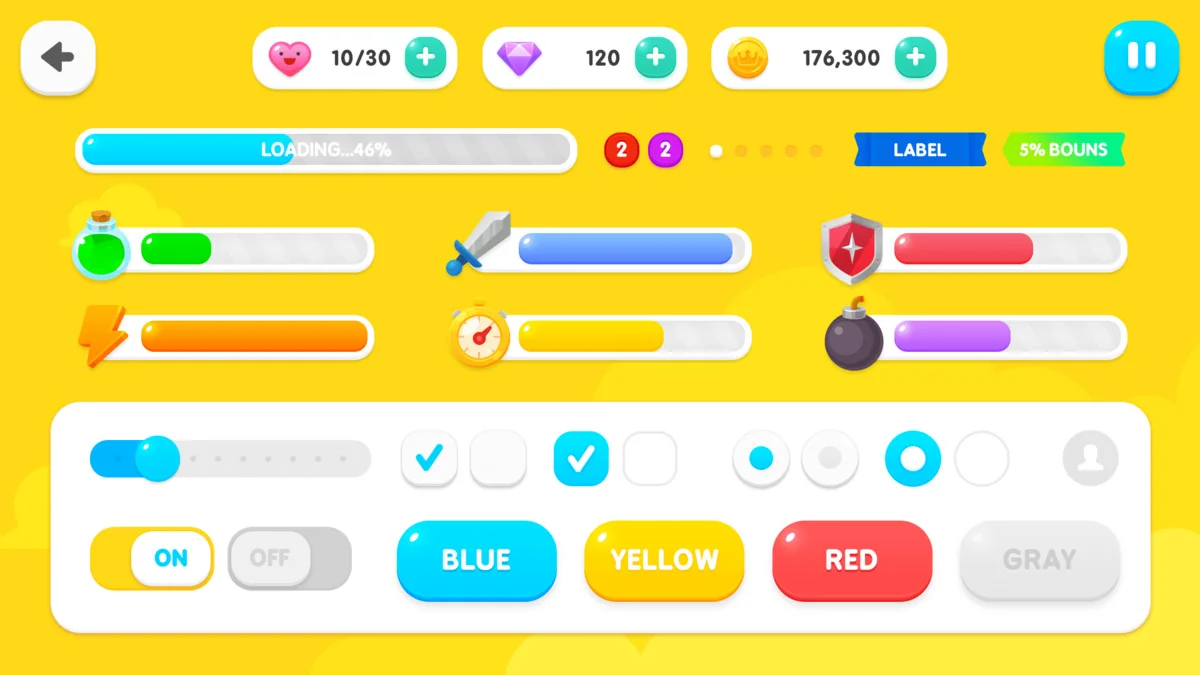
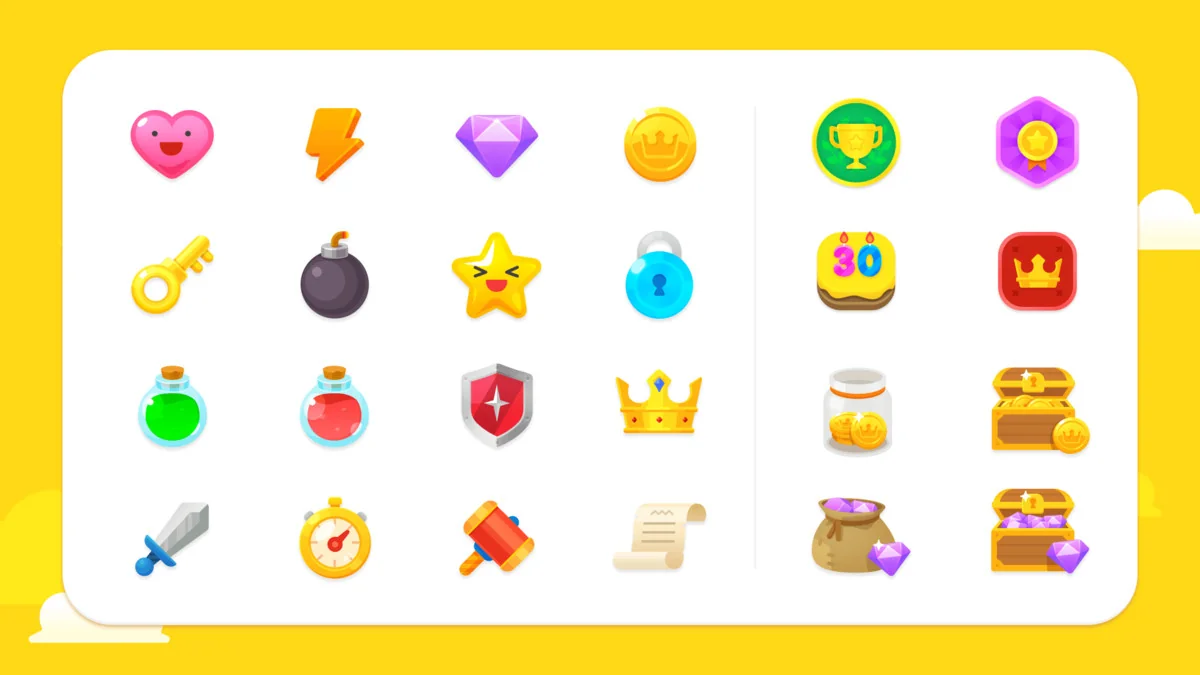
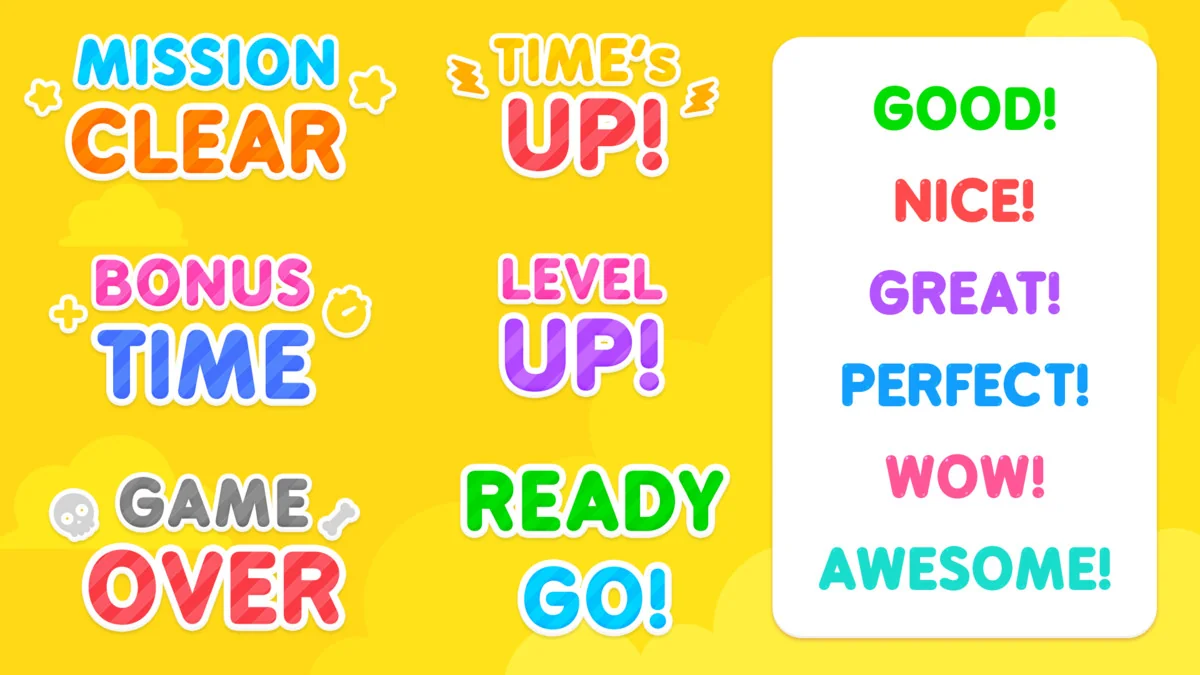
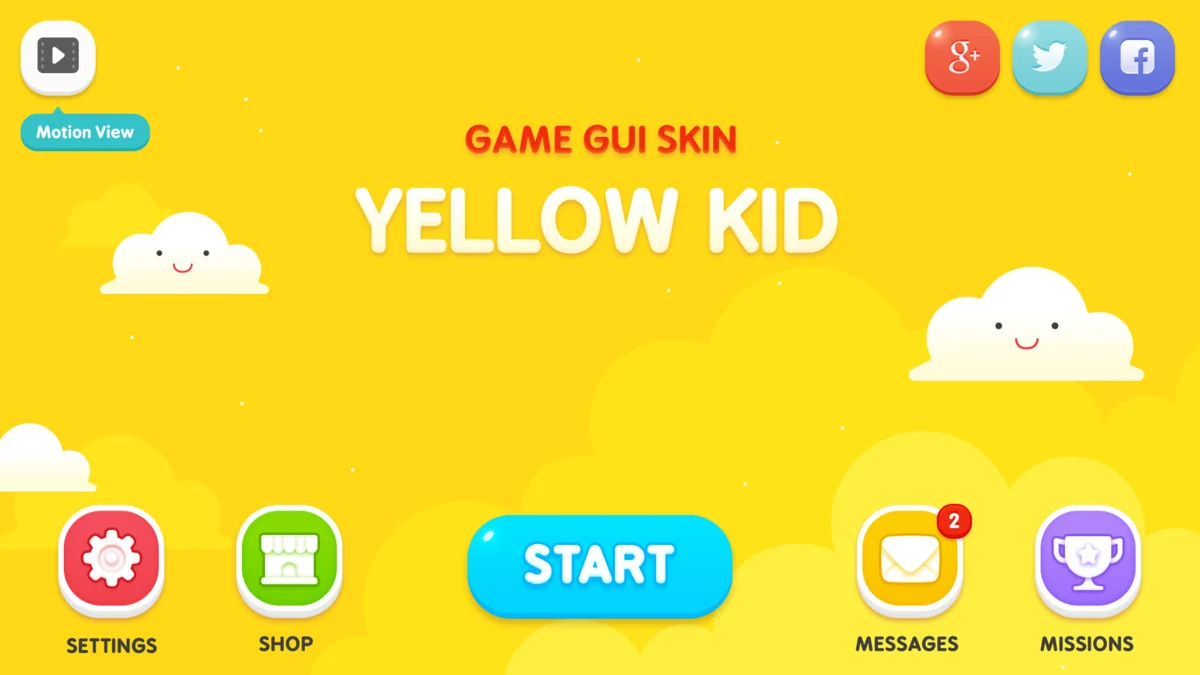
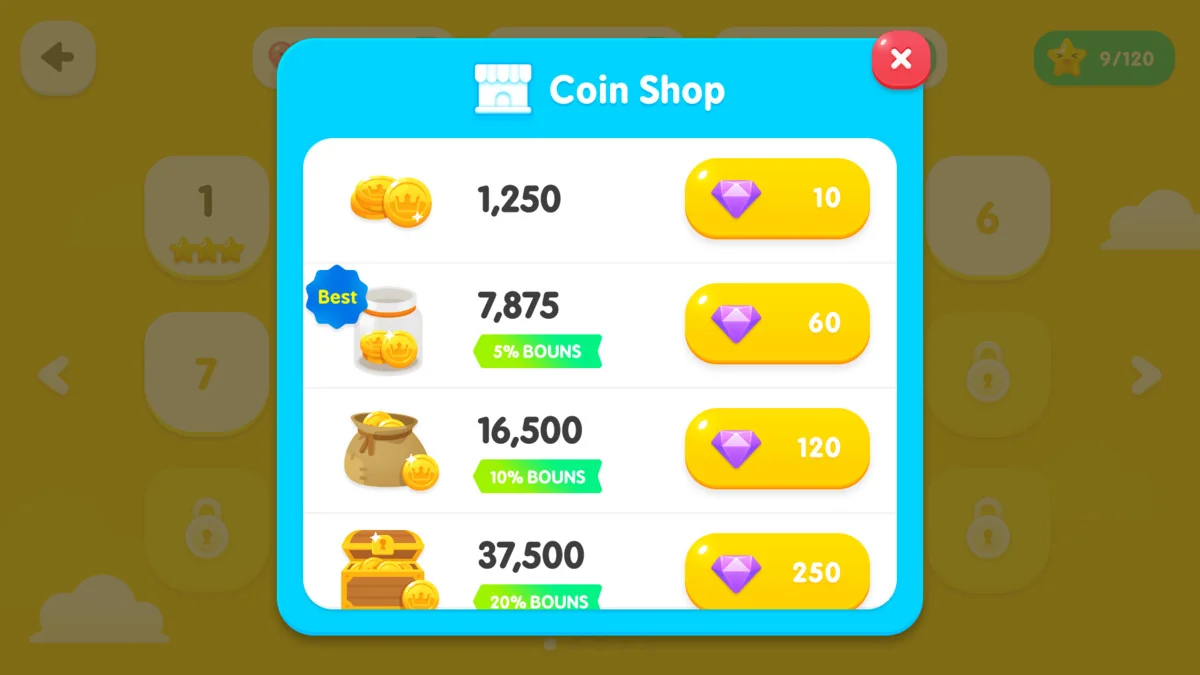
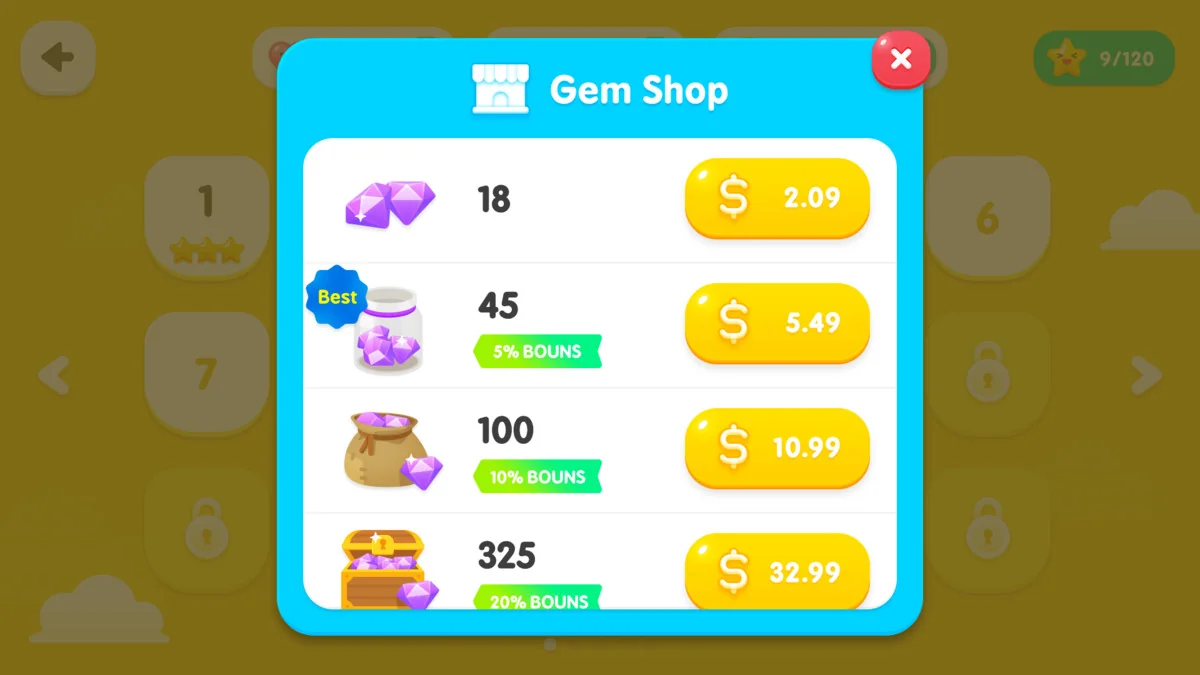
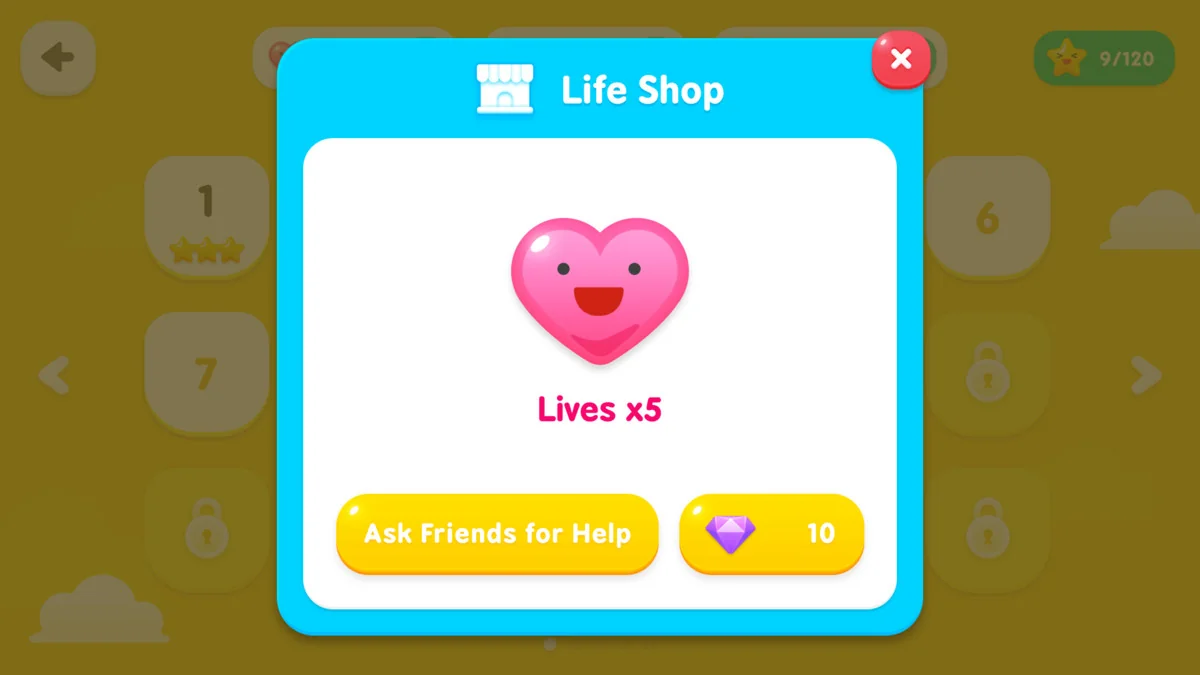
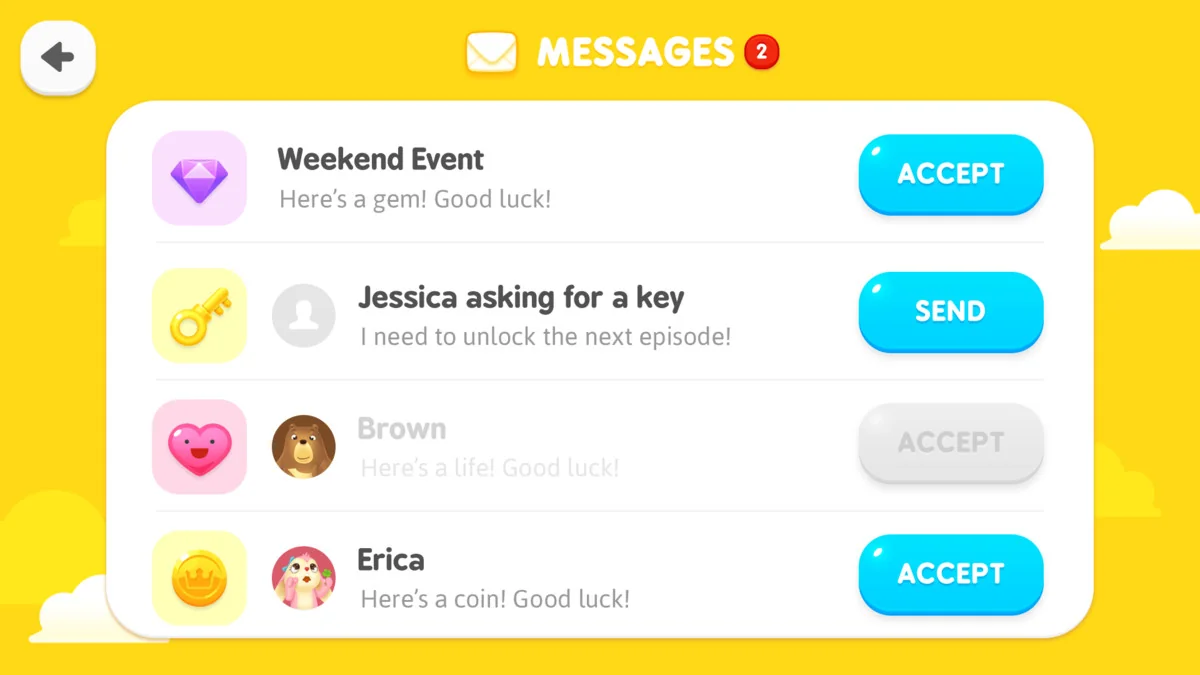
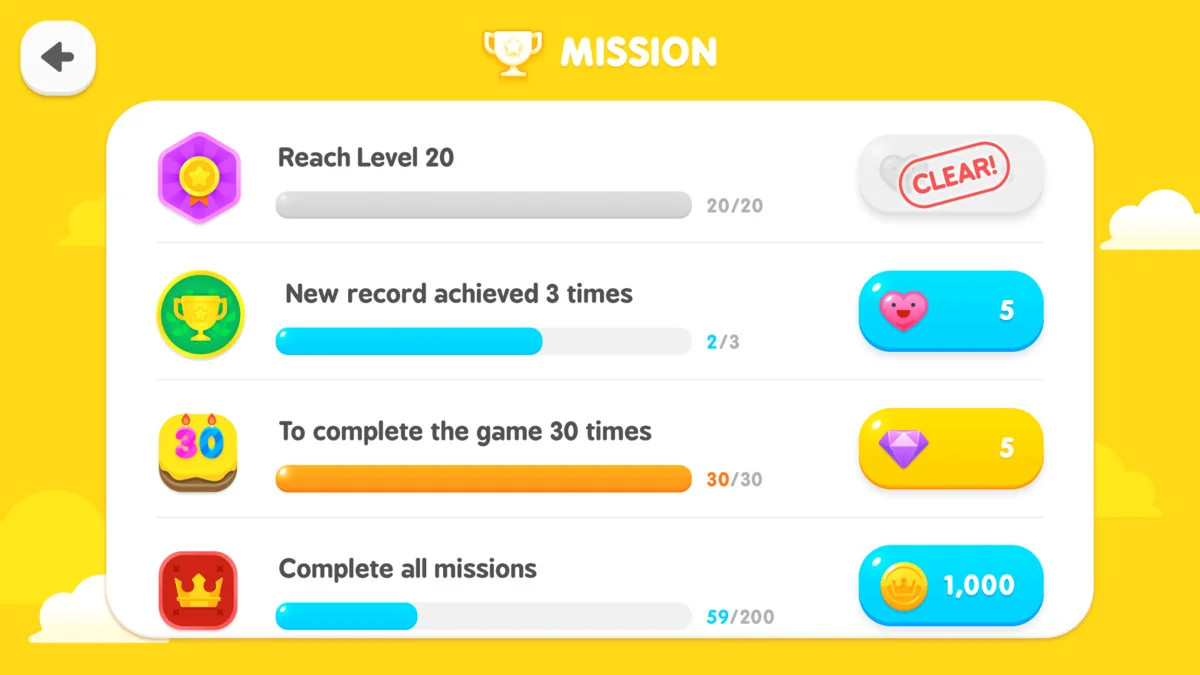
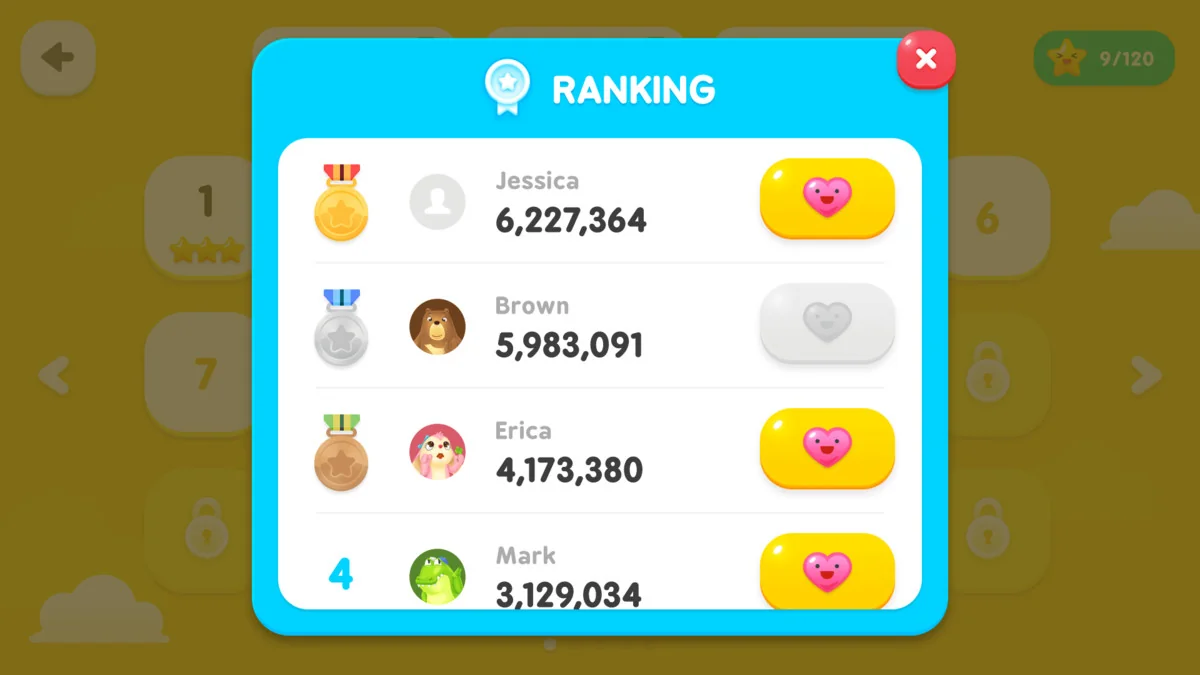
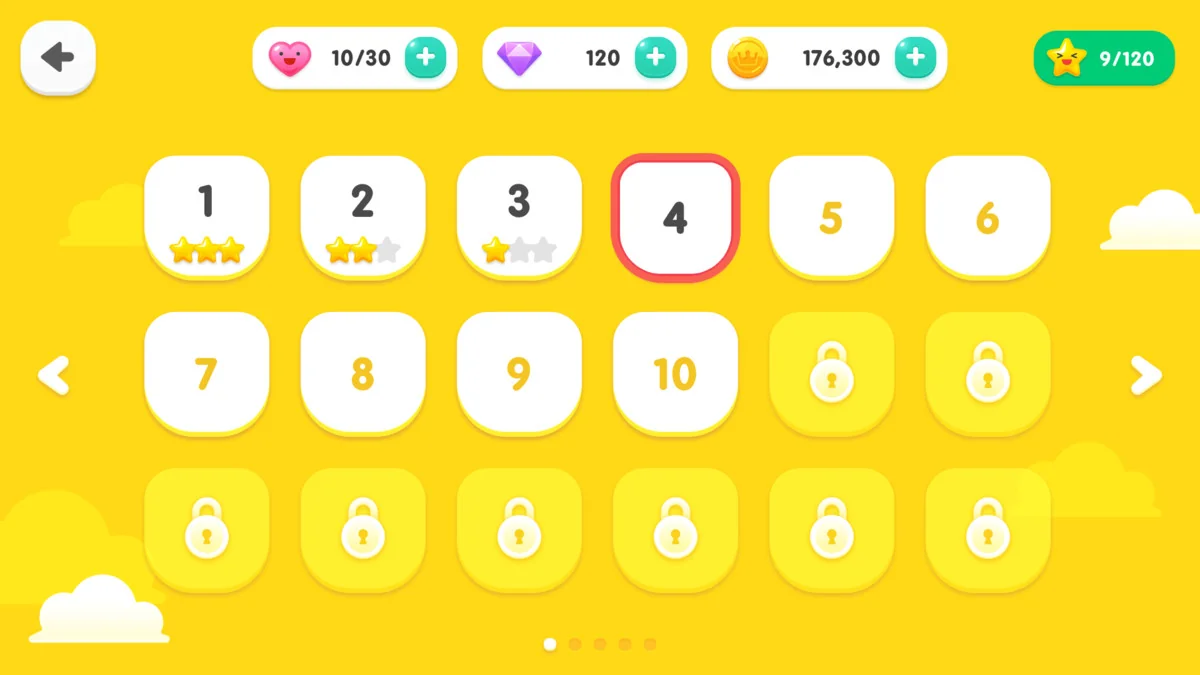
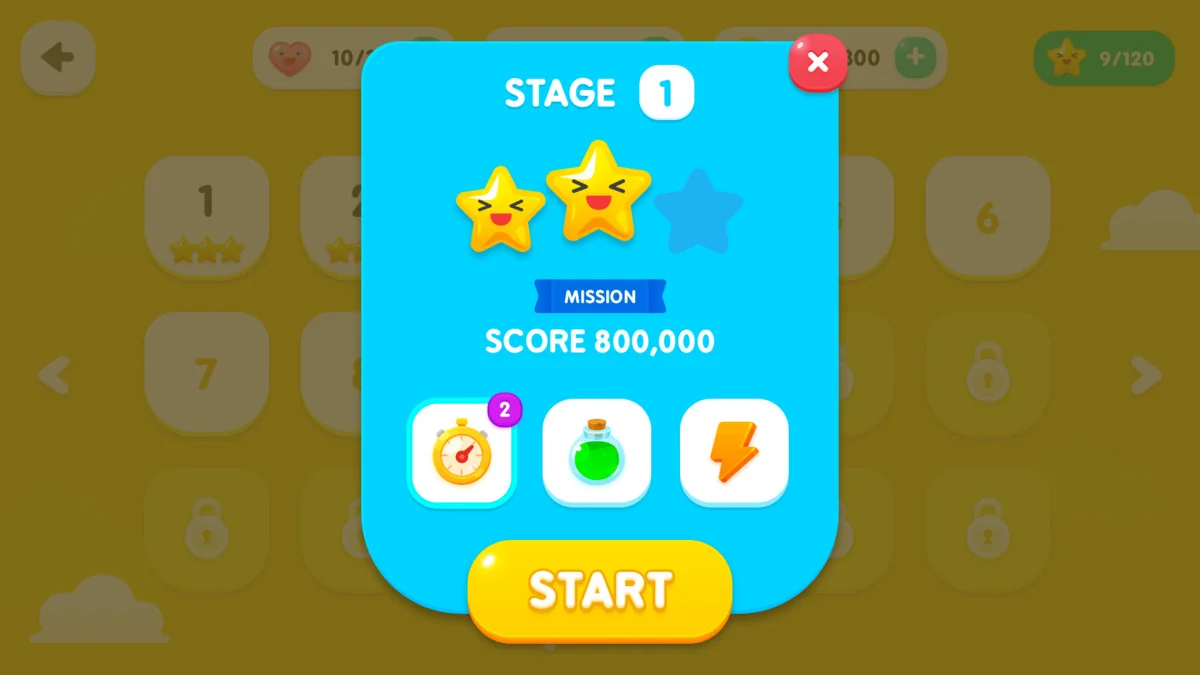
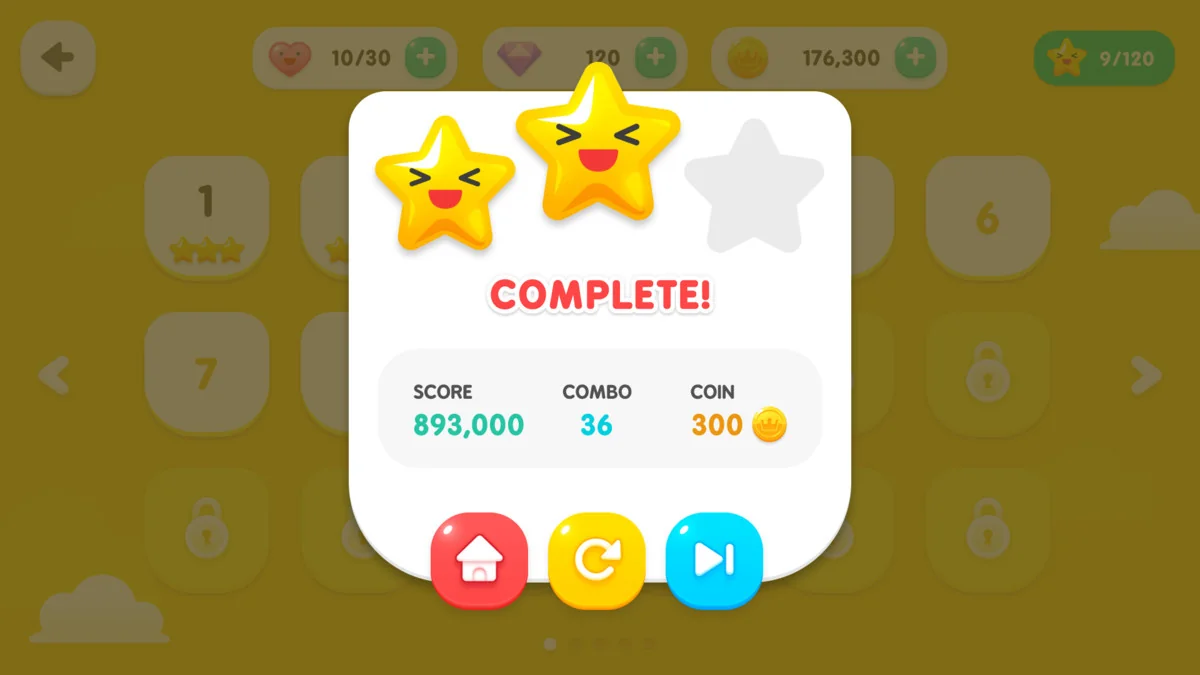
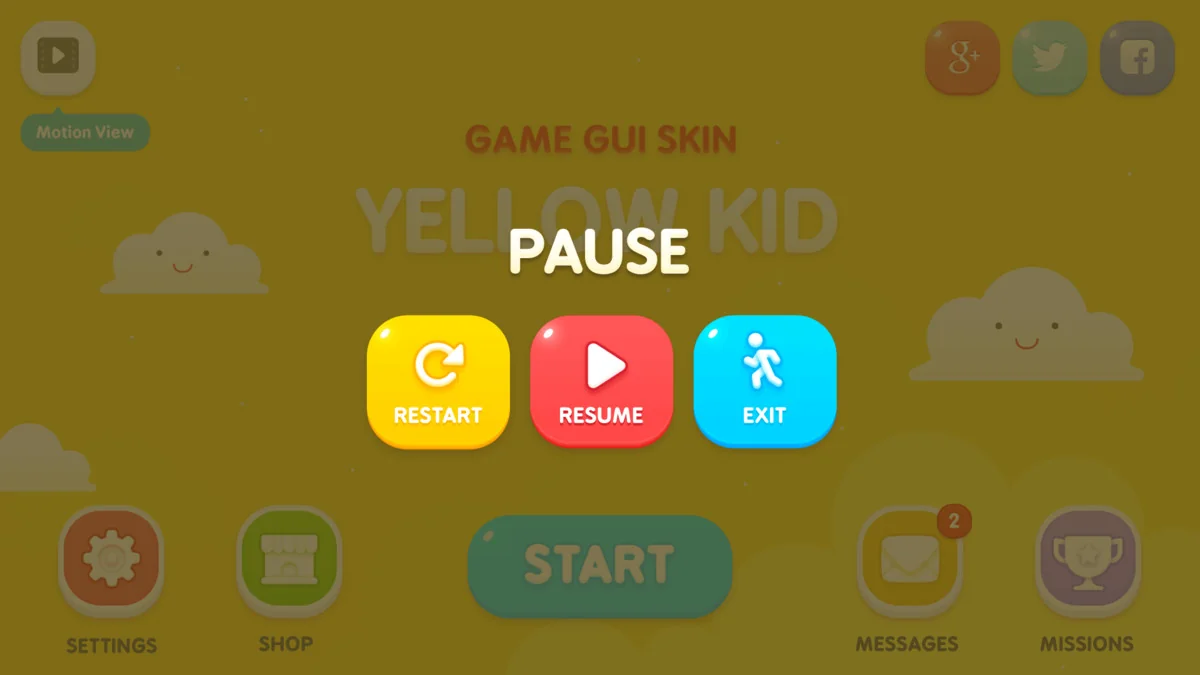
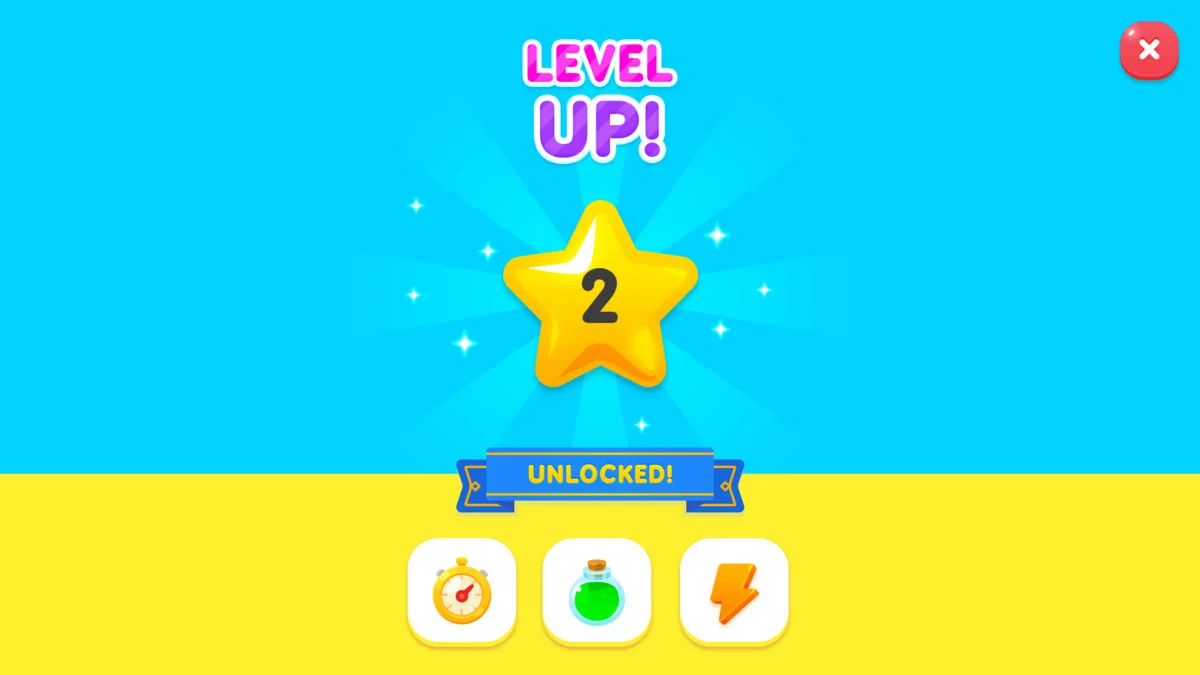
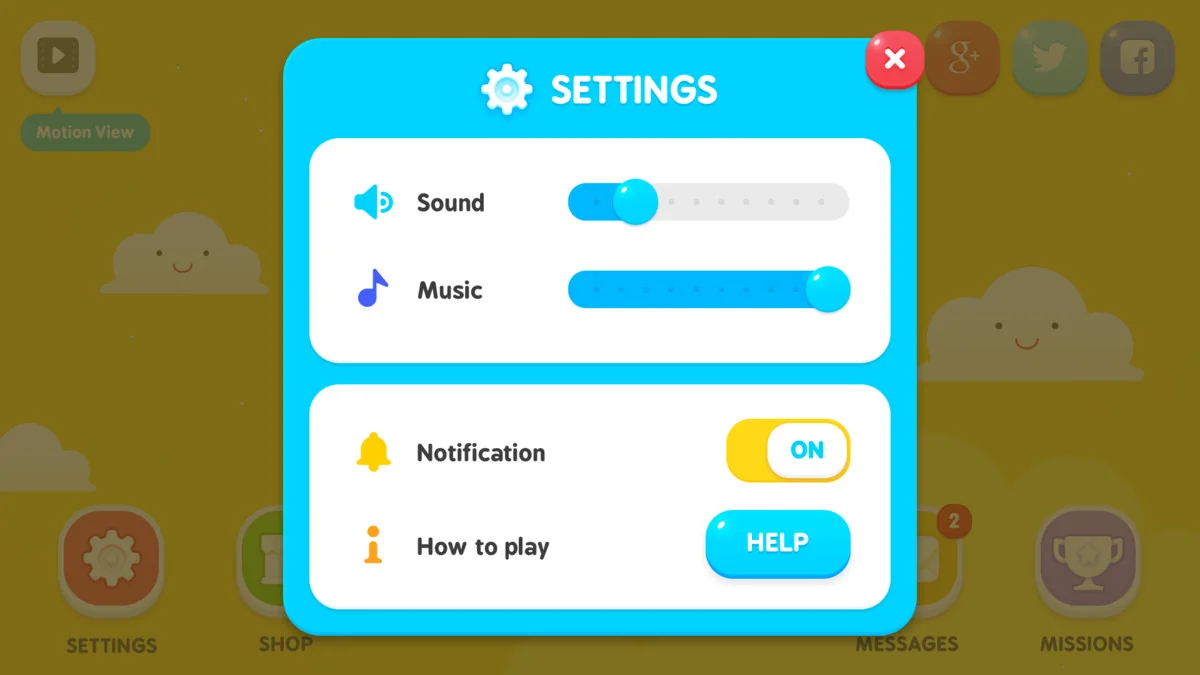
GUI – Yellow Kid provides developers with a comprehensive set of visual tools for creating modern game interfaces. Specifically, the asset features 1920×1080 resolution graphics that ensure a crisp appearance on high-definition displays. The developer has included PNG files for every element within the package to facilitate easy integration. Furthermore, the inclusion of a GUI skin and layout demo scene allows for immediate visualization of the assets in a project environment.
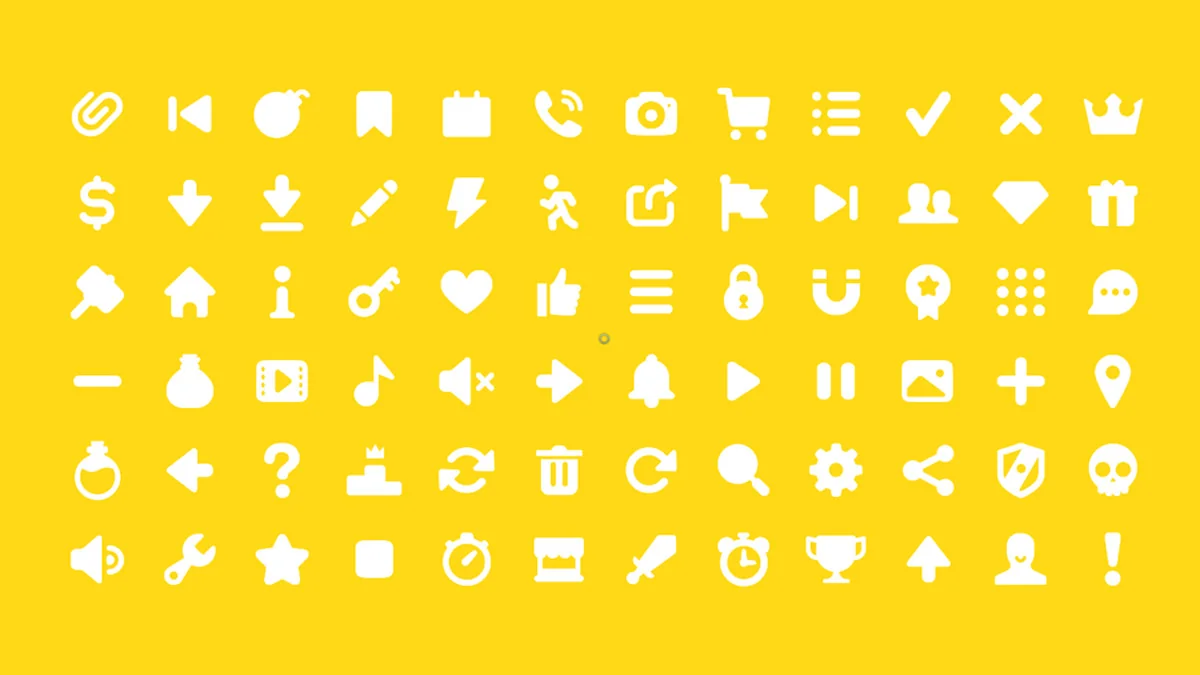
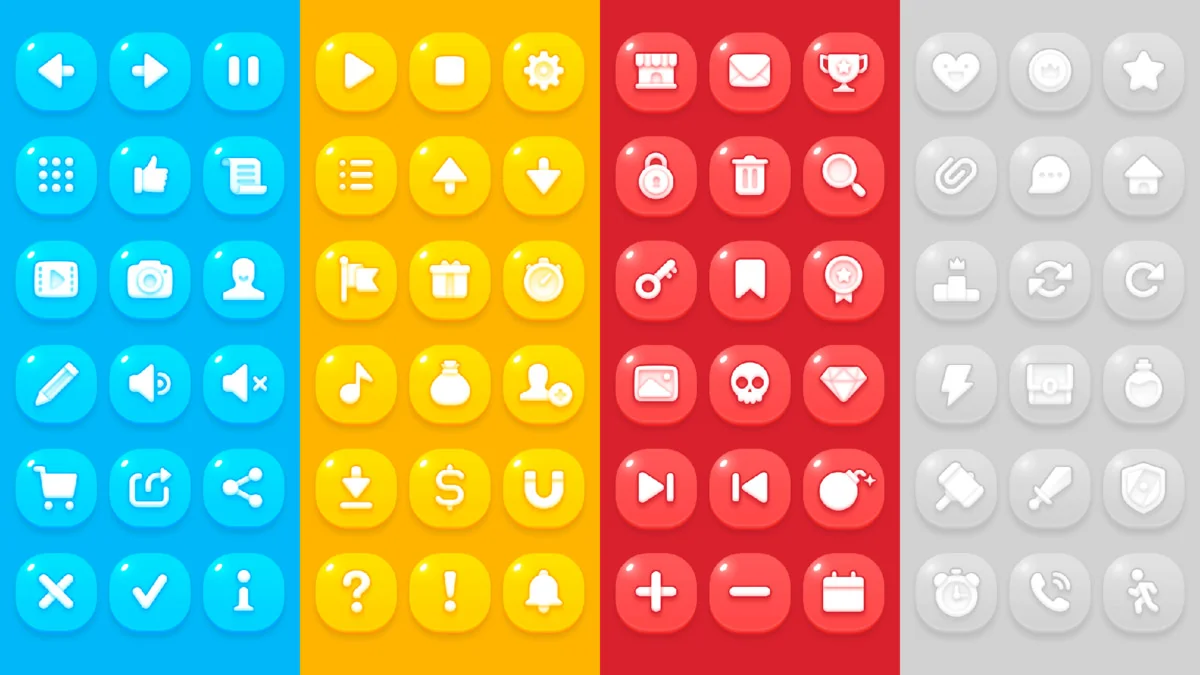
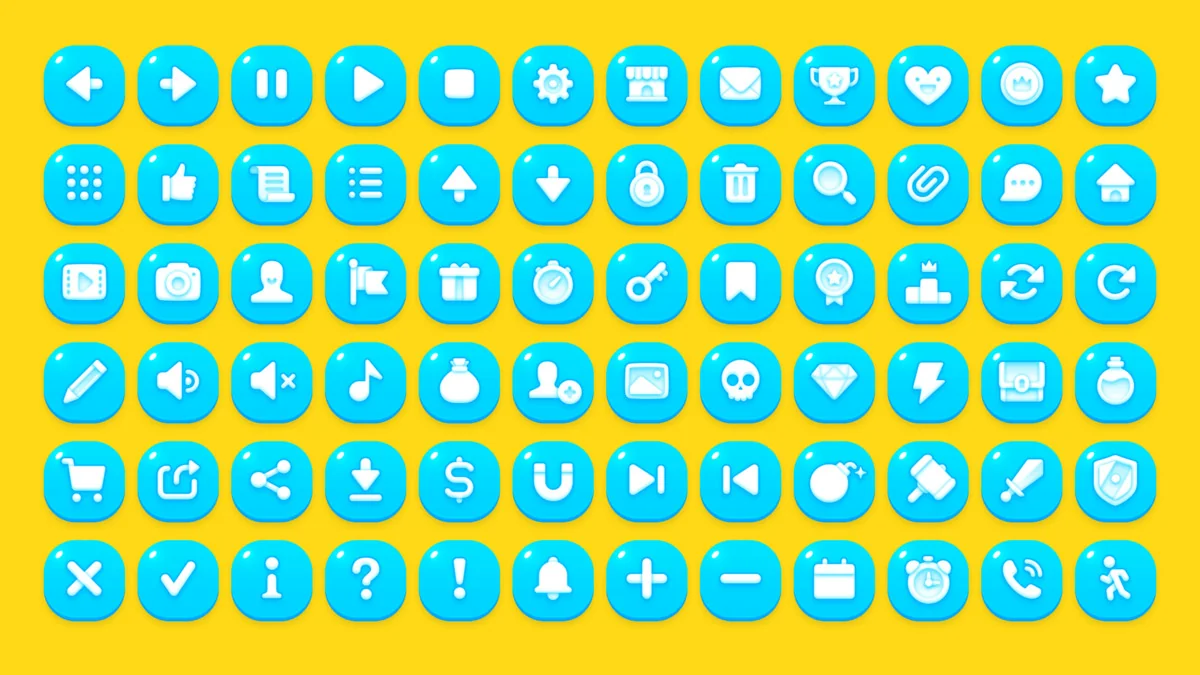
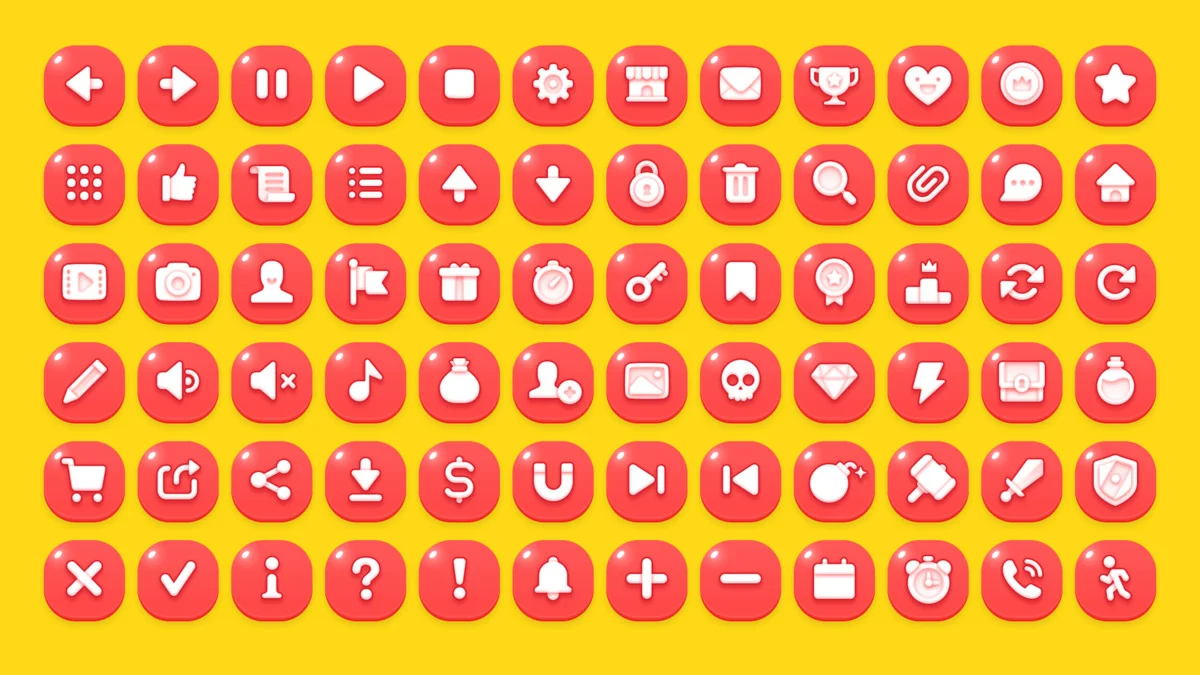
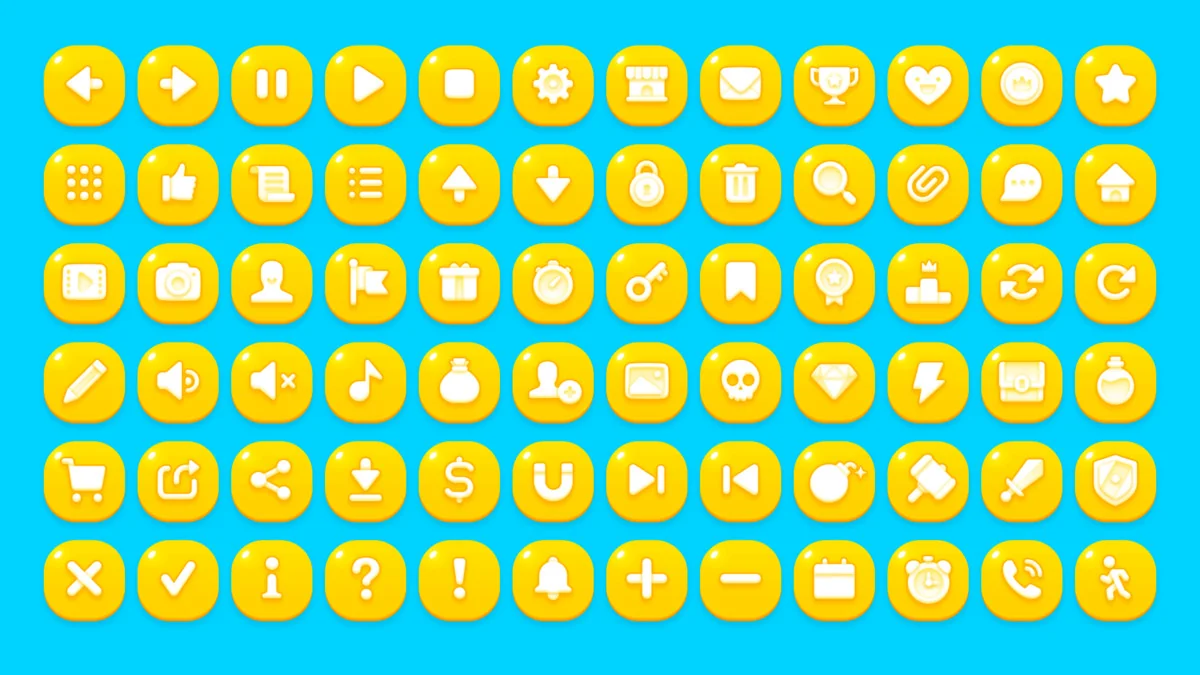
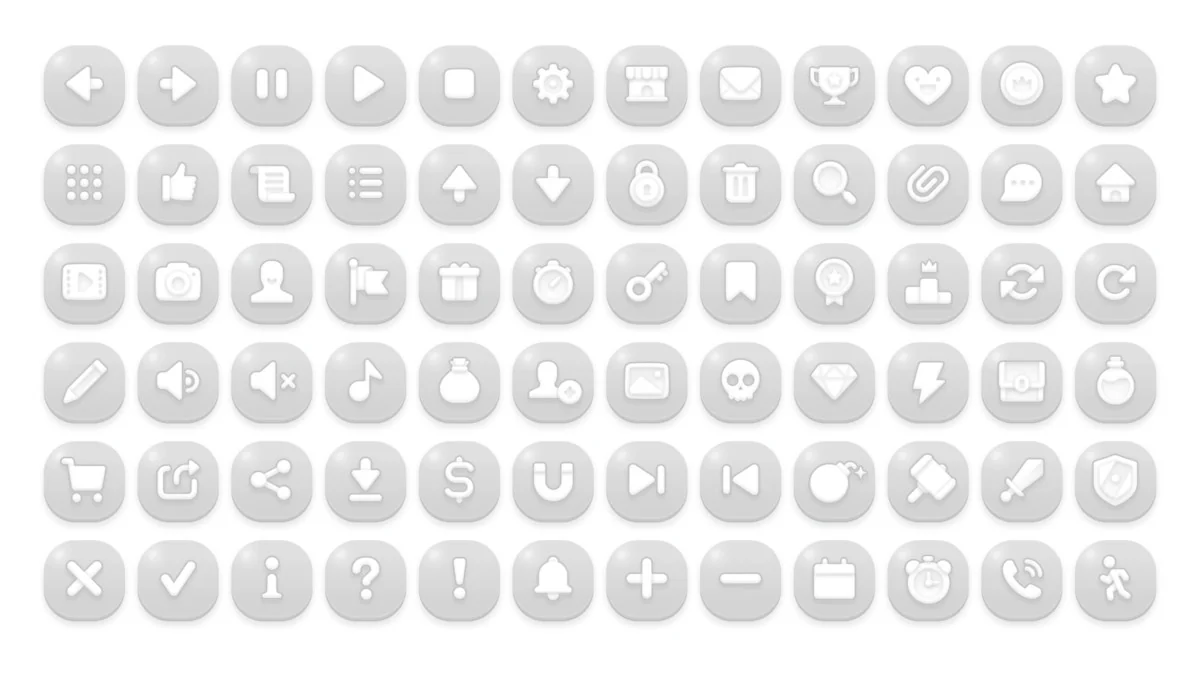
The core of this package consists of over 400 individual PNG sources. These elements cover a wide range of UI needs, from basic buttons to complex frames. Moreover, the collection includes 72 button icons available in four distinct colors: Blue, Gray, Red, and Yellow. This color variety allows for clear visual hierarchy and state changes within a game’s user interface. In addition, 72 pictogram icons are provided in multiple sizes, including 64×64, 128×128, 256×256, and 512×512 pixels.
Editable Source Files and Customization
Flexibility is a key benefit of the GUI – Yellow Kid asset. Specifically, the package contains 23 PSD editable vector layers. Consequently, creators can modify the shapes, colors, and scales of the UI components to fit their specific project requirements. Additionally, a pictogram icons AI file is included for those who prefer working with vector-based software. These source files empower developers to maintain visual consistency while tailoring the assets to their unique artistic vision.
Beyond static images, the asset is highly organized for Unity users. There are more than 98 prefabs included in the package. These prefabs are categorized into several essential UI groups:
- Interactive Buttons
- UI Frames and Borders
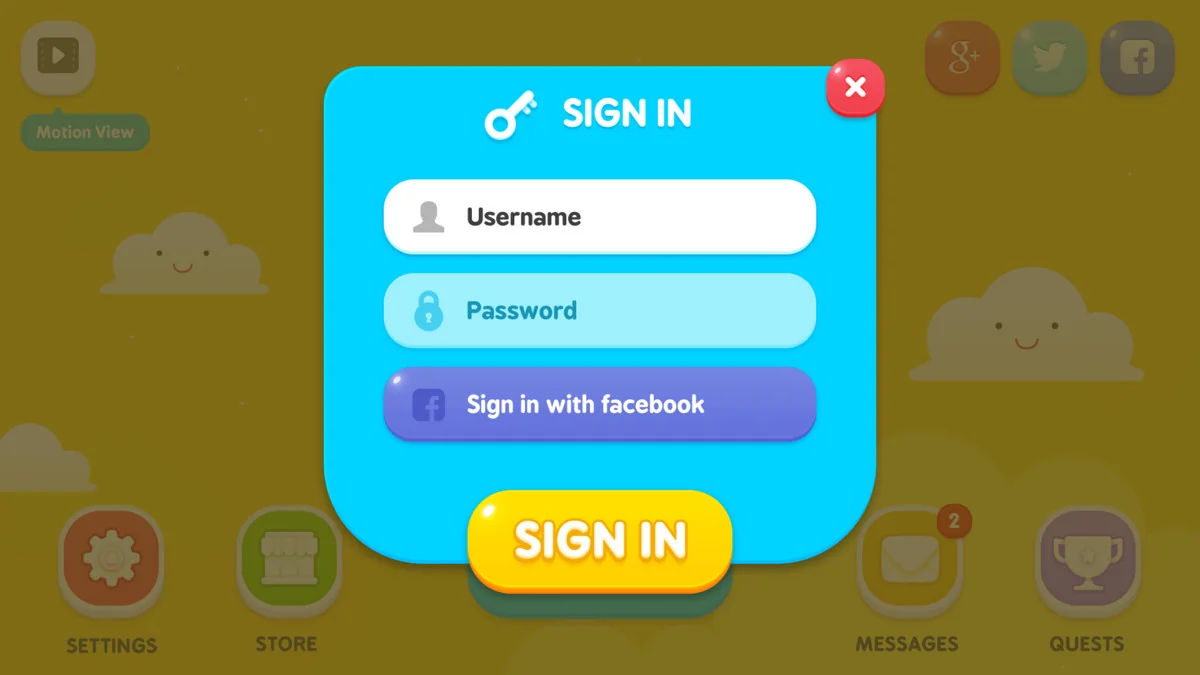
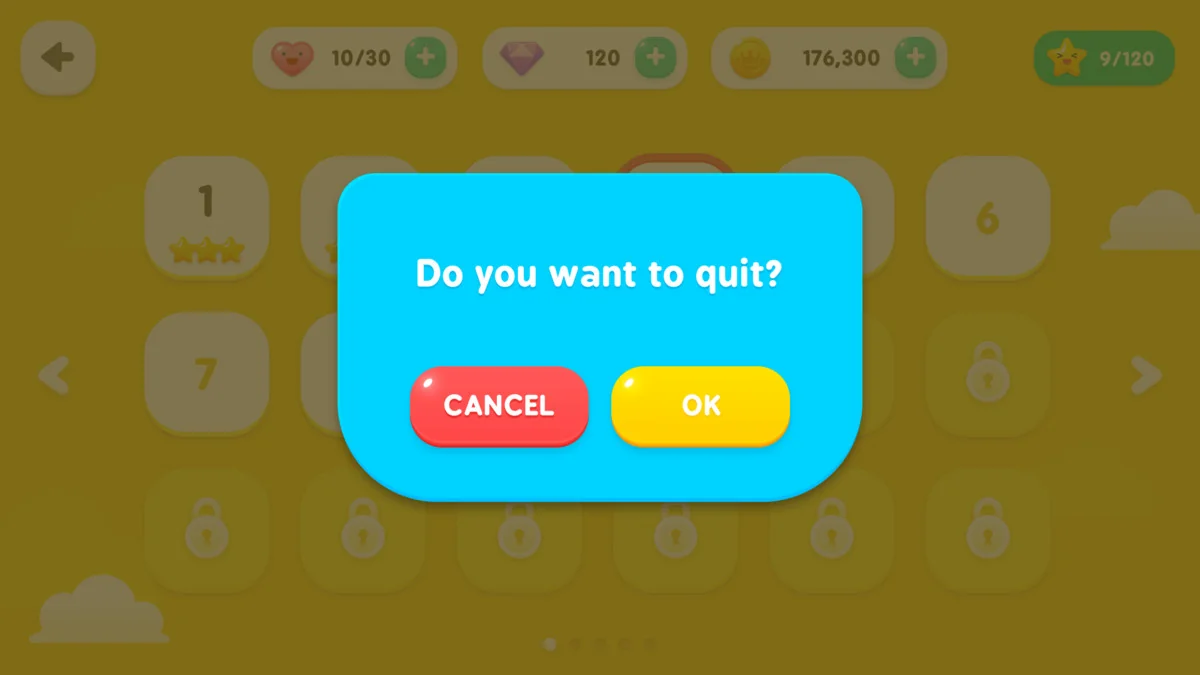
- Functional Popups
- Adjustable Sliders
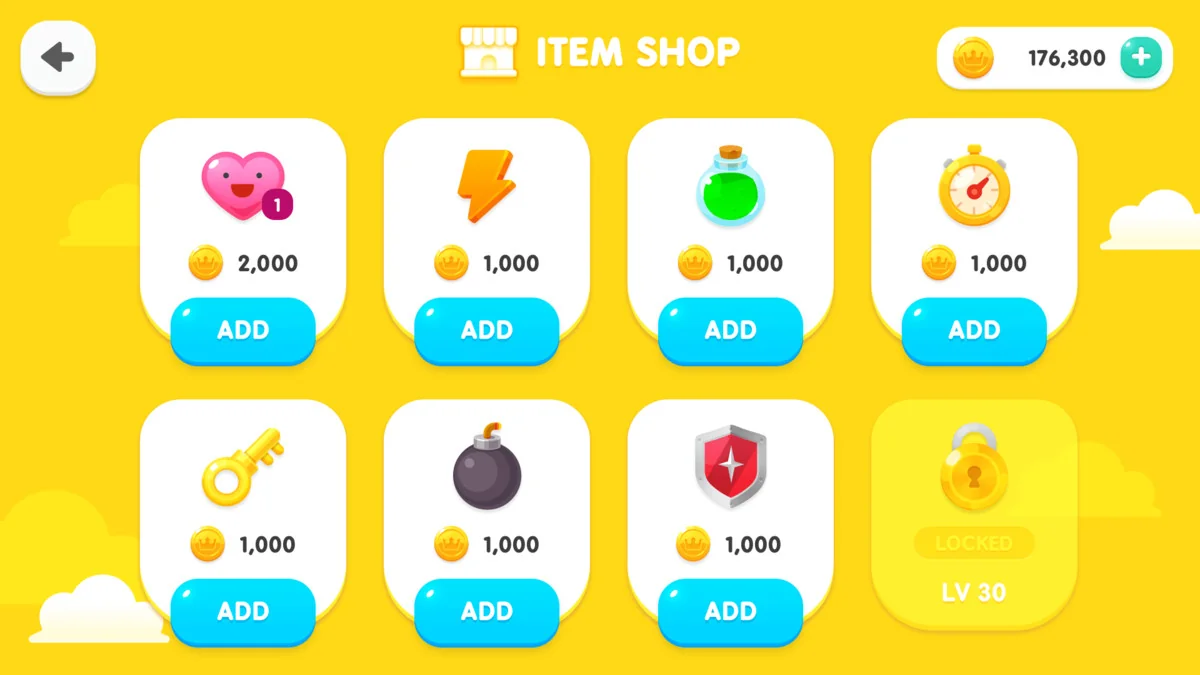
- Miscellaneous UI Elements
Technical Specifications and Compatibility
GUI – Yellow Kid is designed to work seamlessly with Unity 2021.3.30 and later versions. Regarding rendering, the package is compatible with the Built-in, HDRP, and URP pipelines. This broad compatibility ensures that the assets can be used across various project types and technical setups. However, it is important to note that coding and animation are not included in this specific package.
The developer has recently updated the asset to improve the user experience. For instance, the original PDF user guide has been replaced with an integrated web page guide. This update provides easier access to font information and licensing details. Furthermore, common GUI scripts have been integrated into the demo scenes to improve functionality. Therefore, developers can quickly understand how to implement the GUI – Yellow Kid components in their own scenes.
Conclusion
Ultimately, the GUI – Yellow Kid asset serves as a robust foundation for any game’s user interface. By combining high-resolution PNGs with editable PSD source files, it offers both convenience and deep customization. Whether you are building a simple prototype or a polished final product, these assets provide the professional quality required for modern game development. Consequently, this package remains a versatile choice for creators looking to elevate their UI design.
Screenshots & Gallery