Enhancing Atmosphere with Ground Fog
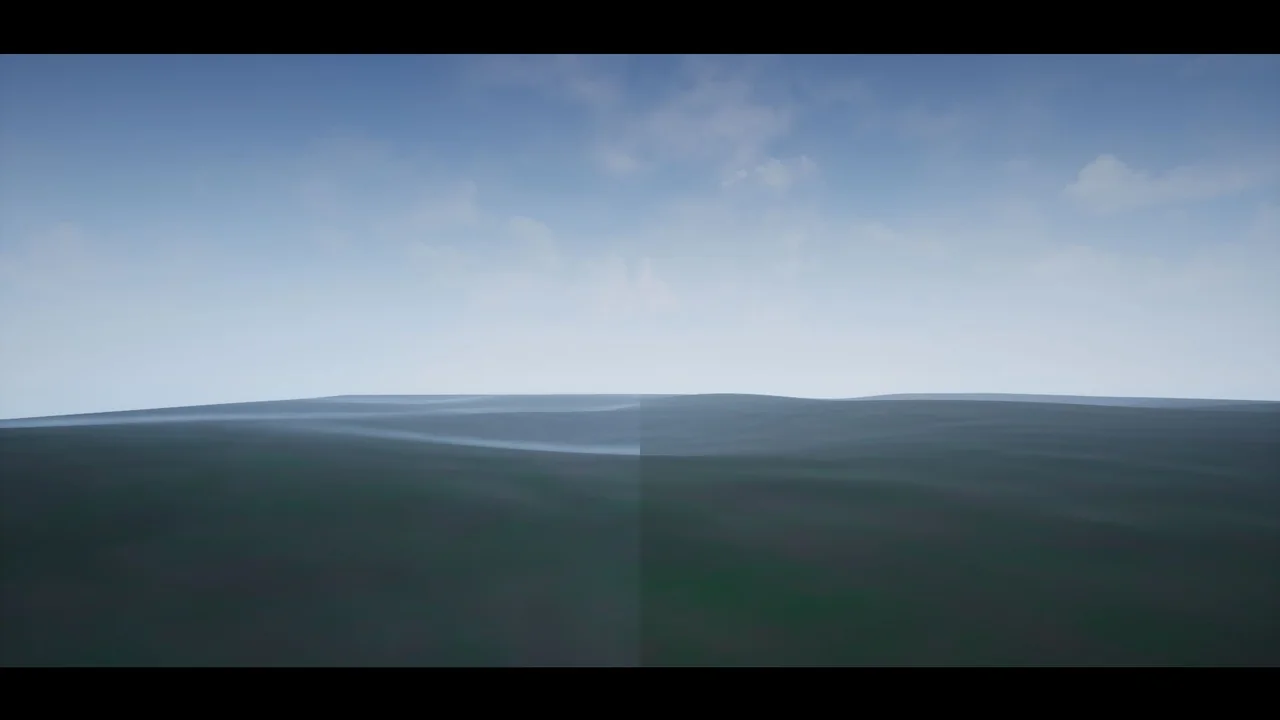
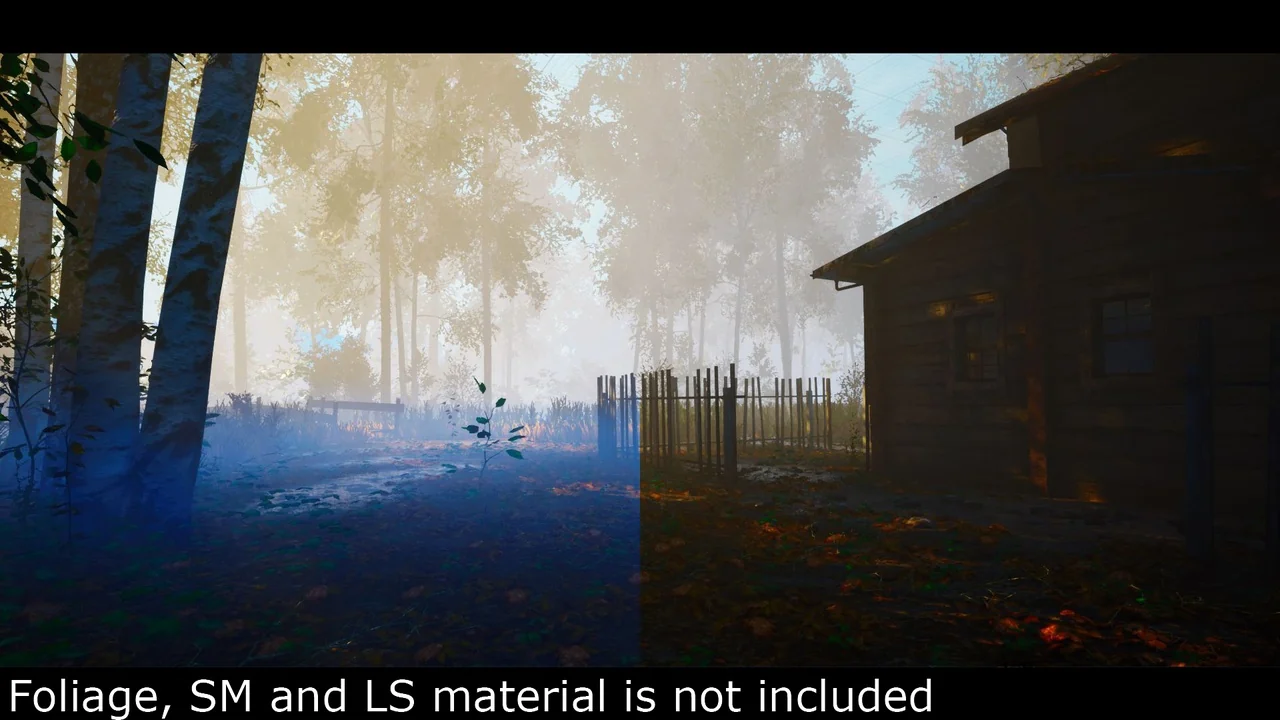
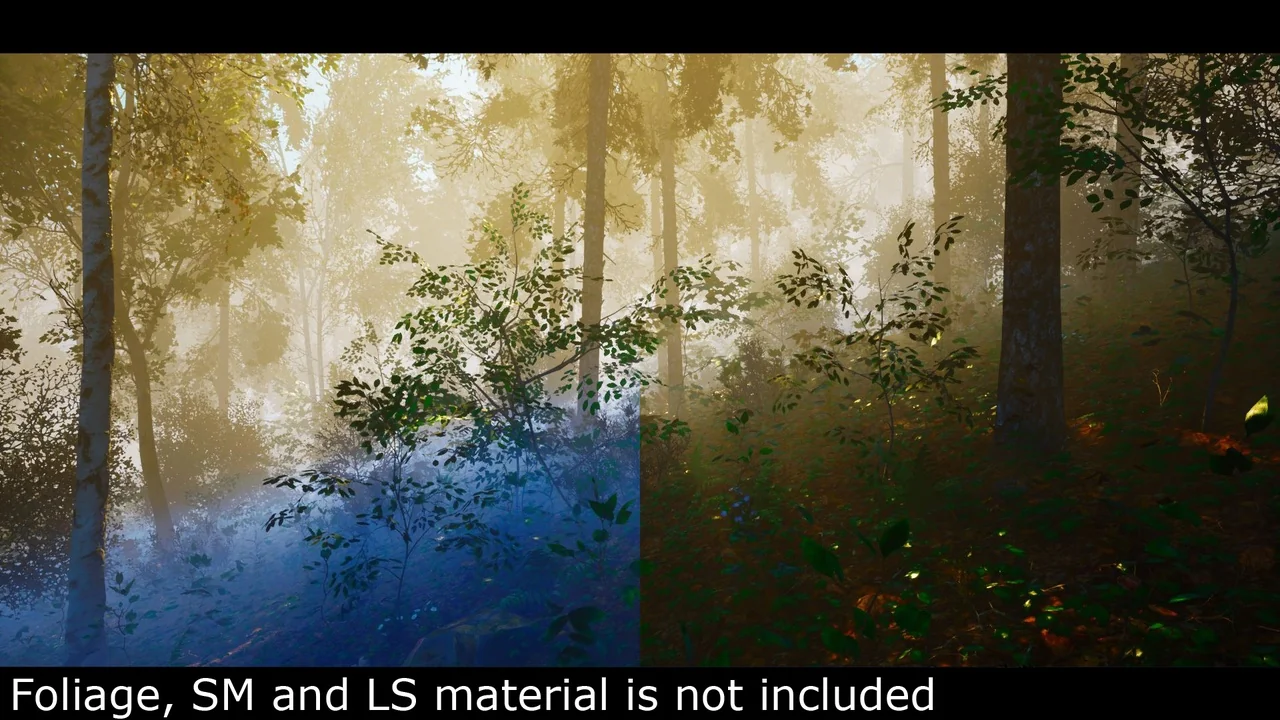
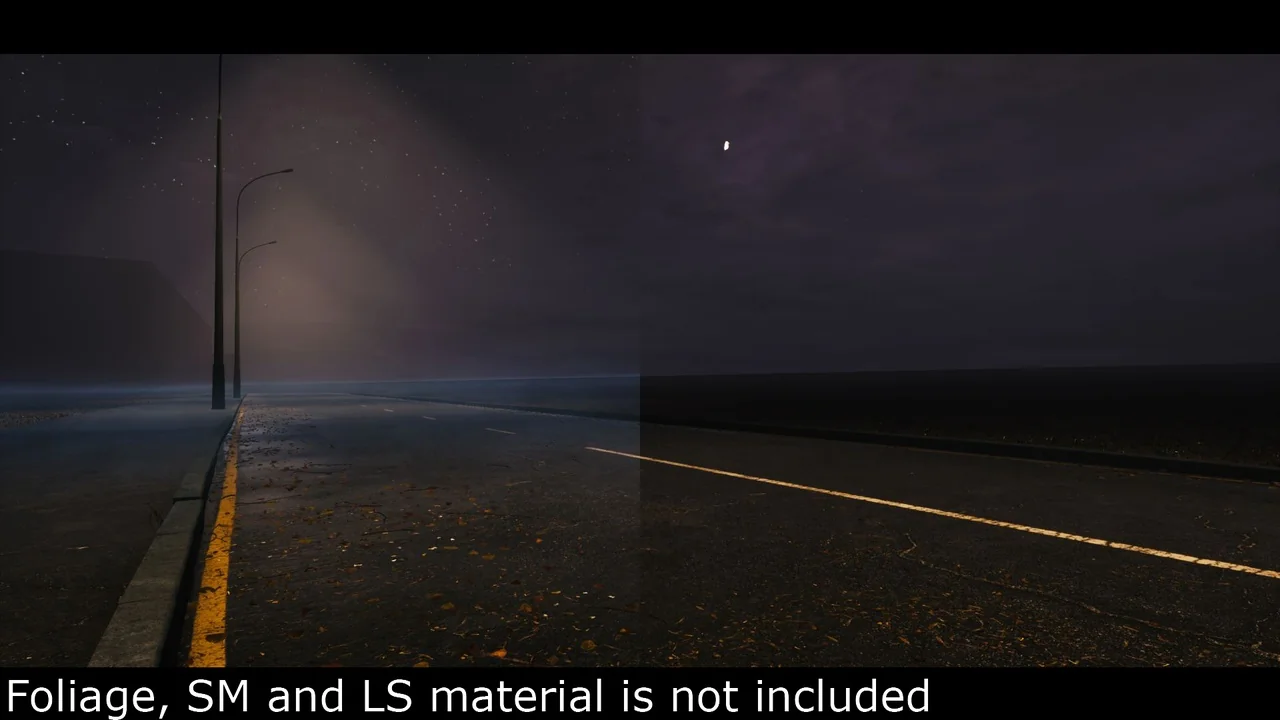
Ground Fog is an essential tool for digital artists who want to add atmospheric depth to their game environments. Moreover, this asset utilizes the landscape grass system to create realistic low-lying mist efficiently. It provides a lightweight solution for adding mood and mystery to flat terrain without heavy performance costs.
Specifically, the system works by scattering meshes across your landscape. This method allows for dense coverage that reacts naturally to the environment. Consequently, developers can achieve a professional look with minimal effort. Furthermore, the asset is designed to be highly customizable to fit various art styles.
Key Features and Customization
The system includes a variety of flexible settings to help you achieve the perfect look. You can easily adjust the color to match your scene’s lighting. Additionally, wind speed and density controls allow for dynamic movement. This ensures that the mist feels alive rather than static.
Intensity and height can also be adjusted based on distance. This feature is particularly useful for maintaining visual clarity in the foreground. However, you can still keep a thick, atmospheric layer in the distance. Therefore, it provides a great balance between aesthetics and gameplay visibility.
Technical Specifications
- High-quality 2048×2048 texture sizes for crisp visuals.
- Extremely low vertex count of only 4 per mesh.
- Includes 2 distinct meshes for varied distribution.
- Features 2 materials and material instances for quick setup.
- No collision or LODs required, ensuring high performance.
Best Practices for Terrain
For the best results, you should use this Ground Fog on relatively flat terrain. Ideally, the surface should have a tilt between 0 and 15 degrees. If the terrain is too steep, visual artifacts may appear. Consequently, this asset is not recommended for jagged mountain landscapes.
If you encounter issues on uneven surfaces, you can manually fix them. Using the foliage paint tool allows for precise placement in difficult areas. Therefore, you can ensure the mist sits perfectly against the ground. Always check your landscape suitability before starting the setup process.
Simple Setup Guide
Setting up the mist is a straightforward process. You can choose between two primary methods depending on your project needs. Both methods offer excellent control over the final appearance.
Using Foliage Paint
First, add the foliage mesh to your foliage type list. You should set the scaling for the X and Y axes between 1.5 and 2. Meanwhile, the Z-axis scaling can range from 1.5 to 3 to control the height. Finally, ensure that ‘Align to Normal’ and ‘Random Yaw’ are set to false for the best appearance.
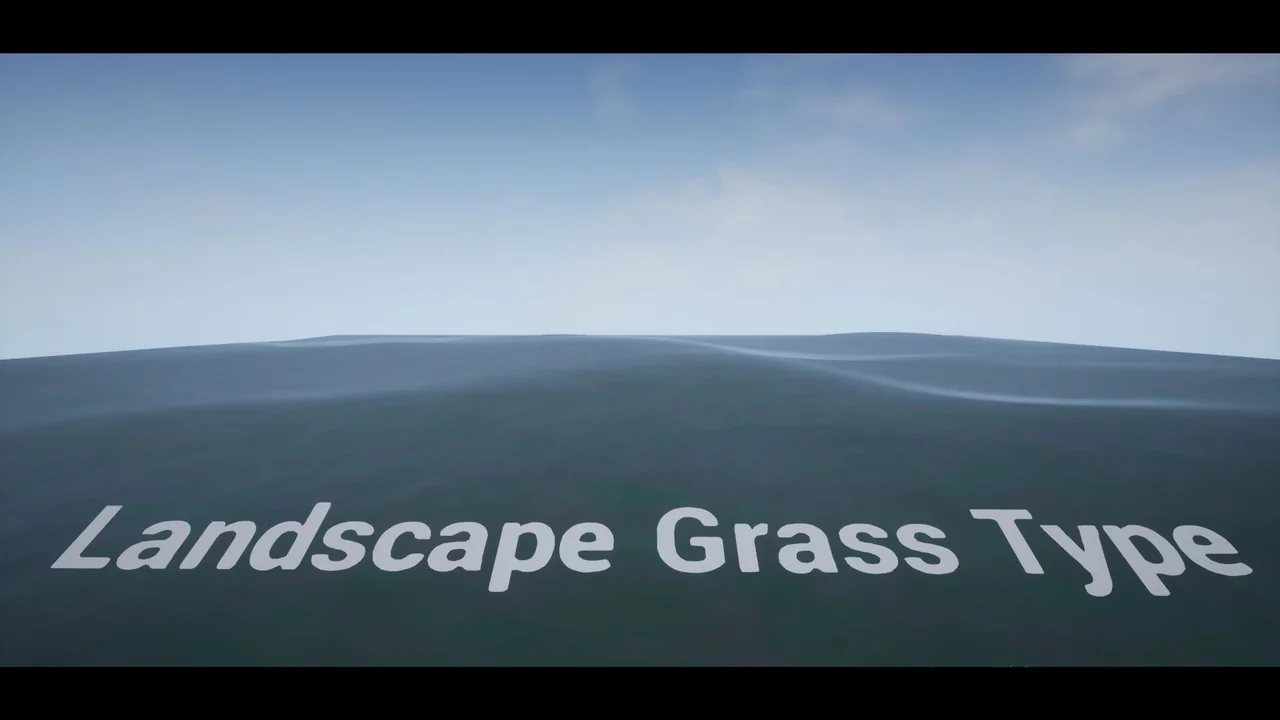
Using Landscape Grass Type
Alternatively, you can integrate the mist into your landscape material. Add a new element to your Landscape Grass output and assign the grass mesh. Set the density between 25 and 125 for optimal coverage. Furthermore, using a grid layout with a 1.5 to 3 scale on the Z-axis will provide a consistent look across the field.
Conclusion
Ground Fog is a powerful yet simple resource for environment artists. It offers a unique way to handle low-lying atmosphere using familiar landscape tools. By following the recommended settings, you can transform a flat field into a moody, immersive environment. Ultimately, it is a versatile addition to any developer’s toolkit.
Screenshots & Gallery



![Top-Down Starter Kit [SWVictoria]](https://3dcghub.com/wp-content/uploads/2026/02/7af10873-930d-482d-9504-21cd40863ffd-300x164.webp)