Description
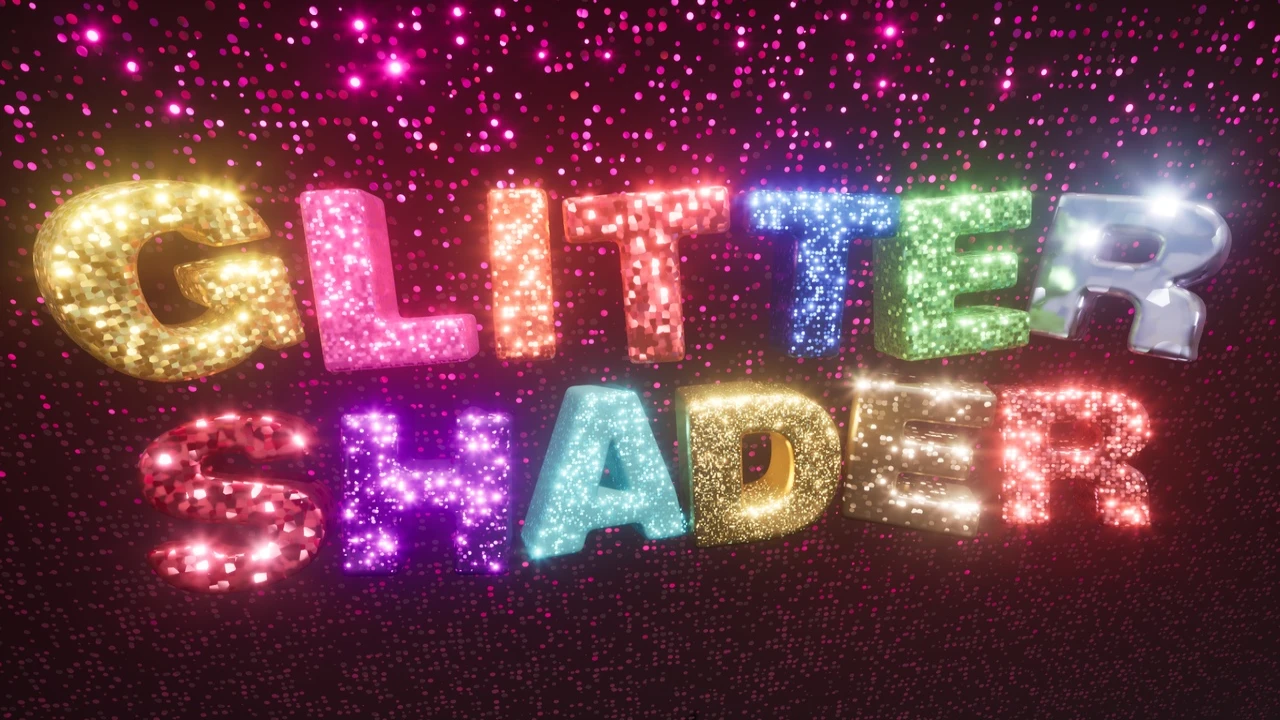
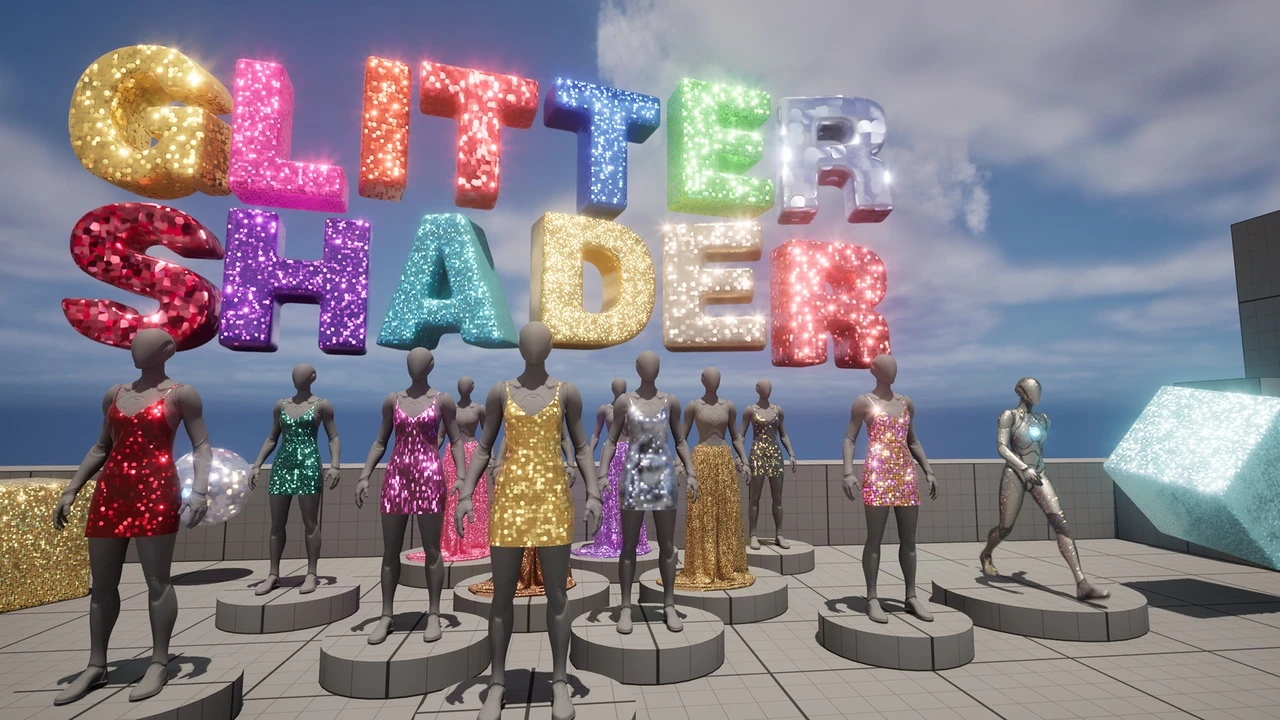
The Glitter Shader is a specialized emissive shader designed for Unreal Engine 5.4 and above. This shader offers the ability to create medium to large-sized glitter procedurally, which is then used to simulate sparkle and shine.
Features
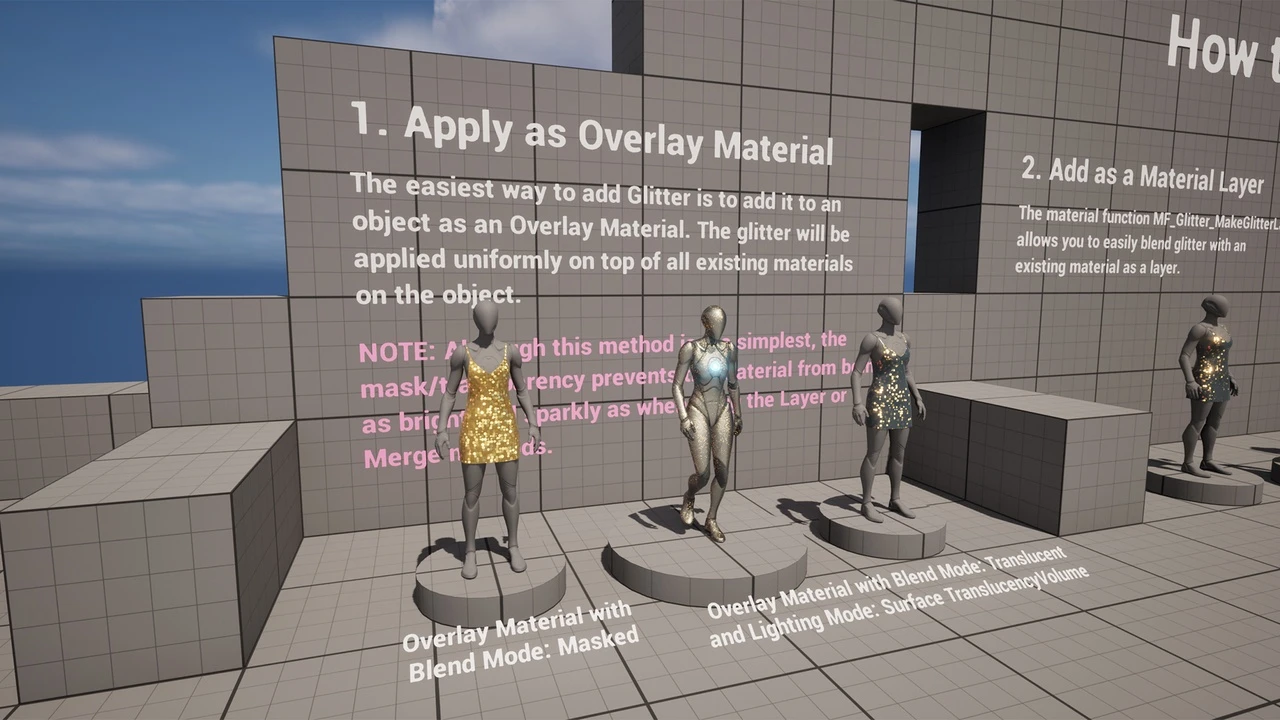
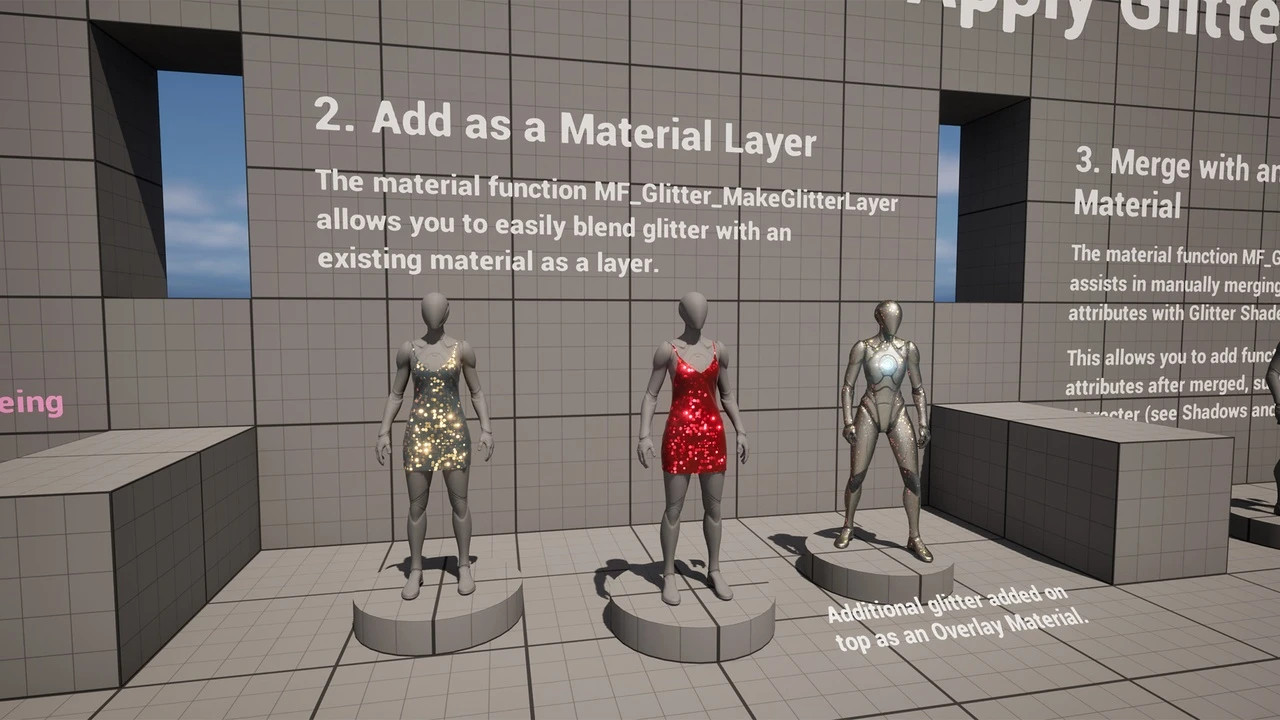
- Material functions to create a glitter material as an Overlay Material.
- Adding glitter to an existing material as a material layer.
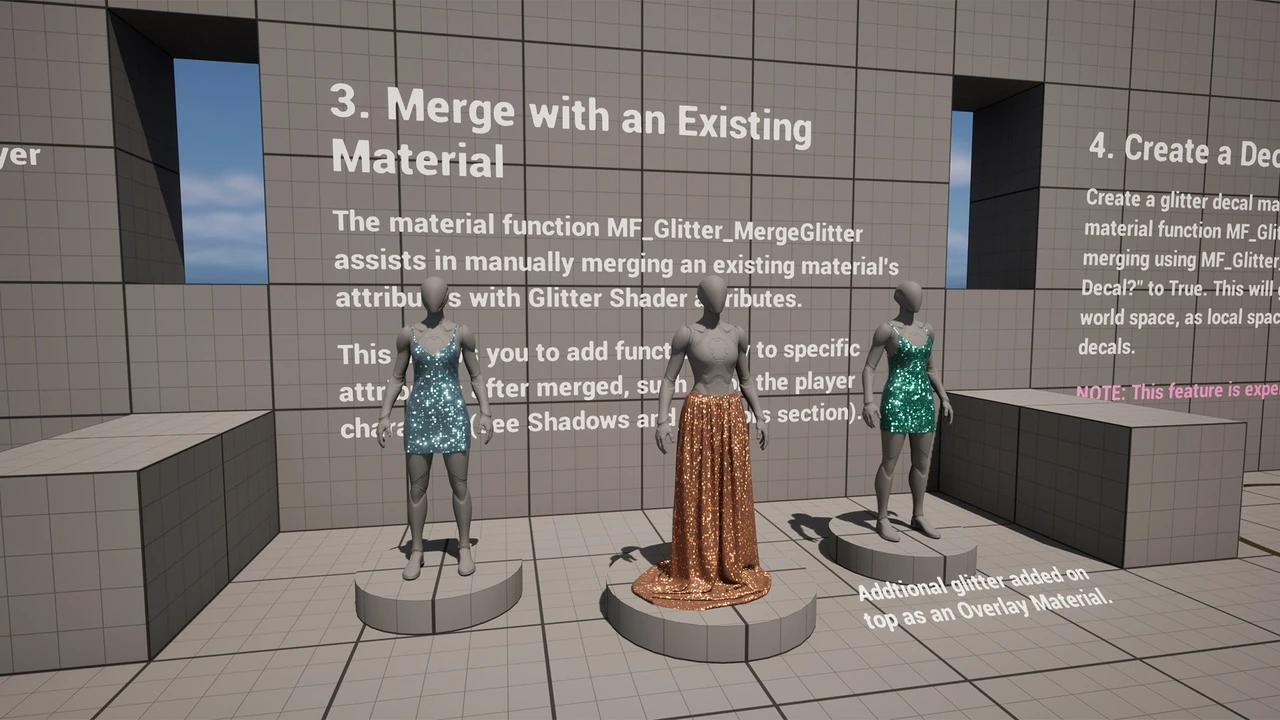
- Adding glitter to an existing material by merging material attributes.
- Procedurally generates glitter using Voronoi 3D noise.
- Each glitter shape is a small dot.
- Generate glitter in Local 3D Space (independent of UVs) and UV Space (for skinned mesh like characters).
- Adjust the size and amount of glitter.
- Adjust the brightness and sparkliness of glitter.
Important Notes
- Not supported on mobile platforms due to procedural noise usage.
- Not supported on landscapes.
- This shader is an emissive effect and does not change based on lighting or shadows.
- Settings must be adjusted manually in the material to match an environment’s lighting.
- Anti-Aliasing method must be TAA or TSR.
- Unsupported shading models include Hair, SingleLayerWater, Thin Translucent, and Material Expression.
- Recommended to use the Convolution Bloom method in Post Process for the most sparkly results.
Technical Details
- Target Platforms: Windows
- Material functions to create a glitter material or add glitter to existing materials.
- Example materials that explain implementation.
- Demo Content includes a GlitterDemo level, various material instances, and examples on the player character using Quinn, and an example using blueprints to adjust emissive brightness using Custom Primitive Data.
Documentation
Click here to view the full details of the resource.:URL
Related Articles:
Fabric Materials – 56 4K PBR Pack
UE4 Mannequin Dynamic Suit Pack (PBR)

Click the button below to download.
Download: