Visual Storytelling Through Level Creation
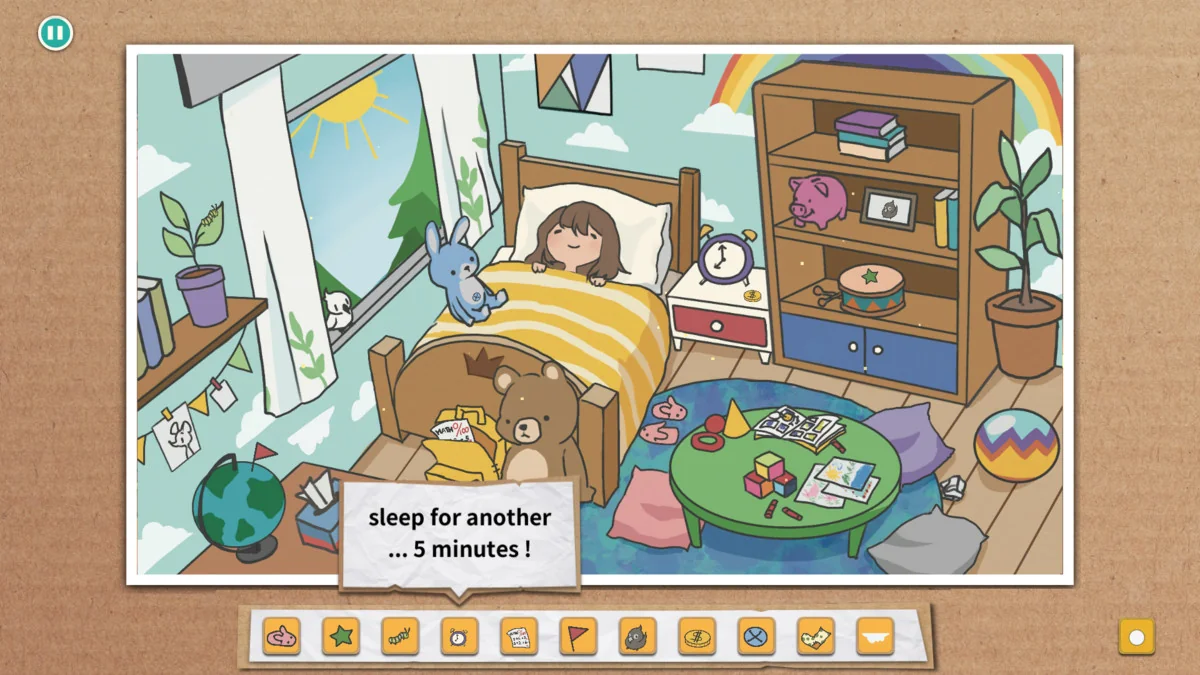
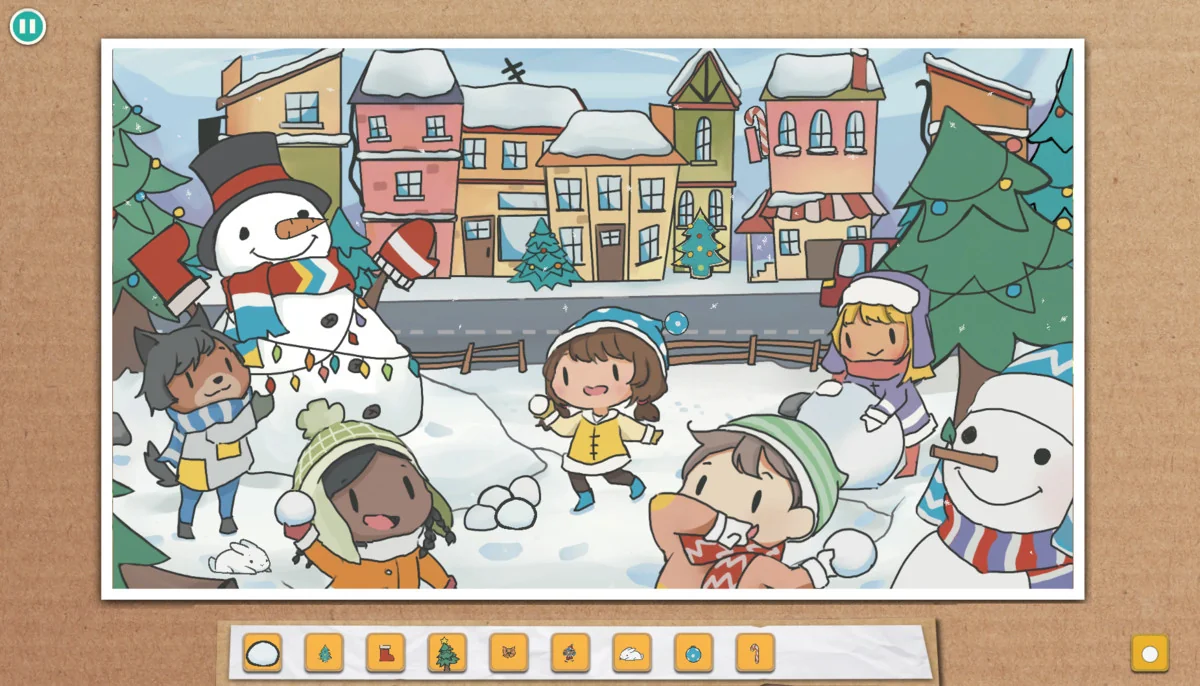
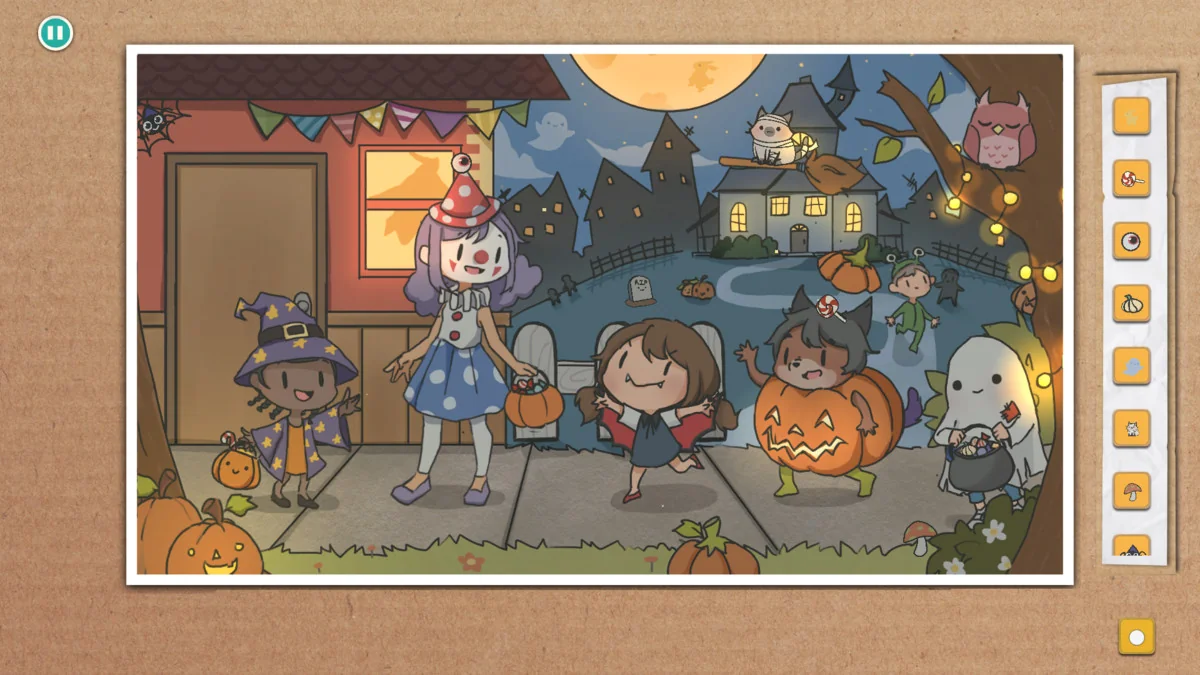
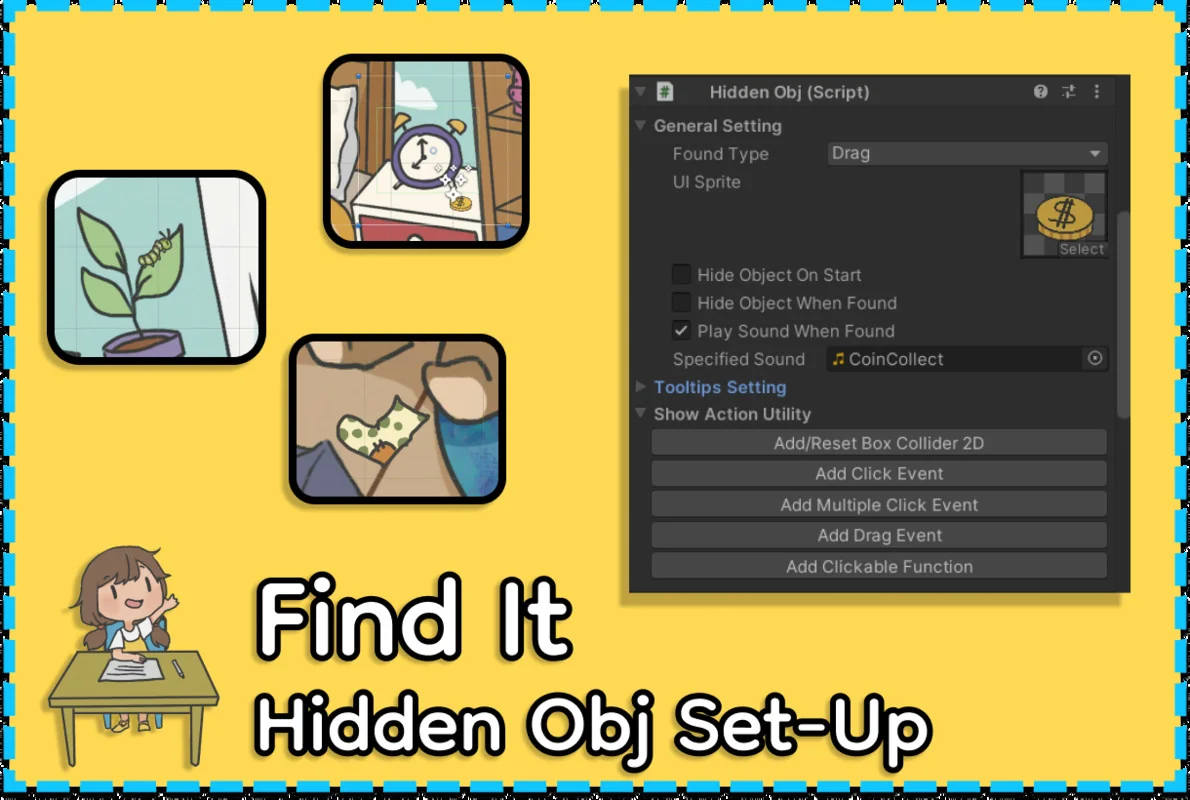
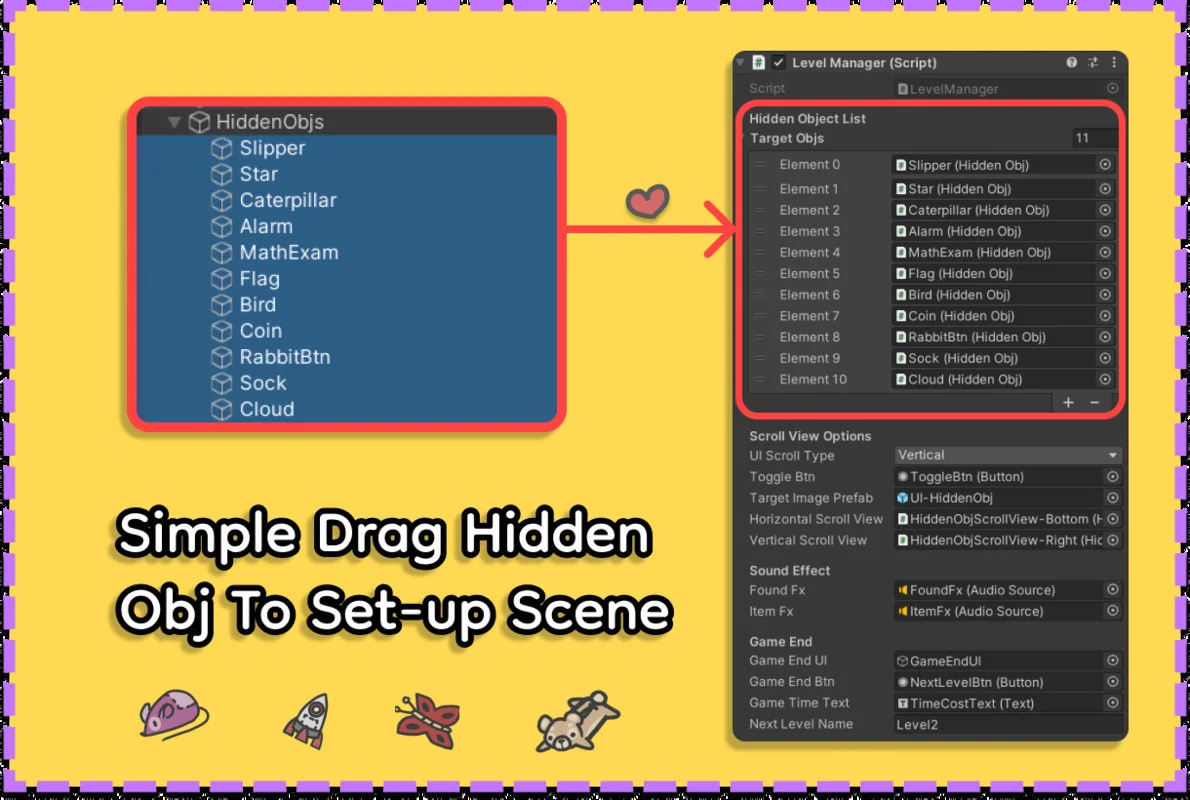
The Find It template is designed to streamline the production of hidden object games, drawing inspiration from titles such as Hidden Folks and Scavenger Hunt. The core workflow centers on an inspector-based system that allows for level creation in under ten minutes. By removing the necessity for manual coding, developers can focus on the placement of assets and the logic of the search experience. The system utilizes inspector callback functions, which provide a bridge for those who wish to extend features or integrate custom behaviors without rewriting the foundational architecture of the plugin.
Interaction and Gameplay Mechanics
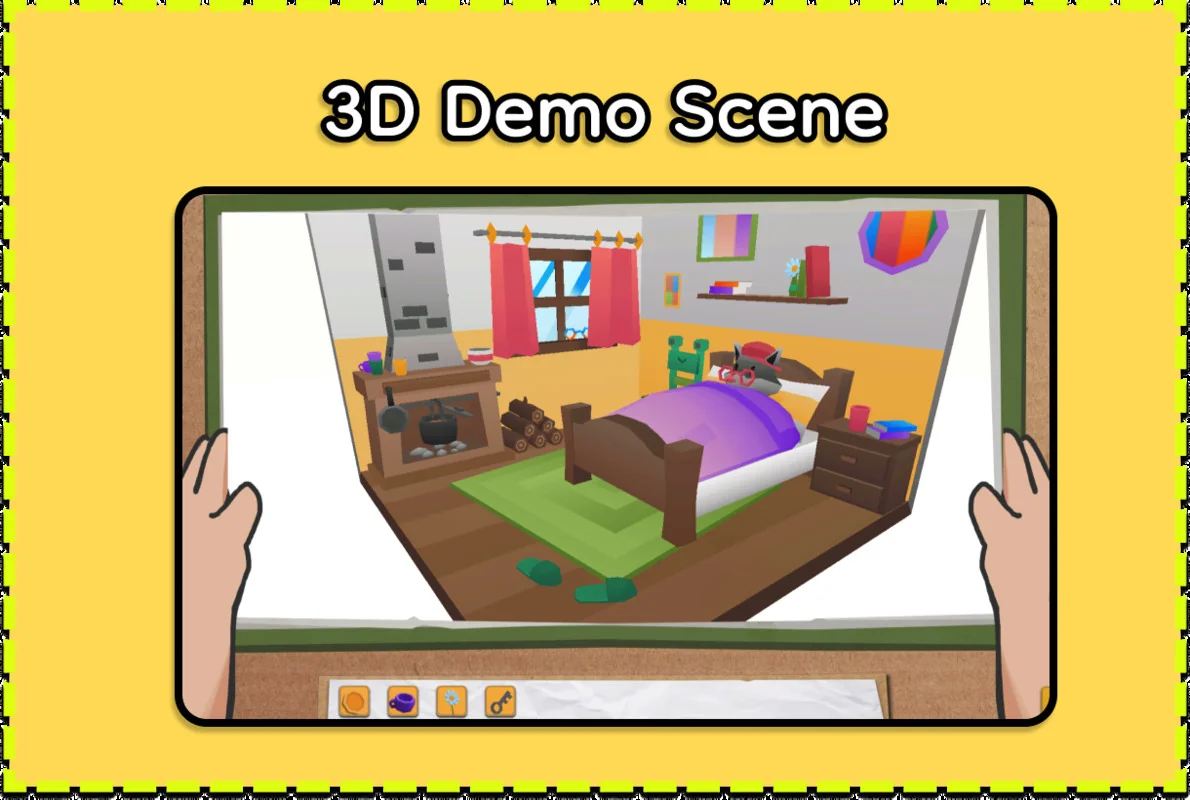
Beyond the standard click-to-find mechanic found in many hidden object titles, this template incorporates drag-and-drop functionality. This addition allows for more tactile gameplay, where players may need to move objects to reveal hidden items or interact with the environment in a more varied manner. These interactions are supported in both 2D and 3D environments, as the template fully supports 3D hidden object models. This flexibility opens up the genre to different visual styles, ranging from flat, hand-drawn aesthetics to fully realized 3D dioramas similar to the Grim Legends series.
Navigation and User Interface
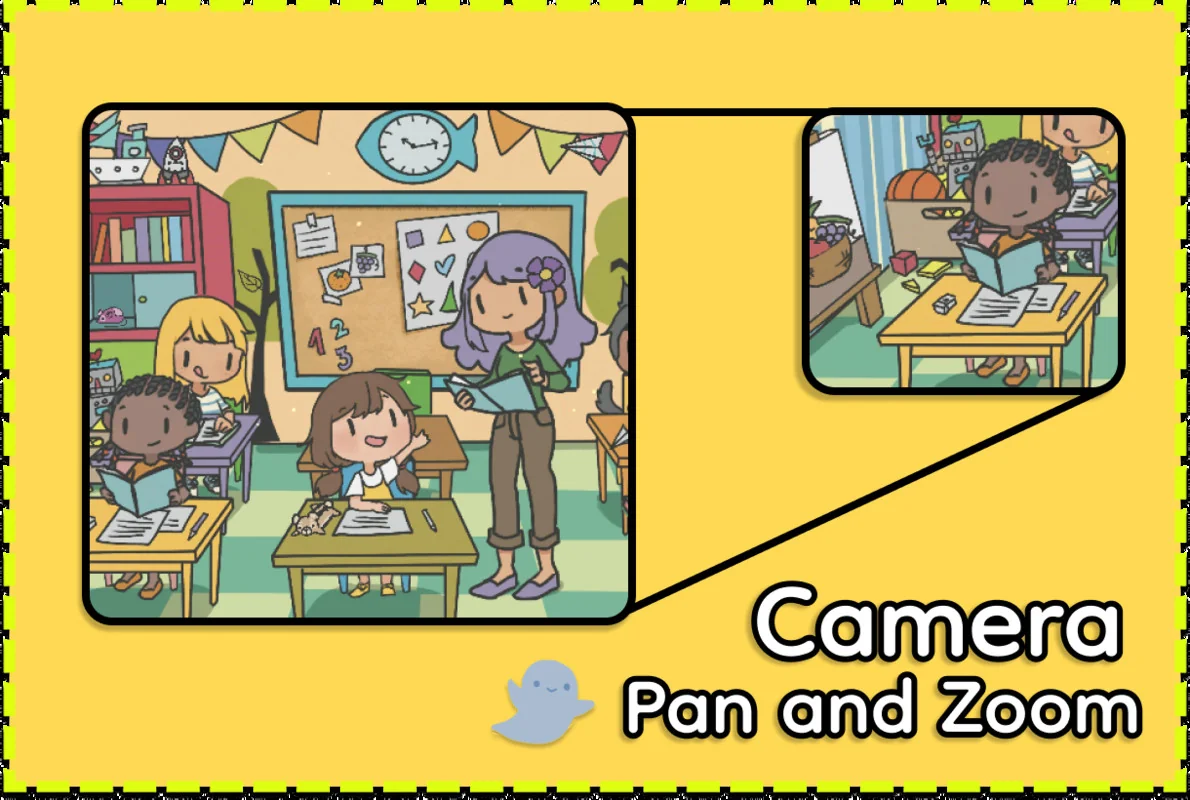
Managing how a player views the game world is handled through a built-in camera system that supports both panning and zooming. These effects are optimized for both desktop and mobile platforms, ensuring that the precision required for finding small objects is maintained across different hardware. The user interface is built using standard Unity UGUI elements and native animations, which makes the UI highly customizable. Developers can modify the aesthetics of the menus, buttons, and HUD elements to fit the specific art style of their project without fighting against a proprietary UI framework.
Advanced Tooltips and Localization Systems
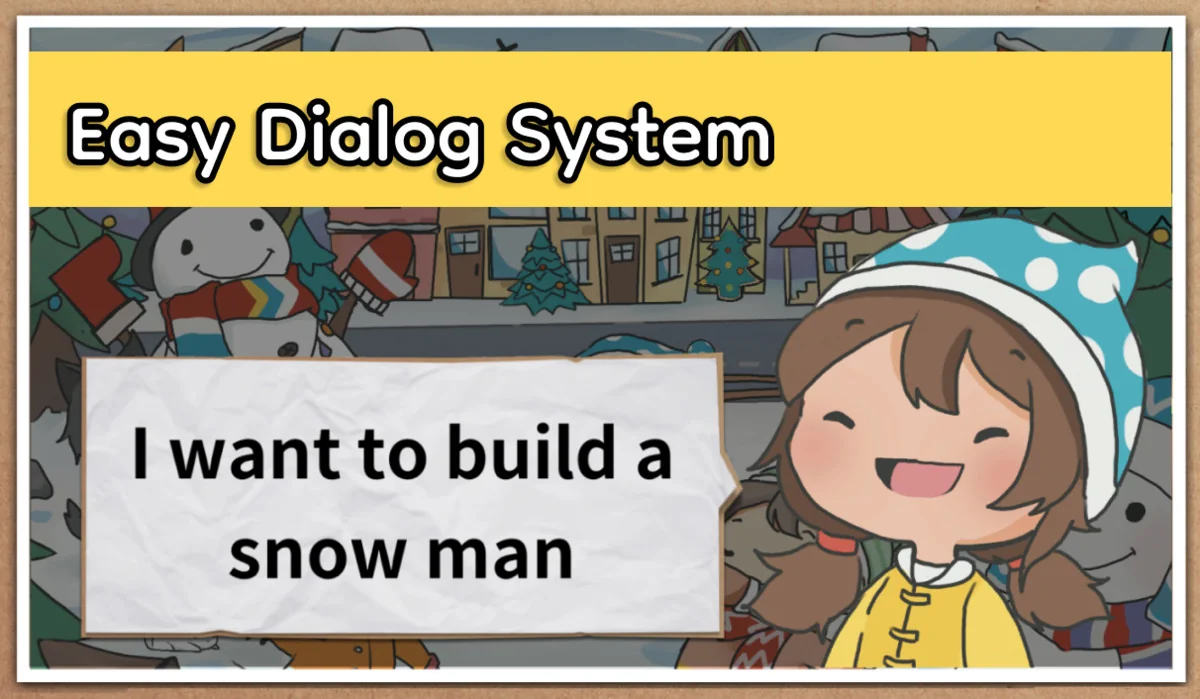
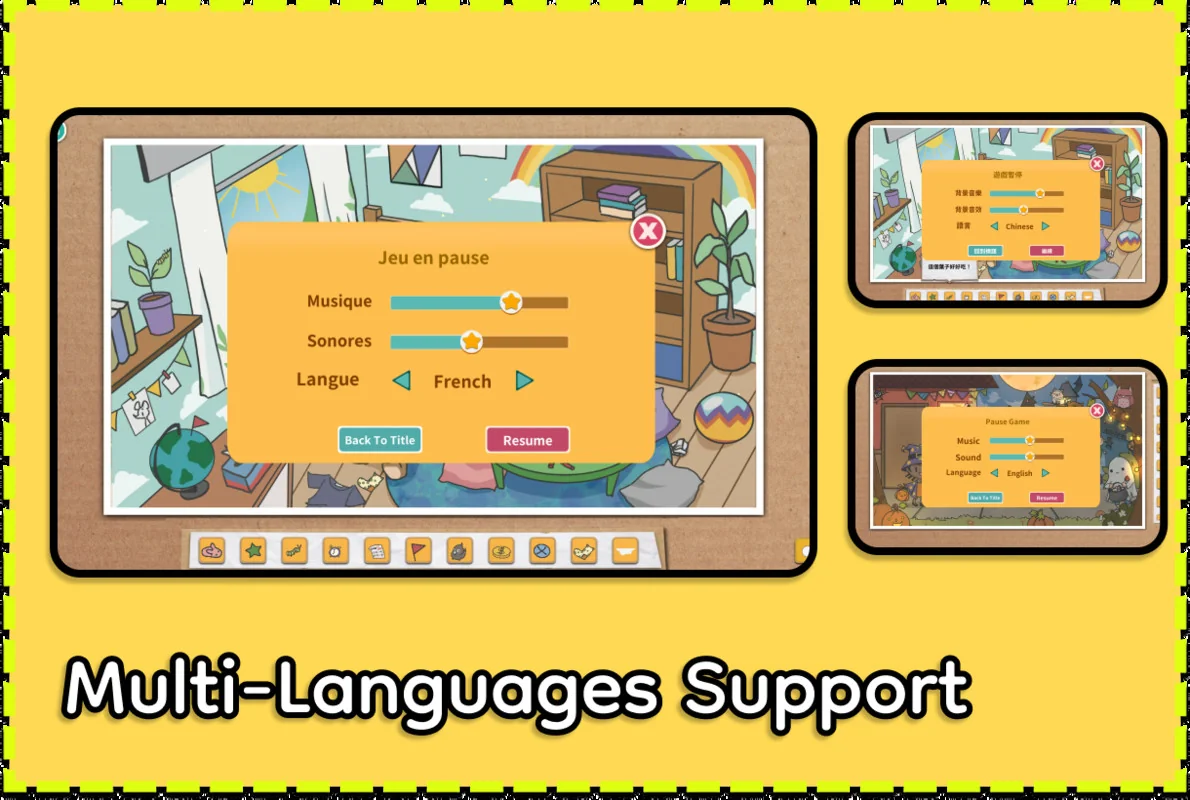
To assist players during gameplay, the template includes a robust tooltip system. Unlike static text boxes, these tooltips can be configured in single, random, or incremental styles, providing different ways to offer clues or flavor text. Every element of the interface—including text, tooltips, and even sprites—is integrated into a multi-language localization system. This system uses an intuitive tracking method to ensure that all assets and UI components are accounted for when preparing a game for different regions. Additionally, a straightforward dialog system is included, which can be dropped into any scene to provide narrative context or character interactions.
Mobile Integration and Global Settings
The template is designed with mobile platforms in mind. While it functions as expected upon switching the build target to mobile, the developer notes that UI scaling and positioning may require manual adjustment to fit various screen resolutions. For audio management, the template includes a global volume setting control within the settings panel, allowing players to manage background music and sound effects independently. This centralized control helps maintain a consistent audio experience throughout different levels and menus.
Project Scalability
Because the template relies on inspector callbacks and common Unity components, it serves as a modular foundation for larger projects. Whether the goal is a simple scavenger hunt or a more complex narrative-driven hidden object game, the combination of localization, 3D support, and mobile-ready camera controls provides the necessary tools to move from a prototype to a finished build efficiently.
Asset Gallery
Protected download
Access this resource
All resources are 100% manually reviewed to eliminate all risks.