Introduction to Edge Bevel Decals
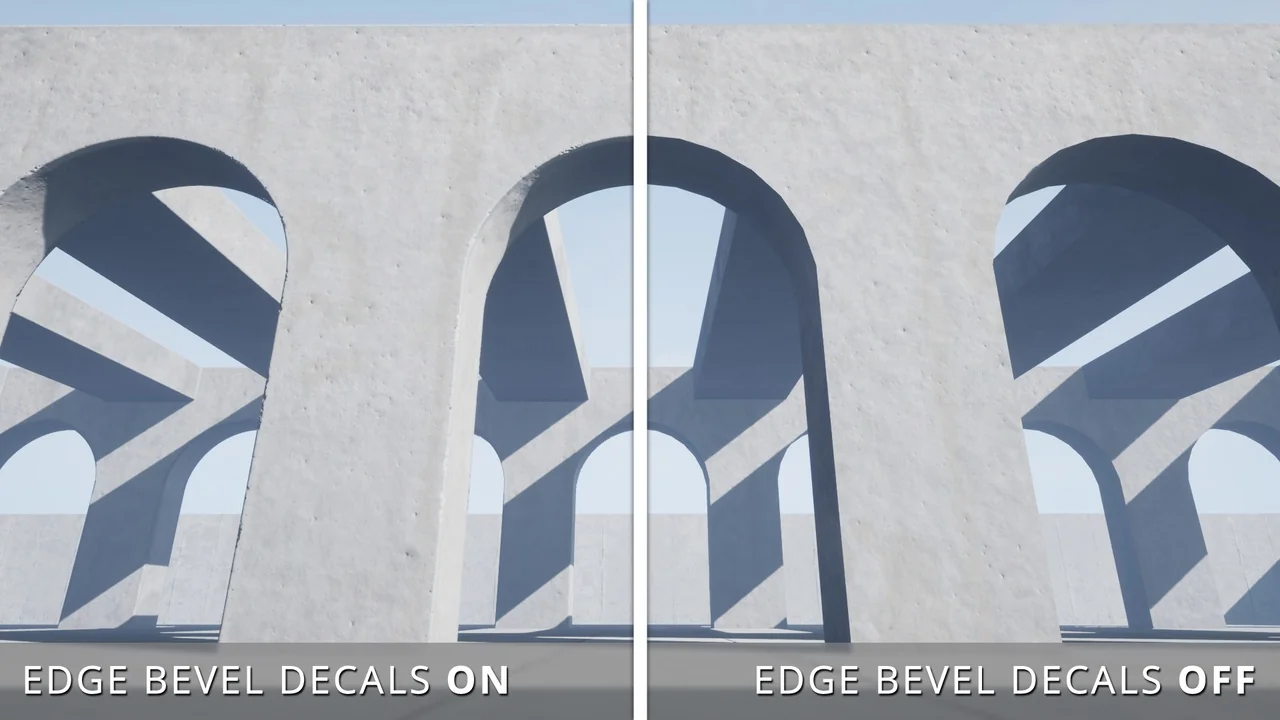
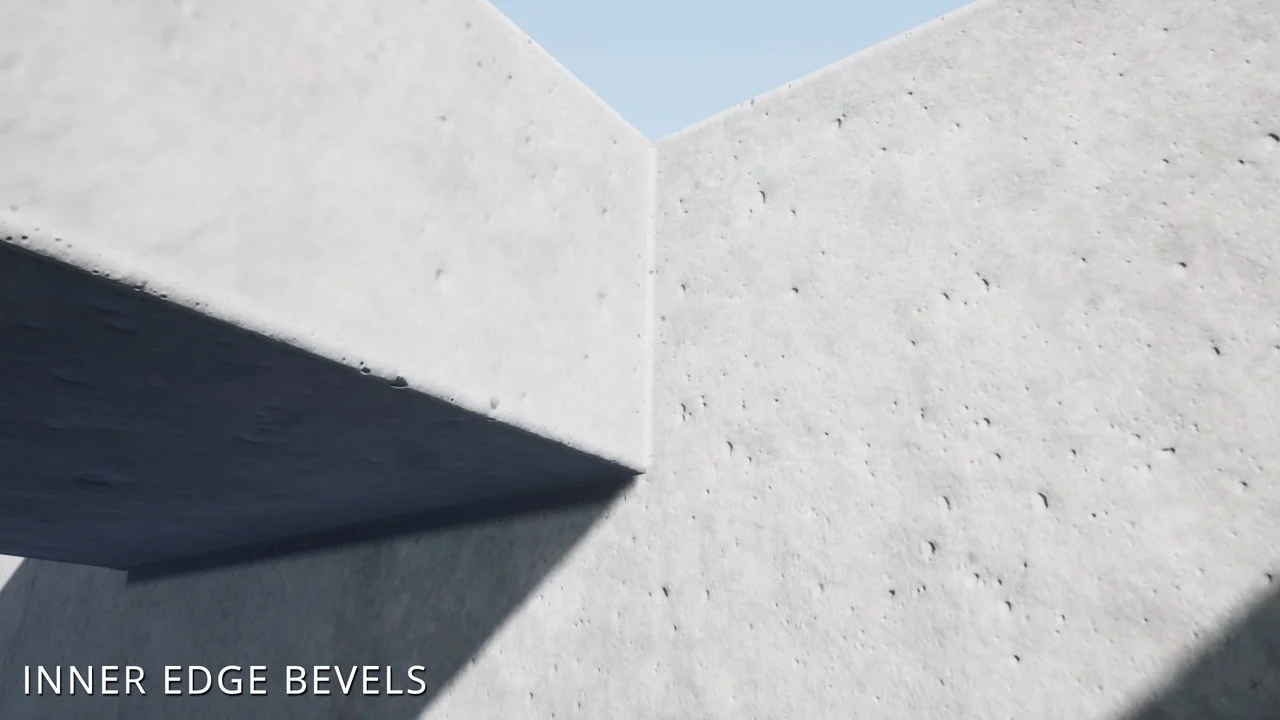
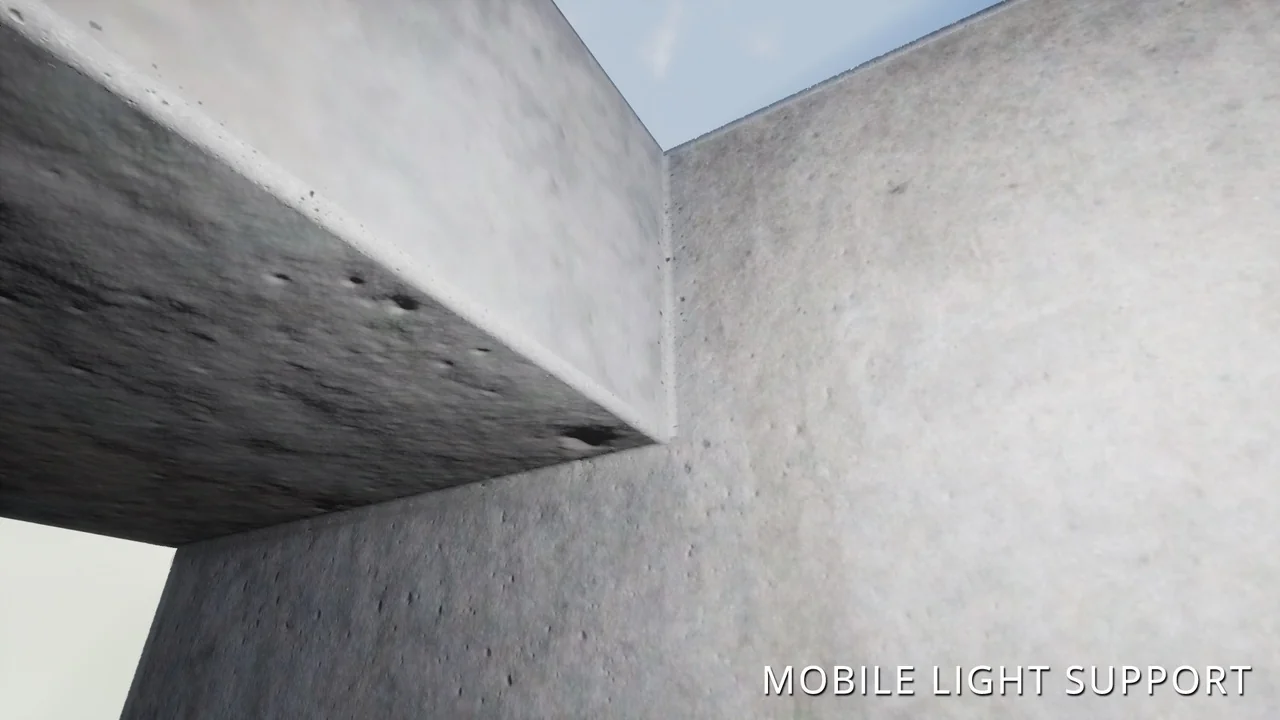
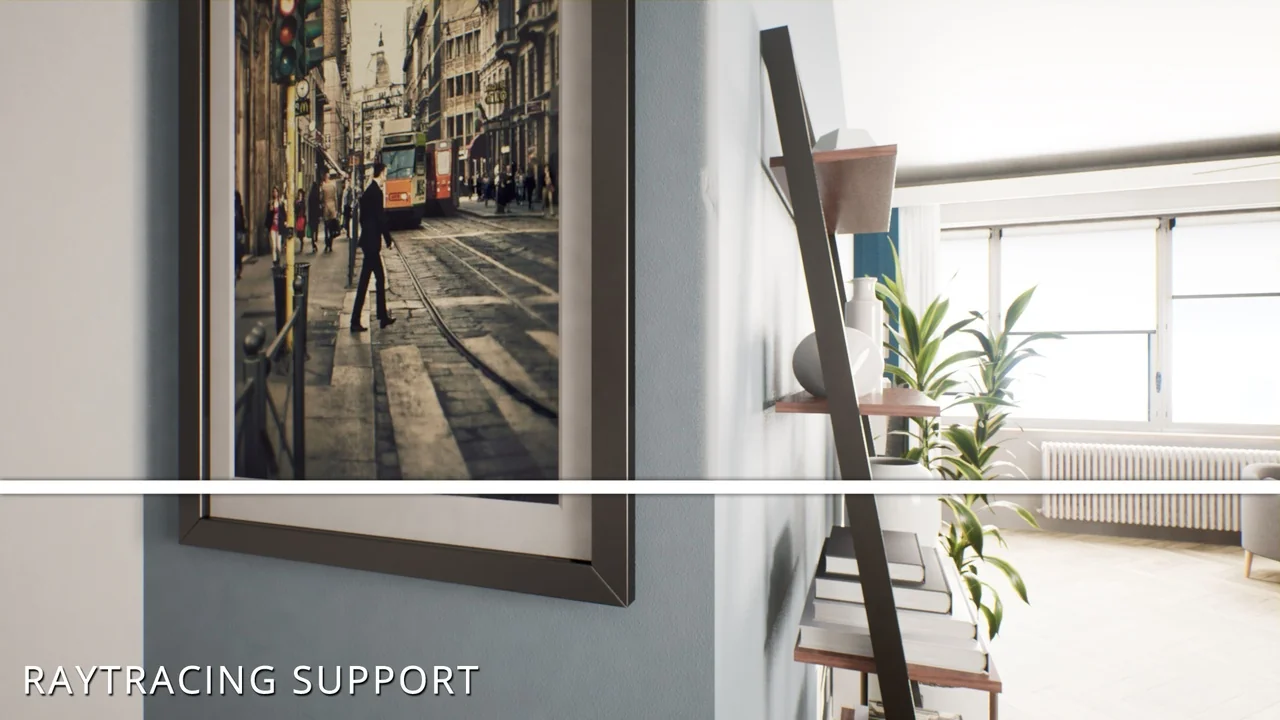
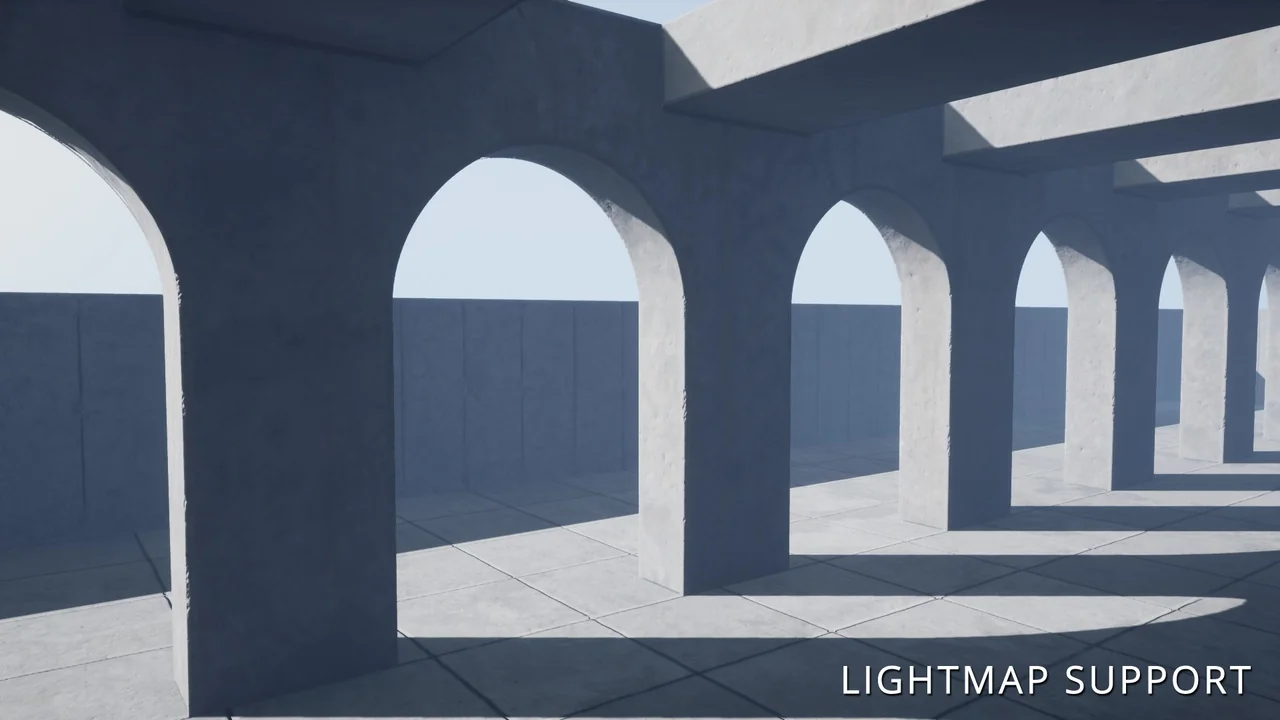
Edge Bevel Decals provide a powerful solution for environment artists looking to enhance the realism of their 3D scenes. By applying specially designed decals to mesh edges, creators can achieve a convincing beveled appearance without complex modeling. This tool is particularly effective for adding detail to BSP brushes, urban environments, and modular mesh interiors.
Customizable Spline-Based Workflow
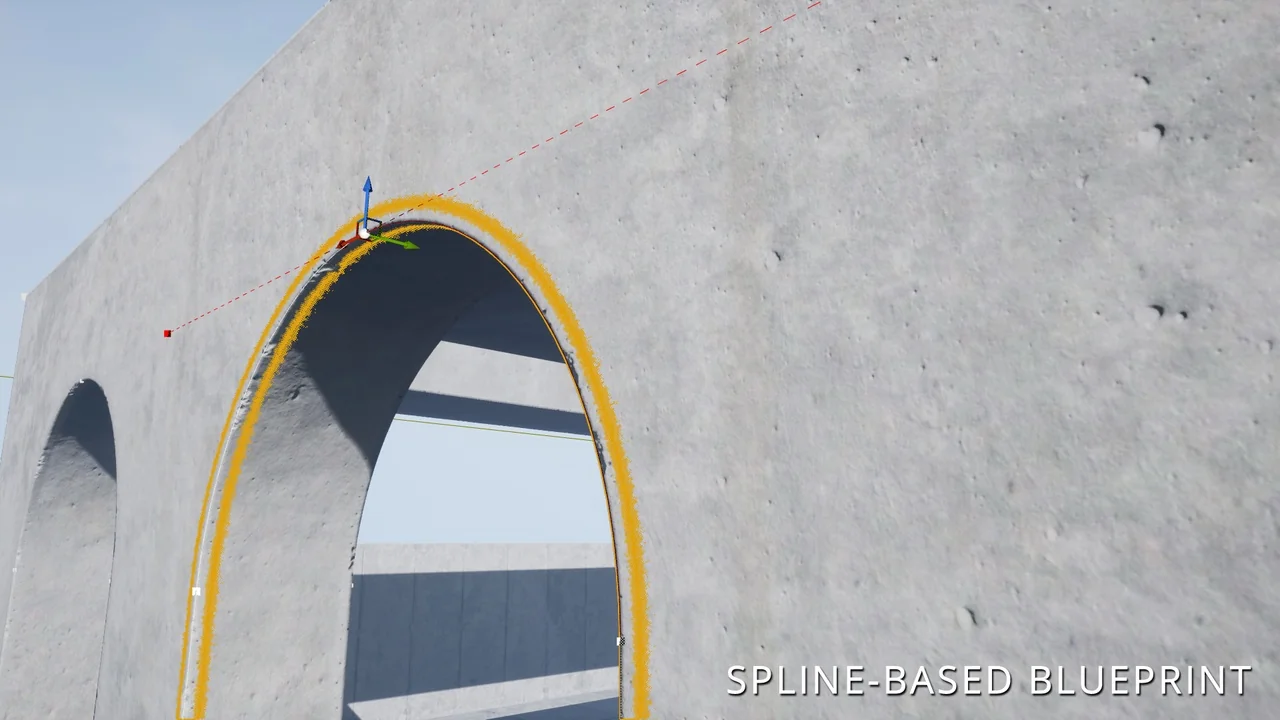
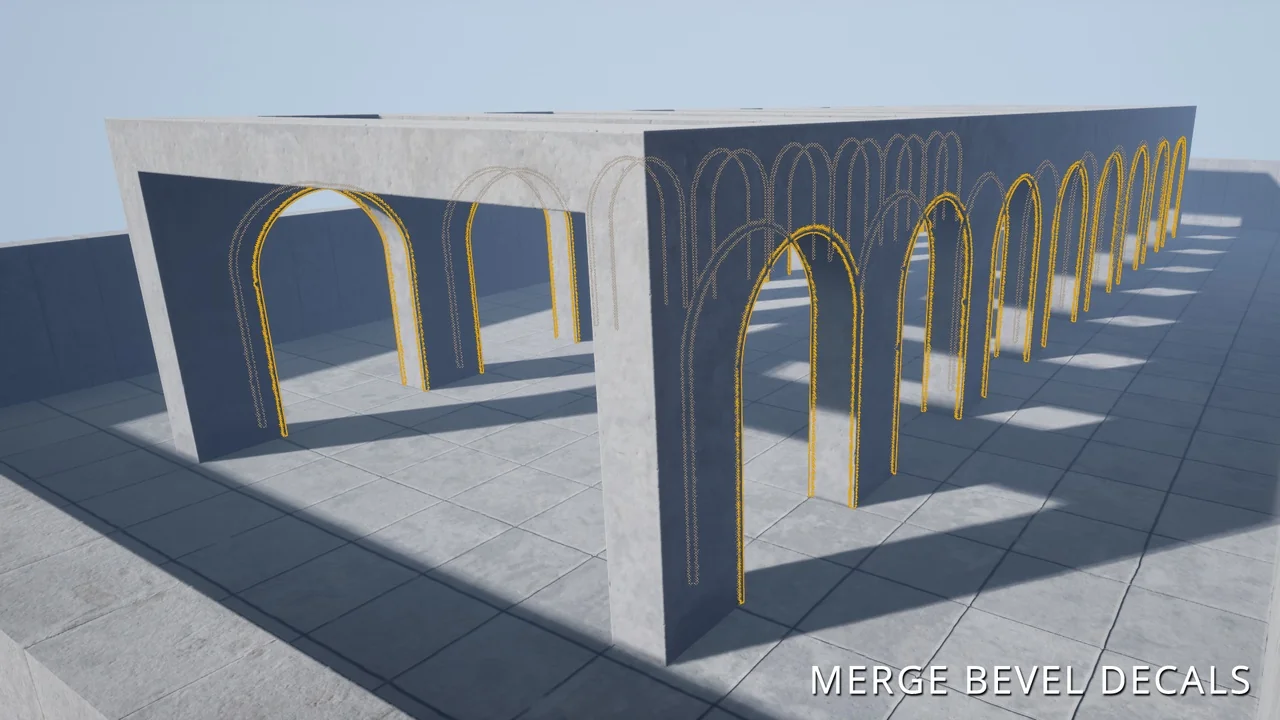
The core of this tool is an editable blueprint that utilizes splines. Consequently, artists can easily determine the length and shape of each decal element. This flexibility allows the decal to match the specific mesh or brush it is applied to. Furthermore, the system supports high levels of visual customization to match your project’s aesthetic.
- Change base colors to match existing assets.
- Swap detail textures for varied surfaces.
- Adjust normal maps to control surface depth and detail.
Dynamic Damage and Vertex Painting
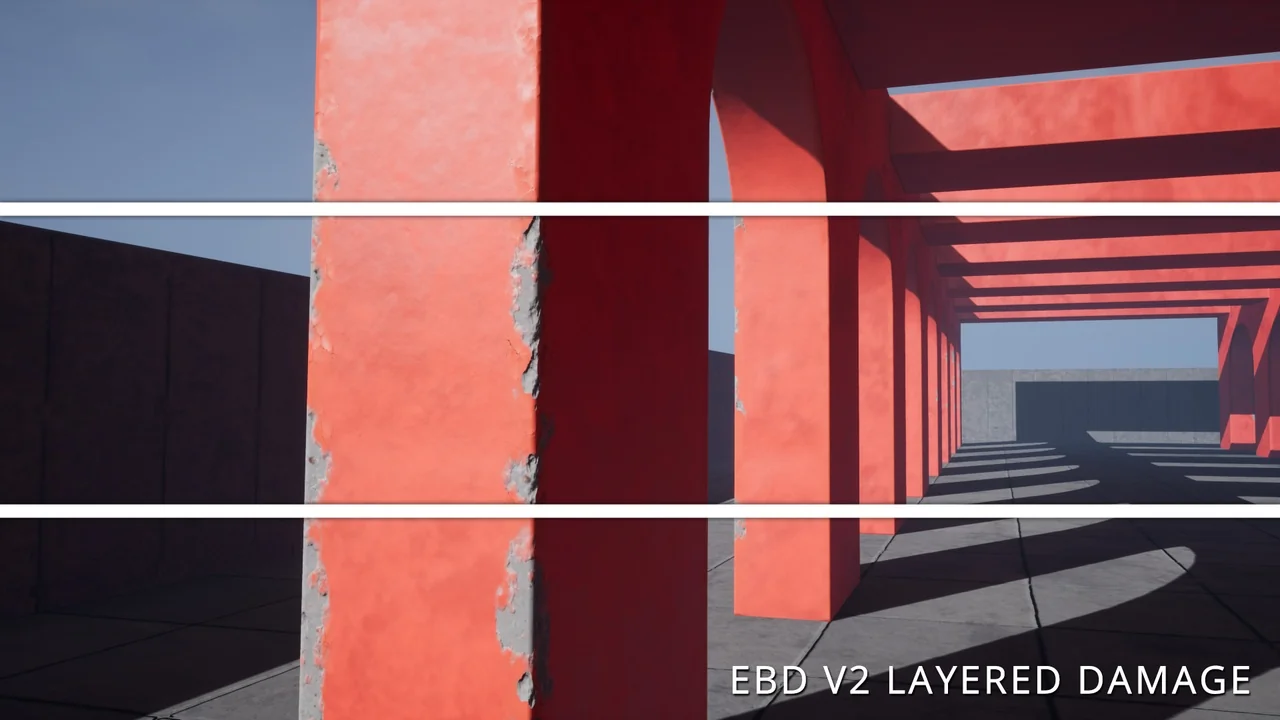
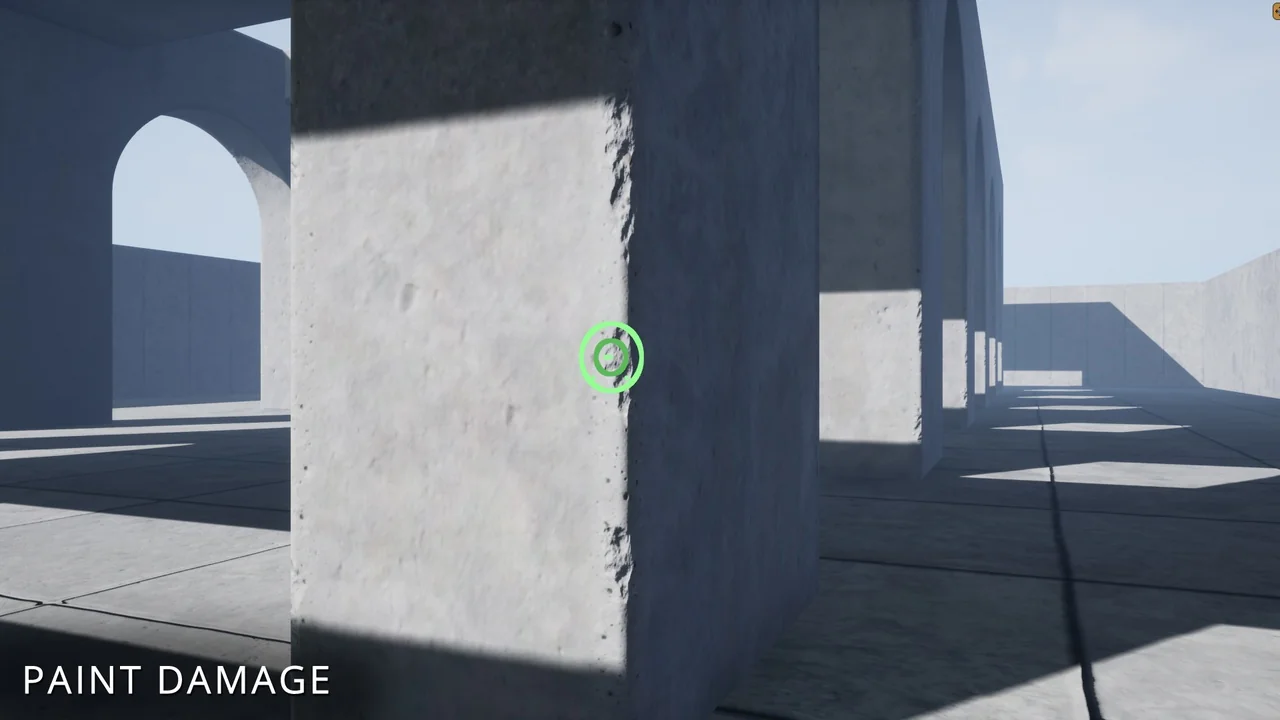
One standout feature is the ability to paint damage directly onto every decal component. By using the editor’s vertex painting tool, you can refine the look of wear and tear across your environment. Moreover, you can modify the color, tiling, and texture values of the damage to achieve a unique result. Version 2 introduces a layered damage material, which specifically simulates damage on painted surfaces.
Optimization and Technical Considerations
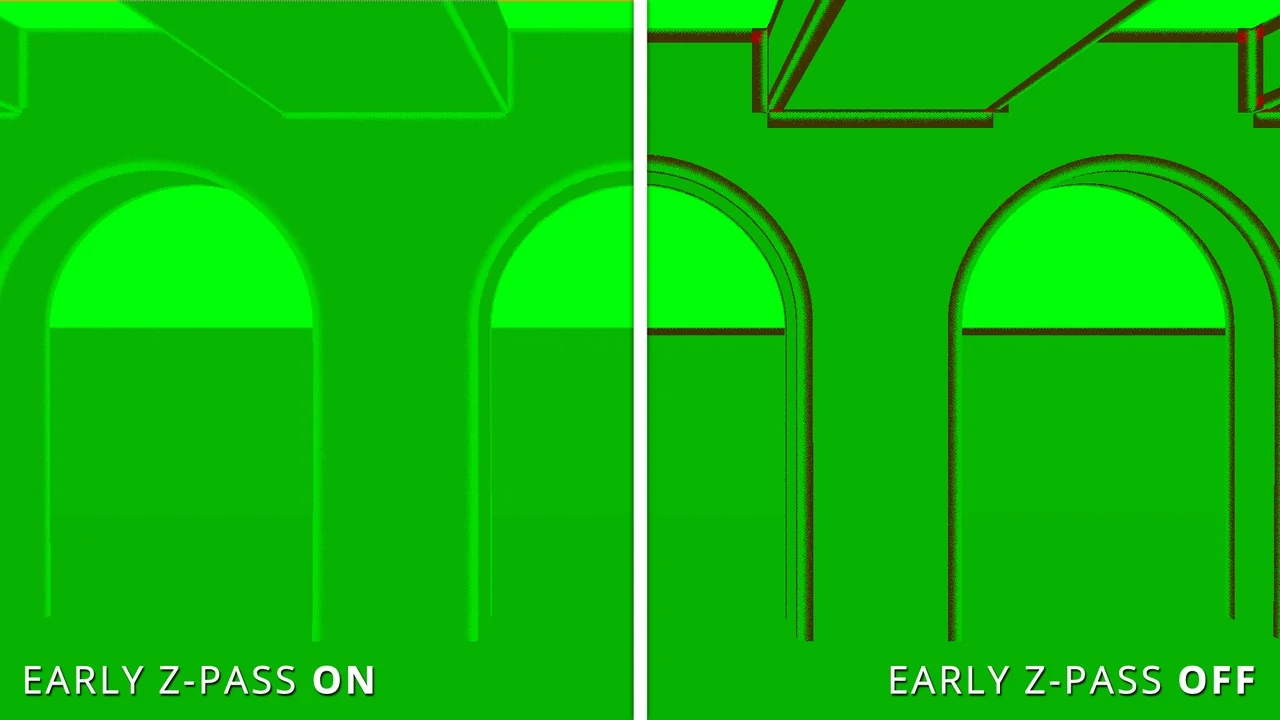
Performance is a key focus for the creator of this package. Therefore, the system supports the editor’s built-in merge tool. This allows you to combine multiple placed decals into a single static mesh, which effectively reduces draw calls. However, users should be aware of a specific vertex painting bug in Unreal Engine 5.2, 5.3, and 5.4. In these versions, you must merge spline meshes into a static mesh before you can paint damage on them.
Advanced Functionality in Recent Updates
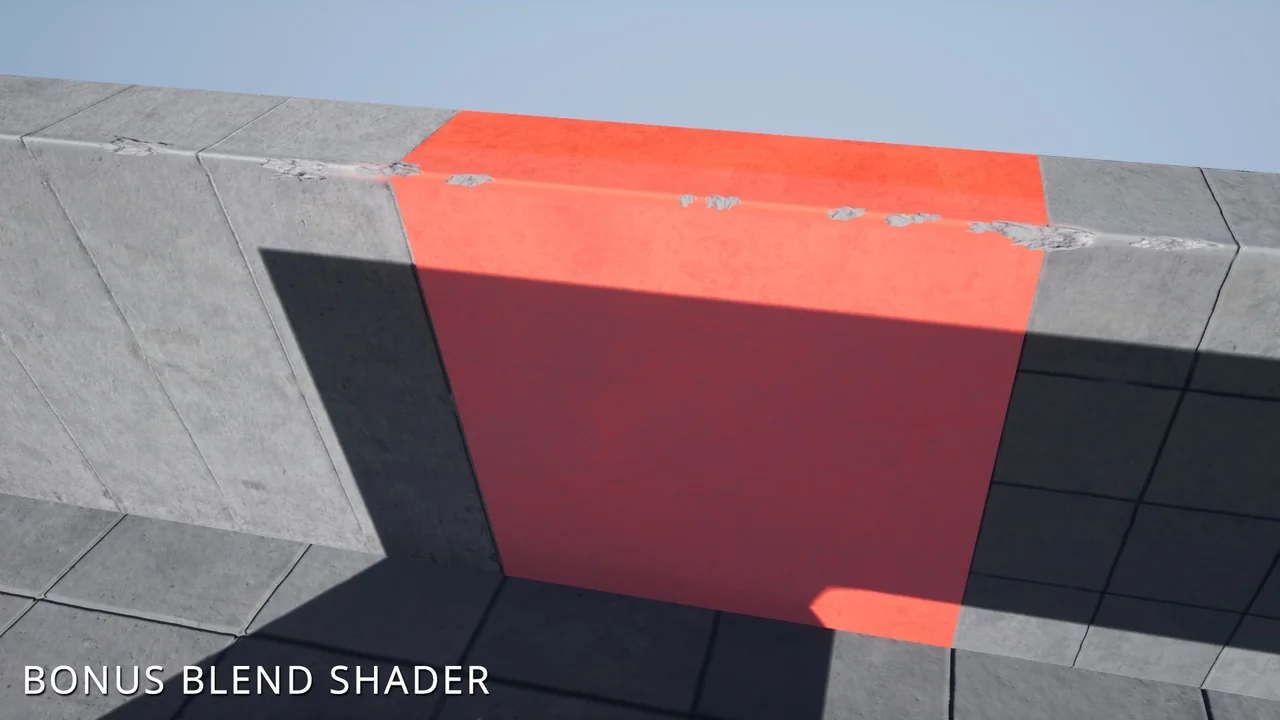
The Edge Bevel Decals package has evolved significantly through version updates. While support was initially limited to rectilinear (90°) edges, Version 2.1 introduces additional mesh angles for greater versatility. Additionally, Version 2 includes a bonus material that allows you to pan and rotate detail textures. It also supports up to three different base textures to ensure a perfect match with your underlying meshes.
Conclusion
Edge Bevel Decals offer a streamlined way to add high-quality edge details to modular environments. With its spline-based placement and robust damage system, it provides artists with both flexibility and visual depth. By utilizing the built-in optimization tools, you can maintain high performance while significantly increasing the detail of your 3D assets.
Screenshots & Gallery